01
Choose Typing Test Simulator duration
Pick 30 seconds for a warmup, 1 minute for a quick benchmark, or 3 minutes for steadier typing endurance.
- Use the same duration when comparing runs
- Start with 1 minute if you are unsure
Free Typing Test Simulator
Typing Test Simulator gives you timed English or local-language passages, live speed metrics, and a clear result report with your typing level, most missed character, and practical next steps.
Built for 30 second warmups, 1 minute checks, 3 minute practice runs, and shareable Typing Test Simulator results.
Start Typing Test Simulator here: choose 30 seconds, 1 minute, or 3 minutes, pick English or local text, then type while WPM, accuracy, errors, backspaces, and progress update live.
Choose a duration and passage language. Typing Test Simulator starts the timer when you press start.
Test duration
Copy a result link only when you want to share the WPM, accuracy, errors, and backspaces. Normal typing keeps the clean page URL.
WPM
0
Accuracy
100%
Errors
0
Backspaces
0
Time left
60s
Typing Test Simulator passage
Typing Test Simulator result
Choose a duration, start the test, and type the passage as accurately as you can.
Most missed character
--
No repeated error character yet.
Typing Test Simulator uses the standard five-character word estimate for WPM so short and long passages stay comparable.
Typing Test Simulator keeps the timed passage, live metrics, and improvement report together so you can practice and compare runs quickly.
Typing Test Simulator lets you pick 30 seconds, 1 minute, or 3 minutes, then switch between English and local-language passages for realistic speed practice.
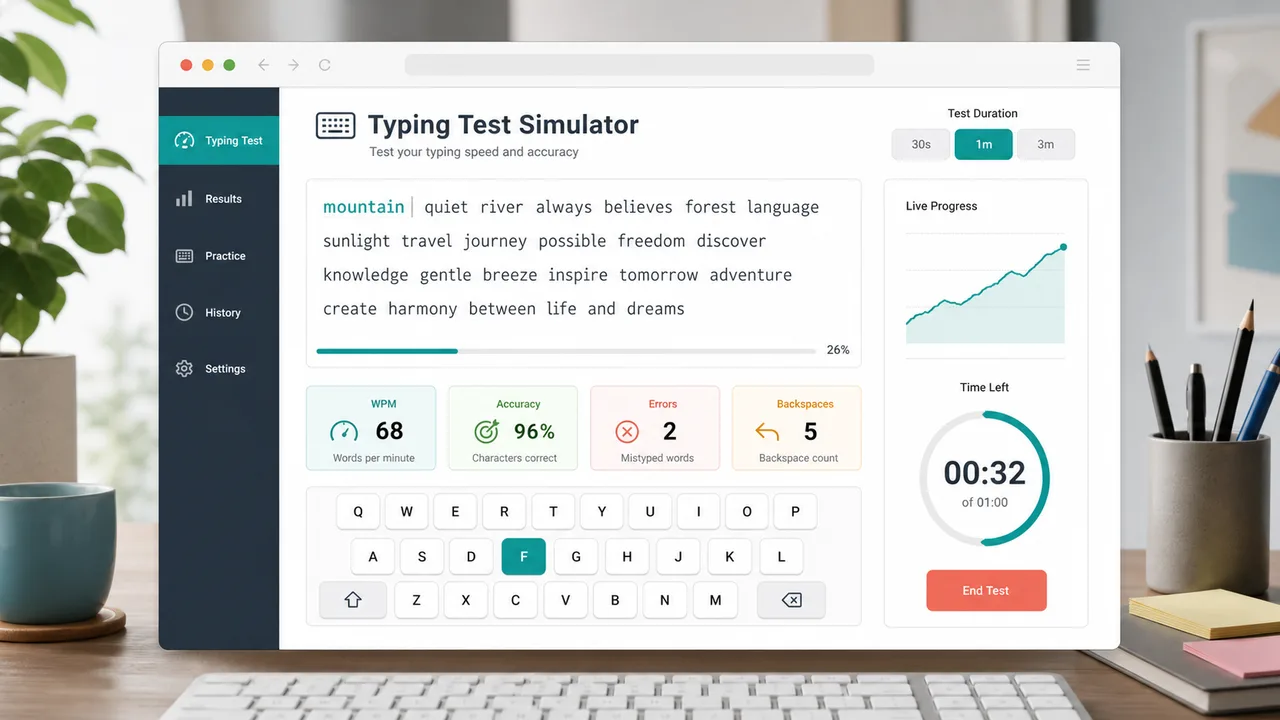
Typing Test Simulator ends each run with a speed level, most missed character, backspace count, and advice that points to the next useful practice focus.
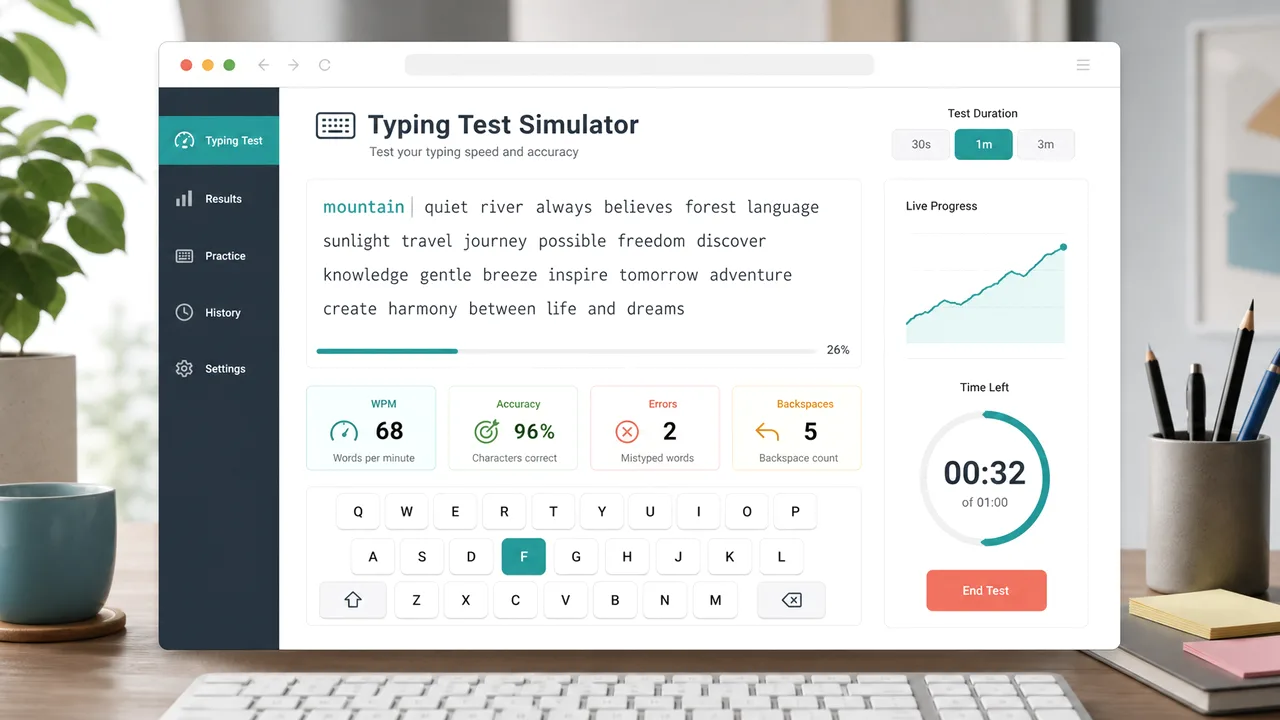
Use this Typing Test Simulator guide to get a clean WPM result without turning one typo into a messy practice session.
Pick 30 seconds for a warmup, 1 minute for a quick benchmark, or 3 minutes for steadier typing endurance.
Watch the highlighted passage and type naturally. Typing Test Simulator updates WPM, accuracy, errors, backspaces, and completion progress as you go.
Read the speed level, most missed character, and improvement advice. Then rerun the same duration to test one focused change.
Copy a result link only when you are ready to share the result metrics.
Explore more simulatorsTyping Test Simulator focuses on the typing metrics that matter during practice, not just a single final number.
Measure words per minute with a consistent five-character word estimate.
See how many typed characters match the passage before chasing higher speed.
Track wrong characters, repeated misses, and backspaces so practice has a clear target.
Switch between 30 second, 1 minute, and 3 minute tests for different practice goals.
Copy a result link only on demand so normal visits keep a clean SEO-friendly URL.
Reset quickly, load a fresh passage, and challenge the previous run without friction.
Typing Test Simulator works for quick benchmarks, daily practice, classroom warmups, and language-specific typing confidence.
Run the same duration each day and watch WPM, accuracy, and backspaces move over time.
PracticeUse shorter runs to slow down, reduce wrong characters, and protect accuracy.
AccuracySwitch between English and local text to practice punctuation, spacing, and familiar word patterns.
LanguageCopy a result link after a finished run and compare speed levels with classmates or friends.
ShareAfter Typing Test Simulator, explore more free browser simulators for learning, planning, practice, and playful experiments.
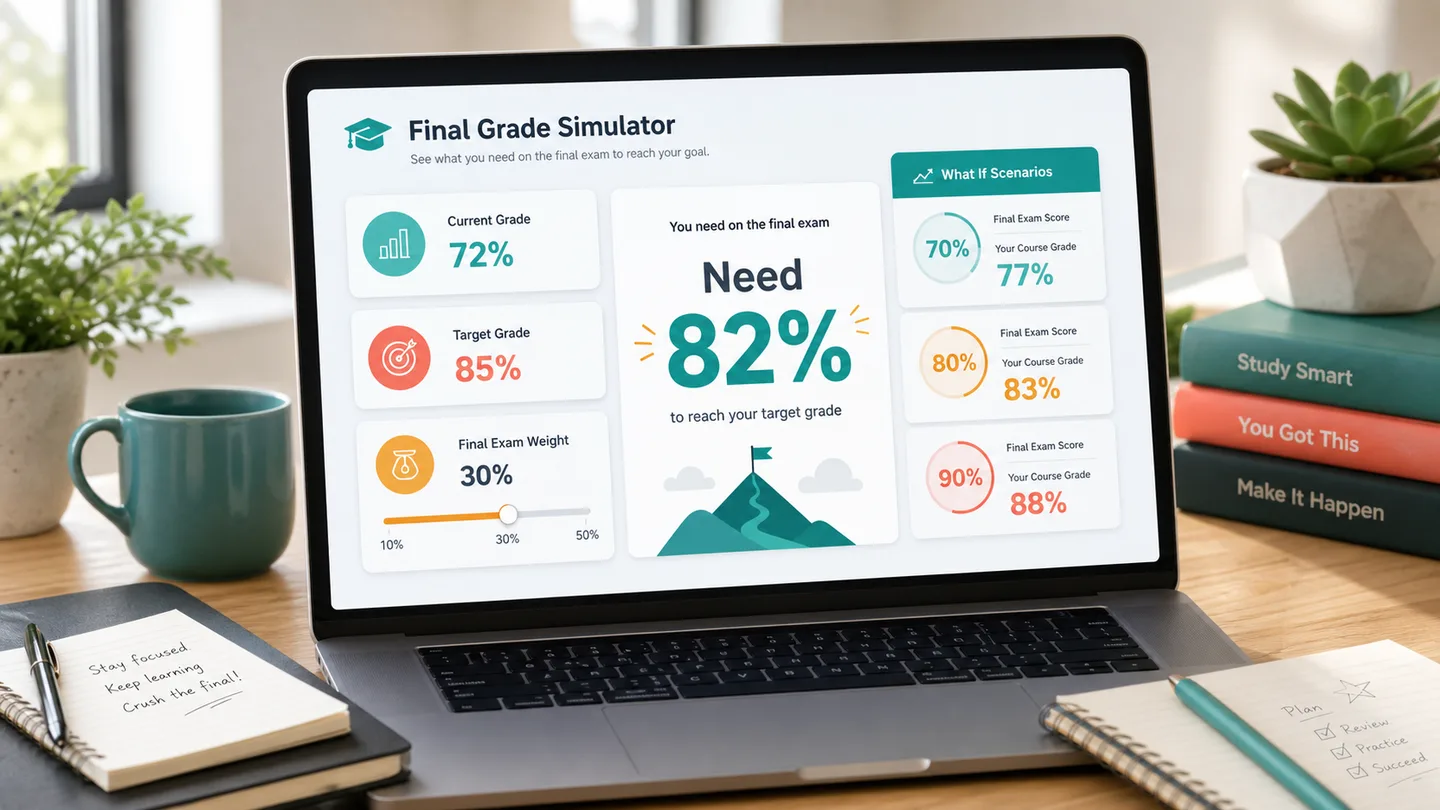
Calculate the final exam score you need, test weighted course modules, and compare 70, 80, 90, and 100 scenarios.
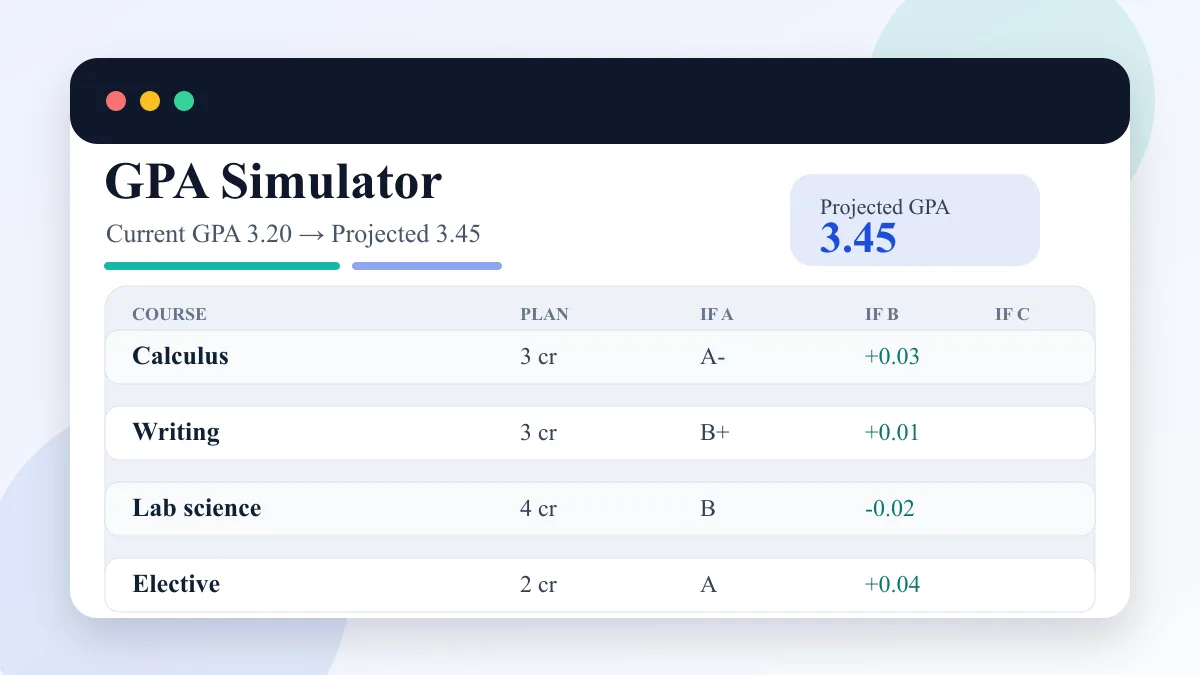
Enter current GPA, completed credits, target GPA, and semester courses to compare A/B/C GPA scenarios.
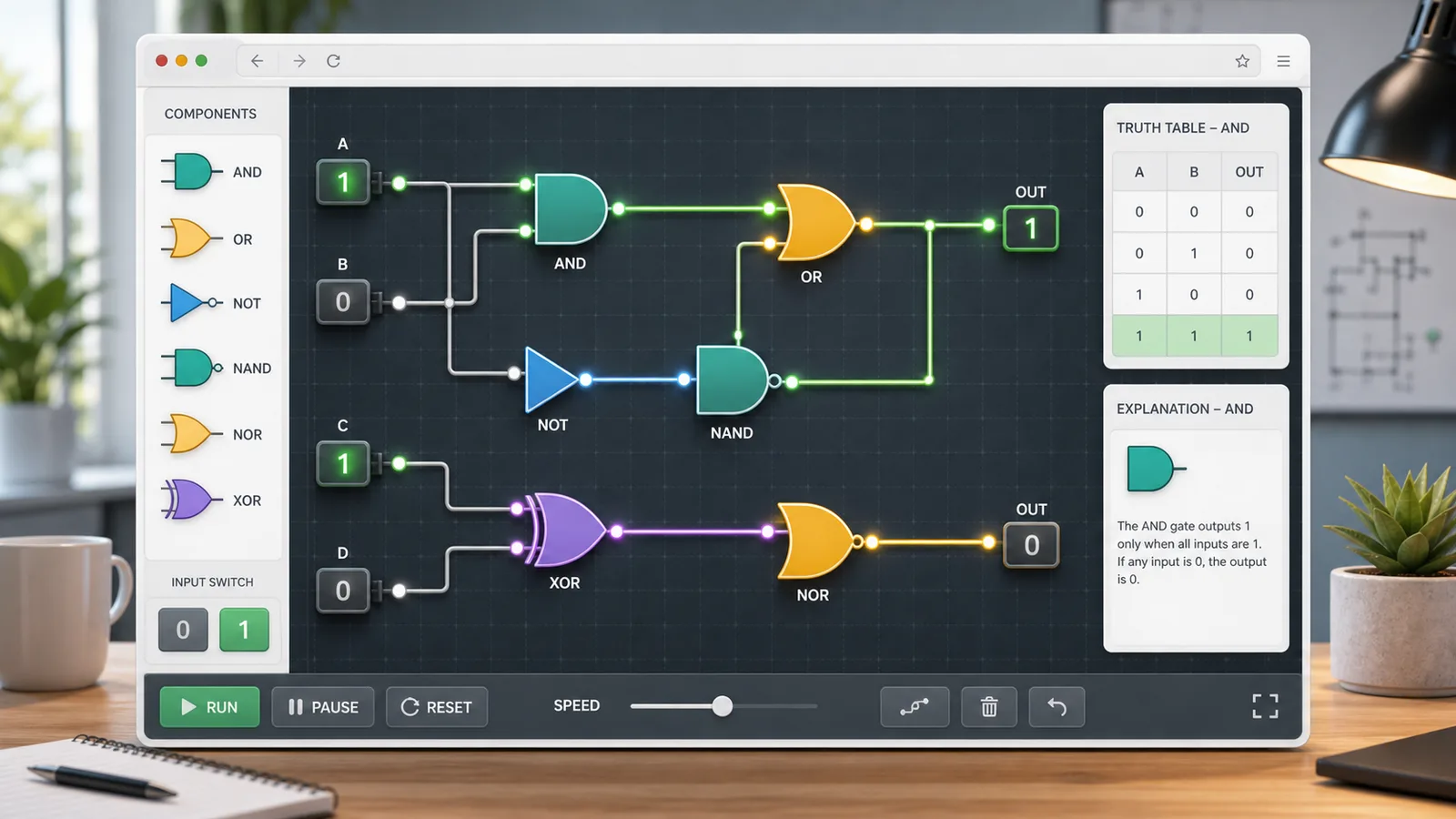
Choose AND, OR, NOT, NAND, NOR, or XOR gates, toggle 0/1 inputs, read truth tables, and build simple circuits.
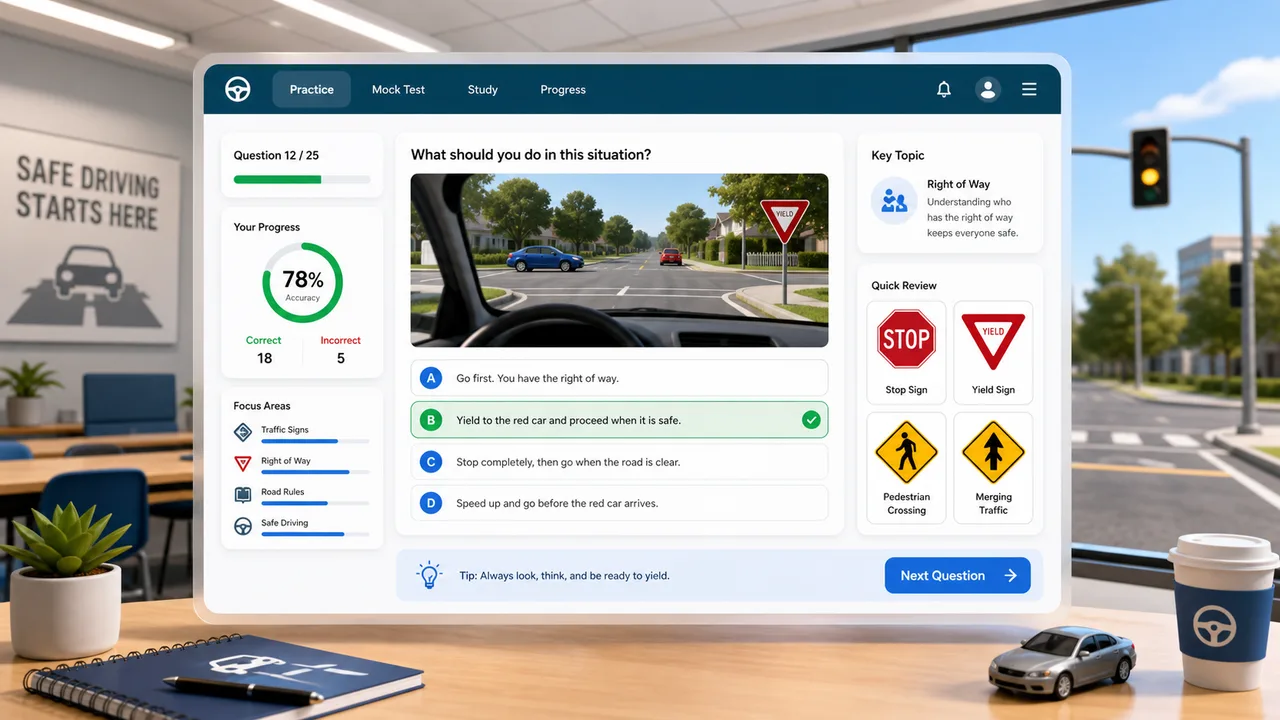
Practice traffic signs, right-of-way, hazards, parking rules, and mock exam questions with instant explanations.
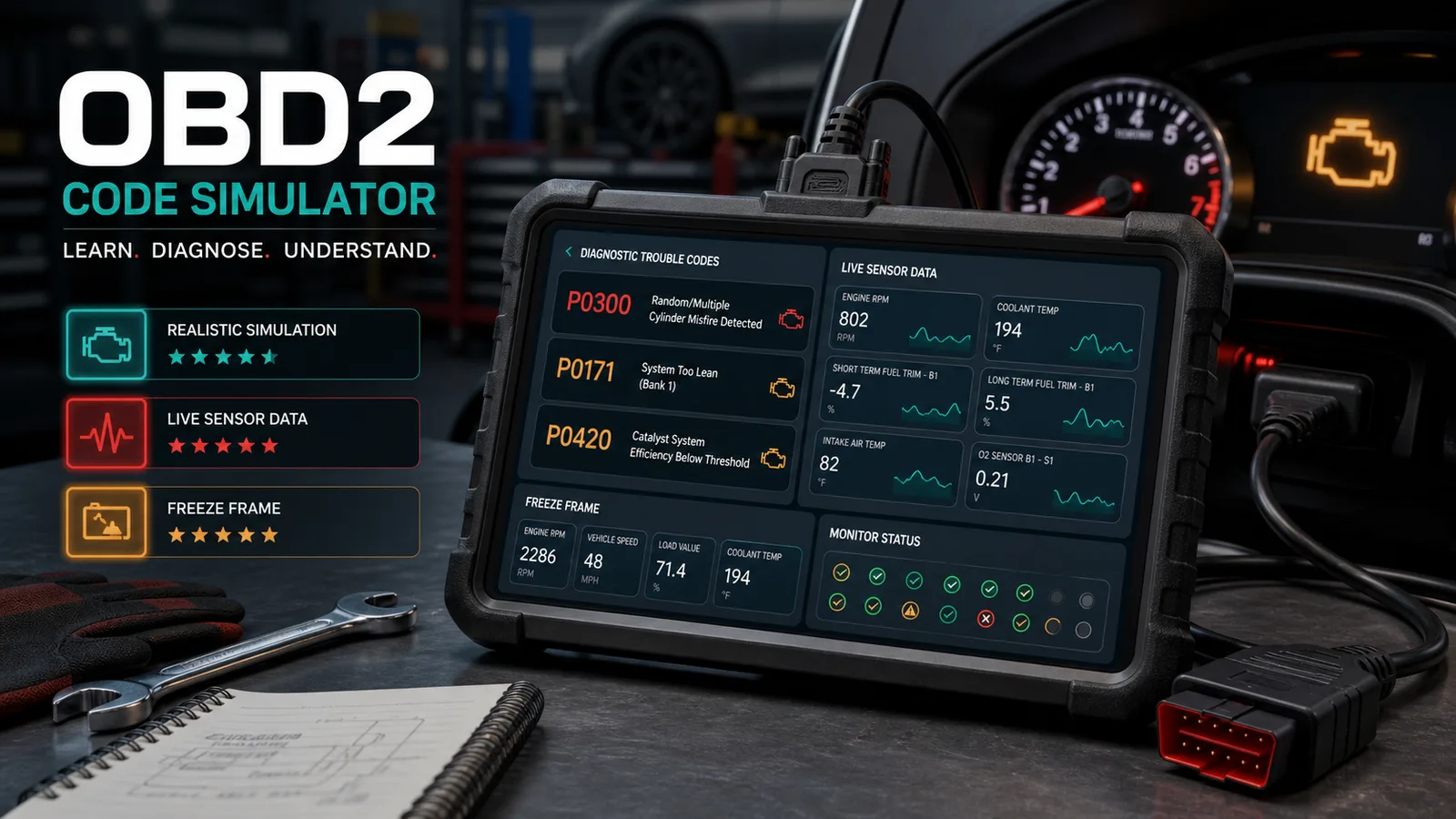
Practice car diagnostic trouble codes, live data, freeze frames, misfires, no-start cases, inspection order, repair cost, and scoring.
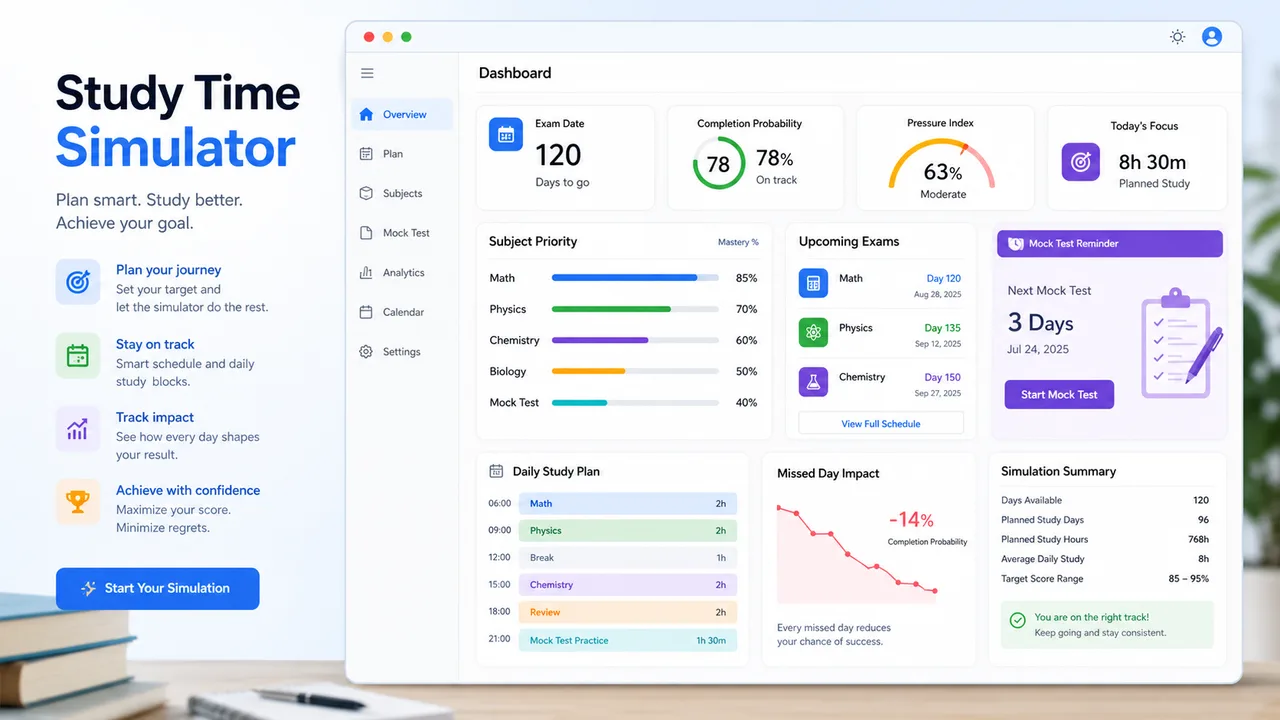
Allocate daily study time by exam date, subject difficulty, mastery, target score, remaining content, pressure, and completion probability.
Choose dice count, sides, modifier, target, comparison, advantage, disadvantage, rerolls, and exploding dice to calculate success odds, average result, range, and distribution.
Enter attackers, hit rate, damage dice, critical rules, defense, armor, hit points, and rounds to estimate damage, kill odds, survival odds, expected rounds, and tactic win chance.
Answers about Typing Test Simulator WPM, accuracy, errors, backspaces, duration choices, and result sharing.
Typing Test Simulator counts correct characters, divides by five to estimate words, then divides by elapsed minutes. This keeps WPM comparable across different passage lengths.
Typing Test Simulator accuracy is the percentage of typed characters that match the same position in the passage. Extra or wrong characters reduce the score.
Backspaces reveal correction habits. A high backspace count often means you are typing faster than you can read or confirm the next word.
Use 30 seconds for warmups, 1 minute for a quick benchmark, and 3 minutes when you want a steadier picture of typing endurance.
No. Typing Test Simulator keeps normal runs on the clean page URL. A result URL is created only when you click the copy result link button.
Open Typing Test Simulator, choose a duration, type the passage, and watch WPM, accuracy, errors, backspaces, and completion progress update live.
When the run ends, use the level, most missed character, and advice to make the next challenge more focused.
Typing Test Simulator creates a parameterized result URL only when you explicitly copy a result link.