Free Final Grade Simulator

Final Grade Simulator calculate the final exam score you need before grades close

Final Grade Simulator helps you enter current course performance, target overall grade, final exam weight, and optional homework, quiz, project, and midterm modules to see what final score is required.

Built for weighted courses, quick what-if checks, realistic target warnings, and shareable Final Grade Simulator result links.

Final Grade Simulator interactive calculator

Start Final Grade Simulator here: enter your current grade, target grade, final exam percentage, then add weighted modules for homework, quizzes, projects, midterms, or custom categories.

Final Grade Simulator controls

Choose Simple mode for a quick current-grade estimate, or Syllabus mode to mirror your course weights before calculating.

Simple mode

Use this when your gradebook already shows a current overall grade for the non-final work.

Weight check:

Share this Final Grade Simulator result

Copy a result link only when you want to share these grades and weights. Normal edits keep the clean page URL.

Final Grade Simulator result

--

Weighted points now

--

Final weight

--

Max possible

--

Final exam Overall grade Status

Final Grade Simulator breakdown

Target overall grade (%)

--

Final Grade Simulator is a planning calculator. Confirm your class syllabus and instructor grading policy before making academic decisions.

Final Grade Simulator weighted grade flow

Final Grade Simulator turns current grades, target grades, and final exam weight into a clear minimum score and practical what-if table.

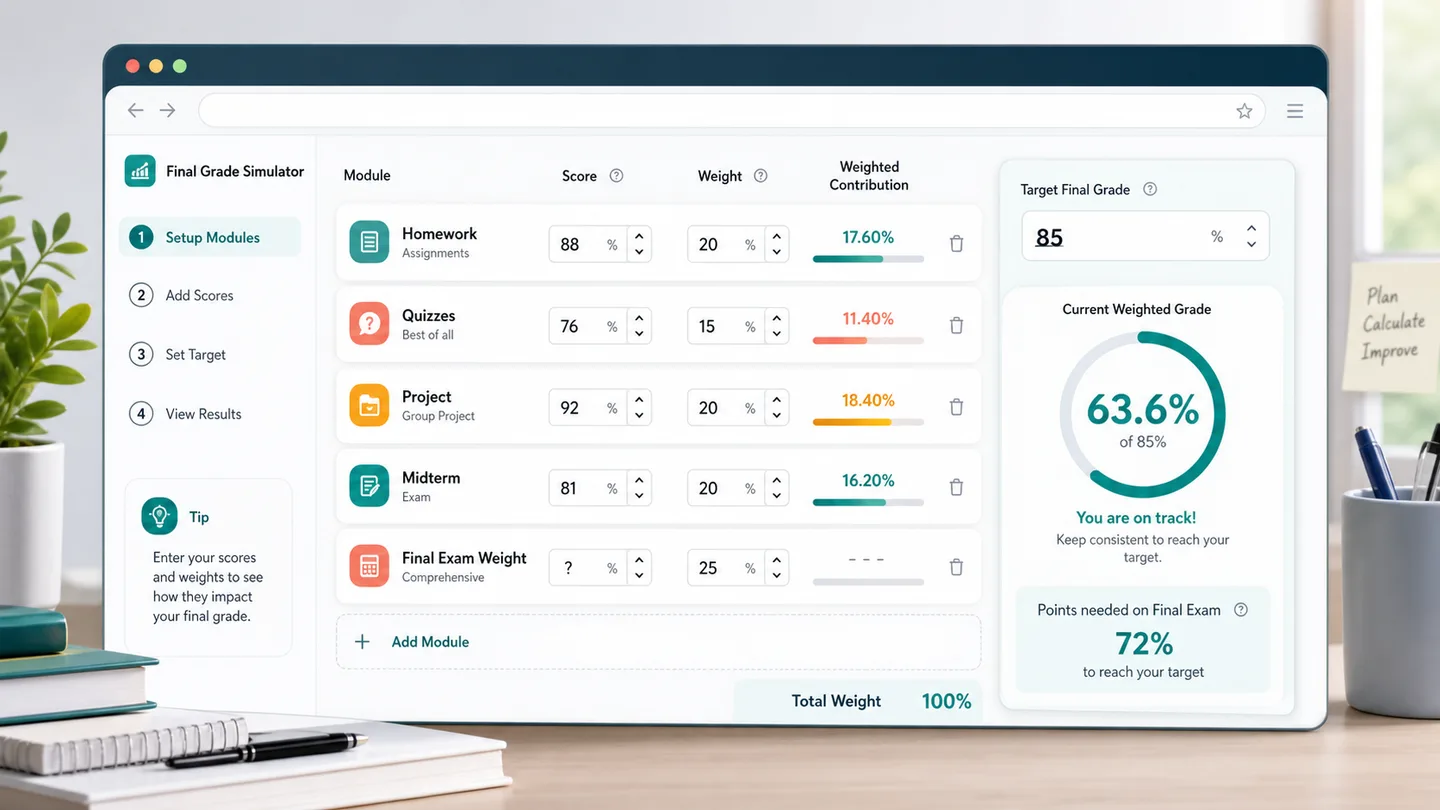
Final Grade Simulator module setup

Final Grade Simulator lets you start simple with current grade and final weight, then add homework, quizzes, projects, midterms, or custom weighted categories when you need more precision.

Final Grade Simulator setup showing homework, quizzes, projects, midterm, and final exam weight

Final Grade Simulator scenario results

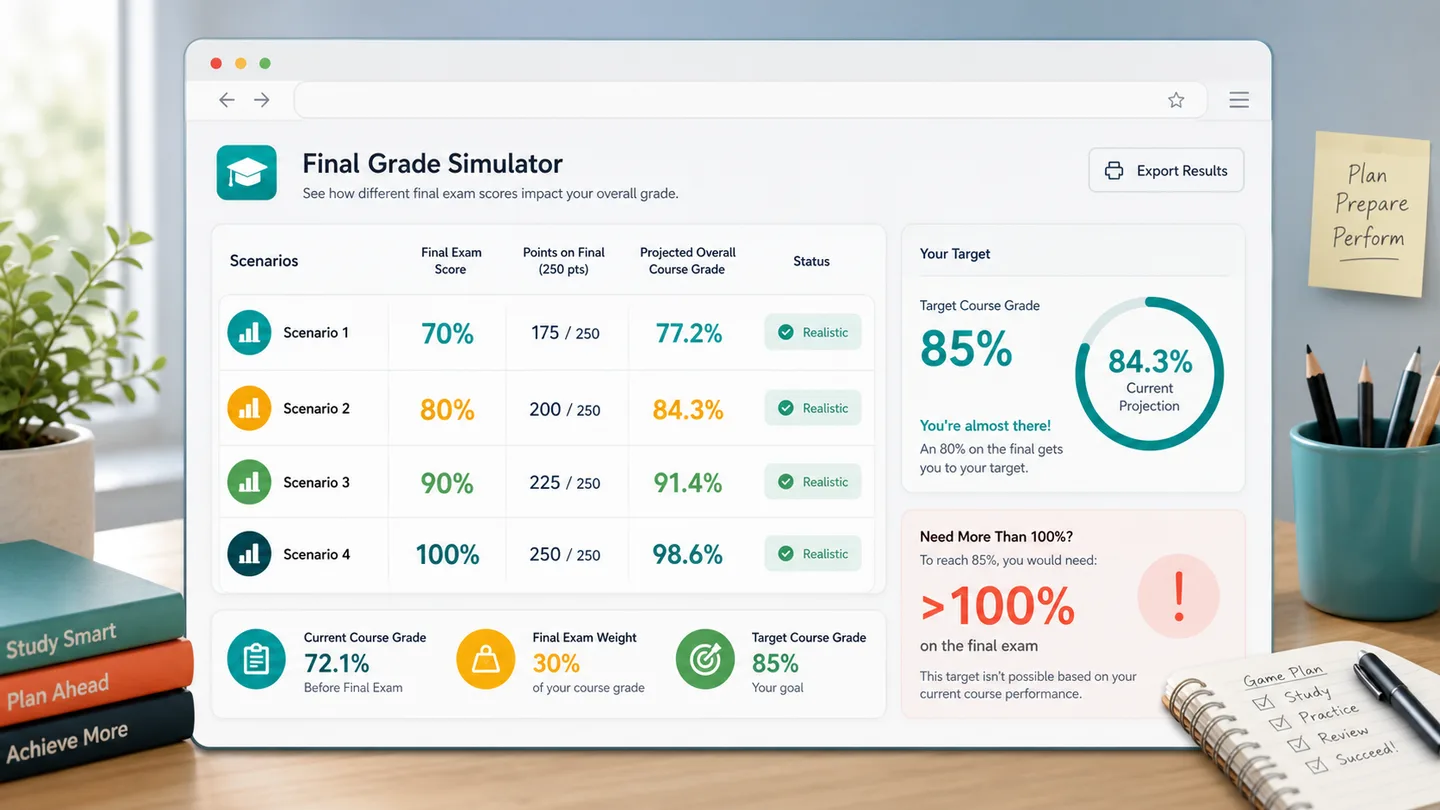
Final Grade Simulator shows what final grades like 70, 80, 90, and 100 would do to your total, plus a warning when the target needs more than 100 on the final.

Final Grade Simulator results table comparing final exam scores and projected overall grades

Final Grade Simulator quick guide

Use this Final Grade Simulator guide to check a target grade without rebuilding your whole syllabus by hand.

01

Enter Final Grade Simulator basics

Add your current course grade, target overall grade, and final exam weight. Final Grade Simulator immediately estimates the minimum final exam score.

  • Use percentages, not letter grades
  • Use the final exam percentage from your syllabus
Open Final Grade Simulator
02

Add Final Grade Simulator modules

If your course has separate homework, quiz, project, or midterm categories, add each module with its score and weight so the calculation matches your grading structure.

  • Keep weights in the same percentage scale
  • Add custom rows for labs, participation, or attendance
View Final Grade Simulator features
03

Read Final Grade Simulator scenarios

Compare different final exam scores and watch the overall grade update. If the required final score is above 100, the target is not reachable through the final alone.

Use the result link only when you are comfortable sharing the grade numbers in the URL.

Explore more simulators

Final Grade Simulator features

Final Grade Simulator focuses on the grade planning checks students usually need before a final exam.

Final Grade Simulator required score

See the minimum final exam score needed to reach your target overall grade.

Calculate score

Final Grade Simulator weighted modules

Add homework, quizzes, projects, midterms, labs, attendance, or any custom weighted category.

Add modules

Final Grade Simulator scenario table

Compare 70, 80, 90, 100, and the nearest needed final score in one quick table.

View scenarios

Final Grade Simulator reality warning

Get a clear warning when the target would require more than 100 on the final exam.

Check target

Final Grade Simulator share link

Copy a result link only on demand so clean page visits stay clean for SEO and browsing.

Copy result

Final Grade Simulator quick reset

Reset to a realistic sample course and adjust the numbers again in seconds.

Try again

Final Grade Simulator student use cases

Final Grade Simulator is useful whenever a final exam has enough weight to change your course outcome.

Final Grade Simulator target planning

Check whether an A, B, pass mark, or scholarship threshold is still within reach.

Planning
Plan target

Final Grade Simulator syllabus weights

Mirror a weighted syllabus with modules before trusting a final exam requirement.

Weighted
Add weights

Final Grade Simulator study triage

Use the needed score and scenario table to decide how much final prep is realistic.

Study
Compare scores

Final Grade Simulator advising chat

Copy a result link when you want a tutor, classmate, or advisor to see the same setup.

Share
Share result

More tools after Final Grade Simulator

After Final Grade Simulator, explore more free browser simulators for quick calculations, playful experiments, and shareable results.

GPA Simulator

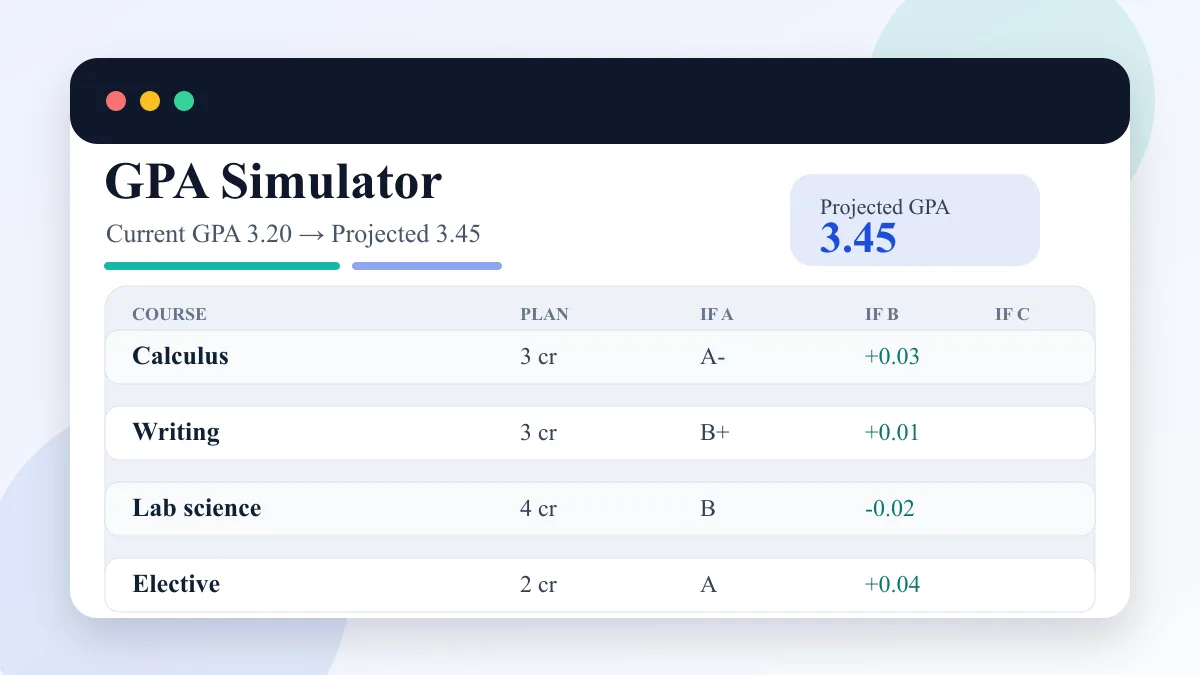
Enter current GPA, completed credits, target GPA, and semester courses to compare A/B/C GPA scenarios.

GPA Simulator preview showing current GPA, semester courses, A/B/C scenarios, and projected GPA
Open simulator

Logic Gate Simulator

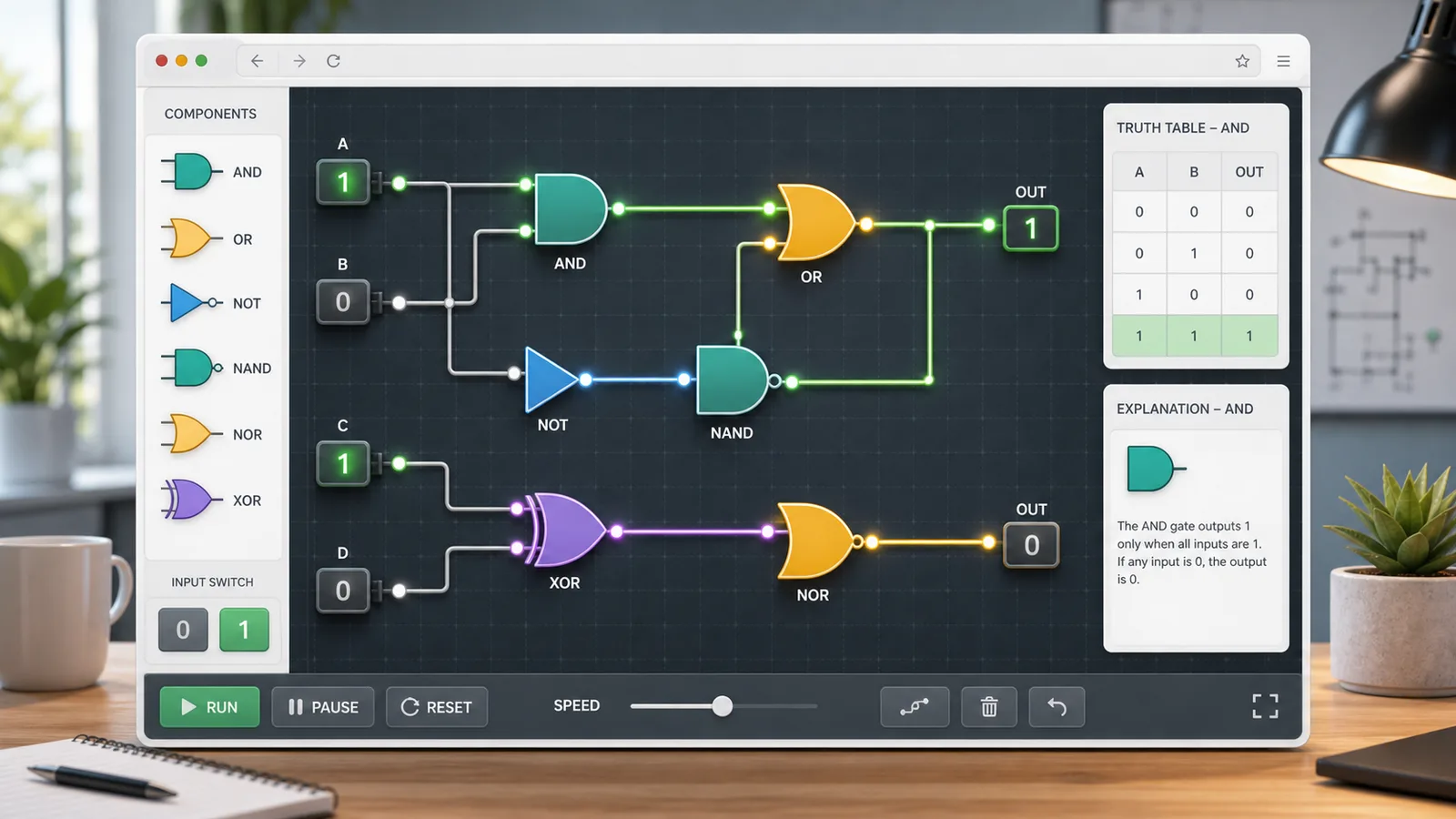
Choose AND, OR, NOT, NAND, NOR, or XOR gates, toggle 0/1 inputs, read truth tables, and build simple circuits.

Logic Gate Simulator preview showing logic gates, binary inputs, truth table, explanation, and circuit builder
Open simulator

Typing Test Simulator

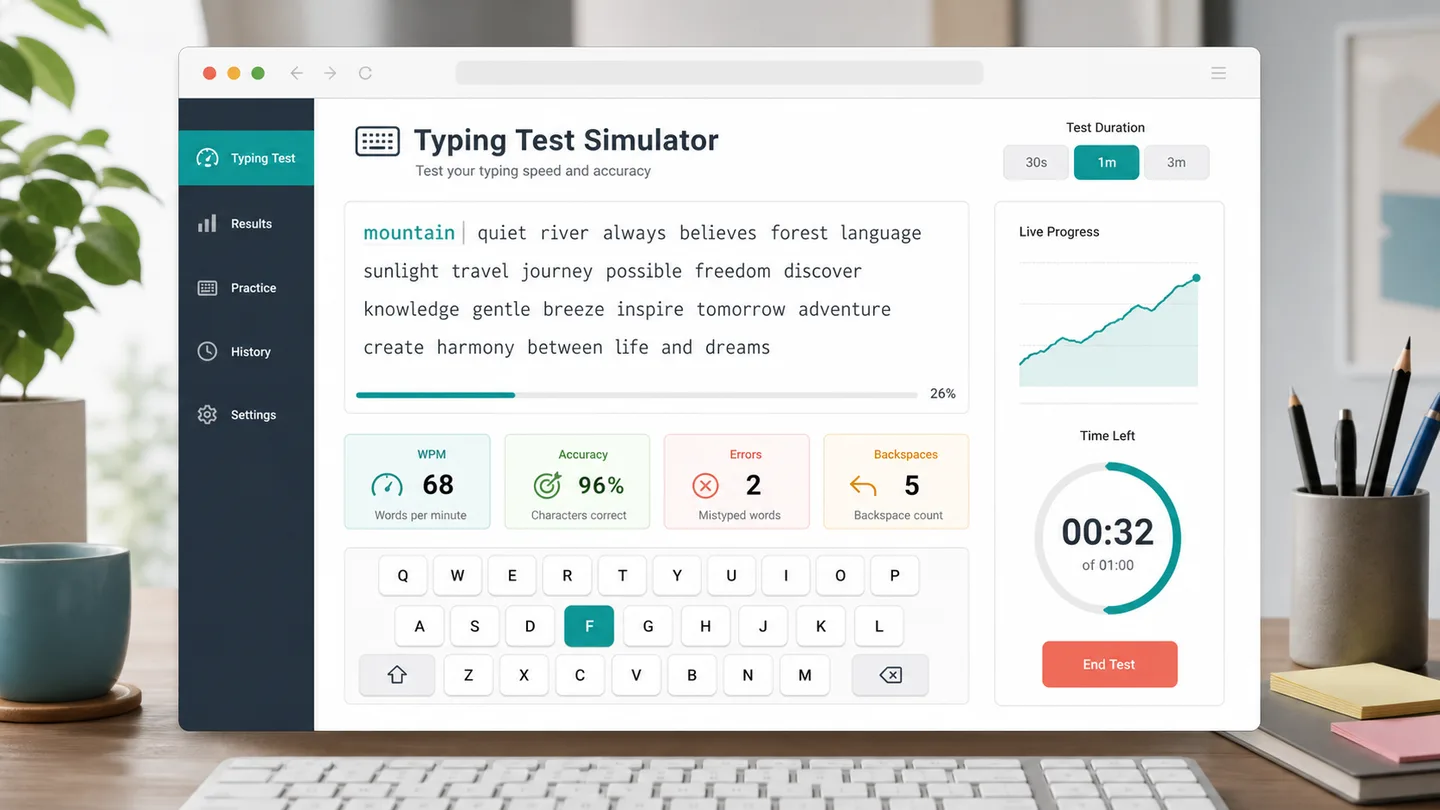
Choose a 30 second, 1 minute, or 3 minute typing test to track WPM, accuracy, errors, backspaces, and progress.

Typing Test Simulator preview showing WPM, accuracy, errors, backspaces, progress, and typing advice
Open simulator

Driving Test Simulator

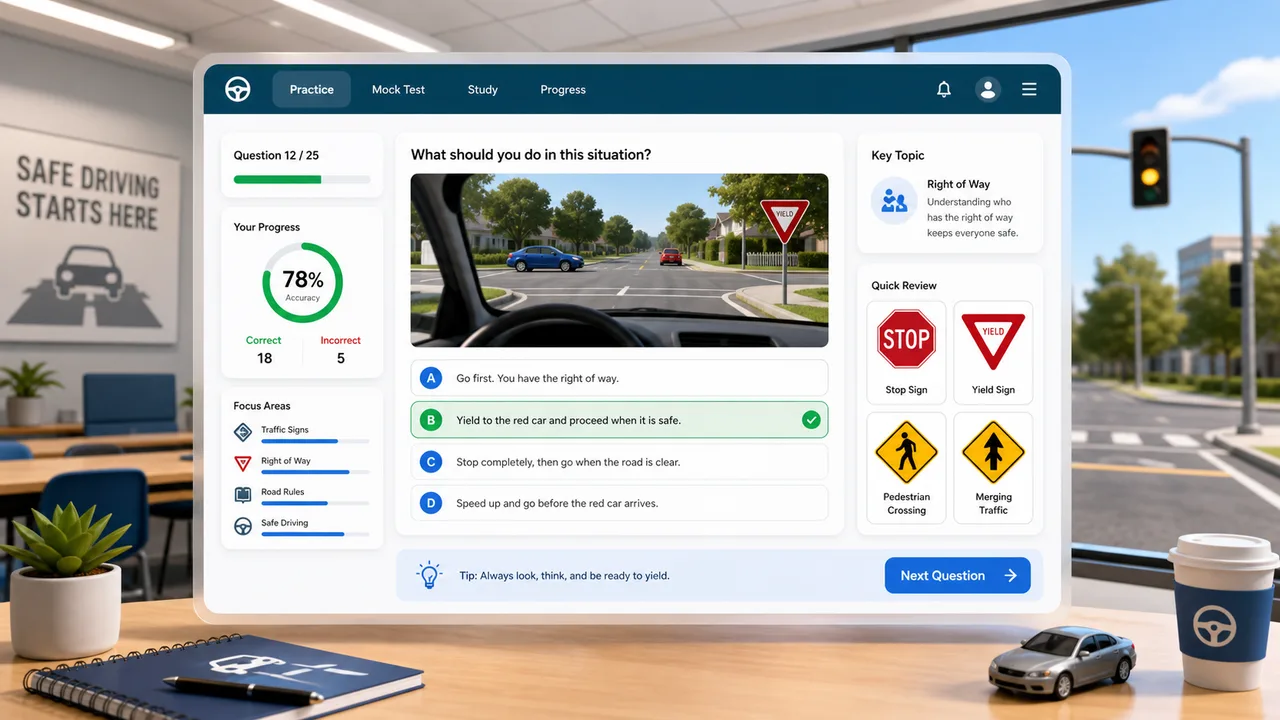
Practice traffic signs, right-of-way, hazards, parking rules, and mock exam questions with instant explanations.

Driving Test Simulator preview showing road rule questions, answer choices, score tracking, and review advice
Open simulator

OBD2 Code Simulator

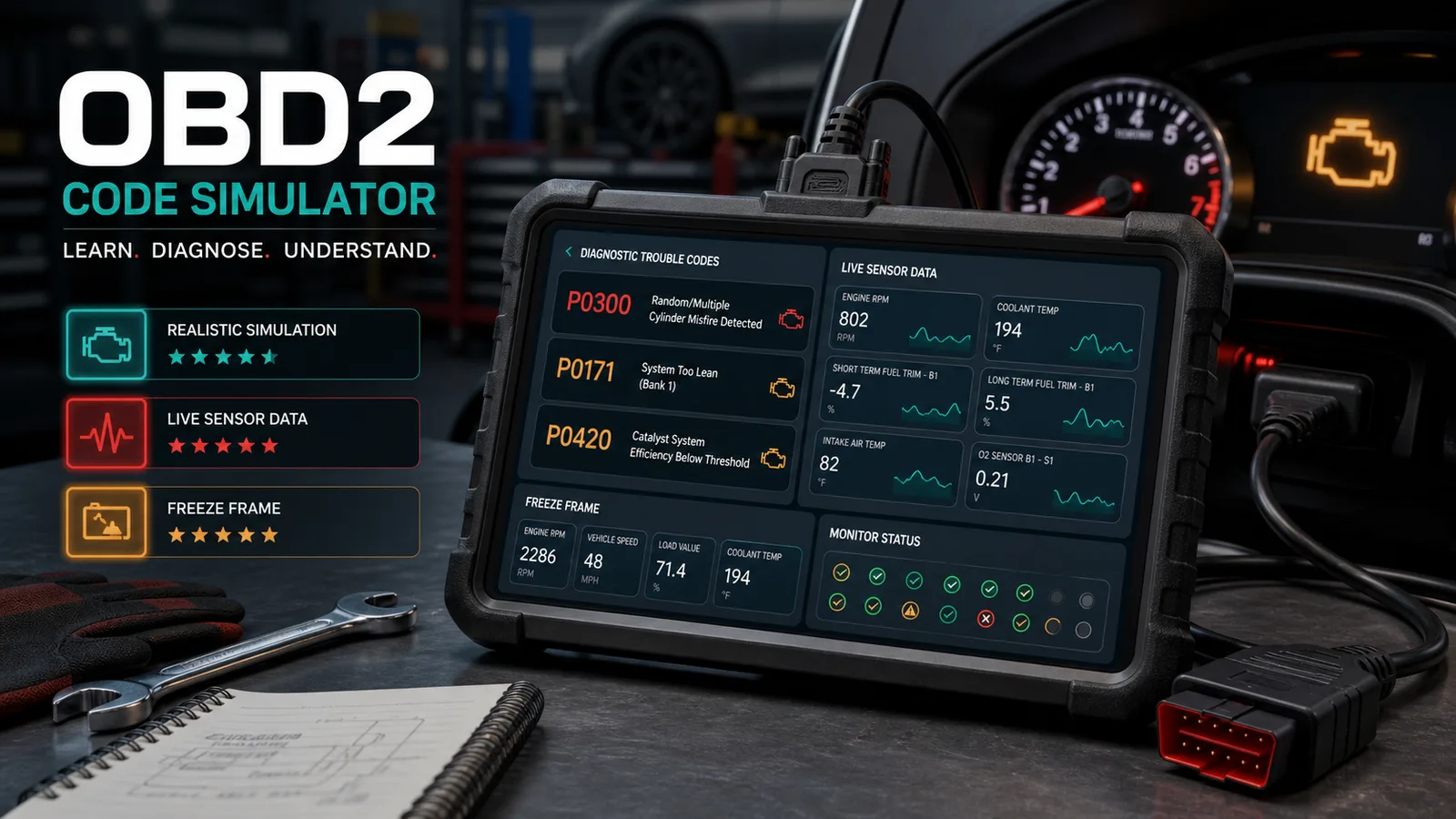
Practice car diagnostic trouble codes, live data, freeze frames, misfires, no-start cases, inspection order, repair cost, and scoring.

OBD2 Code Simulator preview showing a virtual scan tool with trouble codes, freeze frame data, live readings, and diagnostic score
Open simulator

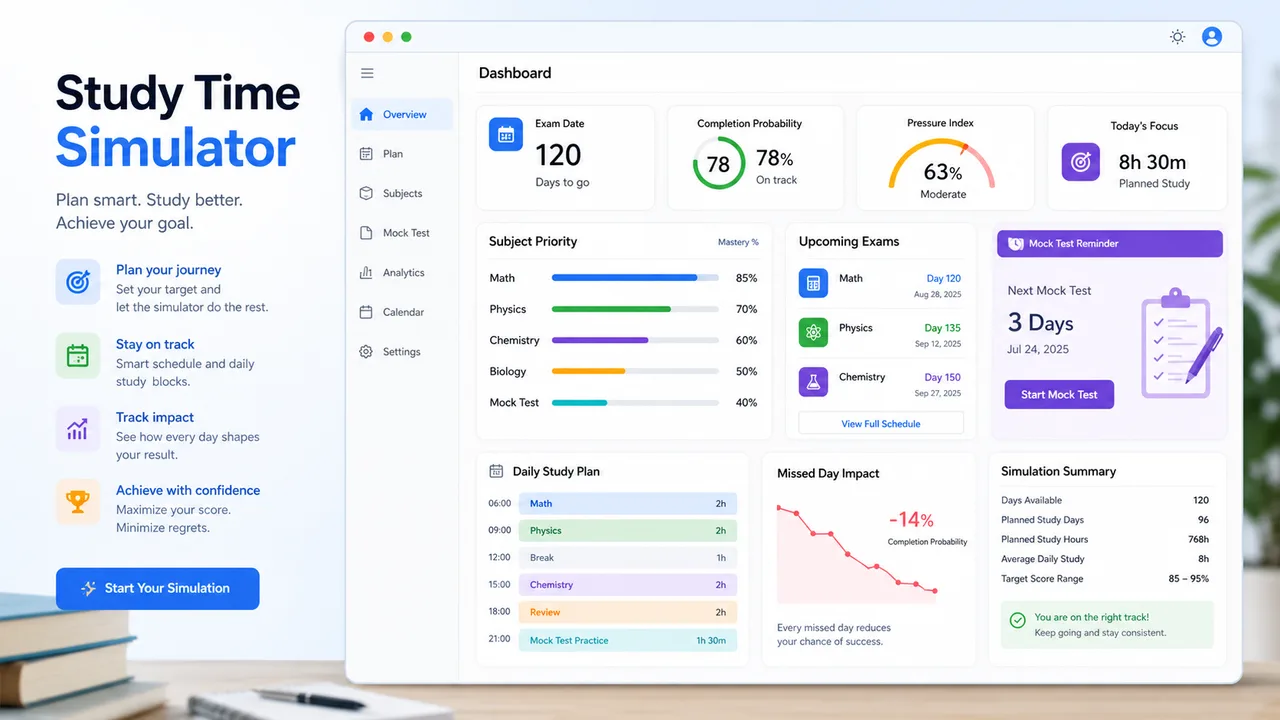
Study Time Simulator

Allocate daily study time by exam date, subject difficulty, mastery, target score, remaining content, pressure, and completion probability.

Study Time Simulator preview showing subject priorities, daily study plan, pressure index, completion probability, and review tasks
Open simulator

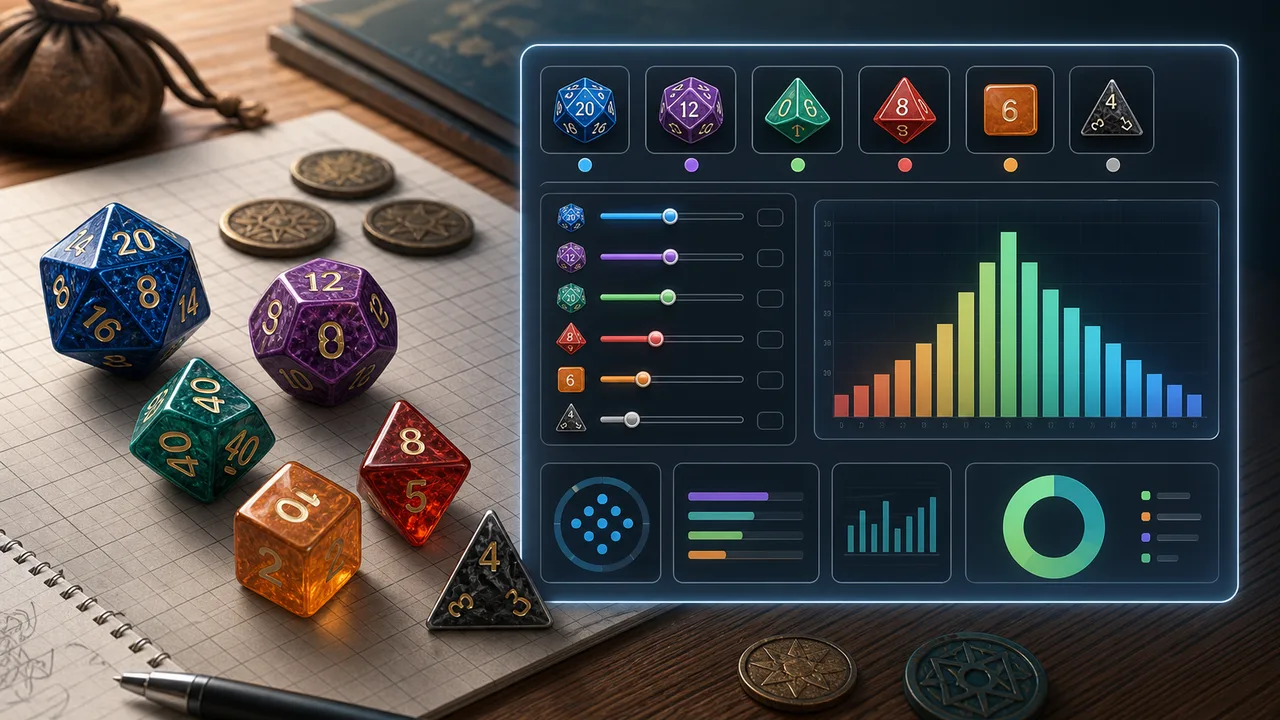
Dice Probability Simulator

Choose dice count, sides, modifier, target, comparison, advantage, disadvantage, rerolls, and exploding dice to calculate success odds, average result, range, and distribution.

Dice Probability Simulator preview showing polyhedral dice, target controls, success probability, and a result distribution chart
Open simulator

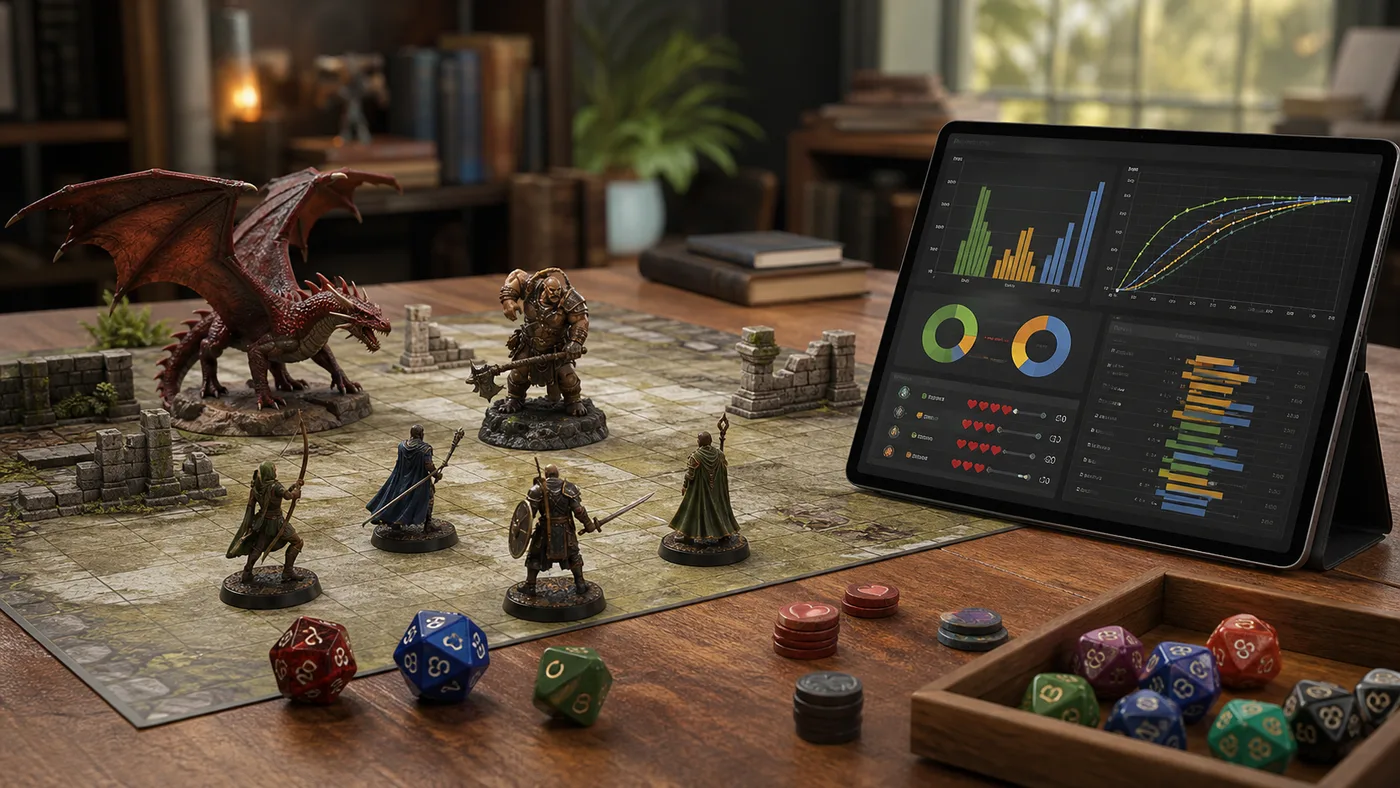
Tabletop Battle Simulator

Enter attackers, hit rate, damage dice, critical rules, defense, armor, hit points, and rounds to estimate damage, kill odds, survival odds, expected rounds, and tactic win chance.

Tabletop Battle Simulator preview showing miniatures, dice, armor tokens, hit chance charts, damage curves, kill probability, and tactic win rate
Open simulator
View all simulators

Final Grade Simulator FAQ

Answers about Final Grade Simulator formulas, weighted modules, scenario scores, and impossible targets.

How does Final Grade Simulator calculate the needed final score?

Final Grade Simulator adds the weighted points you already have, subtracts that from your target overall grade, then divides the remaining points by the final exam weight.

Can Final Grade Simulator handle homework, quizzes, projects, and midterms?

Yes. Final Grade Simulator lets you add each module with a score and weight, so the required final score can reflect a weighted syllabus.

What does Final Grade Simulator mean when it says I need more than 100?

It means the target grade cannot be reached through the final exam alone with the entered weights and current performance. You may need extra credit, grade corrections, or a different target.

Should I use my current grade or every module in Final Grade Simulator?

Use the current grade fields for a fast estimate. Use modules when your gradebook separates homework, quizzes, projects, midterms, and other weighted categories.

Does Final Grade Simulator replace my syllabus?

No. Final Grade Simulator is a planning aid. Always check the official grading policy, rounding rules, dropped scores, and extra-credit rules from your class.

Calculate your Final Grade Simulator result

Open Final Grade Simulator, enter the current grade, target grade, final exam weight, and any weighted modules from your class.

Then compare final exam scenarios and check whether the target is realistic before you make a study plan.

Final Grade Simulator creates a parameterized result URL only when you explicitly copy a result link.