Choose a Driving Test Simulator topic
Start with the rule type you miss most, or choose mock exam to mix signs, right-of-way, hazards, and parking rules.
- Use topic mode for weak rules
- Use mock exam after a warm-up
Pick your region, practice signs, right-of-way, and parking, take a 20-question mock exam, and check the official handbook.
Read the guideStart Driving Test Simulator here: choose your jurisdiction, set a pass threshold, answer picture questions, save missed rules in the notebook, and open the official handbook for your region.
Choose a jurisdiction first to see the right warning and official handbook link. The practice questions are still general, not state-specific exam content.
This is not state-specific yet.
US rules vary by state. Use this as general practice, then open your state DMV handbook.
Open official handbookQuestion type
Copy a score link only when you want to share your category, accuracy, pass probability, and focus area.
Answered
0
Correct rate
0%
Pass probability
50%
Current type
Traffic signs
Question 1
Review
Answer questions to see your accuracy, passing probability, wrong topic types, and the rules that need review.
Wrong topic types
Wrong answer notebook
Road sign image library
Driving Test Simulator is an educational practice tool, not an official licensing exam. This is not state-specific yet; always study the current handbook for your state, province, territory, or country.
Driving Test Simulator keeps practice fast: pick a topic, answer a picture question, read the rule, and move to the next scenario.
Choose traffic signs, right-of-way, hazard scenes, parking rules, or a mixed mock exam so every Driving Test Simulator session matches the rule you want to practice.
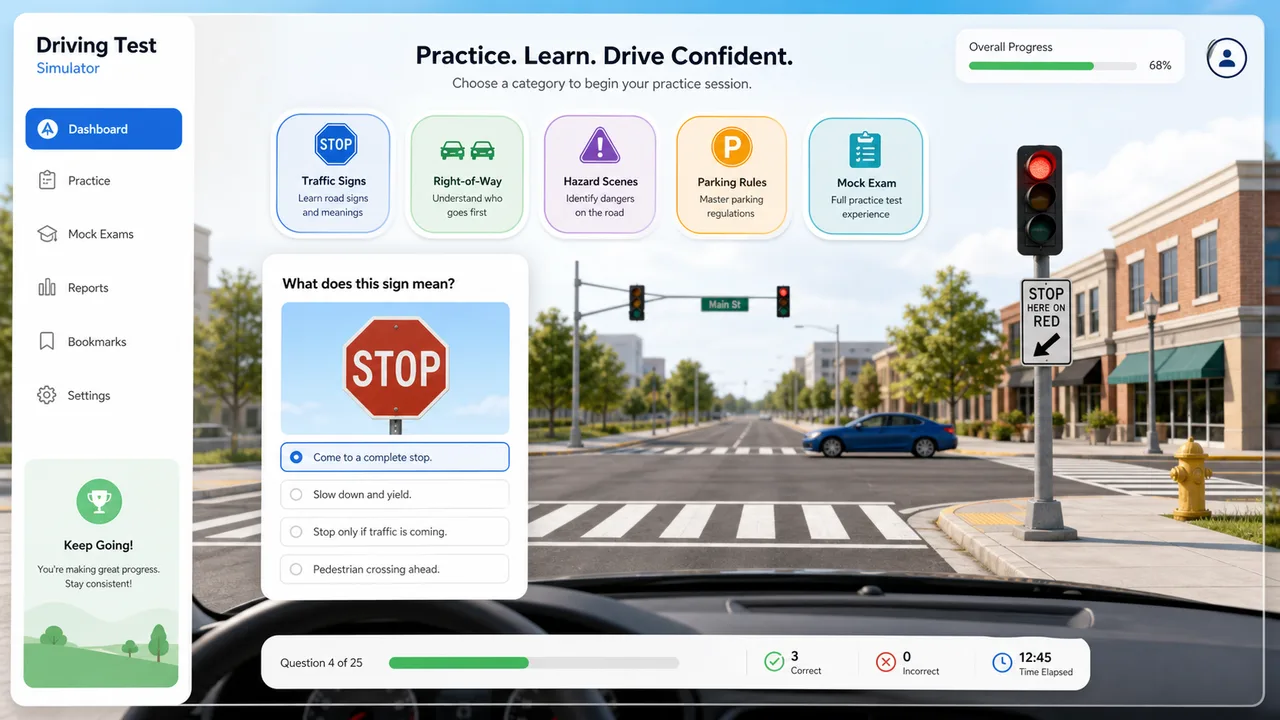
After each answer, Driving Test Simulator updates correct rate, wrong topic types, passing probability, and a short review recommendation.
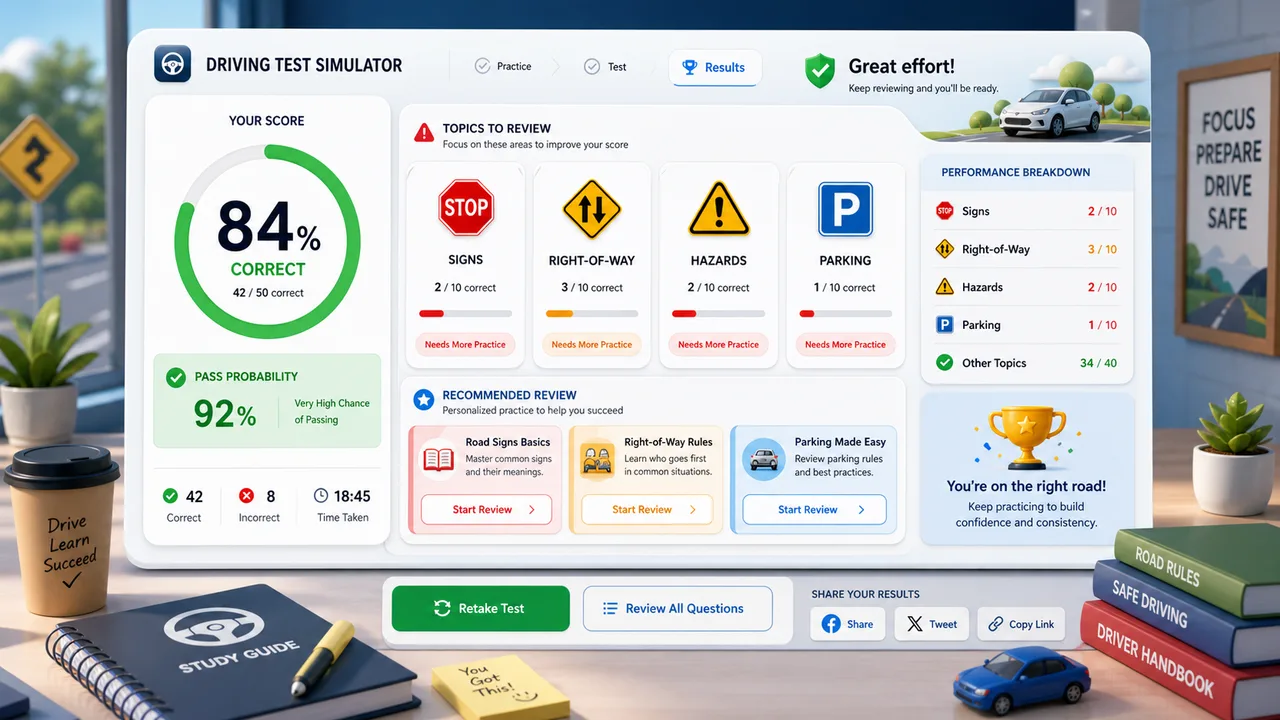
Use this Driving Test Simulator guide to turn quick practice into focused review.
Start with the rule type you miss most, or choose mock exam to mix signs, right-of-way, hazards, and parking rules.
Look at the scenario image, read every option, and choose the answer that would be safest and most rule-consistent.
Use the wrong-topic breakdown and recommendation to decide whether to review signs, right-of-way, hazards, or parking next.
Local laws vary, so compare your Driving Test Simulator misses with your official driver handbook.
Explore more simulatorsDriving Test Simulator now adds jurisdiction context, handbook links, a road sign image library, a wrong answer notebook, a 20-question mock exam, and custom pass thresholds.
Choose US generic, California, Texas, UK, Canada, or Australia before practicing so the page makes the local-rule limitation visible.
Choose regionReview stop, yield, warning, crosswalk, merge, and parking-control visuals alongside the live questions.
Review signsEvery missed question is saved with your choice, the correct answer, and the rule explanation for focused review.
Open notebookMock exam mode draws 20 questions from a 250+ general practice bank, so repeat attempts feel less repetitive while staying clear about local-rule limits.
Start examOpen the official DMV, Highway Code, or transport authority source for the selected region.
Open handbookAdjust the pass threshold from 50% to 100% to match your study target or local practice standard.
Set thresholdDriving Test Simulator is useful when you want short, focused practice instead of a long study session.
Drill stop, yield, warning, and parking sign meanings before reading another handbook chapter.
Signs Practice signsUse intersection and crosswalk questions to build the habit of yielding safely.
Priority Practice priorityPractice spotting hidden pedestrians, wet-road risk, and uncertain scenes before they become test mistakes.
Hazards Scan hazardsMix categories in a 20-question run when you want a clearer readiness check and a short review list.
Mock exam Start mock examAfter Driving Test Simulator, try another free browser simulator for quick practice, planning, or playful results.
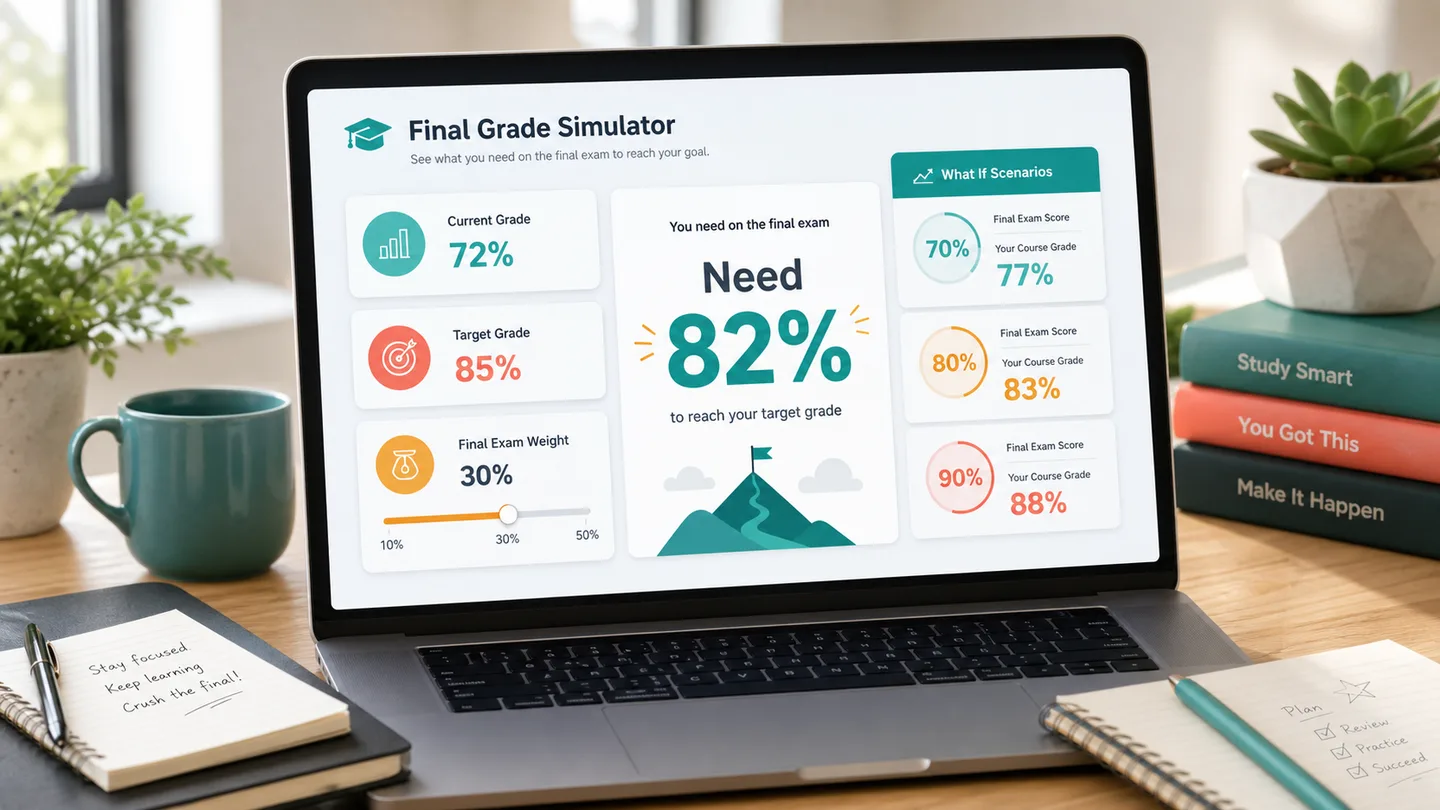
Calculate the final exam score you need, test weighted course modules, and compare 70, 80, 90, and 100 scenarios.
Open simulator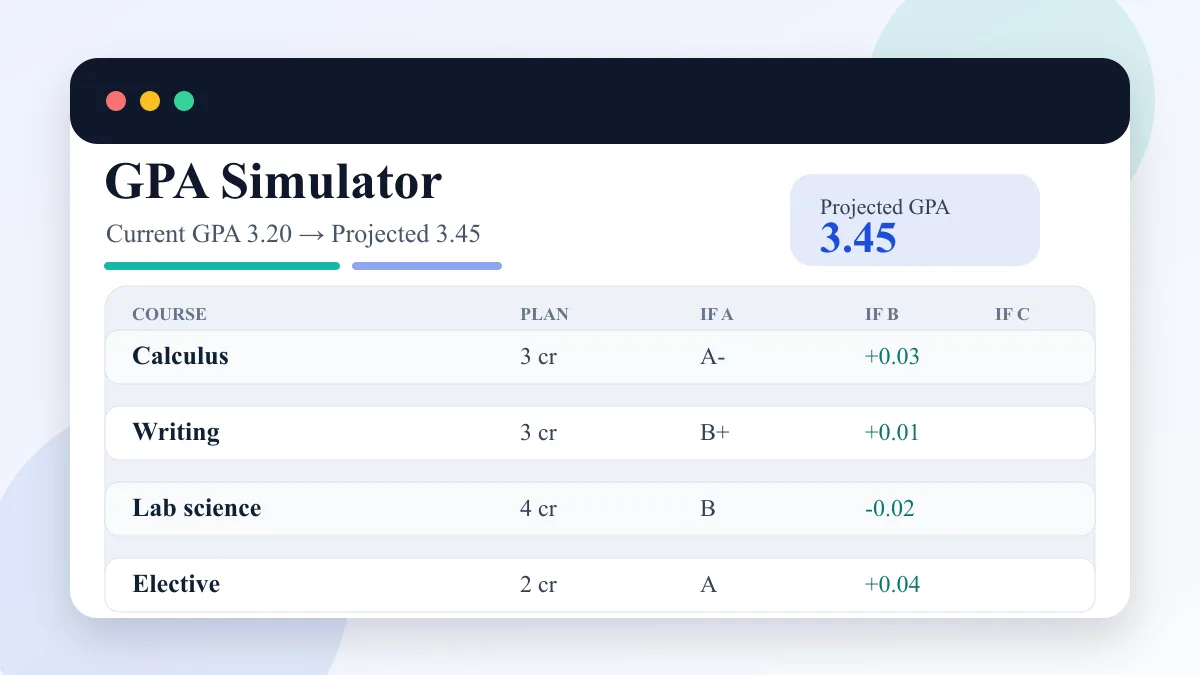
Enter current GPA, completed credits, target GPA, and semester courses to compare A/B/C GPA scenarios.
Open simulator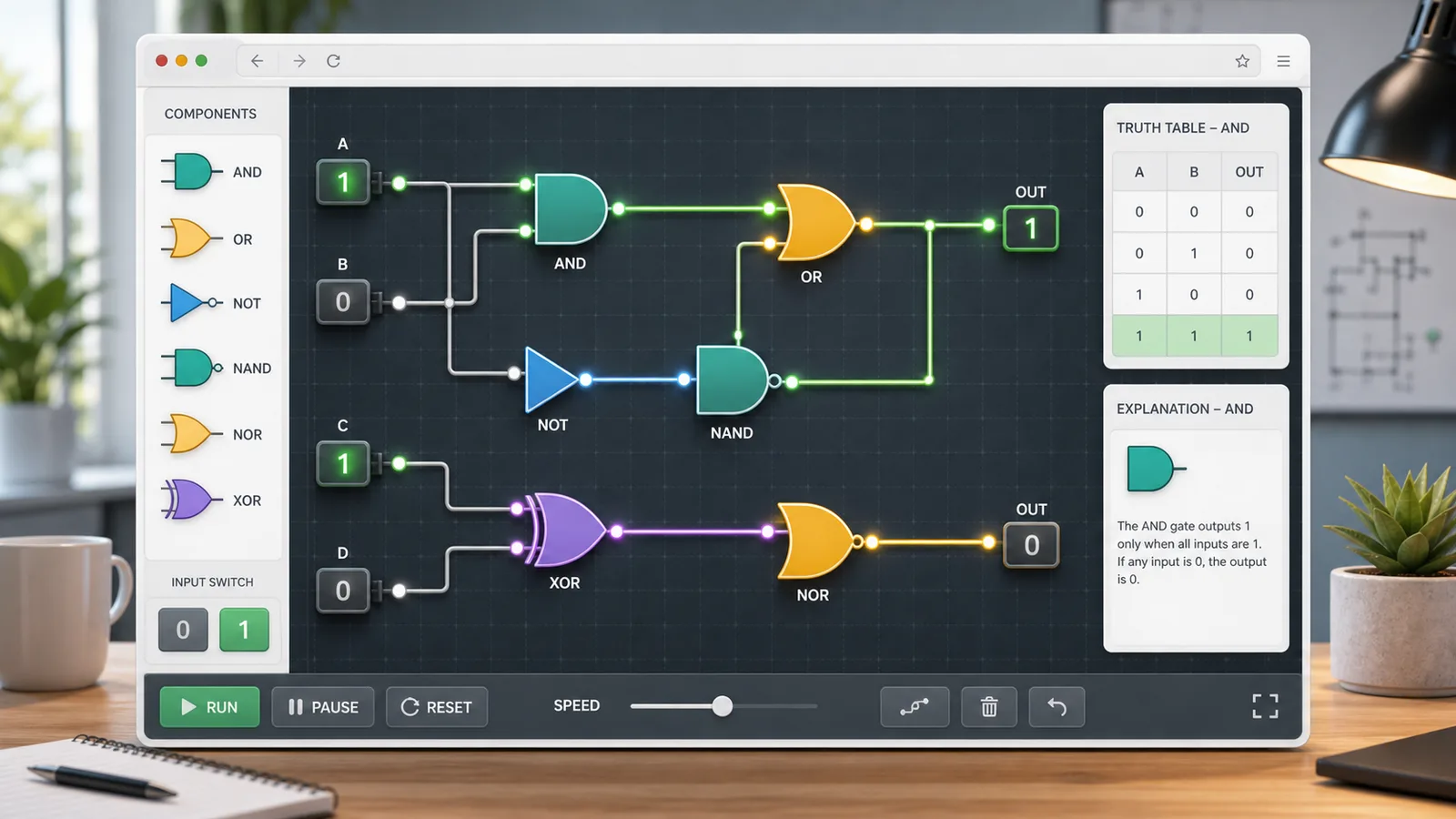
Choose AND, OR, NOT, NAND, NOR, or XOR gates, toggle 0/1 inputs, read truth tables, and build simple circuits.
Open simulator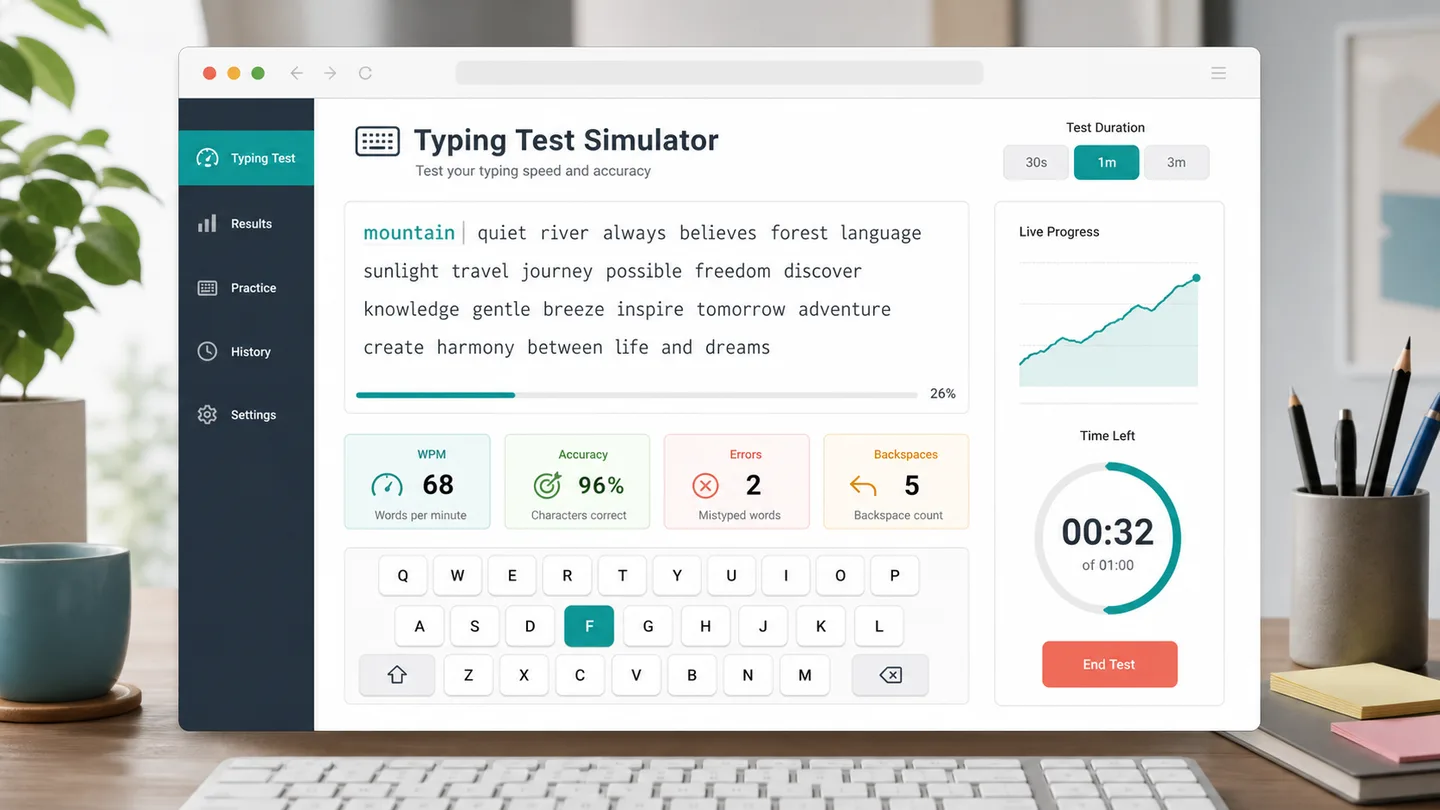
Choose a 30 second, 1 minute, or 3 minute typing test to track WPM, accuracy, errors, backspaces, and progress.
Open simulator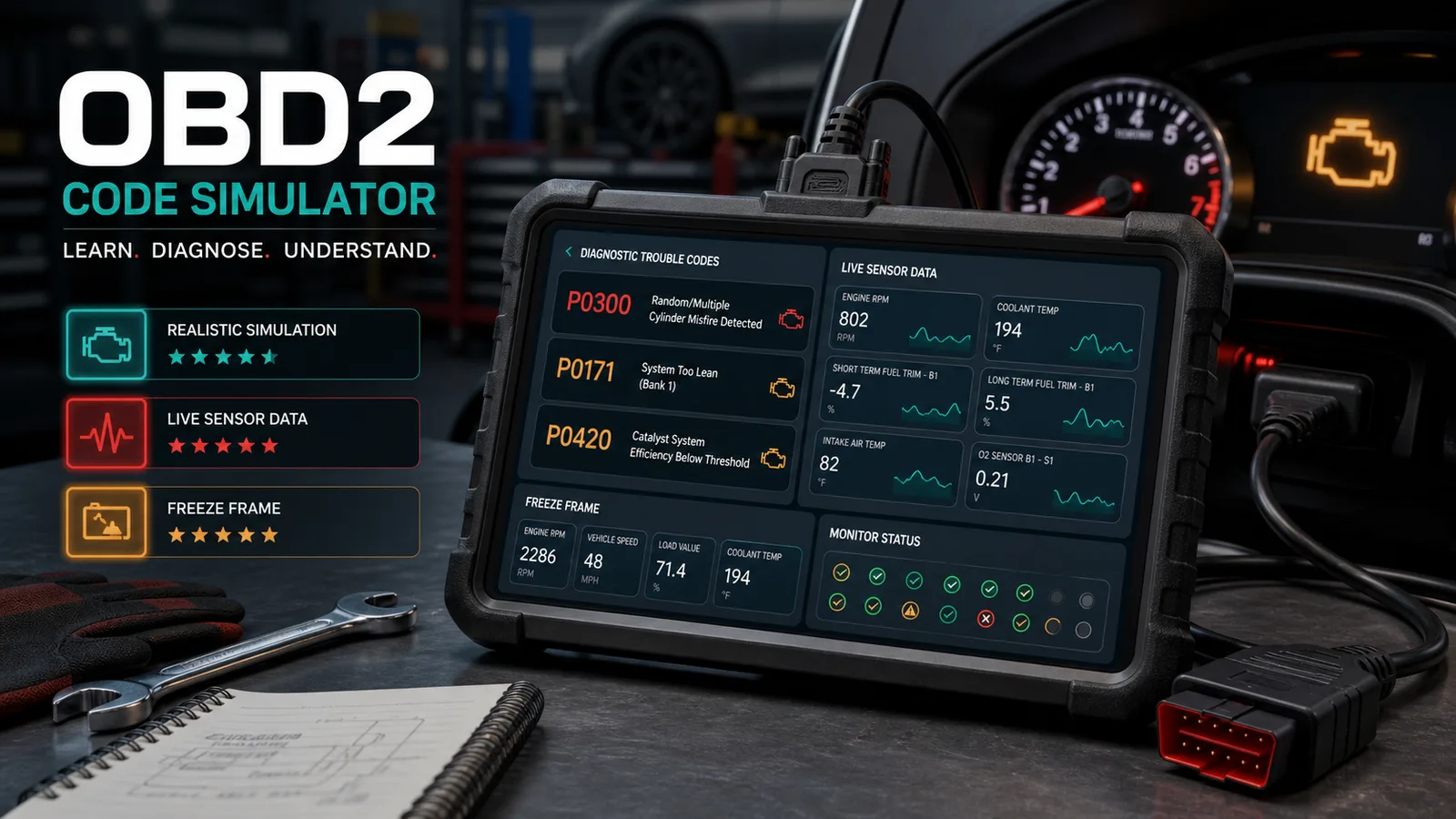
Practice car diagnostic trouble codes, live data, freeze frames, misfires, no-start cases, inspection order, repair cost, and scoring.
Open simulator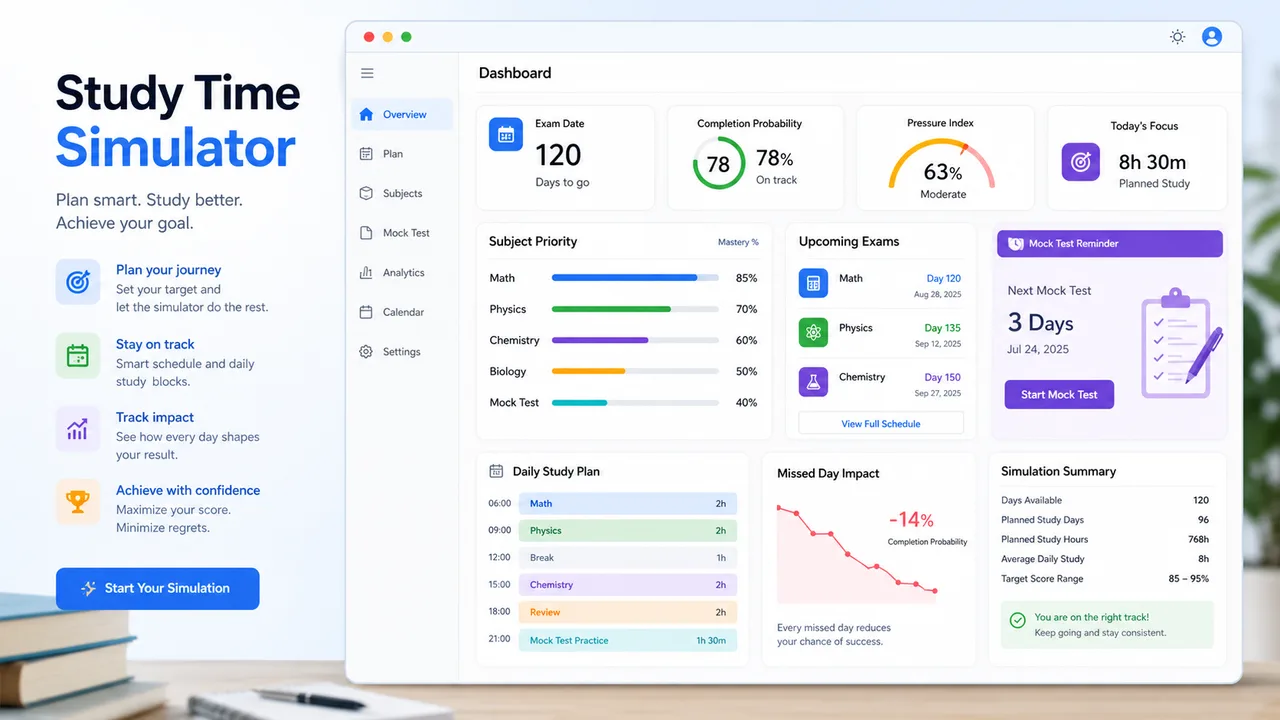
Allocate daily study time by exam date, subject difficulty, mastery, target score, remaining content, pressure, and completion probability.
Open simulator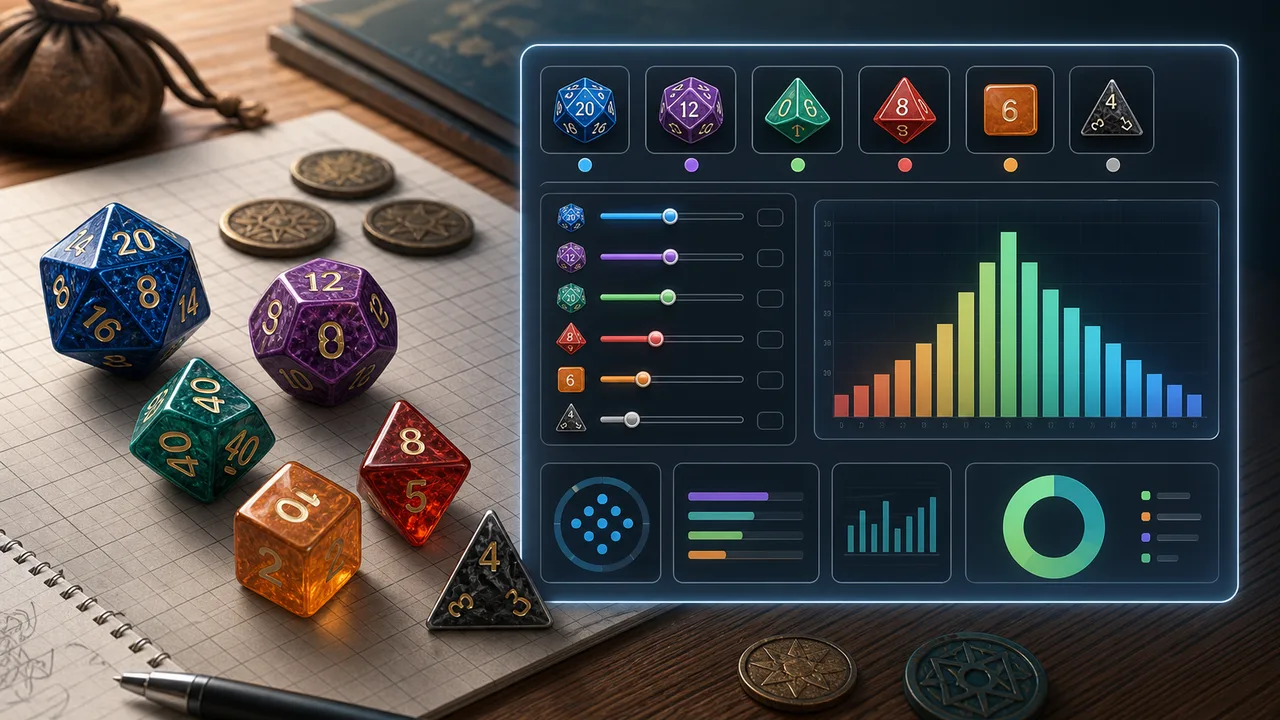
Choose dice count, sides, modifier, target, comparison, advantage, disadvantage, rerolls, and exploding dice to calculate success odds, average result, range, and distribution.
Open simulator
Enter attackers, hit rate, damage dice, critical rules, defense, armor, hit points, and rounds to estimate damage, kill odds, survival odds, expected rounds, and tactic win chance.
Open simulatorAnswers about Driving Test Simulator questions, scoring, local rules, and study use.
Not yet. Driving Test Simulator lets you choose a jurisdiction and open the official handbook, but the current practice questions are general study prompts, not a state, province, territory, or country-specific official question bank.
Driving rules, distances, test wording, and signs vary by region. Use the official handbook link for your selected jurisdiction before relying on any practice answer.
The 20-question mock exam now draws from 250+ general practice questions in most locales, with a larger Chinese bank. The questions are still general study prompts, not official state-specific exam items.
No. Driving Test Simulator is a free educational practice tool. It does not replace the official driver handbook, licensing test, or rules for your local jurisdiction.
Driving Test Simulator includes traffic signs, right-of-way, hazard scenes, parking rules, a road sign image library, a wrong answer notebook, and a 20-question mock exam mode.
Driving Test Simulator estimates pass probability from your correct rate, number of answered questions, and spread of wrong topic types. It is a study signal, not an official score.
Yes. Driving Test Simulator tracks wrong answers by category and recommends whether to review signs, right-of-way, hazards, or parking rules.
Open Driving Test Simulator, choose a rule type, and answer picture questions with instant explanations.
Use the Driving Test Simulator review panel to decide which traffic rules deserve your next study session.
Driving Test Simulator makes a result link only when you copy a score link.