Tabletop Battle Simulator compare combat odds before rolling dice

Enter attacker count, hit chance, damage dice, defense, and hit points to see expected damage, kill odds, survival odds, and rounds.

Read the guide

Tabletop Battle Simulator combat probability tool

Start Tabletop Battle Simulator here: set your attack pool, defense, armor, health, crit behavior, and round budget, then compare damage, kill chance, survival chance, and tactic win rate instantly.

Controls

Enter the attack plan and defender stats. Damage dice support formats like 1d8+3, 2d6, or 3d4+1.

Share

Share the page, or copy a result link that restores this battle setup.

Battle forecast

Result

Contested
Battle forecast: Attackers / Defender

Average damage

0

Kill probability

0%

Survival probability

0%

Expected rounds

0

Summary

0% Kill probability
0% Survival probability

Tactical read

Round curve

Damage and kill curve

0% effective hit
Chart with expected damage, kill probability, and hit point line by round
Expected damage Kill probability Hit point line

Tactic comparison

Tabletop Battle Simulator is a generic probability model. It approximates damage distributions from dice notation, defense-adjusted hit chance, armor reduction per hit, and simple tactical risk modifiers.

Tabletop Battle Simulator combat planning workflow

Tabletop Battle Simulator turns attack pools, dice, defense, armor, hit points, and rounds into practical combat odds.

Tabletop Battle Simulator attack setup

Enter attacker count, hit rate, damage dice, critical behavior, defense, armor reduction, target hit points, and round limit to model a full attack plan.

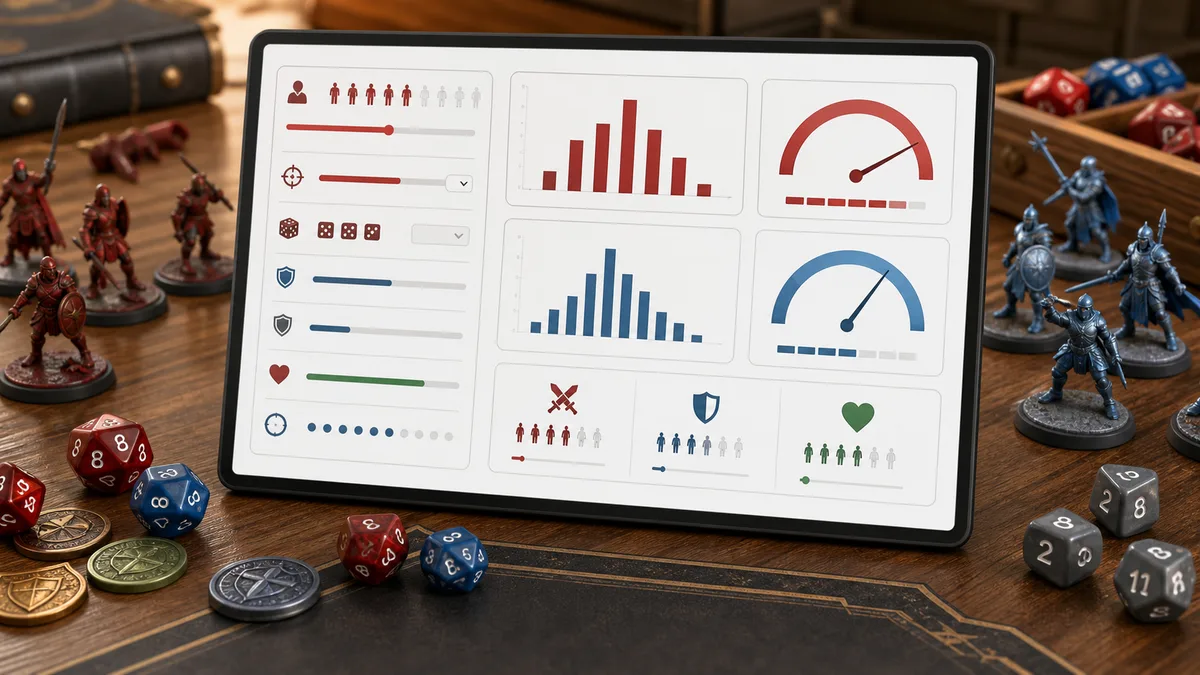
Tabletop Battle Simulator interface with dice, miniature combat pieces, hit chance bars, damage distribution, kill probability, and survival probability

Tabletop Battle Simulator tactic comparison

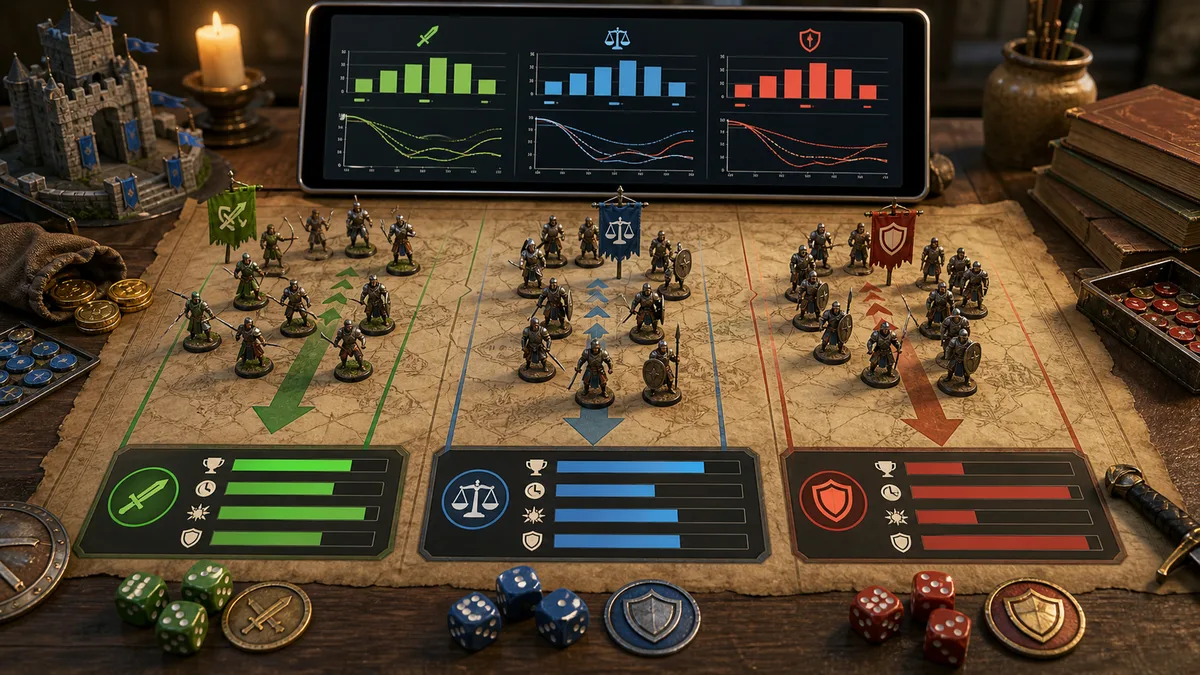
Compare aggressive, balanced, and defensive tactics to see how win chance changes when damage, accuracy, and survival risk move together.

Tabletop Battle Simulator tactic board with miniatures, colored lanes, dice, armor tokens, and win chance comparison charts

Tabletop Battle Simulator quick guide

Use this Tabletop Battle Simulator guide to turn a combat idea into a readable risk estimate before the encounter starts.

  1. Set up Tabletop Battle Simulator attackers

    Enter how many attackers act each round, their expected hit rate, and a damage dice expression such as 1d8+3 or 2d6.

    • Use the hit rate after buffs and disadvantage-style penalties
    • Use one row for repeated attacks with the same damage profile
    Open simulator
  2. Tune Tabletop Battle Simulator defense

    Add target defense, armor reduction, hit points, critical rule, and the number of rounds you are willing to spend.

    • Higher defense trims effective hit chance
    • Armor reduction is applied to each successful hit
    See features
  3. Read Tabletop Battle Simulator tactics

    Compare average damage, kill probability, survival probability, expected rounds, and the aggressive, balanced, and defensive win rates.

    If kill chance is high but survival is low, the fight may be resource-expensive even when the attack plan works.

    Read FAQ

Tabletop Battle Simulator features

These Tabletop Battle Simulator features help players test risk, damage, survival, and resources before rolling in a tabletop fight.

Tabletop Battle Simulator dice parser

Parse common damage dice expressions and estimate their mean and variance for combat planning.

Enter dice

Tabletop Battle Simulator kill odds

Estimate whether total damage over the selected rounds is likely to beat target hit points.

Check kill odds

Tabletop Battle Simulator crit rules

Switch between no crits, 5% double damage, and a 10% brutal critical rule.

Test crits

Tabletop Battle Simulator survival odds

Read a simple counterattack risk estimate that responds to defense, armor, rounds, and tactic style.

Read survival

Tabletop Battle Simulator tactic bars

Compare aggressive, balanced, and defensive approaches with a practical win chance score.

Compare tactics

Tabletop Battle Simulator sharing

Copy a result link that restores the same attackers, dice, defense, armor, hit points, and rounds.

Share result

Tabletop Battle Simulator use cases

Tabletop Battle Simulator is useful whenever a table wants fast probability context without slowing the game down.

Tabletop Battle Simulator for players

Decide whether to focus fire, spend a limited resource, or wait for a safer round.

Players Plan attack

Tabletop Battle Simulator for game masters

Tune encounter durability and estimate whether a target falls too quickly or survives too long.

GM Tune encounter

Tabletop Battle Simulator for wargames

Compare squad volleys, armor values, and multi-round objective pressure.

Wargame Compare volley

Tabletop Battle Simulator for resource planning

Estimate when a high-cost ability meaningfully changes win chance.

Resources Check resources

More tools after Tabletop Battle Simulator

After Tabletop Battle Simulator, try another free browser simulator for dice, games, physics, school, or planning.

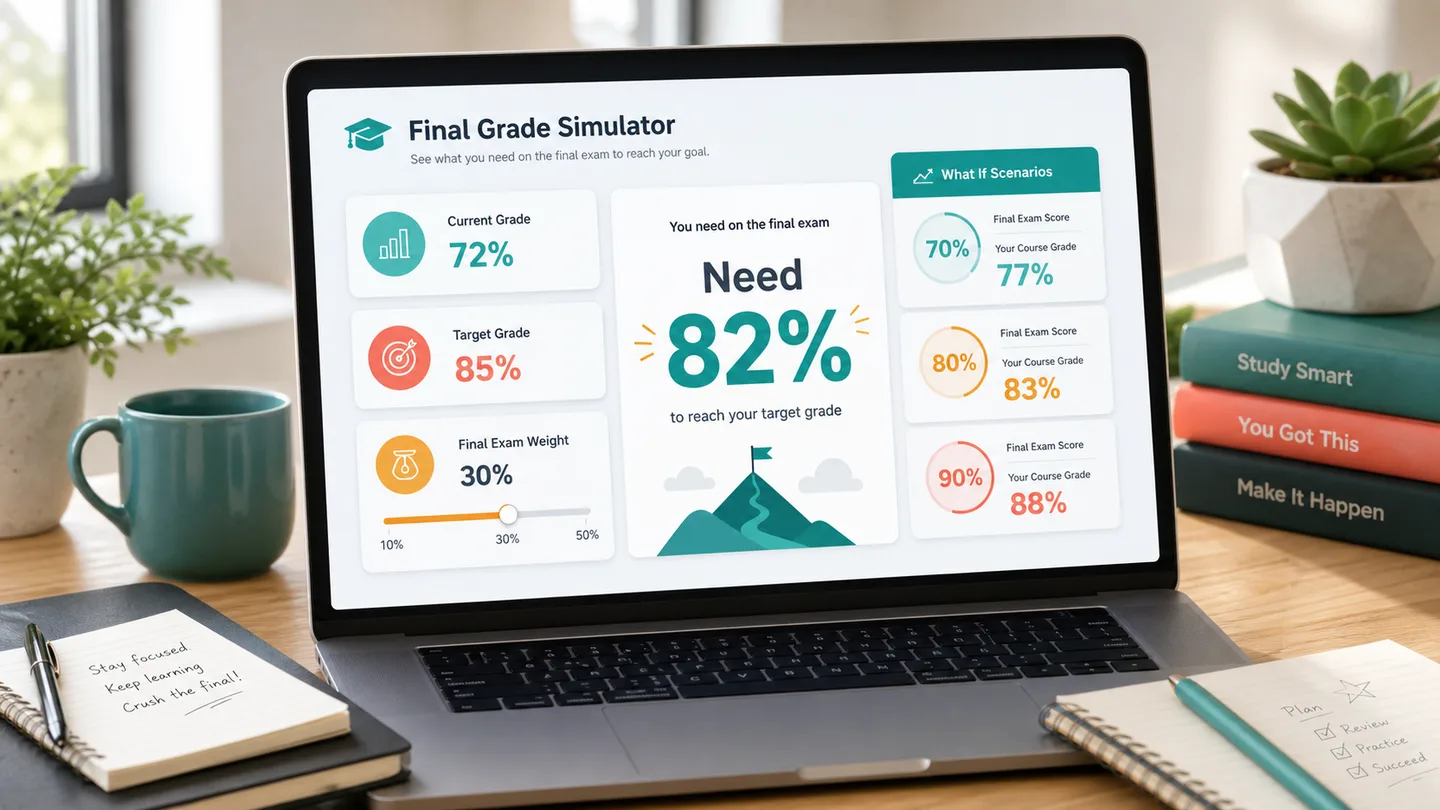
Final Grade Simulator preview showing weighted grade controls and final exam result scenarios

Final Grade Simulator

Calculate the final exam score you need, test weighted course modules, and compare 70, 80, 90, and 100 scenarios.

Open simulator
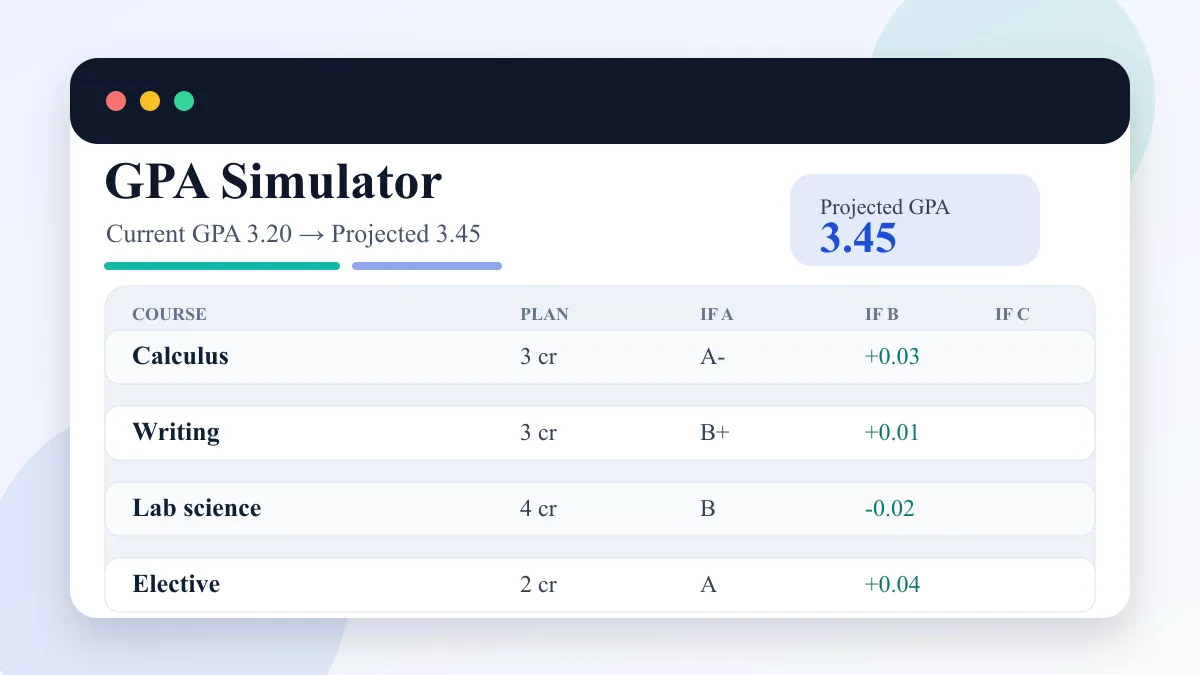
GPA Simulator preview showing current GPA, semester courses, A/B/C scenarios, and projected GPA

GPA Simulator

Enter current GPA, completed credits, target GPA, and semester courses to compare A/B/C GPA scenarios.

Open simulator
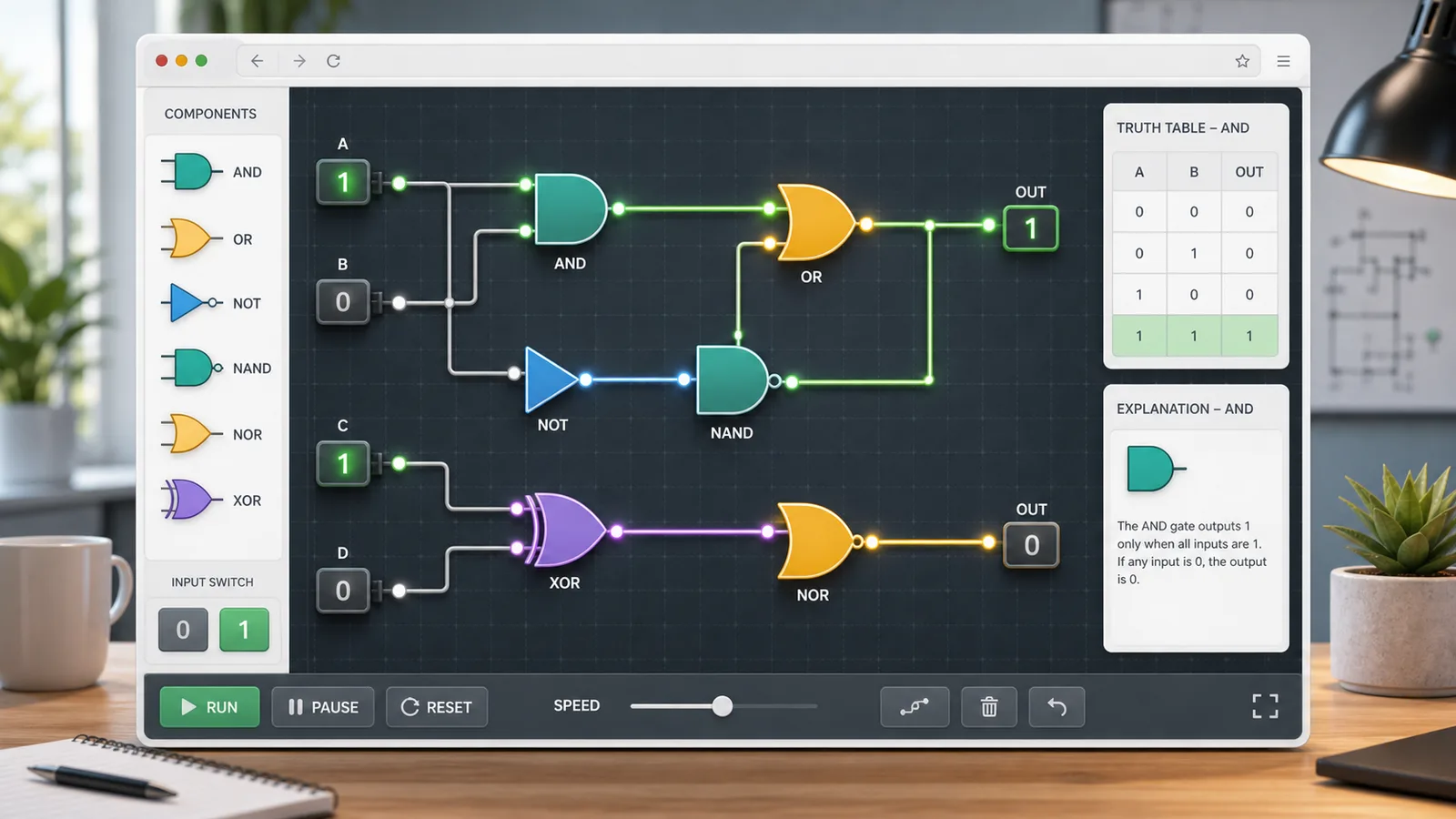
Logic Gate Simulator preview showing logic gates, binary inputs, truth table, explanation, and circuit builder

Logic Gate Simulator

Choose AND, OR, NOT, NAND, NOR, or XOR gates, toggle 0/1 inputs, read truth tables, and build simple circuits.

Open simulator
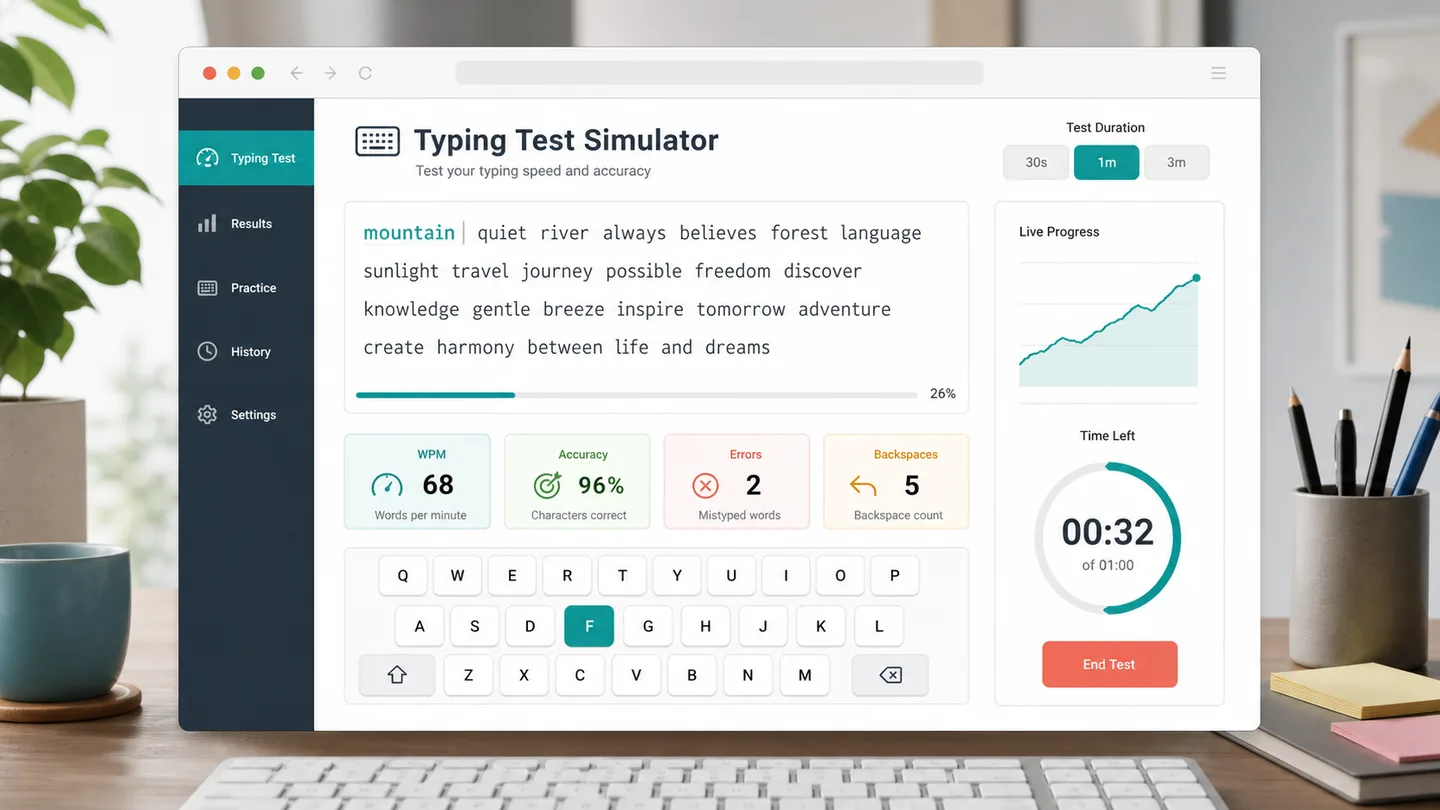
Typing Test Simulator preview showing WPM, accuracy, errors, backspaces, progress, and typing advice

Typing Test Simulator

Choose a 30 second, 1 minute, or 3 minute typing test to track WPM, accuracy, errors, backspaces, and progress.

Open simulator
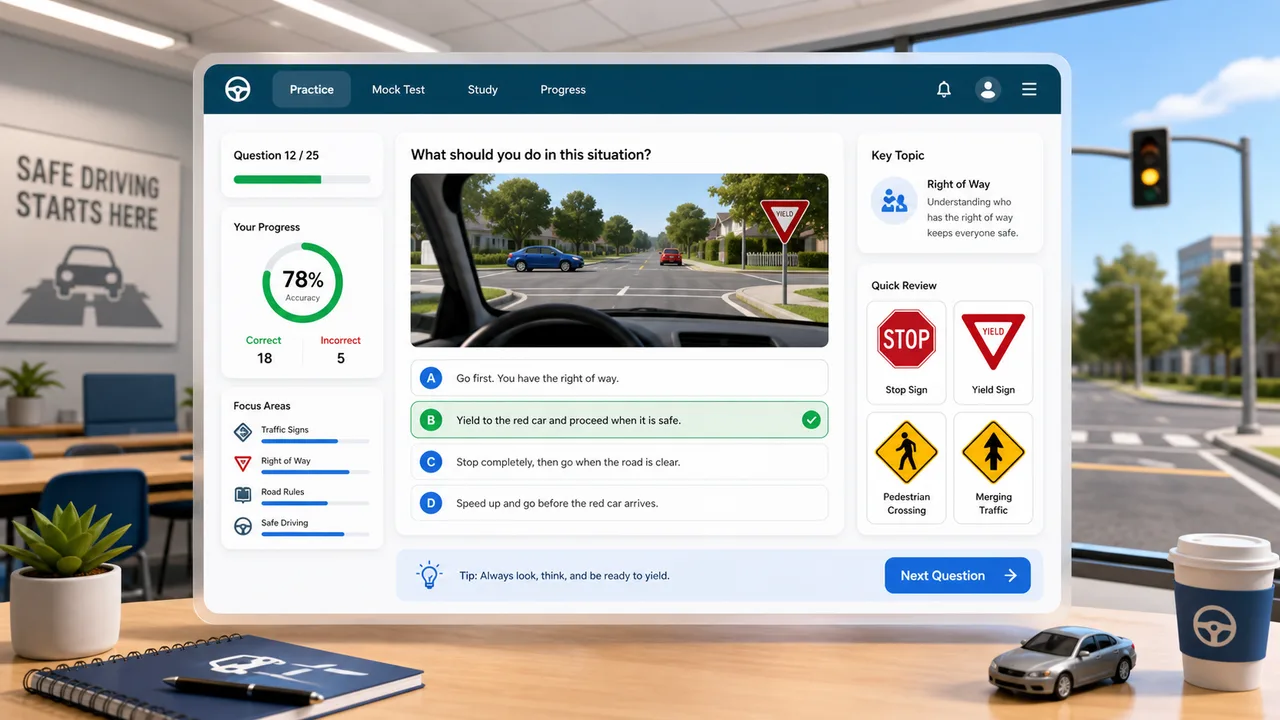
Driving Test Simulator preview showing road rule questions, answer choices, score tracking, and review advice

Driving Test Simulator

Practice traffic signs, right-of-way, hazards, parking rules, and mock exam questions with instant explanations.

Open simulator
OBD2 Code Simulator preview showing a virtual scan tool with trouble codes, freeze frame data, live readings, and diagnostic score

OBD2 Code Simulator

Practice car diagnostic trouble codes, live data, freeze frames, misfires, no-start cases, inspection order, repair cost, and scoring.

Open simulator
Study Time Simulator preview showing subject priorities, daily study plan, pressure index, completion probability, and review tasks

Study Time Simulator

Allocate daily study time by exam date, subject difficulty, mastery, target score, remaining content, pressure, and completion probability.

Open simulator
Dice Probability Simulator preview showing polyhedral dice, target controls, success probability, and a result distribution chart

Dice Probability Simulator

Choose dice count, sides, modifier, target, comparison, advantage, disadvantage, rerolls, and exploding dice to calculate success odds, average result, range, and distribution.

Open simulator

Tabletop Battle Simulator FAQ

Fast answers about Tabletop Battle Simulator damage dice, hit chance, critical hits, armor, kill probability, survival probability, and scope.

Is Tabletop Battle Simulator free?

Yes. Tabletop Battle Simulator runs in the browser and can be used without an account or installation.

Is Tabletop Battle Simulator tied to an official rule system?

No. Tabletop Battle Simulator is a generic probability tool for tabletop combat planning. It does not claim to reproduce any official rules exactly.

What damage dice can Tabletop Battle Simulator parse?

Tabletop Battle Simulator accepts simple dice notation such as 1d8+3, 2d6, 3d4+1, or 1d12-1.

How does Tabletop Battle Simulator handle armor?

Tabletop Battle Simulator subtracts armor reduction from each successful hit before estimating total damage and kill probability.

Can I share a Tabletop Battle Simulator result?

Yes. Share the page with the share buttons, or copy a result link from the tool. The result link stores only the settings you can see.

Start Tabletop Battle Simulator now

Open Tabletop Battle Simulator, enter the attack group, hit rate, damage dice, defense, armor, hit points, and round limit.

Then compare average damage, kill probability, survival probability, expected rounds, and tactic win chance before committing resources.

A result link is created only when you copy it.