Enter Study Time Simulator exam inputs
Add each subject, exam date, exam time, difficulty, mastery, target score, remaining review hours, and daily available study time.
- Use realistic daily hours
- Estimate remaining content in hours, not chapters

Free Study Time Simulator
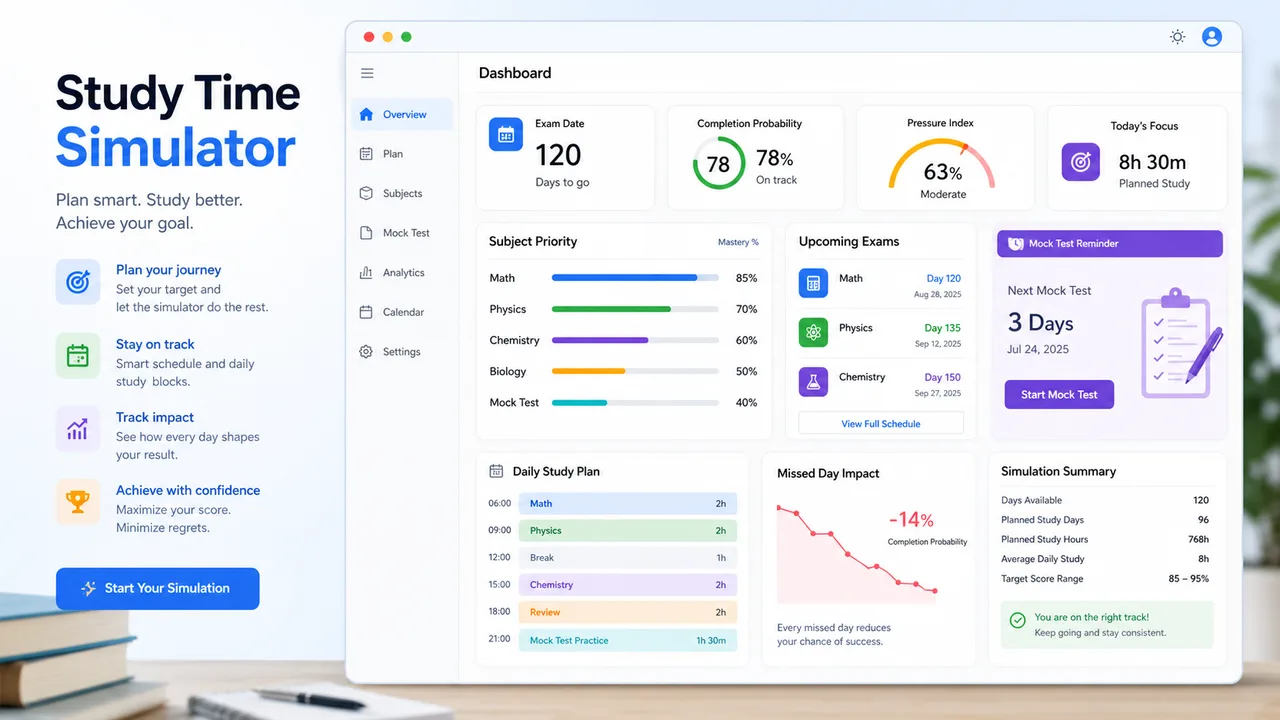
Study Time Simulator weighs exam dates, subject difficulty, current mastery, target grades, remaining content, and daily study time so weak, hard, and urgent subjects get the attention they need.
Built for practical Study Time Simulator planning with priorities, daily tasks, mock-test prompts, missed-day impact, and shareable study summaries.
Start Study Time Simulator here: enter daily study time, exam dates, subject difficulty, mastery, targets, and remaining content to generate a realistic daily review plan.
Add subjects, exam dates, exam times, difficulty, mastery, target score, remaining review hours, and daily available study time. Study Time Simulator recalculates the plan instantly.
Add each subject with its exam date, exam time, difficulty, mastery, target score, and remaining review content.
Normal edits keep the clean URL. Copy a result link only when you want to share the current plan summary.
Study pressure index
0
Completion probability
0%
Remaining review
0h
Required daily time
0h
Study Time Simulator gives more time to weak, difficult, high-target, high-volume, and closer exam subjects.
Today’s time is split across the highest-priority subjects with learning, review, practice, and rest cues.
Use these tasks to decide what to actually do inside each study block.
Study Time Simulator checks whether the remaining work fits the available daily hours and buffer days.
Suggestions focus on weak subjects, mock tests, low-priority trimming, and smaller daily tasks.
Study Time Simulator is an educational planning tool. Adjust the plan for your school calendar, teacher requirements, health, and rest needs.
Study Time Simulator turns exam deadlines and learning gaps into a daily schedule you can revise as mastery changes.
Study Time Simulator ranks each subject using exam date, difficulty, current mastery, target score, and remaining review content.
Study Time Simulator outputs what to study today, how long each subject gets, whether to review mistakes, add a mock test, or keep a rest buffer.
Use Study Time Simulator to turn a list of exams into a plan that changes when your time or mastery changes.
Add each subject, exam date, exam time, difficulty, mastery, target score, remaining review hours, and daily available study time.
Check which subjects are weak, hard, close, or high-volume, then use the allocated time as today’s baseline.
Change daily hours, target scores, mastery, or missed days to see whether the plan still finishes on time.
If one missed day breaks the plan, add a buffer or trim low-priority content now.
Explore more simulatorsStudy Time Simulator gives you more than a calendar: it shows priority, pressure, risk, and next actions.
Give closer exams more weight while still keeping later exams in the plan.
Combine difficulty, mastery, target score, and remaining content into one priority score.
See today’s subjects, time blocks, learning mode, review mode, and concrete tasks.
Check whether the plan is manageable, heavy, or high risk before time runs out.
Estimate how much a missed day increases later daily study pressure.
Copy the plan or explicit result link when you want to share the schedule.
Study Time Simulator is useful when several subjects compete for the same limited study hours.
Balance several subjects with different exam dates and difficulty levels.
ExamsGive weak and hard subjects more time without forgetting review for mastered topics.
Weak areasFind out if the remaining content can fit before the exam date.
PaceChange target scores or mastery to see how the plan changes.
TargetsAfter Study Time Simulator, explore more free education and planning simulators.
Calculate the final exam score you need, test weighted course modules, and compare 70, 80, 90, and 100 scenarios.
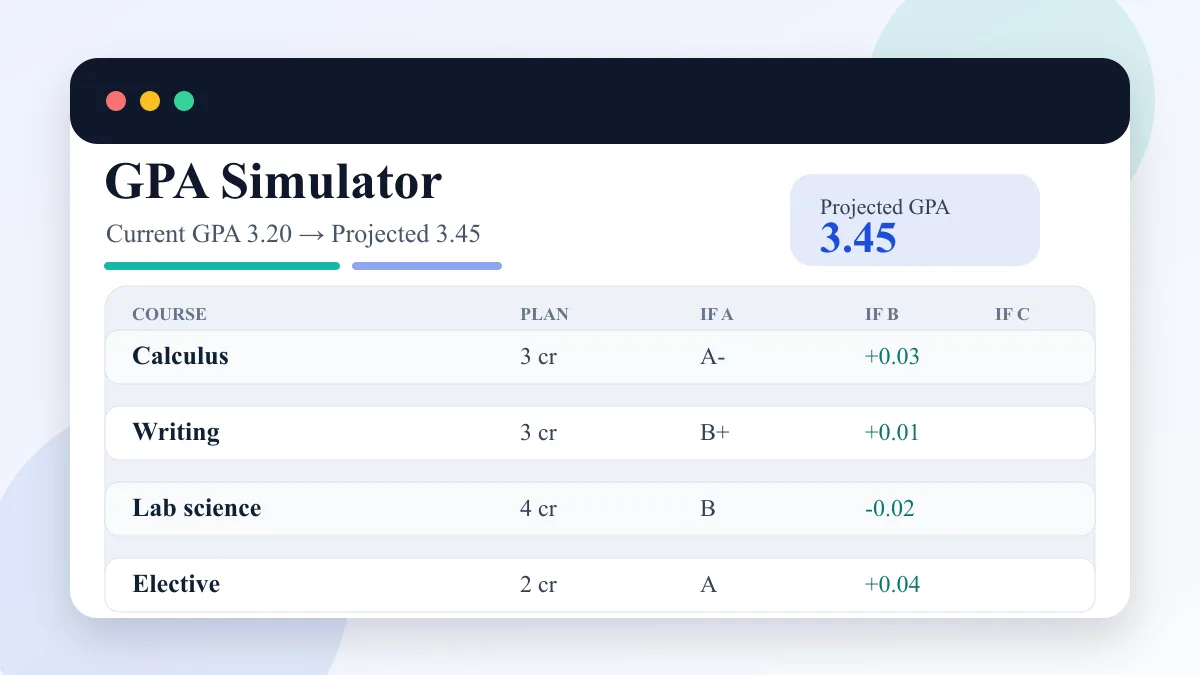
Enter current GPA, completed credits, target GPA, and semester courses to compare A/B/C GPA scenarios.
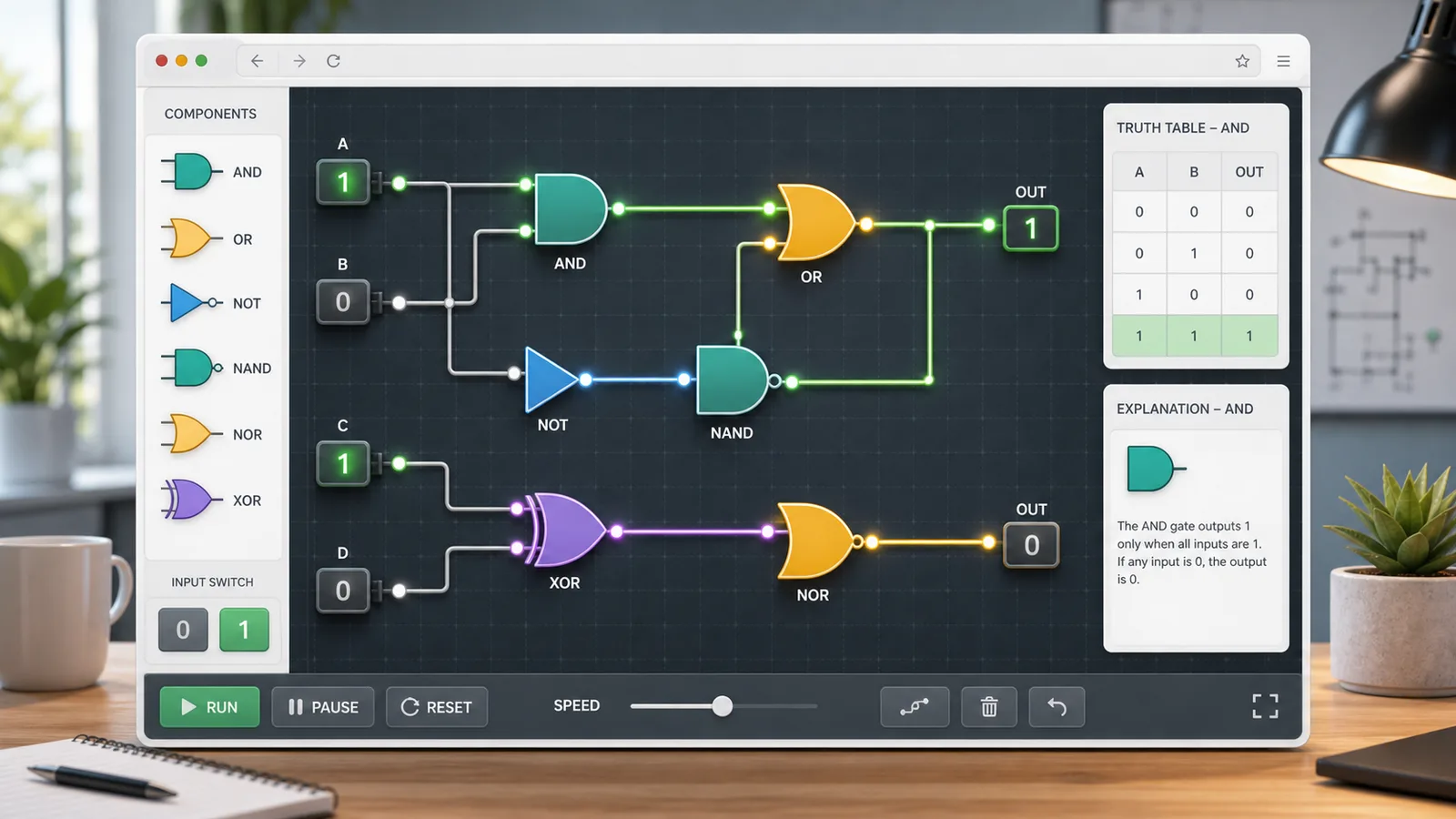
Choose AND, OR, NOT, NAND, NOR, or XOR gates, toggle 0/1 inputs, read truth tables, and build simple circuits.
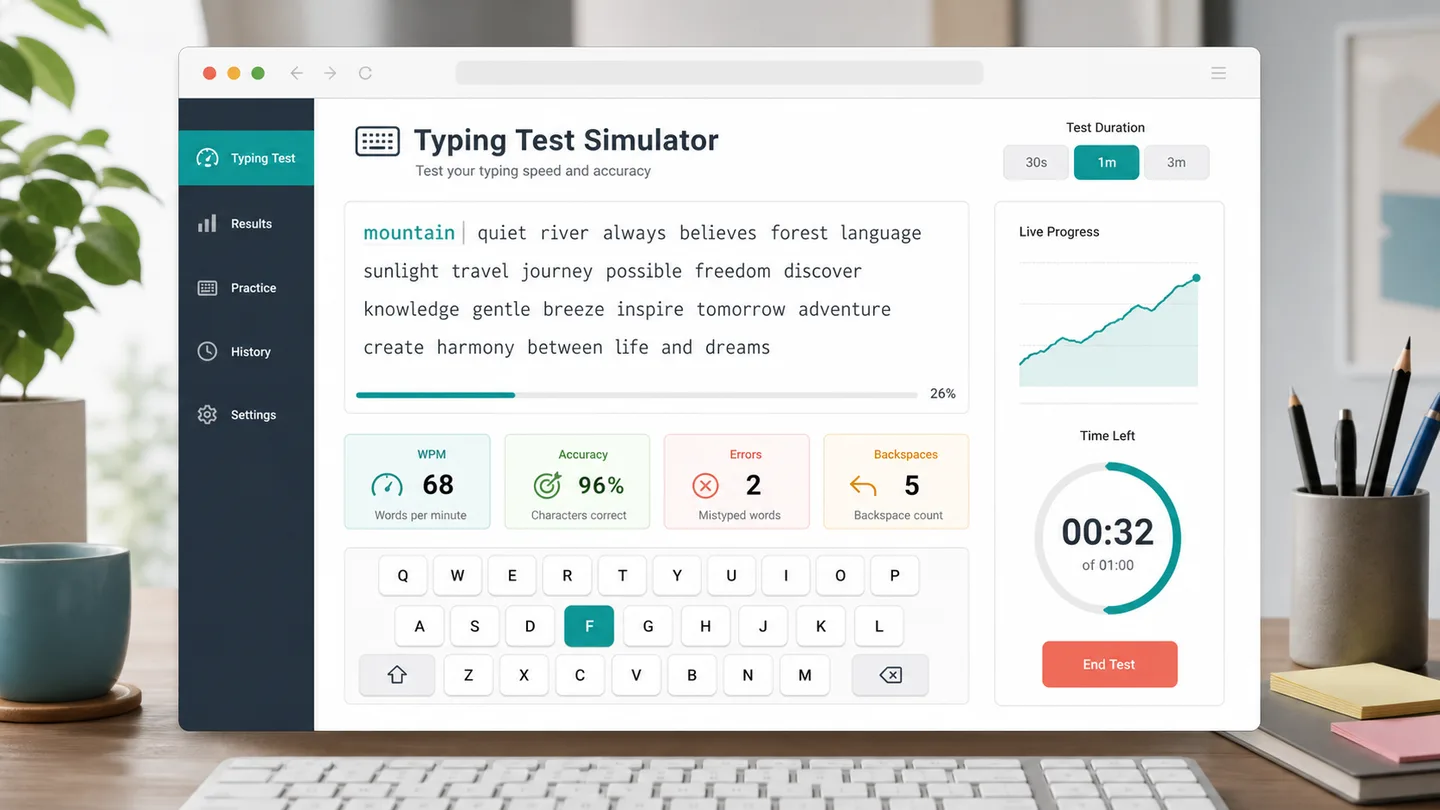
Choose a 30 second, 1 minute, or 3 minute typing test to track WPM, accuracy, errors, backspaces, and progress.
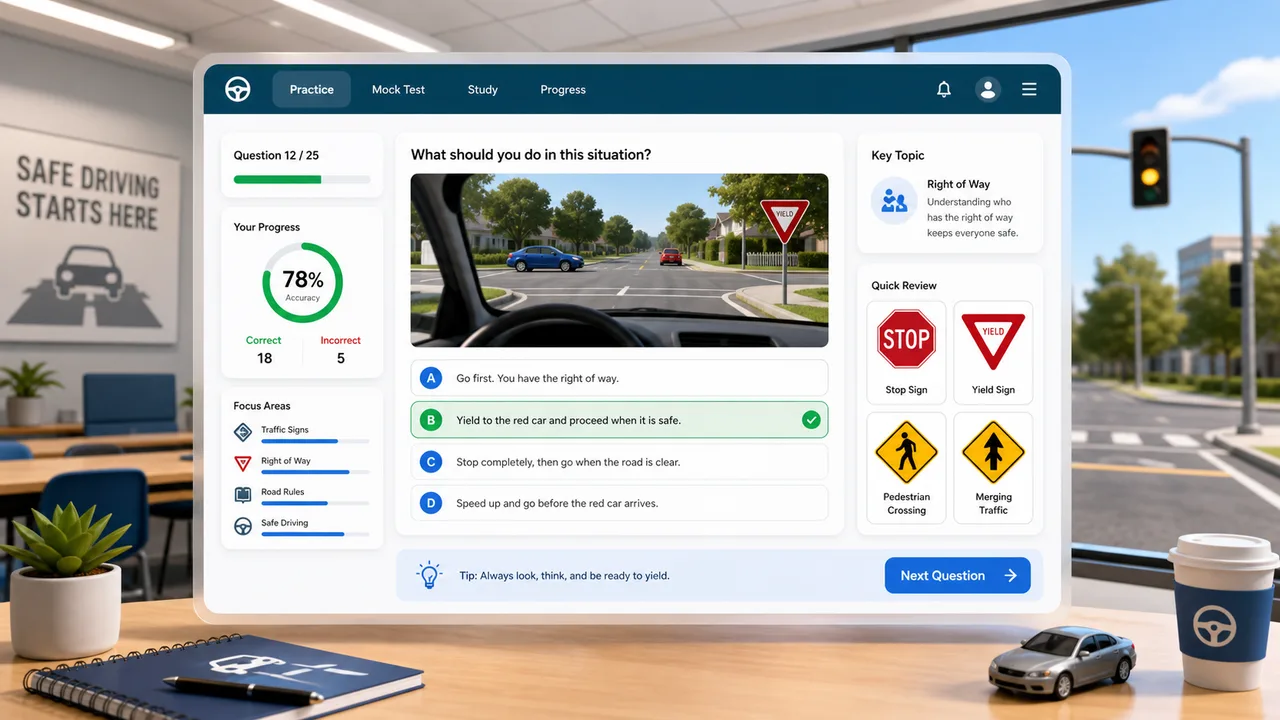
Practice traffic signs, right-of-way, hazards, parking rules, and mock exam questions with instant explanations.
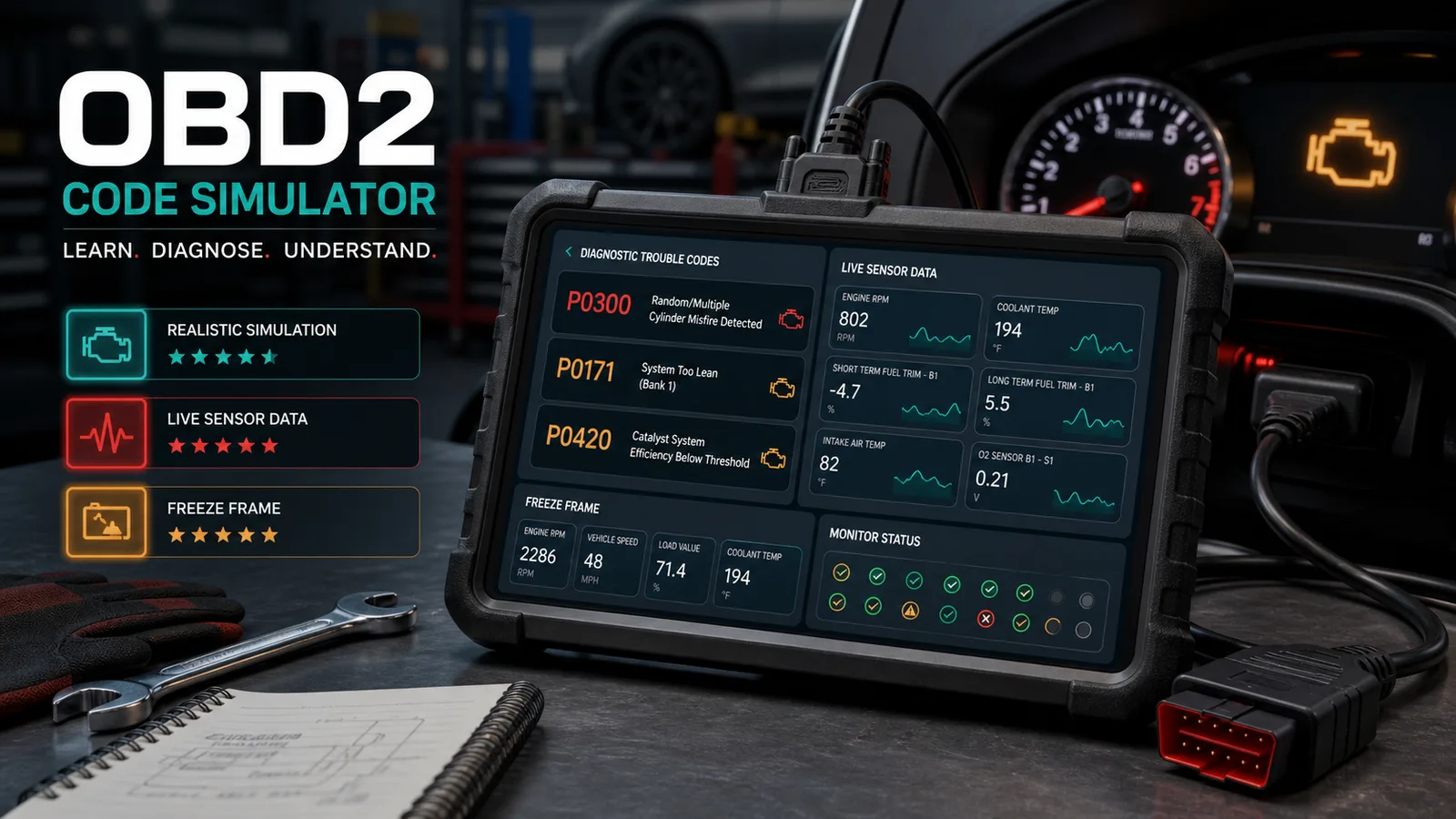
Practice car diagnostic trouble codes, live data, freeze frames, misfires, no-start cases, inspection order, repair cost, and scoring.
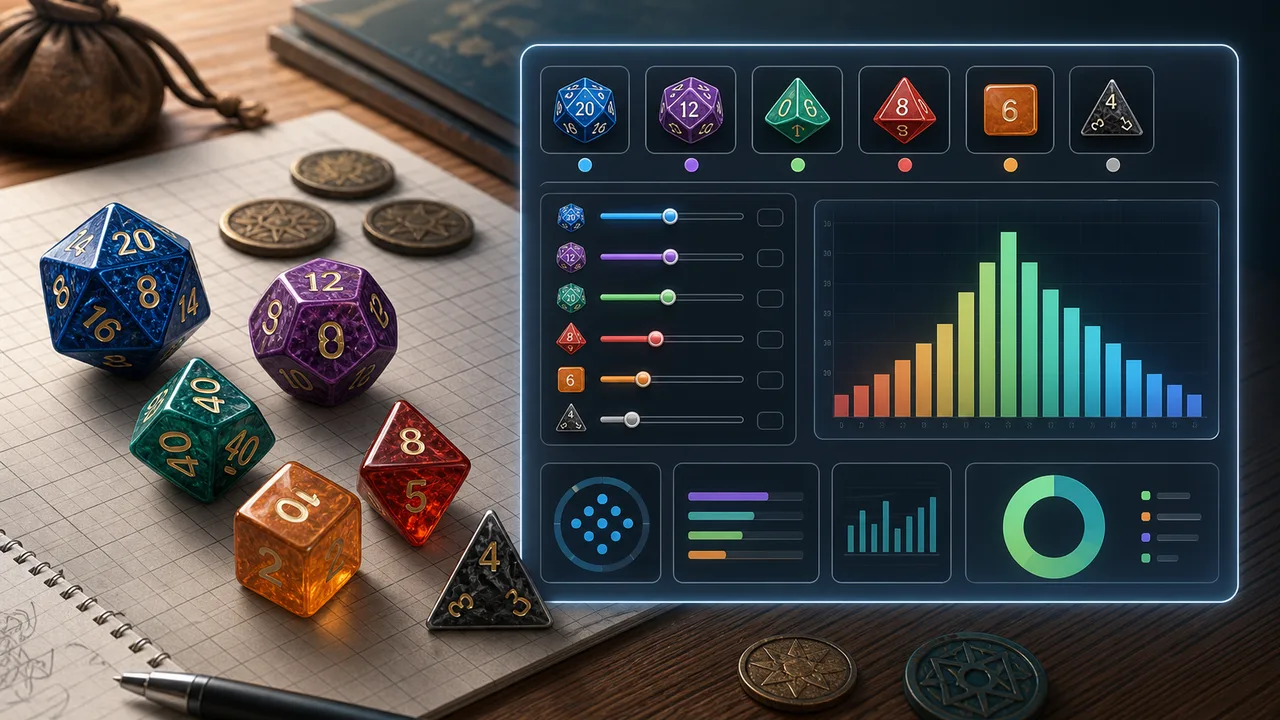
Choose dice count, sides, modifier, target, comparison, advantage, disadvantage, rerolls, and exploding dice to calculate success odds, average result, range, and distribution.
Enter attackers, hit rate, damage dice, critical rules, defense, armor, hit points, and rounds to estimate damage, kill odds, survival odds, expected rounds, and tactic win chance.
Answers about Study Time Simulator priorities, daily plans, pressure index, completion probability, and missed-day impact.
Study Time Simulator combines remaining review content, subject difficulty, current mastery gap, target score gap, and exam urgency. Weak, hard, close, and large subjects receive more time.
Yes. Study Time Simulator compares remaining review hours with daily available time and buffer days to estimate required daily time and completion probability.
Yes. Study Time Simulator lists the subjects to study today, how long to study each, and whether the work is learning, review, practice, mock testing, or rest buffering.
Study Time Simulator estimates how much the missed time increases later daily study pressure, so you can add time or trim low-priority content.
No. Study Time Simulator is a planning aid. Always follow official exam scope, teacher instructions, and your own health and rest needs.
Use Study Time Simulator to rank subjects, split daily study time, and see whether the plan can finish before exams.
Then adjust daily hours, mastery, or targets until the pressure index is realistic.
Study Time Simulator creates a parameterized result URL only when you explicitly copy a result link.