Enter a Dice Probability Simulator dice pool
Choose how many dice to roll, how many sides each die has, and the modifier added to the total.
- Use 1d20 plus a modifier for common checks
- Use multiple d6 or d8 dice for damage pools and resource rolls
Free Dice Probability Simulator
Dice Probability Simulator helps DnD players, tabletop players, probability learners, and game designers compare dice pools, target numbers, modifiers, advantage, disadvantage, rerolls, and exploding dice rules in seconds.
Built for d20 checks, damage pools, 3d6 ability rolls, custom dice, and quick game-design probability checks.
Start Dice Probability Simulator here: choose dice count, die sides, modifier, target, comparison, advantage or disadvantage, low rerolls, and exploding dice depth.
Adjust the dice pool, target rule, and optional tabletop rules. Dice Probability Simulator updates the full probability distribution instantly.
Dice pool
Optional rules
Normal edits keep the clean page URL. Copy a result link only when you want to share the selected dice scenario.
Success probability
Failure probability
Average result
Lowest to highest
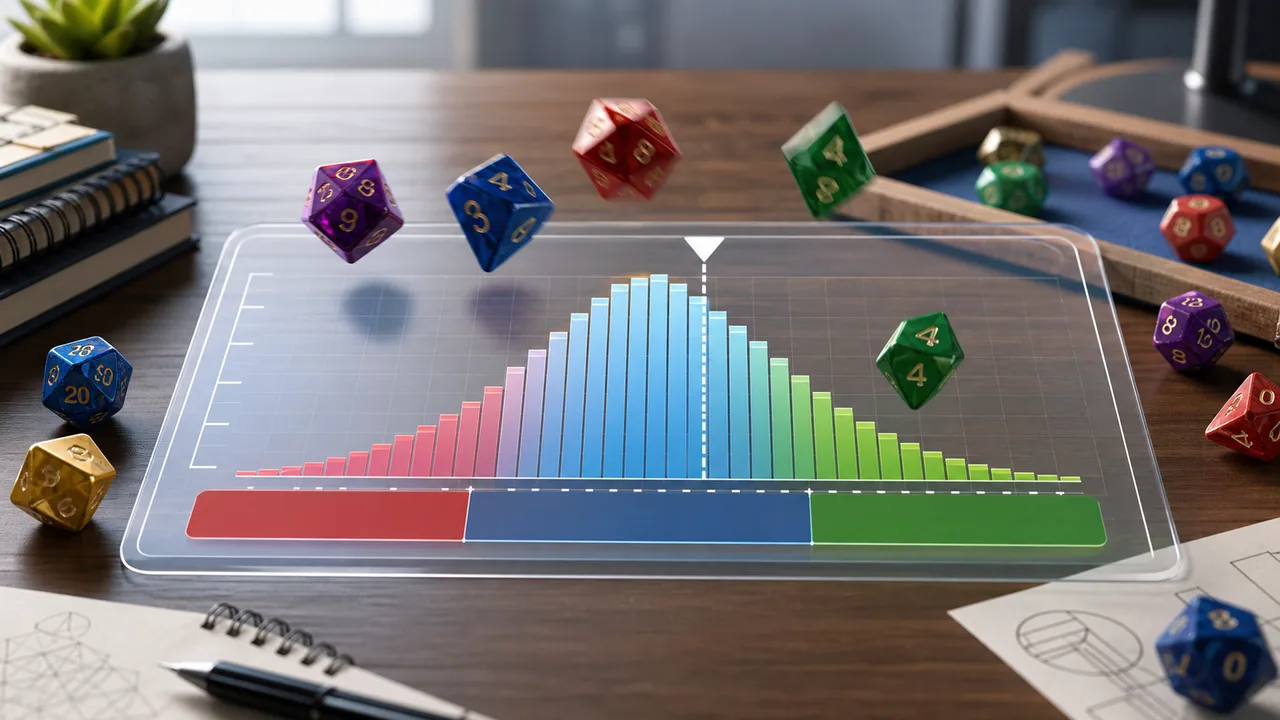
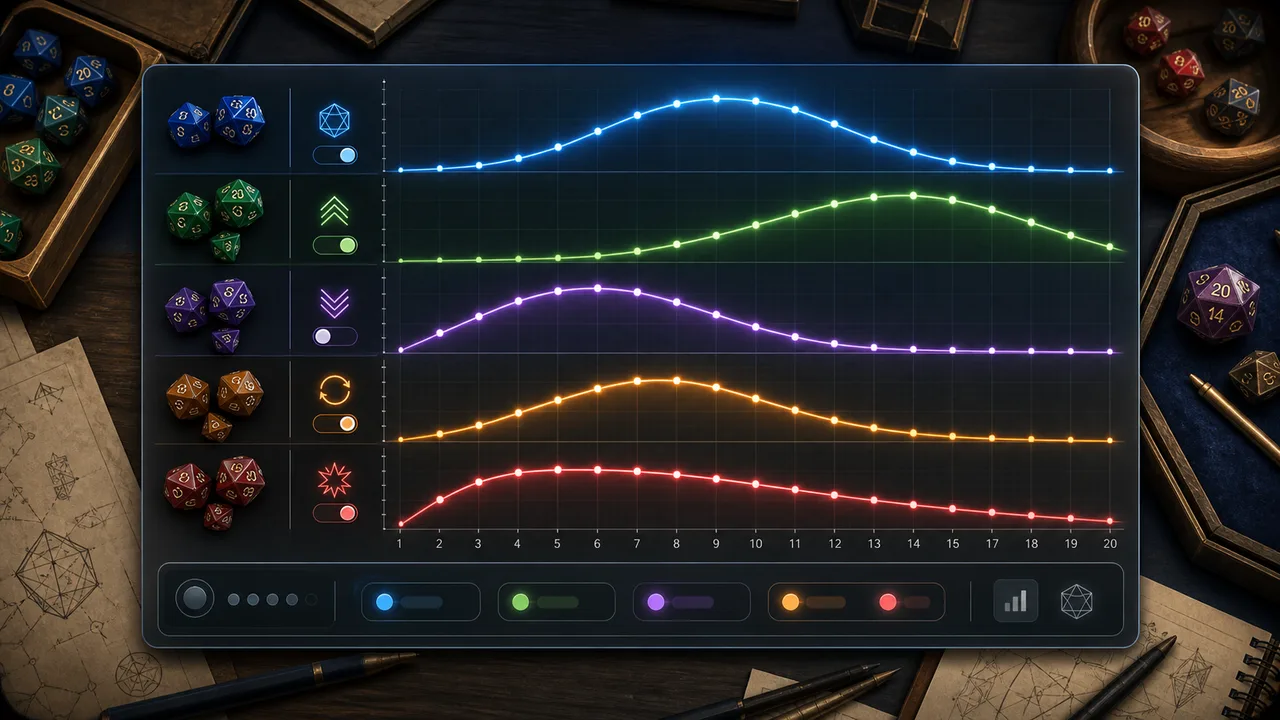
Bars show the probability of each total after modifiers and selected rules. Dim bars miss the target.
Compare how success probability changes when the number of dice changes while sides, modifier, target, and rules stay the same.
Dice Probability Simulator is an educational calculator. Advantage and disadvantage roll the whole selected dice pool twice and keep the higher or lower total; exploding dice use a finite depth so the browser can show a stable distribution.
Dice Probability Simulator turns dice notation and tabletop rules into readable probabilities, averages, ranges, and charts.
Dice Probability Simulator shows which totals are common, which totals clear the target, and how the average moves after modifiers.
Dice Probability Simulator compares normal rolls, advantage, disadvantage, low rerolls, and exploding dice so you can see which rule changes the odds.
Use this Dice Probability Simulator guide to test target numbers, modifiers, dice pools, and special rolling rules before a game decision.
Choose how many dice to roll, how many sides each die has, and the modifier added to the total.
Pick the target number and whether success means at least, greater than, equal to, at most, or less than that target.
Turn on advantage, disadvantage, one-time low rerolls, or exploding dice to see how the success chance and distribution change.
Advantage changes the shape most strongly near the middle of a target range, while exploding dice mostly add a long high-result tail.
Explore more simulatorsDice Probability Simulator focuses on the numbers tabletop players actually compare: success chance, failure chance, average total, range, and distribution shape.
Choose 1 to 20 dice and common die sizes from d4 to d100.
Test at least, greater than, exact, at most, and less-than targets.
Roll the selected pool twice and keep the higher or lower total for advantage-style comparisons.
Reroll low individual dice once and see how the average and success chance move.
Add capped exploding dice to study long-tail high results without slowing the browser.
Read the histogram and dice-count comparison before choosing a rule or target.
Dice Probability Simulator is useful anywhere a dice result has a cost, risk, reward, or learning goal.
Check whether a target number is realistic before spending advantage, inspiration, or a limited resource.
Compare custom dice pools, damage rolls, skill checks, and house rules.
Use distributions and exact-result targets to understand averages, tails, and cumulative probability.
Tune targets, rerolls, advantage rules, and exploding dice before playtesting.
After Dice Probability Simulator, try related browser tools for learning, planning, logic, physics, and classroom-style experiments.
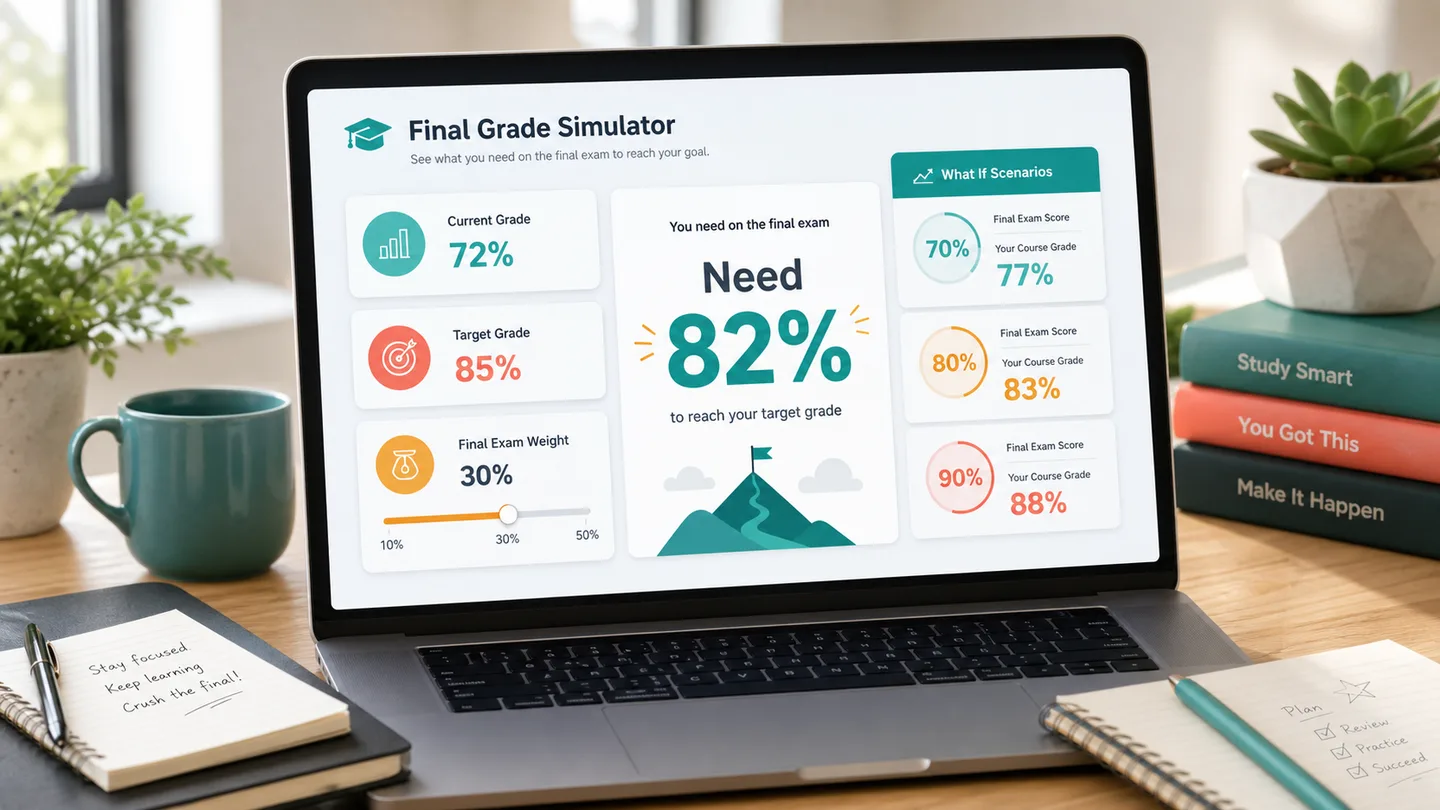
Calculate the final exam score you need, test weighted course modules, and compare 70, 80, 90, and 100 scenarios.
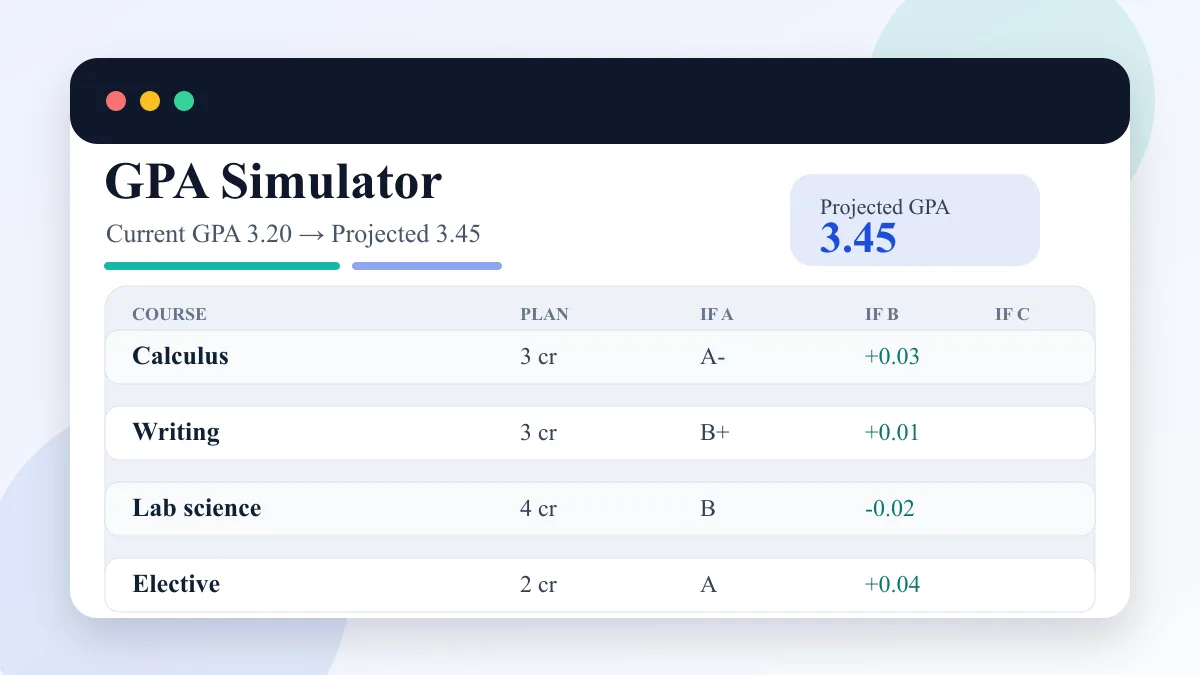
Enter current GPA, completed credits, target GPA, and semester courses to compare A/B/C GPA scenarios.
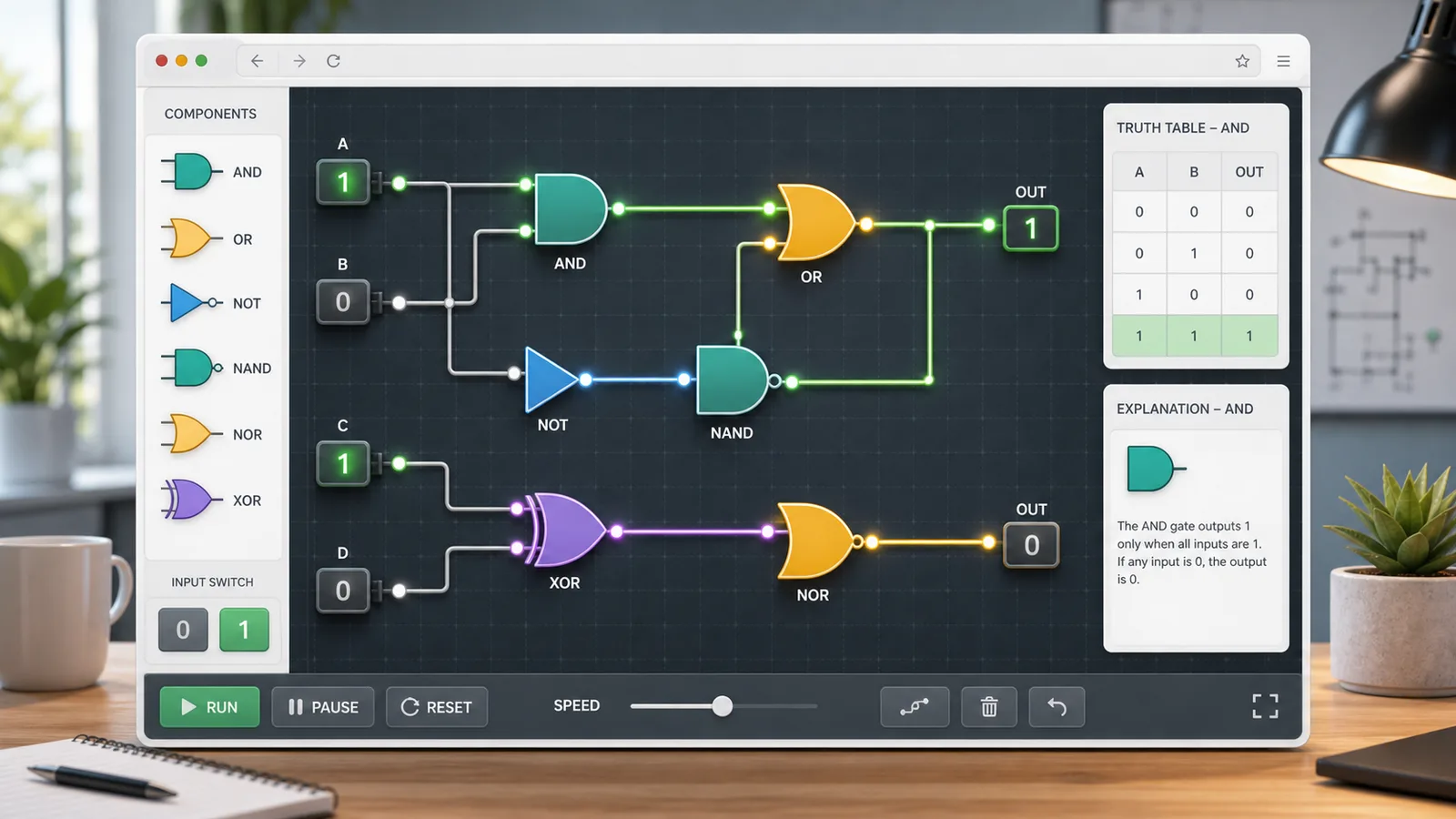
Choose AND, OR, NOT, NAND, NOR, or XOR gates, toggle 0/1 inputs, read truth tables, and build simple circuits.
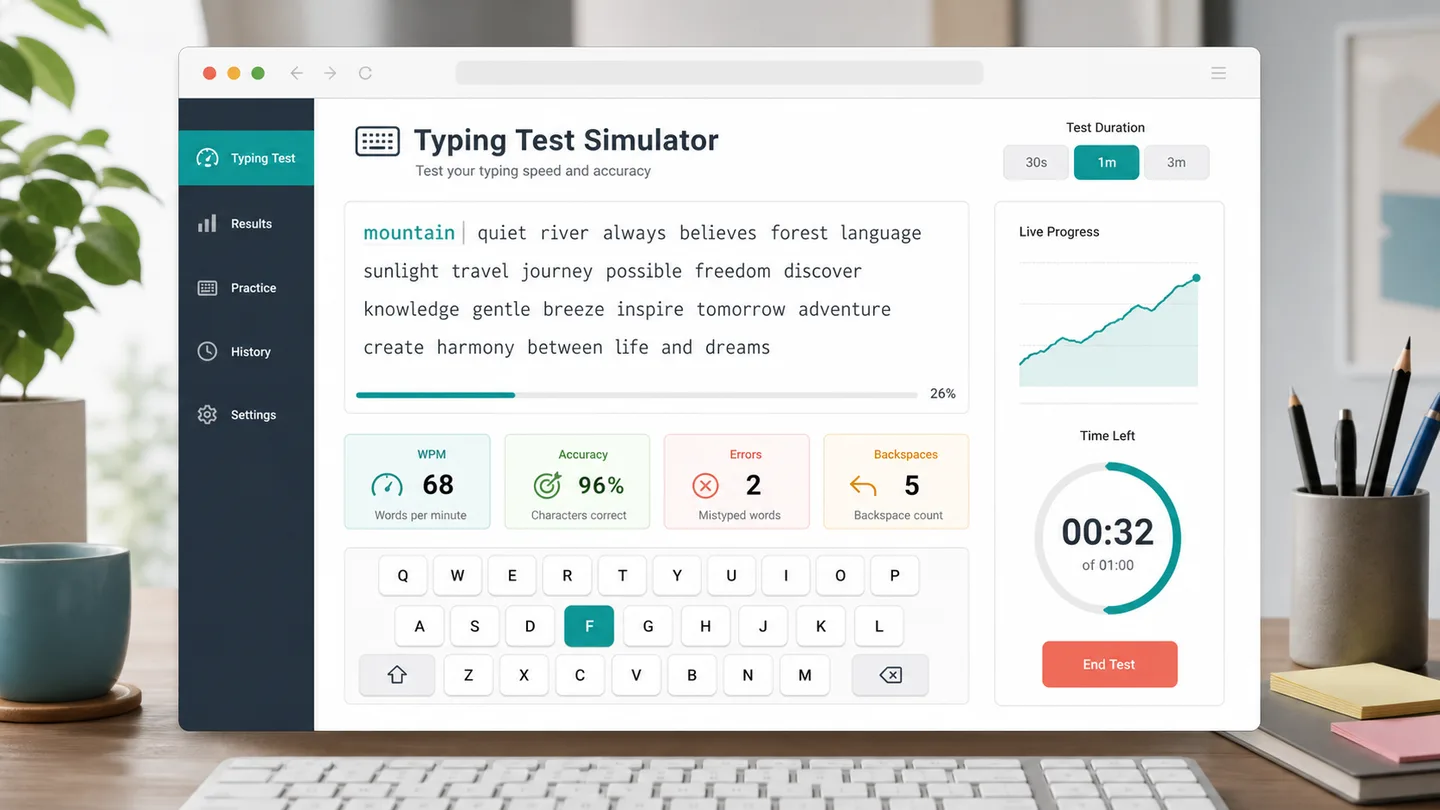
Choose a 30 second, 1 minute, or 3 minute typing test to track WPM, accuracy, errors, backspaces, and progress.
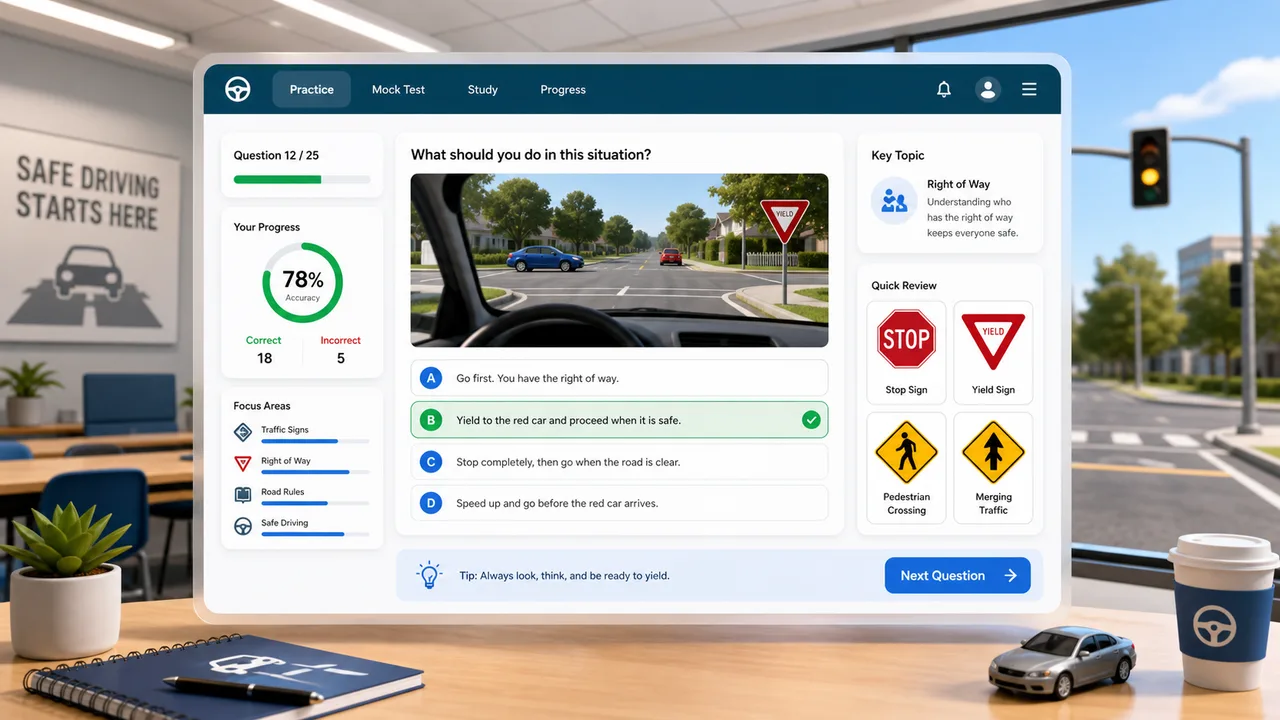
Practice traffic signs, right-of-way, hazards, parking rules, and mock exam questions with instant explanations.
Practice car diagnostic trouble codes, live data, freeze frames, misfires, no-start cases, inspection order, repair cost, and scoring.
Allocate daily study time by exam date, subject difficulty, mastery, target score, remaining content, pressure, and completion probability.
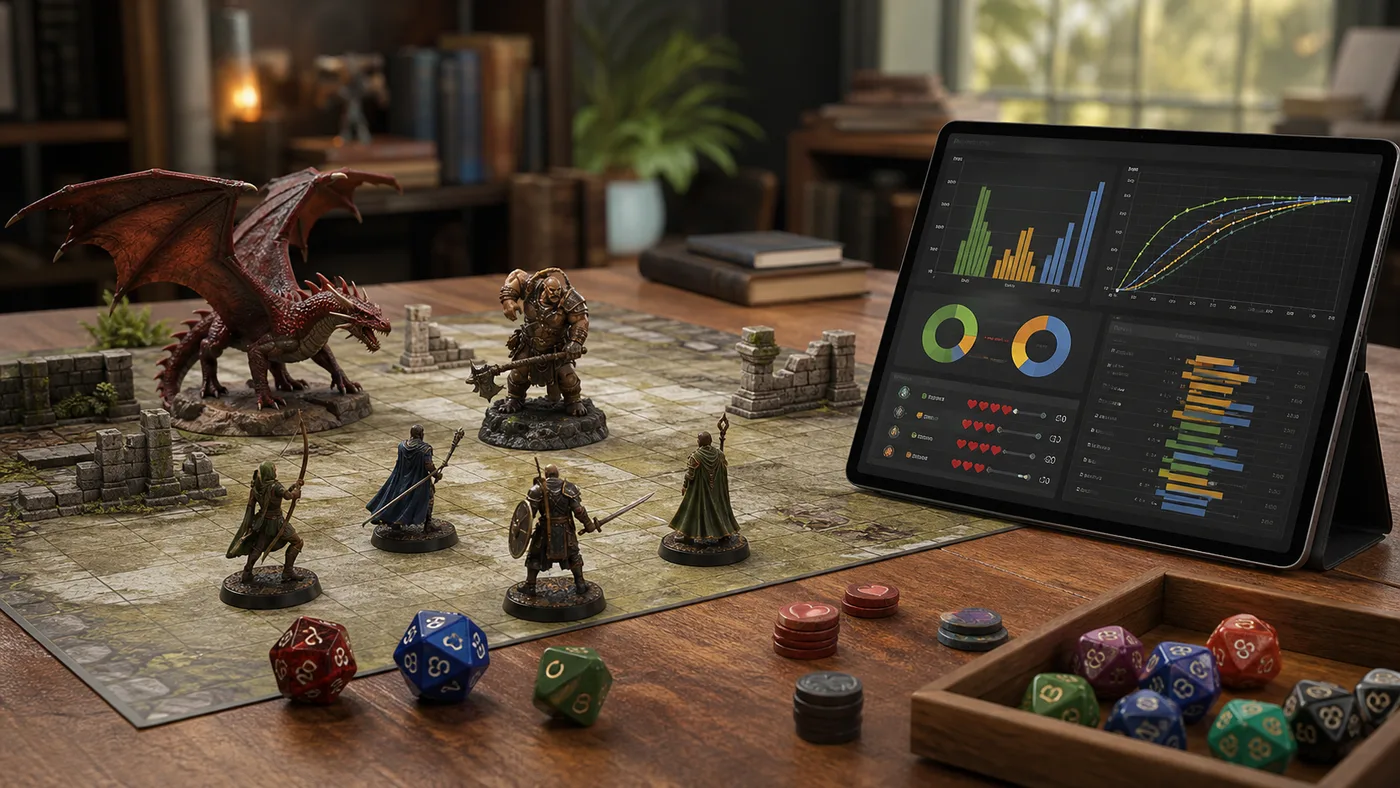
Enter attackers, hit rate, damage dice, critical rules, defense, armor, hit points, and rounds to estimate damage, kill odds, survival odds, expected rounds, and tactic win chance.
Answers about how Dice Probability Simulator calculates target rolls, advantage, rerolls, exploding dice, and distribution charts.
Dice Probability Simulator calculates success probability, failure probability, average result, lowest and highest displayed results, most likely result, and a result distribution for the dice rules you choose.
Dice Probability Simulator rolls the entire selected dice pool twice. Advantage keeps the higher total and disadvantage keeps the lower total. For a single d20, this matches the common roll-two-d20 style.
Yes. When low rerolls are enabled, each individual die at or below the threshold is rerolled once, and the new result is kept even if it is still low.
Dice Probability Simulator adds another roll whenever a die lands on its highest face. Because unlimited exploding dice have an infinite tail, the tool uses the depth you choose to keep the browser chart finite and fast.
No. Dice Probability Simulator works for DnD-style d20 checks, tabletop RPG dice pools, board games, classroom probability examples, and game-design experiments with custom targets.
Open Dice Probability Simulator, enter a dice pool and target, then compare success probability, failure probability, average result, range, and distribution.
Use the rule toggles to see whether advantage, disadvantage, rerolls, or exploding dice make the roll worth taking.
Free, browser-based, and designed for fast tabletop and probability decisions.