Stopping Distance Simulator choose a scene
Start with school gate, highway, or rainy road so Stopping Distance Simulator has a realistic baseline.
- Use school gate for low-speed comparison
- Use highway to see speed growth
Compare how speed, reaction time, weather, road surface, and tires change the distance you need to notice a hazard and stop safely.
Read the guideStart Stopping Distance Simulator here. Enter the driving conditions, then watch the road visualization split reaction distance, braking distance, and total stopping distance.
Adjust one condition at a time to see how speed, reaction time, weather, road surface, tires, and vehicle type change the stopping distance.
Share the page, or copy a result link that carries the current driving conditions.
Live road view
Blue shows reaction distance, yellow shows braking distance, and green shows remaining buffer after the vehicle stops.
Reaction distance
-- m
Braking distance
-- m
Total stopping distance
-- m
Total stop time
-- s
Stopping Distance Simulator is an educational estimate based on speed, reaction time, and a friction-style braking model. Real vehicles and roads can vary.
Stopping Distance Simulator turns speed and road conditions into a visual distance bar so the effect of faster driving is easy to see.
Set speed, driver reaction time, weather, road surface, tire condition, and vehicle type, then let Stopping Distance Simulator calculate each part of the stop.
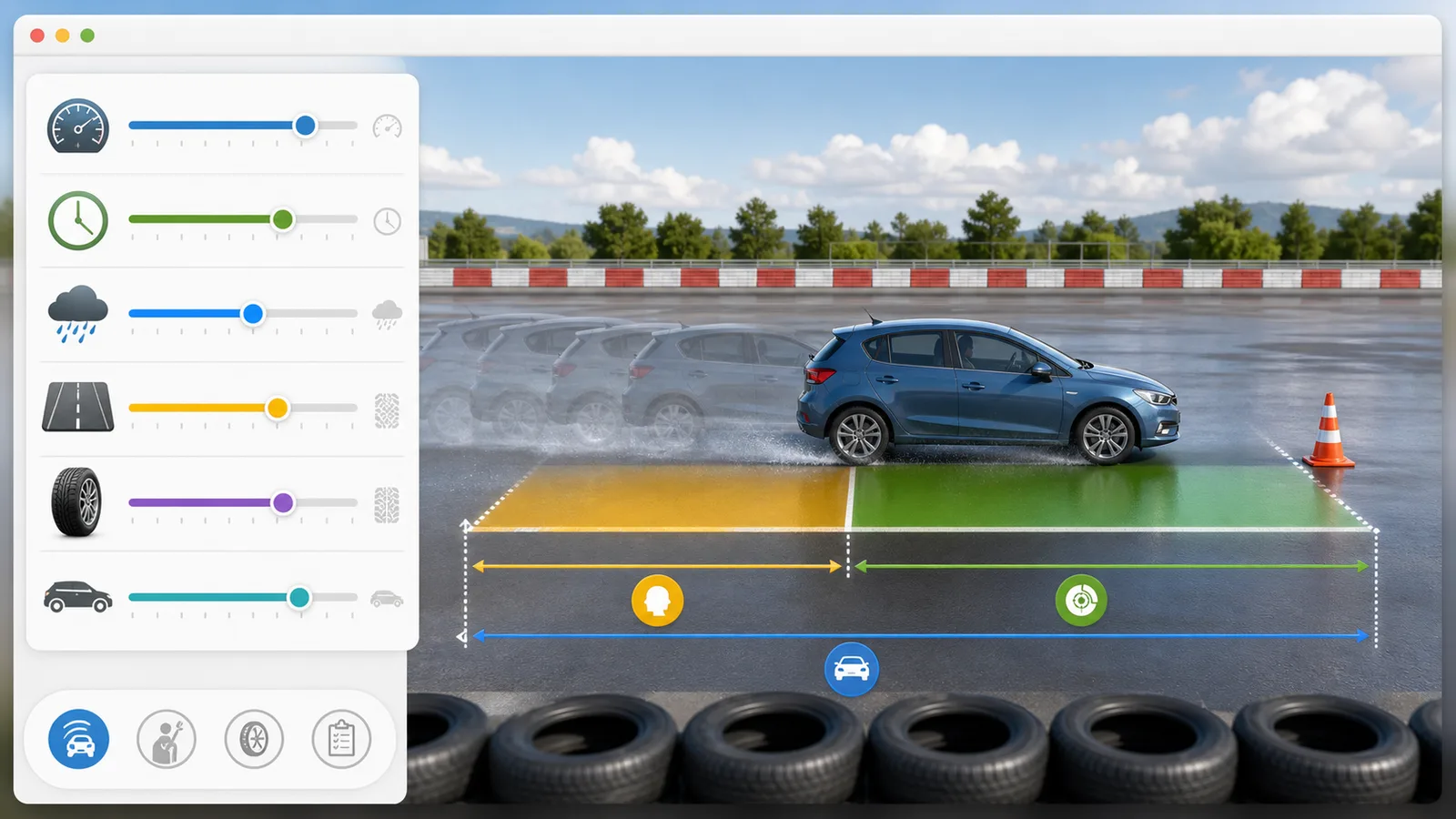
Try school gate, highway, and rainy road presets in Stopping Distance Simulator to see how higher speed and lower grip stretch total stopping distance.
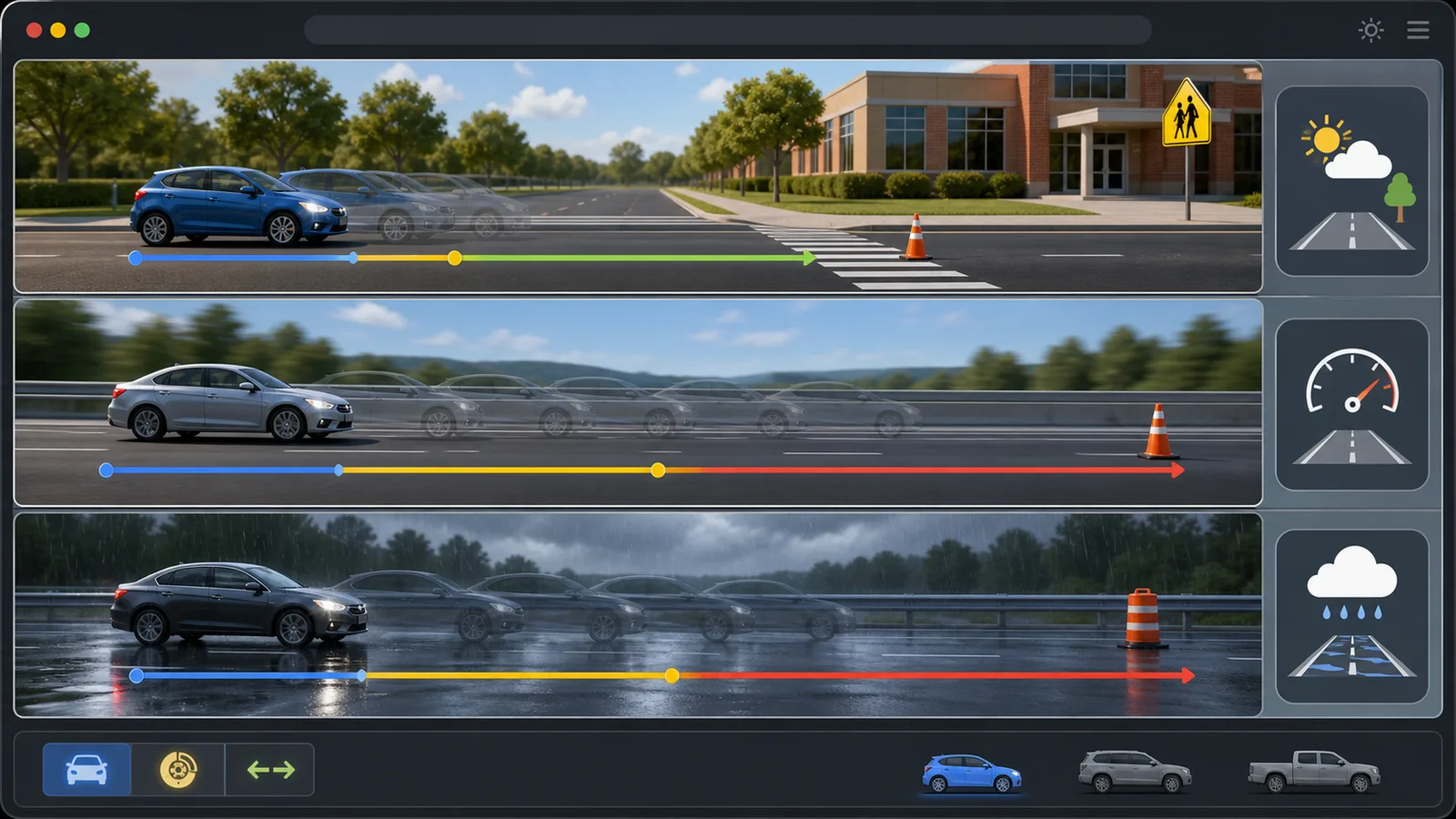
Use this Stopping Distance Simulator guide to build a clear comparison and understand the distance split.
Start with school gate, highway, or rainy road so Stopping Distance Simulator has a realistic baseline.
Move speed, reaction time, weather, road surface, tire condition, or vehicle type one at a time so the result has a clear cause.
Copy a result link when you want to reproduce the same Stopping Distance Simulator settings for a lesson, post, or comparison.
Stopping Distance Simulator keeps the controls, road view, and distance metrics visible together for quick comparisons.
See reaction distance, braking distance, total stopping distance, and buffer distance on one road-style graphic.
Open toolCompare clear weather, rain, snow, asphalt, gravel, icy roads, tire wear, and common vehicle types.
Try presetsCopy a result link only when you want to keep the current speed and road settings.
Read FAQFinished with Stopping Distance Simulator? Try another free simulator from the same collection.
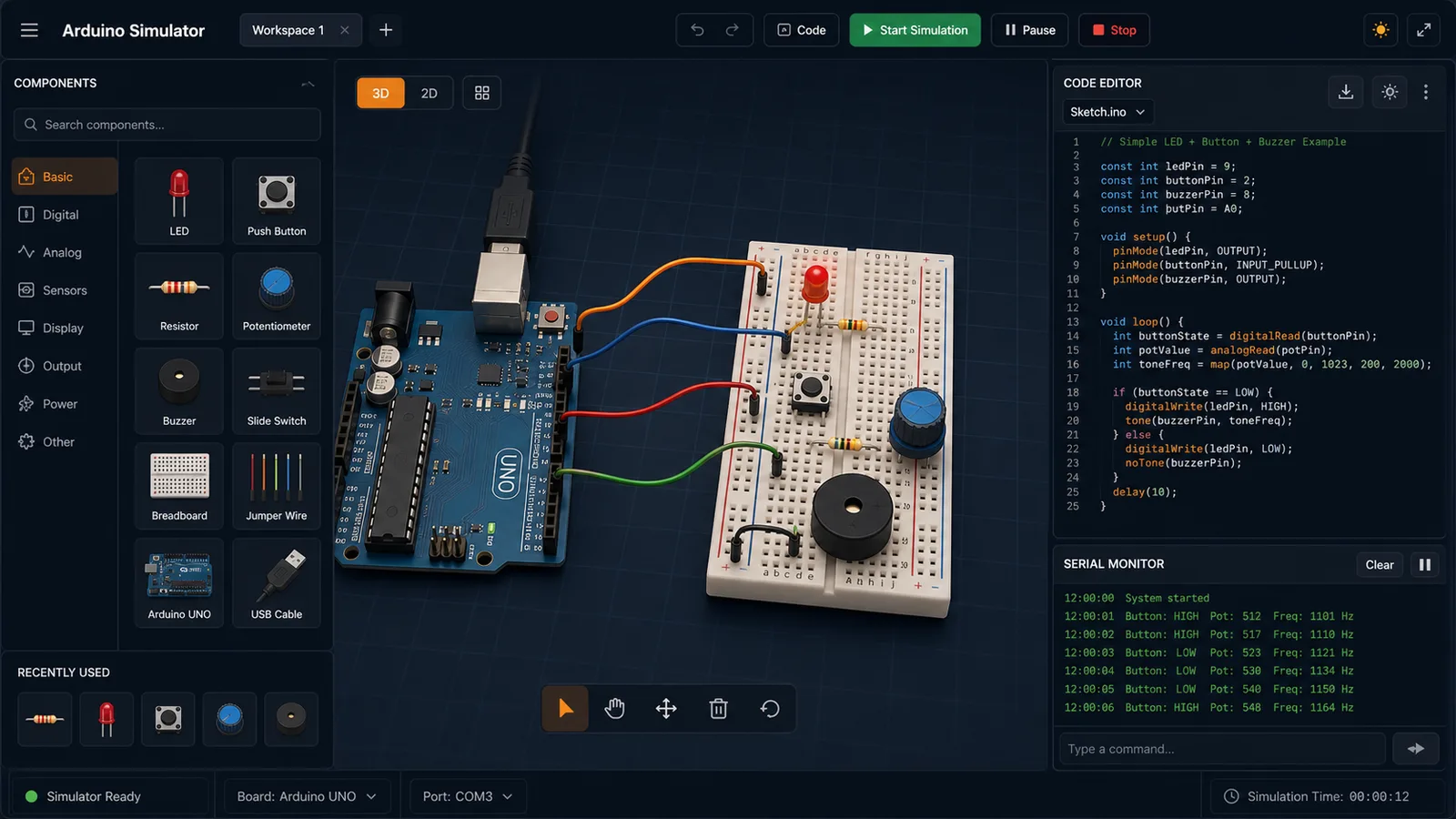
Drag LED, resistor, button, potentiometer, and buzzer parts into a browser circuit and run beginner Arduino sketches.
Open tool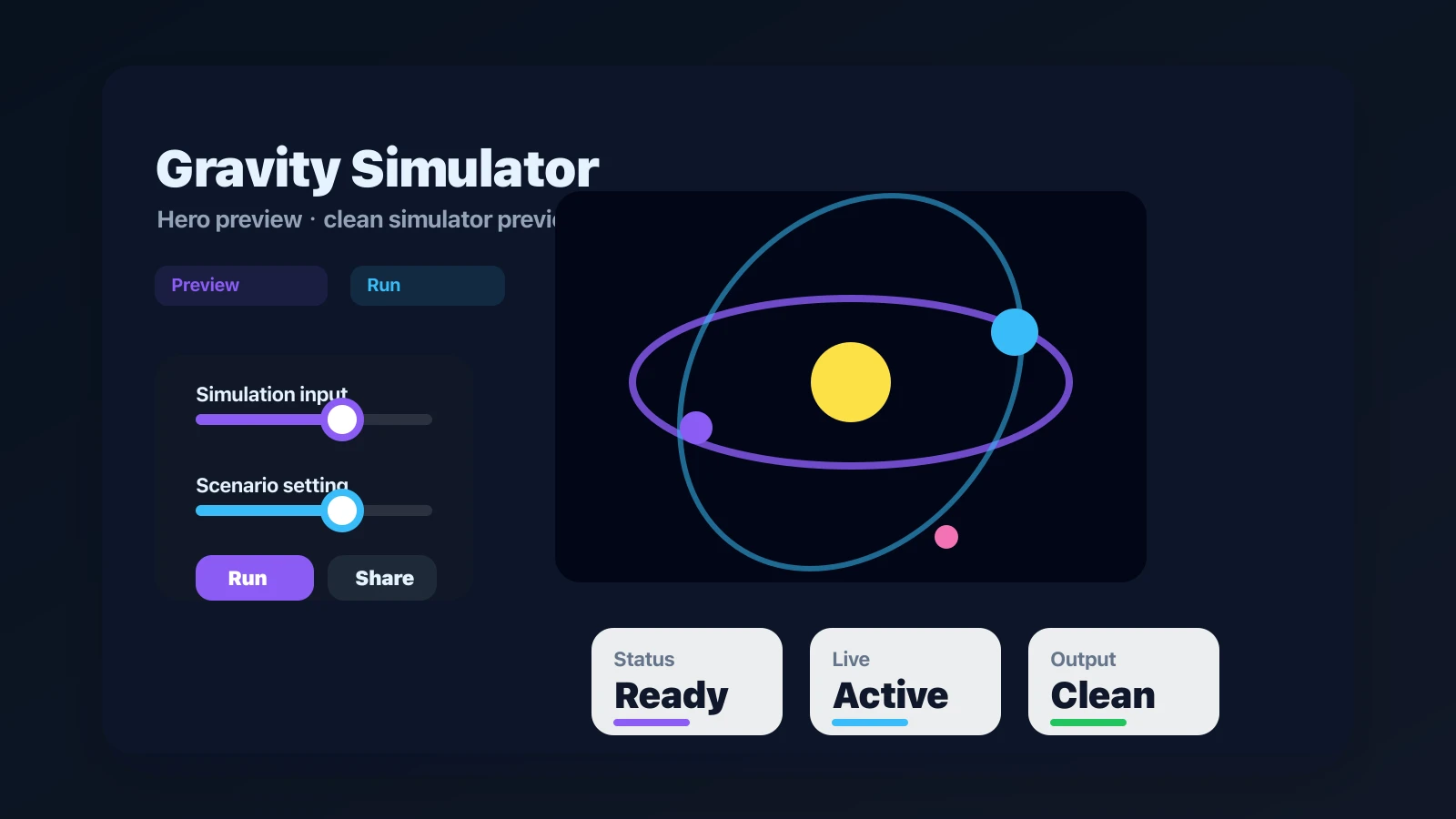
Drop planets, stars, and black holes into an N-body physics sandbox with shareable presets.
Open tool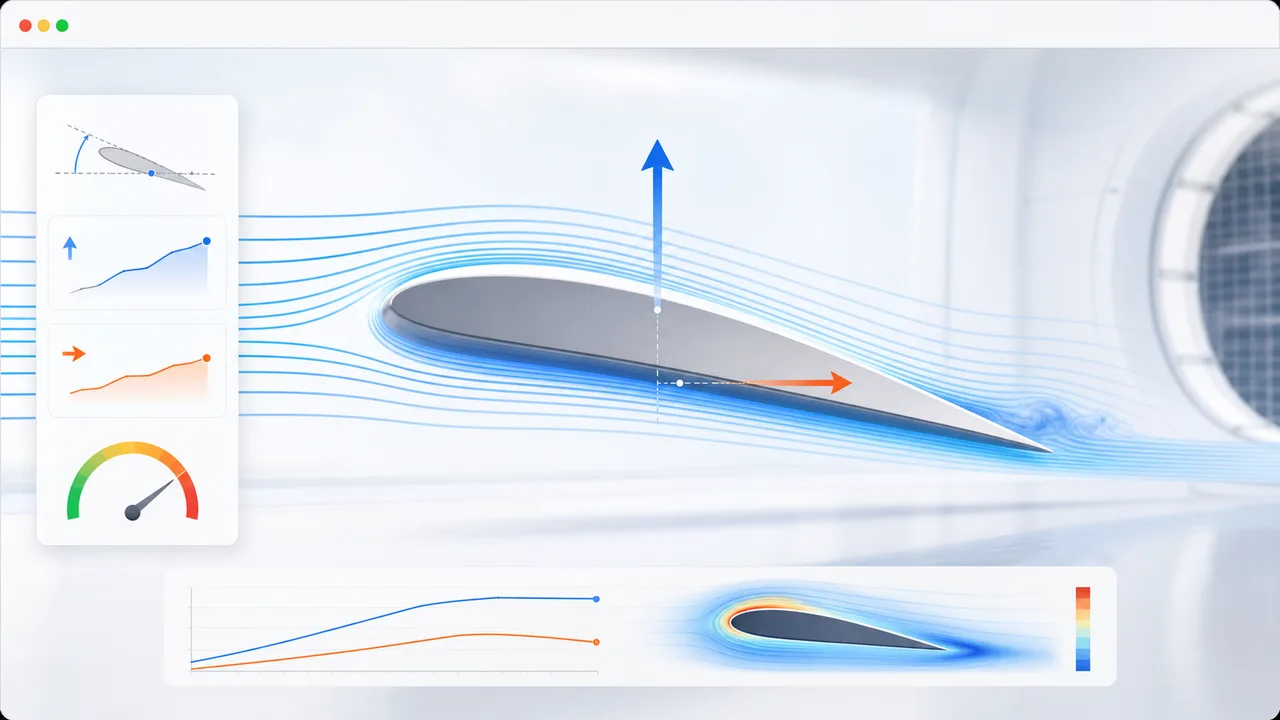
Set angle of attack, air speed, wing area, air density, and airfoil shape to estimate lift, drag, lift-to-drag ratio, and stall risk.
Open tool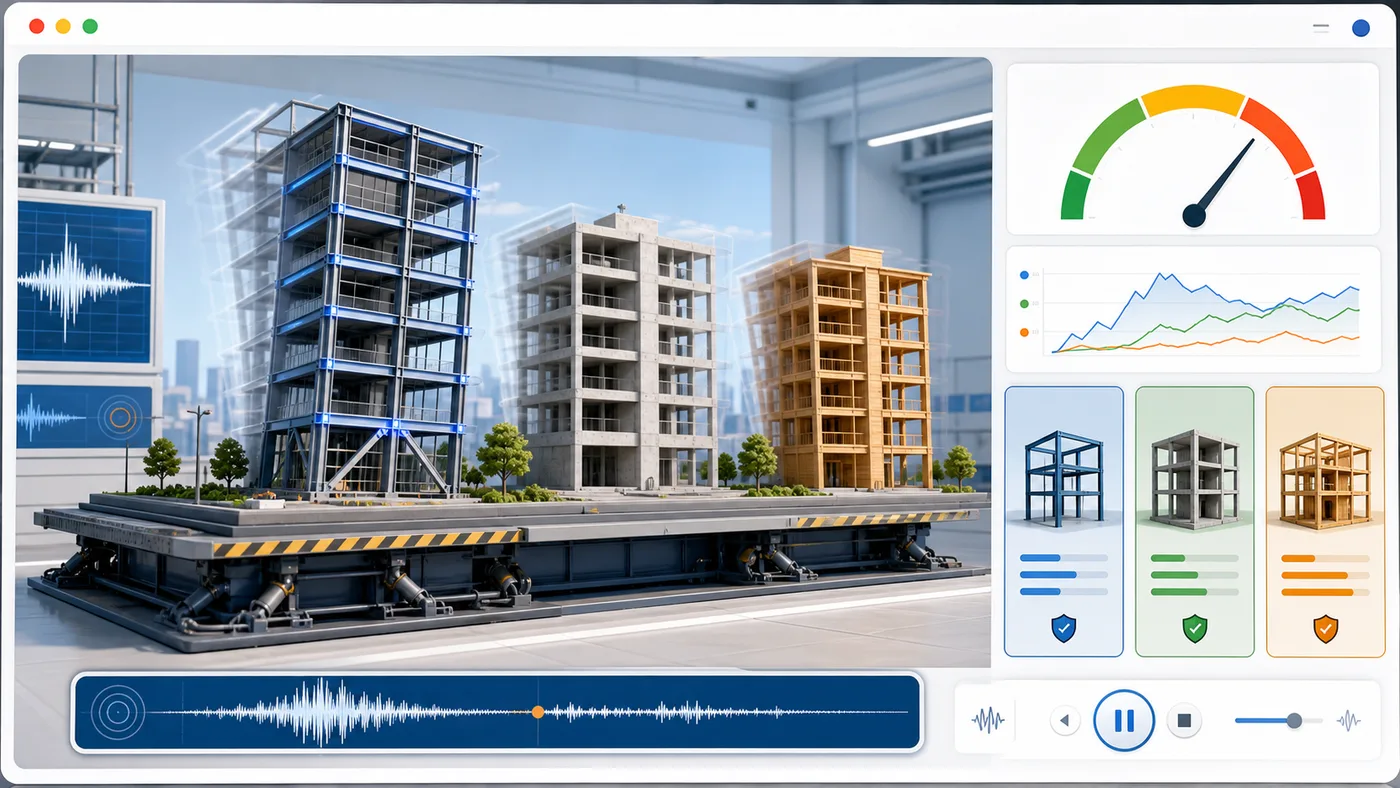
Enter building height, floors, material, structure type, earthquake magnitude, and foundation condition to animate sway and compare seismic risk.
Open tool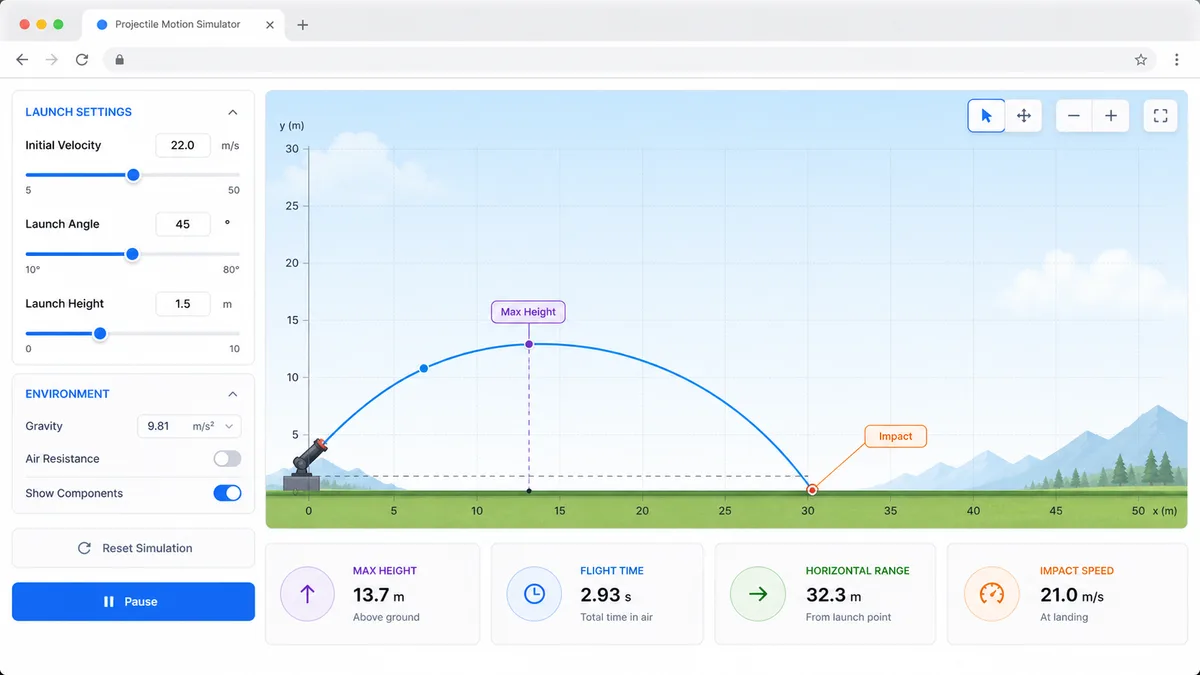
Set velocity, angle, height, gravity, and air resistance to compare projectile trajectories and live physics metrics.
Open tool
Enter location, roof area, panel count, wattage, orientation, tilt, shading, and electricity rate to estimate solar output, savings, and payback.
Open tool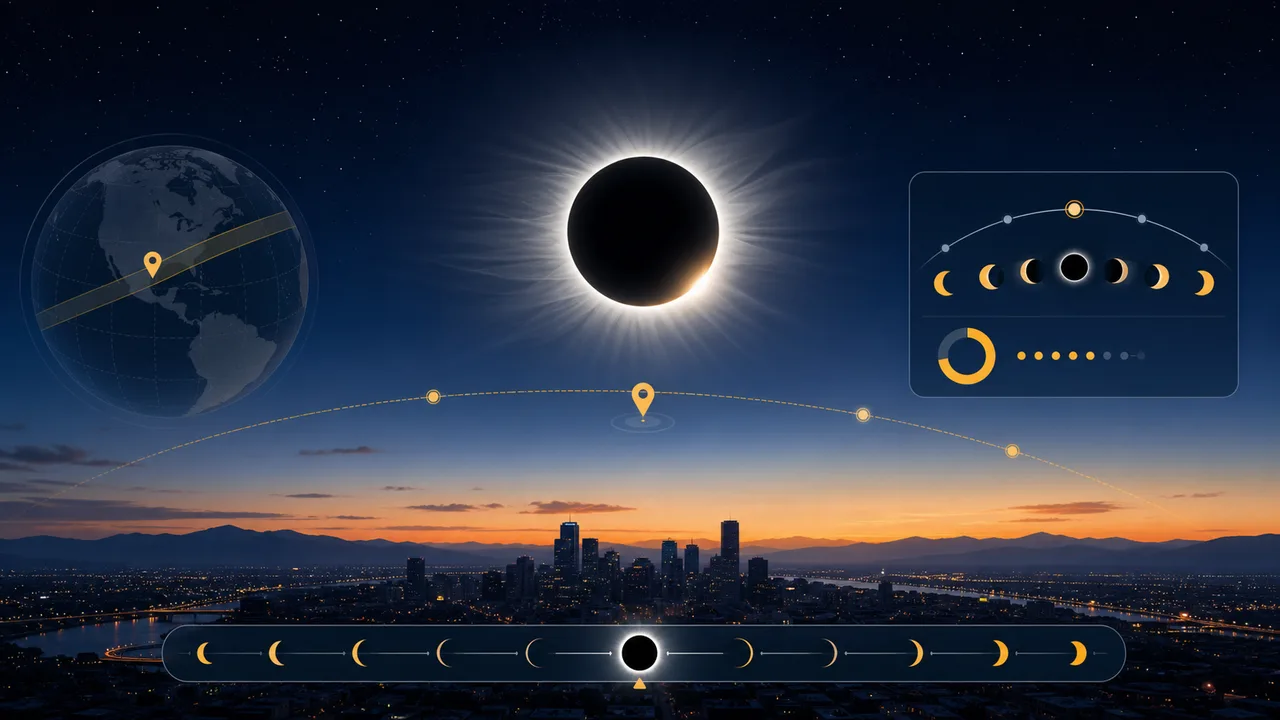
Enter a city or coordinates, choose an eclipse event, and estimate local visibility, timing, obscuration, and safety reminders.
Open tool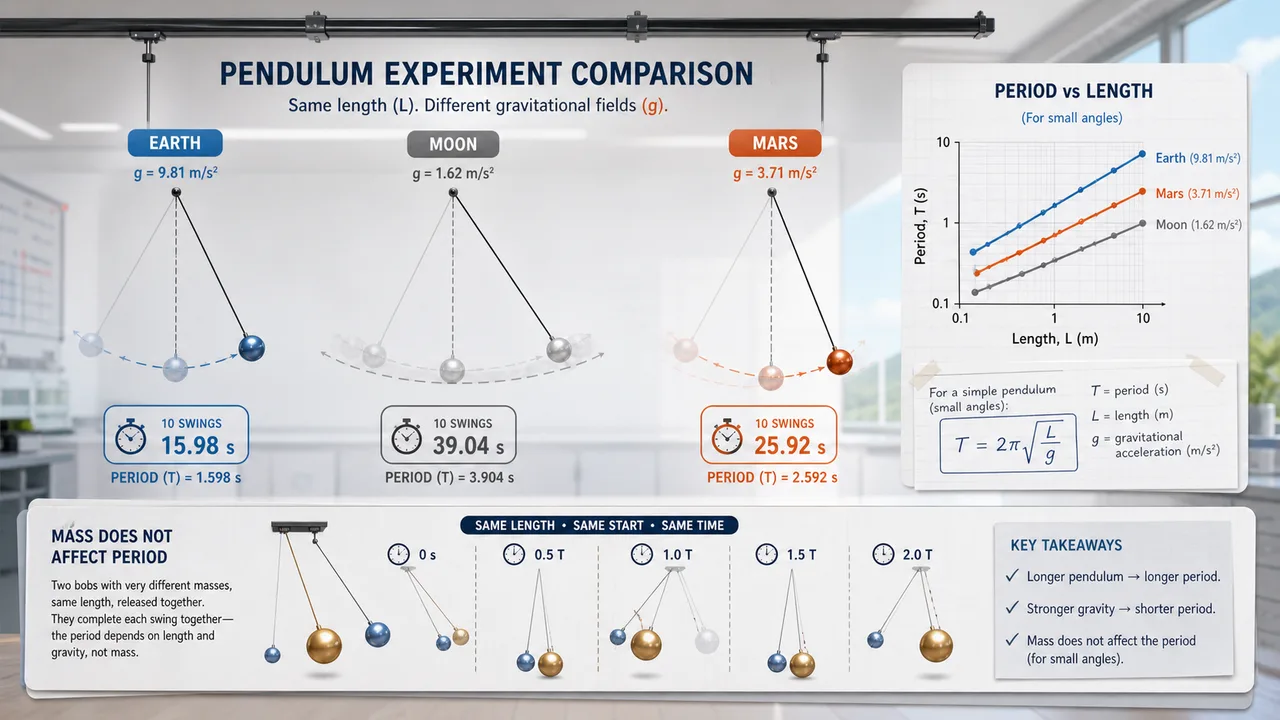
Set pendulum length, bob mass, initial angle, and gravity environment to compare theory, experiment, frequency, speed, and angular displacement.
Open toolFast answers before you use Stopping Distance Simulator for education, safety demos, or comparison.
Stopping Distance Simulator estimates reaction distance, braking distance, total stopping distance, and stop time from speed, reaction time, weather, road surface, tire condition, and vehicle type.
Reaction distance rises directly with speed, while braking distance rises with the square of speed. That is why Stopping Distance Simulator shows a much longer total distance at highway speeds.
No. Stopping Distance Simulator is an educational estimate. Real stopping distance depends on brakes, tires, road grip, slope, driver attention, vehicle load, and local conditions.
Open Stopping Distance Simulator, choose a road scene, and compare how reaction distance, braking distance, and total stopping distance change with speed.
Free to use in the browser with no download required.