
01
Choose Arduino Simulator parts
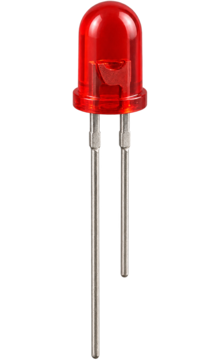
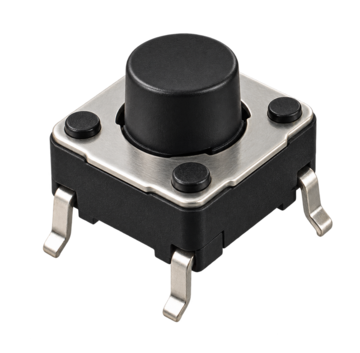
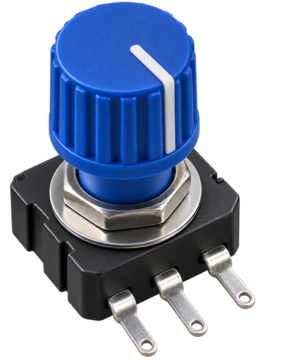
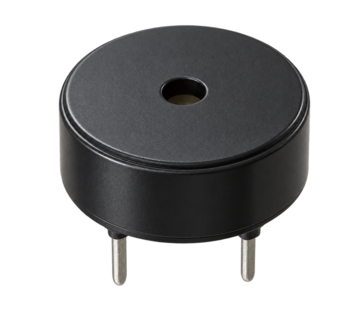
Start with LED plus resistor for output, add a pushbutton for digital input, then add the potentiometer and buzzer when you want analogRead and tone practice.
- Keep the resistor with the LED
- Add one part at a time
Free Arduino Simulator
Arduino Simulator gives engineers, students, and makers a quick browser workspace for the first five parts: LED, resistor, pushbutton, potentiometer, and buzzer. Build a small circuit, run the simulated sketch, inspect the serial output, and share the setup.
Built for fast Arduino Simulator practice before you move to real hardware or a full lab simulator.
Start Arduino Simulator here: drag parts into the workspace, choose a beginner sketch, run the circuit, and watch LED brightness, button state, potentiometer input, and buzzer frequency update.
Click or drag the five beginner parts into the Arduino Simulator workspace.
Tip: click a part for quick add, or drag it onto the breadboard area.
Project presets
Load a complete beginner project with the right parts, wiring notes, code explanation, and run result.
The URL keeps the selected parts, sketch mode, potentiometer value, and button state.
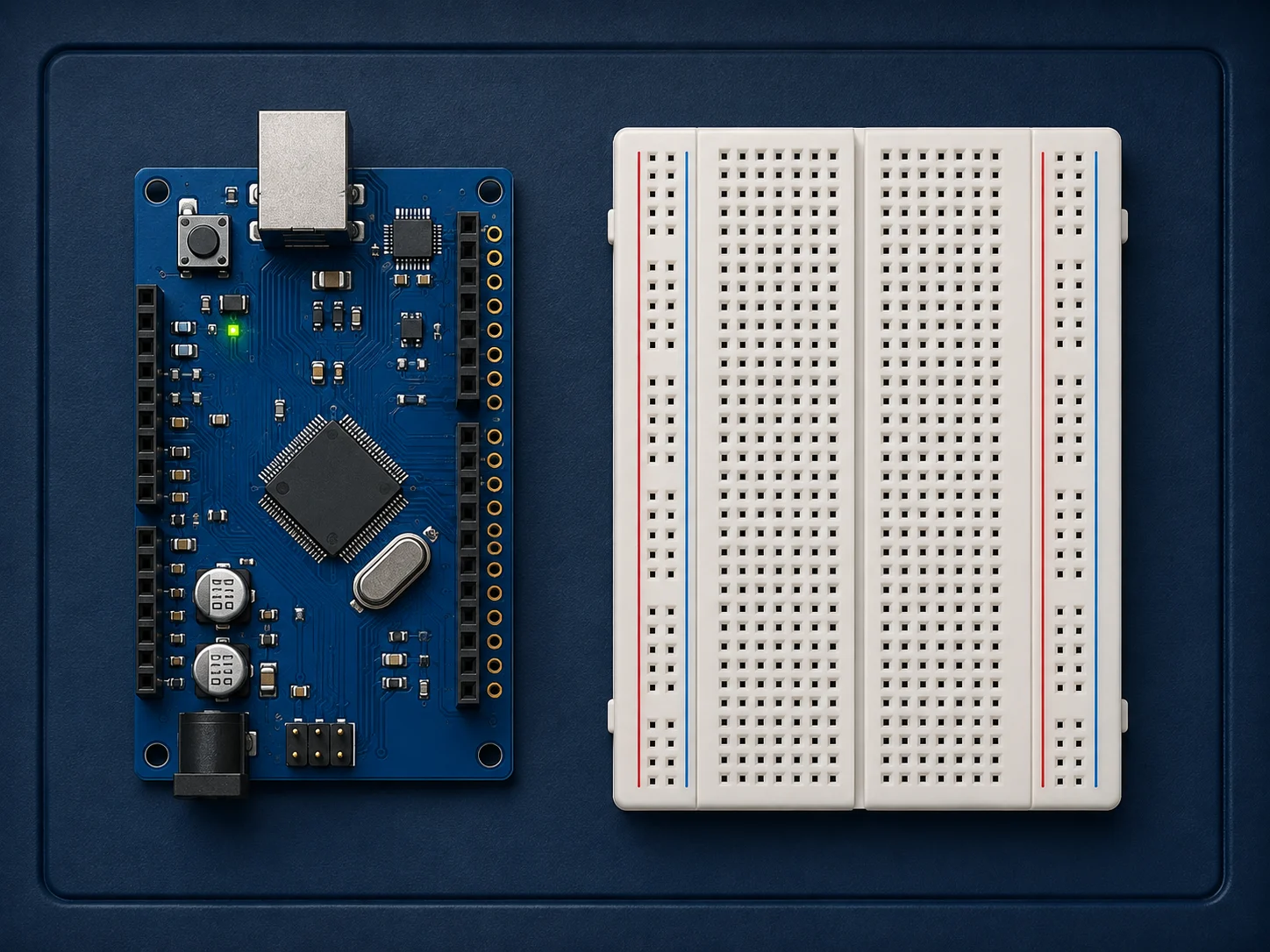
Arduino Simulator workspace
Arduino UNO-style board, breadboard, and five beginner parts.
Click one board pin, then a component terminal to connect it. Click a wire to disconnect.
LED brightness
0 /255
Button state
Analog read
512 /1023
Buzzer frequency
0 Hz
Why the LED needs a resistor
The resistor limits current through the LED. Without a resistor, the LED or Arduino output pin can be damaged because too much current may flow.
Arduino Simulator is a lightweight educational model. It helps beginners understand pins, inputs, outputs, and code flow, but it is not a full electronics solver or real firmware compiler.
Arduino Simulator keeps the first hardware lesson practical: choose parts, connect a known beginner circuit, run it, and see the code behind the result.
The Arduino Simulator workspace focuses on five common starter parts so beginners can connect outputs, inputs, analog readings, and tone output without a long setup.
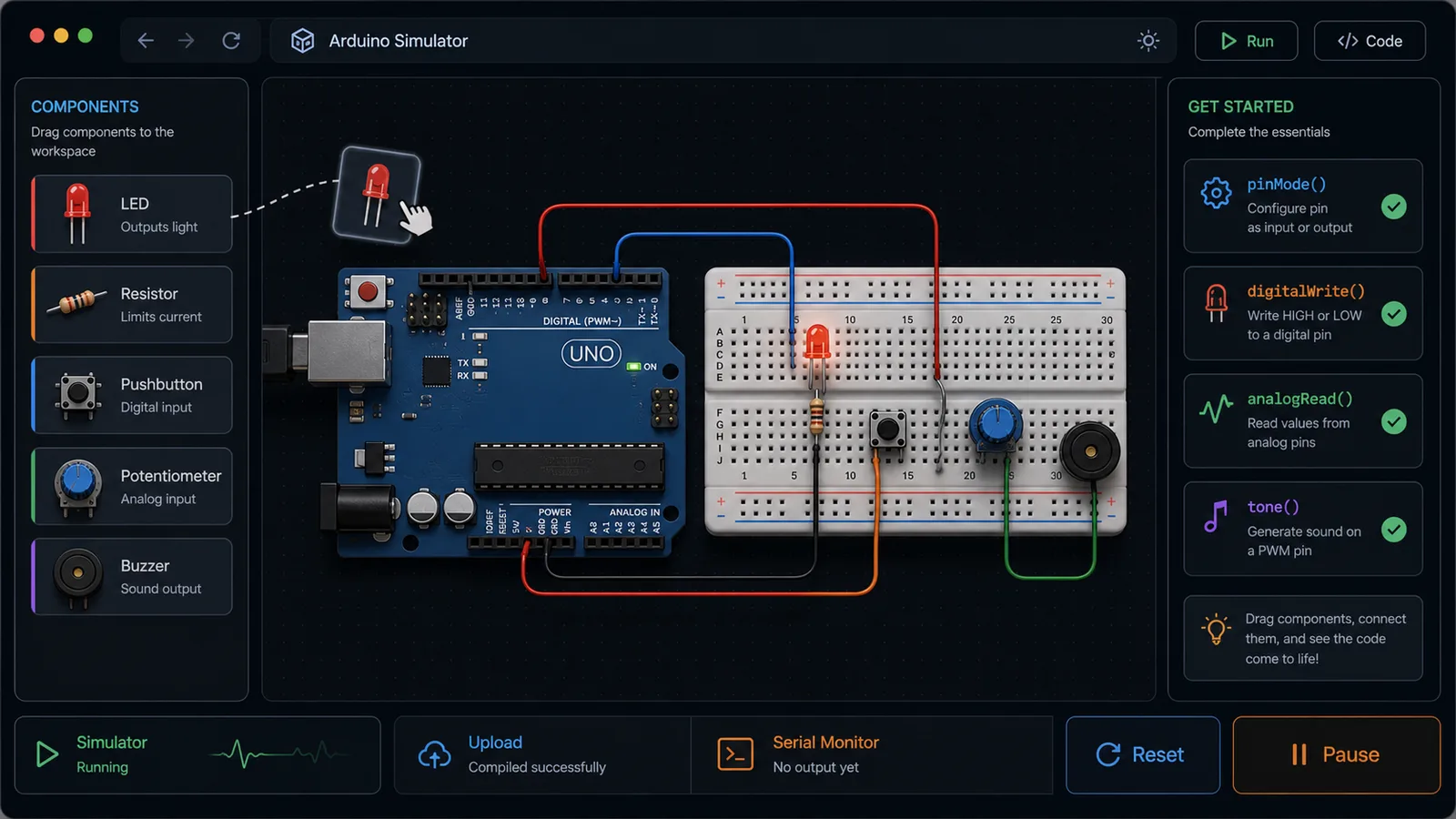
Run Arduino Simulator, inspect the generated sketch, read the serial monitor, then share the same circuit state with a URL and ShareWidget buttons.
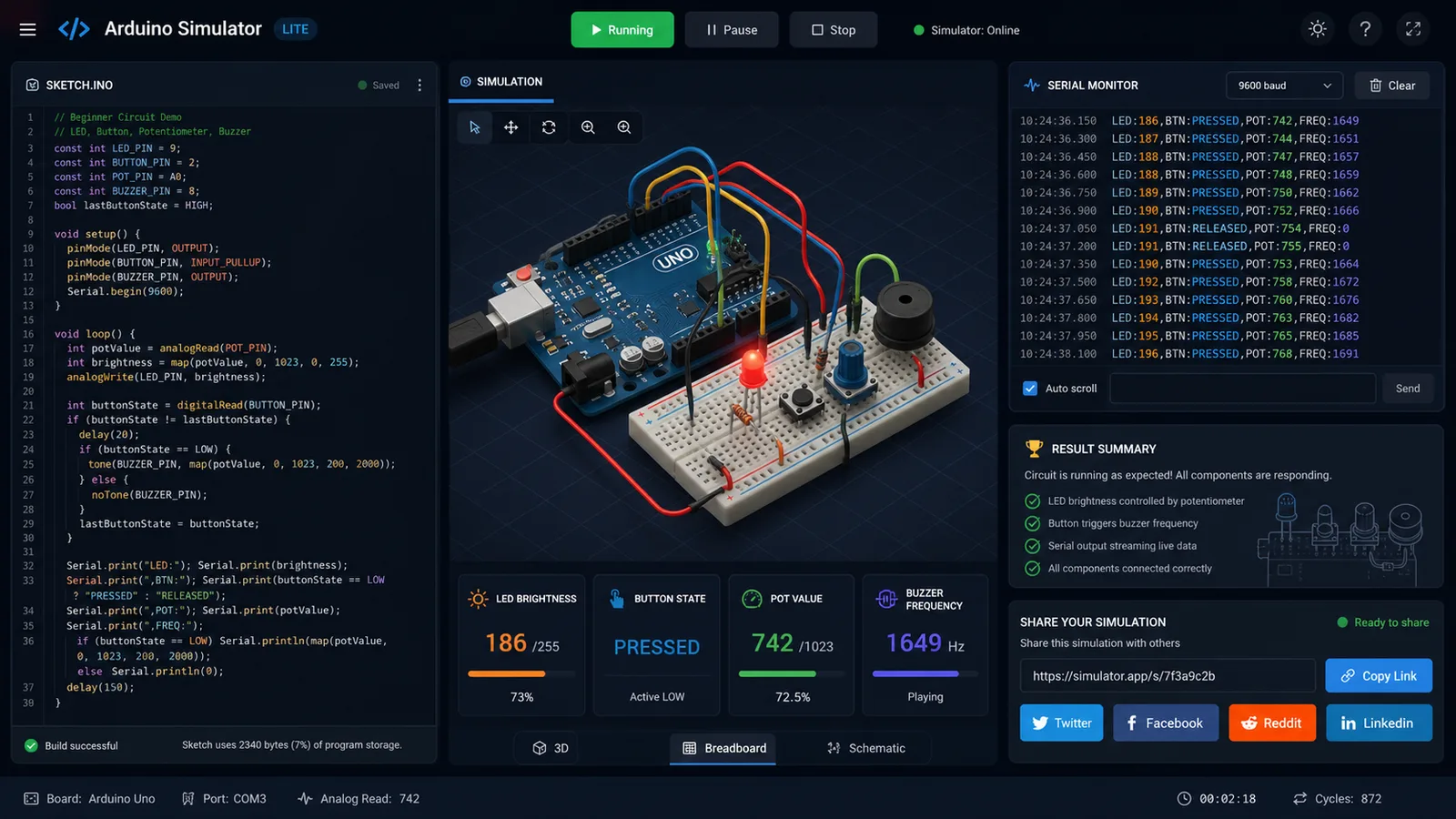
Use this Arduino Simulator guide to learn the first circuit loop: place a part, choose the sketch, run the simulation, then compare the code with the output.
Start with LED plus resistor for output, add a pushbutton for digital input, then add the potentiometer and buzzer when you want analogRead and tone practice.
Switch between Blink, button-controlled LED, potentiometer dimming, buzzer, or the full starter circuit to see how pinMode, digitalWrite, analogRead, and tone fit together.
When the circuit works, use ShareWidget or copy the circuit link. The next user opens the same parts, mode, potentiometer value, and button state.
For classroom use, ask students to share one link for their prediction and another after they debug the circuit.
Read FAQThese Arduino Simulator features are tuned for a useful first lesson instead of a complex electronics lab.
Add LED, resistor, pushbutton, potentiometer, and buzzer with click or drag actions.
Watch LED brightness, button state, analog read, and buzzer frequency update while the sketch runs.
Read a generated Arduino-style sketch that maps each component to a beginner-friendly pin.
See clear checks for missing parts, resistor safety, and mode-specific requirements.
Share a circuit state through social buttons or a copied URL with the same settings.
Practice core Arduino concepts online before moving to hardware, kits, or a richer simulator.
Arduino Simulator works best when the goal is quick concept practice, classroom explanation, or pre-lab confidence.
Understand inputs, outputs, analog values, and serial prints before wiring a real board.
LearningShare one browser link for a repeatable LED, button, potentiometer, and buzzer lesson.
ClassroomPreview what each beginner part does before choosing a starter kit or course.
Pre-kitSketch a tiny idea quickly, then rebuild it later in a full simulator or on real hardware.
PrototypeAfter Arduino Simulator, use Ohm’s Law Lab Simulator to learn why resistors matter, then use Logic Gate Simulator to understand digital input and output logic.
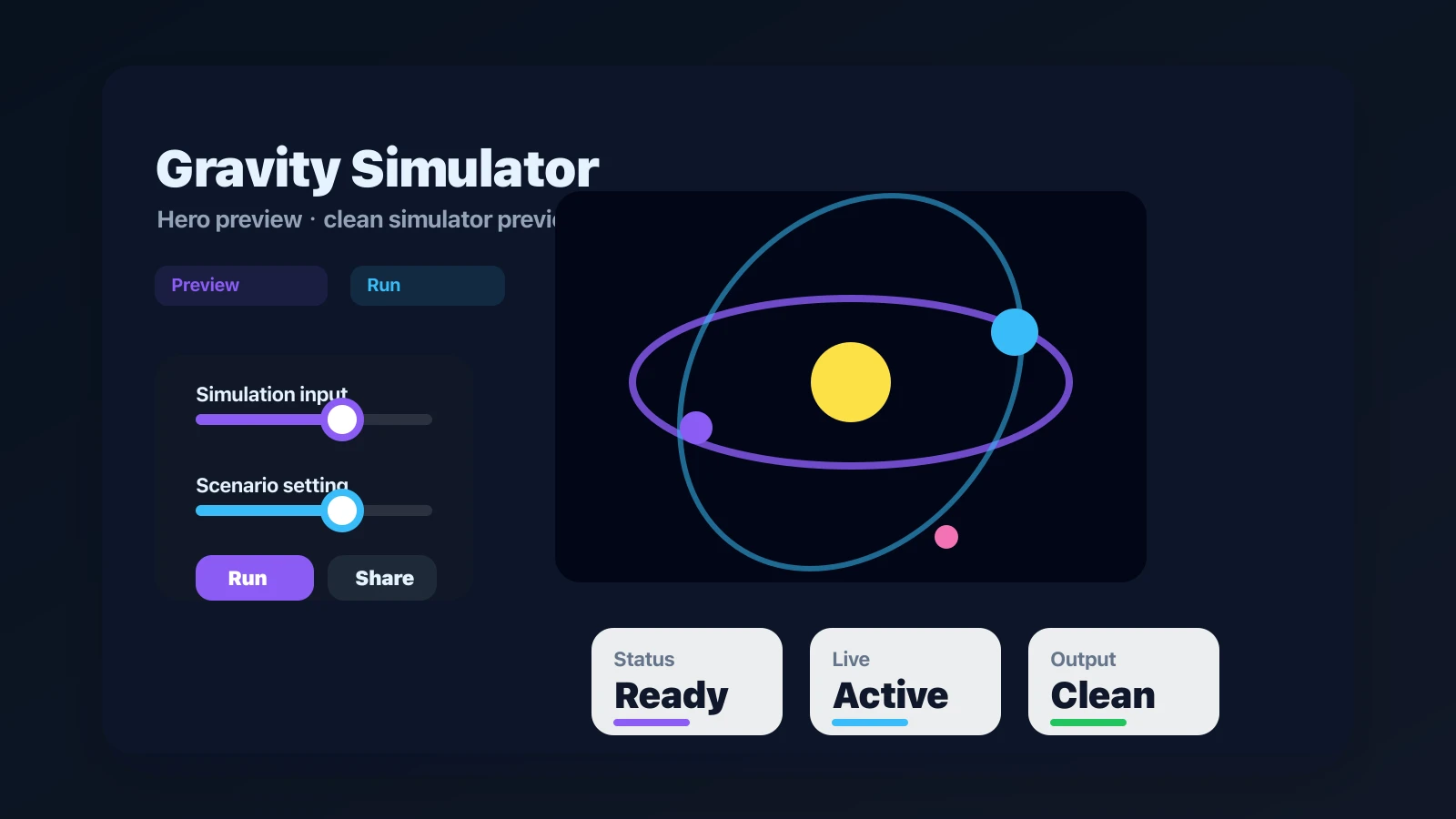
Drop planets, stars, and black holes into an N-body physics sandbox with shareable presets.
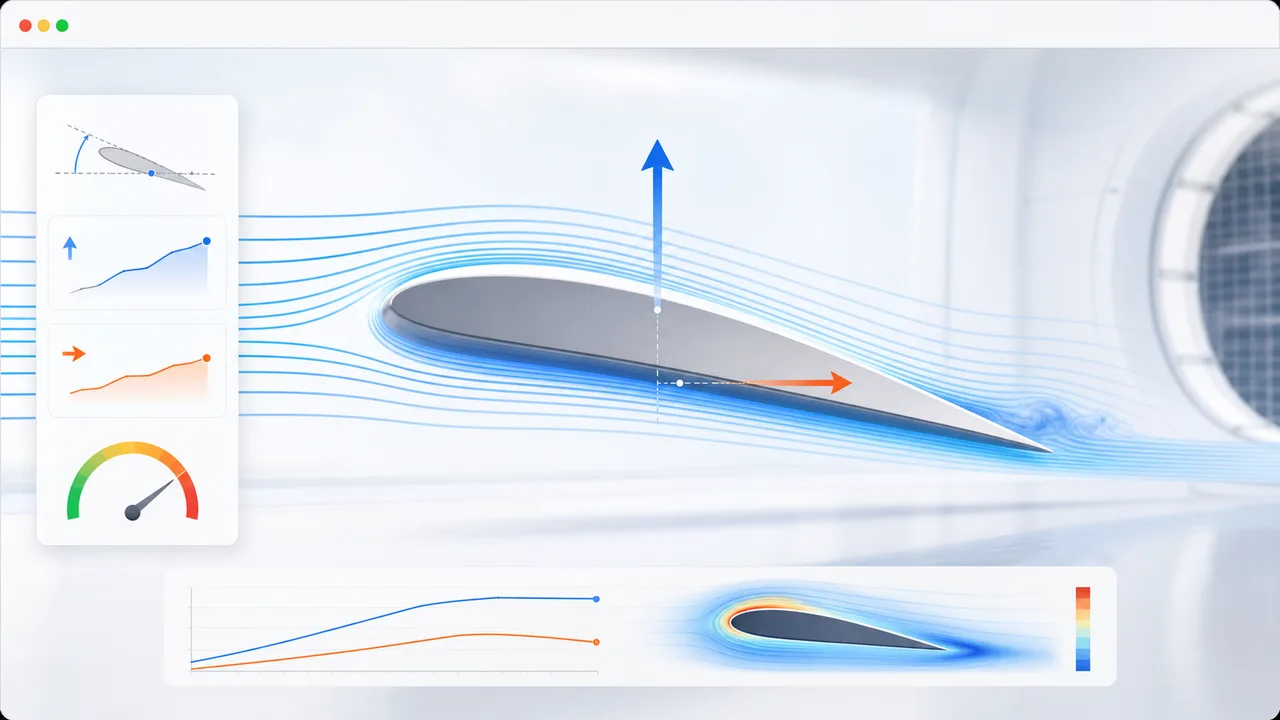
Set angle of attack, air speed, wing area, air density, and airfoil shape to estimate lift, drag, lift-to-drag ratio, and stall risk.
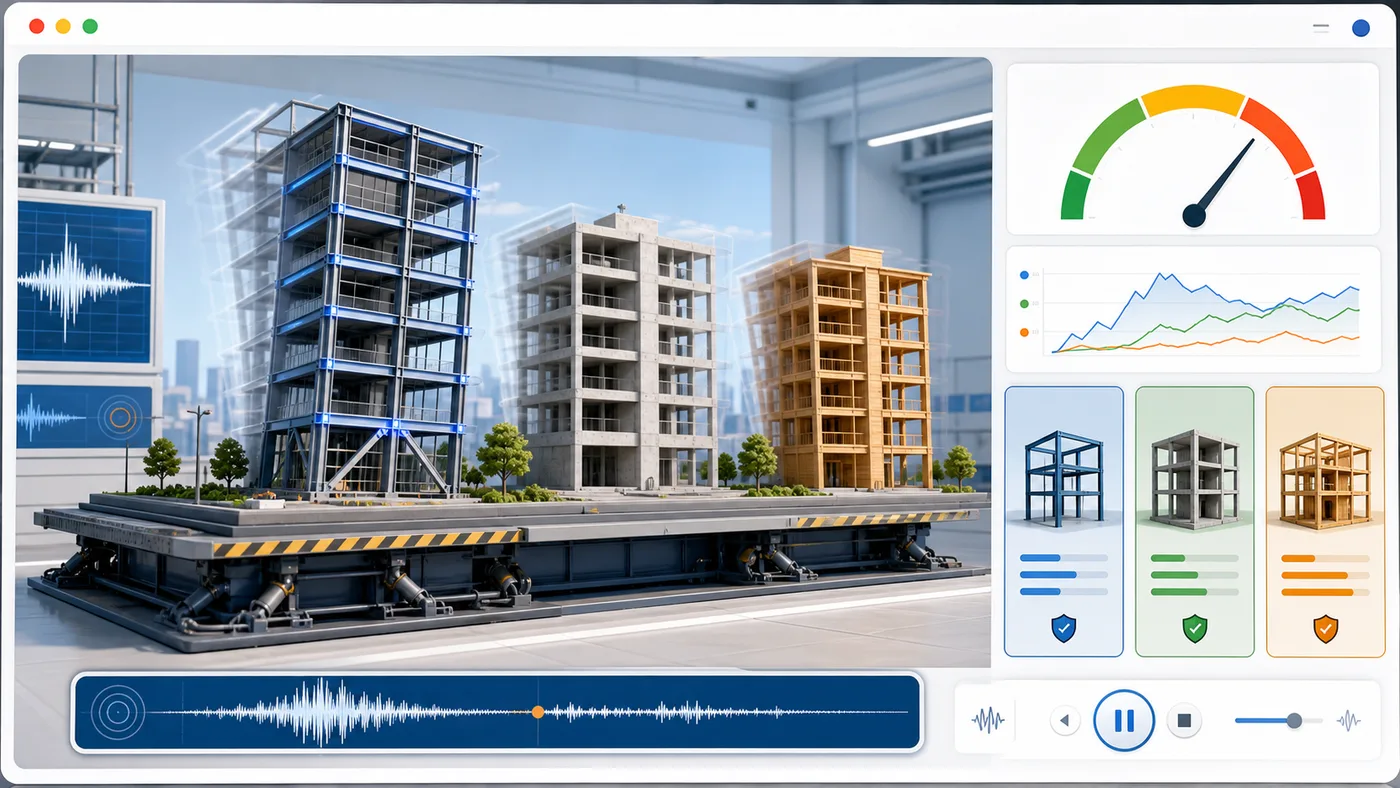
Enter building height, floors, material, structure type, earthquake magnitude, and foundation condition to animate sway and compare seismic risk.
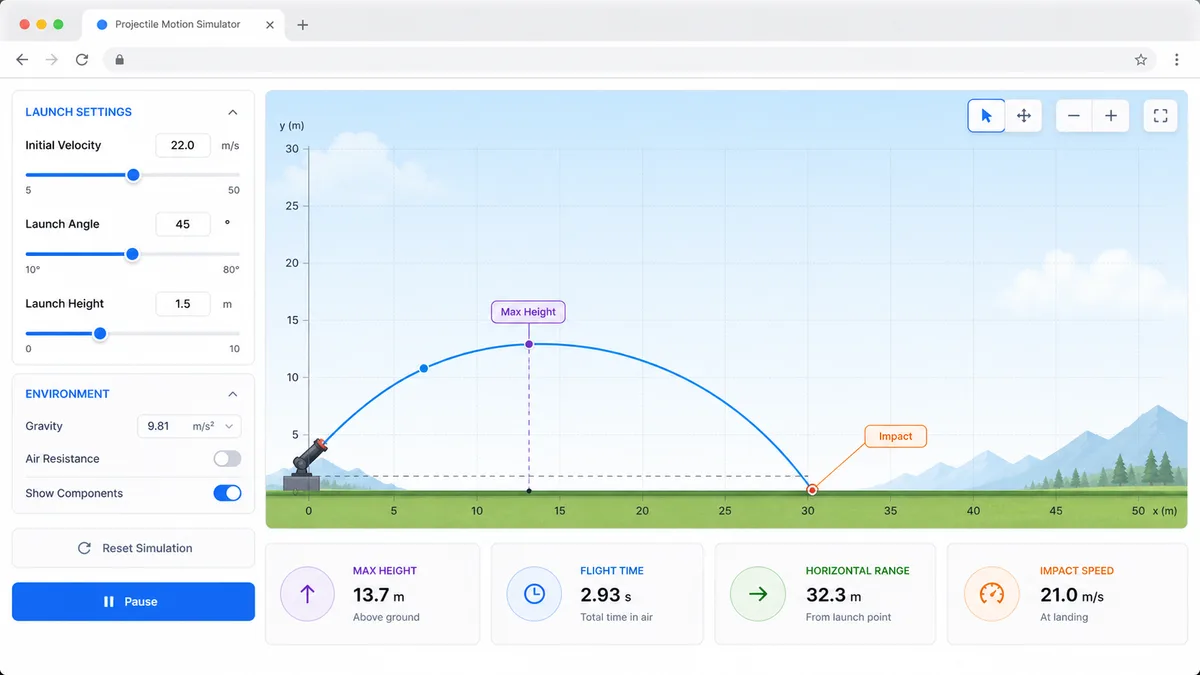
Set velocity, angle, height, gravity, and air resistance to compare projectile trajectories and live physics metrics.
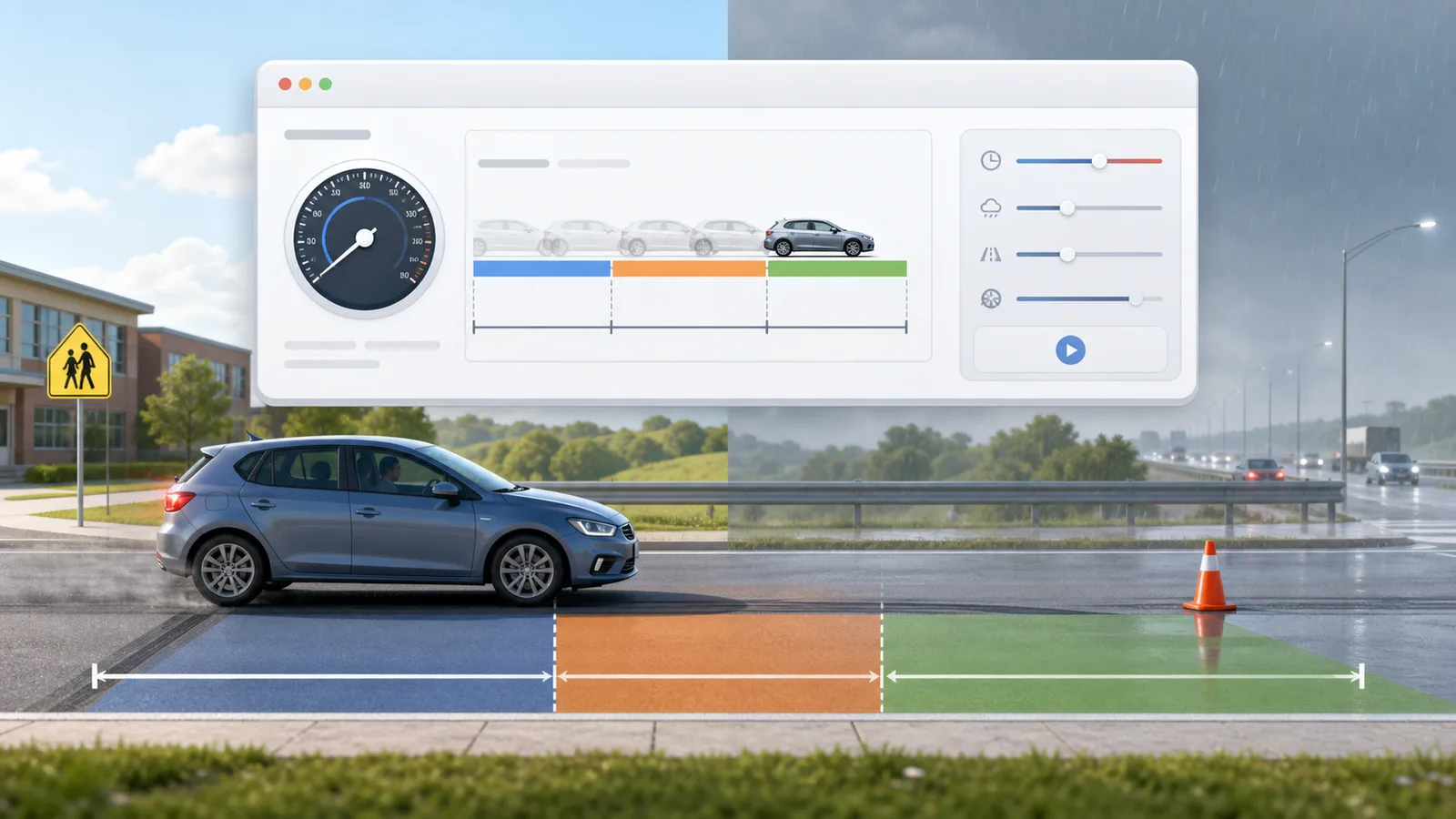
Enter speed, reaction time, weather, road surface, tires, and vehicle type to compare reaction, braking, and total stopping distance.
Enter location, roof area, panel count, wattage, orientation, tilt, shading, and electricity rate to estimate solar output, savings, and payback.

Enter a city or coordinates, choose an eclipse event, and estimate local visibility, timing, obscuration, and safety reminders.

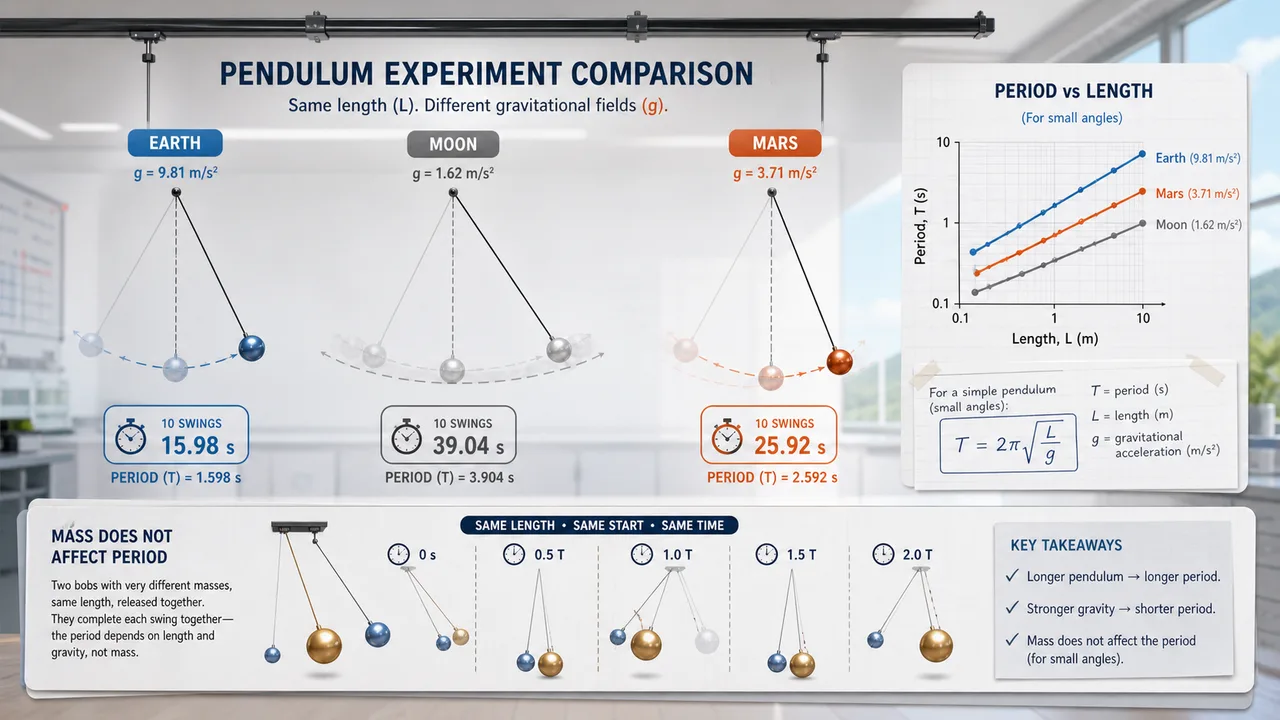
Set pendulum length, bob mass, initial angle, and gravity environment to compare theory, experiment, frequency, speed, and angular displacement.
Fast answers about Arduino Simulator accuracy, beginner parts, code, sharing, and when to use a full simulator.
Yes. Arduino Simulator runs in the browser and the starter circuit can be used without an account or install.
No. Arduino Simulator is a lightweight educational model for beginner circuit logic. Use a full simulator or real hardware when you need detailed electrical behavior.
This first version supports five common starter parts: LED, resistor, pushbutton, potentiometer, and buzzer.
No. Arduino Simulator generates an Arduino-style sketch and simulates the expected beginner behavior, but it does not compile firmware.
Yes. Use ShareWidget or copy the circuit link. The URL stores the parts, sketch mode, potentiometer value, and button state.
Open Arduino Simulator, drag the five starter components, run a beginner sketch, and see how Arduino inputs and outputs work.
Arduino Simulator is built for quick learning, classroom links, and first-pass circuit confidence.
Free browser tool. No install required.