01
Gravity Simulator Open the tool
Scan the default setup and make one small change before running the first result.
- Keep the first run simple
- Use defaults as a baseline
Free gravity simulator tool
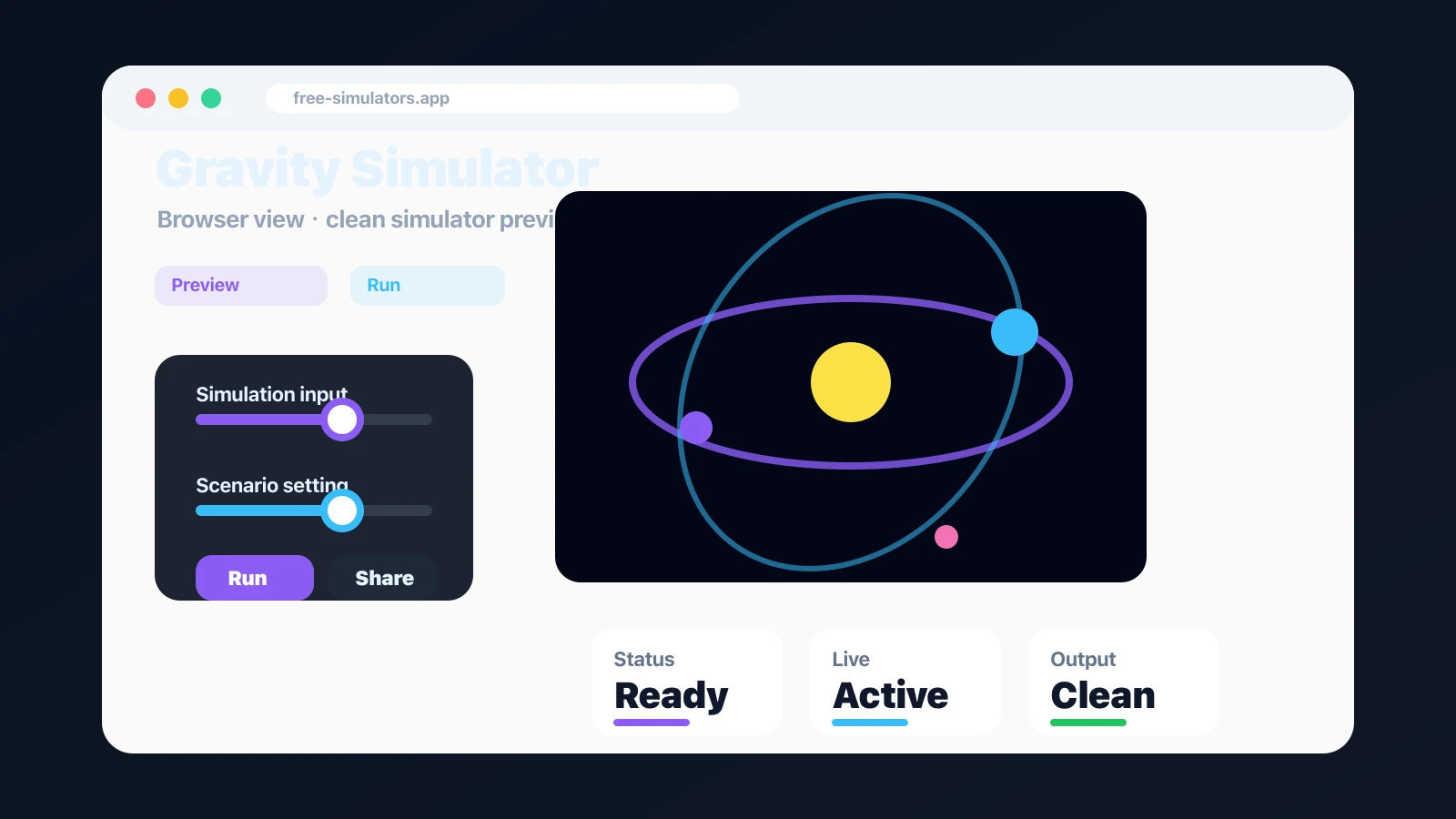
Gravity Simulator gives you a focused browser tool to build orbital scenes. Tune the controls, review the result, and share it without installing anything.
Built for fast browser play, quick screenshots, and shareable results.
Start Gravity Simulator here. The native tool component keeps localized controls, instant results, and sharing in one clean page.
Click and drag on the canvas to set position and launch velocity.
Gravity Simulator: Use the tool first, then continue to the guide and FAQ.
Gravity Simulator focuses on N-body physics sandbox, clear controls, instant feedback, and a result that is easy to understand.
Use Gravity Simulator with practical controls and instant visual feedback. The page keeps the simulator, guide, and sharing path together.
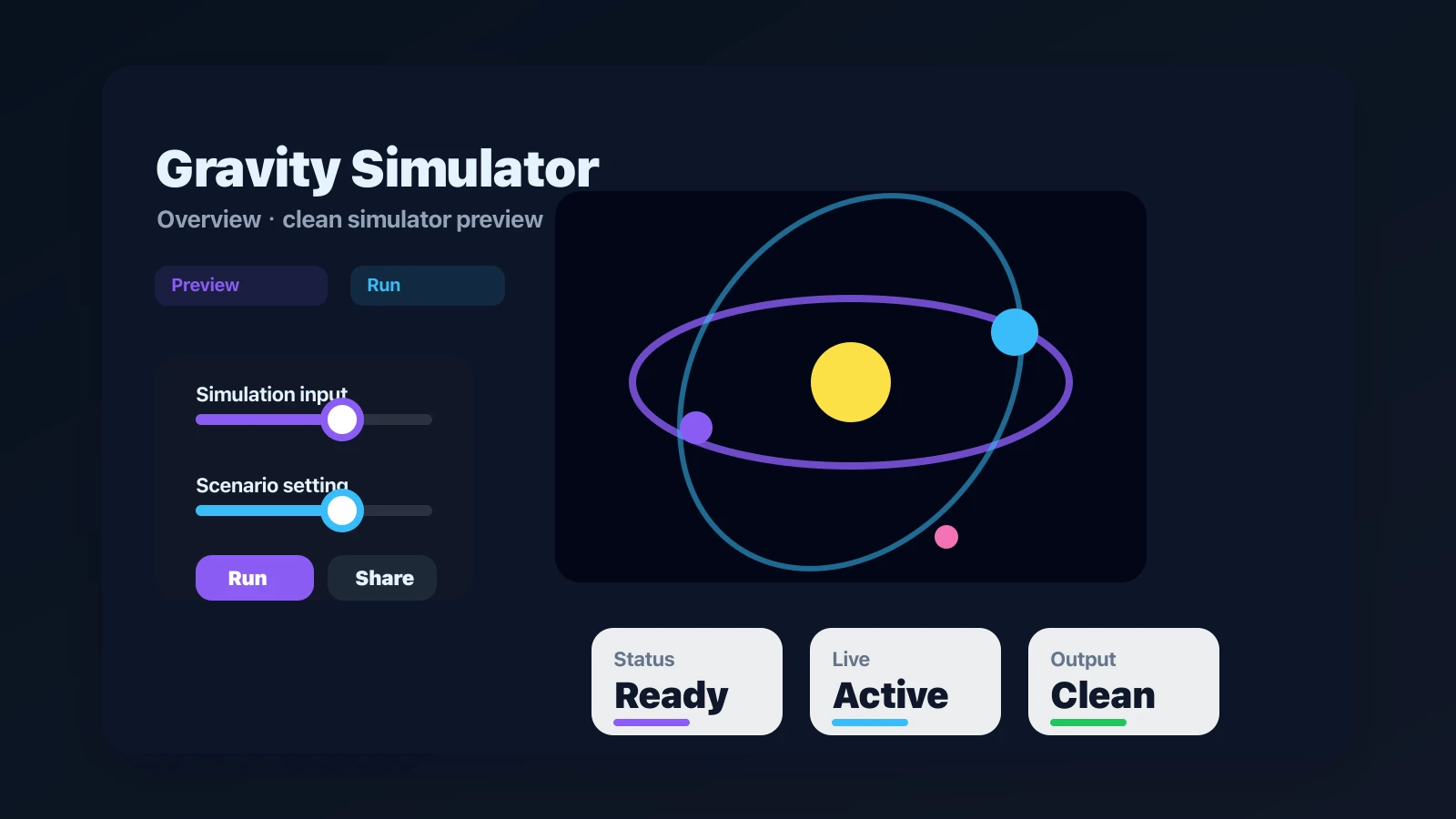
Adjust the setup, read the result, then share the outcome with friends or save it for later.
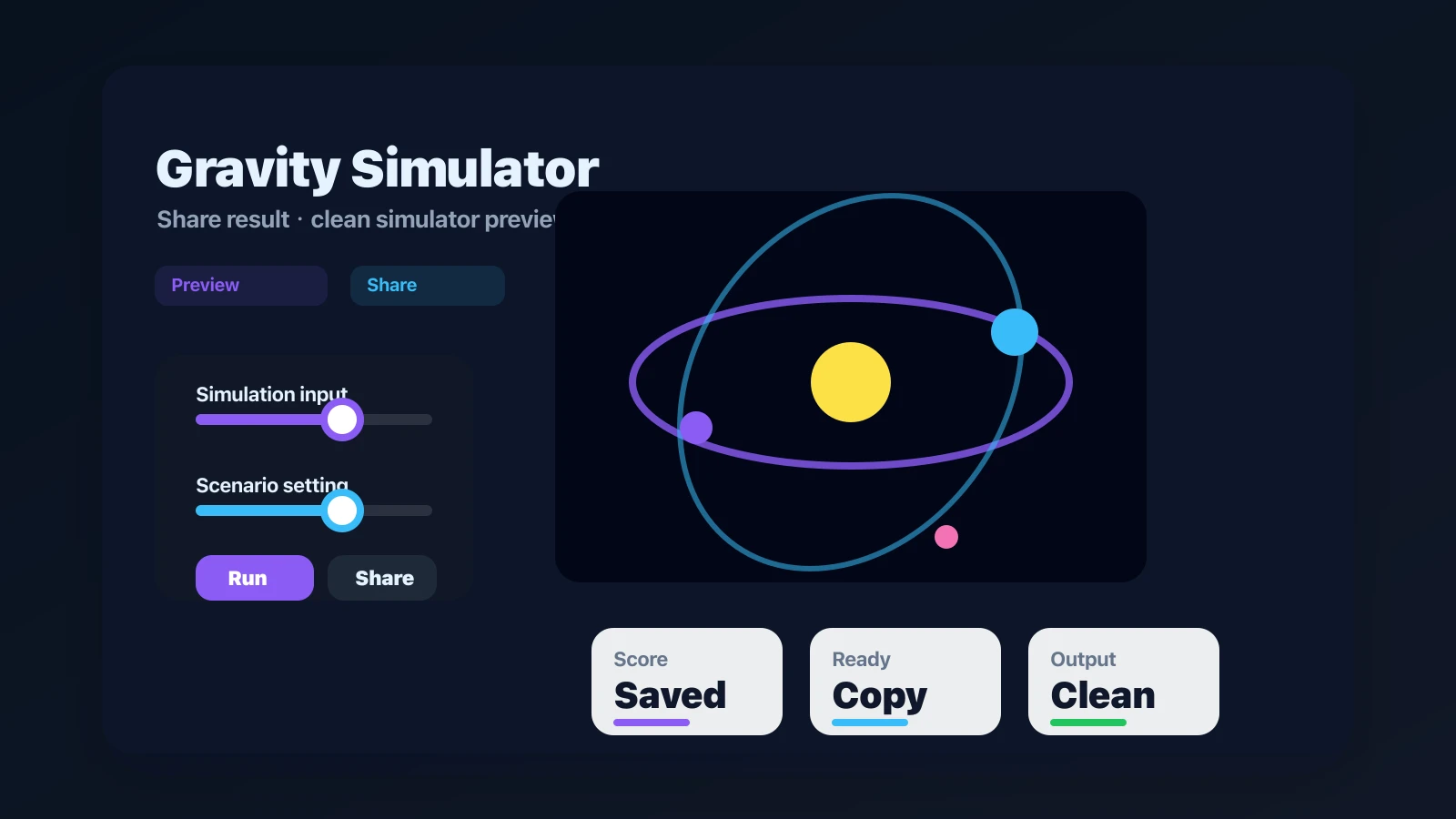
Use this Gravity Simulator guide to get a clean first result and understand what to adjust next.
Scan the default setup and make one small change before running the first result.
Adjust key controls slowly so the result stays readable and the next change is easy to compare.
When the output looks right, use the share flow or a screenshot to keep it easy to revisit.
Gravity Simulator keeps the tool lightweight while still giving you enough control for repeatable results.
Change inputs, replay outcomes, and compare the next result.
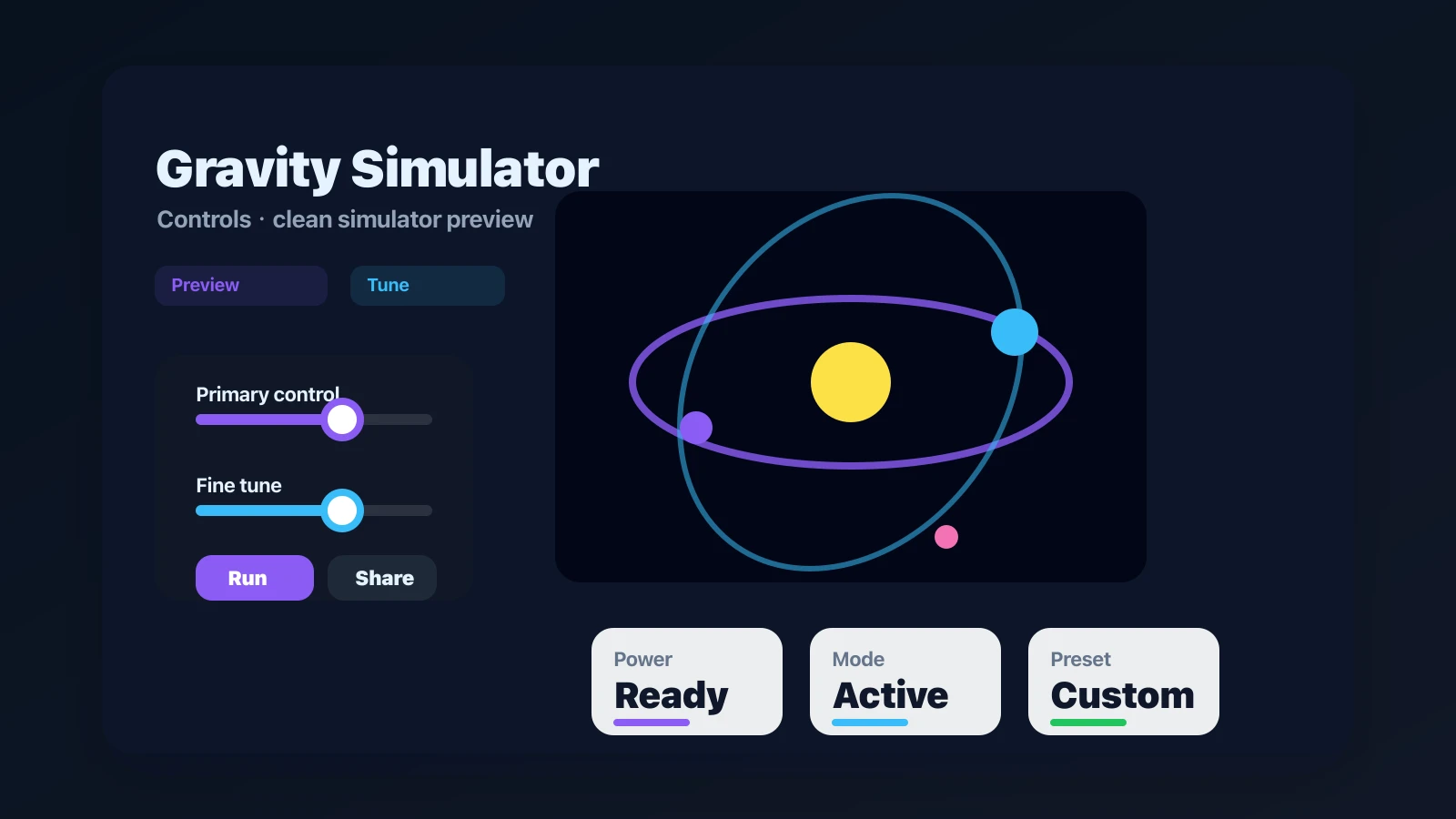
Create screenshots, quick links, and repeatable simulator moments.
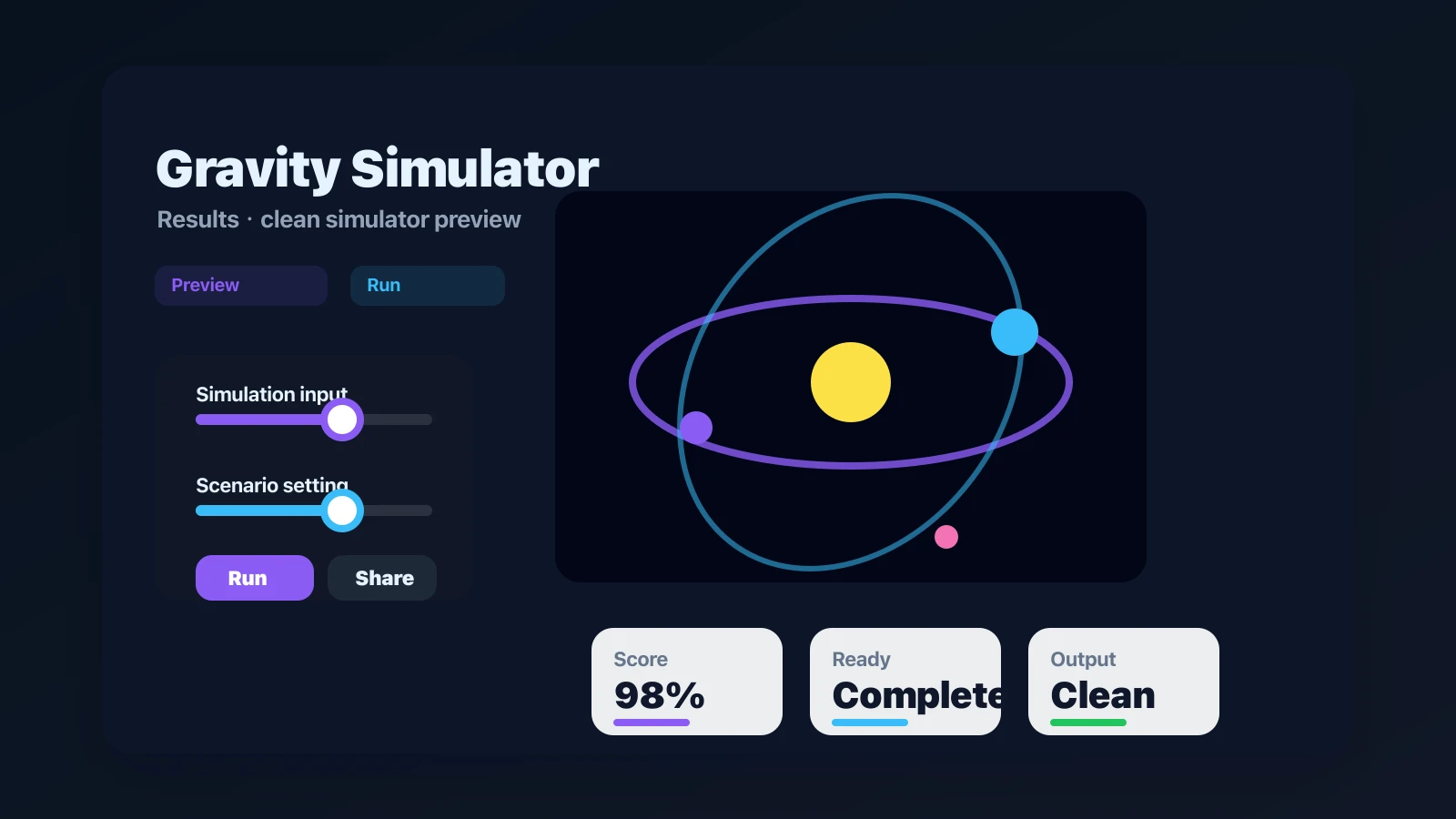
Finished with Gravity Simulator? Try another free simulator from the same collection.
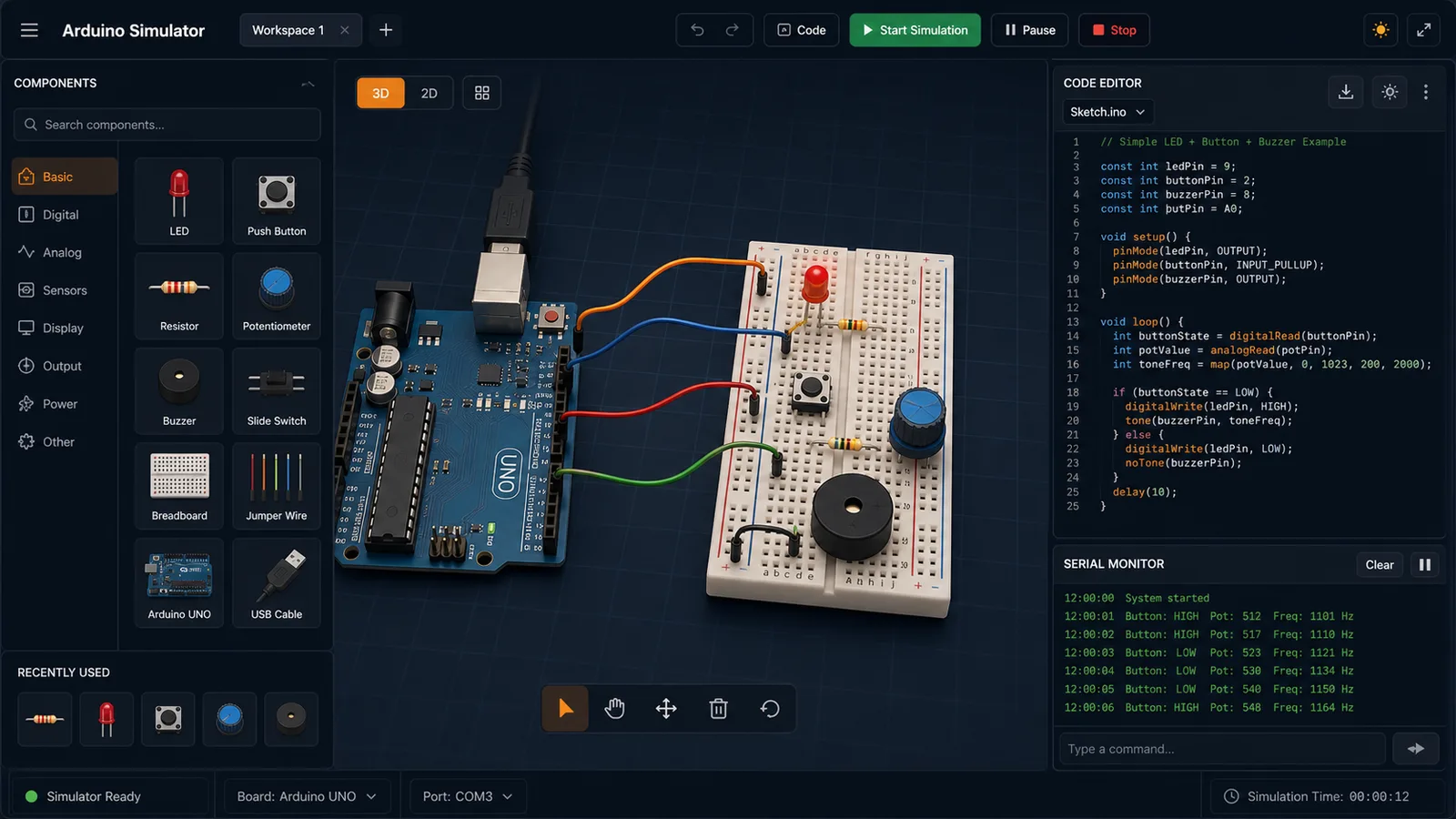
Drag LED, resistor, button, potentiometer, and buzzer parts into a browser circuit and run beginner Arduino sketches.
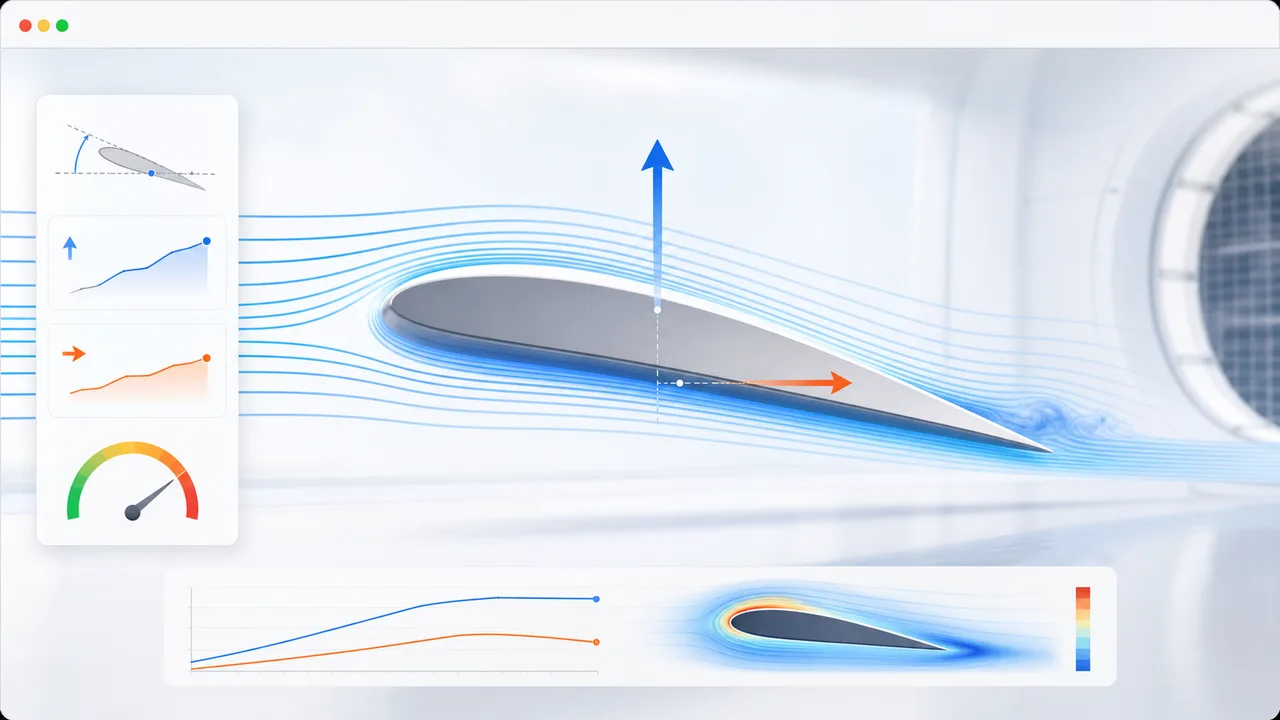
Set angle of attack, air speed, wing area, air density, and airfoil shape to estimate lift, drag, lift-to-drag ratio, and stall risk.
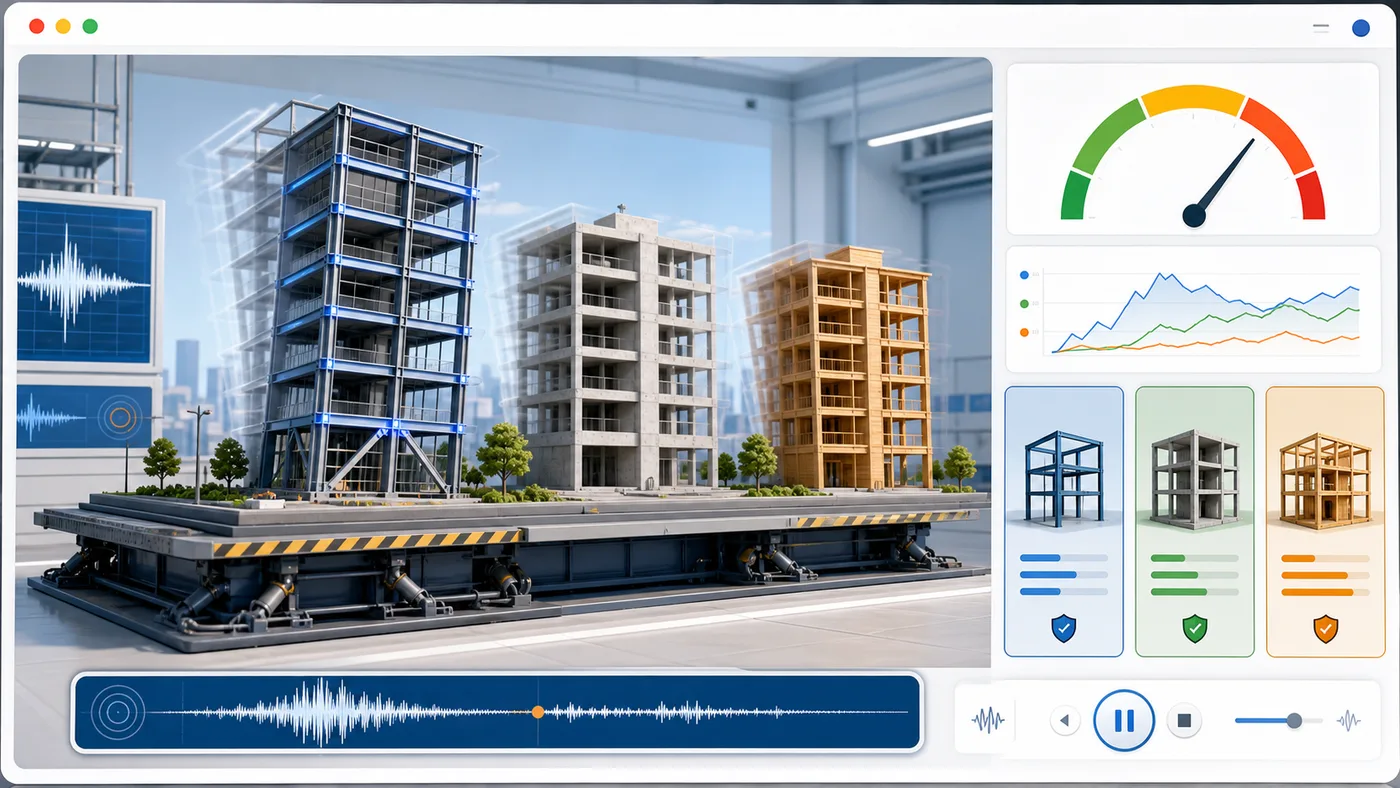
Enter building height, floors, material, structure type, earthquake magnitude, and foundation condition to animate sway and compare seismic risk.
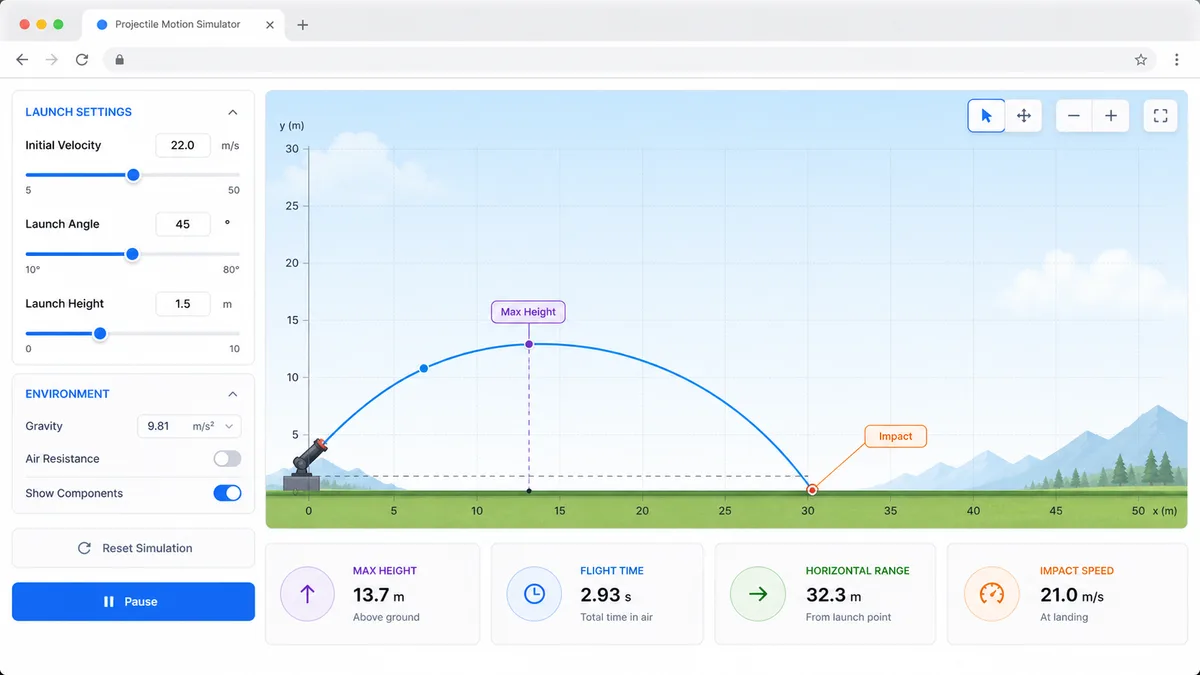
Set velocity, angle, height, gravity, and air resistance to compare projectile trajectories and live physics metrics.
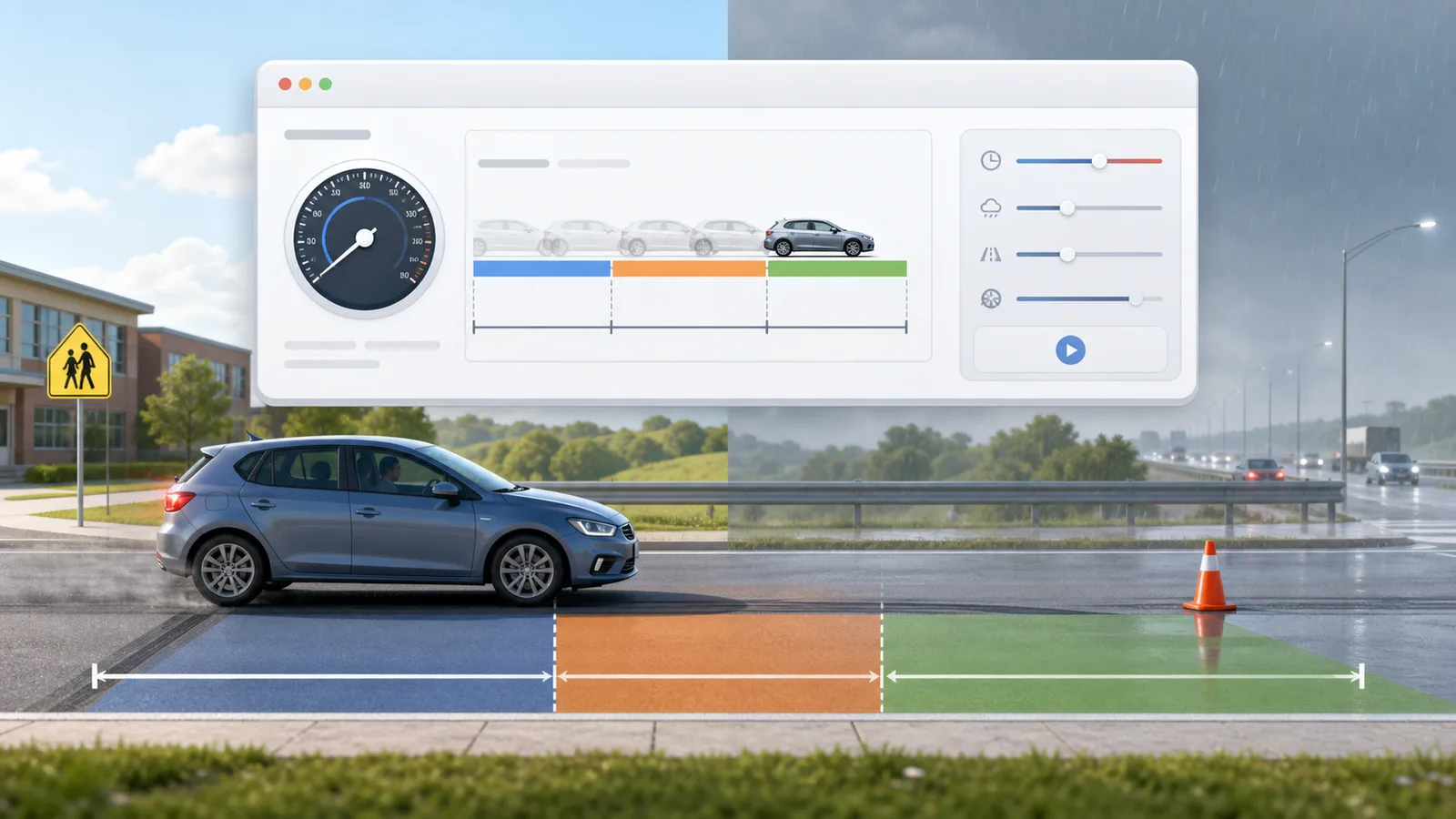
Enter speed, reaction time, weather, road surface, tires, and vehicle type to compare reaction, braking, and total stopping distance.
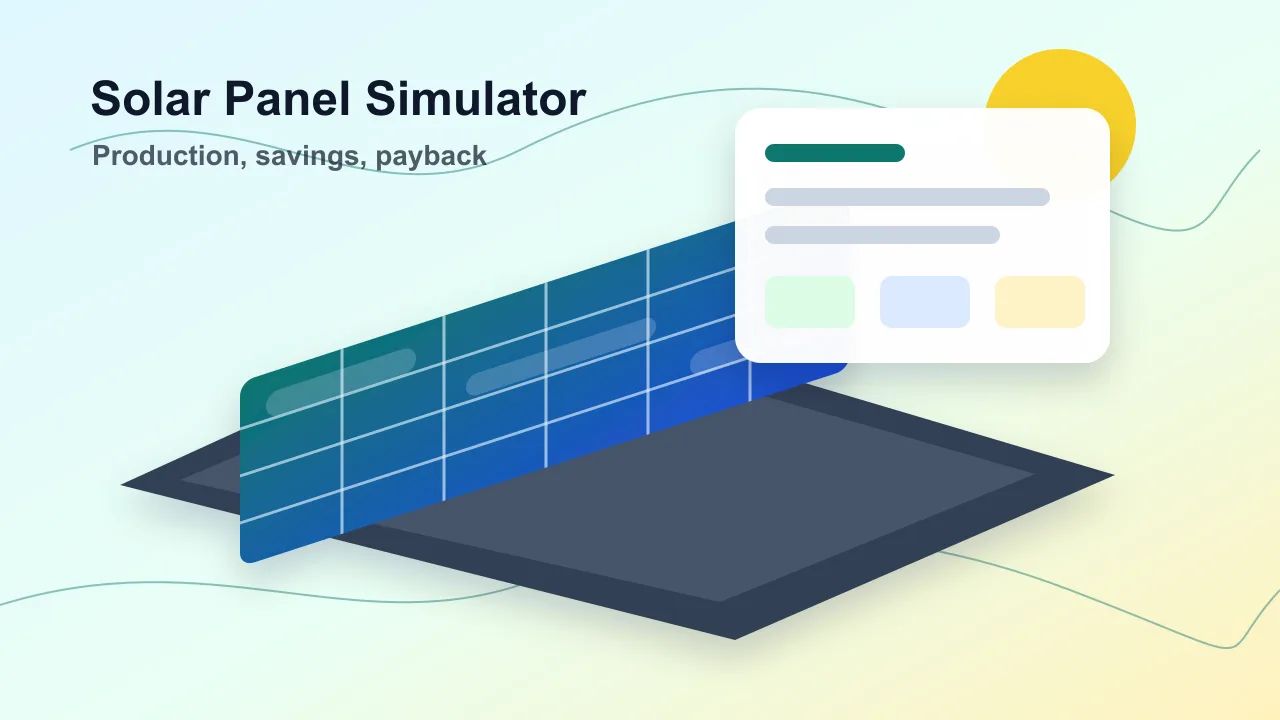
Enter location, roof area, panel count, wattage, orientation, tilt, shading, and electricity rate to estimate solar output, savings, and payback.
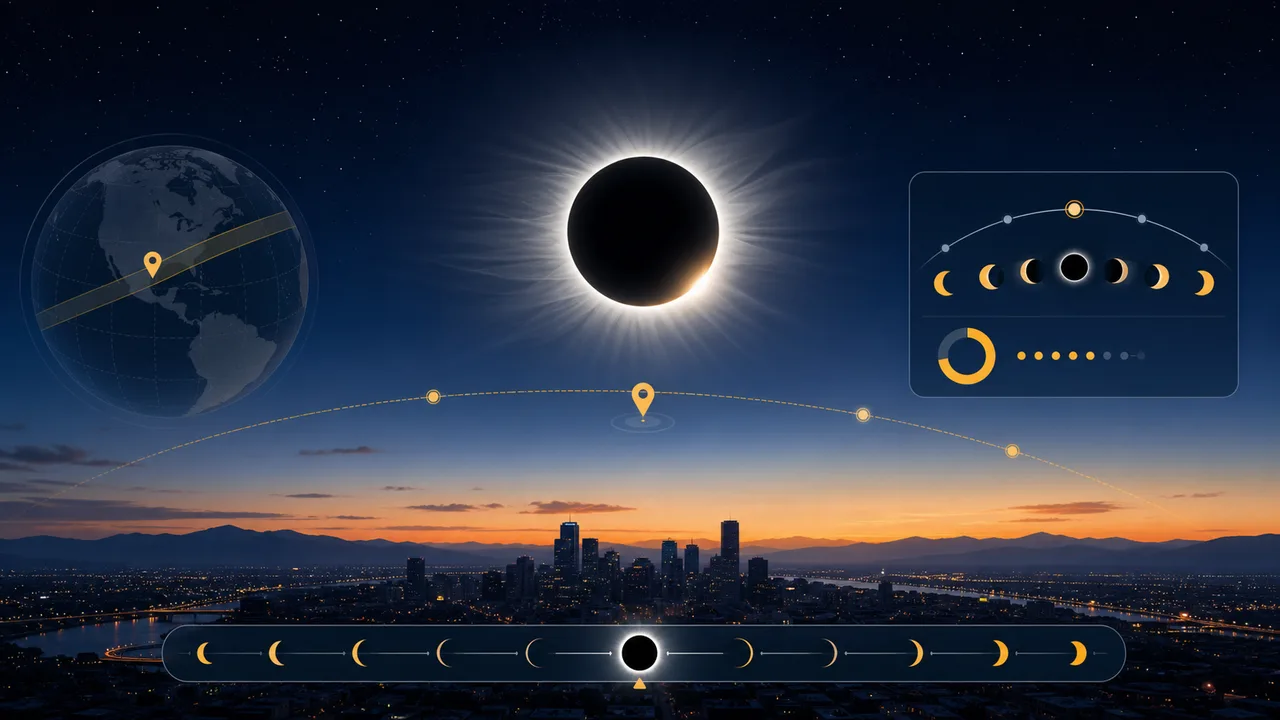
Enter a city or coordinates, choose an eclipse event, and estimate local visibility, timing, obscuration, and safety reminders.
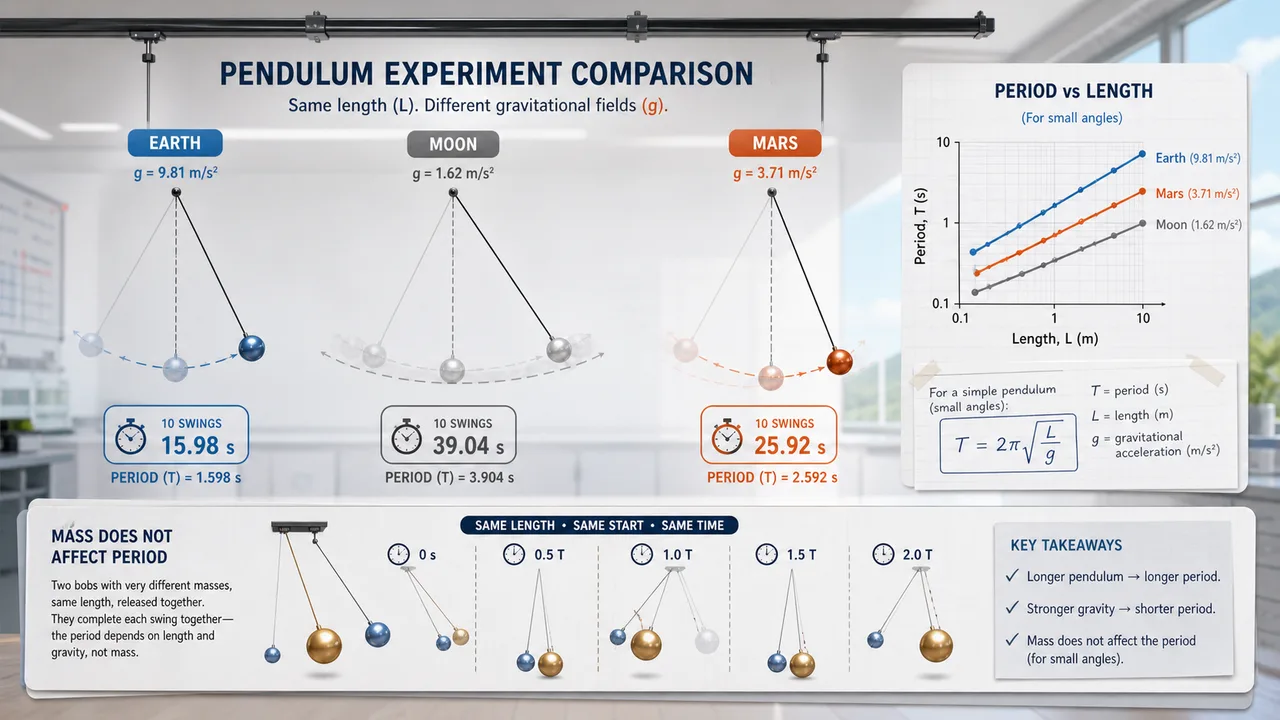
Set pendulum length, bob mass, initial angle, and gravity environment to compare theory, experiment, frequency, speed, and angular displacement.
Fast answers before you use Gravity Simulator or share a result.
Yes. It is free to use in the browser and does not require an account.
It is browser based and designed for modern desktop and mobile browsers.
Yes. Use the built-in share option when available, or capture the result as a screenshot.
Open Gravity Simulator, adjust the settings, and make a shareable simulator result in your browser.
Free to use and no download required.