01
Earthquake Building Simulator choose a building
Start with a low-rise, tower, or soft-soil preset so Earthquake Building Simulator has a realistic baseline.
- Use low-rise for basic material comparison
- Use tall tower to see height effects
Free seismic engineering simulator
Earthquake Building Simulator helps you test how height, floor count, steel, concrete, wood, structure type, earthquake magnitude, and foundation condition change building sway and educational risk scores.
Built for classroom demos, safety discussions, and quick browser-based seismic comparisons.
Start Earthquake Building Simulator here. Enter the building profile and ground condition, then watch the animated structure sway while the risk score and material comparison update.
Change building height, floors, material, structure type, earthquake magnitude, and foundation condition to see what drives the risk score.
Share the clean page, or copy a result link with the current building and earthquake settings.
Live earthquake animation


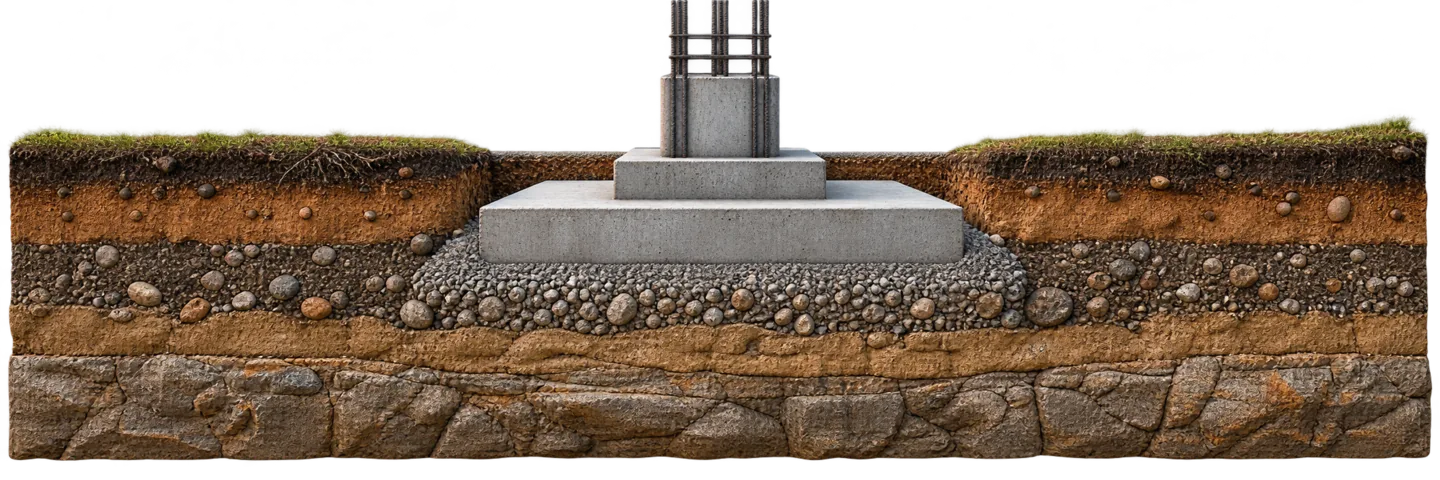

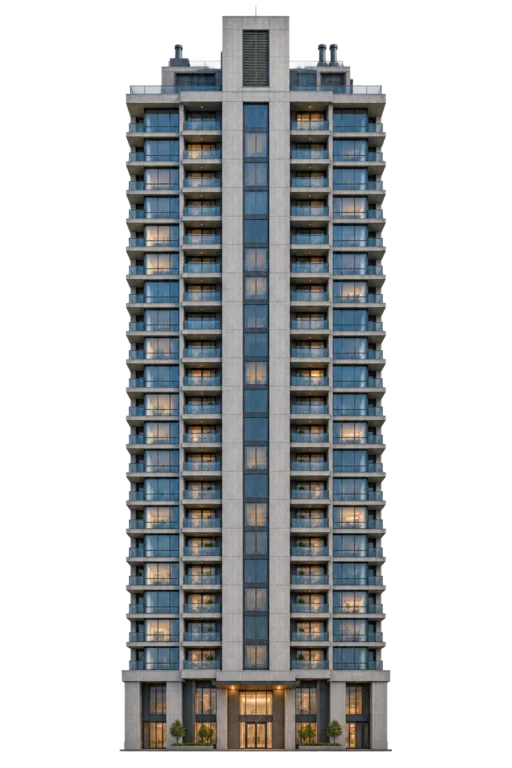
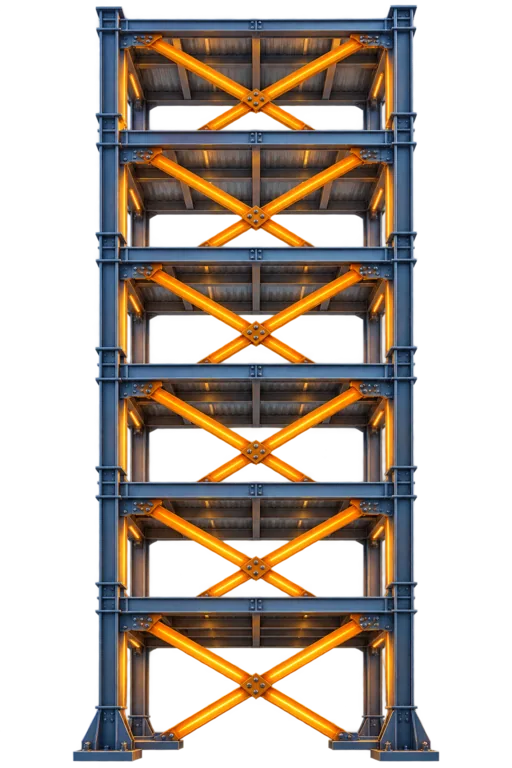

The animation exaggerates sway so changes are visible. It shows relative educational risk, not measured structural drift.
Risk score
-- / 100
Estimated sway
-- cm
Story height
-- m
Damping index
--
Earthquake Building Simulator is an educational approximation, not a structural design, code check, or safety certification. Ask a licensed engineer for real buildings.
Earthquake Building Simulator turns structural choices and shaking intensity into an animated view, risk score, and material comparison.
Set height, floors, material, structure type, magnitude, and foundation condition, then let Earthquake Building Simulator update the animation and score.
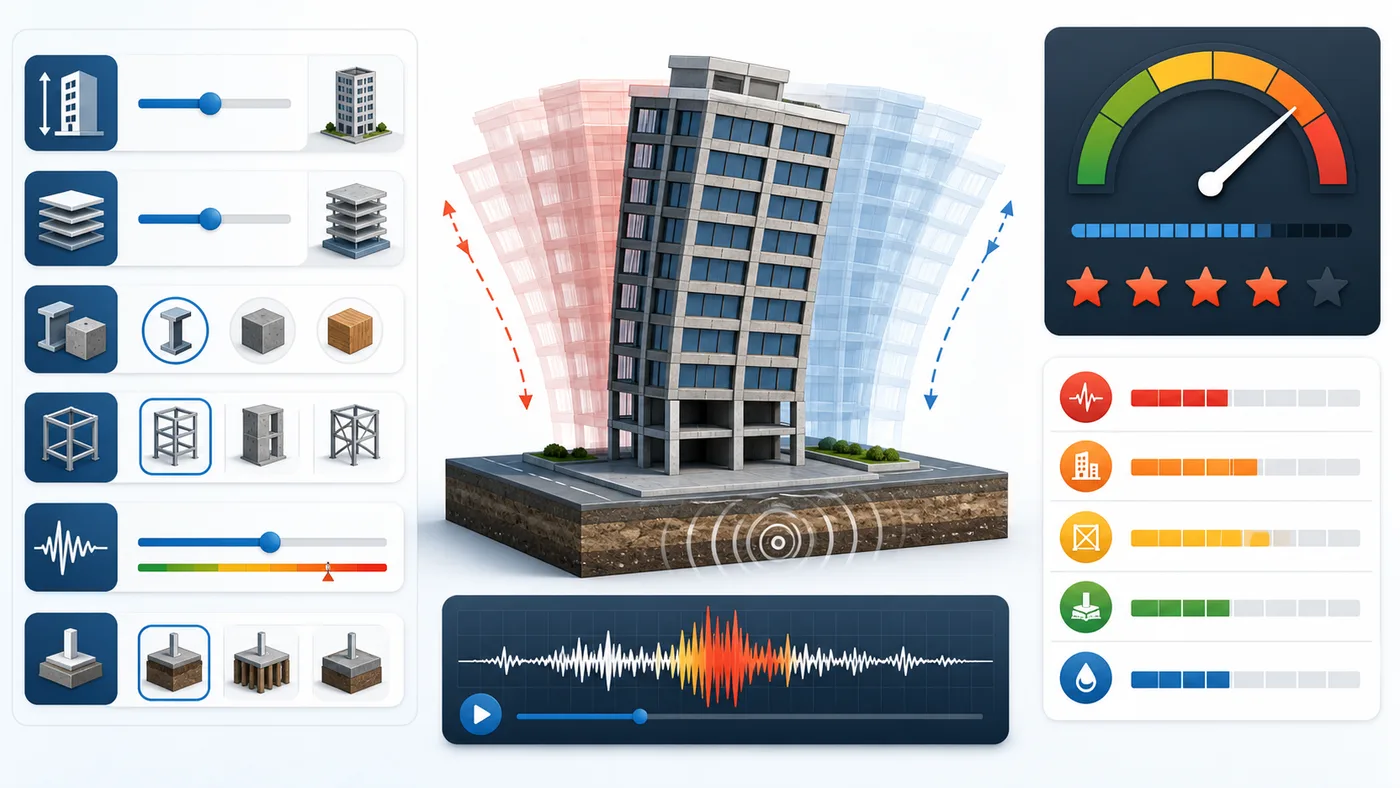
Compare steel structures, concrete structures, and wood structures in Earthquake Building Simulator at the same magnitude and foundation condition.
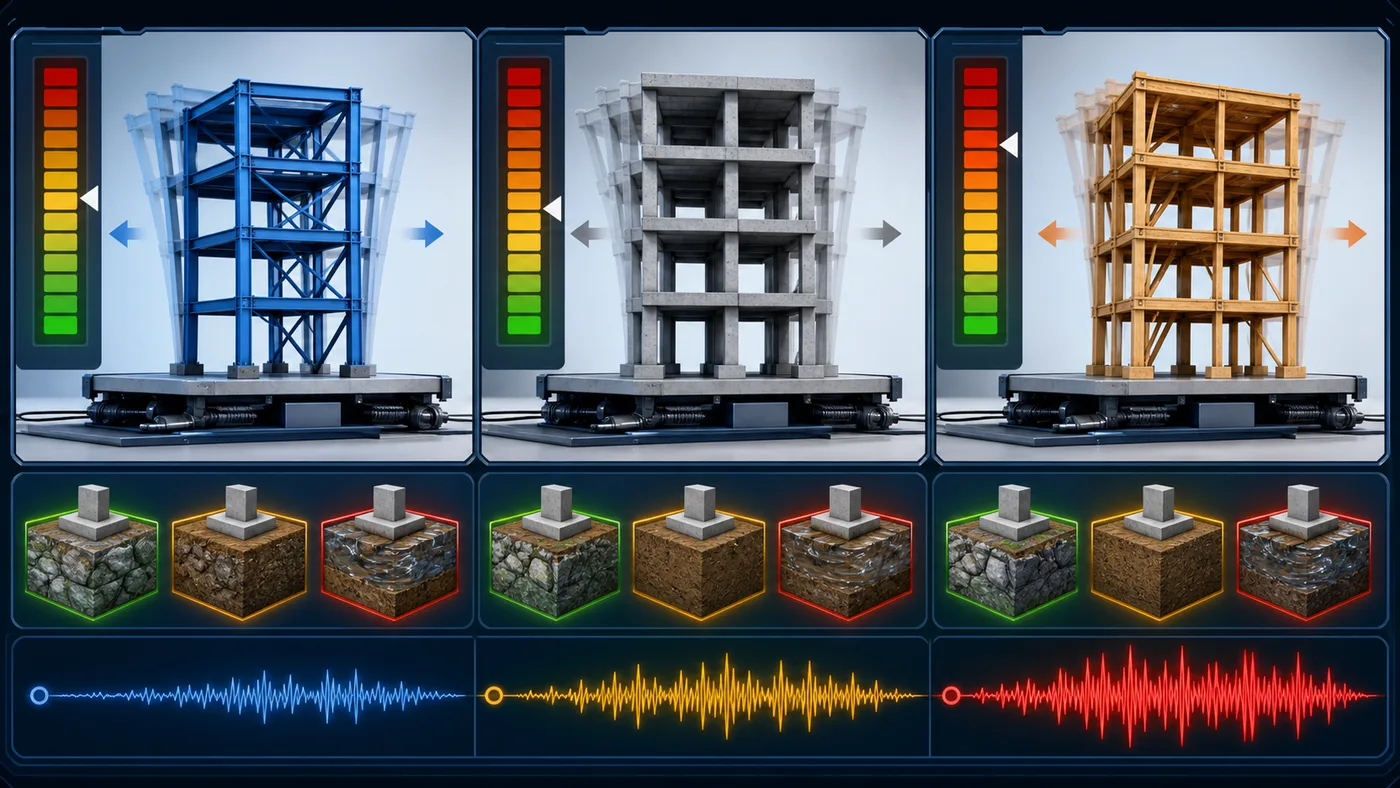
Use this Earthquake Building Simulator guide to build a clean comparison and explain why risk changes.
Start with a low-rise, tower, or soft-soil preset so Earthquake Building Simulator has a realistic baseline.
Move magnitude, foundation, material, or structure type one at a time so the Earthquake Building Simulator result has a clear cause.
Copy a result link when you want to reproduce the same Earthquake Building Simulator settings for a lesson, post, or comparison.
Earthquake Building Simulator keeps the input panel, animated structure, material comparison, and risk factors visible together.
Watch the building motion change as earthquake magnitude, height, material, and foundation settings change.
Compare steel, concrete, and wood structures under the same shaking scenario with side-by-side risk bars.
See which factors increase collapse risk, including height, magnitude, soft soil, liquefaction, and weak lateral systems.
Earthquake Building Simulator is useful anywhere people need a quick, visual seismic risk explanation.
Show students how magnitude, height, and soil condition change shaking demand.
Compare foundation conditions before discussing preparedness and building risk.
Use presets to explain why lateral systems and material choice matter.
Finished with Earthquake Building Simulator? Try another free simulator from the same collection.
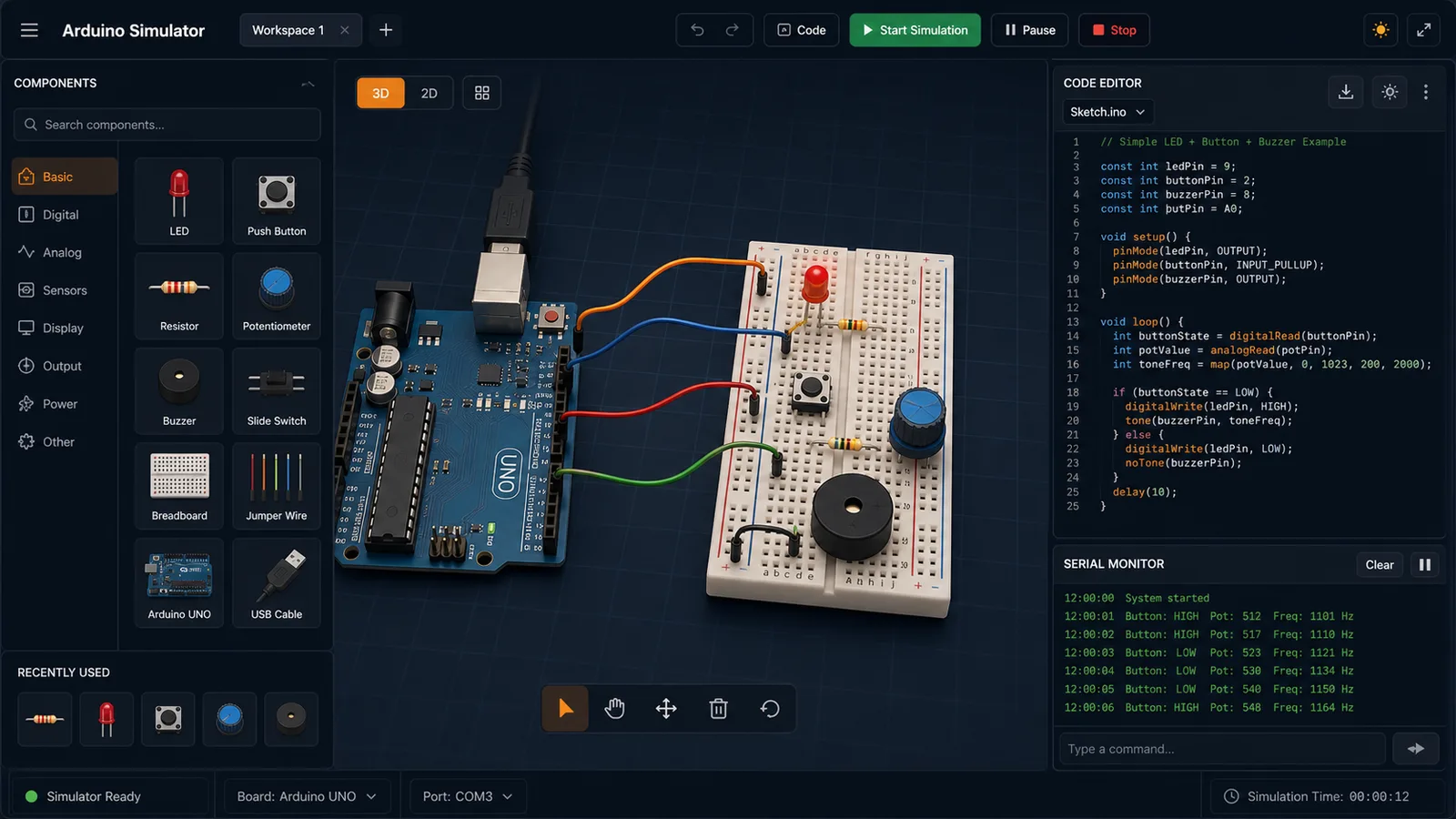
Drag LED, resistor, button, potentiometer, and buzzer parts into a browser circuit and run beginner Arduino sketches.
Drop planets, stars, and black holes into an N-body physics sandbox with shareable presets.
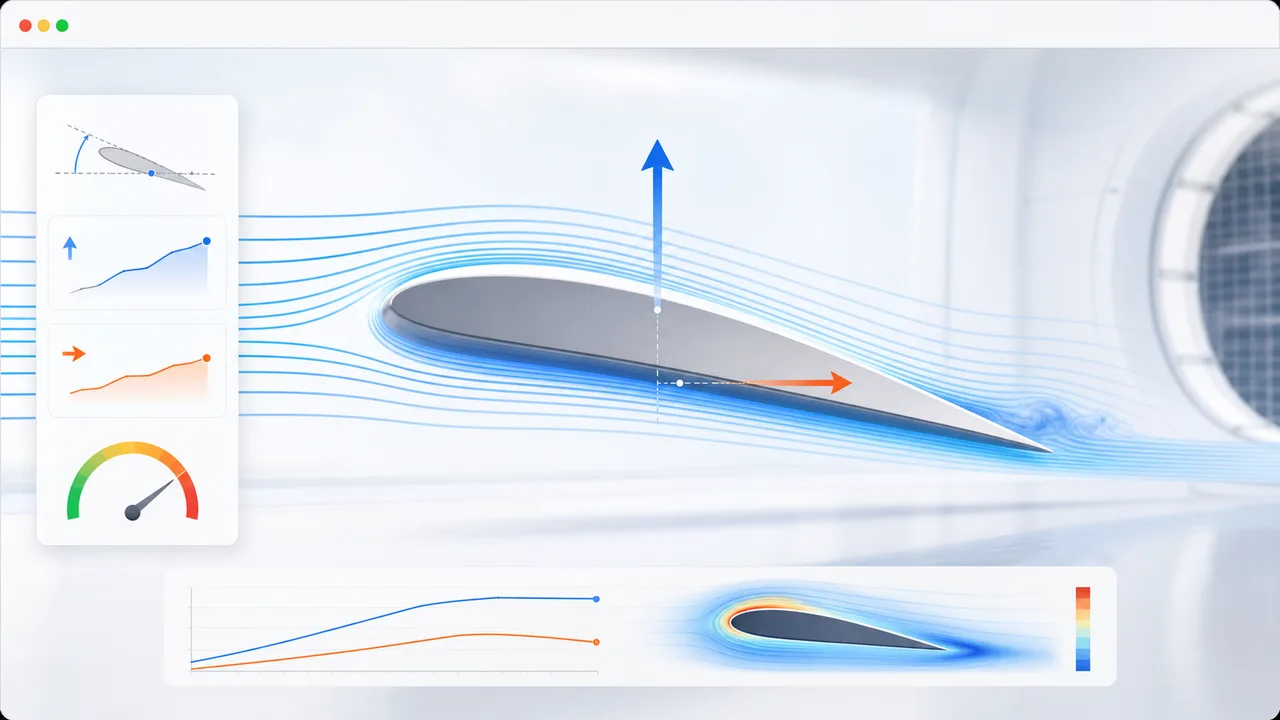
Set angle of attack, air speed, wing area, air density, and airfoil shape to estimate lift, drag, lift-to-drag ratio, and stall risk.
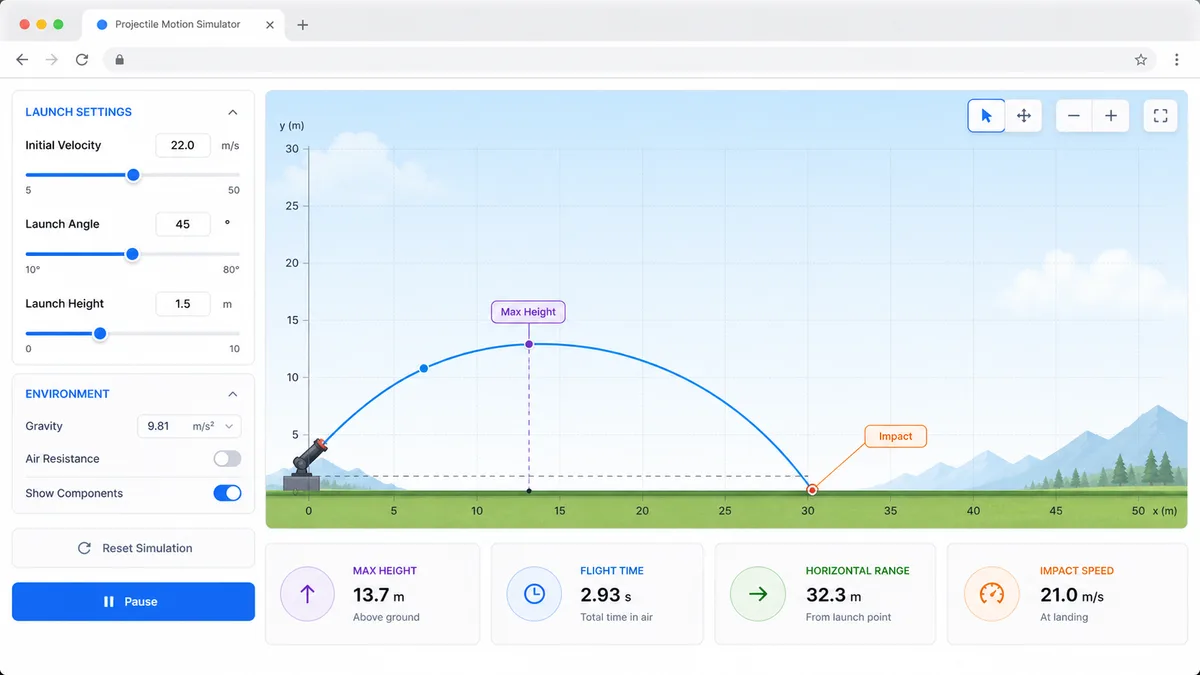
Set velocity, angle, height, gravity, and air resistance to compare projectile trajectories and live physics metrics.
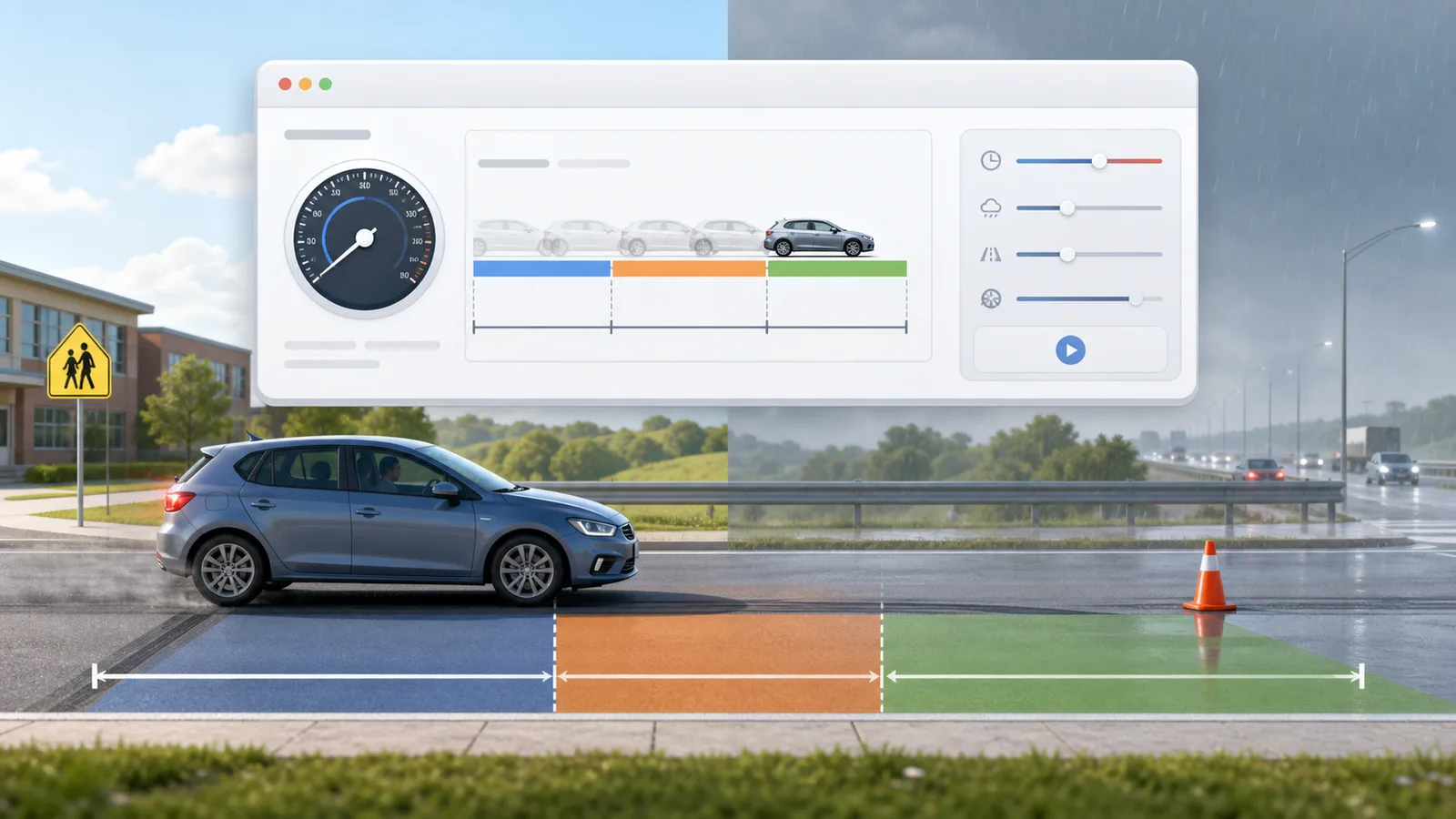
Enter speed, reaction time, weather, road surface, tires, and vehicle type to compare reaction, braking, and total stopping distance.
Enter location, roof area, panel count, wattage, orientation, tilt, shading, and electricity rate to estimate solar output, savings, and payback.

Enter a city or coordinates, choose an eclipse event, and estimate local visibility, timing, obscuration, and safety reminders.

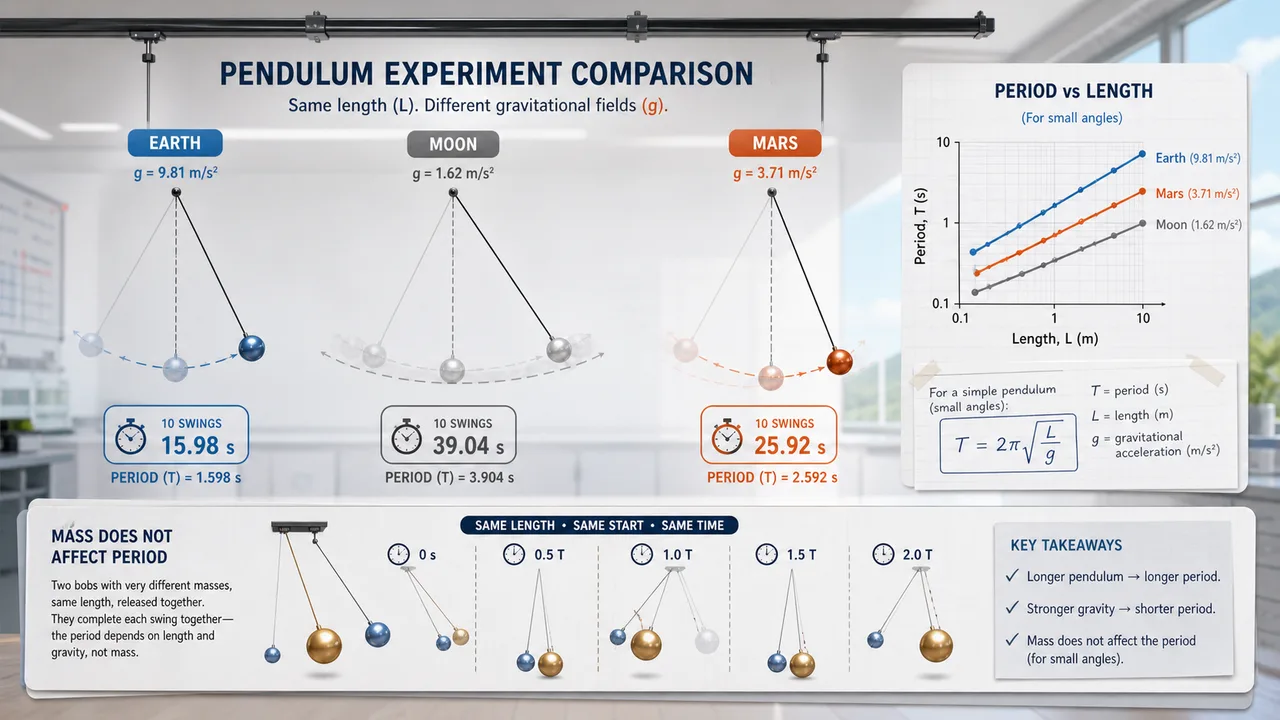
Set pendulum length, bob mass, initial angle, and gravity environment to compare theory, experiment, frequency, speed, and angular displacement.
Fast answers before you use Earthquake Building Simulator for education, safety demos, or comparison.
Earthquake Building Simulator estimates an educational risk score, exaggerated sway amount, story height, damping index, and material comparison from height, floors, material, structure type, magnitude, and foundation condition.
Soft soil and liquefaction-prone ground can amplify shaking and reduce support, so Earthquake Building Simulator raises risk when those foundation settings are selected.
No. Earthquake Building Simulator is a browser-based educational model. Real seismic safety depends on code design, detailing, age, load paths, soil investigation, construction quality, and professional engineering review.
Open Earthquake Building Simulator, choose a building profile, and compare how material, structure, magnitude, and foundation condition change the risk score.
Free to use in the browser with no download required.