Free aerodynamics simulator tool

Airfoil Simulator visualize lift, drag, airflow, and stall risk

Airfoil Simulator lets you change angle of attack, speed, wing area, density, and airfoil shape so you can see why lift rises at first and why high angles can lead to stall.

Built for browser-based aerodynamics practice, classroom demos, and shareable airfoil results.

Airfoil Simulator interactive tool

Start Airfoil Simulator here. Move the controls, watch the streamlines, and compare lift, drag, lift-to-drag ratio, coefficient changes, and stall risk in real time.

Airfoil Simulator controls

Adjust one input at a time to see how angle of attack, air speed, area, density, and airfoil shape change the estimate.

Share Airfoil Simulator results

Share the clean page or copy a result link with the current airfoil settings.

Live airflow

Airfoil Simulator streamlines

Low risk

Blue streamlines show mostly attached flow. Orange swirls appear as the angle approaches the simplified stall region.

Lift

-- N

Drag

-- N

Lift-to-drag

--

Stall risk

--%

Lift coefficient

--

Drag coefficient

--

Dynamic pressure

-- Pa

Airfoil Simulator attached-flow estimate

Airfoil Simulator uses simplified lift and drag coefficient curves for learning. It is not a CFD solver or aircraft certification tool.

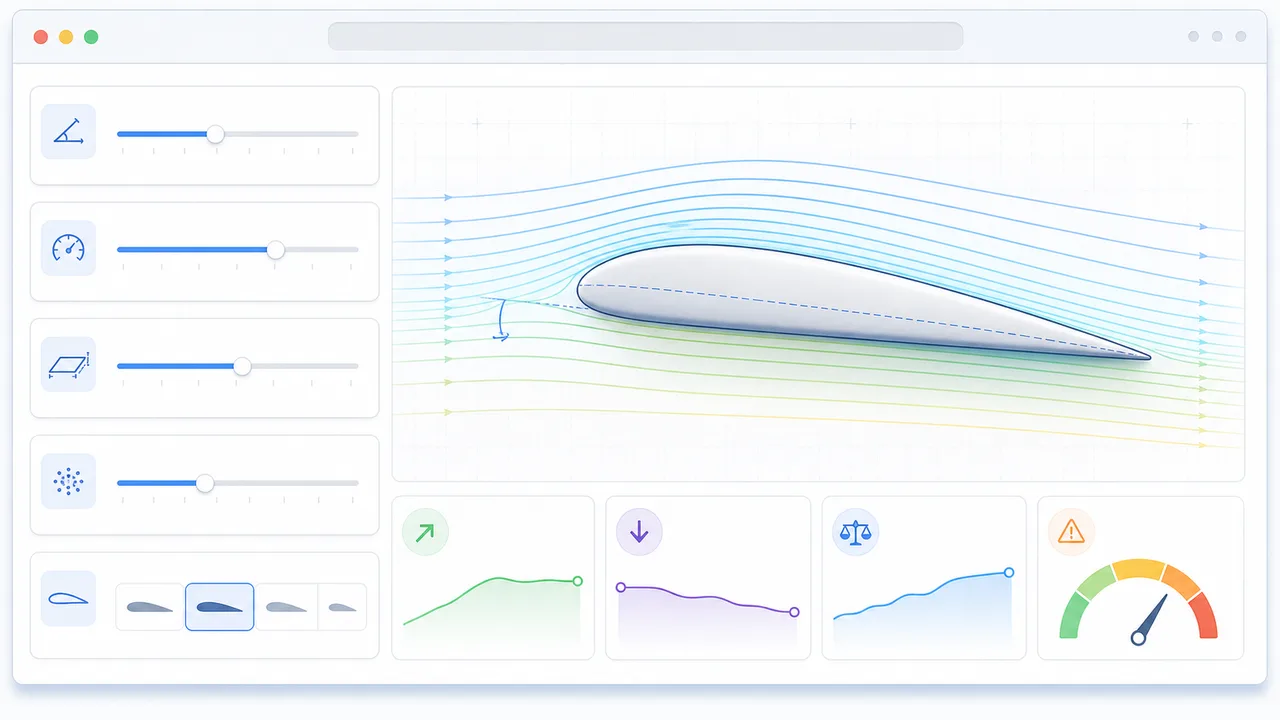
Airfoil Simulator overview and airflow results

Airfoil Simulator turns core aerodynamic inputs into a visual airfoil estimate so lift, drag, and stall behavior are easier to compare.

Airfoil Simulator visual workflow

Set angle of attack, speed, area, density, and shape, then use Airfoil Simulator to watch how streamlines move around the airfoil.

Airfoil Simulator overview showing controls, streamlines, lift, drag, and stall risk

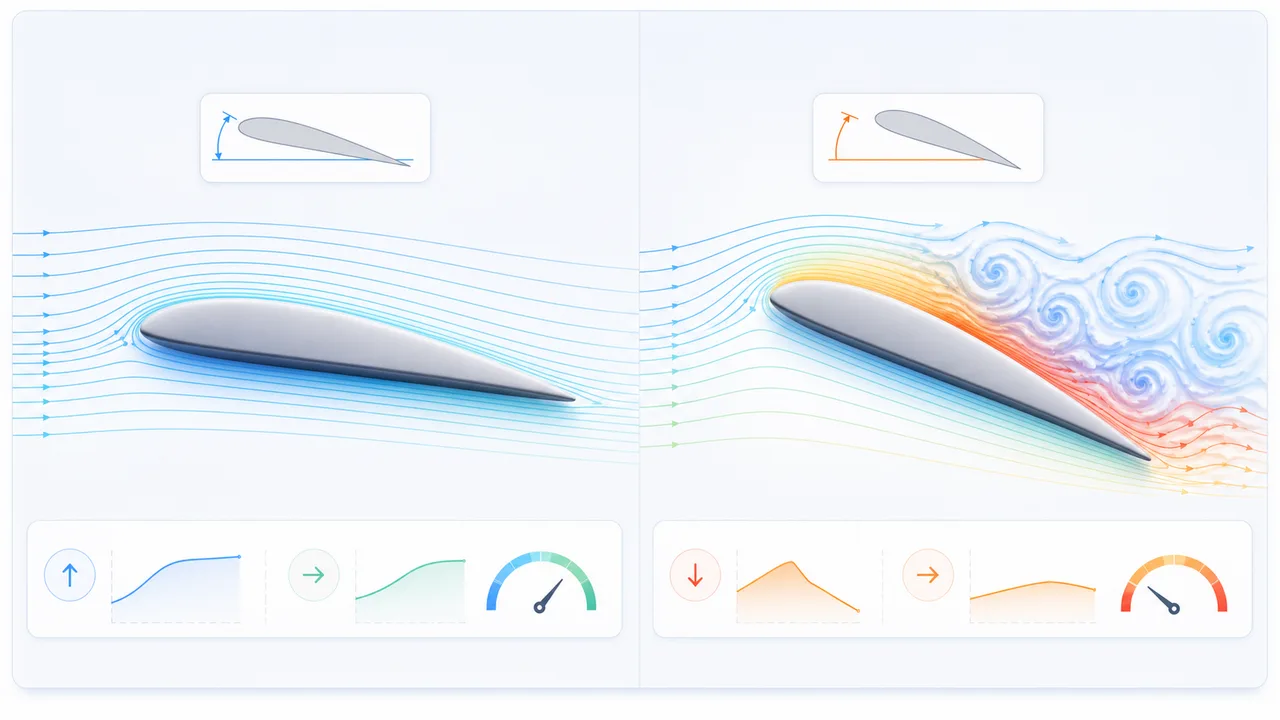
Airfoil Simulator stall comparison

Increase angle of attack in Airfoil Simulator to see why lift rises at first, then becomes less efficient when airflow separates.

Airfoil Simulator stall comparison with smooth airflow and separated airflow around an airfoil

Airfoil Simulator quick guide

Use this Airfoil Simulator guide to build a clear first case and understand what each aerodynamic control changes.

01

Airfoil Simulator set a stable baseline

Start near 6° to 8° angle of attack with sea-level density and a moderate air speed so the airflow stays mostly attached.

  • Use 1.225 kg/m³ for a standard sea-level demo
  • Keep one airfoil shape selected while comparing angles
Open Airfoil Simulator
02

Airfoil Simulator compare angle of attack

Move the angle slider upward and watch lift increase, drag rise, and the stall risk badge change as flow separation becomes likely.

  • Small angles usually improve lift
  • Very high angles increase drag and stall risk
See Airfoil Simulator features
03

Airfoil Simulator share a result

Copy a result link only when you want to preserve the current airfoil shape, speed, area, density, and angle settings.

  • Clean page URLs stay clean while you experiment
  • Try another physics simulator after this one
Browse more simulators

Airfoil Simulator features

Airfoil Simulator keeps the controls, airflow sketch, and core aerodynamic metrics visible together.

Airfoil Simulator streamlines

Watch simple flow lines bend around the wing and become disturbed near the simplified stall region.

Open Airfoil Simulator

Airfoil Simulator lift and drag output

Read lift, drag, lift-to-drag ratio, lift coefficient, drag coefficient, and dynamic pressure as inputs change.

Read Airfoil Simulator guide

Airfoil Simulator stall-risk demos

Jump between safe-lift and stall demo settings to compare attached and separated airflow behavior.

Read Airfoil Simulator FAQ

Airfoil Simulator use cases

Airfoil Simulator is useful when you need a quick browser explanation of lift, drag, angle of attack, and stall risk.

Airfoil Simulator classroom demo

Show why angle of attack matters before moving into equations or wind-tunnel data.

Open Airfoil Simulator

Airfoil Simulator design sketch

Compare broad airfoil shapes and wing area changes before using a more detailed aerodynamic tool.

Try Airfoil Simulator

Airfoil Simulator stall lesson

Move from moderate to high angles and connect the numbers to the airflow sketch.

Start Airfoil Simulator

More tools after Airfoil Simulator

Finished with Airfoil Simulator? Try another free simulator from the same collection.

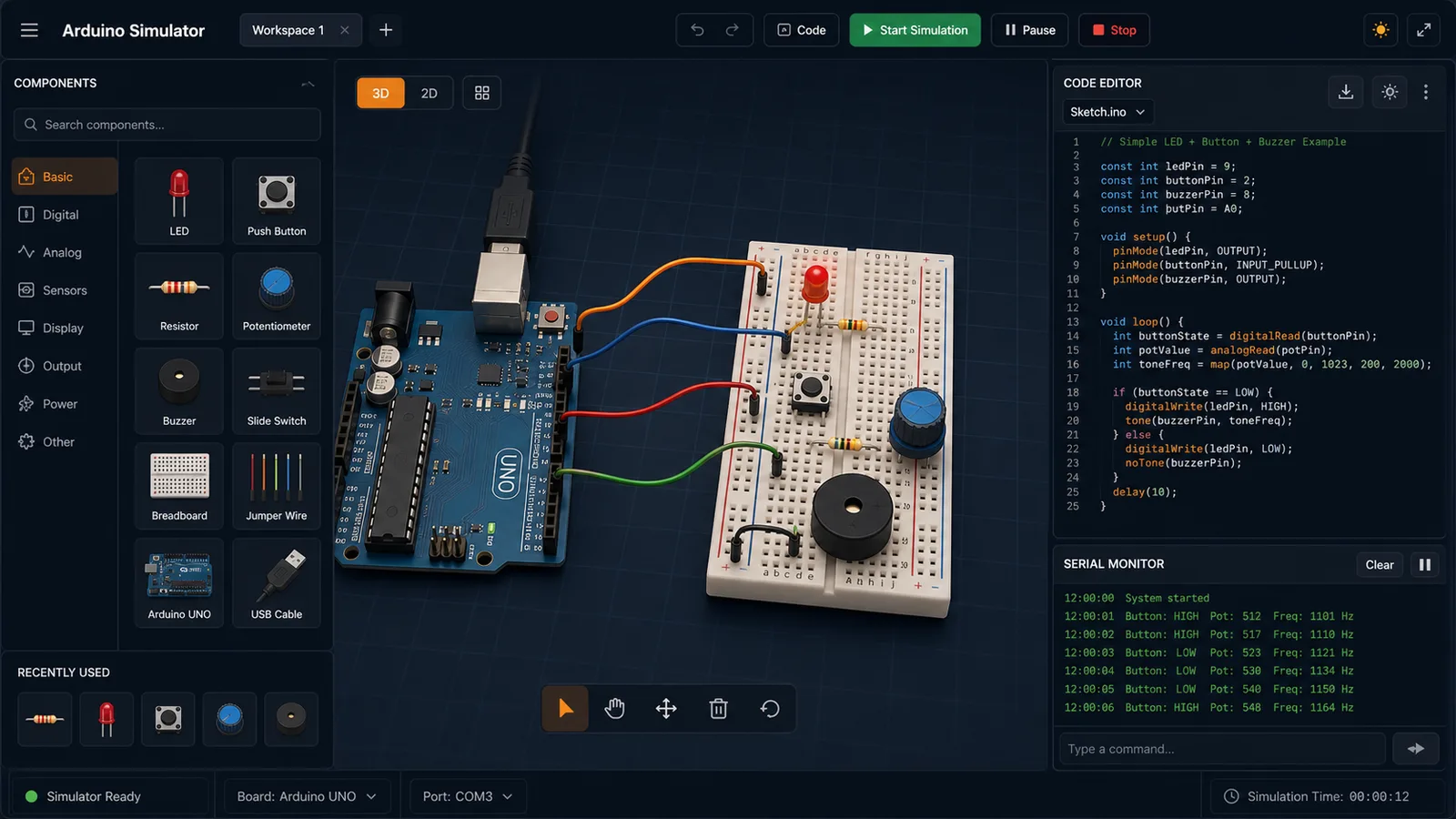
Arduino Simulator

Drag LED, resistor, button, potentiometer, and buzzer parts into a browser circuit and run beginner Arduino sketches.

Arduino Simulator preview showing the browser circuit workspace, code panel, and serial monitor
Open tool

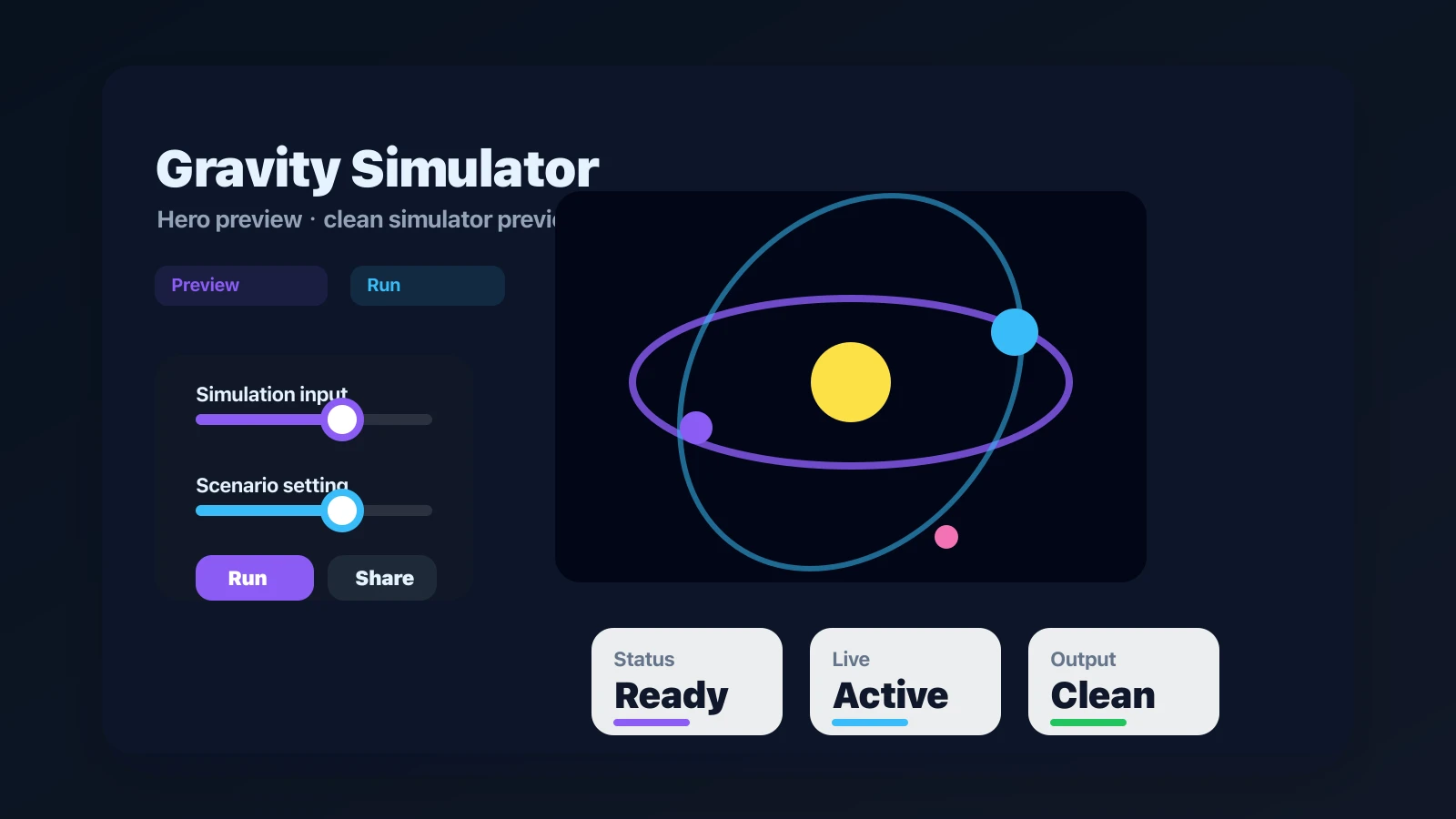
Gravity Simulator

Drop planets, stars, and black holes into an N-body physics sandbox with shareable presets.

Gravity Simulator preview showing the browser simulator interface and result
Open tool

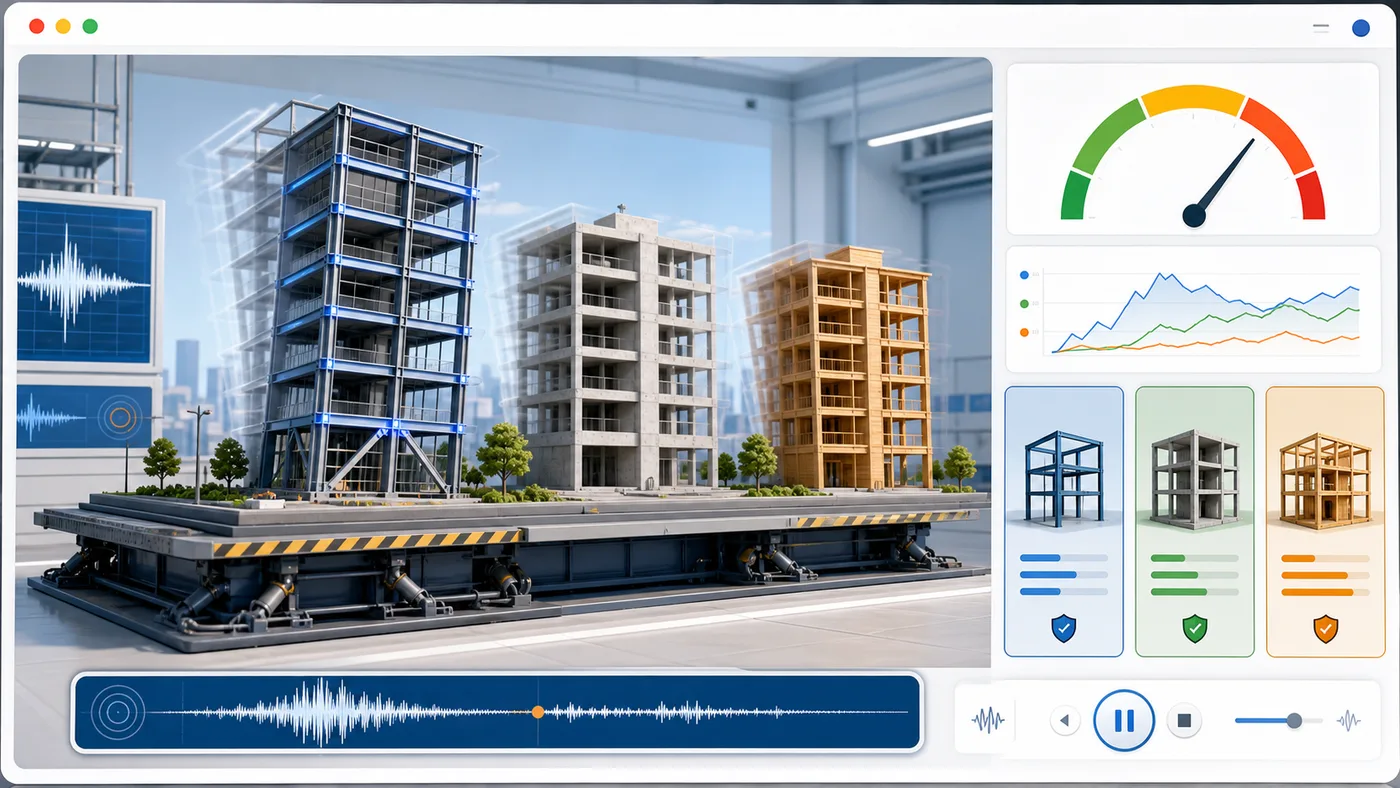
Earthquake Building Simulator

Enter building height, floors, material, structure type, earthquake magnitude, and foundation condition to animate sway and compare seismic risk.

Earthquake Building Simulator preview showing buildings swaying on a shake table with material comparison and risk score
Open tool

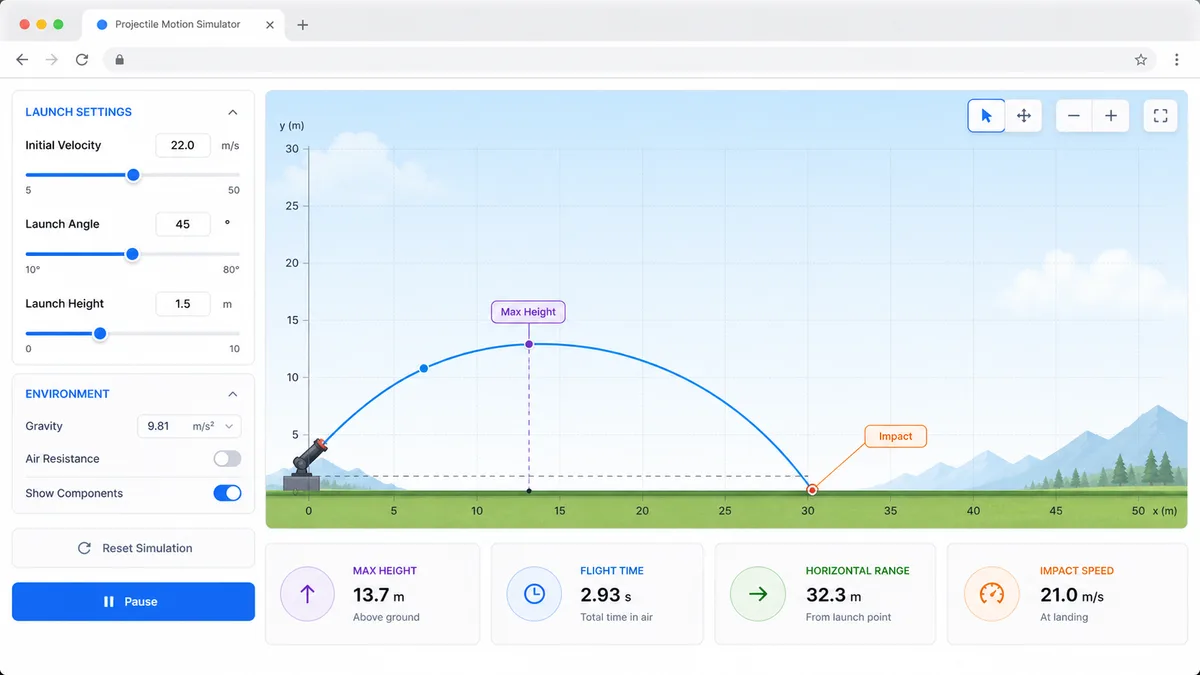
Projectile Motion Simulator

Set velocity, angle, height, gravity, and air resistance to compare projectile trajectories and live physics metrics.

Projectile Motion Simulator preview showing trajectory controls, curve animation, and result metrics
Open tool

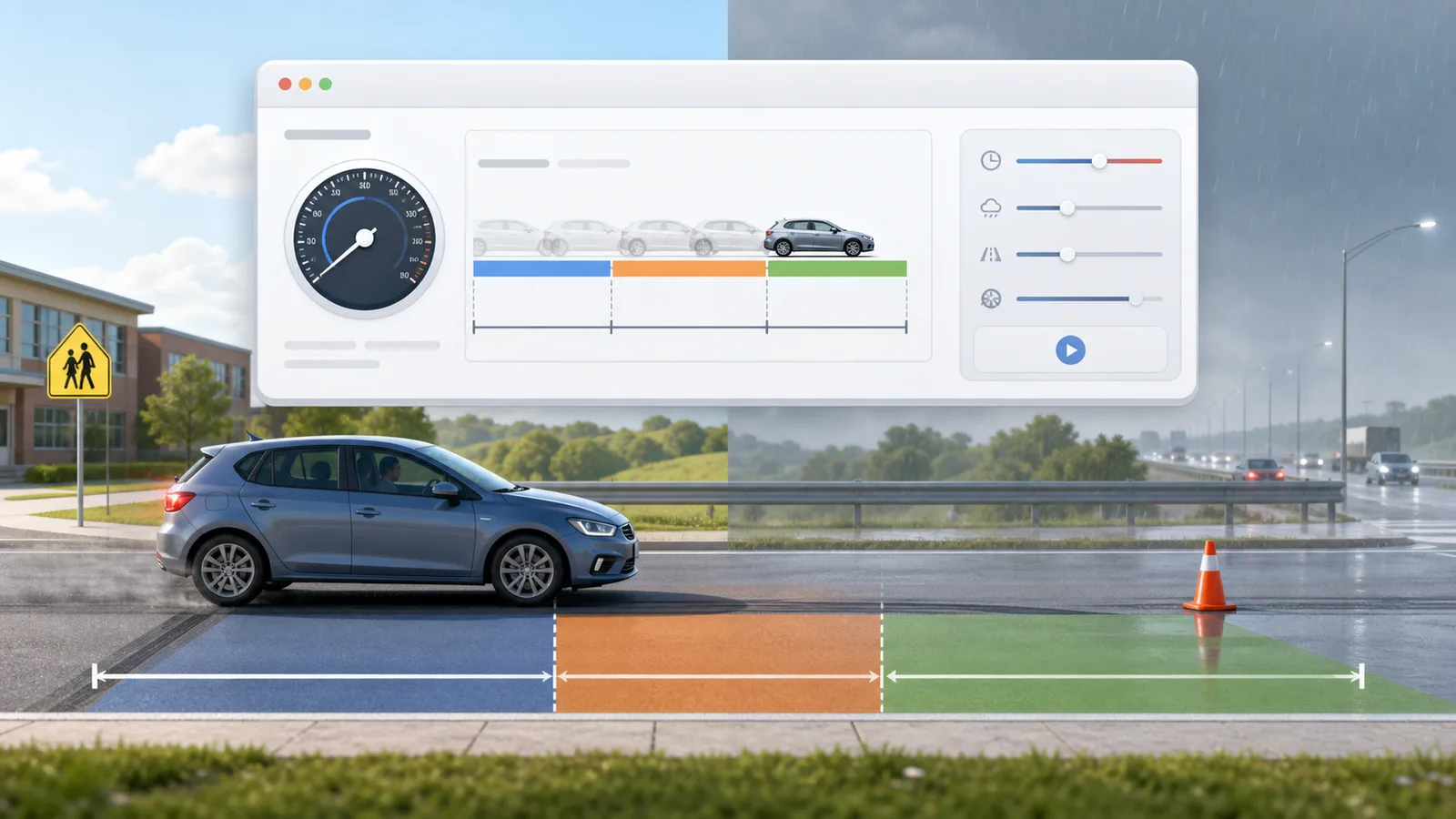
Stopping Distance Simulator

Enter speed, reaction time, weather, road surface, tires, and vehicle type to compare reaction, braking, and total stopping distance.

Stopping Distance Simulator preview showing braking distance controls, road scenarios, and result metrics
Open tool

Solar Panel Simulator

Enter location, roof area, panel count, wattage, orientation, tilt, shading, and electricity rate to estimate solar output, savings, and payback.

Solar Panel Simulator preview showing rooftop panels, energy production, savings, and payback comparison
Open tool

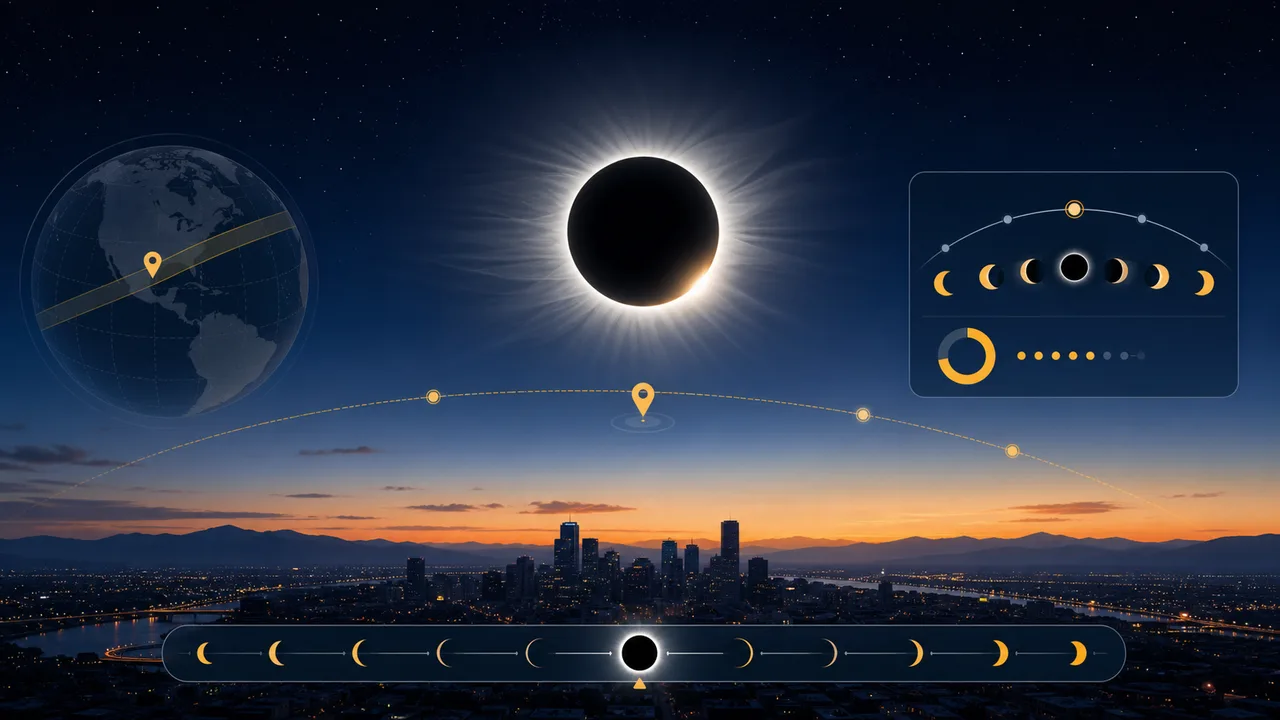
Solar Eclipse Simulator

Enter a city or coordinates, choose an eclipse event, and estimate local visibility, timing, obscuration, and safety reminders.

Solar Eclipse Simulator preview showing an eclipse path, local visibility results, timeline, and safety reminders
Open tool

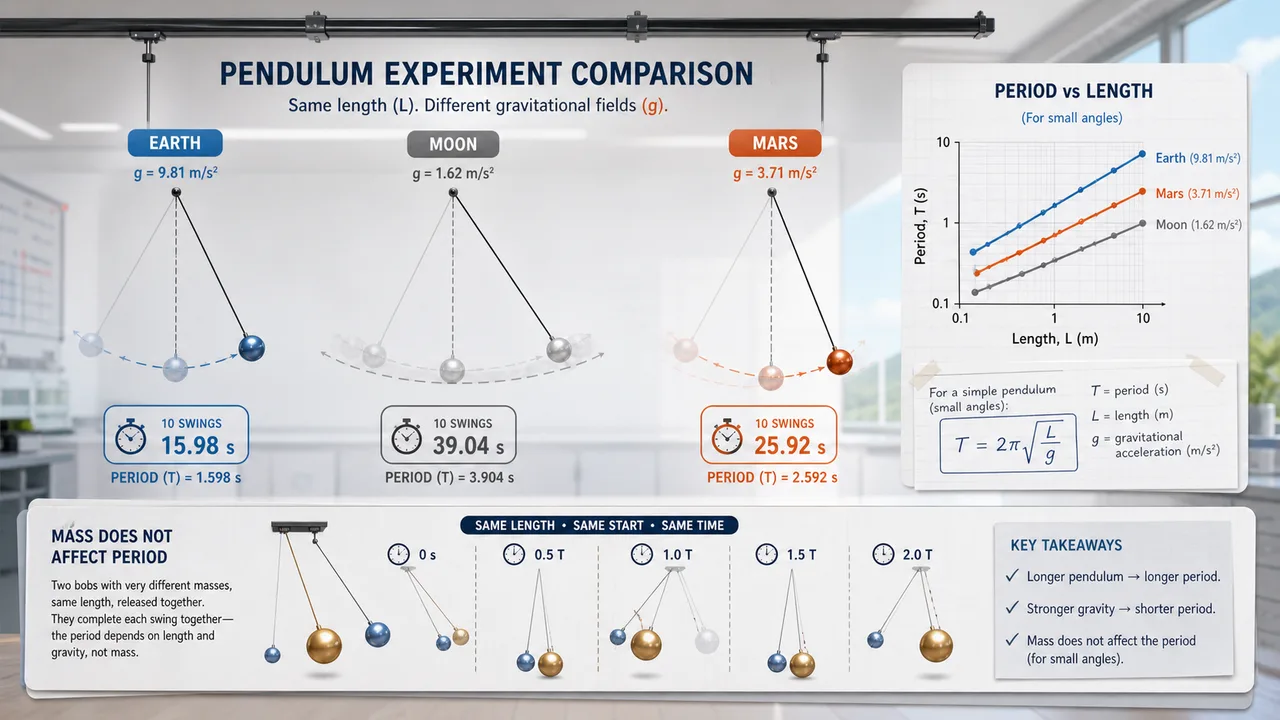
Pendulum Lab Simulator

Set pendulum length, bob mass, initial angle, and gravity environment to compare theory, experiment, frequency, speed, and angular displacement.

Pendulum Lab Simulator preview showing a swinging pendulum, Earth Moon Mars gravity choices, period cards, and angular displacement graph
Open tool
View all simulators

Airfoil Simulator FAQ

Fast answers before you use Airfoil Simulator for learning, demos, or early design thinking.

What does Airfoil Simulator calculate?

Airfoil Simulator estimates lift, drag, lift-to-drag ratio, lift coefficient, drag coefficient, dynamic pressure, and stall risk from angle of attack, air speed, wing area, density, and a simplified airfoil shape.

Why does Airfoil Simulator show stall risk at high angle of attack?

Airfoil Simulator raises stall risk when the selected angle approaches the simplified stall region, where airflow separation can reduce lift efficiency and increase drag.

Is Airfoil Simulator accurate enough for aircraft design?

No. Airfoil Simulator is an educational approximation. Use wind-tunnel data, validated airfoil polar data, or CFD tools for engineering decisions.

Can I share Airfoil Simulator settings?

Yes. Airfoil Simulator keeps the clean page URL while you experiment, and the copy result link button creates a shareable URL only when you choose it.

Start Airfoil Simulator now

Open Airfoil Simulator, adjust the angle of attack, and watch lift, drag, lift-to-drag ratio, and stall risk update in your browser.

Free to use and no download required.