
Free Solar Eclipse Simulator

Solar Eclipse Simulator check whether your city can see an eclipse before you plan to watch

Solar Eclipse Simulator lets you select an eclipse event, enter a city or latitude and longitude, estimate local visibility, compare start, maximum, and end times, drag the eclipse timeline, and keep eye-safety guidance close.

Built for quick Solar Eclipse Simulator planning with city presets, coordinates, obscuration estimates, and safe-viewing reminders.

Solar Eclipse Simulator interactive visibility tool

Start Solar Eclipse Simulator here: choose the August 2026 total eclipse, February 2027 annular eclipse, or August 2027 total eclipse, then enter a city or coordinates.

Solar Eclipse Simulator controls

Choose an eclipse event, select a city or enter coordinates, then Solar Eclipse Simulator estimates local visibility, timing, obscuration, and safety status.

Eclipse event

City or coordinates

Pick a preset city or switch to custom coordinates. Solar Eclipse Simulator accepts decimal latitude and longitude.

Solar Eclipse Simulator safety reminder

For every partial or annular phase, use eclipse glasses or a safe handheld solar viewer that complies with ISO 12312-2. Regular sunglasses are not safe for direct Sun viewing.

Safety checklist

  • Use ISO 12312-2 eclipse glasses or a certified handheld solar viewer for all partial phases.
  • Put a proper solar filter on the front of any camera, telescope, binoculars, or lens before pointing it at the Sun.
  • Supervise children before, during, and after the eclipse so viewers stay on until it is safe.

Share Solar Eclipse Simulator

Normal edits keep the clean page URL. Copy a result link only when you want to share this event and coordinate combination.

Solar Eclipse Simulator local result

Calculating

Shown in your current time zone:

Total eclipse

Estimated start time

-

Estimated maximum eclipse

-

Estimated end time

-

Maximum obscuration

0%

Distance to central path

0 km

Visibility level

-

Solar Eclipse Simulator event facts

Event date
Central path
Model confidence

Solar Eclipse Simulator path band map

The bright line is the simplified central path; the wide glow is the broad partial-visibility band used by this rough model.

Approximate

Plan trip result

Weather placeholder

Solar Eclipse Simulator does not predict clouds, haze, smoke, horizon blockage, or last-minute weather. Check a real forecast close to the observing date.

Solar Eclipse Simulator playback

Timeline time
Current coverage
Eye safety

The timeline visualizes the Moon covering the Sun from first contact to last contact using the estimated maximum obscuration.

Solar Eclipse Simulator assumptions

Solar Eclipse Simulator compares your coordinates with simplified central-path samples and a broad partial-visibility radius. Local clouds, horizon altitude, exact contact times, lunar-limb corrections, and official site circumstances are outside this browser model.

Official data sources

Use these links for authoritative maps, local circumstances, contact times, safety guidance, and trip planning checks. This page is only a first-pass simulator.

Solar Eclipse Simulator is an educational rough model based on simplified central-path samples and a broad partial-visibility radius. It is not an official ephemeris, weather forecast, observatory notice, or travel guarantee; confirm exact local circumstances with NASA, Timeanddate, Xavier Jubier, or another authoritative source before observing.

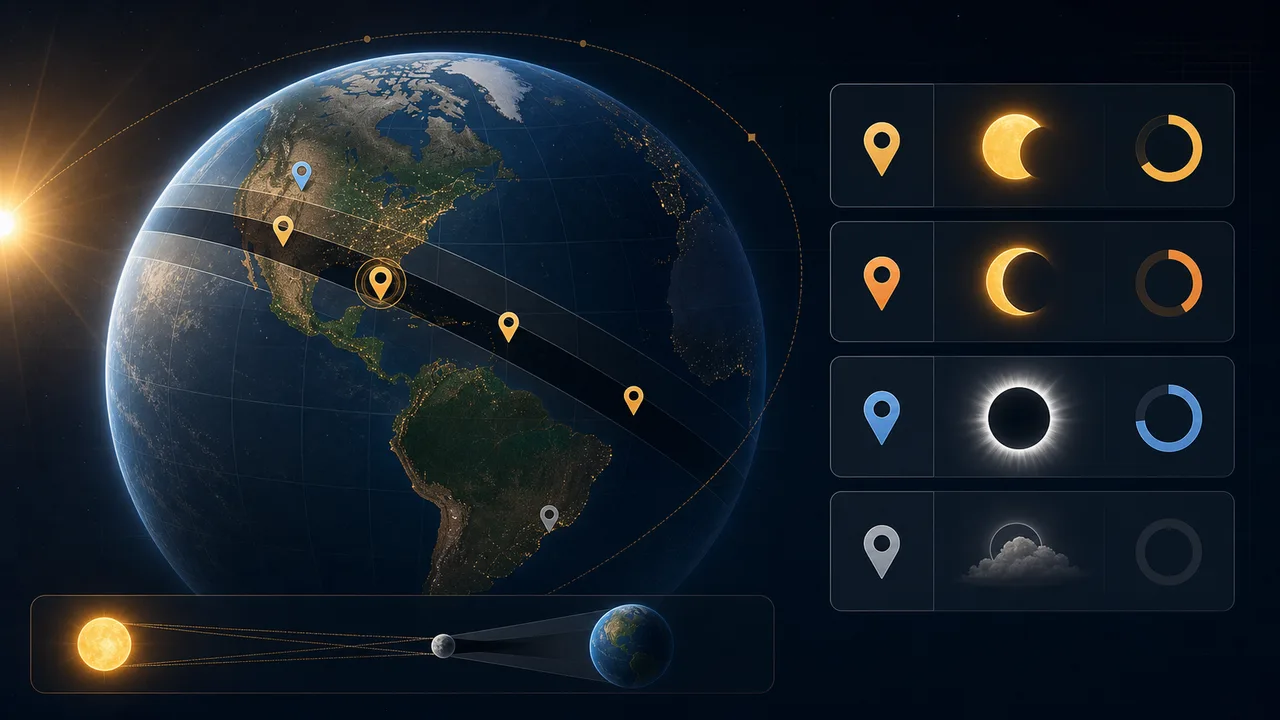
Solar Eclipse Simulator visibility planning flow

Solar Eclipse Simulator turns eclipse-event selection plus city or coordinate input into a quick visibility, obscuration, and timing estimate.

Solar Eclipse Simulator local visibility check

Solar Eclipse Simulator estimates whether your location falls inside the modeled visibility zone and whether the result is total, annular, major partial, light partial, or not visible.

Solar Eclipse Simulator visibility map with eclipse path, city pins, and local visibility result cards

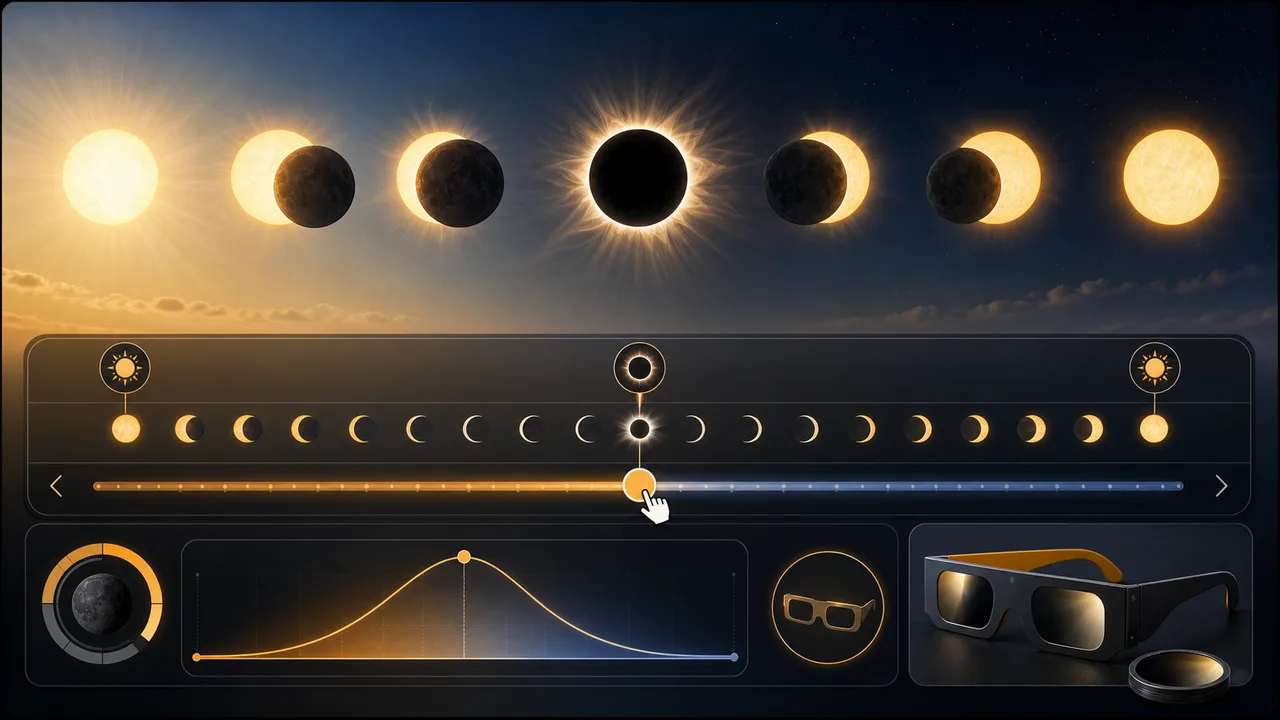
Solar Eclipse Simulator timeline and safety

Solar Eclipse Simulator gives start, maximum, and end timing, then lets you scrub the eclipse timeline while keeping safe-viewing reminders visible.

Solar Eclipse Simulator timeline showing eclipse phases, maximum obscuration, and safe viewing glasses

Solar Eclipse Simulator quick guide

Use this Solar Eclipse Simulator guide to make an early visibility plan before checking official eclipse circumstances.

01

Choose a Solar Eclipse Simulator event

Pick one of the included solar eclipse events. Solar Eclipse Simulator loads a simplified central path and event time for that eclipse.

  • Use the event closest to your travel plan
  • Remember that dates and times are displayed in your device time zone
Open Solar Eclipse Simulator
02

Enter Solar Eclipse Simulator city or coordinates

Select a city preset or enter decimal latitude and longitude. Solar Eclipse Simulator compares that point with the approximate eclipse path.

  • Use decimal coordinates for rural viewing sites
  • Try several nearby cities if you are planning a trip
View Solar Eclipse Simulator features
03

Read Solar Eclipse Simulator timing and safety

Review estimated start, maximum, and end times, obscuration, visibility level, and the interactive phase timeline.

Use official local circumstances before travel or public observing. This Solar Eclipse Simulator is a fast education tool, not a replacement for authoritative eclipse predictions.

Explore more simulators

Solar Eclipse Simulator features

Solar Eclipse Simulator focuses on the visibility and safety questions people ask before watching a solar eclipse.

Solar Eclipse Simulator event picker

Switch between included total and annular solar eclipse events.

Pick event

Solar Eclipse Simulator city presets

Start with familiar cities, then fine-tune with exact coordinates.

Choose city

Solar Eclipse Simulator obscuration estimate

Estimate how much of the Sun may be covered at maximum eclipse.

Check obscuration

Solar Eclipse Simulator visibility grade

See total, annular, major partial, light partial, or not visible status.

View grade

Solar Eclipse Simulator timeline

Drag through start, maximum, and end phases to visualize the eclipse.

Scrub timeline

Solar Eclipse Simulator safety reminders

Keep eclipse glasses and indirect-viewing guidance close to the result.

Read safety

Solar Eclipse Simulator use cases

Solar Eclipse Simulator helps with early eclipse planning, lessons, travel screening, and safe observation preparation.

Solar Eclipse Simulator city check

Check whether a home city is likely to see a selected eclipse.

Local
Check city

Solar Eclipse Simulator travel screening

Compare nearby coordinates before deciding where to research official maps.

Travel
Screen route

Solar Eclipse Simulator classroom demo

Show how the central shadow path changes local visibility and obscuration.

Learning
Teach eclipse

Solar Eclipse Simulator safety prep

Pair the timing estimate with reminders about certified viewers and indirect methods.

Safety
Review safety

Solar Eclipse Simulator and other free simulators

After Solar Eclipse Simulator, explore more science, planning, finance, physics, and browser tools from FreeSimulators.

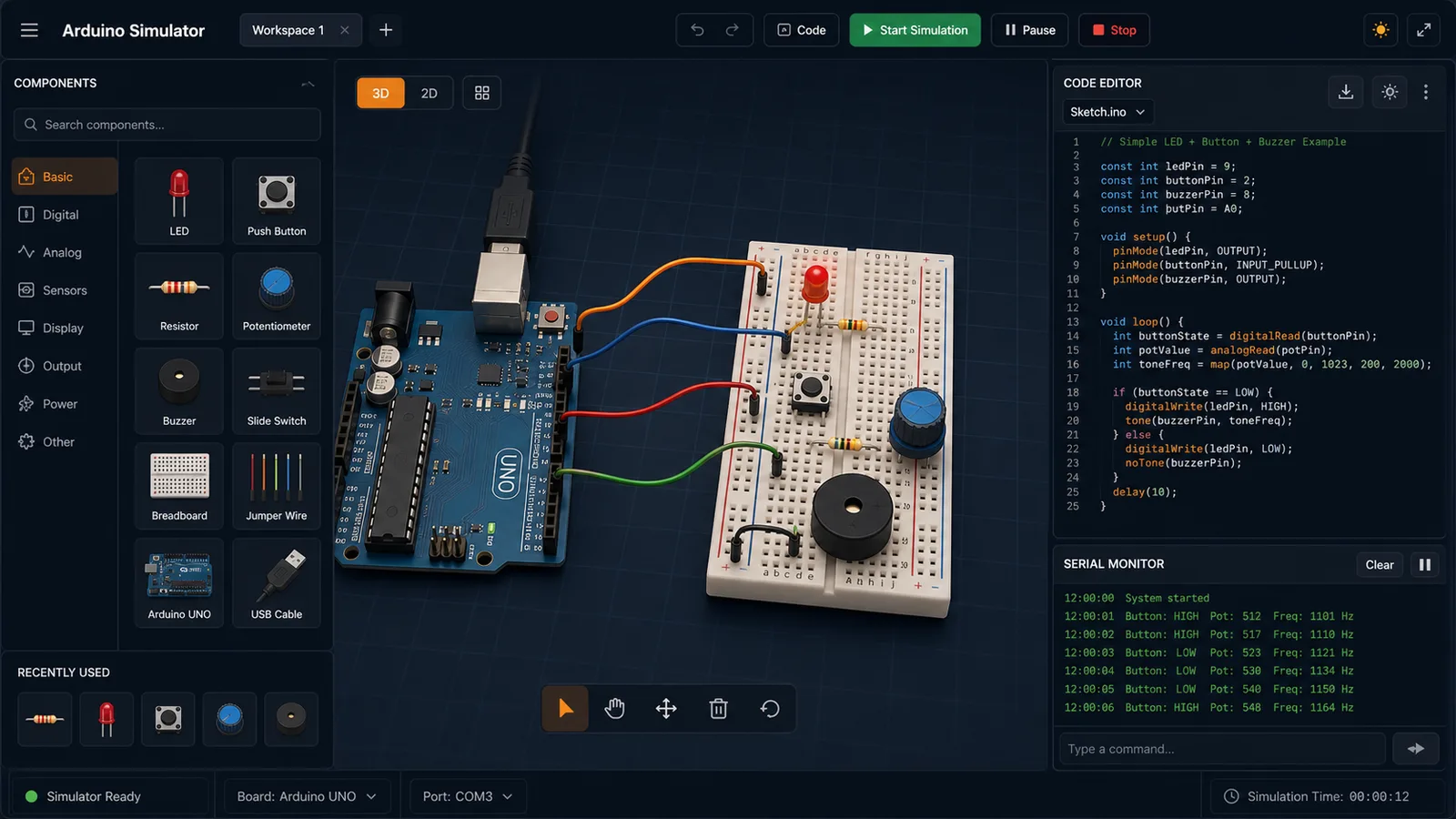
Arduino Simulator

Drag LED, resistor, button, potentiometer, and buzzer parts into a browser circuit and run beginner Arduino sketches.

Arduino Simulator preview showing the browser circuit workspace, code panel, and serial monitor
Open simulator

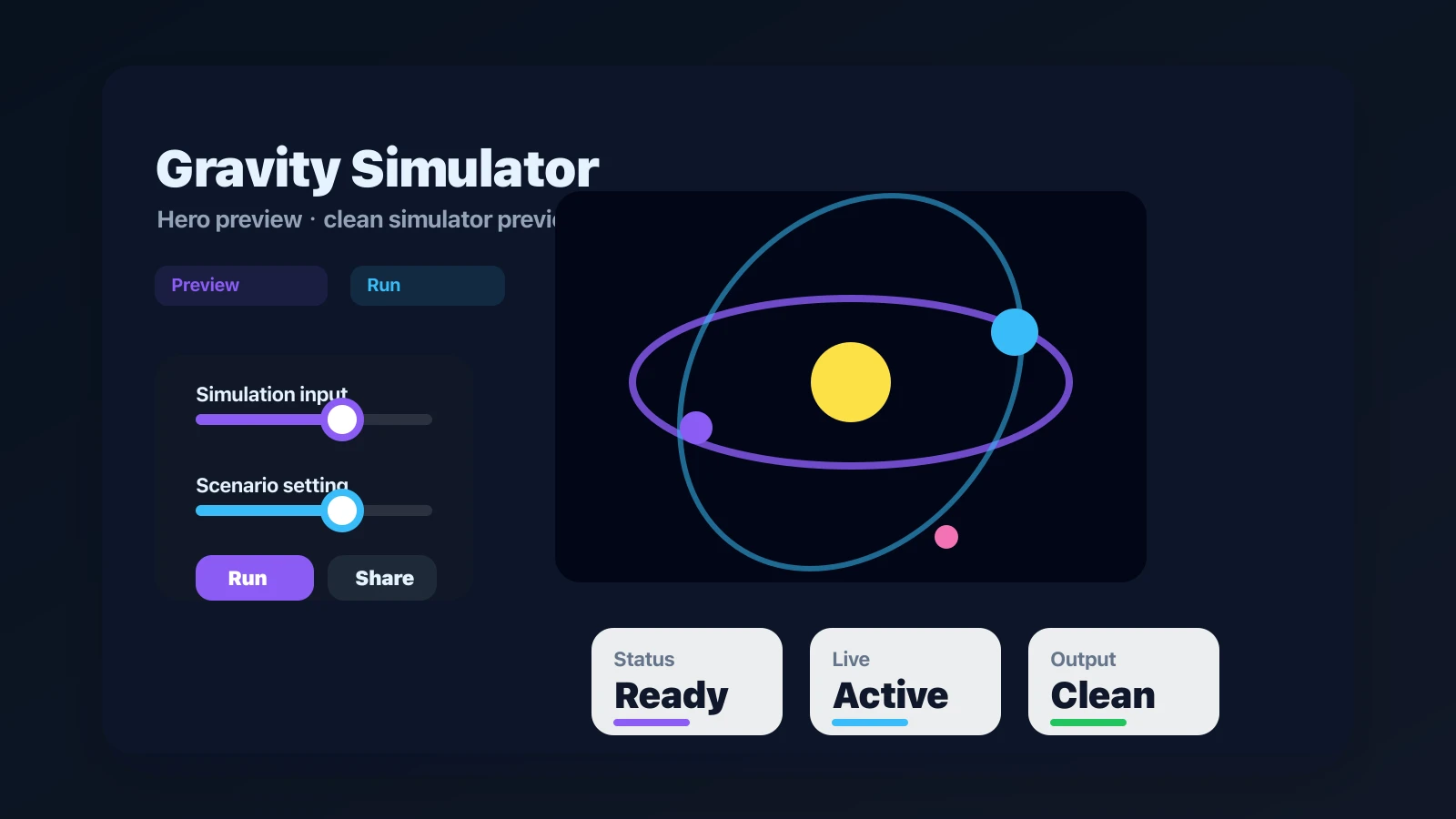
Gravity Simulator

Drop planets, stars, and black holes into an N-body physics sandbox with shareable presets.

Gravity Simulator preview showing the browser simulator interface and result
Open simulator

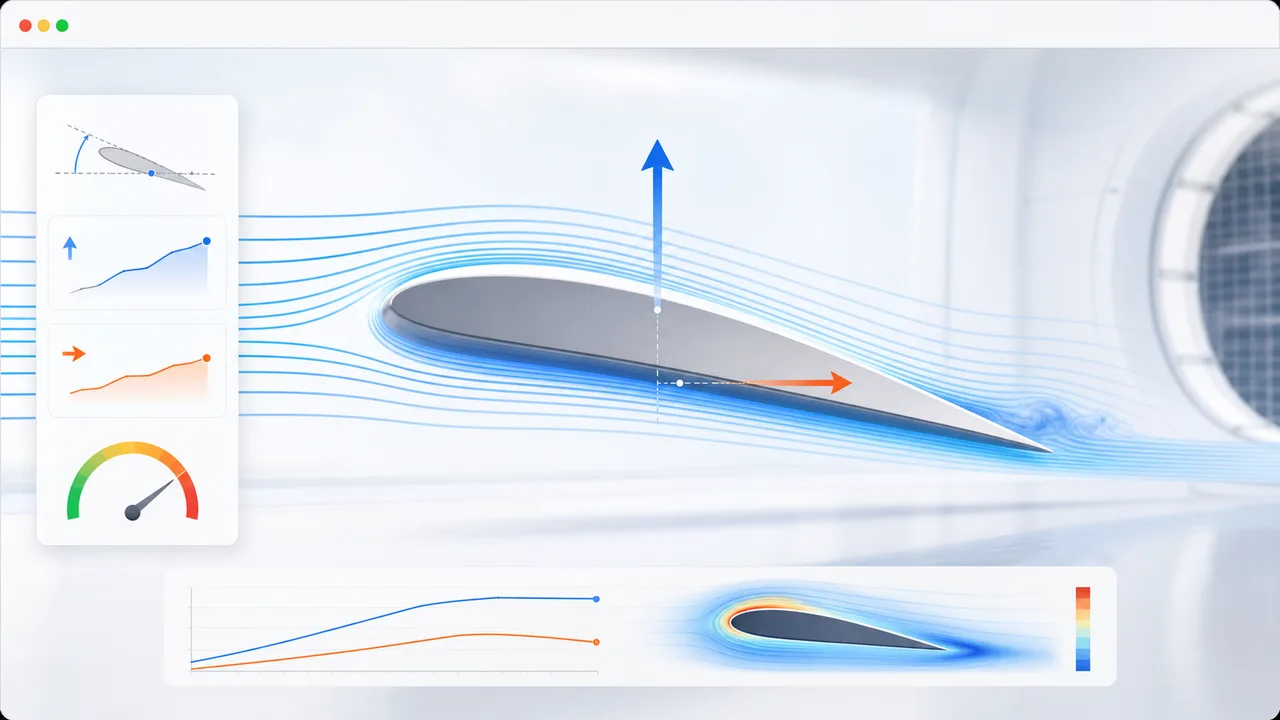
Airfoil Simulator

Set angle of attack, air speed, wing area, air density, and airfoil shape to estimate lift, drag, lift-to-drag ratio, and stall risk.

Airfoil Simulator preview showing airflow streamlines, airfoil controls, lift, drag, and stall risk
Open simulator

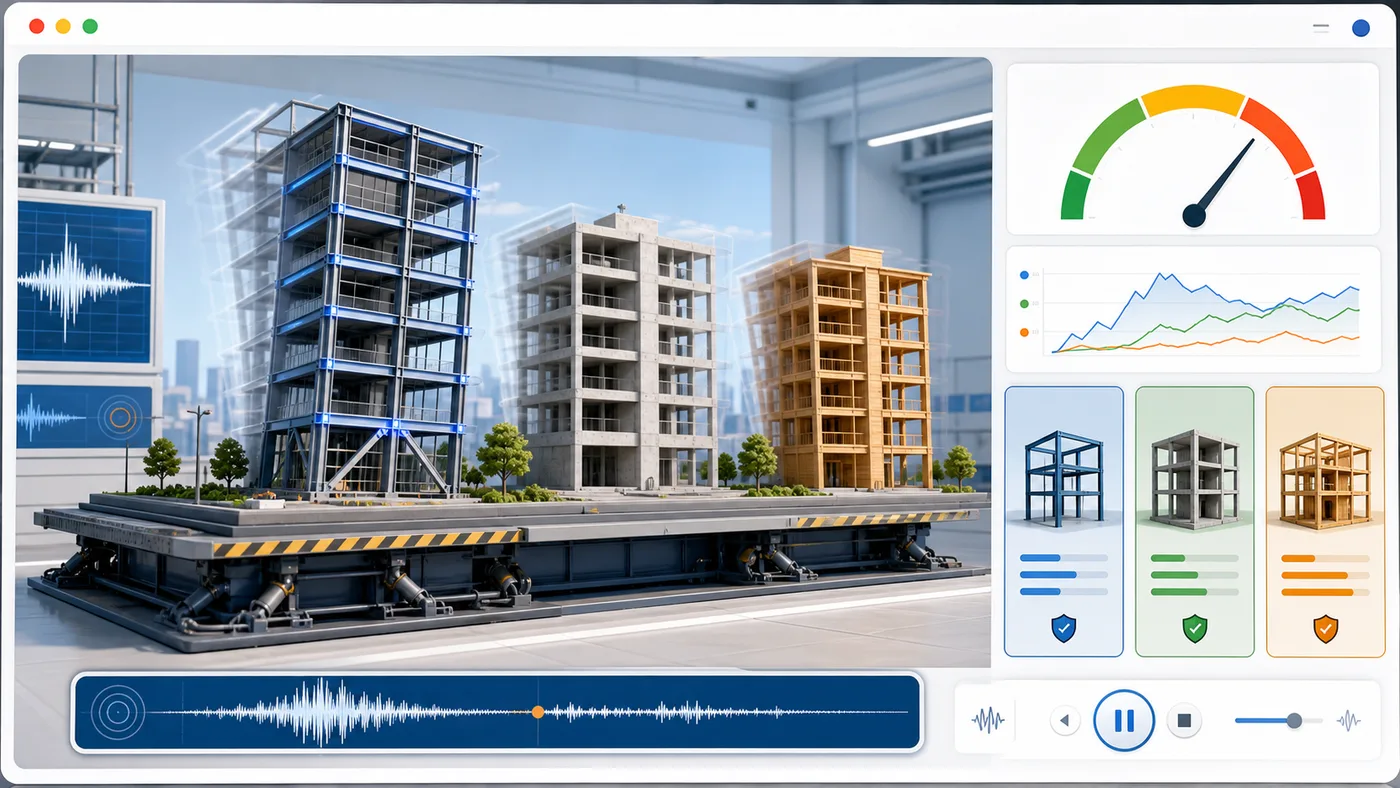
Earthquake Building Simulator

Enter building height, floors, material, structure type, earthquake magnitude, and foundation condition to animate sway and compare seismic risk.

Earthquake Building Simulator preview showing buildings swaying on a shake table with material comparison and risk score
Open simulator

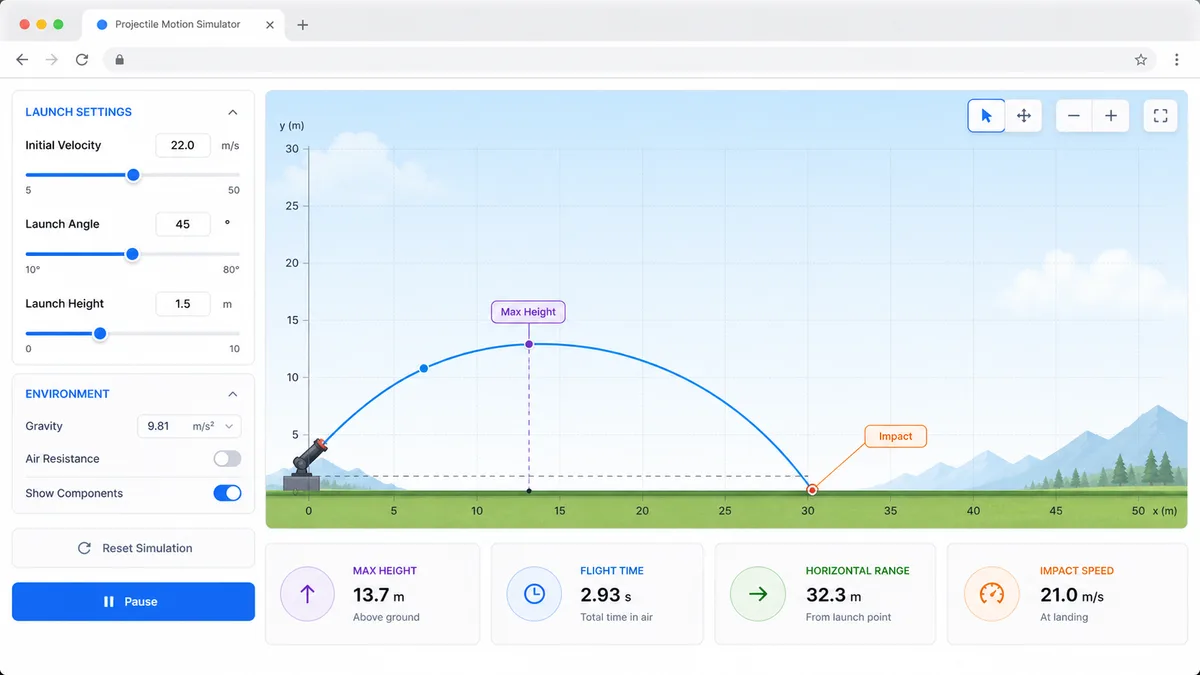
Projectile Motion Simulator

Set velocity, angle, height, gravity, and air resistance to compare projectile trajectories and live physics metrics.

Projectile Motion Simulator preview showing trajectory controls, curve animation, and result metrics
Open simulator

Stopping Distance Simulator

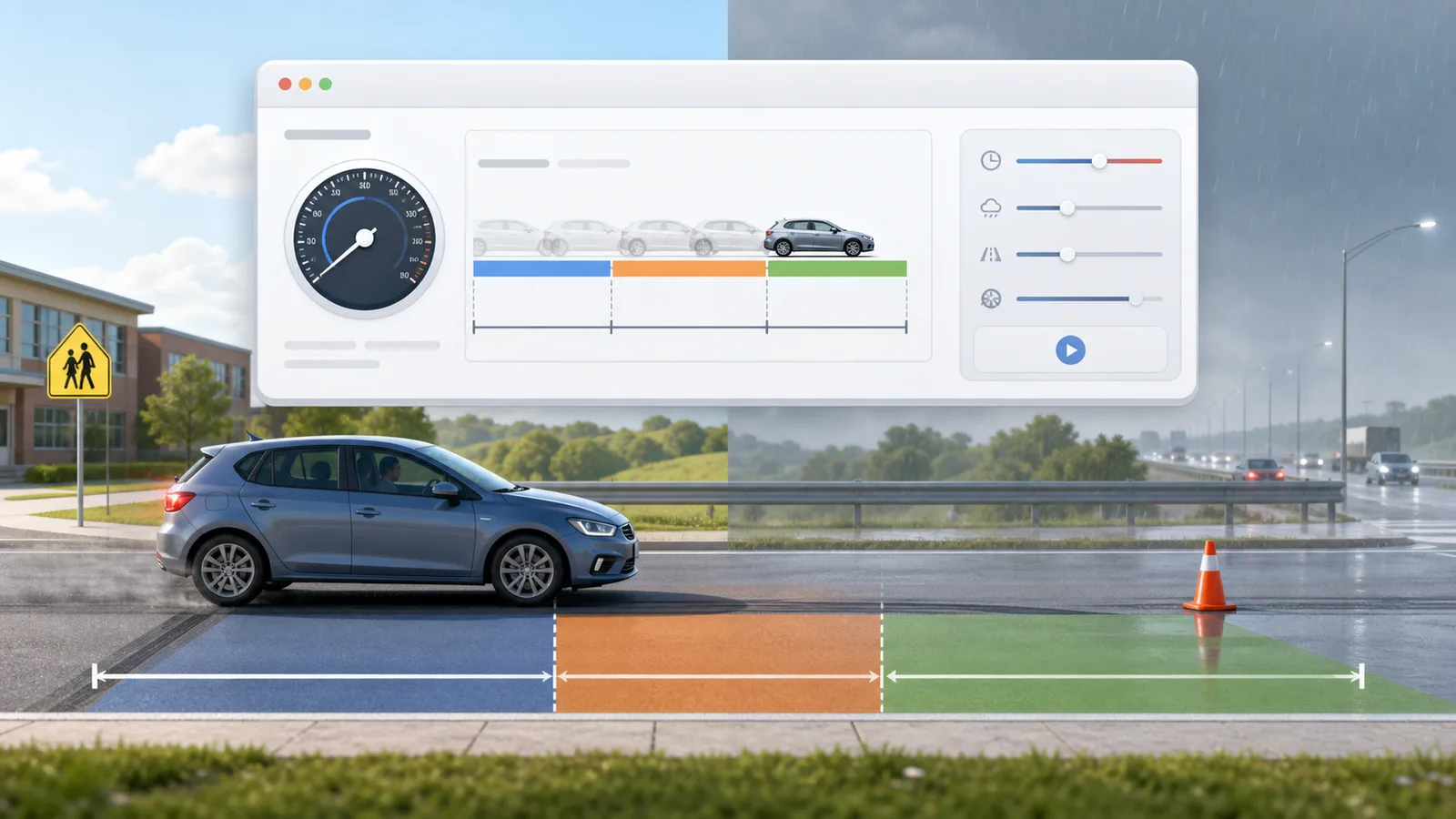
Enter speed, reaction time, weather, road surface, tires, and vehicle type to compare reaction, braking, and total stopping distance.

Stopping Distance Simulator preview showing braking distance controls, road scenarios, and result metrics
Open simulator

Solar Panel Simulator

Enter location, roof area, panel count, wattage, orientation, tilt, shading, and electricity rate to estimate solar output, savings, and payback.

Solar Panel Simulator preview showing rooftop panels, energy production, savings, and payback comparison
Open simulator

Pendulum Lab Simulator

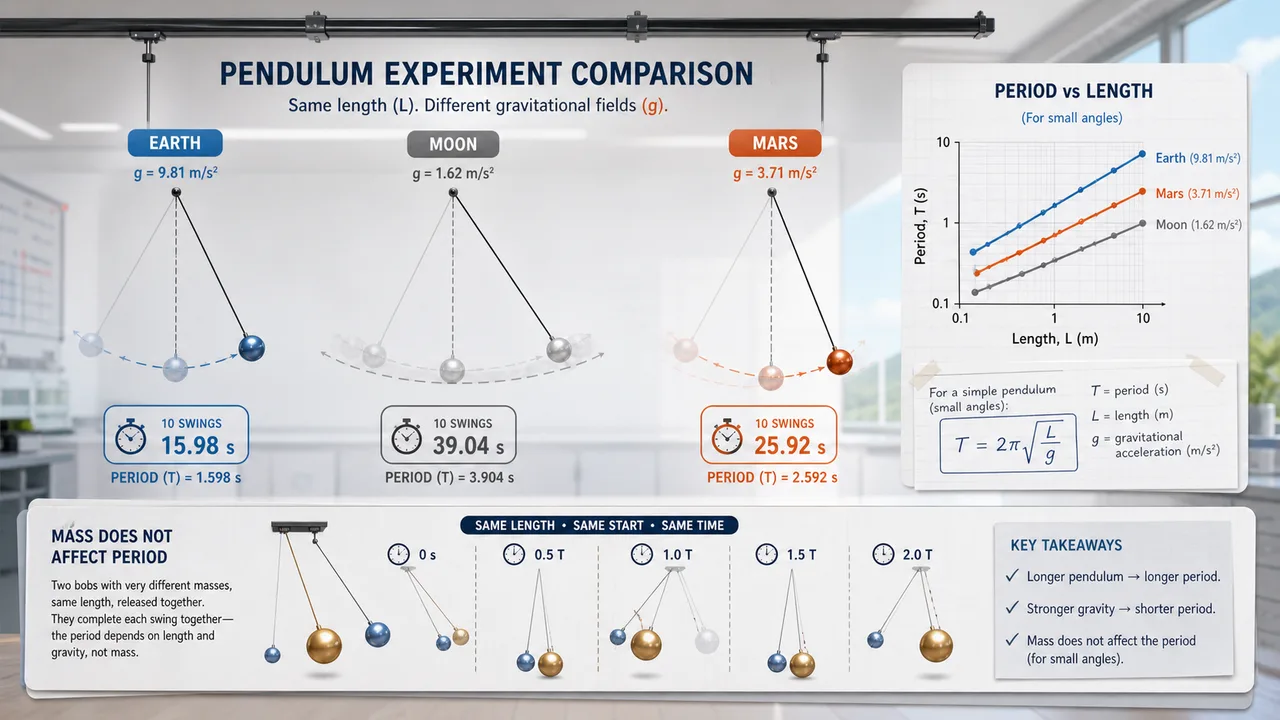
Set pendulum length, bob mass, initial angle, and gravity environment to compare theory, experiment, frequency, speed, and angular displacement.

Pendulum Lab Simulator preview showing a swinging pendulum, Earth Moon Mars gravity choices, period cards, and angular displacement graph
Open simulator
View all simulators

Solar Eclipse Simulator FAQ

These Solar Eclipse Simulator answers explain visibility estimates, timing, obscuration, safety, and why official eclipse maps still matter.

How does Solar Eclipse Simulator decide whether an eclipse is visible?

Solar Eclipse Simulator compares your city or coordinates with simplified samples of the eclipse central path and a broad partial-visibility radius. It estimates a visibility grade, but it is not an official local-circumstances calculation.

Does Solar Eclipse Simulator show start, maximum, and end times?

Yes. Solar Eclipse Simulator estimates local start, maximum, and end times from the selected event time and modeled path distance. Treat them as planning times and verify exact contact times with authoritative eclipse predictions.

What does obscuration mean in Solar Eclipse Simulator?

Obscuration is the estimated fraction of the Sun covered by the Moon at maximum eclipse for the selected location. Solar Eclipse Simulator expresses it as a percentage.

Can Solar Eclipse Simulator replace official NASA or observatory maps?

No. Solar Eclipse Simulator is a fast educational browser model. For travel, photography, events, or public observing, confirm with official eclipse maps and local circumstances.

What eye protection does Solar Eclipse Simulator recommend?

Solar Eclipse Simulator reminds users to use ISO 12312-2 compliant eclipse glasses or indirect viewing for partial and annular phases. Regular sunglasses are not safe for direct solar viewing.

Where should I verify Solar Eclipse Simulator results?

Verify Solar Eclipse Simulator results with official or specialist sources such as NASA eclipse pages, Timeanddate local eclipse pages, Xavier Jubier maps, national observatories, and local astronomy groups.

Does Solar Eclipse Simulator predict weather?

No. Solar Eclipse Simulator does not predict clouds, haze, smoke, rain, horizon blockage, or local access. Check weather forecasts and site conditions close to the eclipse date.

Start Solar Eclipse Simulator now

Open Solar Eclipse Simulator, choose an eclipse event, and enter a city or exact coordinates to estimate visibility, timing, and obscuration.

Then drag the Solar Eclipse Simulator timeline to preview the Moon covering the Sun and review safe-viewing reminders before you observe.

Solar Eclipse Simulator keeps ordinary visits at the clean page URL and only creates a result URL when you copy one.