01
Spaceflight Simulator choose a mission
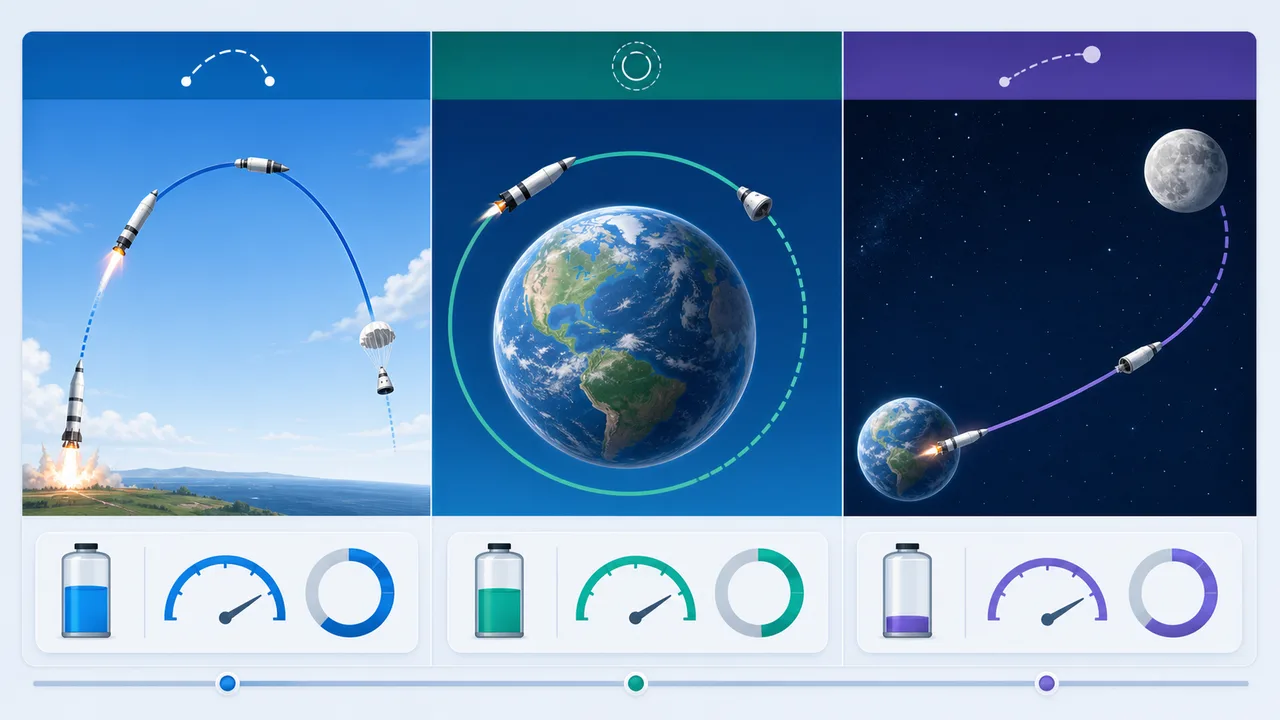
Pick suborbital, orbit, satellite deployment, Moon, Mars, or return flight so Spaceflight Simulator can score the right objective.
- Start with stable low orbit
- Use the orbit build preset for a baseline
Free rocket simulator
Spaceflight Simulator lets you assemble modular rockets, test Delta-v, launch with throttle and pitch controls, and see whether your design can reach orbit, transfer to the Moon, or attempt a Mars trajectory.
Built for space game players, students, physics fans, and anyone learning orbit basics in the browser.
Start Spaceflight Simulator here. Pick rocket parts, choose a mission target, watch live mass and Delta-v estimates, then launch and guide the flight on the 2D canvas.
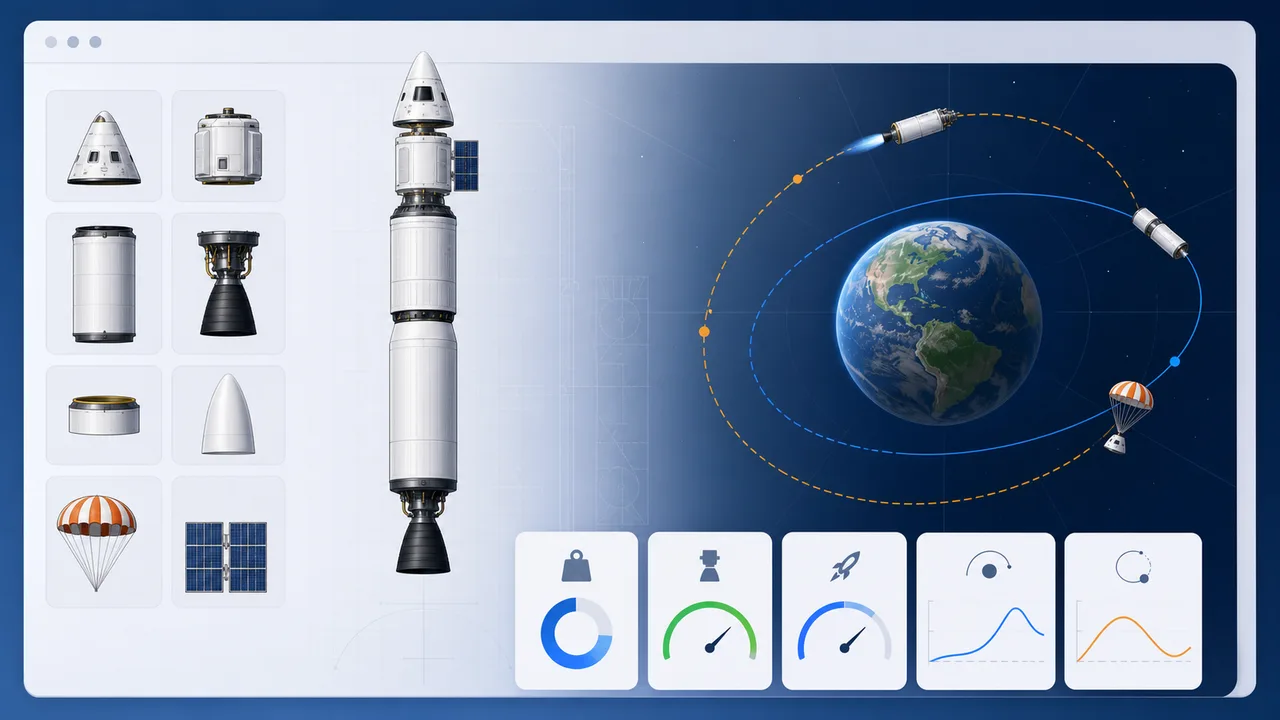
Set command, fuel, engine, separator, parachute, fairing, solar panel, and payload counts. The simulator recalculates mass, cost, drag, fuel, thrust, burn time, and Delta-v.
Share the clean page or copy a result link with the current rocket parts and mission target.
Total mass
-- t
TWR
--
Delta-v
-- m/s
Estimated max height
-- km
Orbit capability
--
Transfer readiness
--
Live 2D flight
Altitude
0 km
Speed
0 m/s
Fuel
0%
Acceleration
0 m/s²
Periapsis
-- km
Apoapsis
-- km
Orbit shape
Launch path
Mission progress
0%
Launch a rocket to generate mission scoring, efficiency, orbit stability, landing speed, and improvement advice.
Score
--
Fuel efficiency
--
Remaining Delta-v
--
Landing speed
--
Improvement suggestions
Spaceflight Simulator uses a simplified educational model based on rocket equation and two-body orbit ideas; it is not an official game clone or a professional mission design system.
Spaceflight Simulator connects the build screen to mission outcomes so rocket choices are visible in every flight metric.
Use Spaceflight Simulator to combine command capsules, tanks, engines, separators, parachutes, fairings, solar panels, and payloads into a launch-ready stack.
After launch, Spaceflight Simulator compares suborbital arcs, elliptical orbits, circularization, transfer trajectories, crashes, and landing attempts.
Use this Spaceflight Simulator guide to build a first orbit-capable rocket and understand the launch controls.
Pick suborbital, orbit, satellite deployment, Moon, Mars, or return flight so Spaceflight Simulator can score the right objective.
Add tanks for Delta-v and engines for thrust-to-weight, then watch whether Spaceflight Simulator marks the design as orbit or transfer ready.
Launch vertical, then lower pitch gradually to build horizontal speed before circularization in Spaceflight Simulator.
Spaceflight Simulator keeps rocket building, orbital estimates, flight control, and mission feedback on one fast browser page.
Each part affects mass, fuel, thrust, drag, cost, burn time, and Delta-v so the rocket editor feels like a real design trade-off.
Watch altitude, speed, fuel, acceleration, periapsis, apoapsis, orbit shape, and mission progress update during flight.
Get scoring, fuel efficiency, remaining Delta-v, orbit stability, landing speed, and suggestions after the simulation ends.
Spaceflight Simulator is useful for quick lessons, game-inspired planning, and intuition around rocket launch and orbit mechanics.
Practice the design logic behind rocket games without copying a specific game interface or asset.
Connect Delta-v, thrust-to-weight, gravity turn timing, and orbit shape with visible telemetry.
Explore simplified rocket equation and two-body orbit ideas through fast browser experiments.
Compare orbit, satellite, Moon, Mars, and return mission goals before adjusting the vehicle.
Finished with Spaceflight Simulator? Try related science and education simulators from the same collection.
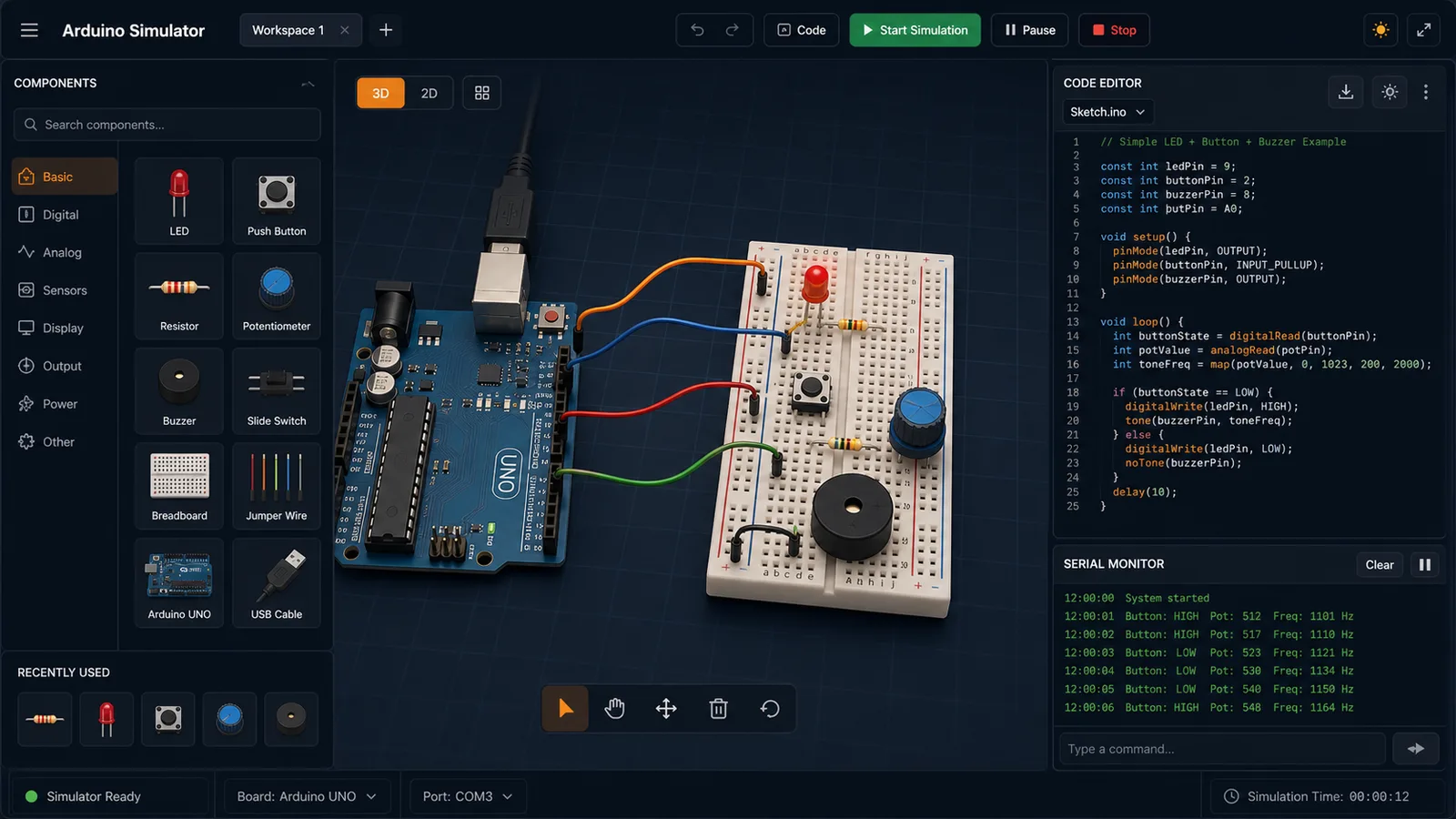
Drag LED, resistor, button, potentiometer, and buzzer parts into a browser circuit and run beginner Arduino sketches.
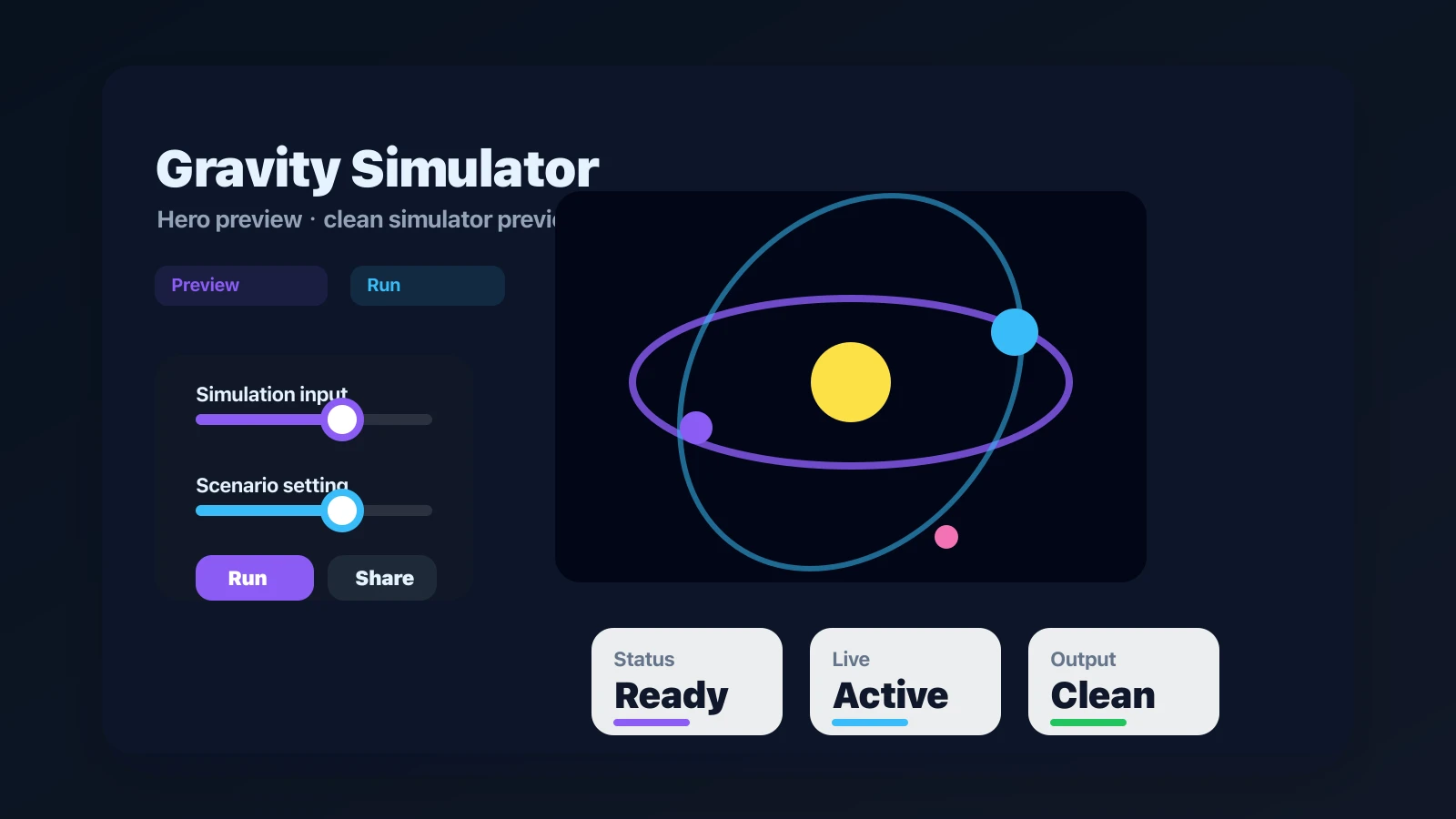
Drop planets, stars, and black holes into an N-body physics sandbox with shareable presets.
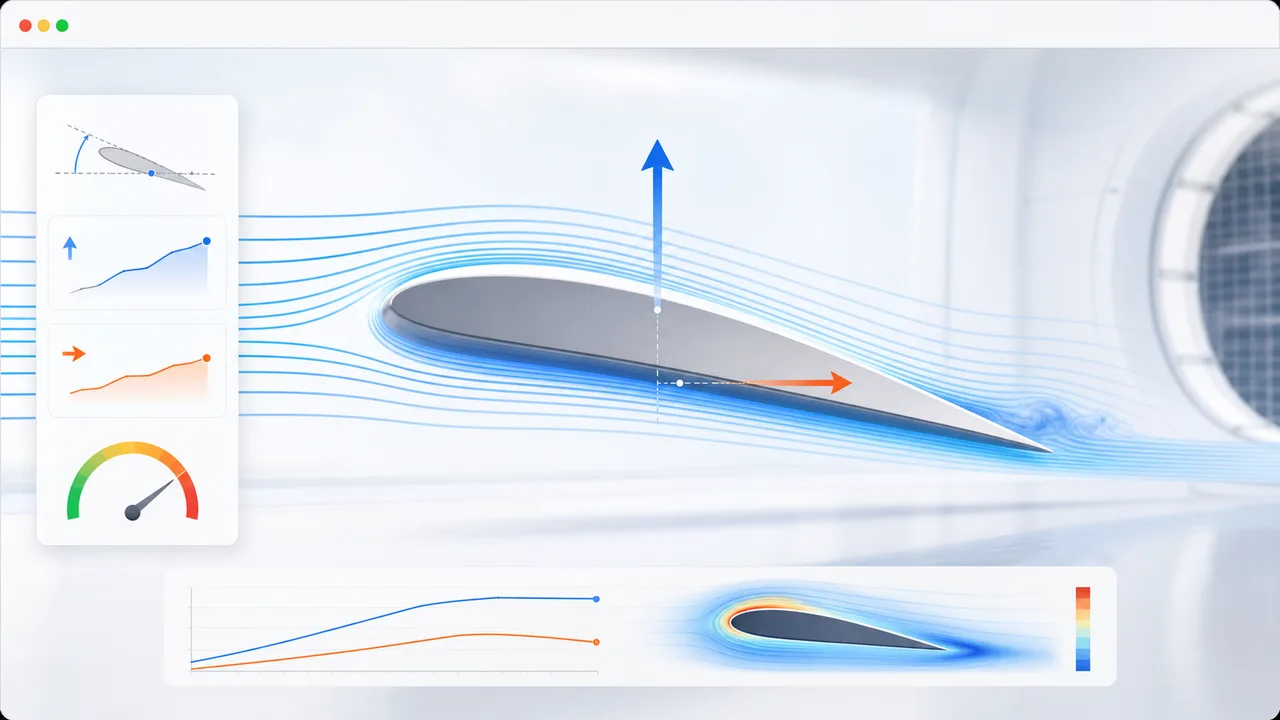
Set angle of attack, air speed, wing area, air density, and airfoil shape to estimate lift, drag, lift-to-drag ratio, and stall risk.
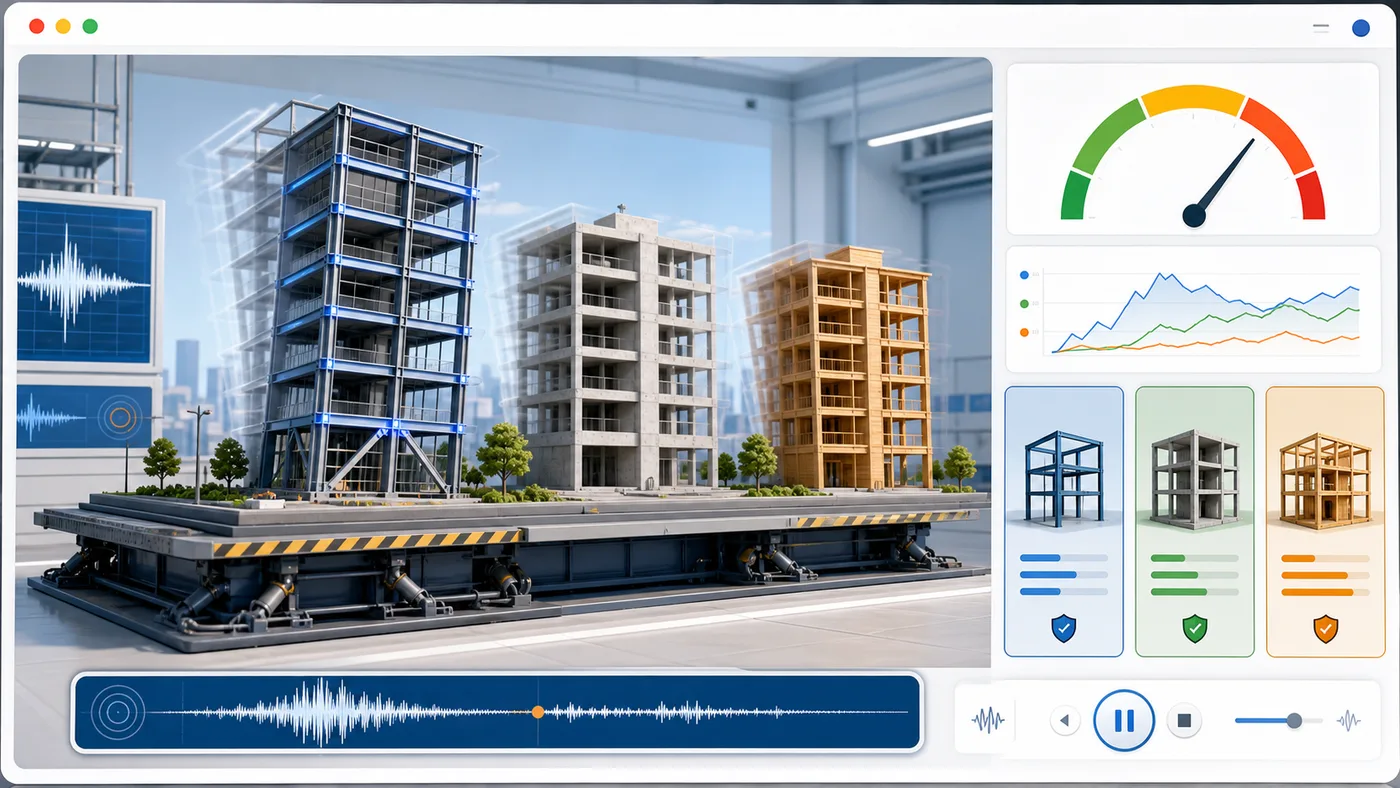
Enter building height, floors, material, structure type, earthquake magnitude, and foundation condition to animate sway and compare seismic risk.
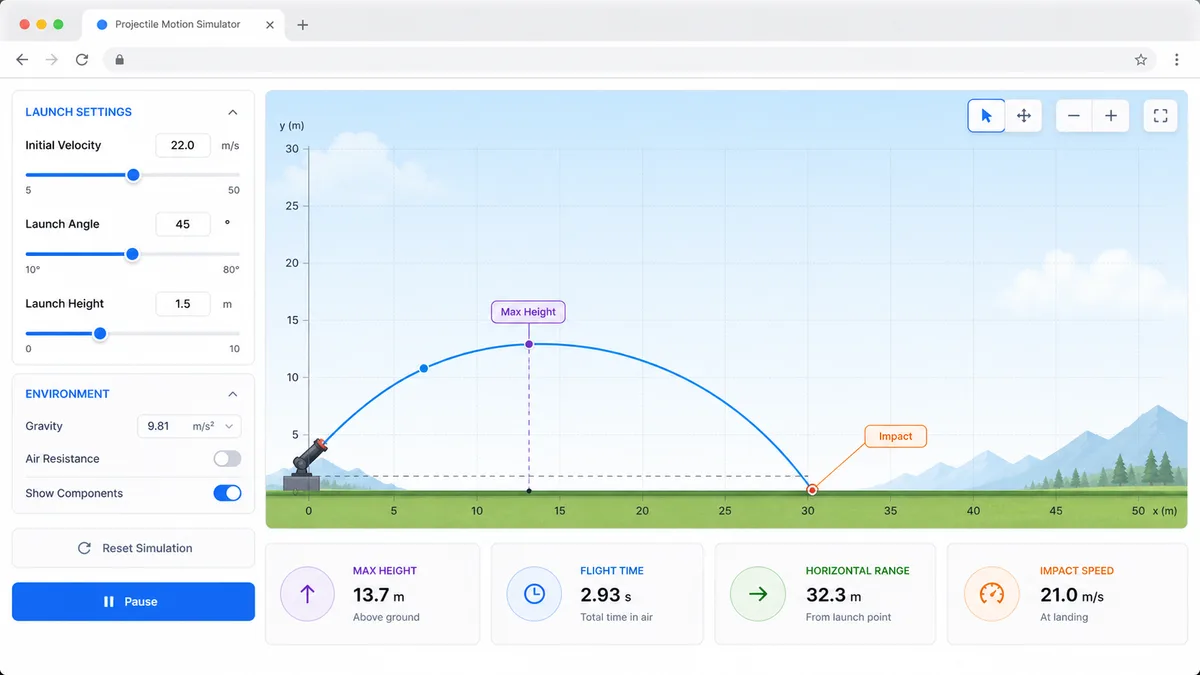
Set velocity, angle, height, gravity, and air resistance to compare projectile trajectories and live physics metrics.
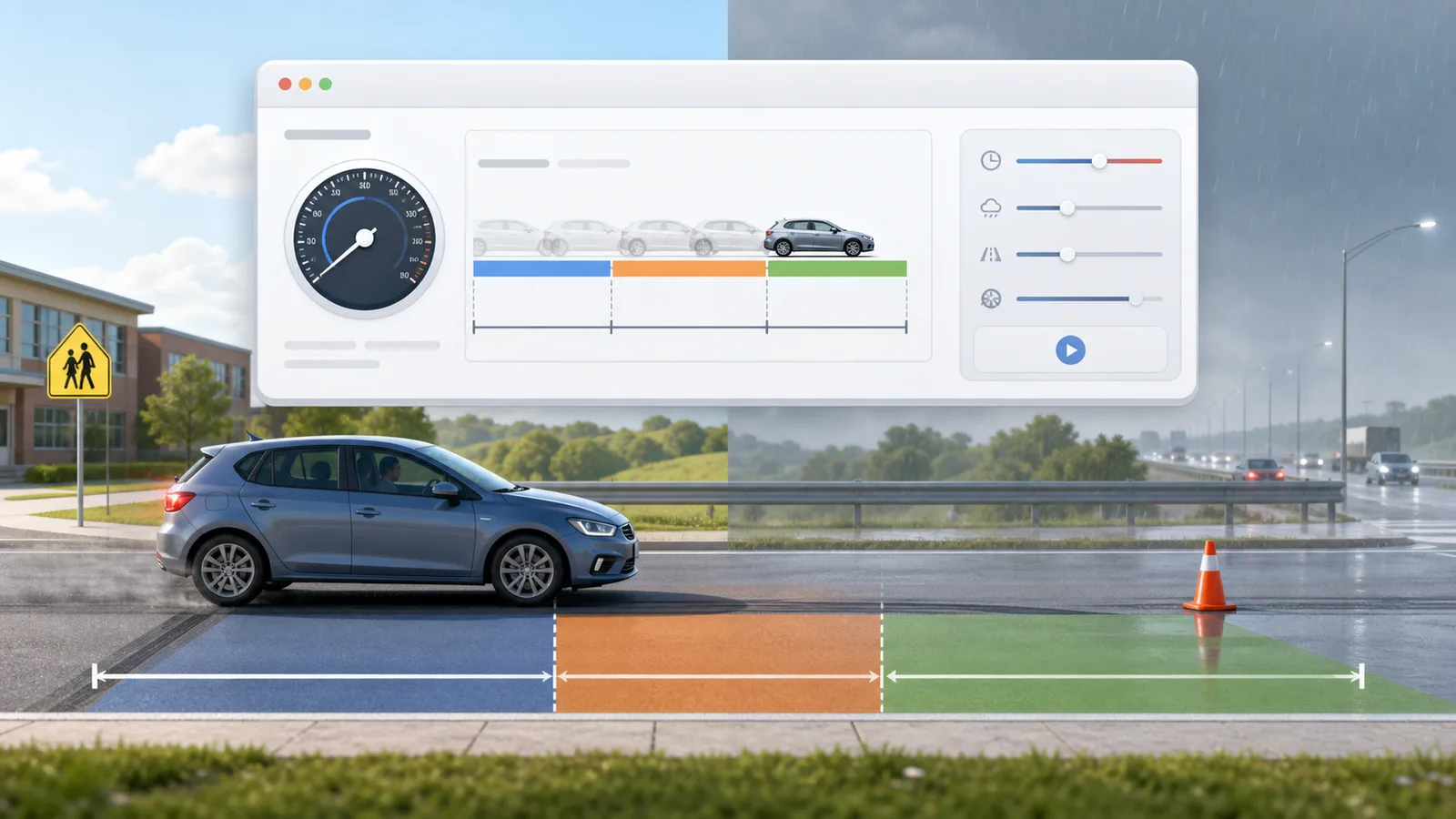
Enter speed, reaction time, weather, road surface, tires, and vehicle type to compare reaction, braking, and total stopping distance.
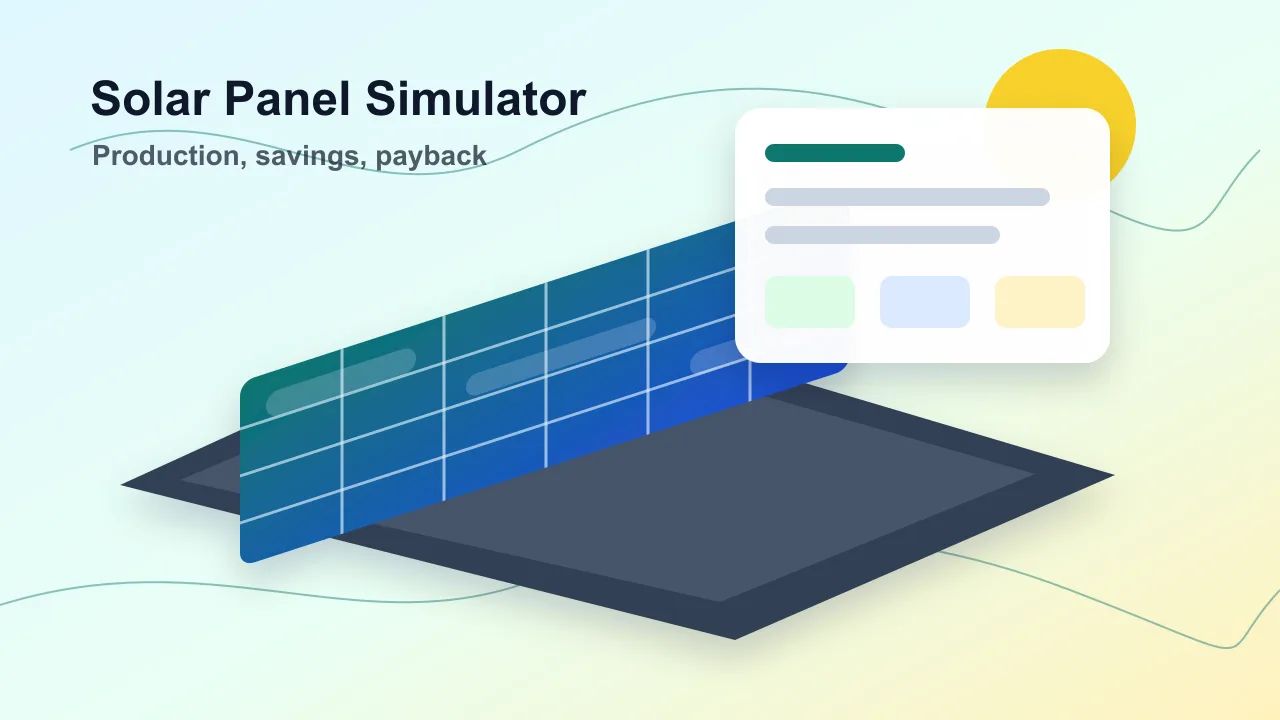
Enter location, roof area, panel count, wattage, orientation, tilt, shading, and electricity rate to estimate solar output, savings, and payback.
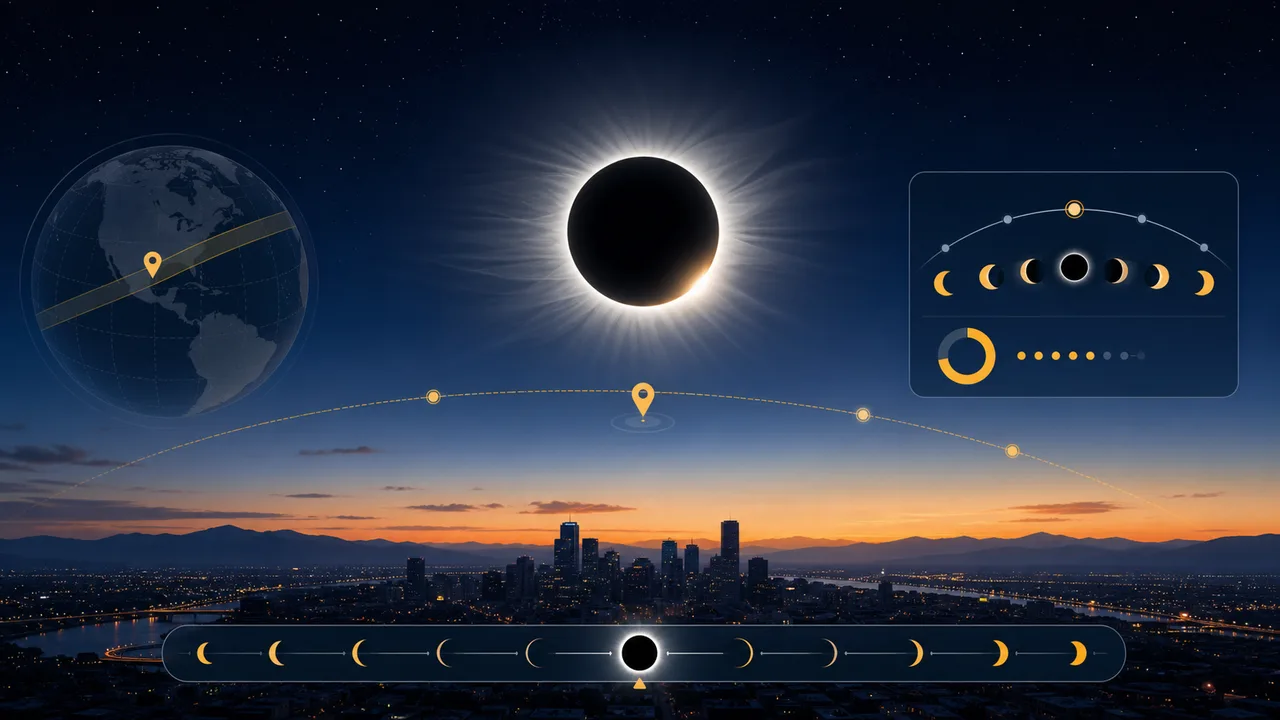
Enter a city or coordinates, choose an eclipse event, and estimate local visibility, timing, obscuration, and safety reminders.
Answers about Spaceflight Simulator, rocket design, Delta-v, orbit readiness, and sharing.
No. This Spaceflight Simulator is an original browser tool for learning rocket and orbit concepts. It does not copy another game, logo, asset set, or interface.
Spaceflight Simulator estimates total mass, thrust-to-weight ratio, Delta-v, maximum height, orbit capability, transfer readiness, live flight telemetry, mission score, fuel efficiency, remaining Delta-v, orbit stability, and landing speed.
Spaceflight Simulator is simplified, but it uses useful ideas such as Delta-v, thrust-to-weight, gravity turn timing, periapsis, apoapsis, circular orbit, and transfer trajectory readiness.
No. The clean Spaceflight Simulator URL stays unchanged while you edit and fly. A parameterized setup link is created only when you press the copy result link button.
Open Spaceflight Simulator, assemble a rocket, choose a mission, launch, stage, pitch over, and see whether the vehicle can reach orbit or a transfer path.
Free, browser-based, and no download required.