01
Set up Gas Laws Simulator
Pick a mode and start with familiar values such as 300 K, 1 atm, and about 10 L.
- Use Boyle’s law to keep temperature and moles fixed
- Use ideal mode when you want PV = nRT to solve a selected variable
Free Gas Laws Simulator
Gas Laws Simulator lets students change temperature, pressure, volume, and gas amount in a piston chamber while particle speed, collision frequency, and P-V, V-T, or P-T graphs update from the ideal gas equation.
Built for Boyle’s law, Charles’s law, Gay-Lussac’s law, ideal gas equation practice, and classroom demonstrations.
Start Gas Laws Simulator here: choose a law mode, hold the right variables constant, move the piston or heat the gas, and compare particle behavior with the relationship graph.
Choose a gas law mode, set variables, record states, and generate a relationship sweep.
Share the clean page or copy a result link that restores this Gas Laws Simulator setup.
Virtual gas lab


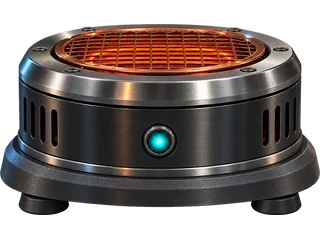
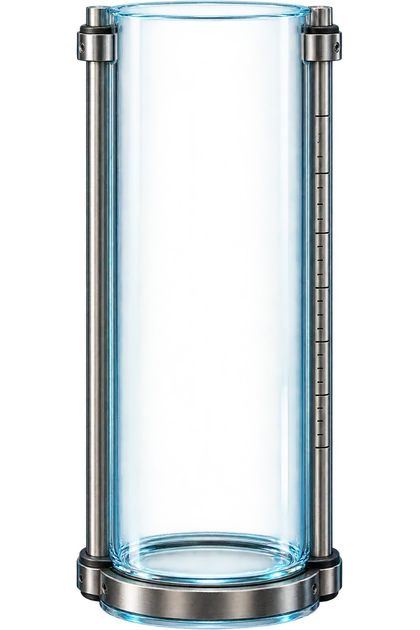
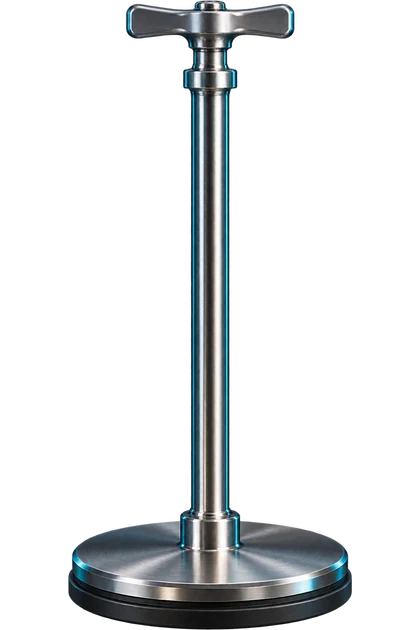
Pressure
1.00 atm
Volume
10.0 L
Temperature
300 K
Amount of gas
0.41 mol
Relationship graph
| P | V | T |
|---|
Experiment conclusion
Gas Laws Simulator uses an ideal gas model for learning. Real gases can deviate from ideal behavior at very high pressure, very low temperature, or near phase changes.
Gas Laws Simulator links macroscopic variables to a particle model so learners see why pressure, volume, temperature, and moles change together.
Set gas law mode, temperature, pressure, volume, and moles while the piston height and particle animation respond instantly.
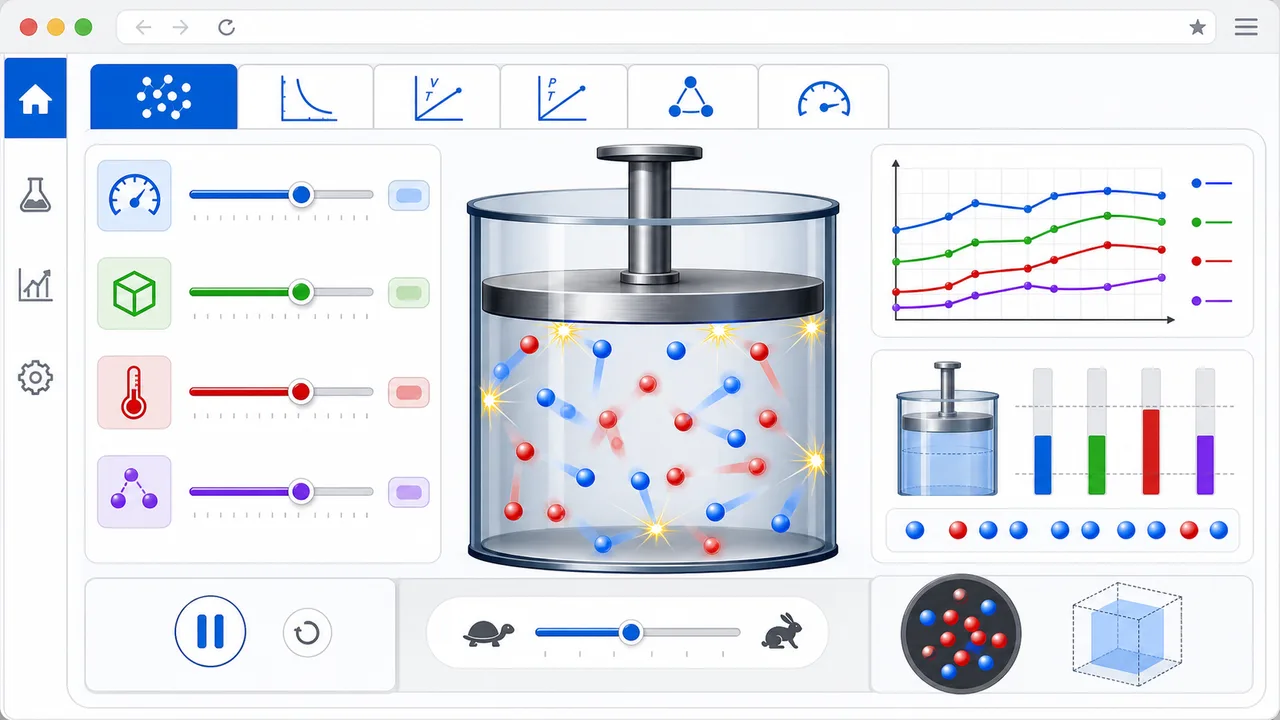
Switch between P-V, V-T, and P-T graphs, then record data or generate a sweep to compare the curve or line for each law.
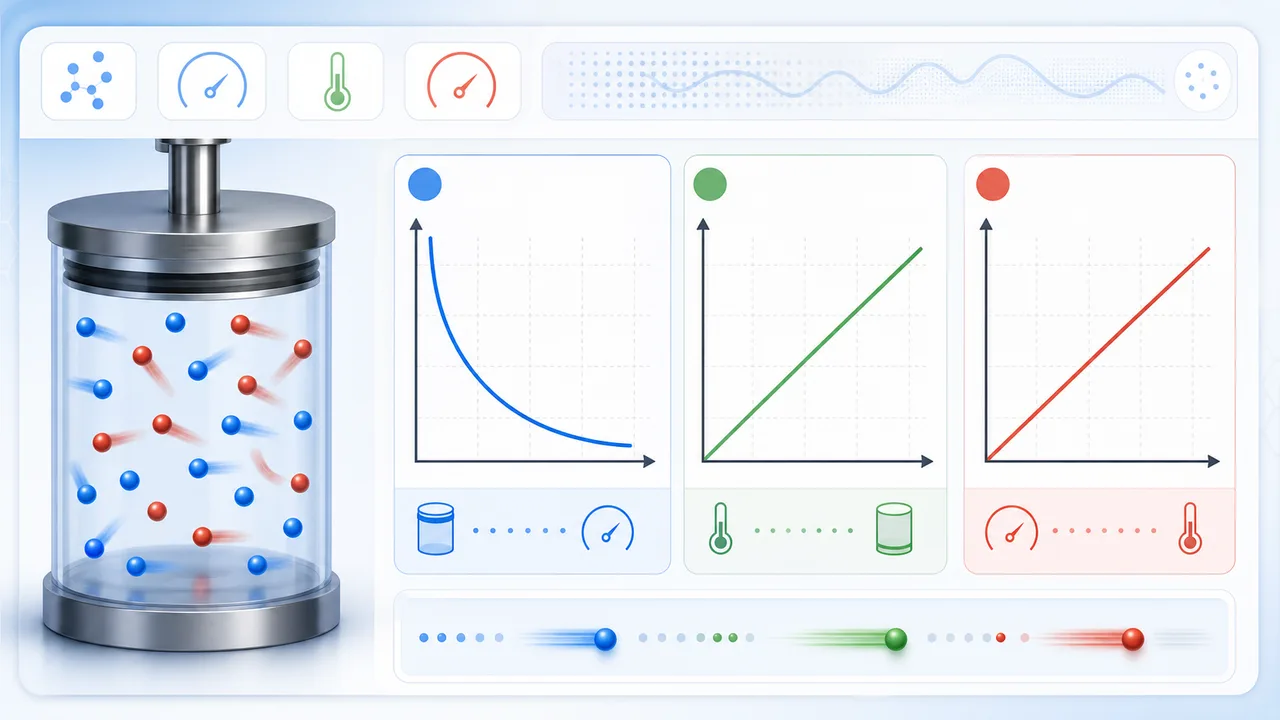
Use this Gas Laws Simulator guide to connect the ideal gas equation with Boyle’s law, Charles’s law, and Gay-Lussac’s law.
Pick a mode and start with familiar values such as 300 K, 1 atm, and about 10 L.
Raise temperature to increase particle speed, compress volume to increase collisions, or add moles to pack more particles into the chamber.
Record states or generate a sweep, then compare inverse P-V behavior with direct V-T or P-T behavior.
Use Kelvin temperature for gas law relationships, not Celsius.
Read FAQThese Gas Laws Simulator features make pressure, volume, temperature, moles, particle motion, and graphs visible together.
Switch between Boyle’s law, Charles’s law, Gay-Lussac’s law, and the ideal gas equation.
Heat or cool the gas and watch particle speed respond to Kelvin temperature.
Compress or expand the virtual piston to see pressure and collision frequency change.
Use PV = nRT to calculate pressure, volume, temperature, or gas amount.
Record individual states and compare pressure, volume, and temperature readings.
Plot P-V, V-T, or P-T relationships and compare curves with recorded points.
Gas Laws Simulator helps learners move from memorized formulas to visual evidence.
Practice gas law homework, graph reading, and PV = nRT calculations before quizzes.
StudyDemonstrate how fixed variables shape each gas law without physical equipment.
ClassroomPreview what should happen before a syringe, piston, or pressure sensor activity.
Lab prepCompare Boyle, Charles, Gay-Lussac, and ideal gas equation modes on one screen.
ReviewAfter Gas Laws Simulator, try another free browser simulator for physics, chemistry, math, school, or planning practice.
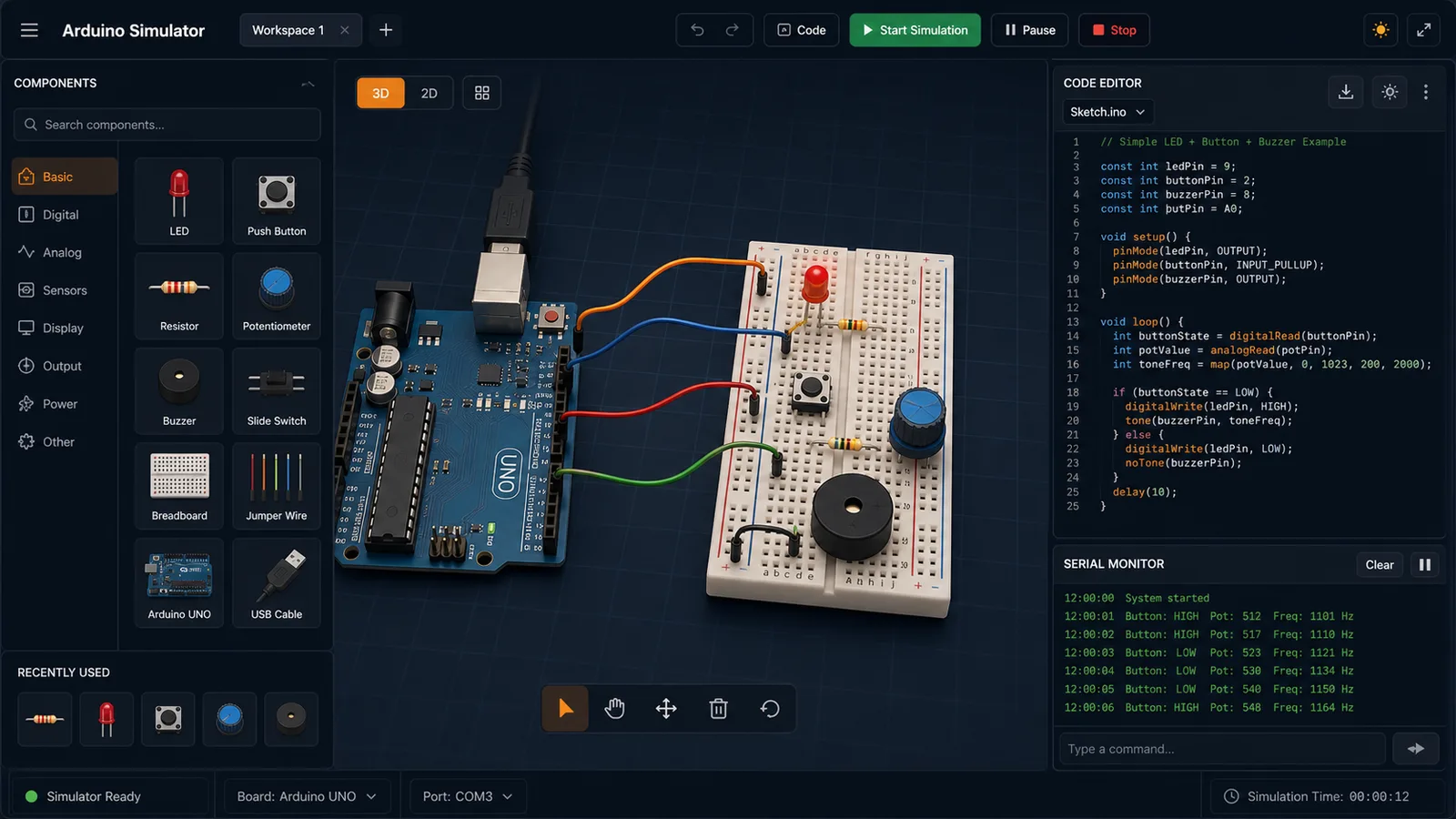
Drag LED, resistor, button, potentiometer, and buzzer parts into a browser circuit and run beginner Arduino sketches.
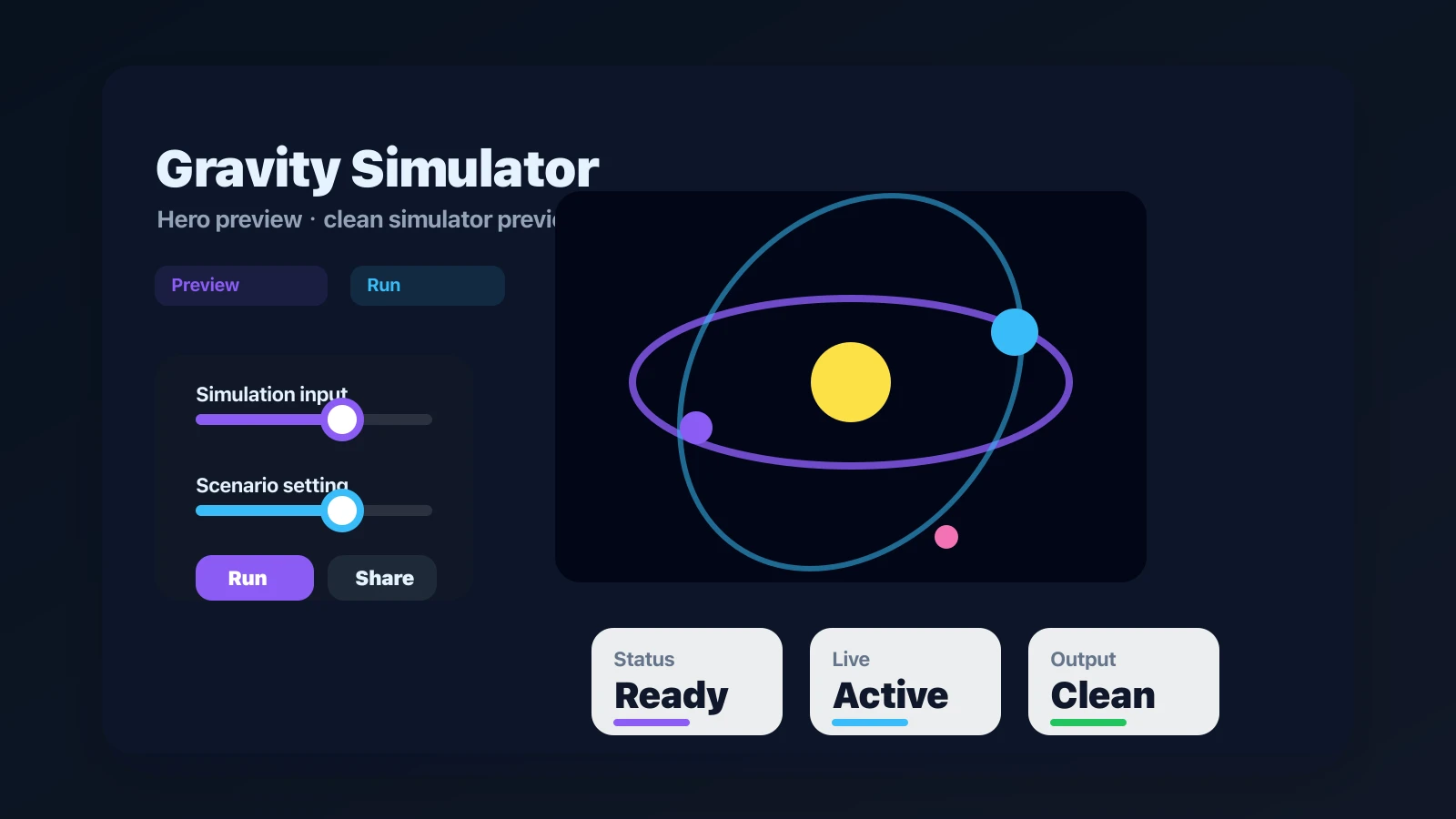
Drop planets, stars, and black holes into an N-body physics sandbox with shareable presets.
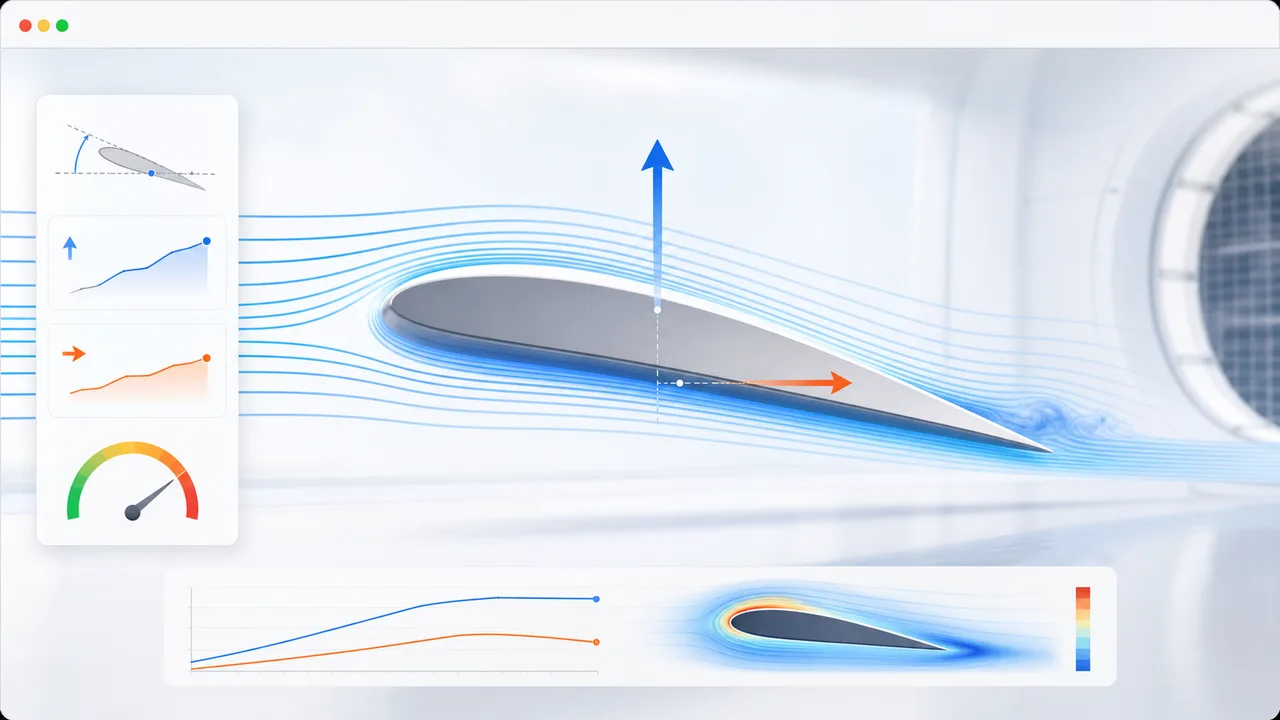
Set angle of attack, air speed, wing area, air density, and airfoil shape to estimate lift, drag, lift-to-drag ratio, and stall risk.
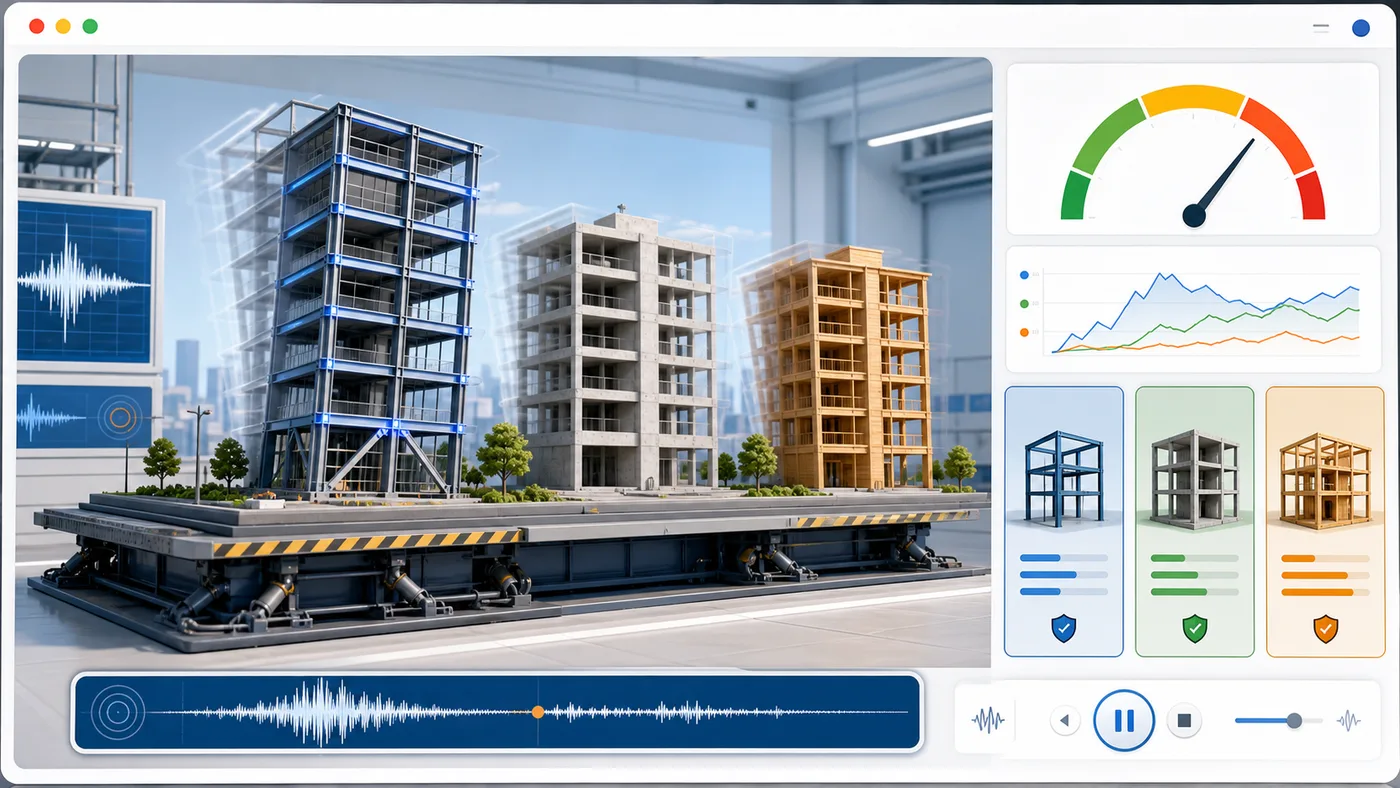
Enter building height, floors, material, structure type, earthquake magnitude, and foundation condition to animate sway and compare seismic risk.
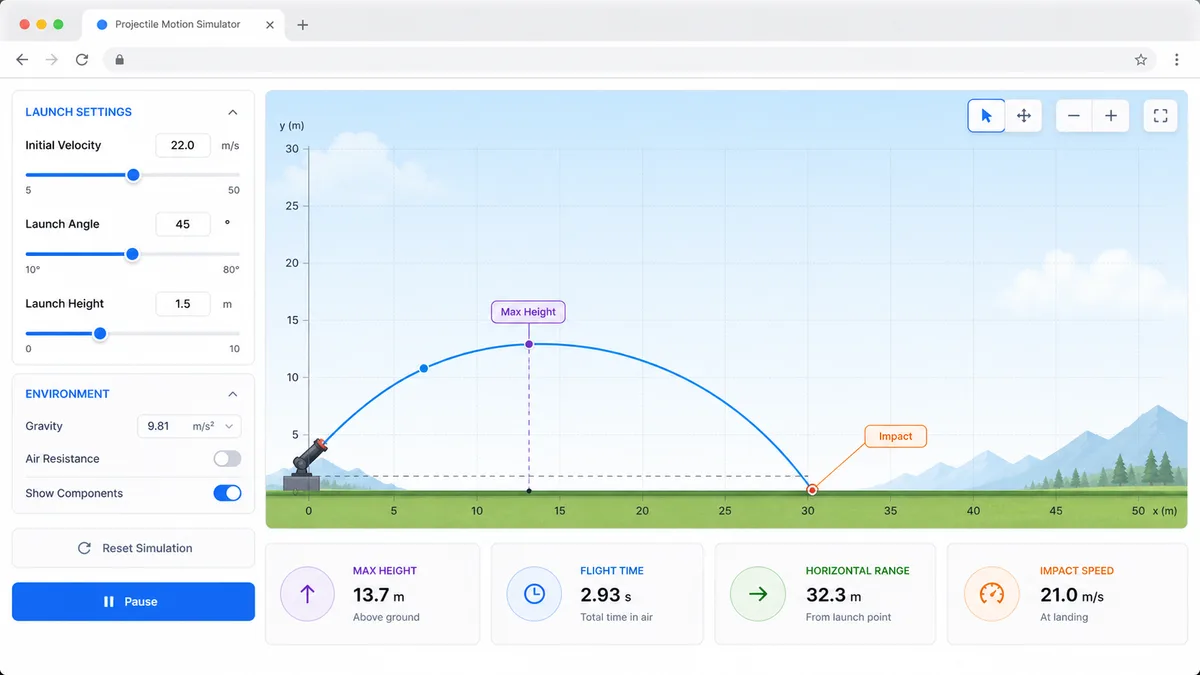
Set velocity, angle, height, gravity, and air resistance to compare projectile trajectories and live physics metrics.
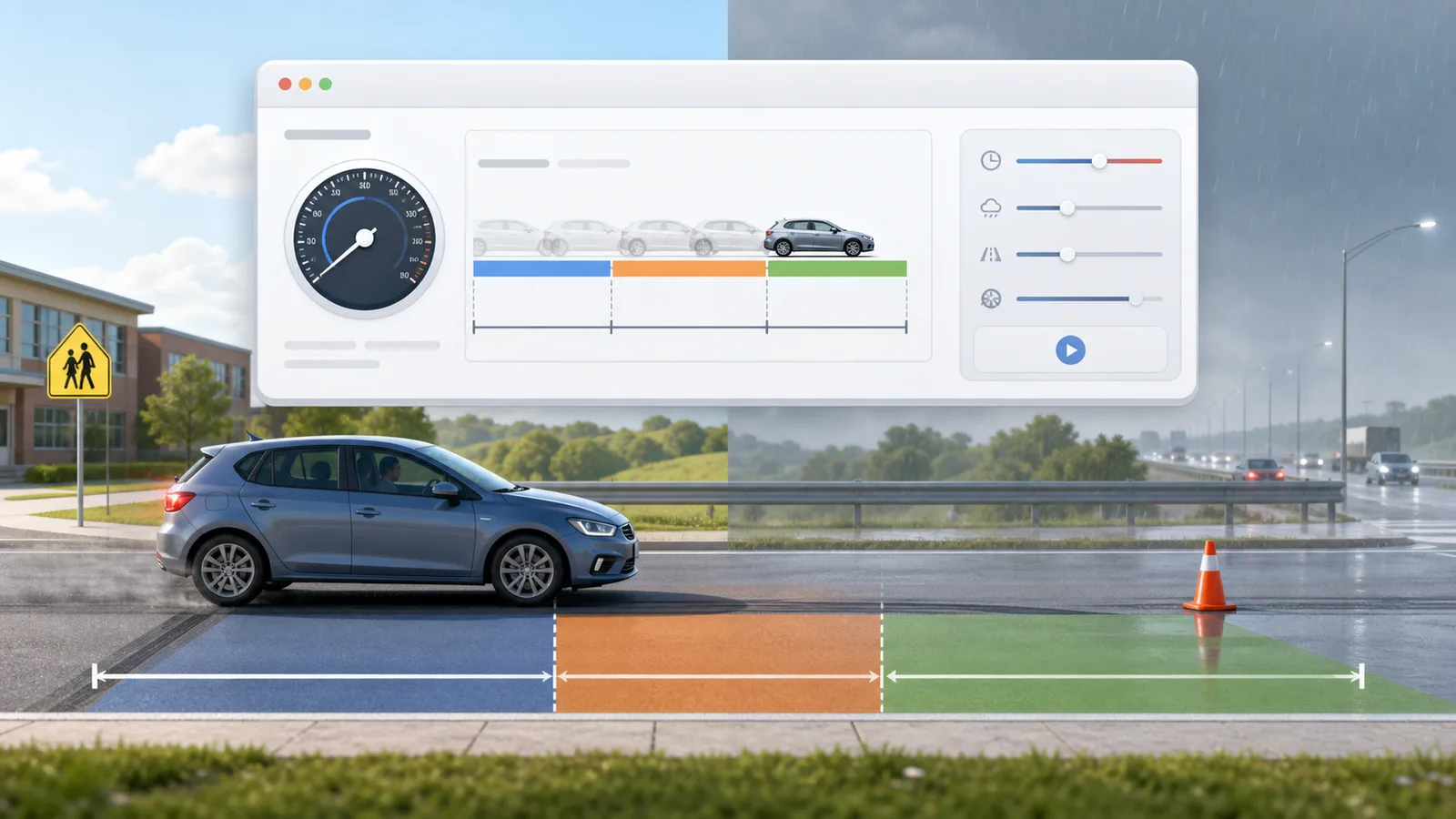
Enter speed, reaction time, weather, road surface, tires, and vehicle type to compare reaction, braking, and total stopping distance.
Enter location, roof area, panel count, wattage, orientation, tilt, shading, and electricity rate to estimate solar output, savings, and payback.

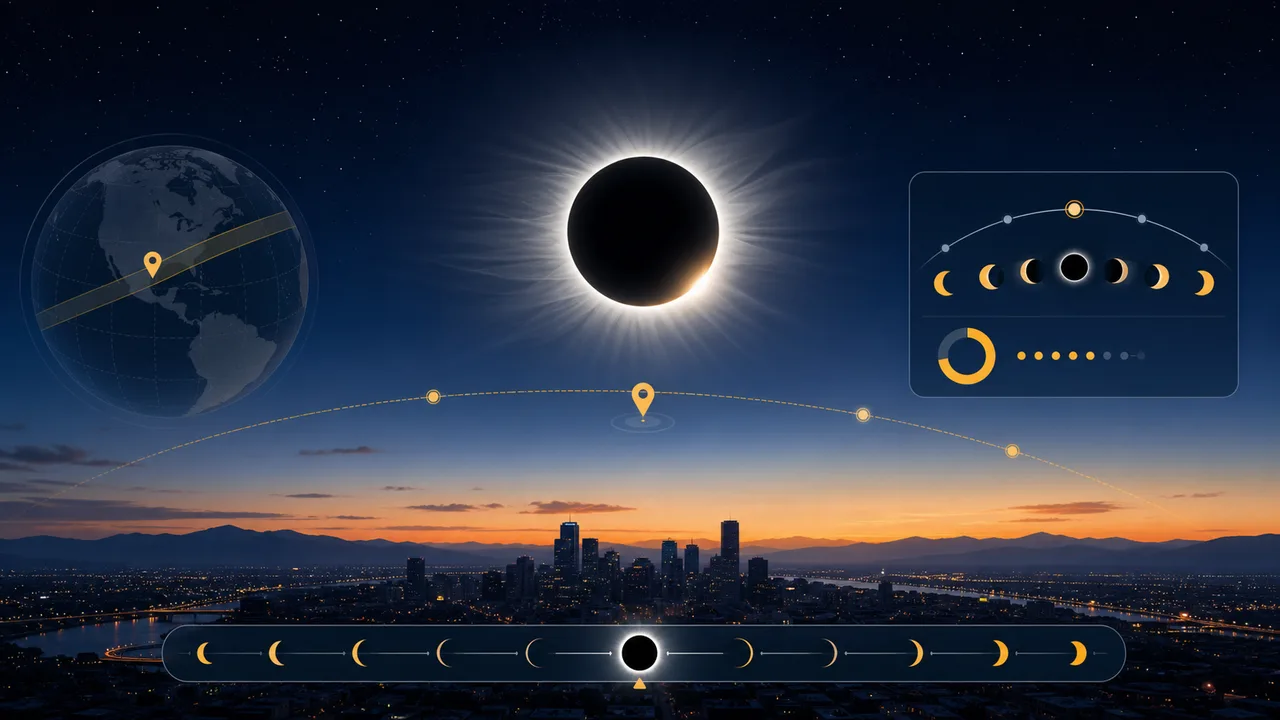
Enter a city or coordinates, choose an eclipse event, and estimate local visibility, timing, obscuration, and safety reminders.
Fast answers about Gas Laws Simulator modes, PV = nRT, particle animation, and P-V, V-T, or P-T graphs.
Yes. Gas Laws Simulator runs in the browser and can be used without an account or installation.
Gas Laws Simulator uses the ideal gas equation PV = nRT with pressure in atm, volume in liters, amount in moles, and temperature in Kelvin.
Yes. Gas Laws Simulator has separate modes for Boyle’s law, Charles’s law, Gay-Lussac’s law, and the ideal gas equation.
Yes. Gas Laws Simulator can plot P-V, V-T, and P-T relationships and overlay recorded data points.
No. Gas Laws Simulator is an ideal gas learning model. Real gases can differ from ideal behavior under extreme conditions.
Open Gas Laws Simulator, choose a law mode, and adjust temperature, pressure, volume, and moles in the piston chamber.
Record gas states, generate a relationship graph, and explain the result with PV = nRT.
Gas Laws Simulator keeps shared results in an explicit copied URL only.