Free aviation performance simulator

Flight Landing Simulator runway, crosswind, and landing score planner

Flight Landing Simulator helps you test approach speed, aircraft weight, runway length, wind, crosswind angle, flap setting, brake strength, and runway surface before comparing the landing distance and safety margin.

Built for aviation learners, classroom demos, flight-sim planning, and quick runway safety comparisons.

Flight Landing Simulator interactive tool

Start Flight Landing Simulator here. Choose an aircraft profile, enter the landing conditions, and get distance, crosswind, touchdown speed, overrun probability, alerts, and safer parameter suggestions.

Flight Landing Simulator controls

Set aircraft, speed, weight, runway, wind, flaps, braking, and surface condition to calculate a landing estimate.

Ready

Share Flight Landing Simulator

Share the clean page, or copy a result link with the current landing setup.

Animated runway view

Flight Landing Simulator animated runway margin

Crosswind ready

The airplane animation responds to speed, weight, wind, flaps, braking, runway length, and surface condition while the bar tracks air distance, ground roll, and remaining buffer.

Landing distance

-- ft

Touchdown speed

-- kt

Crosswind risk

--

Overrun probability

--%

Landing score

--/100

Flight Landing Simulator safety alerts

Flight Landing Simulator safer suggestions

Air distance Ground roll Runway buffer

Flight Landing Simulator is an educational estimate. Always use the aircraft AFM/POH, official performance tables, weather reports, runway data, instructor guidance, and real operating procedures for actual flight decisions.

Flight Landing Simulator overview for runway planning

Flight Landing Simulator turns approach speed, weight, wind, flaps, braking, and surface condition into a practical runway margin view.

Flight Landing Simulator input workflow

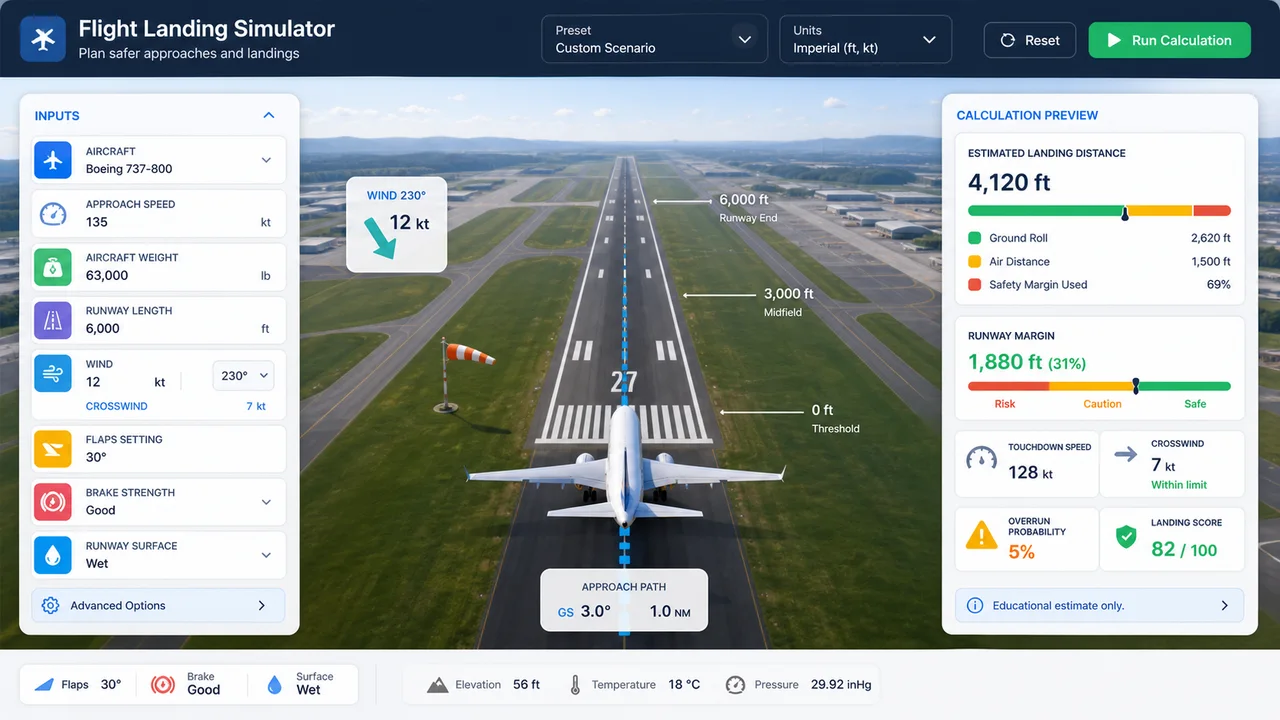
Choose the aircraft type, enter speed, weight, runway length, wind, crosswind angle, flap setting, braking, and runway surface, then let Flight Landing Simulator calculate the landing picture.

Flight Landing Simulator overview with aircraft, approach speed, runway length, crosswind, flaps, braking, and runway surface controls

Flight Landing Simulator risk and recommendation view

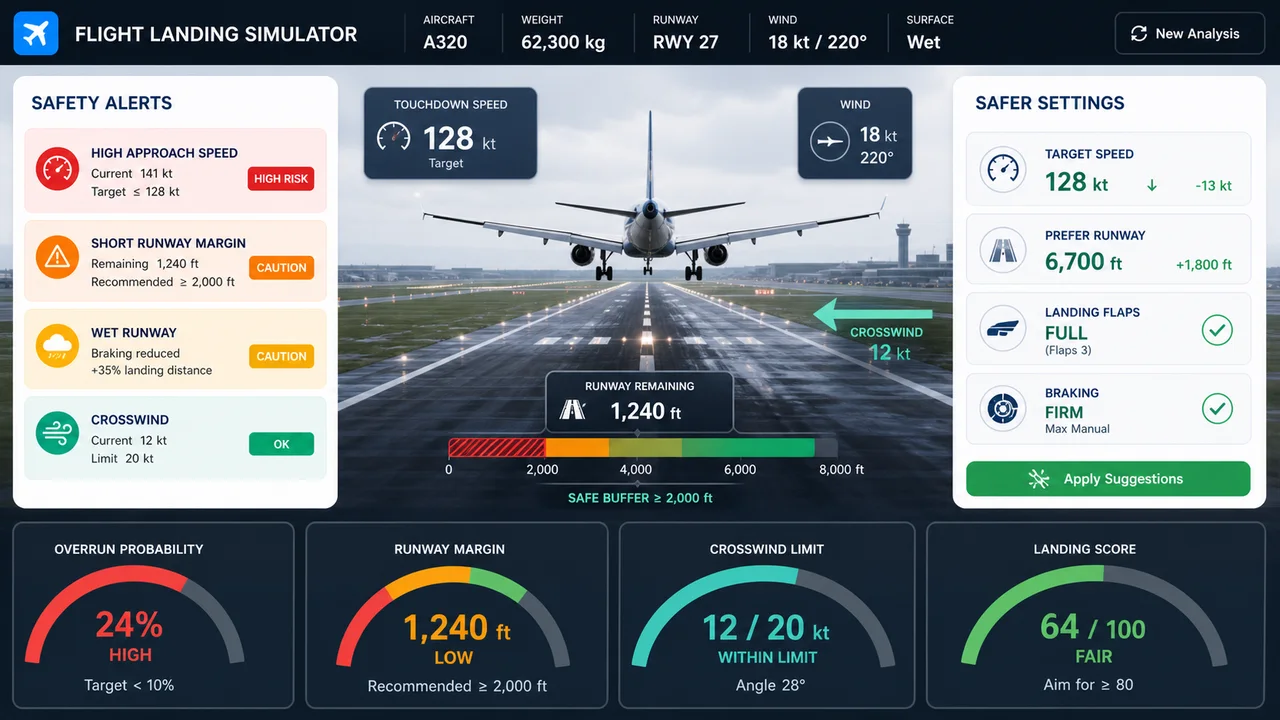
Flight Landing Simulator flags high approach speed, short runway margin, dangerous crosswind, and wet runway penalties, then suggests safer speed, runway, flap, and braking choices.

Flight Landing Simulator risk view showing landing distance, crosswind risk, overrun probability, and safer parameter suggestions

Flight Landing Simulator quick guide

Use this Flight Landing Simulator guide to compare conditions one at a time and understand the safety margin.

01

Flight Landing Simulator choose an aircraft

Start with a light airplane, turboprop, regional jet, or narrow-body jet so Flight Landing Simulator can pick a baseline speed, distance, and crosswind limit.

  • Use the aircraft profile closest to your scenario
  • Change weight before fine-tuning speed
Open tool
02

Flight Landing Simulator tune runway conditions

Adjust runway length, wind speed, crosswind angle, flap setting, braking, and wetness so Flight Landing Simulator can show the runway buffer.

  • Crosswind angle changes lateral risk
  • Wet and contaminated surfaces mostly affect ground roll
See features
03

Flight Landing Simulator compare safer settings

Use the Flight Landing Simulator alerts and suggestions to test lower speed, better flap selection, firmer braking, or a more favorable runway alignment.

  • Copy a result link only when you want to share the scenario
  • The clean page URL stays unchanged while experimenting
Browse tools

Flight Landing Simulator features

Flight Landing Simulator keeps the inputs, runway view, safety alerts, and recommendations visible together.

Flight Landing Simulator runway visualization

See estimated air distance, ground roll, runway buffer, and crosswind arrow on one runway-style canvas.

Open tool

Flight Landing Simulator safety checks

Check whether speed is too high, runway is too short, crosswind is dangerous, or wet surface penalties are building up.

Check risk

Flight Landing Simulator share links

Copy a result URL only when you choose to preserve the current aircraft, runway, wind, and braking settings.

Share result

Flight Landing Simulator use cases

Flight Landing Simulator is useful for quick educational landing-performance comparisons.

Flight Landing Simulator for students

Explore how approach speed, weight, and flaps affect landing distance before reading performance charts.

Start learning

Flight Landing Simulator for flight sim pilots

Compare runway length, crosswind, wet surface, and braking choices before trying a landing scenario.

Plan scenario

Flight Landing Simulator for instructors

Create quick classroom examples about runway margin, stabilized approach, and contaminated surface risk.

Build demo

More tools after Flight Landing Simulator

Finished with Flight Landing Simulator? Try another free science or planning simulator.

Arduino Simulator

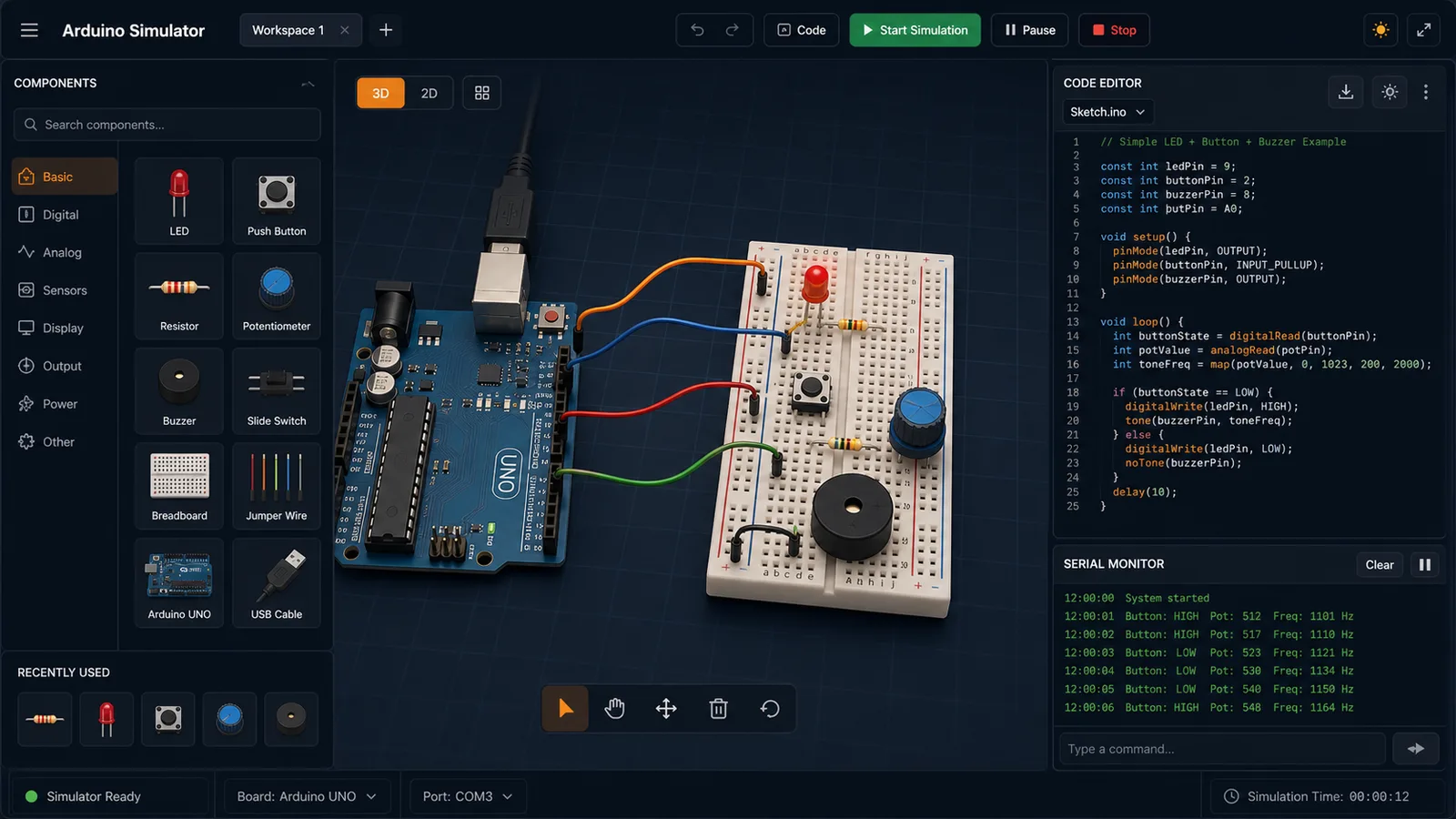
Drag LED, resistor, button, potentiometer, and buzzer parts into a browser circuit and run beginner Arduino sketches.

Arduino Simulator preview showing the browser circuit workspace, code panel, and serial monitor
Open tool

Gravity Simulator

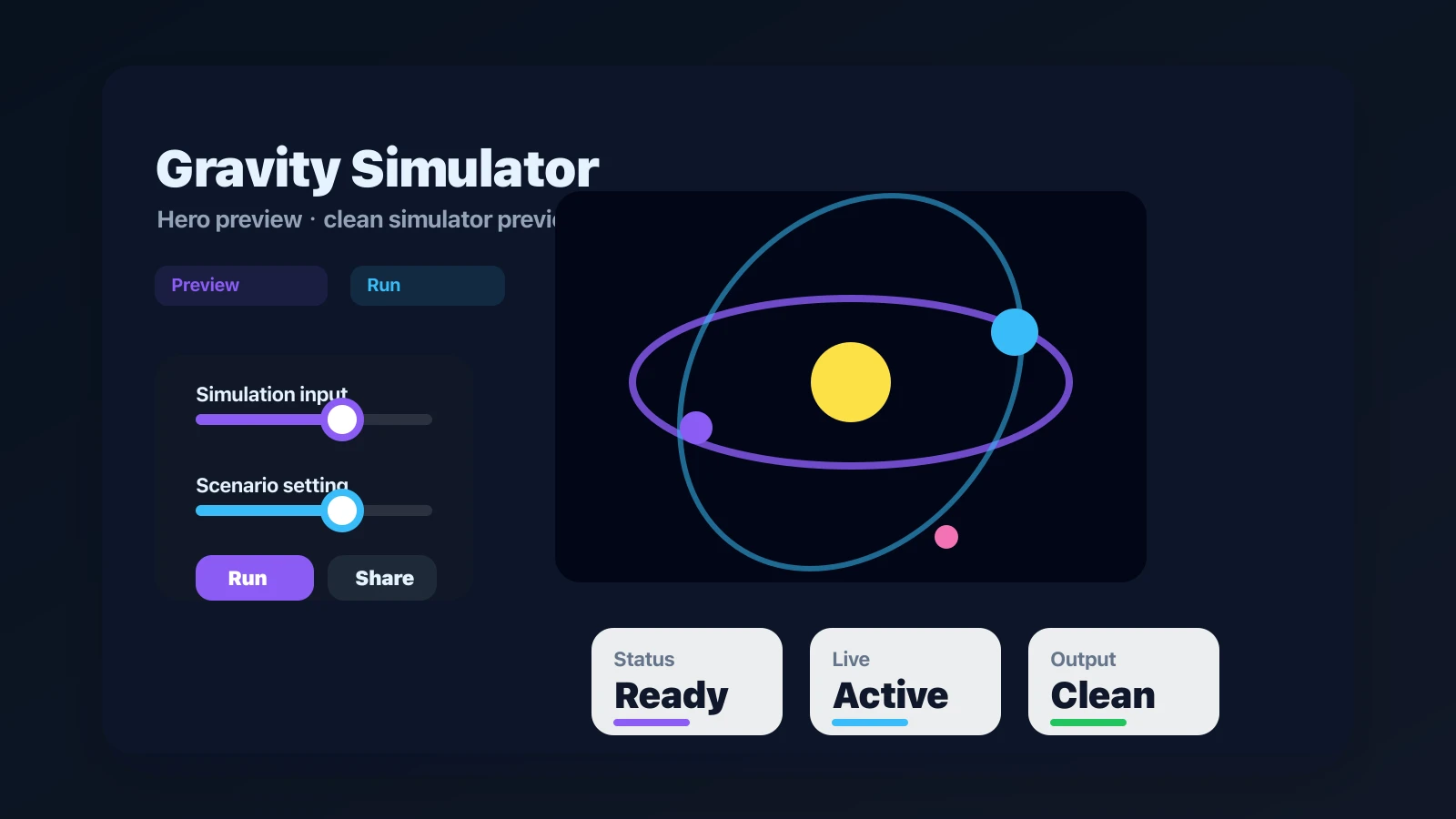
Drop planets, stars, and black holes into an N-body physics sandbox with shareable presets.

Gravity Simulator preview showing the browser simulator interface and result
Open tool

Airfoil Simulator

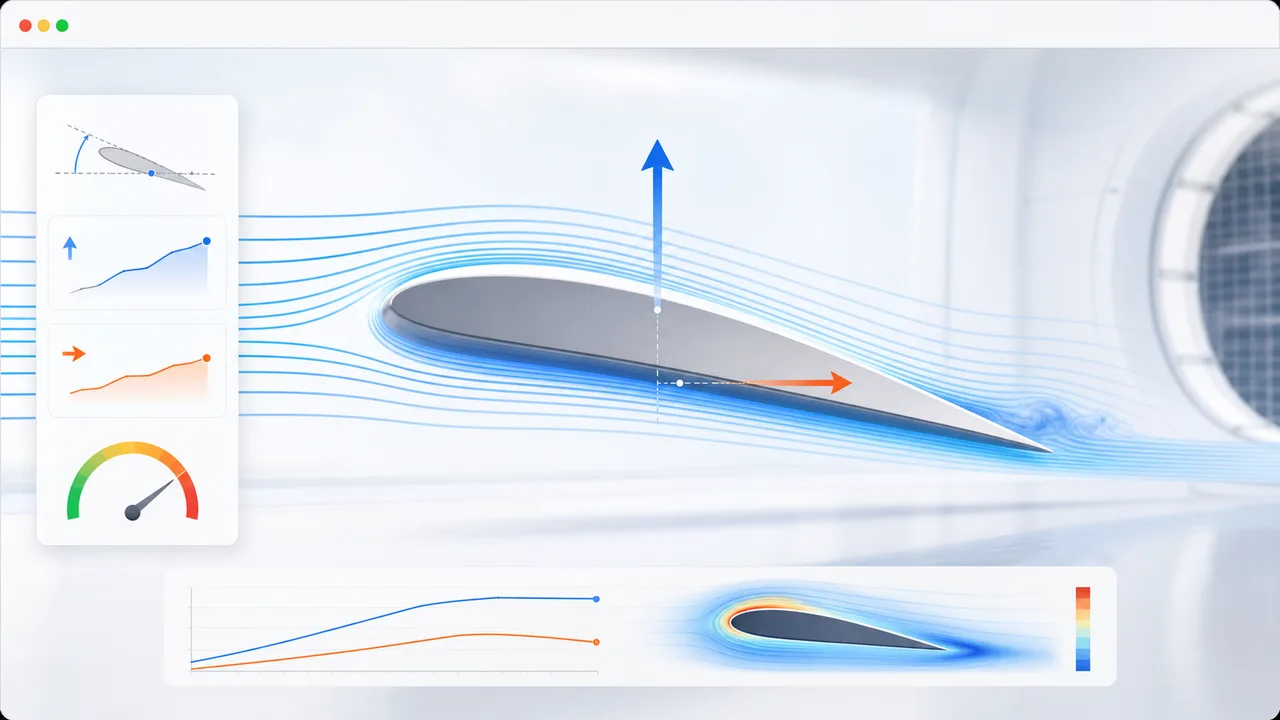
Set angle of attack, air speed, wing area, air density, and airfoil shape to estimate lift, drag, lift-to-drag ratio, and stall risk.

Airfoil Simulator preview showing airflow streamlines, airfoil controls, lift, drag, and stall risk
Open tool

Earthquake Building Simulator

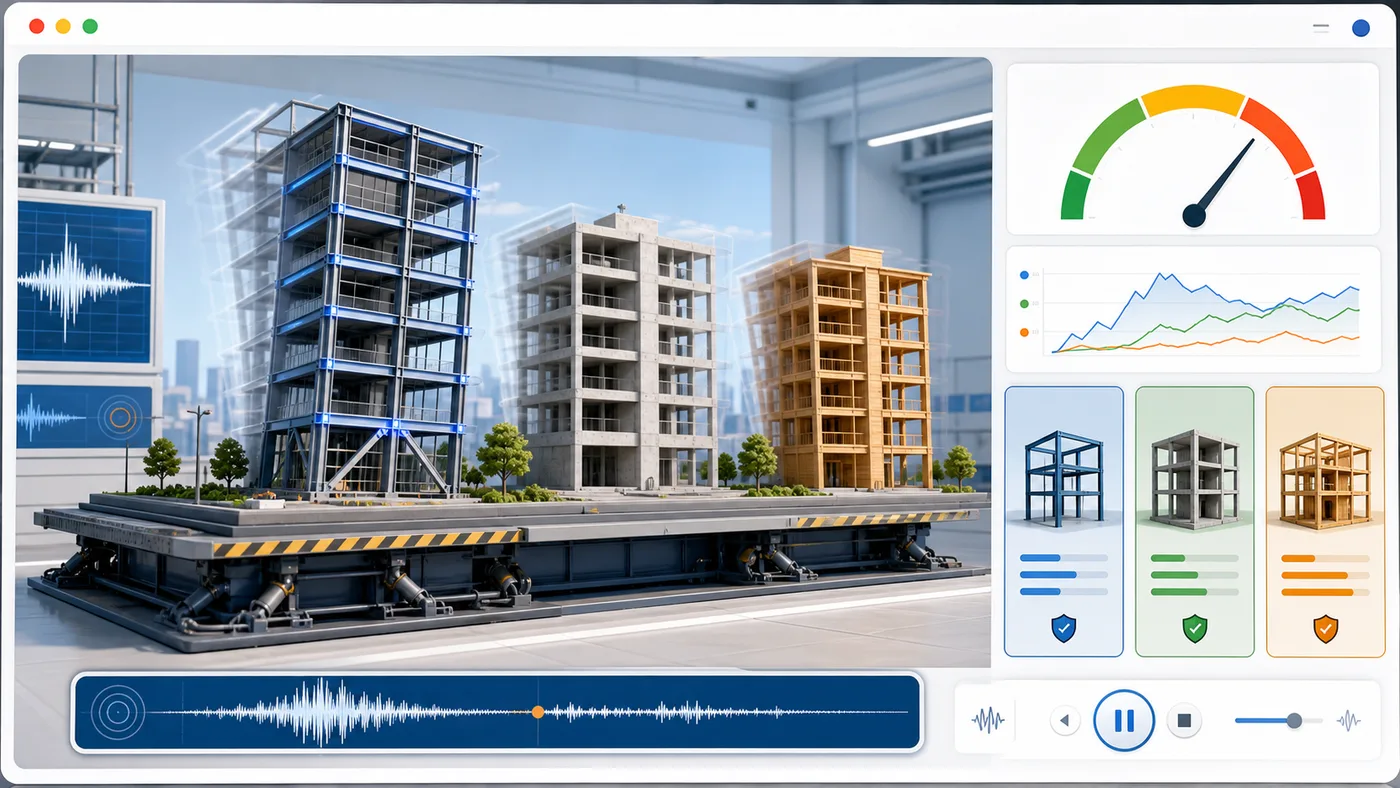
Enter building height, floors, material, structure type, earthquake magnitude, and foundation condition to animate sway and compare seismic risk.

Earthquake Building Simulator preview showing buildings swaying on a shake table with material comparison and risk score
Open tool

Projectile Motion Simulator

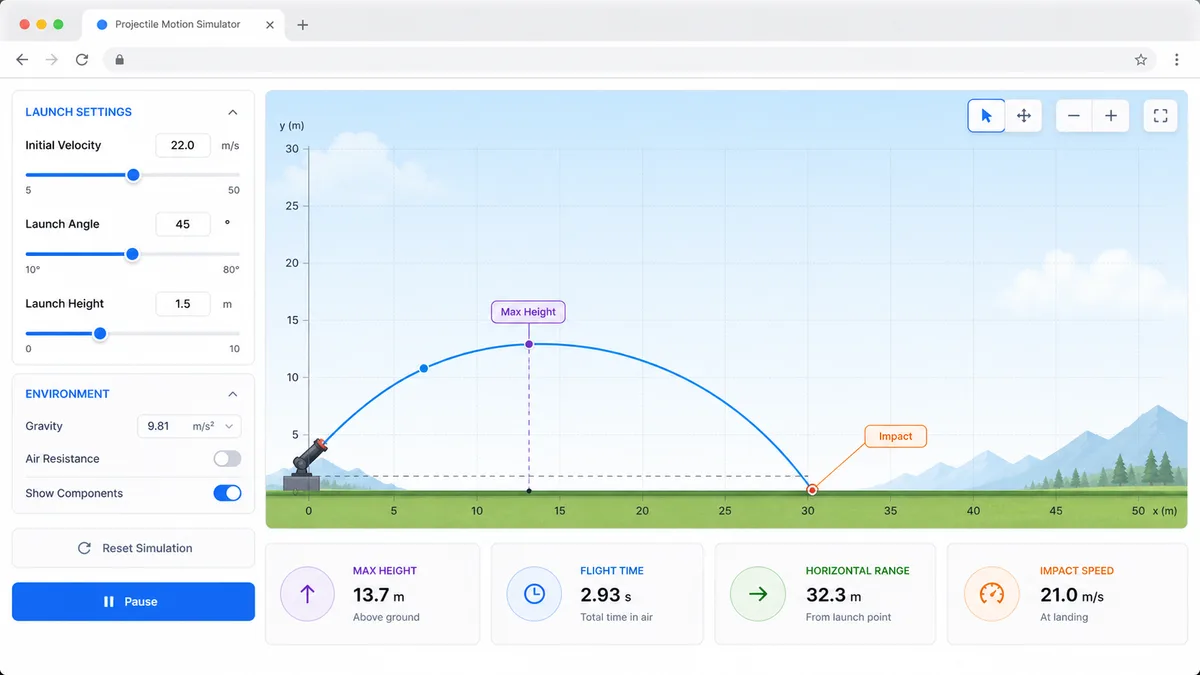
Set velocity, angle, height, gravity, and air resistance to compare projectile trajectories and live physics metrics.

Projectile Motion Simulator preview showing trajectory controls, curve animation, and result metrics
Open tool

Stopping Distance Simulator

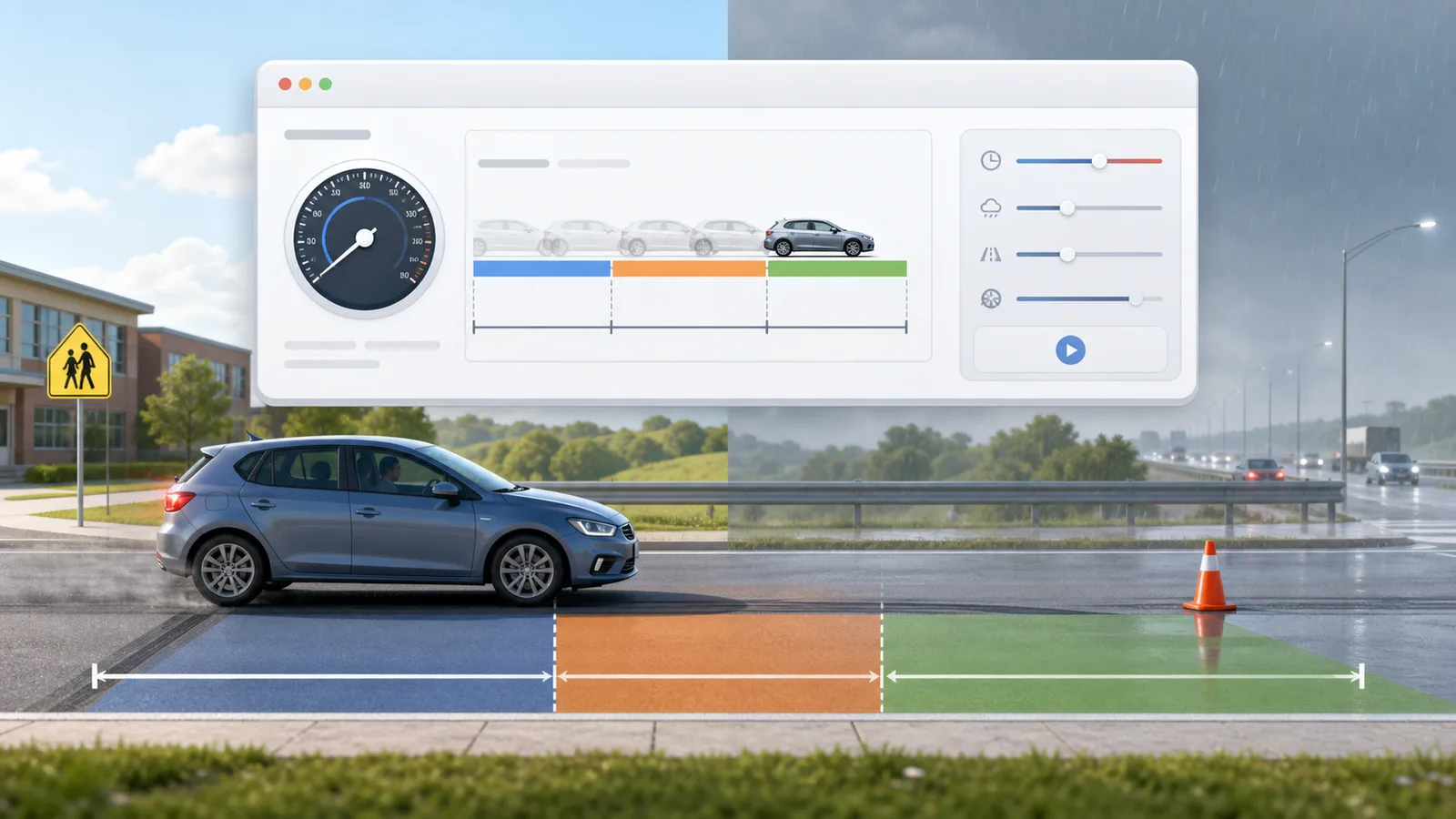
Enter speed, reaction time, weather, road surface, tires, and vehicle type to compare reaction, braking, and total stopping distance.

Stopping Distance Simulator preview showing braking distance controls, road scenarios, and result metrics
Open tool

Solar Panel Simulator

Enter location, roof area, panel count, wattage, orientation, tilt, shading, and electricity rate to estimate solar output, savings, and payback.

Solar Panel Simulator preview showing rooftop panels, energy production, savings, and payback comparison
Open tool

Solar Eclipse Simulator

Enter a city or coordinates, choose an eclipse event, and estimate local visibility, timing, obscuration, and safety reminders.

Solar Eclipse Simulator preview showing an eclipse path, local visibility results, timeline, and safety reminders
Open tool
View all simulators

Flight Landing Simulator FAQ

Fast answers before you use Flight Landing Simulator for learning, planning, or flight-sim scenarios.

What does Flight Landing Simulator calculate?

Flight Landing Simulator estimates landing distance, touchdown speed, crosswind risk, runway overrun probability, landing score, safety alerts, and safer parameter suggestions from the inputs you choose.

Is Flight Landing Simulator safe for real flight decisions?

No. Flight Landing Simulator is an educational browser tool. Real operations require the aircraft AFM/POH, approved performance data, weather, runway condition reports, training, and pilot judgment.

Why does Flight Landing Simulator penalize high speed and wet runways?

Higher speed increases kinetic energy and landing distance, while wet or contaminated surfaces reduce braking effectiveness. Flight Landing Simulator reflects those effects with conservative educational multipliers.

Start Flight Landing Simulator now

Open Flight Landing Simulator, choose aircraft and runway conditions, then compare landing distance, crosswind risk, overrun probability, and safer approach suggestions.

Free to use in the browser with no download required.