



Free Density and Buoyancy Simulator

Density and Buoyancy Simulator change material, mass, volume, and liquid density to see why objects float or sink

Density and Buoyancy Simulator turns Archimedes principle into a hands-on browser lab: pick a material, set mass and volume, choose water, salt water, oil, alcohol, or custom liquid density, then drag the object into the tank and watch every calculation update.

Built for density comparison, buoyant force calculation, displaced fluid volume, and classroom physics practice.

Density and Buoyancy Simulator interactive lab

Start Density and Buoyancy Simulator here: choose the object material, mass, volume, and liquid, then drag the object into the tank to compare object density, liquid density, displaced volume, buoyant force, and weight.

Density and Buoyancy Simulator controls

Select a material preset, adjust mass and volume, choose a liquid, then drop the object into the tank.

Share Density and Buoyancy Simulator

Share the clean page or copy a result link that restores this Density and Buoyancy Simulator setup.

Virtual buoyancy tank

Floating

Ready
Density model ρ = m / V
Buoyancy model FB = ρfgVd
W
Drag the object into the liquid or use Drop object

Live Density and Buoyancy Simulator result

Density and Buoyancy Simulator density comparison

Object density 700 kg/m³
Liquid density 1000 kg/m³

Float or sink rule

Archimedes principle

Density and Buoyancy Simulator calculations

70% submerged

Displaced liquid volume

1.40 L

Buoyant force

13.7 N

Weight

13.7 N

Net force

0.0 N

Density and Buoyancy Simulator conclusion

Density and Buoyancy Simulator experiments

Change one variable at a time. Increasing volume lowers object density when mass stays fixed, and increasing liquid density makes floating easier.

Density and Buoyancy Simulator uses an ideal fluid model with g = 9.81 m/s². Surface tension, fluid flow, and object shape details are simplified so the density comparison stays clear.

Density and Buoyancy Simulator experiment workflow

Density and Buoyancy Simulator connects object density, liquid density, displaced volume, buoyant force, and weight in one visible workflow.

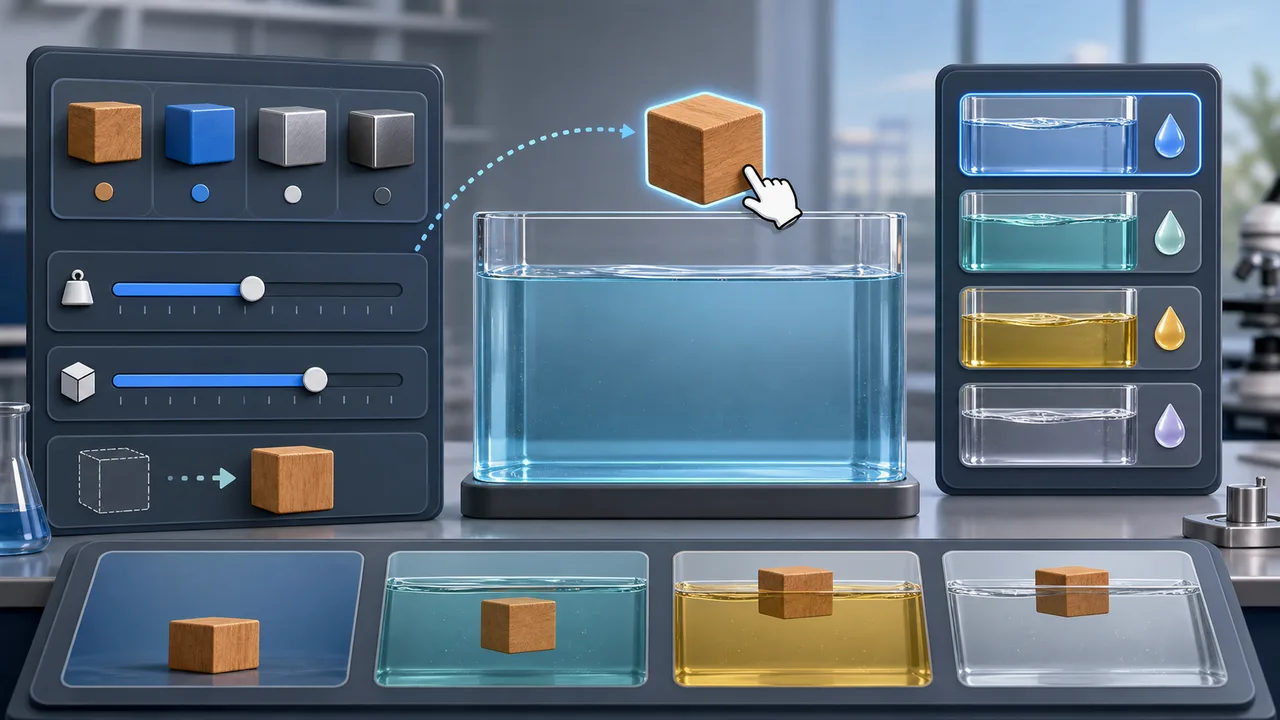
Density and Buoyancy Simulator live controls

Choose wood, plastic, aluminum, steel, or custom material, then adjust mass, volume, and liquid type while Density and Buoyancy Simulator recalculates density instantly.

Density and Buoyancy Simulator interface with material choices, mass and volume sliders, liquid selector, and drag-to-tank workflow

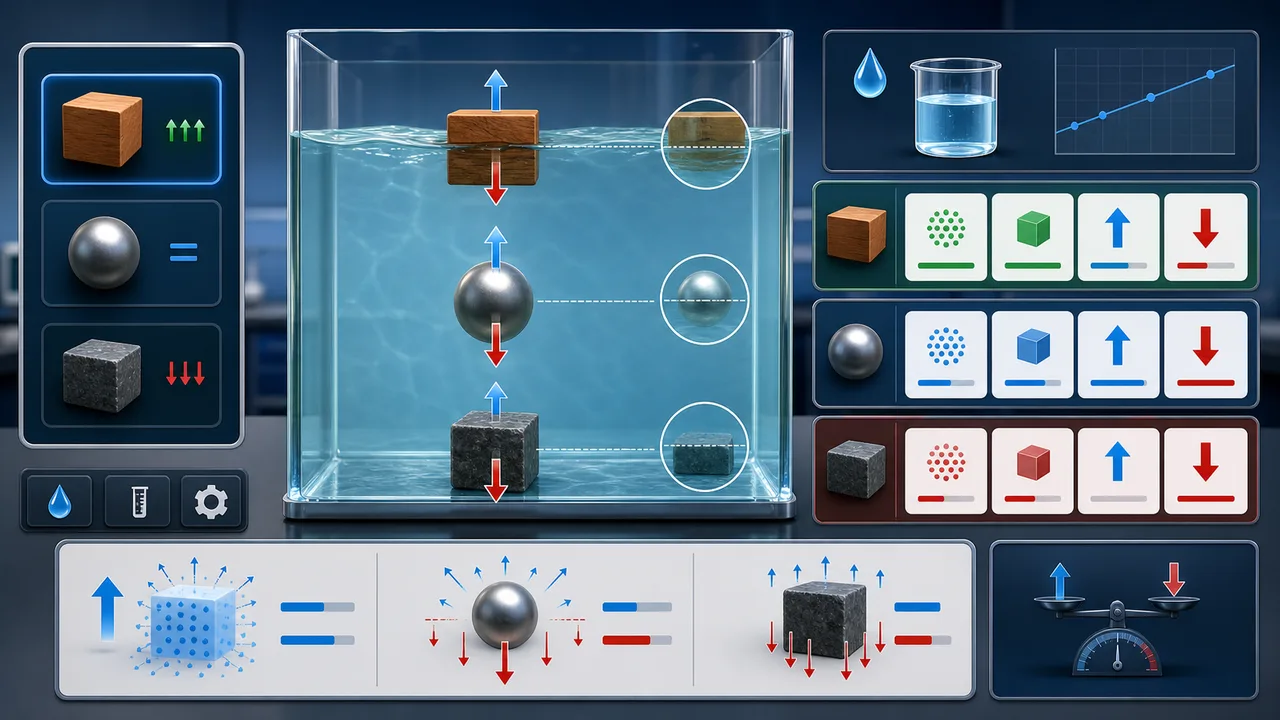
Density and Buoyancy Simulator force comparison

Drop the object into the tank and use Density and Buoyancy Simulator to compare buoyant force, weight, displaced liquid volume, and float-sink state.

Density and Buoyancy Simulator tank with floating suspended and sinking objects, buoyant force arrows, gravity arrows, and result cards

Density and Buoyancy Simulator quick guide

Use this Density and Buoyancy Simulator guide to connect density formula, Archimedes principle, floating, suspension, and sinking.

01

Set up Density and Buoyancy Simulator

Choose a material preset or custom object, set mass and volume, then choose water, salt water, oil, alcohol, or custom liquid density.

  • Start with wood in water for a clear floating example
  • Try steel in water to see full displacement and sinking
Open simulator
02

Change Density and Buoyancy Simulator variables

Change one input at a time. Keep mass fixed and increase volume to lower object density, or keep the object fixed and increase liquid density to make floating easier.

  • Compare water and salt water with the same object
  • Use the neutral test to see density matching
See features
03

Explain Density and Buoyancy Simulator results

Use the object density, liquid density, displaced volume, buoyant force, weight, and net force cards to write a clear Archimedes principle conclusion.

For homework, state the density comparison first, then support it with buoyant force versus weight.

Read FAQ

Density and Buoyancy Simulator features

These Density and Buoyancy Simulator features make density comparison and buoyancy calculation visible and repeatable.

Density and Buoyancy Simulator material presets

Switch between common object materials and immediately see how mass, volume, and density relate.

Choose material

Density and Buoyancy Simulator float-sink status

See whether the object floats, stays suspended, or sinks based on object density versus liquid density.

Compare density

Density and Buoyancy Simulator drag tank

Drag the object into the liquid and watch its position, displaced volume, and force arrows update.

Drop object

Density and Buoyancy Simulator liquid density

Compare water, salt water, oil, alcohol, and custom liquid density in the same experiment.

Change liquid

Density and Buoyancy Simulator force math

Calculate displaced liquid volume, buoyant force, weight, and net force in real time.

Read force cards

Density and Buoyancy Simulator sharing

Copy a result link that restores material, mass, volume, liquid choice, and drop state.

Share result

Density and Buoyancy Simulator study use cases

Density and Buoyancy Simulator helps learners move from memorized formulas to visible evidence.

Density and Buoyancy Simulator for students

Practice density, floating, neutral buoyancy, and sinking questions before quizzes.

Study
Practice now

Density and Buoyancy Simulator for teachers

Demonstrate Archimedes principle with live force arrows and clear density comparisons.

Classroom
Teach buoyancy

Density and Buoyancy Simulator for labs

Preview variable control, liquid density changes, and displaced volume before hands-on lab work.

Lab prep
Prepare lab

Density and Buoyancy Simulator for review

Compare water, salt water, oil, and alcohol without resetting physical equipment.

Review
Compare liquids

More tools after Density and Buoyancy Simulator

After Density and Buoyancy Simulator, try another free browser simulator for physics, science, school, math, or planning practice.

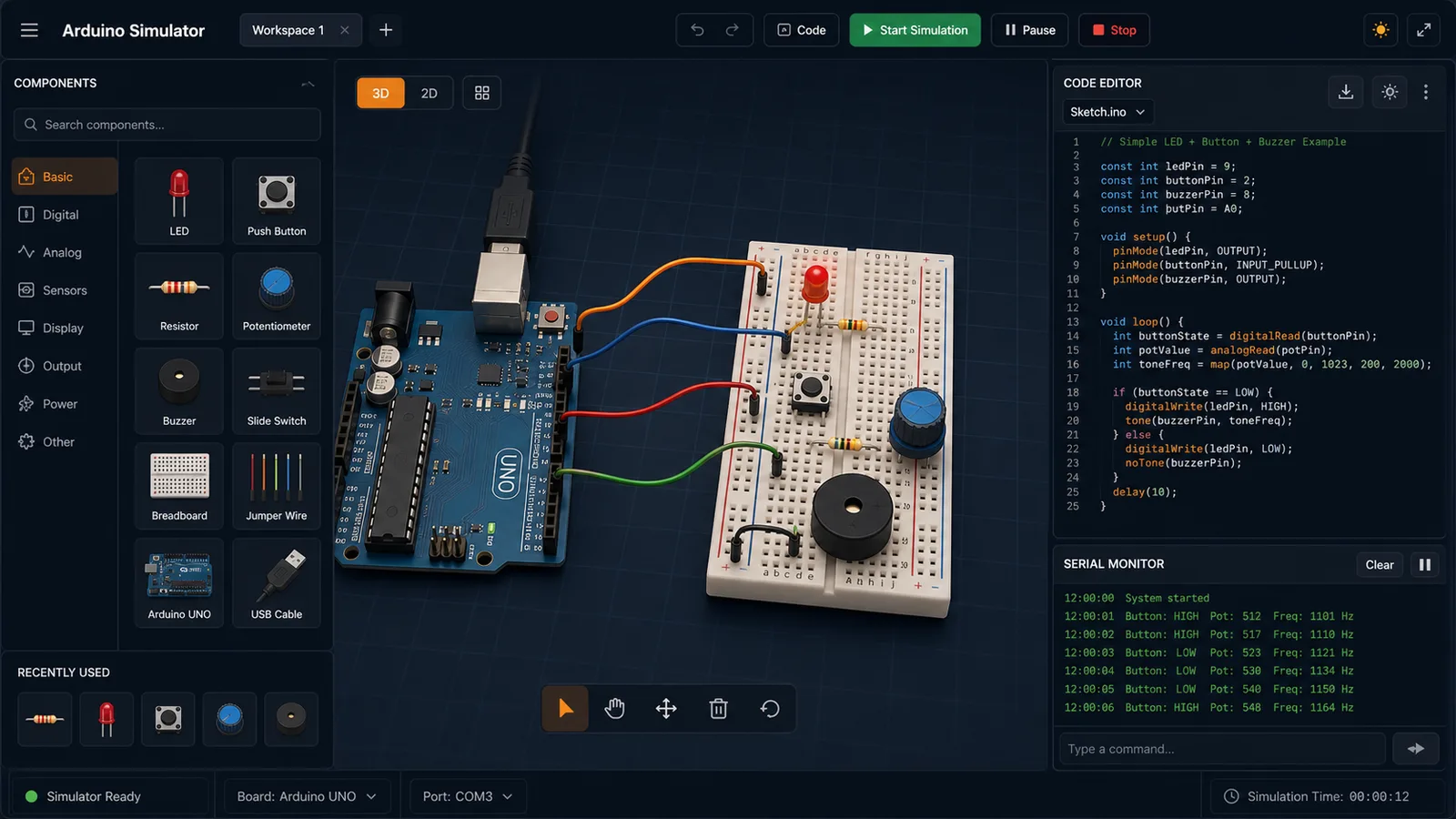
Arduino Simulator

Drag LED, resistor, button, potentiometer, and buzzer parts into a browser circuit and run beginner Arduino sketches.

Arduino Simulator preview showing the browser circuit workspace, code panel, and serial monitor
Open simulator

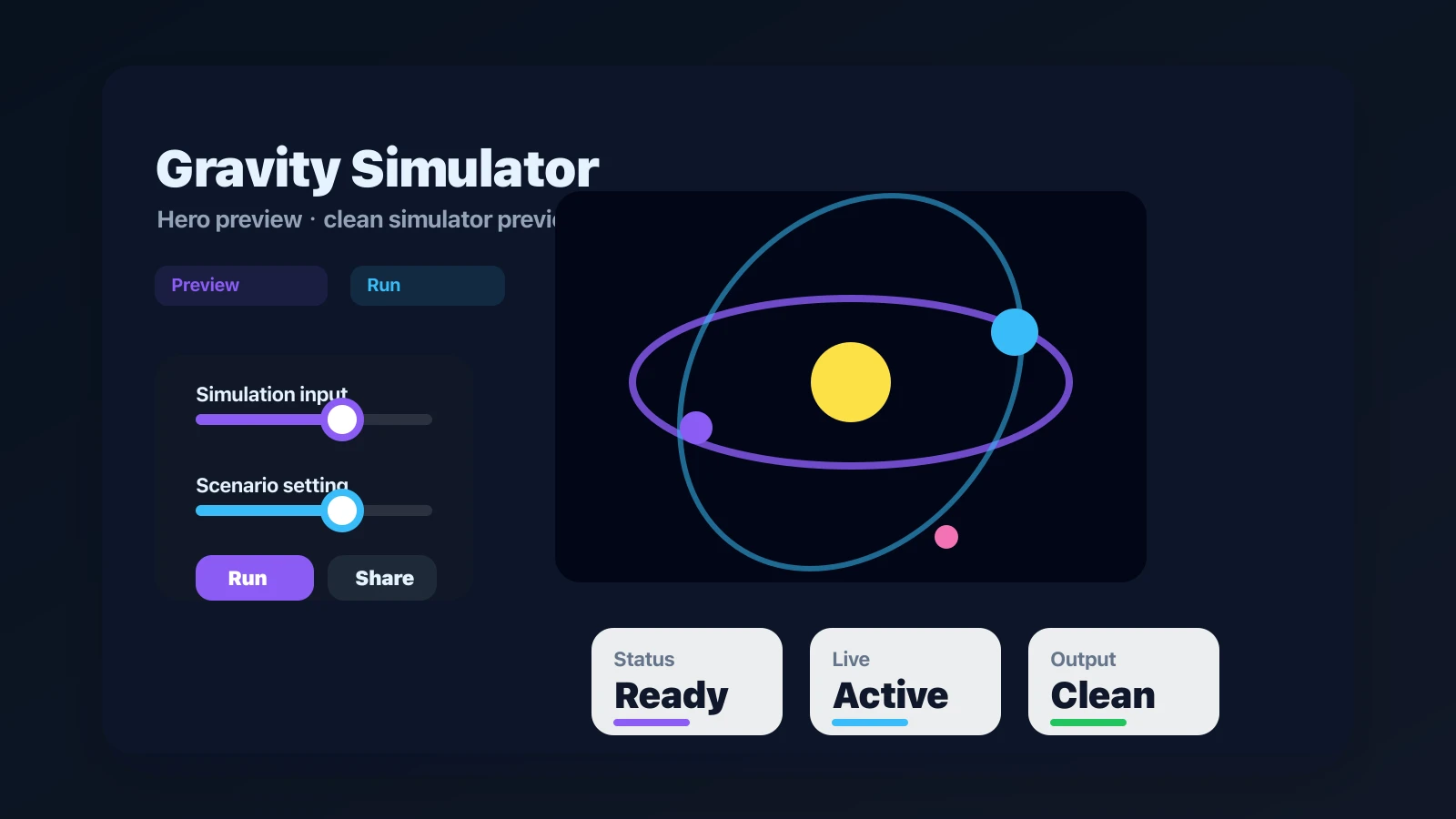
Gravity Simulator

Drop planets, stars, and black holes into an N-body physics sandbox with shareable presets.

Gravity Simulator preview showing the browser simulator interface and result
Open simulator

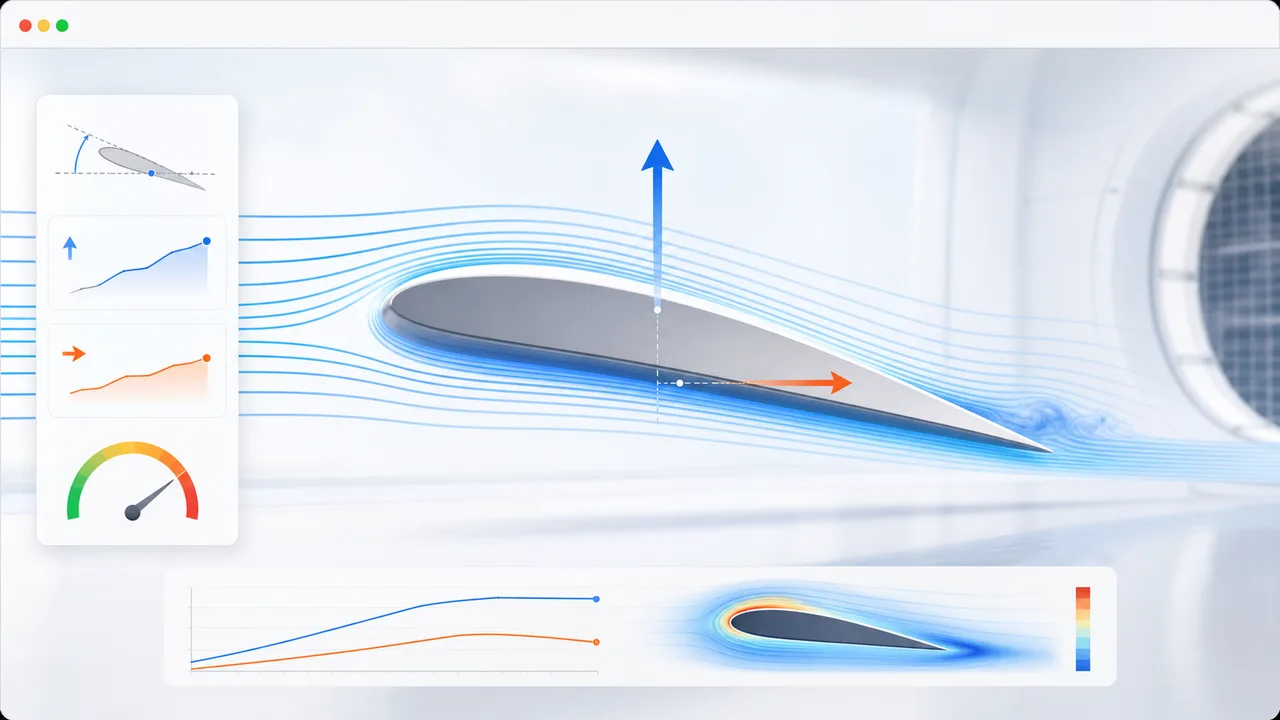
Airfoil Simulator

Set angle of attack, air speed, wing area, air density, and airfoil shape to estimate lift, drag, lift-to-drag ratio, and stall risk.

Airfoil Simulator preview showing airflow streamlines, airfoil controls, lift, drag, and stall risk
Open simulator

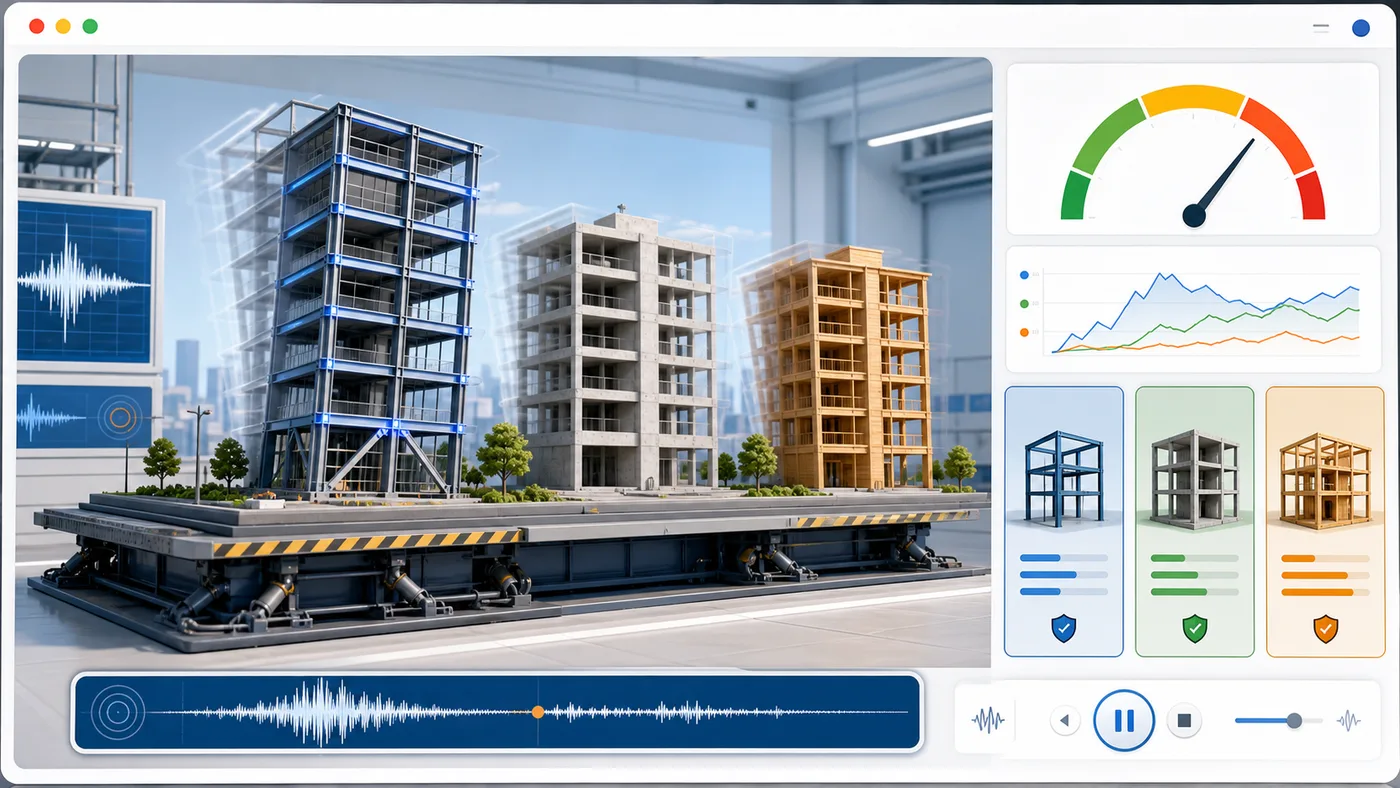
Earthquake Building Simulator

Enter building height, floors, material, structure type, earthquake magnitude, and foundation condition to animate sway and compare seismic risk.

Earthquake Building Simulator preview showing buildings swaying on a shake table with material comparison and risk score
Open simulator

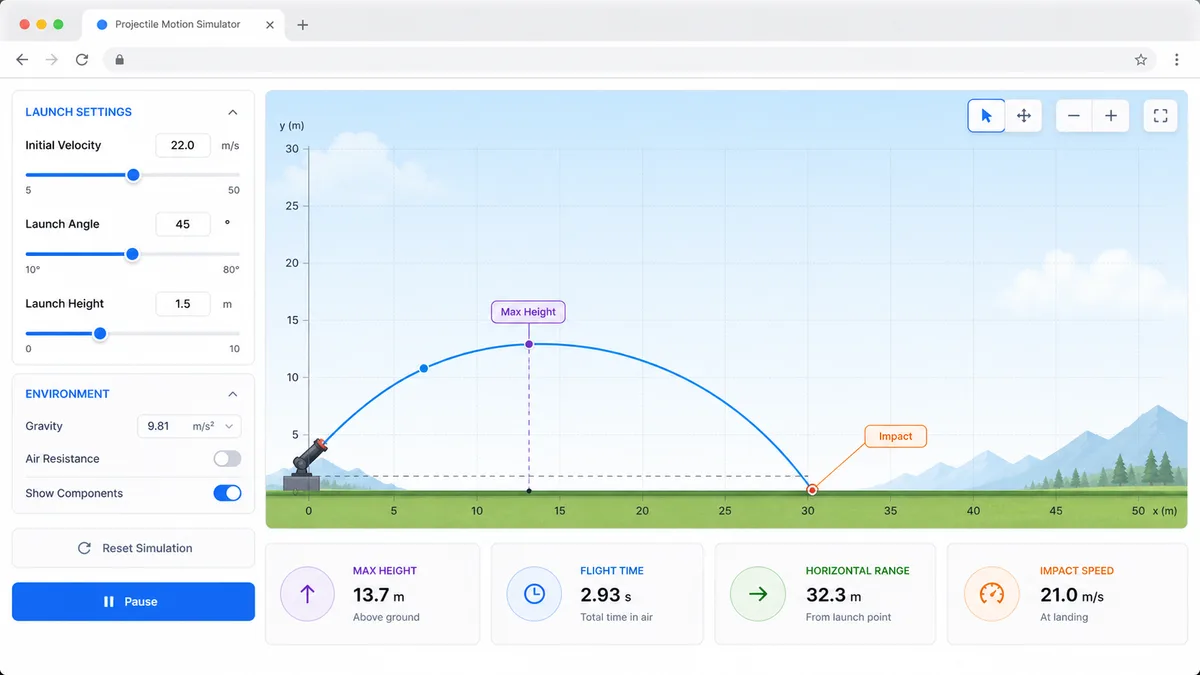
Projectile Motion Simulator

Set velocity, angle, height, gravity, and air resistance to compare projectile trajectories and live physics metrics.

Projectile Motion Simulator preview showing trajectory controls, curve animation, and result metrics
Open simulator

Stopping Distance Simulator

Enter speed, reaction time, weather, road surface, tires, and vehicle type to compare reaction, braking, and total stopping distance.

Stopping Distance Simulator preview showing braking distance controls, road scenarios, and result metrics
Open simulator

Solar Panel Simulator

Enter location, roof area, panel count, wattage, orientation, tilt, shading, and electricity rate to estimate solar output, savings, and payback.

Solar Panel Simulator preview showing rooftop panels, energy production, savings, and payback comparison
Open simulator

Solar Eclipse Simulator

Enter a city or coordinates, choose an eclipse event, and estimate local visibility, timing, obscuration, and safety reminders.

Solar Eclipse Simulator preview showing an eclipse path, local visibility results, timeline, and safety reminders
Open simulator
View all simulators

Density and Buoyancy Simulator FAQ

Fast answers about Density and Buoyancy Simulator density, liquid density, displaced volume, buoyant force, weight, floating, suspension, and sinking.

Is Density and Buoyancy Simulator free?

Yes. Density and Buoyancy Simulator runs in the browser and can be used without an account or installation.

What formula does Density and Buoyancy Simulator use for density?

Density and Buoyancy Simulator calculates object density as mass divided by volume. The page shows the result in kg/m³ so it can be compared directly with liquid density.

How does Density and Buoyancy Simulator calculate buoyant force?

Density and Buoyancy Simulator uses Archimedes principle: buoyant force equals liquid density times gravity times displaced liquid volume.

Why does an object float in Density and Buoyancy Simulator?

An object floats when its average density is lower than the liquid density. In that case Density and Buoyancy Simulator shows only part of the object submerged, with buoyant force balancing weight.

Can Density and Buoyancy Simulator show neutral buoyancy?

Yes. When object density and liquid density are nearly equal, Density and Buoyancy Simulator marks the object as suspended and places it in the liquid instead of at the surface or bottom.

Start Density and Buoyancy Simulator now

Open Density and Buoyancy Simulator, choose a material, set mass and volume, then drag the object into water, salt water, oil, alcohol, or a custom liquid.

Use the live density, displaced volume, buoyant force, weight, and net force cards to explain why the object floats, stays suspended, or sinks.

Density and Buoyancy Simulator keeps shared results in an explicit copied URL only.