Free online driving game

Bus Simulator — drive a safe, smooth city route

Take the wheel of an unbranded city bus, complete six stops, obey traffic lights, board passengers, and improve your safety, comfort, stopping, and schedule scores.

Free, private, no registration, and no download — progress stays in this browser.

Bus Simulator free driving game

Start a complete six-stop route, practise without a time limit, or take a short stopping challenge. Keyboard and multi-touch controls are supported.

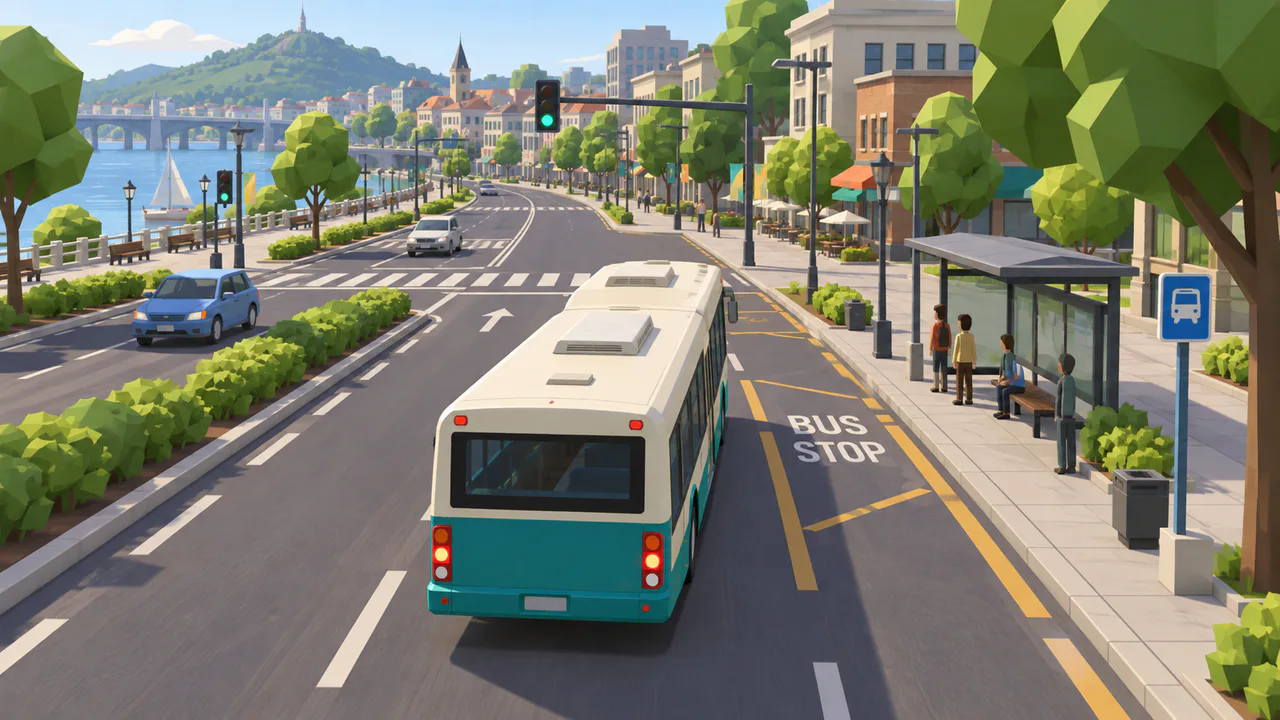
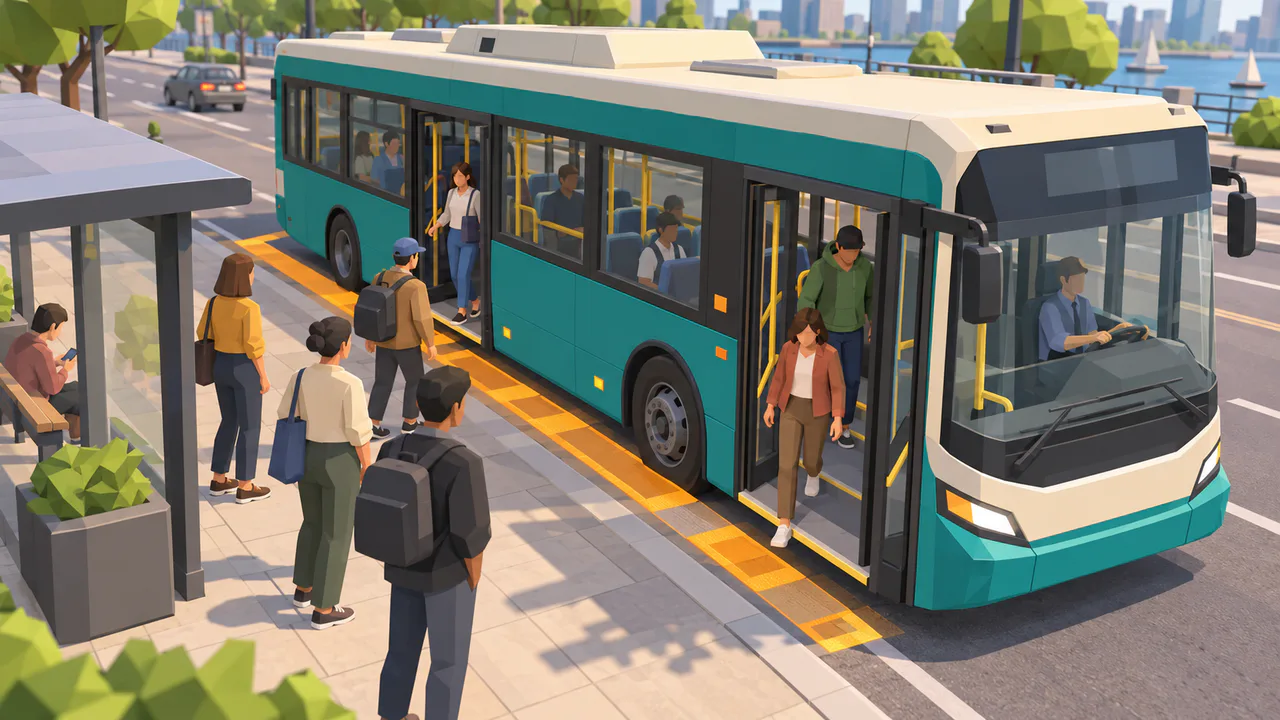
Bus Simulator preview of an unbranded city bus approaching a platform on a low-poly city route

W / ↑: accelerator · S / ↓: brake · A/D or ←/→: steer. Release the accelerator to coast.

Stop before changing gear with G or the gear buttons. R gear + accelerator: reverse. Enter: open/close doors.

No signup · no download

Ready to drive this bus?

Safety comes first. Complete each stop in order, line up the doors with the amber zone, serve passengers, and reach the terminal smoothly.

WASD / arrow keys · Enter doors · Space parking brake · G gear · P pause · R reset

Driver briefing

Ready

Choose a mode, start driving, and follow the contextual coach.

Stops0/6
Load0/30
Comfort100%
Time00:00

Share Bus Simulator

Normal play keeps the clean page URL. A score URL is created only when you press Copy score link.

Bus Simulator is a lightweight fictional driving game, not a driving licence course or an official bus brand. Scores and achievements are stored only on this device and browser.

Bus Simulator route and stopping gameplay

Bus Simulator keeps one compact city focused on meaningful driving decisions instead of an oversized open world.

Bus Simulator six-stop city route

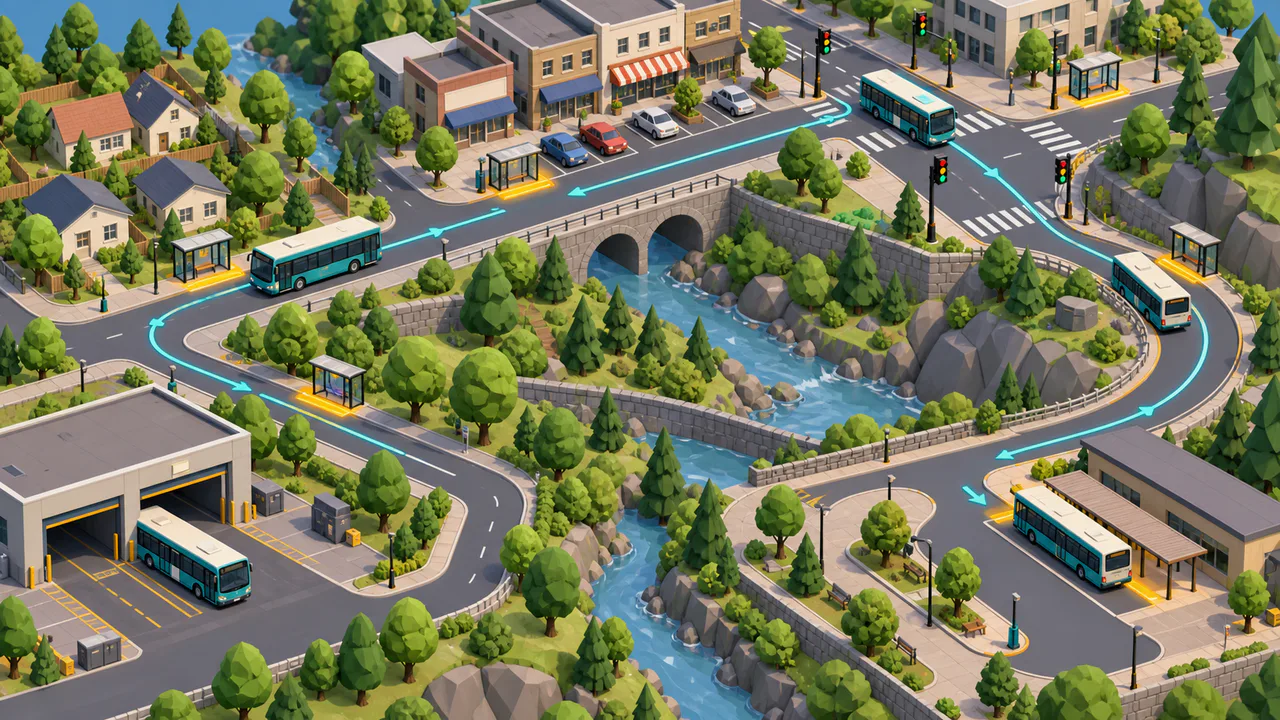
Drive from the depot through a community, commercial street, signalized junction, tight turn, and terminal. Each road segment has a clear task.

Bus Simulator low-poly overview of a compact fictional city route with six varied stops

Bus Simulator precise stopping and service

Align the long body, place the doors in the amber service zone, settle the bus, then let passengers leave before new riders board.

Bus Simulator bus aligned beside a platform while passengers leave and board in natural poses

Bus Simulator driving guide

Learn the Bus Simulator controls as each situation appears, then improve one part of your next run.

01

Start the Bus Simulator smoothly

Use W or the up arrow for throttle, S or the down arrow for braking, and A/D or the side arrows to steer. Release the throttle to coast.

  • Press G or the touch gear button only when stopped
  • Enter opens and closes the doors
Start Bus Simulator
02

Stop the Bus Simulator accurately

Brake early, approach slowly, keep the body parallel to the curb, and wait until the bus is stable before opening the doors.

  • The door zone, angle, curb distance, and stability are all checked
  • The game gives a specific correction when the stop is not valid
See Bus Simulator features
03

Read the Bus Simulator trip report

Compare safety, comfort, stopping, and schedule scores, then use the targeted improvement tip for your next attempt.

For route planning, fares, fleet size, and headway calculations, use the separate Bus Route Simulator.

Open Bus Route Simulator

Bus Simulator game features

Bus Simulator models the parts of city bus driving that make a long vehicle different from a car.

Bus Simulator long-body handling

Gradual acceleration, coasting, progressive braking, speed-sensitive steering, and front, rear, and side road-edge checks.

Feel the handling

Bus Simulator passenger service

Destinations, capacity, alighting-before-boarding, one service per stop, and doors that must close before departure.

Serve passengers

Bus Simulator fair scoring

Safety 35%, comfort 25%, stopping 20%, and schedule 20%, with severe violations limiting the top rating.

Improve the score

Bus Simulator responsive controls

Keyboard and multi-touch input, automatic focus pause, low-quality mode, mute, and an enlarged page view.

Try the controls

Bus Simulator three modes

Use beginner practice, the complete route mission, or a short stopping challenge on the same lightweight map.

Choose a mode

Bus Simulator local progress

Keep your best score and simple achievements on this device without pretending they are a trusted global leaderboard.

Set a local best

Bus Simulator play styles

Use Bus Simulator for a quick route, focused stop practice, smooth-driving improvement, or a separate planning handoff.

Bus Simulator quick game

Complete a compact route in a few minutes with no account setup.

Play now

Bus Simulator beginner practice

Repeat one road segment without a strict time target.

Practise

Bus Simulator stopping challenge

Focus on curb distance, body angle, collision control, and door placement.

Try stopping

Bus Simulator route planning link

Move to Bus Route Simulator when you want headway, fleet, fare, and profit planning instead of driving.

Plan service

More driving tools after Bus Simulator

Continue from Bus Simulator to route planning, parking, braking distance, trip cost, and other browser tools.

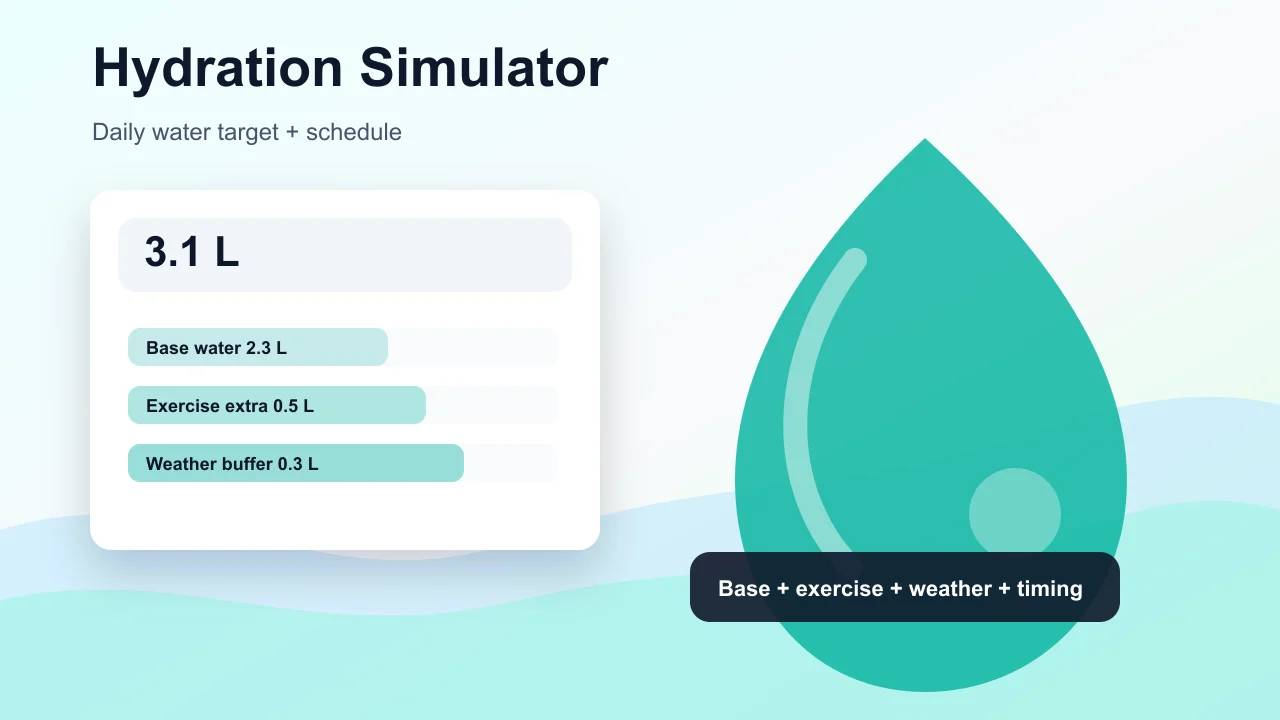
Hydration Simulator

Enter weight, age, temperature, workout time, sweat level, coffee, and alcohol to estimate daily water needs and a drinking schedule.

Hydration Simulator preview showing water intake controls, base water, exercise hydration, and a daily drinking schedule
Open tool

Pet Age Simulator

Choose a cat, dog, rabbit, or dog size, enter real age, and estimate human-equivalent age, life stage, and care tips.

Pet Age Simulator preview showing cat, dog, rabbit age conversion, life stage cards, and care advice
Open tool

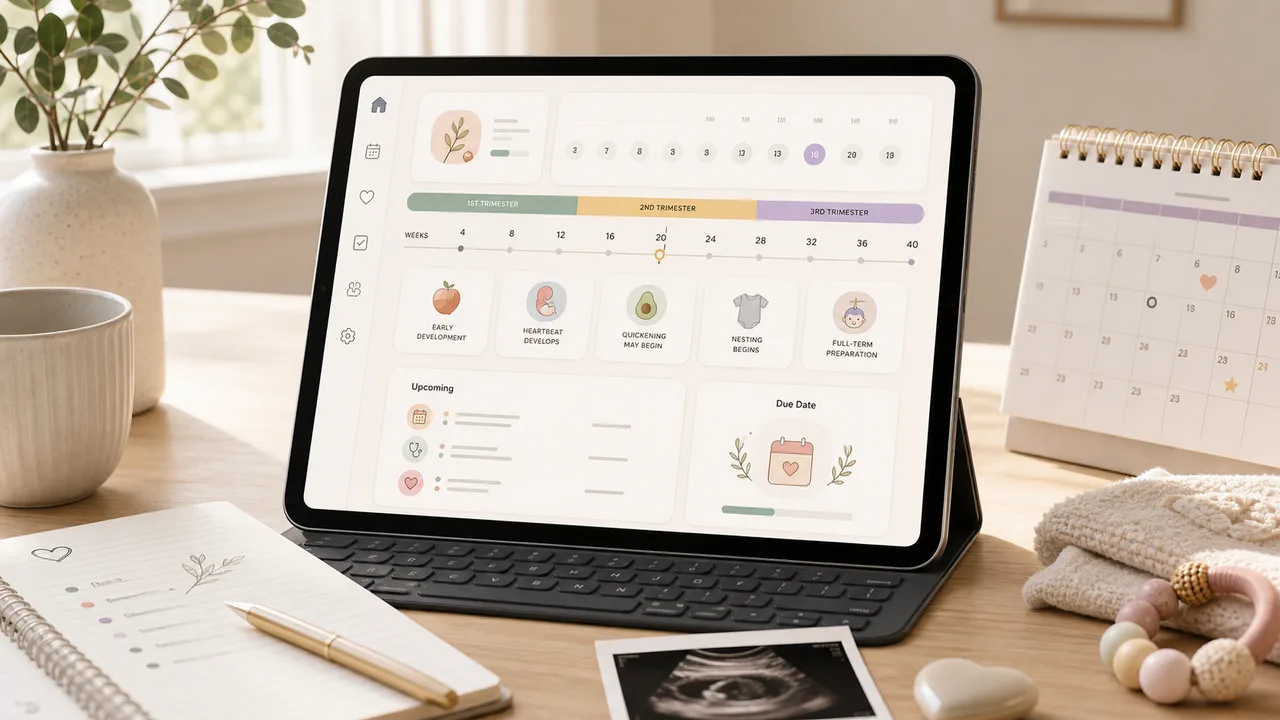
Pregnancy Due Date Simulator

Enter a last menstrual period, conception date, ovulation date, or IVF transfer date to estimate due date, pregnancy week, trimester, and key prenatal milestones.

Pregnancy Due Date Simulator preview showing due date, pregnancy week, trimester timeline, and prenatal reminders
Open tool

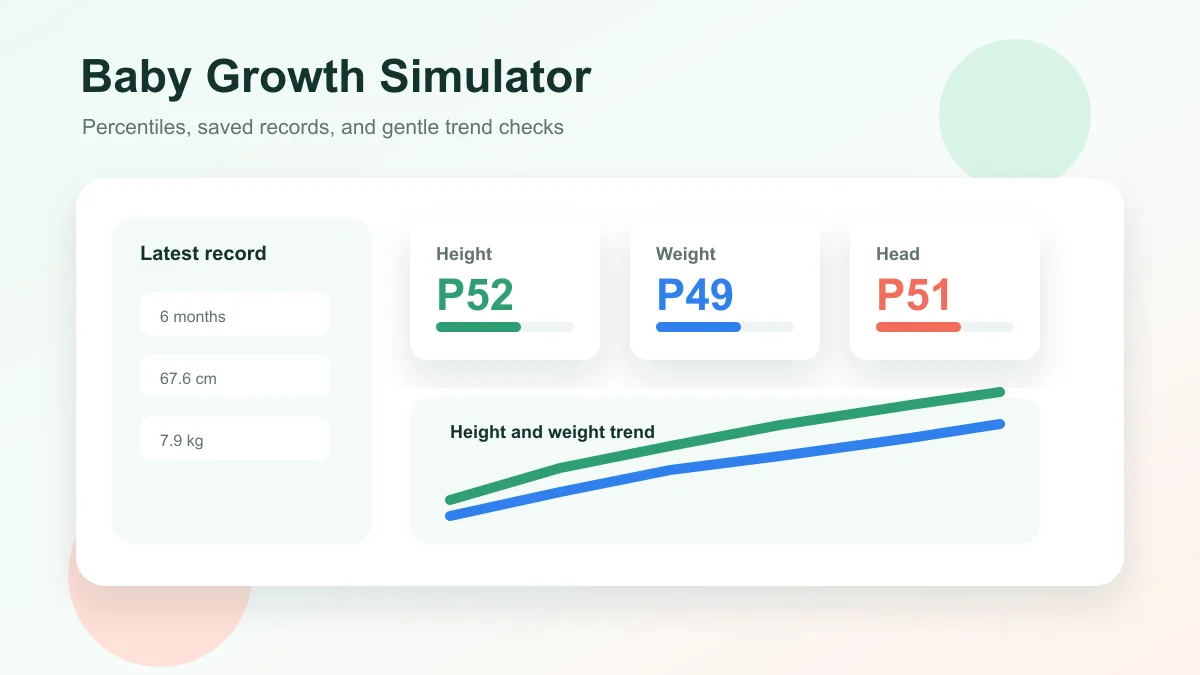
Baby Growth Simulator

Enter baby age, sex, height, weight, and head circumference to estimate growth percentiles and track height and weight trends over time.

Baby Growth Simulator preview showing percentile cards, saved baby records, and height and weight trend lines
Open tool

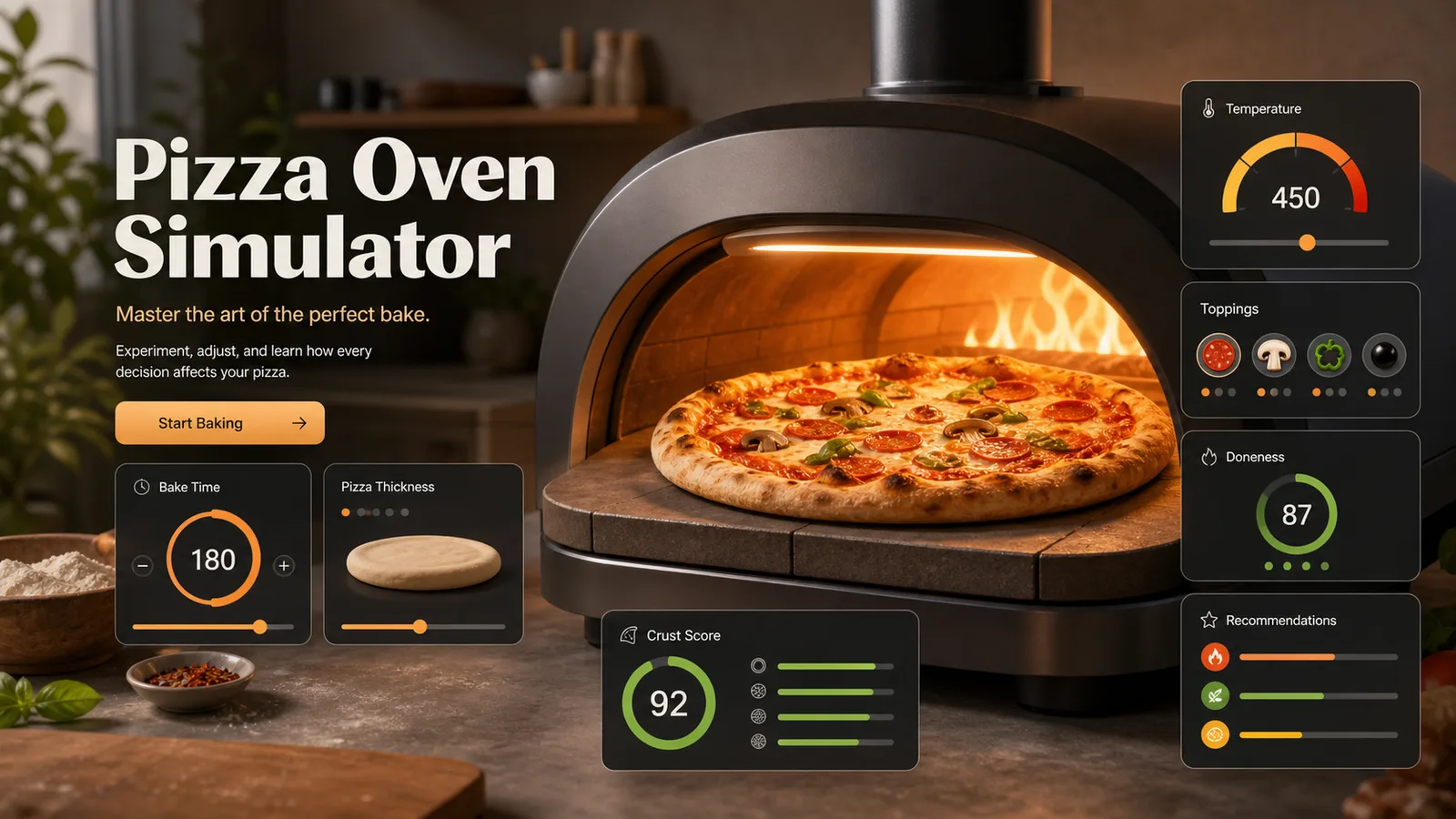
Pizza Oven Simulator

Choose oven temperature, pizza thickness, toppings, and bake time to get crust score, doneness, and baking advice.

Pizza Oven Simulator preview showing oven controls, pizza crust score, doneness, and baking advice
Open tool

Room Layout Simulator

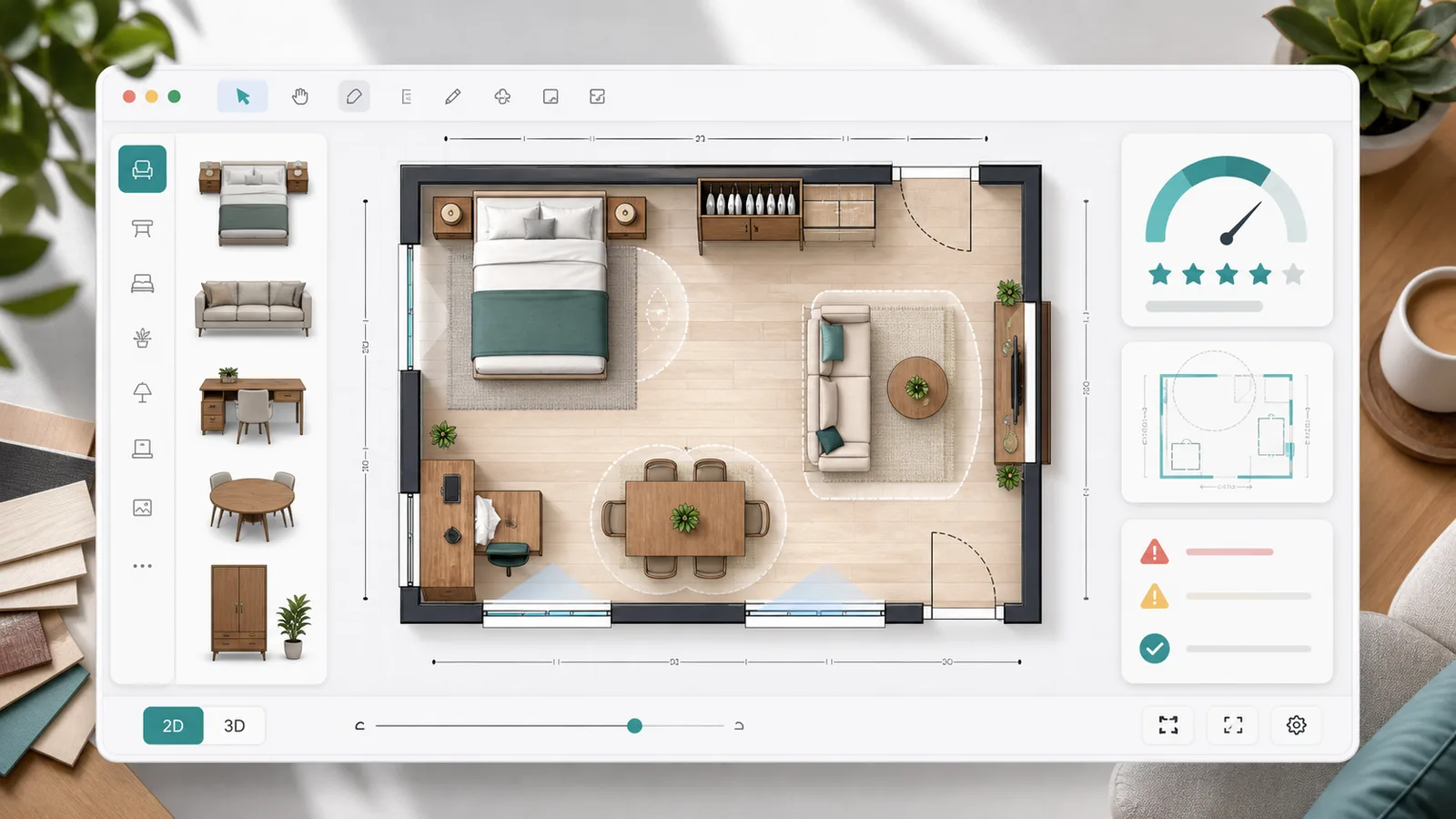
Plan a 2D room layout with dimensions, doors, windows, draggable furniture, clearance checks, layout scores, saved schemes, and exportable reports.

Room Layout Simulator preview showing a 2D floor plan, furniture blocks, door swing checks, window clearance, scores, and saved layout comparison
Open tool

Queue Simulator

Model arrivals, service windows, service time variation, simulation duration, initial backlog, abandonment, and optimization scenarios for waiting lines.

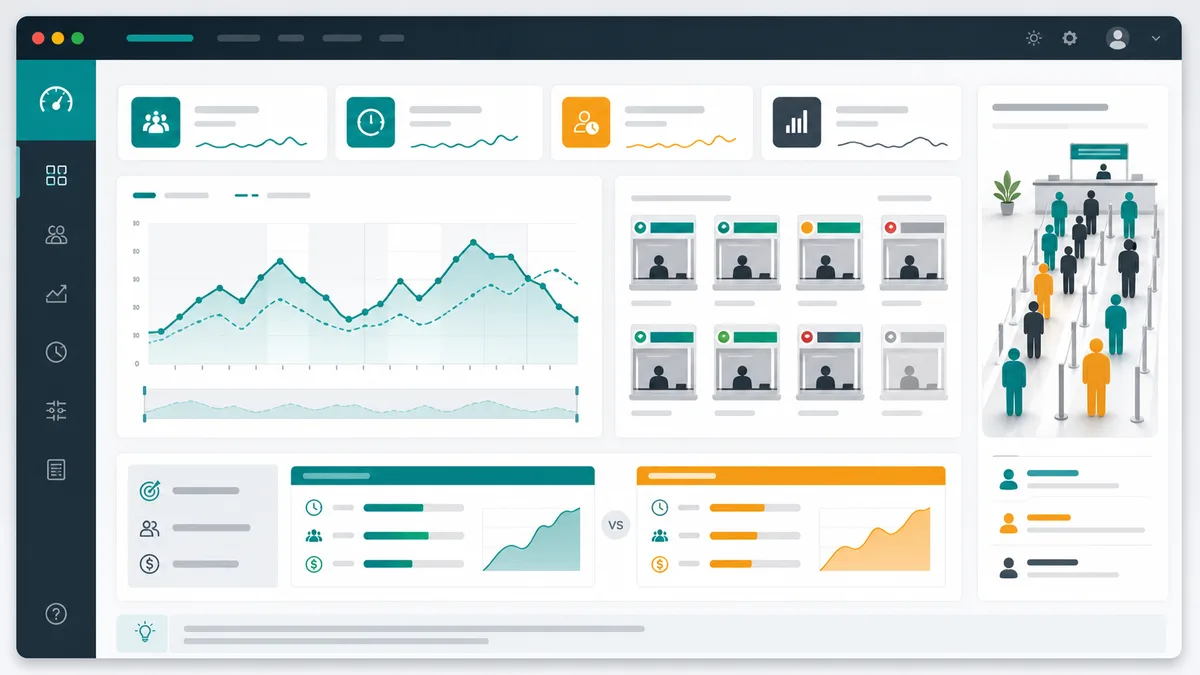
Queue Simulator preview showing queue length over time, service window utilization, congestion peaks, and optimization comparison
Open tool

Packing List Simulator

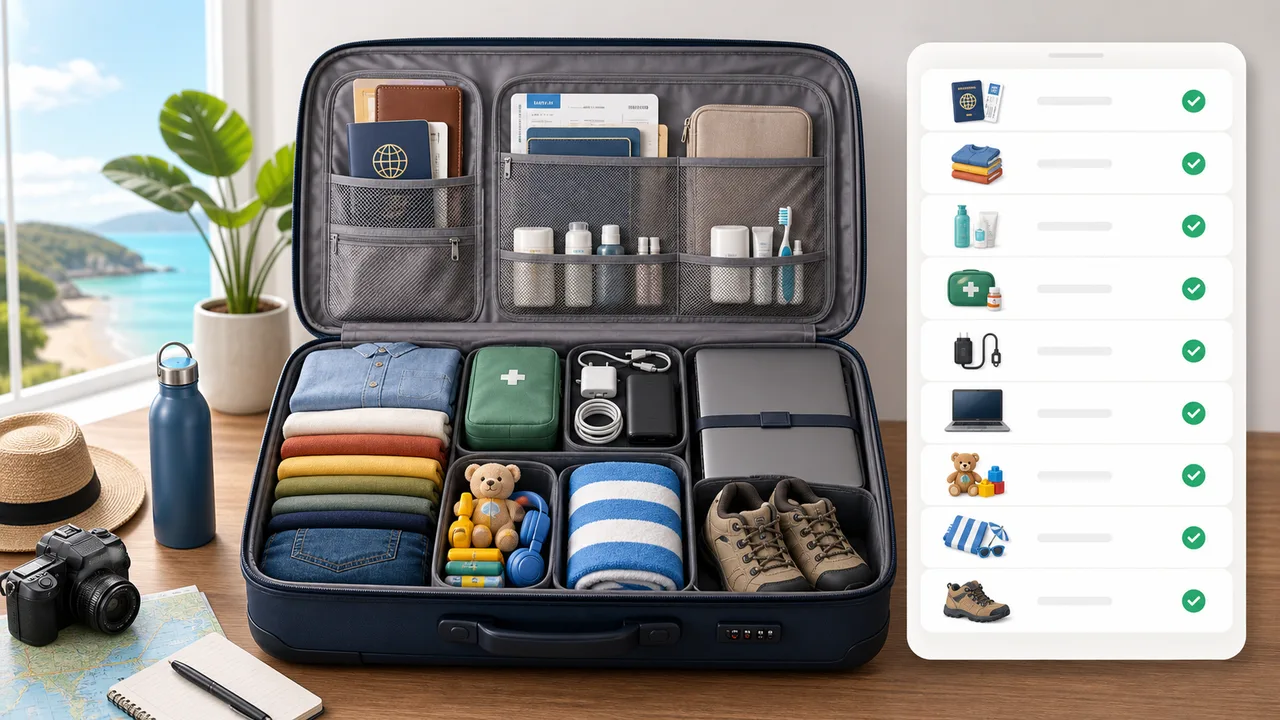
Generate a personalized travel checklist by days, weather, season, trip type, transport, lodging, kids, business, beach, camping, outdoor, formal, and electronics needs.

Packing List Simulator preview showing suitcase categories, documents, clothes, chargers, toiletries, medicine, beach gear, and outdoor gear
Open tool

Bus Simulator FAQ

Answers about Bus Simulator doors, reversing, comfort, scoring, saves, and device support.

Why will the doors not open in Bus Simulator?

Stop fully in the amber service zone, place the door side close to the platform, and align the bus body with the curb. Bus Simulator then enables passenger service and tells you which condition still needs adjustment.

How do I reverse in Bus Simulator?

Bring the bus almost completely to rest, then press G or the touch gear button to change from D to R. Braking never changes into reverse automatically, which prevents an unexpected backward launch.

How can I improve passenger comfort in Bus Simulator?

Release the throttle earlier, brake progressively, and slow before turning. Bus Simulator explains each harsh brake, abrupt acceleration, or fast turn instead of silently reducing comfort.

How is the Bus Simulator score calculated?

The initial weighting is safety 35%, comfort 25%, stopping quality 20%, and schedule performance 20%. Collisions and red lights can cap the star rating so dangerous speed cannot win the best result.

Does Bus Simulator save or sync my score?

The best score and simple achievements are stored locally in the current browser. Bus Simulator does not promise cross-device sync or call editable local records a global leaderboard.

Is Bus Simulator free on phones?

Yes. Bus Simulator is free, needs no registration or download, and has multi-touch steering, throttle, braking, gear, and door controls. Low-quality mode reduces shadows and background traffic.

Drive Bus Simulator now

Start Bus Simulator immediately, complete all six stops in order, and see one or two clear ways to make the next trip safer and smoother.

Original fictional vehicles and city artwork. No signup, download, or paid performance upgrades.