Free Baby Growth Simulator

Baby Growth Simulator estimate baby growth percentiles and watch trends gently

Baby Growth Simulator helps you enter birth date, record date, sex, length, weight, head circumference, and gestational age, then estimate WHO 0-24 month percentiles and z-scores. Save repeated local records to see whether growth trends look steady over time.

Private in your browser, with local records and calm reminders to ask a doctor about unexpected patterns.

Baby Growth Simulator interactive percentile tool

Start Baby Growth Simulator here: calculate exact age, use corrected age for premature babies, review percentile plus z-score, save records locally, and print a concise summary for a pediatric visit.

Baby Growth Simulator controls

Enter birth date and measurement date for exact age. Add gestational age if baby was born early; Baby Growth Simulator uses corrected age for the curve when gestation is under 40 weeks.

Share Baby Growth Simulator

Share the Baby Growth Simulator page. Baby measurements stay local unless you choose to copy a text summary.

Baby Growth Simulator measurement guide

Length / height

For children under 2 years, measure recumbent length on a firm flat surface with the head against a fixed board and legs gently straight. Use the same method each time; standing height is usually for older children.

Head circumference

Wrap a non-stretch tape around the largest head circumference, usually above the eyebrows and ears and around the back of the head. Recheck if hair, tape angle, or movement may have changed the number.

Reference source

This tool uses WHO Child Growth Standards for 0-24 months and LMS z-score math for length-for-age, weight-for-age, and head-circumference-for-age. CDC recommends WHO standards for U.S. children from birth to 2 years.

Latest Baby Growth Simulator estimate

Height percentile

Weight percentile

Head percentile

Baby Growth Simulator height and weight trend

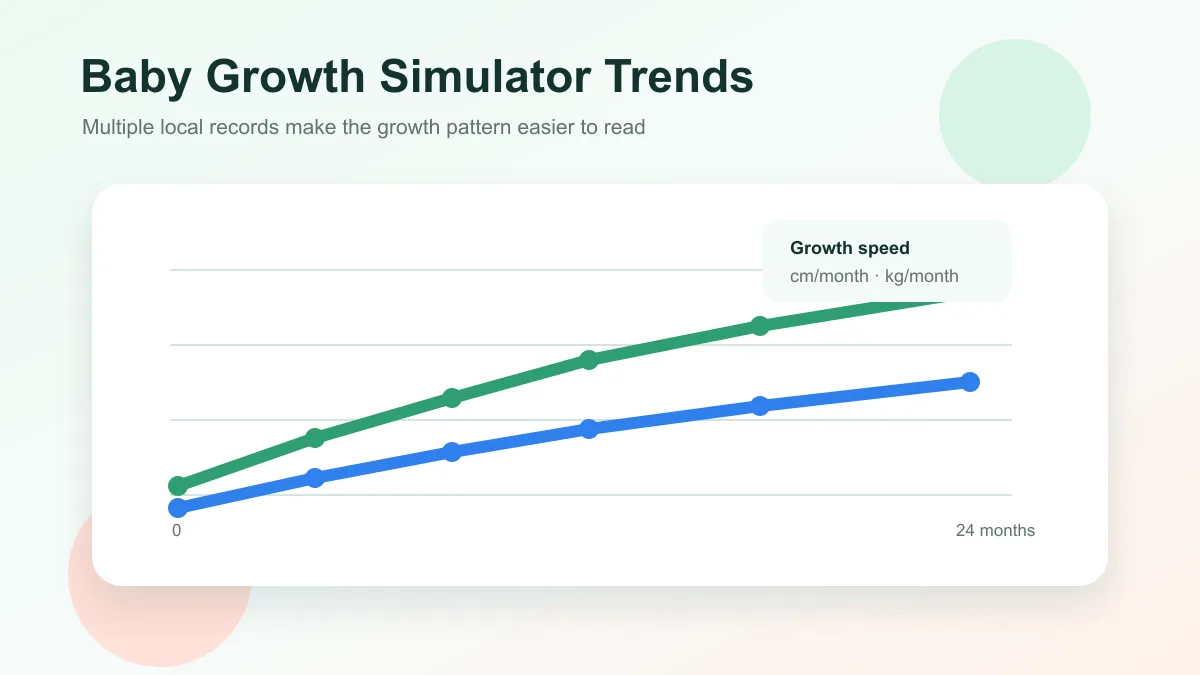
Saved records show whether height and weight move smoothly over age.

Height Weight

Baby Growth Simulator growth speed

The last two records estimate recent growth speed and percentile-band movement.

Baby Growth Simulator saved records

Records stay in this browser and can be cleared any time.

Age Curve age Height Weight Head Date

Baby Growth Simulator medical note

Growth charts are screening references, not a diagnosis. Percentile and z-score results depend on accurate age, corrected age for prematurity, measurement technique, feeding, illness, family pattern, and clinical history. Contact a doctor promptly for poor feeding, dehydration, weight loss, sudden drops, or any concern that feels urgent.

Baby Growth Simulator sources

Reference: WHO Child Growth Standards, 0-24 months LMS parameters. Context: CDC growth-chart guidance says growth charts are percentile curves used to monitor children, and they should not be the only diagnostic tool.
Baby Growth Simulator uses WHO Child Growth Standards LMS values for birth to 24 months. It is educational and cannot diagnose growth concerns; ask a pediatric clinician about unexpected results or symptoms.

Baby Growth Simulator percentile workflow

Baby Growth Simulator turns everyday measurement notes into a calmer view of percentiles, saved records, and height and weight trends.

Baby Growth Simulator measurement inputs

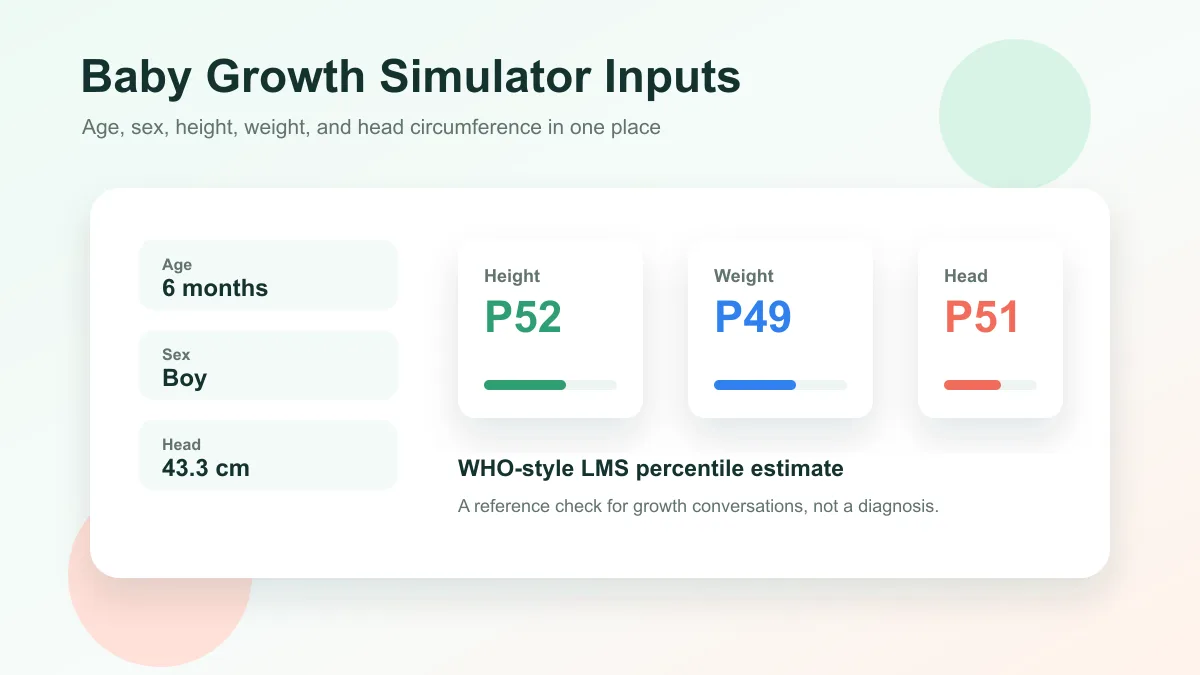
Baby Growth Simulator starts with age in months, sex, length or height, weight, and head circumference, then estimates each percentile using reference curve math.

Baby Growth Simulator dashboard with measurement inputs and percentile cards

Baby Growth Simulator trend records

Baby Growth Simulator lets you save repeated records locally, draw height and weight trend lines, and notice whether growth speed stays broadly consistent.

Baby Growth Simulator trend chart with saved height and weight records

Baby Growth Simulator quick guide

Use Baby Growth Simulator as a gentle tracking aid, then bring questions or unusual patterns to a pediatric professional.

01

Enter one Baby Growth Simulator record

Enter birth date and record date so Baby Growth Simulator calculates exact chronological age instead of relying only on a rounded month value.

  • Use the same units each time
  • For babies under two, recumbent length is often used
Open Baby Growth Simulator
02

Save repeated Baby Growth Simulator records

If the baby was premature, enter gestational age at birth so Baby Growth Simulator can show corrected age and use that age on WHO 0-24 month curves.

  • A pattern usually matters more than one isolated point
  • Clear local records whenever you want
View Baby Growth Simulator features
03

Use Baby Growth Simulator alerts gently

Print or save the Baby Growth Simulator summary with percentile and z-score results, then bring unusual patterns to a pediatric professional.

If your baby has symptoms, feeding trouble, dehydration signs, or sudden weight changes, seek medical care instead of relying on Baby Growth Simulator.

Explore more simulators

Baby Growth Simulator features

Baby Growth Simulator focuses on the practical tracking pieces parents often need: percentiles, records, trends, and gentle context.

Baby Growth Simulator percentiles

Estimate length, weight, and head circumference percentile plus z-score from WHO 0-24 month standards.

Estimate percentiles

Baby Growth Simulator saved records

Save multiple records locally and compare measurements across age.

Save records

Baby Growth Simulator trend chart

View height and weight lines so growth speed is easier to scan.

View trends

Baby Growth Simulator gentle flags

See calm prompts when a percentile is outside the broad reference band.

Review flags

Baby Growth Simulator date notes

Calculate exact age from birth date and record date, with corrected age for prematurity when needed.

Add date

Baby Growth Simulator sharing

Print or save a PDF-style summary to bring to a pediatric clinician.

Share page

Baby Growth Simulator use cases

Baby Growth Simulator is useful when you want a private, simple reference before or between regular pediatric visits.

Baby Growth Simulator visit prep

Collect recent measurements before a well-baby visit and bring questions to the clinician.

Visits
Prepare visit

Baby Growth Simulator home tracking

Save home records between checkups and watch whether changes look gradual.

Home
Track home

Baby Growth Simulator trend review

Compare the latest record with previous height and weight entries.

Trend
Review trend

Baby Growth Simulator doctor prompt

Use unusual percentiles or fast shifts as a gentle reason to ask for professional guidance.

Care
Check result

More tools after Baby Growth Simulator

After Baby Growth Simulator, explore more free browser simulators for planning, school, finance, physics, and shareable scenarios.

Hydration Simulator

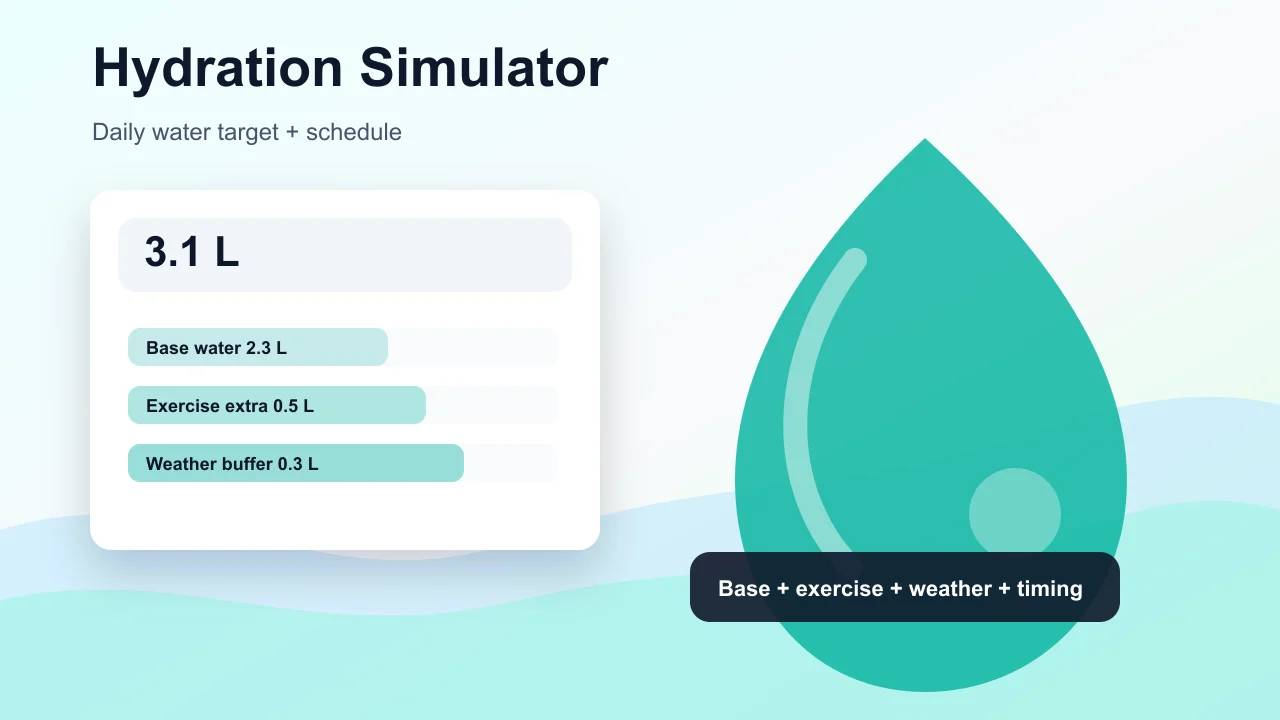
Enter weight, age, temperature, workout time, sweat level, coffee, and alcohol to estimate daily water needs and a drinking schedule.

Hydration Simulator preview showing water intake controls, base water, exercise hydration, and a daily drinking schedule
Open simulator

Pet Age Simulator

Choose a cat, dog, rabbit, or dog size, enter real age, and estimate human-equivalent age, life stage, and care tips.

Pet Age Simulator preview showing cat, dog, rabbit age conversion, life stage cards, and care advice
Open simulator

Pregnancy Due Date Simulator

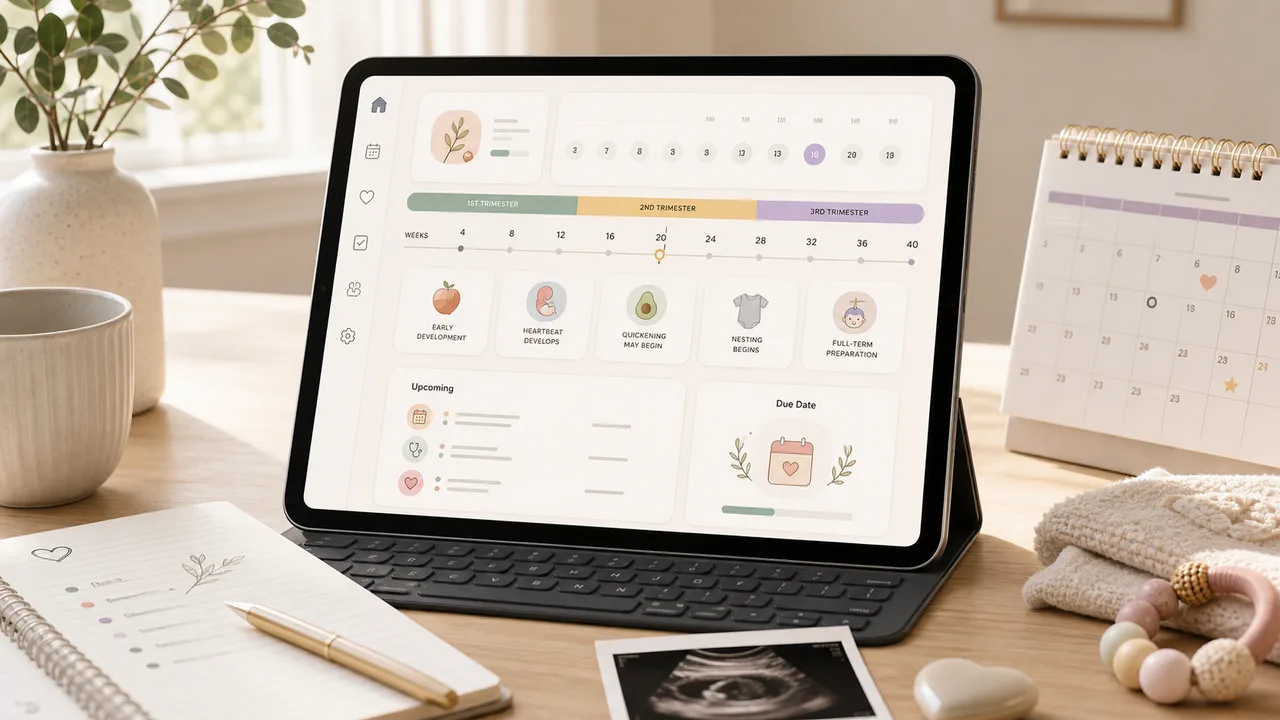
Enter a last menstrual period, conception date, ovulation date, or IVF transfer date to estimate due date, pregnancy week, trimester, and key prenatal milestones.

Pregnancy Due Date Simulator preview showing due date, pregnancy week, trimester timeline, and prenatal reminders
Open simulator

Pizza Oven Simulator

Choose oven temperature, pizza thickness, toppings, and bake time to get crust score, doneness, and baking advice.

Pizza Oven Simulator preview showing oven controls, pizza crust score, doneness, and baking advice
Open simulator

Room Layout Simulator

Plan a 2D room layout with dimensions, doors, windows, draggable furniture, clearance checks, layout scores, saved schemes, and exportable reports.

Room Layout Simulator preview showing a 2D floor plan, furniture blocks, door swing checks, window clearance, scores, and saved layout comparison
Open simulator

Queue Simulator

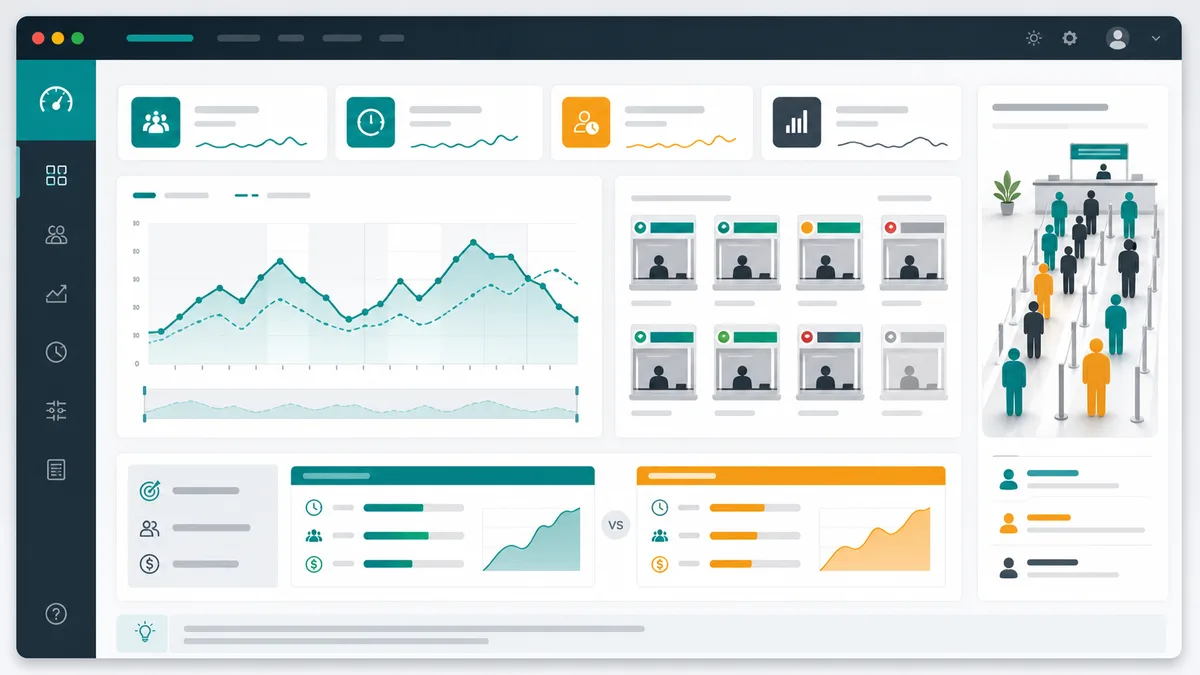
Model arrivals, service windows, service time variation, simulation duration, initial backlog, abandonment, and optimization scenarios for waiting lines.

Queue Simulator preview showing queue length over time, service window utilization, congestion peaks, and optimization comparison
Open simulator

Packing List Simulator

Generate a personalized travel checklist by days, weather, season, trip type, transport, lodging, kids, business, beach, camping, outdoor, formal, and electronics needs.

Packing List Simulator preview showing suitcase categories, documents, clothes, chargers, toiletries, medicine, beach gear, and outdoor gear
Open simulator

Carbon Footprint Simulator

Estimate monthly or annual emissions from driving, flights, home energy, diet, shopping, online orders, household size, and region, then compare reduction actions.

Carbon Footprint Simulator preview showing transport, flights, home energy, diet, and shopping emissions breakdown
Open simulator
View all simulators

Baby Growth Simulator FAQ

Answers about Baby Growth Simulator percentiles, growth curves, saved records, and when to ask a doctor.

How does Baby Growth Simulator estimate percentiles?

Baby Growth Simulator uses WHO Child Growth Standards LMS parameters for 0-24 months. It converts length, weight, and head circumference into z-scores, then maps those z-scores to approximate percentiles.

Is Baby Growth Simulator medical advice?

No. Baby Growth Simulator is an educational reference only. CDC notes that growth charts help monitor children but should not be the only diagnostic tool; a pediatric clinician can interpret results with exam findings, birth history, prematurity, feeding, illness, and measurement technique.

Why does Baby Growth Simulator save multiple records?

Growth is usually interpreted as a pattern over time. Baby Growth Simulator saves records locally so you can see whether height and weight trends are broadly steady instead of focusing on one number.

When should I contact a doctor after using Baby Growth Simulator?

Ask a doctor about unexpected very low or very high percentiles, fast percentile shifts, weight loss, poor feeding, dehydration signs, developmental concerns, or anything that feels urgent.

Start Baby Growth Simulator now

Use Baby Growth Simulator to estimate baby growth percentiles from age, sex, height, weight, and head circumference.

Save repeated Baby Growth Simulator records locally to watch height and weight trends, then ask a clinician about any unusual pattern.

Baby Growth Simulator is free, private in your browser, and for reference only.