01
Enter Bus Route Simulator route demand
Start with line length, stop count, daily riders, peak-period passenger share, and average speed.
- Use route length in one direction
- Raise peak share when most riders travel in a short commute window
Free Bus Route Simulator
Bus Route Simulator turns service frequency, fleet size, fare, demand, fuel cost, wages, and peak load into daily revenue, operating cost, vehicle utilization, crowding, average wait time, and on-time performance.
Built for quick Bus Route Simulator checks across city routes, campus shuttles, event loops, feeder lines, and peak-hour services.
Start Bus Route Simulator here: enter the line length, stop count, departure interval, fleet size, average speed, daily passengers, ticket fare, fuel cost, driver wage, and peak-period share.
Adjust frequency, bus count, fare, demand, speed, fuel cost, wages, and peak share. Bus Route Simulator recalculates passenger experience and operating profit instantly.
Normal edits keep the clean page URL. Copy a result link only when you want to share the entered route scenario.
Daily profit
$0
Daily revenue
$0
Operating cost
$0
Cost recovery
0%
Compare required buses, actual buses, peak passenger load, and served passengers for this Bus Route Simulator scenario.
See how route kilometers, fuel cost, and driver wages shape the Bus Route Simulator daily cost.
Compare frequent, balanced, and budget options with the same demand to see how Bus Route Simulator shifts profit, wait time, and crowding.
Use these Bus Route Simulator checks before changing frequency, fleet size, or fare.
Bus Route Simulator is an educational planning model. It uses simplified operations assumptions, so compare scenarios before using results for budgeting, staffing, procurement, or public transport planning.
Bus Route Simulator connects frequency, fleet, demand, and cost into a route-level view that supports practical service planning.
Bus Route Simulator estimates the buses required for the round-trip cycle, then compares the actual fleet against passenger demand and peak loading.

Bus Route Simulator compares frequent, balanced, and budget service plans so you can see the tradeoff between profit, waiting time, and crowding.

Use this Bus Route Simulator guide to move from route assumptions to a clearer frequency, fleet, fare, and service-quality decision.
Start with line length, stop count, daily riders, peak-period passenger share, and average speed.
Choose a departure interval and vehicle count, then compare required buses with actual buses in service.
Adjust ticket fare, fuel cost, driver wage, and presets to test profit while monitoring wait time, crowding, and on-time rate.
A profitable route can still be a poor service if peak crowding and wait time are too high.
Explore more simulatorsBus Route Simulator focuses on the levers dispatchers, planners, students, and operators adjust most often: frequency, fleet, fare, speed, demand, and cost.
Change departure interval and immediately see average waiting time, vehicle kilometers, and required buses.
Compare actual buses with the required fleet implied by route length, stop count, speed, and recovery time.
Estimate peak crowding from daily passengers, peak share, bus capacity, and actual service coverage.
Calculate daily revenue from served passengers and ticket fare while preserving a clean route scenario.
Estimate fuel and driver cost from route kilometers, fuel cost per km, driver wage, and vehicles in service.
Watch on-time rate respond to tight fleet cycles, heavy crowding, long stop lists, and high peak demand.
Bus Route Simulator is useful for transit planning exercises, school projects, shuttle planning, event service design, and route-profit brainstorming.
Compare fleet requirements and service quality before proposing a headway or fare change.
Test shuttle loops, stop spacing, and class-change peaks without building a spreadsheet from scratch.
Estimate peak boarding pressure for stadiums, festivals, conferences, and temporary park-and-ride loops.
Teach the tradeoff between frequency, fleet size, passenger wait time, cost, and profit with live inputs.
After Bus Route Simulator, try related tools for queues, commuting, trip costs, budgets, layouts, and everyday planning.
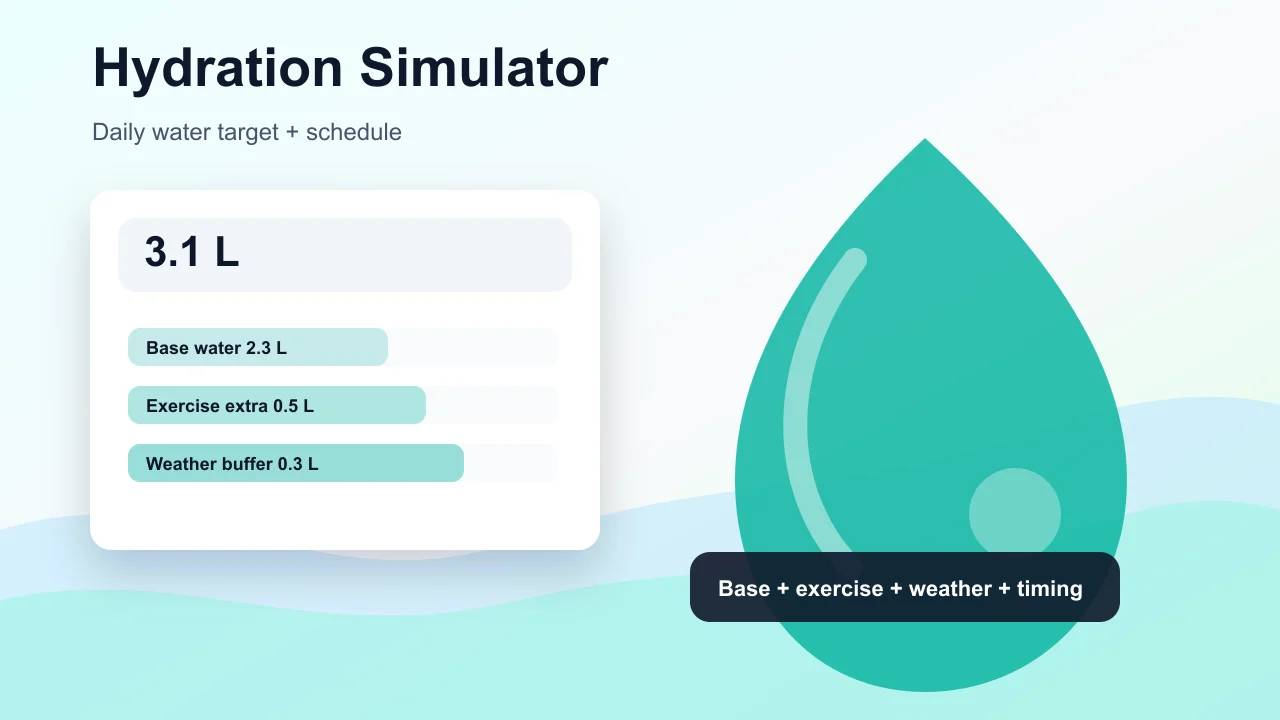
Enter weight, age, temperature, workout time, sweat level, coffee, and alcohol to estimate daily water needs and a drinking schedule.
Choose a cat, dog, rabbit, or dog size, enter real age, and estimate human-equivalent age, life stage, and care tips.

Enter a last menstrual period, conception date, ovulation date, or IVF transfer date to estimate due date, pregnancy week, trimester, and key prenatal milestones.

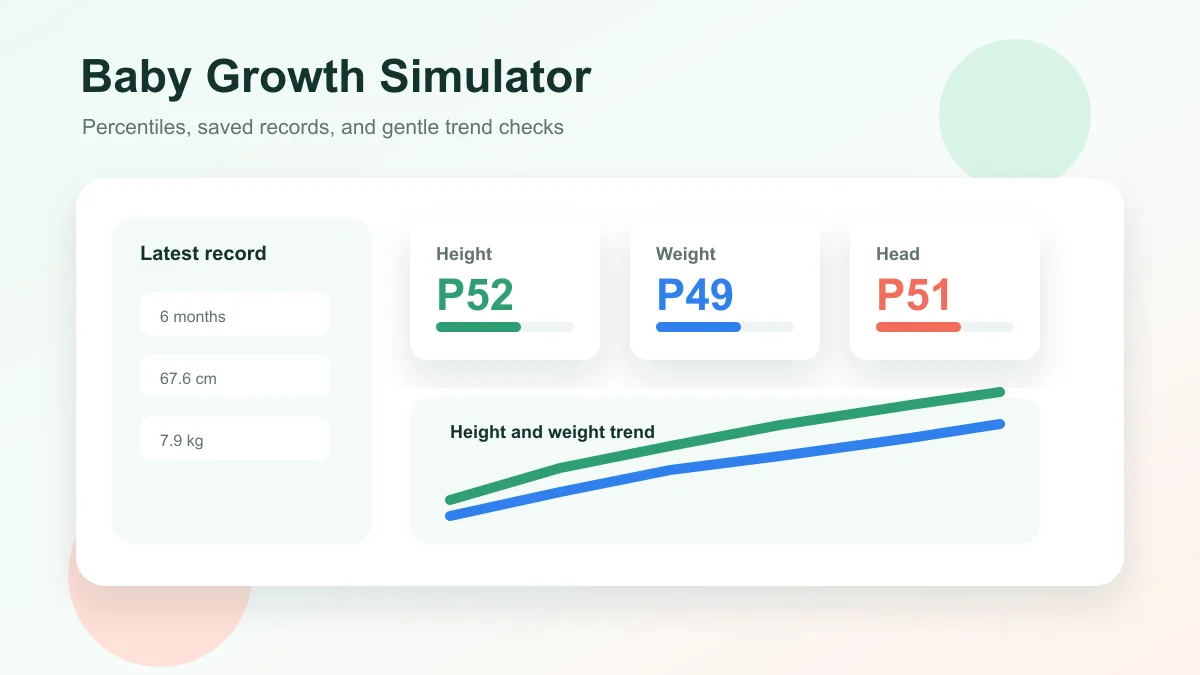
Enter baby age, sex, height, weight, and head circumference to estimate growth percentiles and track height and weight trends over time.
Choose oven temperature, pizza thickness, toppings, and bake time to get crust score, doneness, and baking advice.

Plan a 2D room layout with dimensions, doors, windows, draggable furniture, clearance checks, layout scores, saved schemes, and exportable reports.

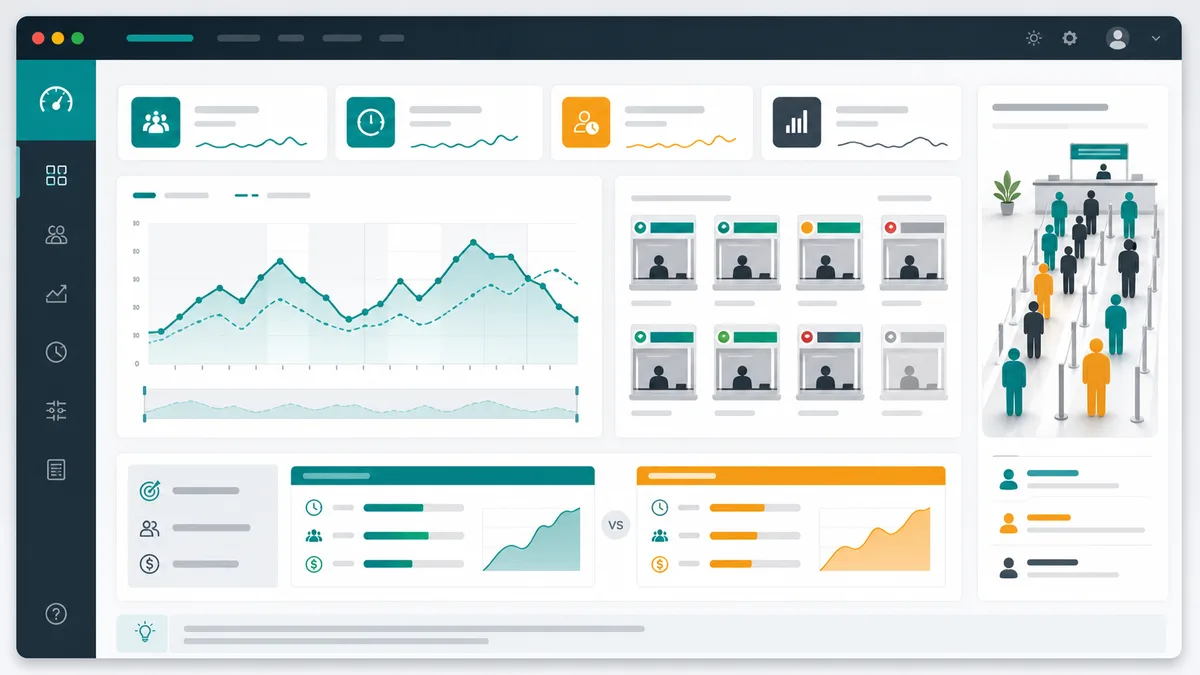
Model arrivals, service windows, service time variation, simulation duration, initial backlog, abandonment, and optimization scenarios for waiting lines.
Generate a personalized travel checklist by days, weather, season, trip type, transport, lodging, kids, business, beach, camping, outdoor, formal, and electronics needs.

Common questions about how Bus Route Simulator estimates revenue, operating cost, fleet use, crowding, waiting time, and on-time rate.
Bus Route Simulator starts with half of the departure interval as a simple headway-based wait estimate, then adds penalties when the fleet is short or peak crowding is heavy.
Bus Route Simulator estimates vehicle kilometers from route length, service hours, headway, and fleet coverage, then adds fuel cost per km and driver wage cost for buses in service.
Yes. Bus Route Simulator lets you adjust fare, bus count, and headway directly, and the preset cards compare frequent, balanced, and budget plans with the same demand.
Bus Route Simulator estimates peak passengers per departure and compares that load with a simplified bus capacity assumption, then reports crowding as a percentage.
No. Bus Route Simulator is a browser-based educational model for comparing scenarios, not an official timetable, dispatch, finance, or engineering system.
Open Bus Route Simulator, change headway, bus count, or fare, and watch daily revenue, operating cost, profit, crowding, wait time, utilization, and on-time rate update instantly.
Use the result to compare the rider experience and operator budget before choosing a service plan.
Free, browser-based, and designed for practical route planning experiments.