Used Car Inspection Simulator turn a used car listing into inspection prep

Enter the year, mileage, accident history, and condition notes to get risk scores, repair cost clues, and a focused inspection checklist.

Read the guide

Used Car Inspection Simulator interactive checklist

Start Used Car Inspection Simulator here: enter the car details you know, then review the risk score, priority inspection items, possible repair costs, negotiation range, and purchase recommendation.

Controls

Enter the vehicle make, model, year, mileage, accident record, engine, transmission, tires, brakes, rust, battery, and warning lights. The checklist and buying advice update instantly.

Share this result

Copy a result link to share this inspection scenario; the regular page link stays short and simple.

Case

Risk score

Possible repair cost

Negotiation range

Purchase signal

Priority inspection checklist

Likely repair cost items

Negotiation advice

Buying decision

Used Car Inspection Simulator is an educational planning tool, not a certified inspection. Always verify title status, service records, recalls, safety items, local laws, and a real pre-purchase inspection before paying.

Used Car Inspection Simulator checklist workflow

Used Car Inspection Simulator converts listing details and visible issues into a focused pre-purchase checklist before you meet the seller.

Used Car Inspection Simulator risk scoring from known details

Used Car Inspection Simulator weighs age, mileage, accident history, mechanical condition, tires, brakes, rust, battery, and warning lights to surface the riskiest checks first.

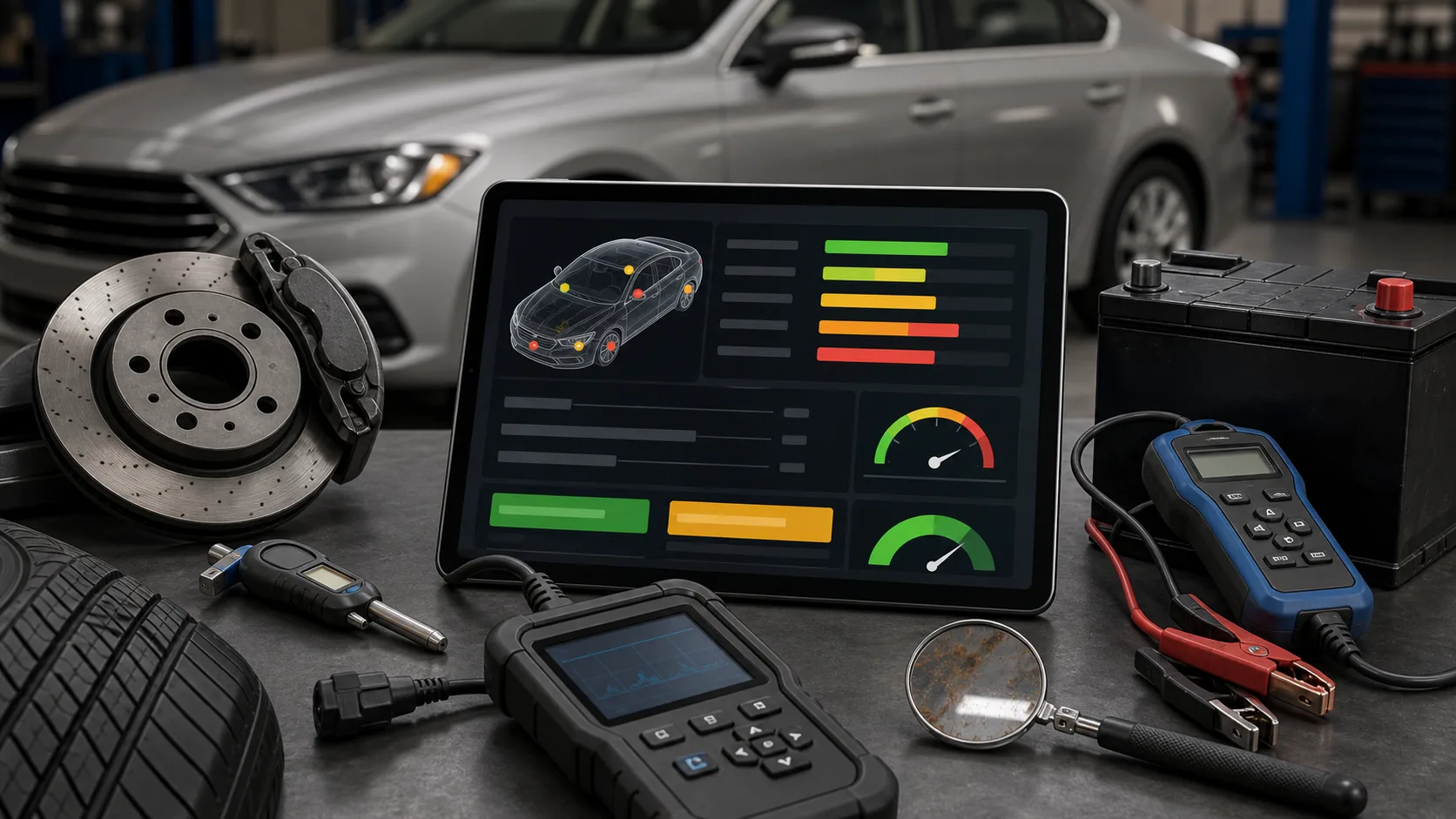
Used Car Inspection Simulator checklist artwork with vehicle details, inspection priorities, and risk score

Used Car Inspection Simulator repair cost and negotiation output

Used Car Inspection Simulator turns likely repair items into a cost range, suggested negotiation buffer, and simple buy, negotiate, inspect, or avoid signal.

Used Car Inspection Simulator repair cost dashboard with negotiation range and buying decision

Used Car Inspection Simulator quick guide

Use this Used Car Inspection Simulator guide to turn a tempting listing into a practical inspection plan before you spend time or money.

  1. Enter the listing details in Used Car Inspection Simulator

    Start with vehicle year, mileage, accident record, and anything the seller has disclosed. Used Car Inspection Simulator uses those inputs as the base risk profile.

    • Use the real odometer value when possible
    • Mark accident history as unknown only after checking records
    Open Used Car Inspection Simulator
  2. Add visible condition clues in Used Car Inspection Simulator

    Set engine, transmission, tire, brake, rust, battery, and warning-light status so Used Car Inspection Simulator can prioritize what to inspect first.

    • Treat engine, transmission, rust, and safety lights as high-priority checks
    • Use tire and brake wear as negotiation evidence
    Used Car Inspection Simulator features
  3. Use the Used Car Inspection Simulator result before seeing the car

    Bring the checklist to the viewing, ask for receipts, and compare the possible repair cost with the seller's asking price before making an offer.

    Used Car Inspection Simulator is best used before the appointment so you know what photos, documents, and test-drive behaviors to request.

    Open simulator

Used Car Inspection Simulator features

Used Car Inspection Simulator focuses on the practical signals that change used-car risk: history, mileage, mechanical condition, safety items, repair costs, and bargaining leverage.

Used Car Inspection Simulator year and mileage checks

Compare age and mileage pressure so the checklist includes timing-belt, fluid, suspension, rubber, and service-history questions.

Check year and mileage

Used Car Inspection Simulator accident and rust review

Flag paint, panel gaps, frame clues, title branding, underbody rust, rocker panels, brake lines, and suspension mounting points.

Review structure risk

Used Car Inspection Simulator engine and transmission priority

Push high-cost symptoms like smoke, overheating, slipping, harsh shifts, and leaks to the top of the inspection checklist.

Prioritize drivetrain

Used Car Inspection Simulator tires, brakes, and battery costs

Turn common wear items into visible repair ranges that can support a cleaner price conversation.

Estimate wear items

Used Car Inspection Simulator buying decision

Summarize the result as worth buying, negotiate, inspect first, or avoid unless the price reflects serious repairs.

Read decision

Used Car Inspection Simulator negotiation range

Convert likely repairs and risk premium into a suggested bargaining buffer before you talk to the seller.

Plan negotiation

Used Car Inspection Simulator use cases

Used Car Inspection Simulator is useful whenever you need a quick checklist and risk view before viewing, comparing, or negotiating a used car.

Used Car Inspection Simulator before a private seller meeting

Prepare questions, photos to request, and test-drive checks before you travel to see the car.

Plan a viewing

Used Car Inspection Simulator for dealer lot comparison

Compare several listings with the same risk language so the cleanest car is easier to spot.

Compare listings

Used Car Inspection Simulator for pre-purchase inspection prep

Bring a prioritized list to the mechanic and ask them to verify the highest-cost risk items first.

Prepare inspection

Used Car Inspection Simulator for negotiation

Use likely repairs and warning signs as a structured reason to ask for a lower price or walk away.

Build offer

More tools like Used Car Inspection Simulator

After Used Car Inspection Simulator, try related planning tools for vehicle repairs, route costs, budgets, and everyday decisions.

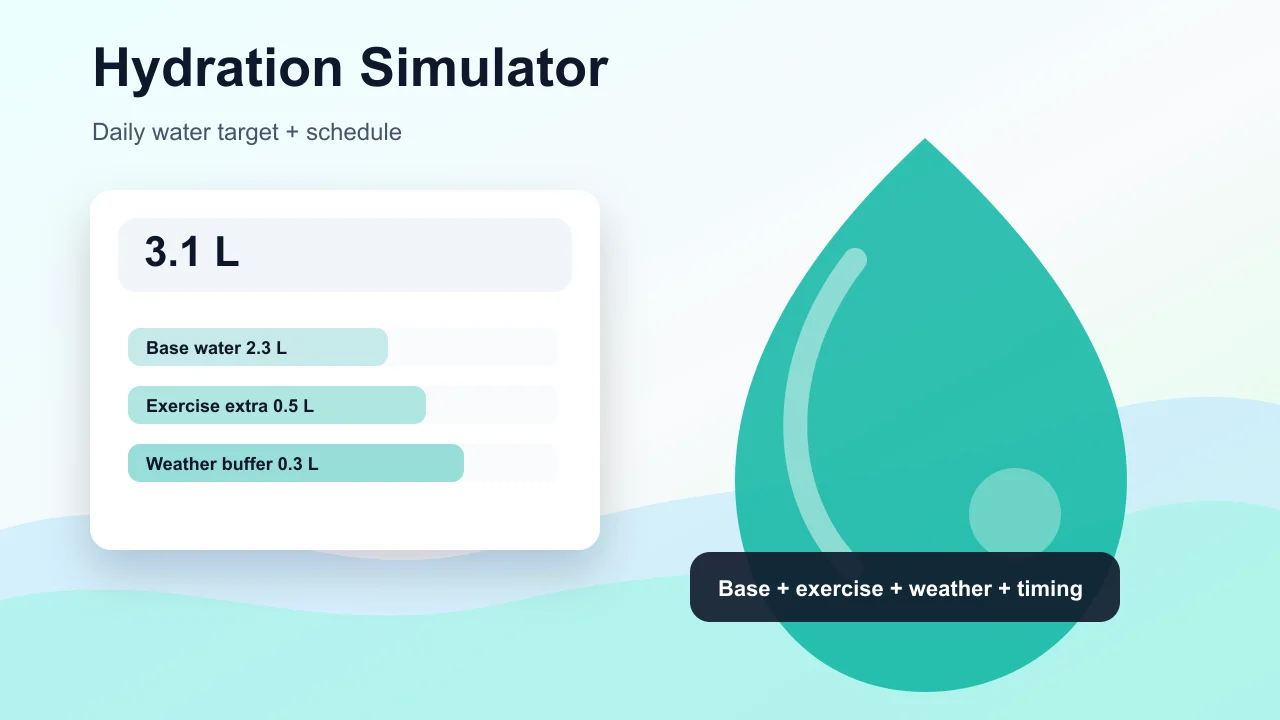
Hydration Simulator preview showing water intake controls, base water, exercise hydration, and a daily drinking schedule

Hydration Simulator

Enter weight, age, temperature, workout time, sweat level, coffee, and alcohol to estimate daily water needs and a drinking schedule.

Open tool
Pet Age Simulator preview showing cat, dog, rabbit age conversion, life stage cards, and care advice

Pet Age Simulator

Choose a cat, dog, rabbit, or dog size, enter real age, and estimate human-equivalent age, life stage, and care tips.

Open tool
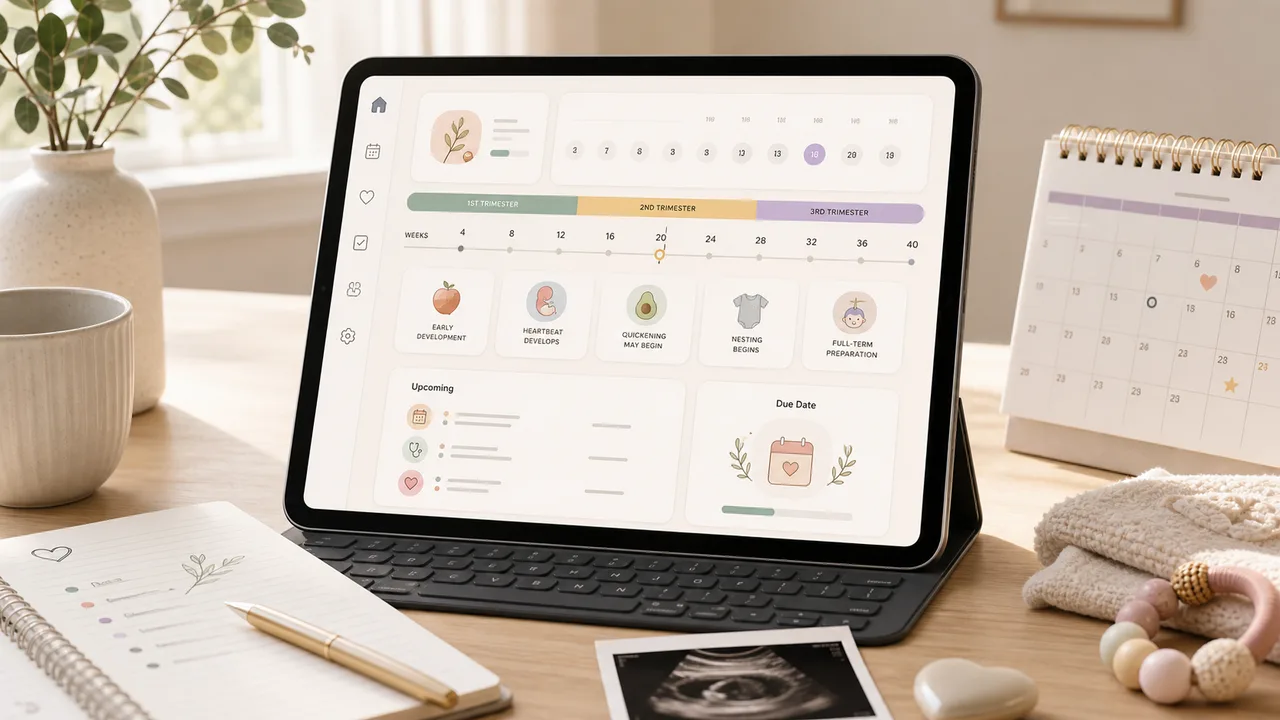
Pregnancy Due Date Simulator preview showing due date, pregnancy week, trimester timeline, and prenatal reminders

Pregnancy Due Date Simulator

Enter a last menstrual period, conception date, ovulation date, or IVF transfer date to estimate due date, pregnancy week, trimester, and key prenatal milestones.

Open tool
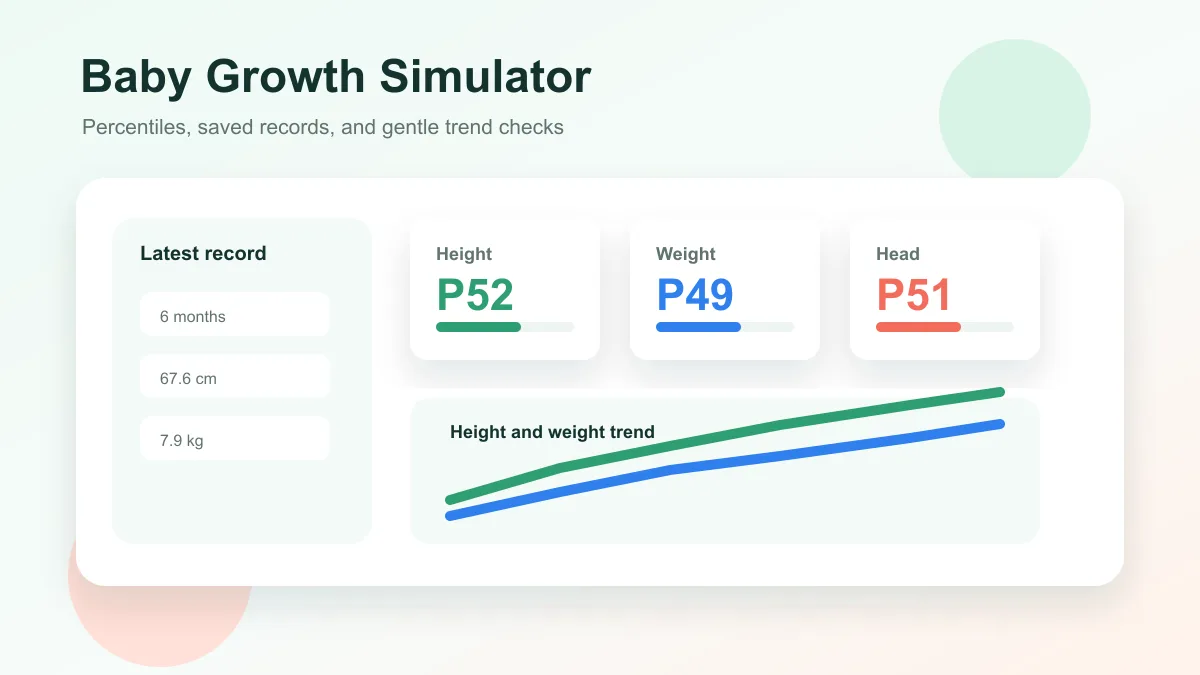
Baby Growth Simulator preview showing percentile cards, saved baby records, and height and weight trend lines

Baby Growth Simulator

Enter baby age, sex, height, weight, and head circumference to estimate growth percentiles and track height and weight trends over time.

Open tool
Pizza Oven Simulator preview showing oven controls, pizza crust score, doneness, and baking advice

Pizza Oven Simulator

Choose oven temperature, pizza thickness, toppings, and bake time to get crust score, doneness, and baking advice.

Open tool
Room Layout Simulator preview showing a 2D floor plan, furniture blocks, door swing checks, window clearance, scores, and saved layout comparison

Room Layout Simulator

Plan a 2D room layout with dimensions, doors, windows, draggable furniture, clearance checks, layout scores, saved schemes, and exportable reports.

Open tool
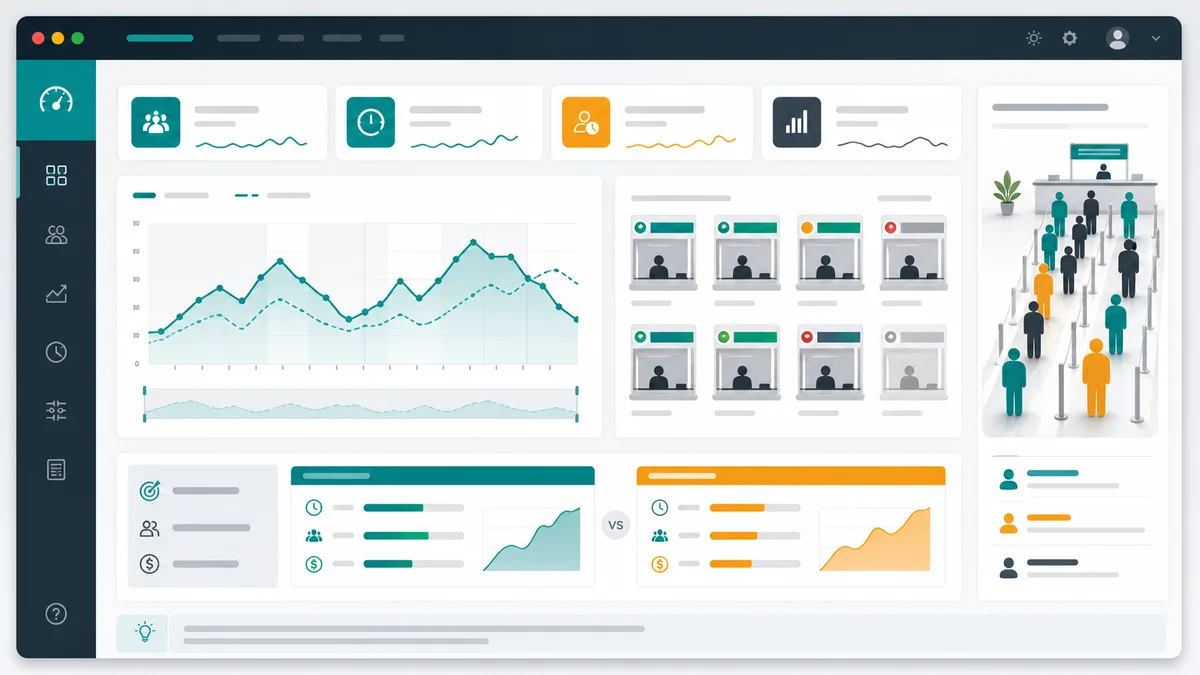
Queue Simulator preview showing queue length over time, service window utilization, congestion peaks, and optimization comparison

Queue Simulator

Model arrivals, service windows, service time variation, simulation duration, initial backlog, abandonment, and optimization scenarios for waiting lines.

Open tool
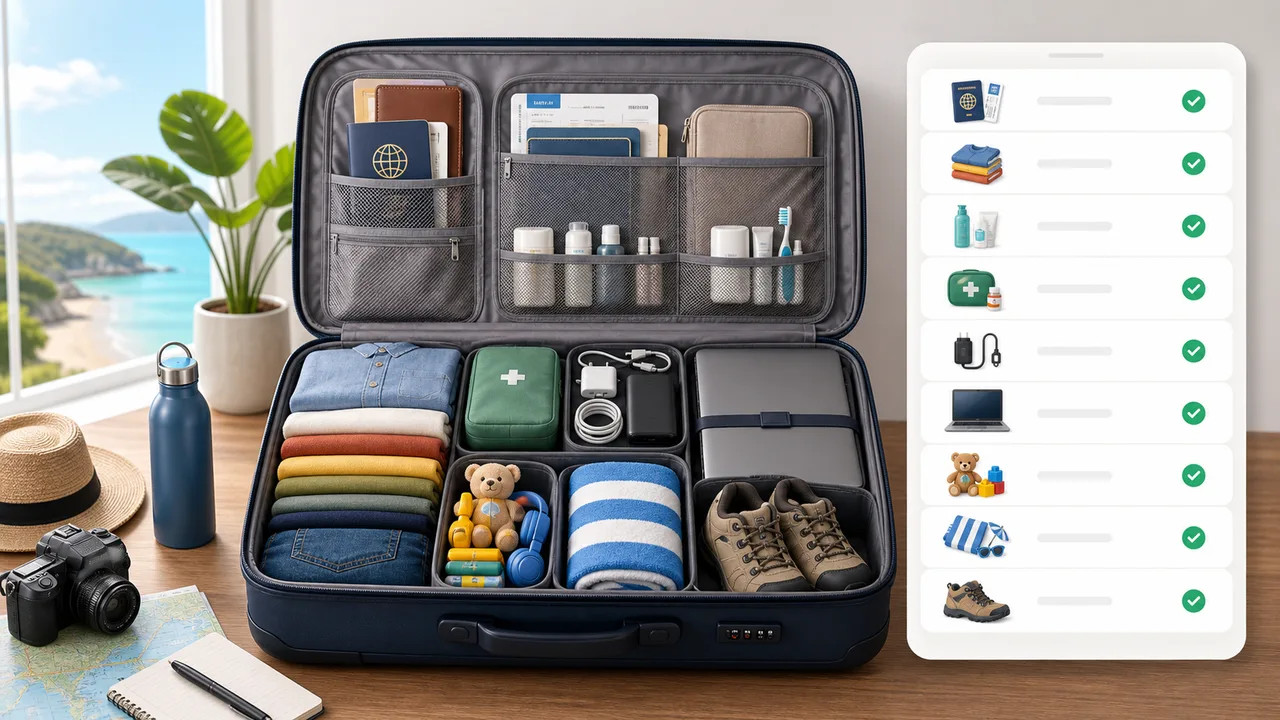
Packing List Simulator preview showing suitcase categories, documents, clothes, chargers, toiletries, medicine, beach gear, and outdoor gear

Packing List Simulator

Generate a personalized travel checklist by days, weather, season, trip type, transport, lodging, kids, business, beach, camping, outdoor, formal, and electronics needs.

Open tool

Used Car Inspection Simulator FAQ

Answers about how Used Car Inspection Simulator estimates risk, repair costs, checklists, negotiation advice, and buying signals.

What does Used Car Inspection Simulator score?

Used Car Inspection Simulator scores age, mileage, accident record, engine condition, transmission condition, tire wear, brake condition, rust, battery status, and warning lights to create a practical used-car risk score.

Can Used Car Inspection Simulator replace a real mechanic?

No. Used Car Inspection Simulator helps you prepare a checklist and negotiation plan, but a real mechanic should inspect safety, structure, drivetrain, electronics, fluids, and hidden problems before purchase.

How should I use Used Car Inspection Simulator repair costs?

Treat the repair cost range as a planning buffer. Local labor rates, parts quality, vehicle design, taxes, diagnosis, and hidden damage can move the real cost higher or lower.

Does the page link change while I fill in Used Car Inspection Simulator?

No. Typing in your details does not change the page link. A link that includes your inspection inputs is created only when you copy a result link.

Start Used Car Inspection Simulator before your next viewing

Use Used Car Inspection Simulator to turn a listing into inspection priorities, repair cost clues, negotiation leverage, and a clearer buy-or-walk-away decision.

Save time at the car lot by knowing which questions, records, and test-drive behaviors matter most.

Used Car Inspection Simulator is free and runs in your browser.