Free unofficial Ticketmaster Simulator

Ticketmaster Simulator practice the ticket rush before the sale opens

Ticketmaster Simulator helps you choose an event type, ticket demand, waiting room timing, buyer count, budget, target seat area, and purchase speed, then estimates queue size, wait time, inventory risk, seat availability, fees, total price, and success chance.

Built for concert, sports, theater, and festival ticket-sale practice. Unofficial, educational, and never connected to real checkout.

Ticketmaster Simulator interactive ticket rush

Start Ticketmaster Simulator here: set demand, waiting room timing, buyers, budget, seats, and speed, then run a waiting room to queue to seat map to checkout simulation.

Ticketmaster Simulator controls

Choose the sale scenario and see how queue pressure, seat choice, budget, and checkout speed affect the practice result.

Share Ticketmaster Simulator

Share the clean page, or copy a result link only when you want to preserve these Ticketmaster Simulator settings.

Practice flow

Ticketmaster Simulator sale path

Medium Chance

Waiting room

00:15

Early entry practice

Queue

8,420

people ahead

Seat map

54%

Many seats likely

Checkout

58%

success chance

Seat map practice

Ticketmaster Simulator availability map

Medium inventory risk
Stage
Pit Floor Lower
Club Middle Upper
Available Limited Sold Target

Estimated wait

28 min

Ticket price range

$120-$210

Service fee estimate

$58

Current target

Lower bowl

Simulated open seats

18 / 72

Easier zone

Middle

Ticketmaster Simulator checkout estimate

Ticket subtotal $330
Fee estimate $58
Estimated total $388

Ticketmaster Simulator result tip

High Chance Medium Chance Low Chance Sold Out Risk
Unofficial simulator: This Ticketmaster Simulator is for practice and budgeting only. It does not provide real ticket access, skip a queue, automate buying, reserve seats, or guarantee availability.

Ticketmaster Simulator is unofficial. It does not sell tickets, bypass queues, automate purchases, or access any live Ticketmaster inventory.

Ticketmaster Simulator queue and checkout workflow

Ticketmaster Simulator turns a stressful onsale into a safe practice flow: waiting room, queue, seat map, checkout estimate, and result advice.

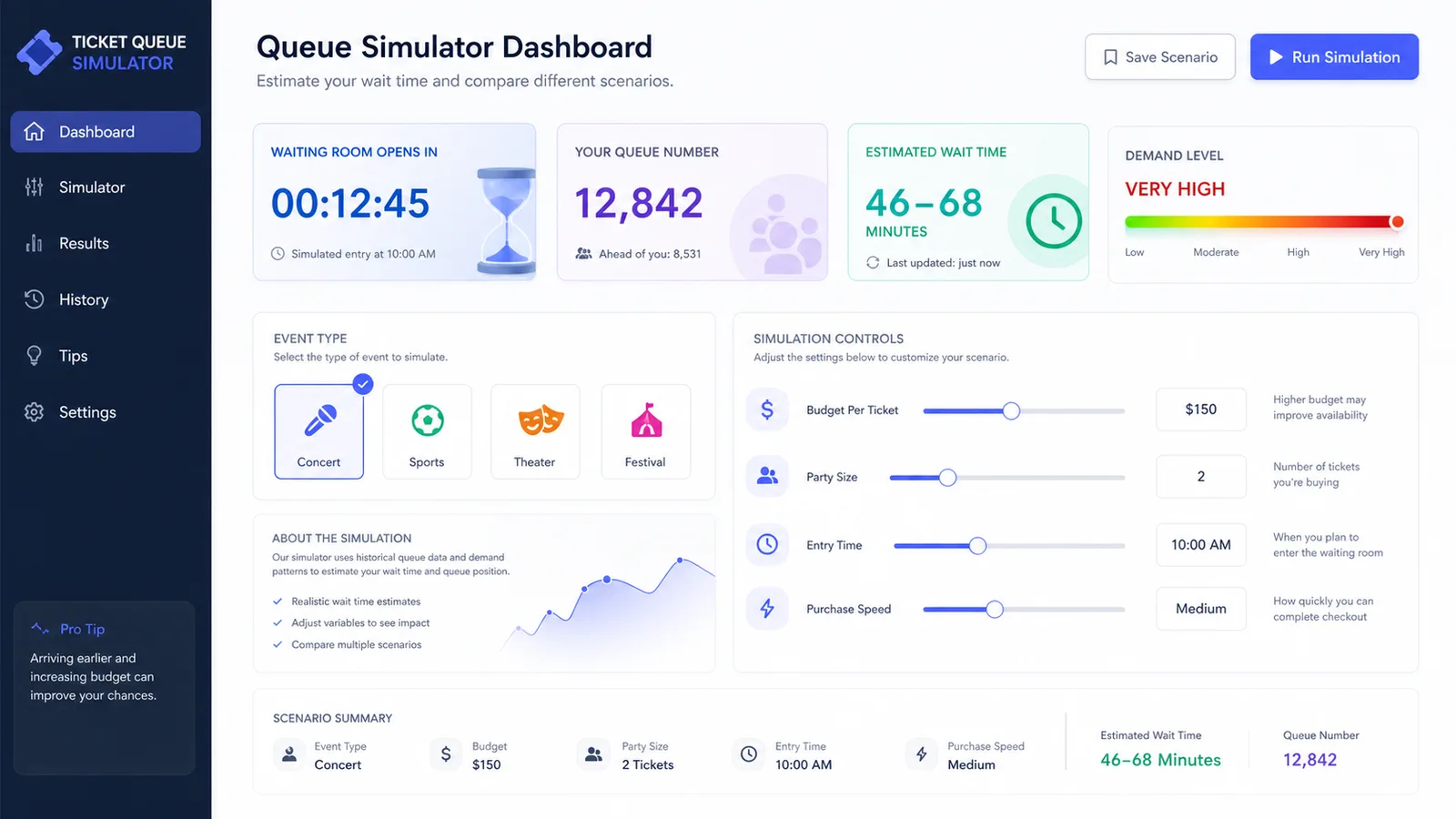
Ticketmaster Simulator waiting room and queue practice

Pick concerts, sports, theater, or festivals, set the heat level and early waiting room timing, then see queue size, wait time, and risk update.

Ticketmaster Simulator queue dashboard with event type options, waiting room timing, demand heat, queue number, and wait estimate

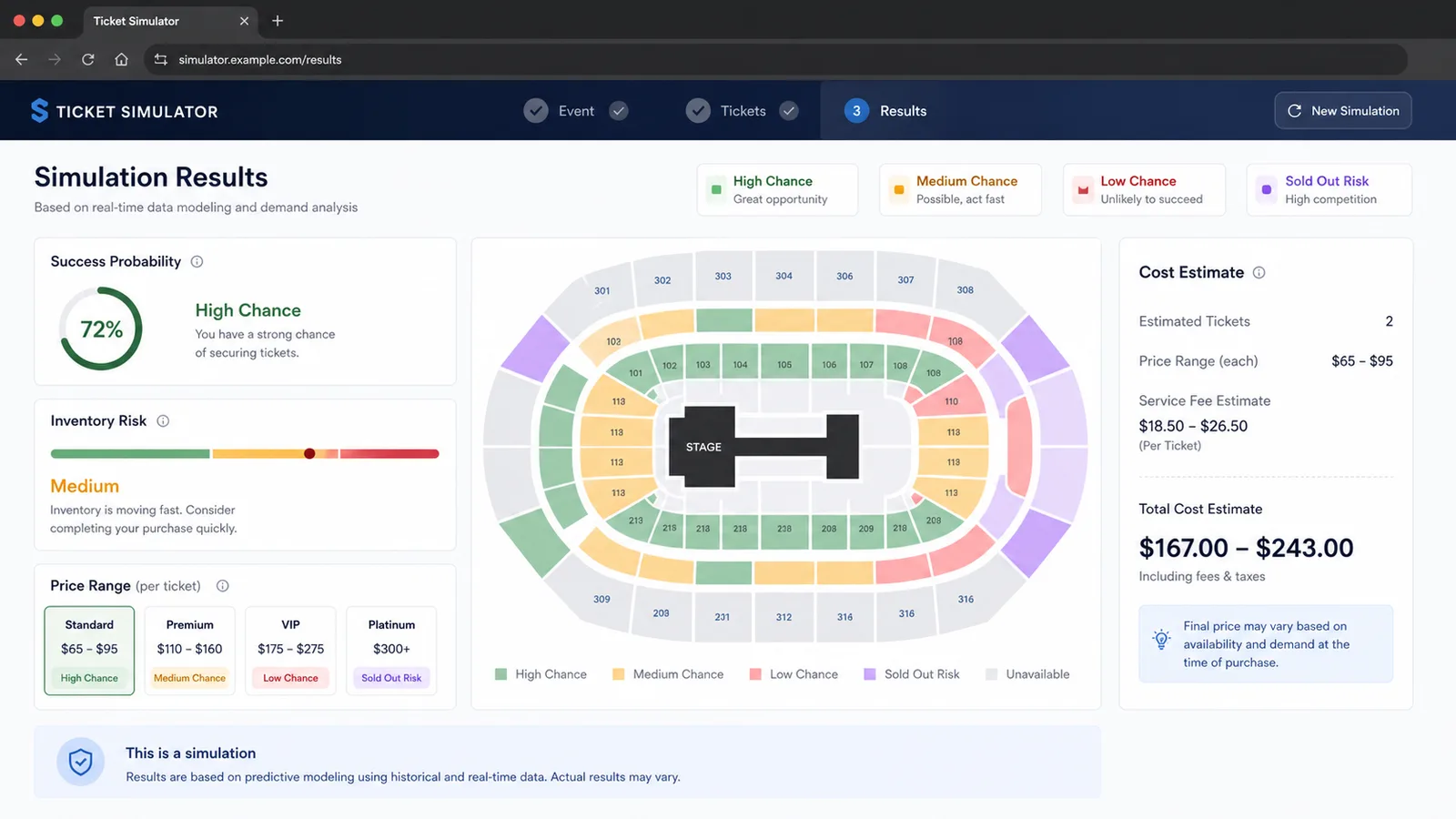
Ticketmaster Simulator seat map and checkout estimate

Compare target seat areas, buyer count, budget, and purchase speed to estimate availability, price range, fees, total cost, and success chance.

Ticketmaster Simulator result screen with generic seat map, price range, service fee estimate, total cost, and High Chance Low Chance labels

Ticketmaster Simulator quick guide

Use this Ticketmaster Simulator guide before a popular onsale to understand which choices affect queue risk, budget pressure, and seat options.

01

Set up Ticketmaster Simulator

Choose the event type, heat level, early waiting room time, number of tickets, budget, preferred seat area, and checkout speed.

  • Start with the exact ticket count you need
  • Use near sellout demand for major tours or playoff games
Open simulator
02

Run Ticketmaster Simulator flow

Read the waiting room timer, queue size, estimated wait, inventory risk, and seat map availability before checkout.

  • Compare lower bowl and upper level seats
  • Try fewer tickets if availability looks tight
See features
03

Review Ticketmaster Simulator result

Use the total price, service fee estimate, and High Chance to Sold Out Risk result to plan budget and backup seat choices.

For real sales, follow the official instructions and never use tools that promise to bypass a queue.

Read FAQ

Ticketmaster Simulator features

Ticketmaster Simulator focuses on the practical decisions fans make before a high-demand sale opens.

Ticketmaster Simulator event types

Practice Concert, Sports, Theater, and Festival scenarios with different price and demand behavior.

Choose event

Ticketmaster Simulator queue estimates

Generate queue size, estimated wait, and traffic pressure from demand, timing, and ticket count.

Check queue

Ticketmaster Simulator seat map

See whether your preferred area is likely to have many, limited, or scarce choices.

View seats

Ticketmaster Simulator budget planning

Estimate ticket subtotal, service fees, and total cost before a real checkout rush.

Plan budget

Ticketmaster Simulator risk labels

Read High Chance, Medium Chance, Low Chance, and Sold Out Risk cues for quick comparison.

Compare risk

Ticketmaster Simulator sharing

Copy a result link that restores the same practice scenario only when you explicitly choose it.

Share result

Ticketmaster Simulator use cases

Ticketmaster Simulator is useful when you want a rehearsal before pressure, not a shortcut around any real ticketing system.

Ticketmaster Simulator for concert fans

Practice a hot tour sale and decide whether floor, lower bowl, or upper level seats fit your budget.

Concerts
Practice concert

Ticketmaster Simulator for sports tickets

Estimate queue pressure and seat availability before playoffs, rivalry games, or finals.

Sports
Practice sports

Ticketmaster Simulator for theater planning

Compare seat areas, party size, and total cost for popular theater or comedy onsales.

Theater
Plan theater

Ticketmaster Simulator for budget checks

Test whether tickets plus estimated fees still fit before checkout pressure starts.

Budget
Check total

More tools after Ticketmaster Simulator

After Ticketmaster Simulator, try another free browser simulator for planning, games, science, school, or daily decisions.

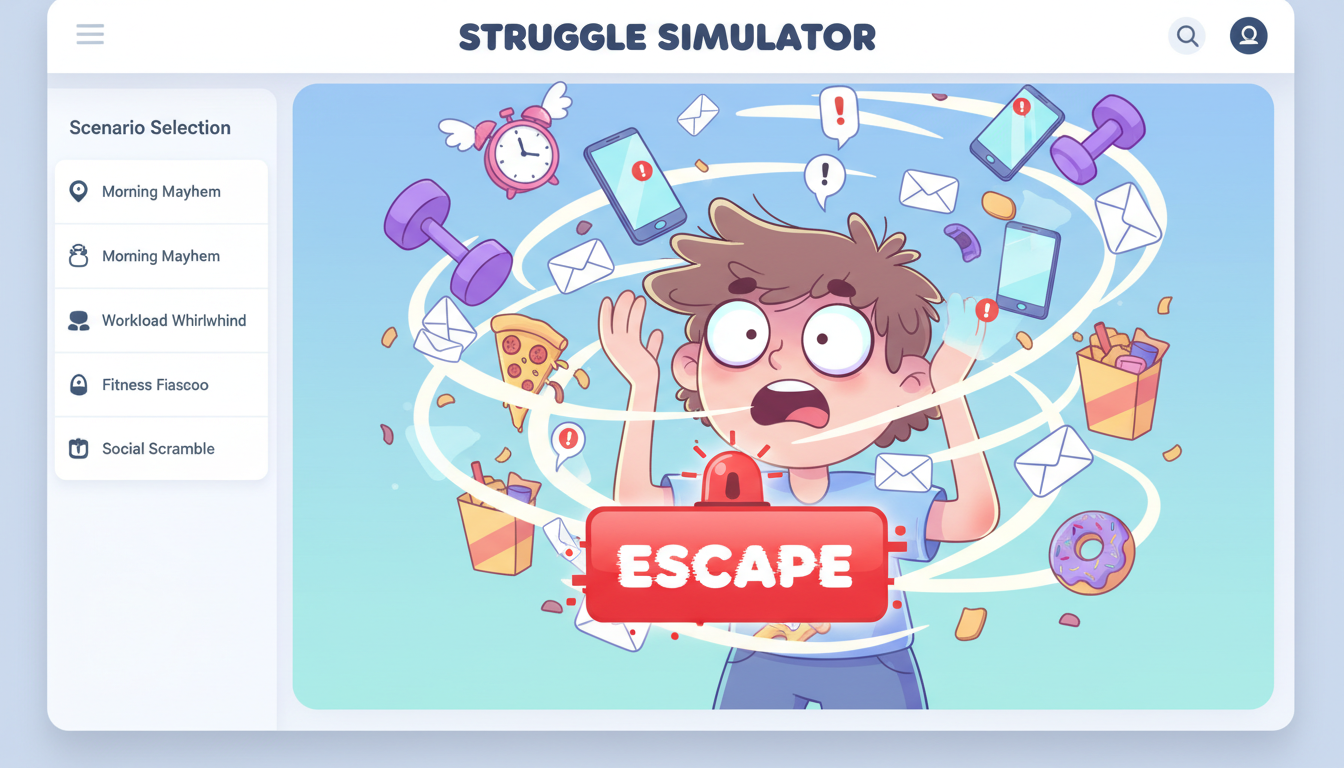
Struggle Simulator

Pick a daily struggle scenario, mash to escape, and share your funny result and rating.

Struggle Simulator preview showing the browser simulator interface and result
Open simulator

Bed Slam Simulator

Build a playful bed-slam meme with names, heights, colors, and shareable screenshots.

Bed Slam Simulator preview showing the browser simulator interface and result
Open simulator

Floor Slam Simulator

Build a playful floor-pose meme result with names, heights, colors, and shareable screenshots.

Floor Slam Simulator preview showing the browser simulator interface and result
Open simulator

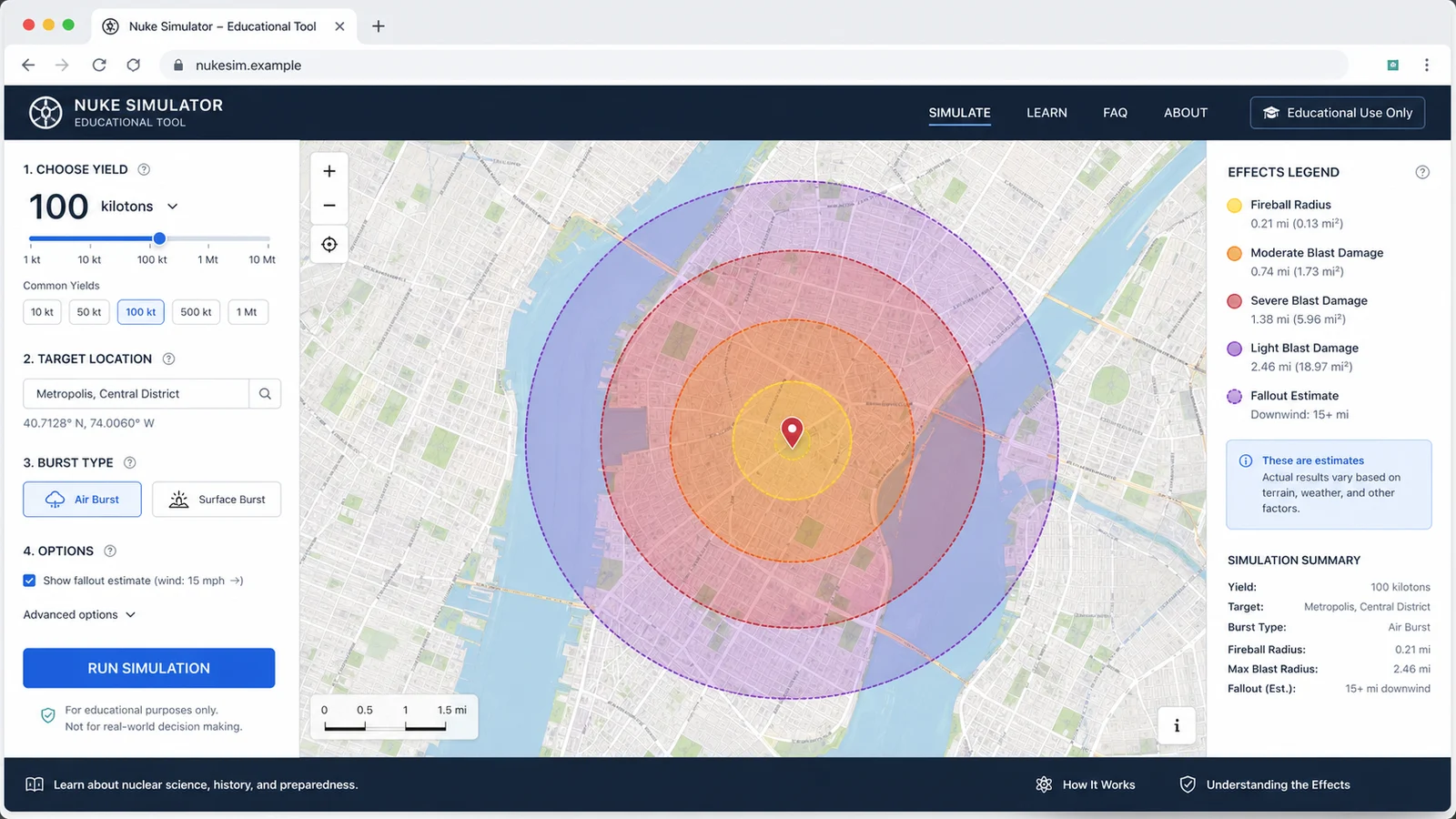
Nuke Simulator

Map educational blast radius zones for cities, yields, and shareable map results.

Nuke Simulator preview showing the browser simulator interface and result
Open simulator

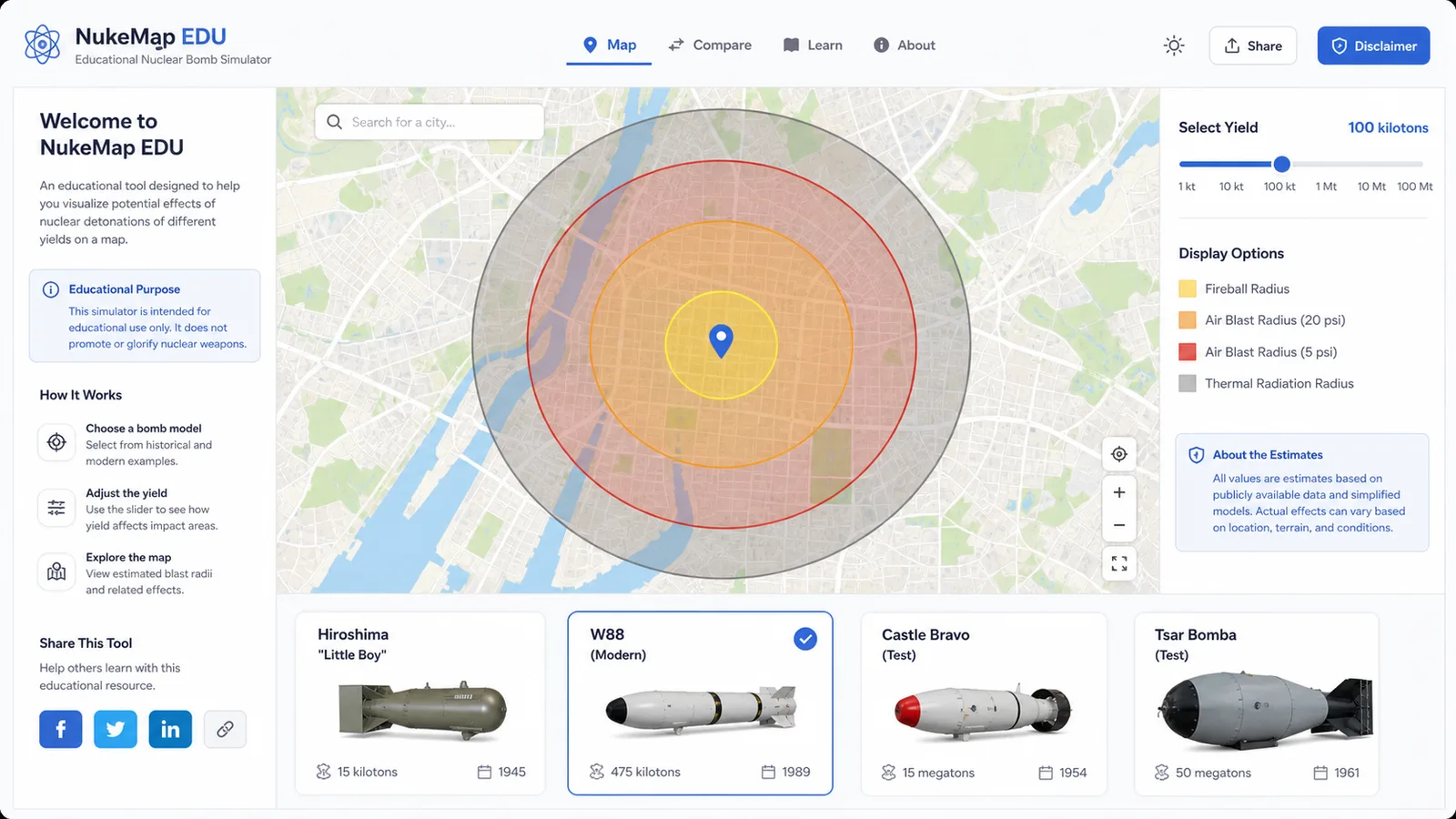
Nuclear Bomb Simulator

Compare public nuclear bomb yield estimates, map educational blast zones, and share the result.

Nuclear Bomb Simulator preview showing the bomb comparison map and results
Open simulator

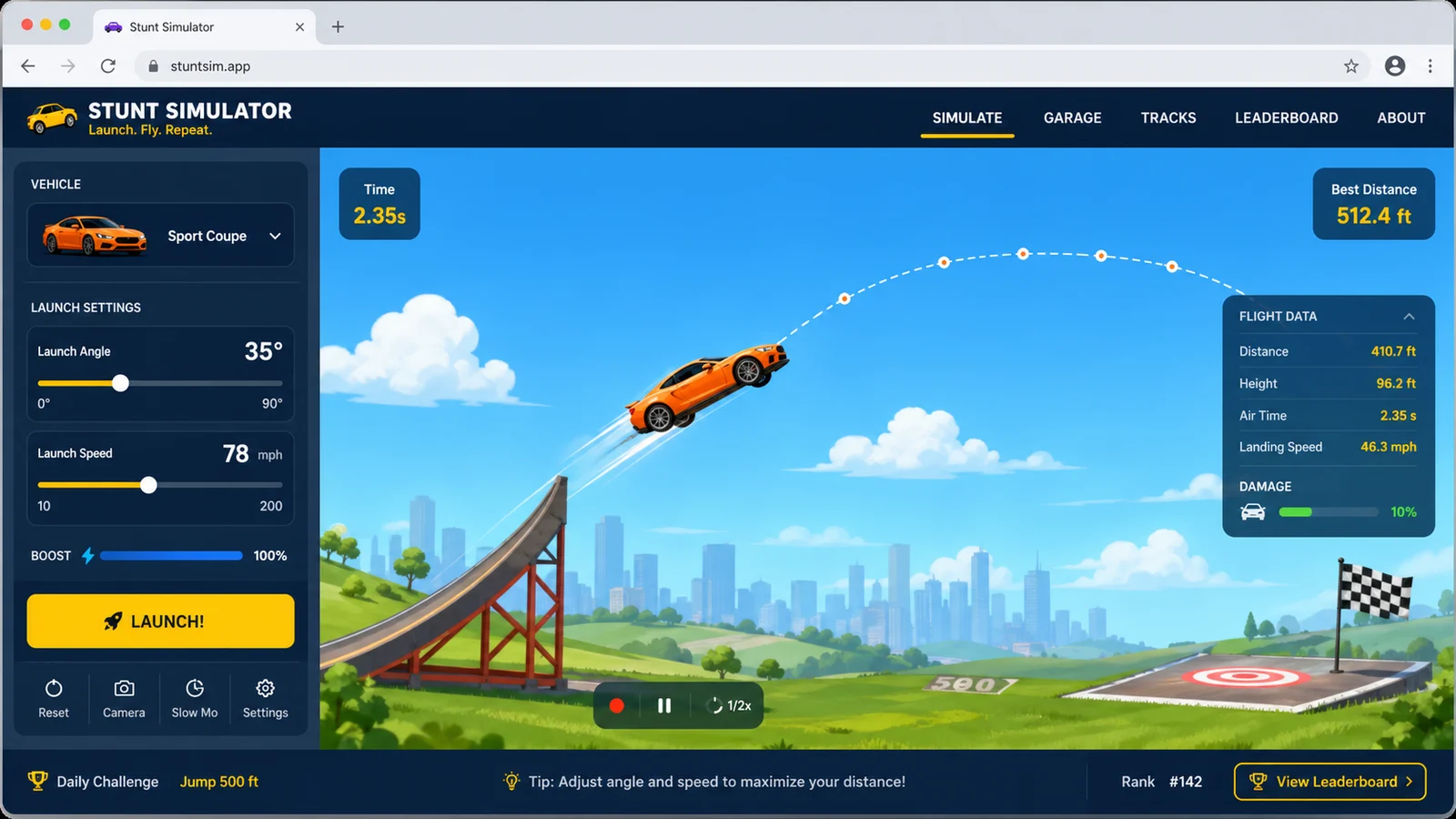
Stunt Simulator

Launch cars from ramps, tune speed and spin, then chase clean landings and scores.

Stunt Simulator preview showing the browser simulator interface and result
Open simulator

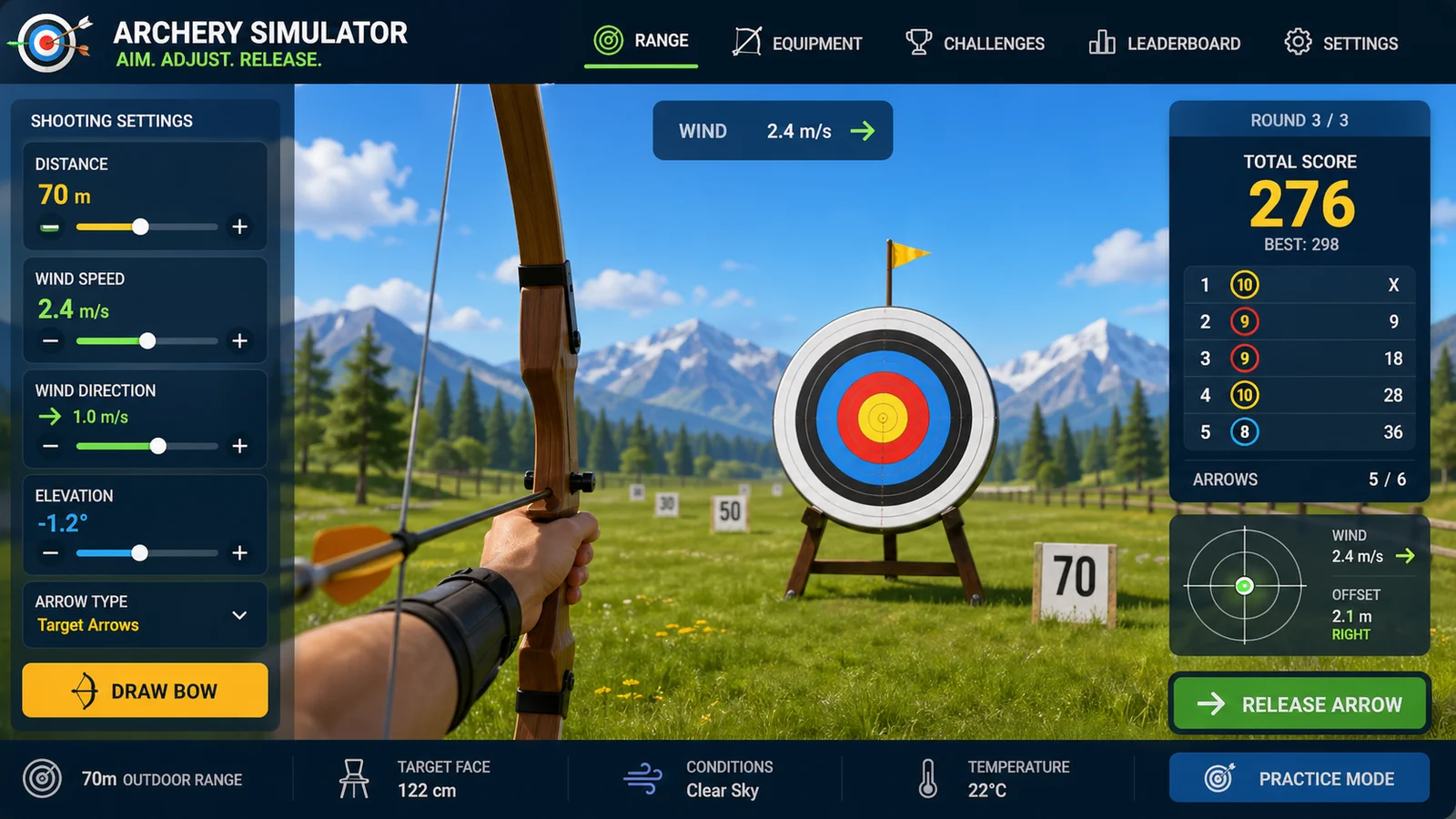
Archery Simulator

Aim arrows with wind, distance, gravity, scoring, and quick browser rounds.

Archery Simulator preview showing the browser simulator interface and result
Open simulator

Drag Race Simulator

Compare two cars by horsepower, weight, drivetrain, quarter-mile time, and result sharing.

Drag Race Simulator preview showing the browser simulator interface and result
Open simulator
View all simulators

Ticketmaster Simulator FAQ

Fast answers about Ticketmaster Simulator, unofficial scope, queue practice, service fee estimates, and real-ticket safety.

Is Ticketmaster Simulator official?

No. Ticketmaster Simulator is an unofficial practice and budgeting tool. It is not affiliated with Ticketmaster and does not access real ticket inventory.

Can Ticketmaster Simulator buy tickets or bypass a queue?

No. Ticketmaster Simulator cannot buy tickets, skip a queue, automate checkout, reserve seats, or improve your real queue position.

Why does Ticketmaster Simulator include a waiting room and queue?

Ticketmaster help materials describe a waiting room, queue, seat map, and checkout flow for some sales, with tickets based on availability and demand. Ticketmaster Simulator uses that public flow as a practice model.

Are Ticketmaster Simulator service fees exact?

No. Ticketmaster Simulator estimates fees for budgeting practice. Real prices and required fees vary by event and are shown by the official ticketing site during purchase.

What should I do for a real sale after using Ticketmaster Simulator?

Use only the official event link, sign in with one account and one device, keep payment details ready, follow official instructions, and do not use tools that claim to bypass queues or automate purchases.

Start Ticketmaster Simulator now

Open Ticketmaster Simulator, choose the event demand, waiting room timing, tickets needed, budget, seat area, and purchase speed.

Then compare queue size, wait time, inventory risk, seat availability, service fee estimate, total cost, and High Chance to Sold Out Risk result.

Ticketmaster Simulator keeps the clean page URL unless you explicitly copy a result link.