Choose a baseline yield
Start with a known reference such as Hiroshima Little Boy, then compare larger public yield estimates from the same target point.
- Keep the same target for fair comparison
- Read public yield estimates as approximate
Free nuclear bomb simulator
Compare Hiroshima, W88, Castle Bravo, Tsar Bomba, and custom yields on a map. This educational browser tool is not an emergency or casualty predictor.
Built for quick comparisons, clear public yield context, and social share links.
Choose a city, compare public bomb yield estimates, calculate approximate radius layers, then share a URL with the selected model and target.
Or click anywhere on the map.
--
--
--
Map data © OpenStreetMap contributors. Values are approximate educational comparisons, not operational predictions.
This tool uses simplified cube-root scaling for educational comparison. Real effects depend on altitude, weather, terrain, shielding, weapon design, and many other factors.
Choose a public yield, place a target, and compare radius layers without leaving the browser.
Compare a 15 kt Hiroshima reference with W88, Castle Bravo, Tsar Bomba, and custom yields. The comparison card keeps the numbers visible while the map updates.
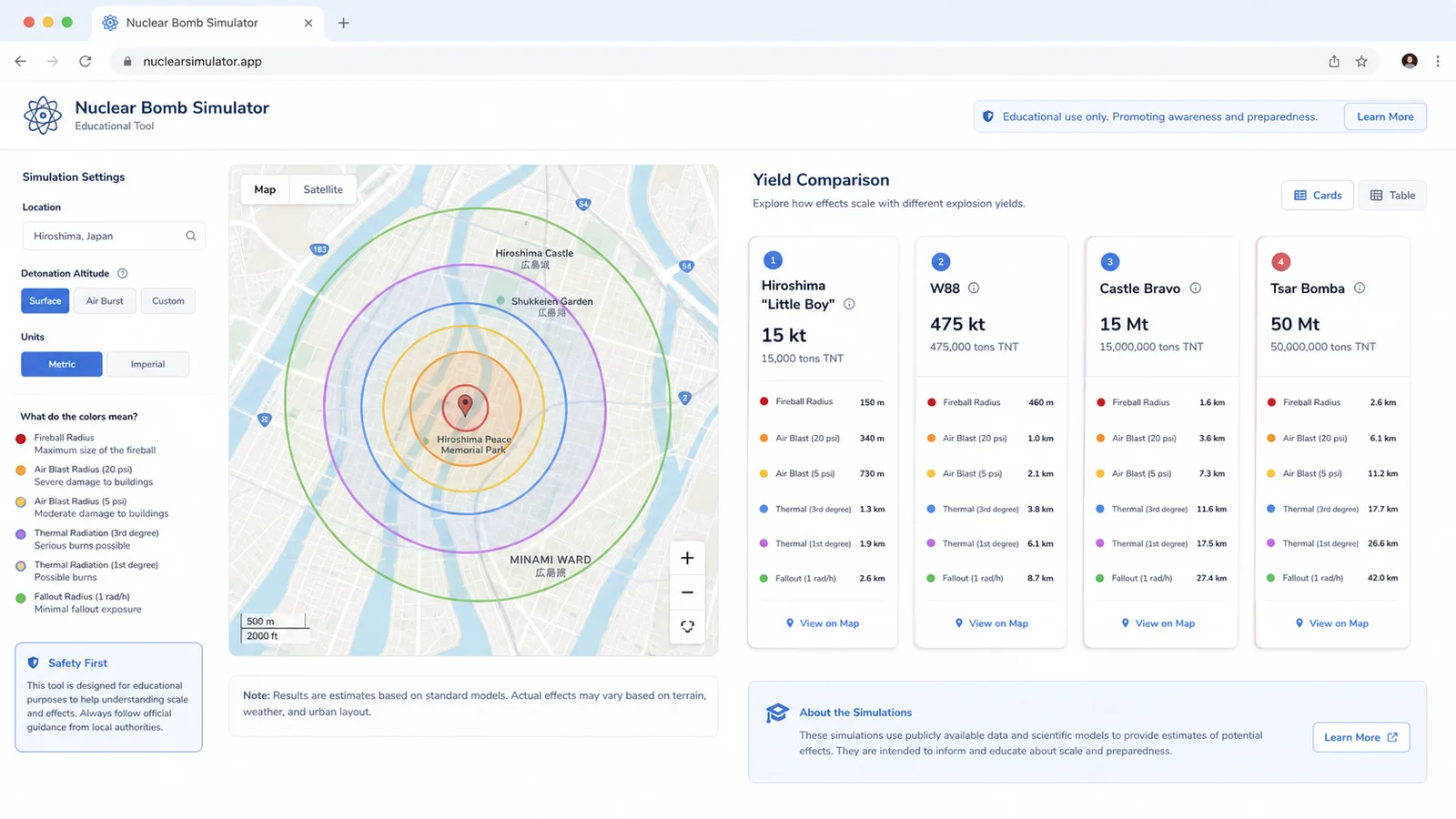
The selected model, yield, and target stay in the URL so the result can be shared through social buttons or copied for later.
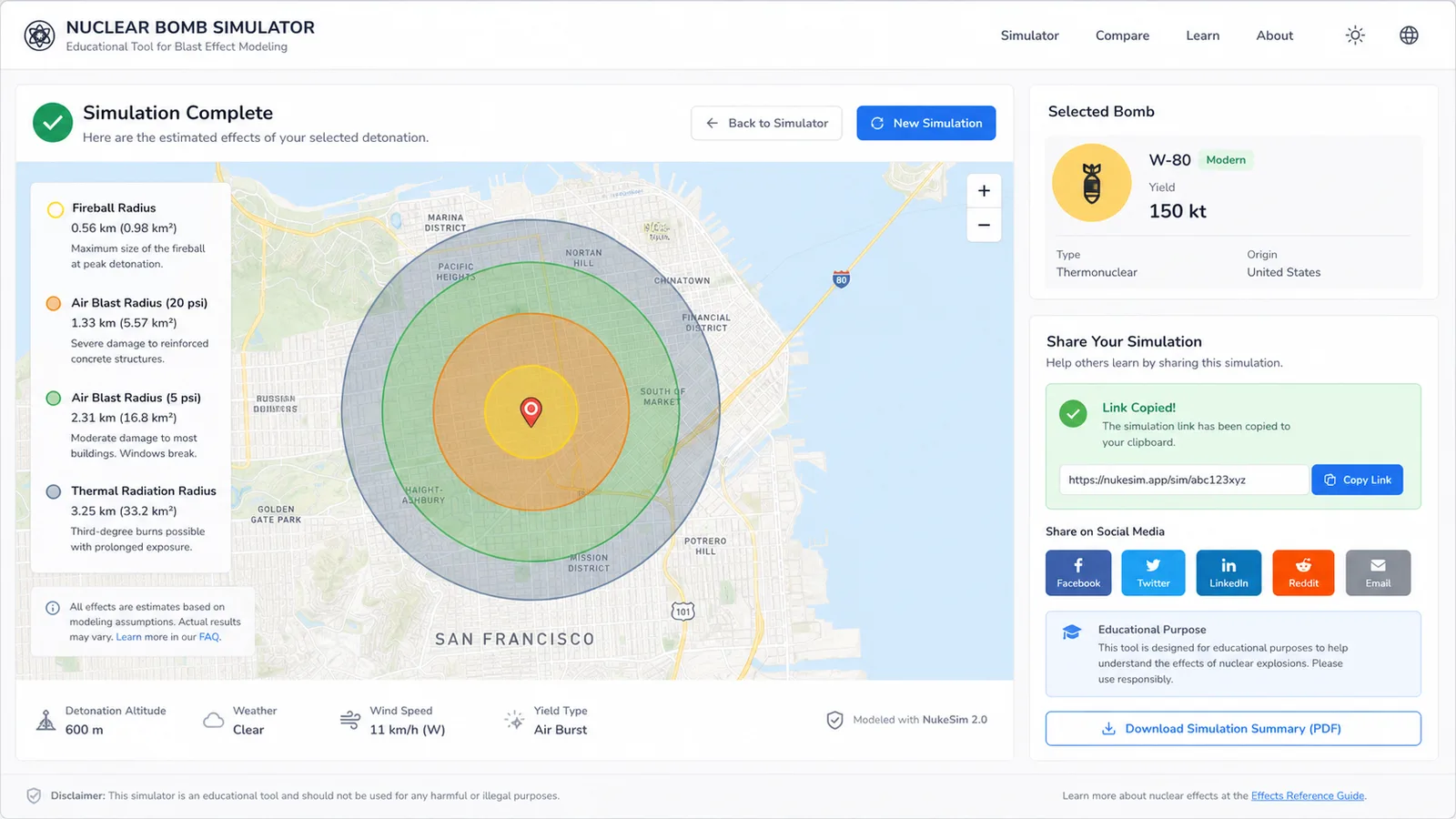
Use this guide to make a fair comparison and understand what the radius layers mean.
Start with a known reference such as Hiroshima Little Boy, then compare larger public yield estimates from the same target point.
Use this page for bomb model comparison, then open Nuke Simulator when you want the simpler map-first workflow for a single yield.
Share results as educational approximations. The page explains that real blast and thermal effects are not captured by a simple browser model.
This lightweight educational page combines comparison presets, map layers, share links, and clear caveats.
Compare public yield references for Hiroshima, Nagasaki, W88, Castle Bravo, and Tsar Bomba from one control panel.
View fireball, heavy blast, moderate blast, light damage, and thermal radius rings as approximate educational overlays.
Use ShareWidget buttons to post the Nuclear Bomb Simulator page or copy a result link with the selected model and target.
Continue internal exploration with Nuke Simulator and the rest of the free simulator collection.
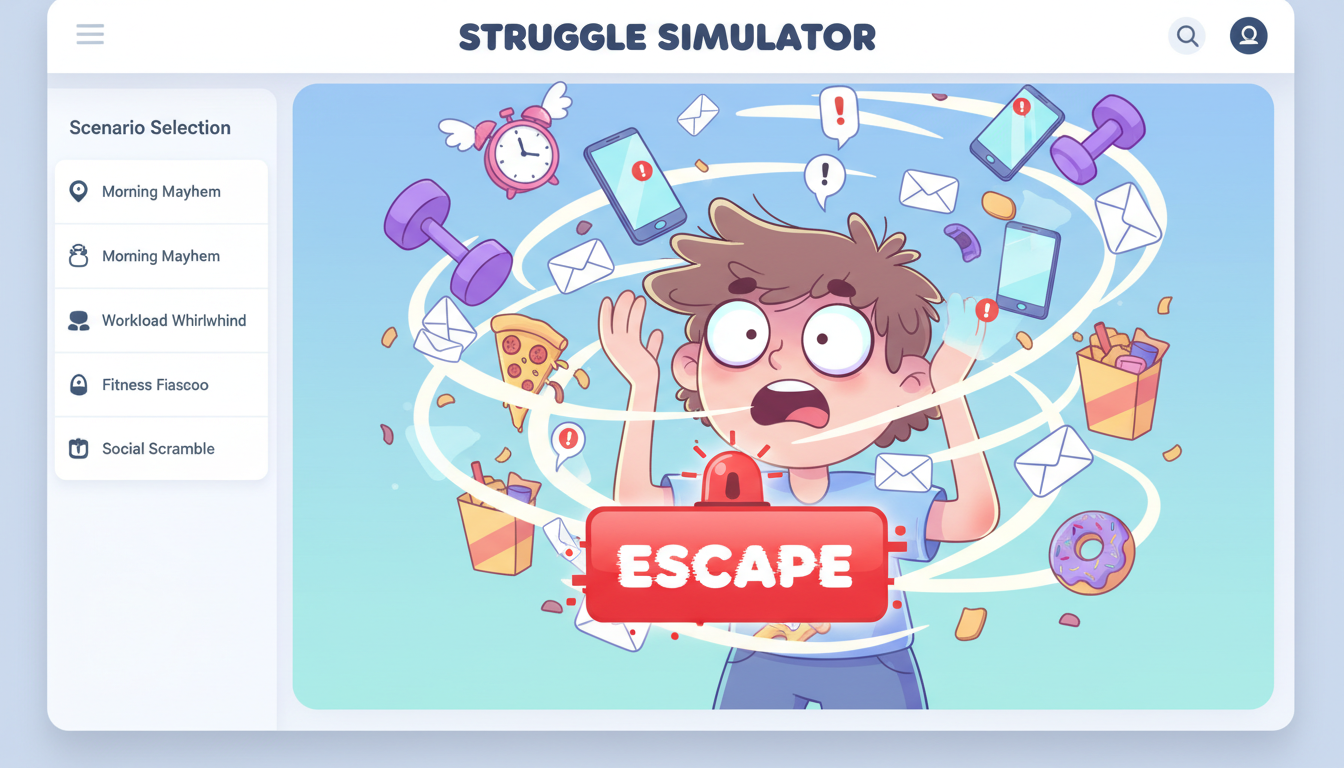
Pick a daily struggle scenario, mash to escape, and share your funny result and rating.
Build a playful floor-pose meme result with names, heights, colors, and shareable screenshots.

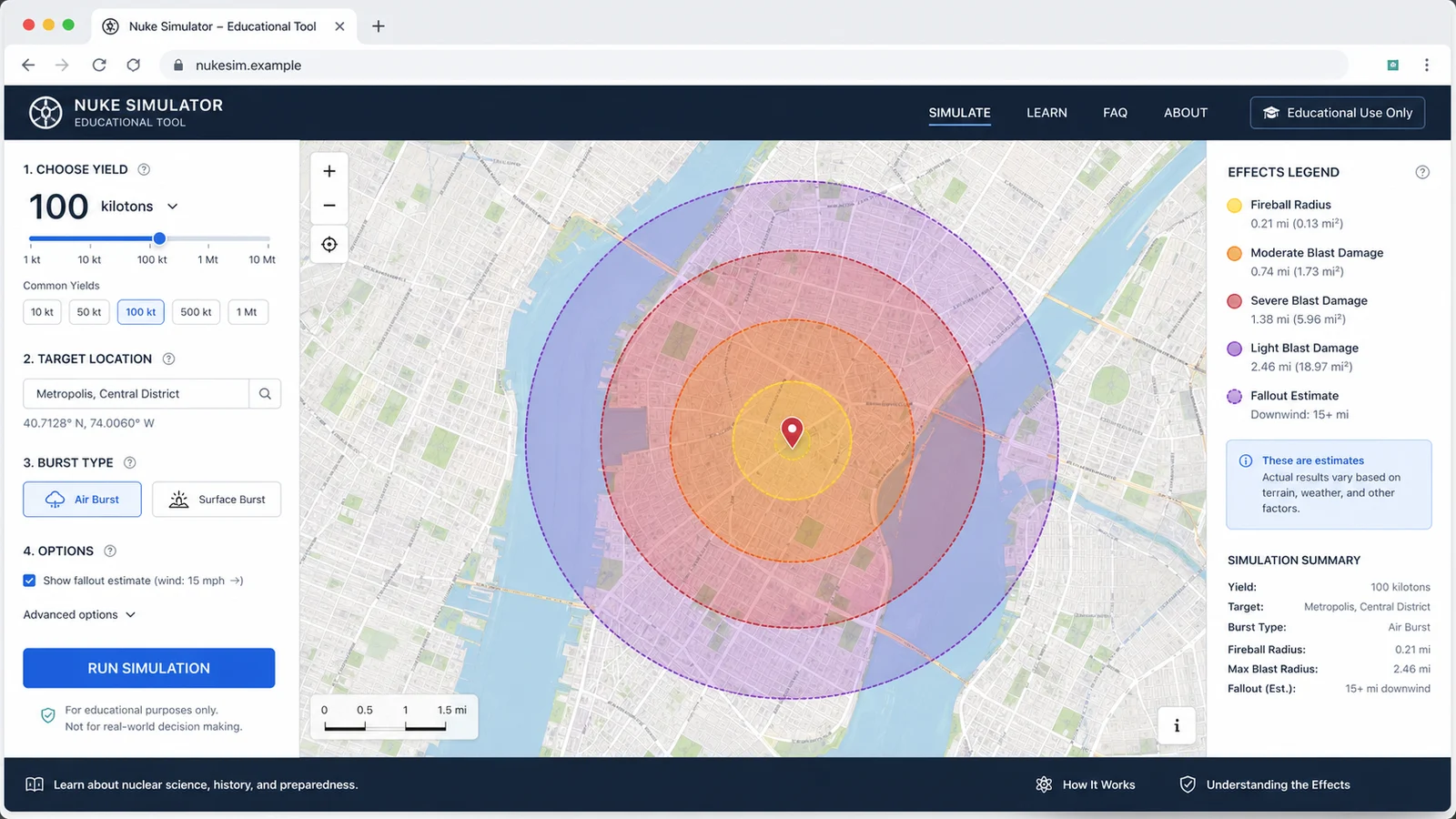
Map educational blast radius zones for cities, yields, and shareable map results.
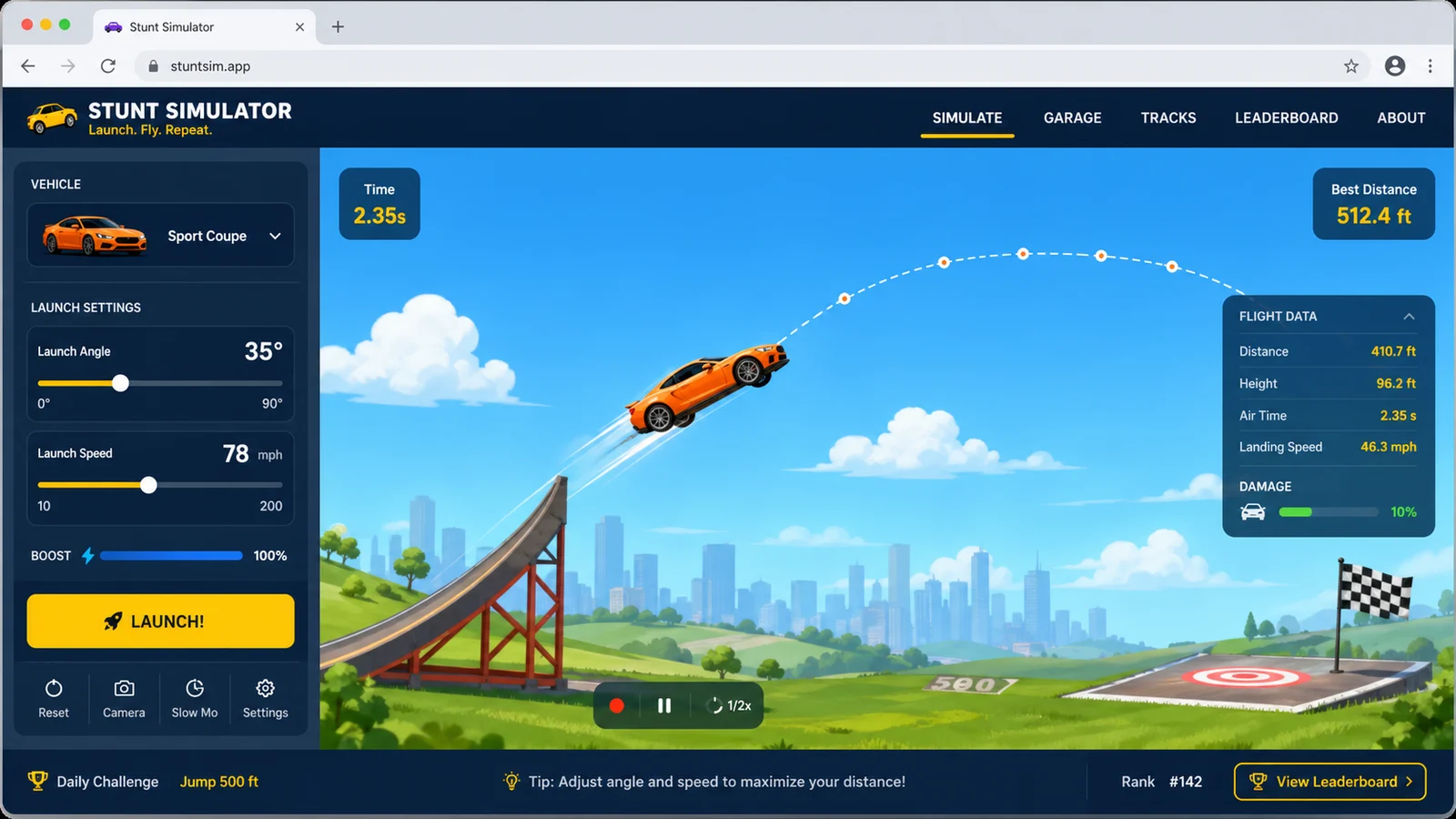
Launch cars from ramps, tune speed and spin, then chase clean landings and scores.
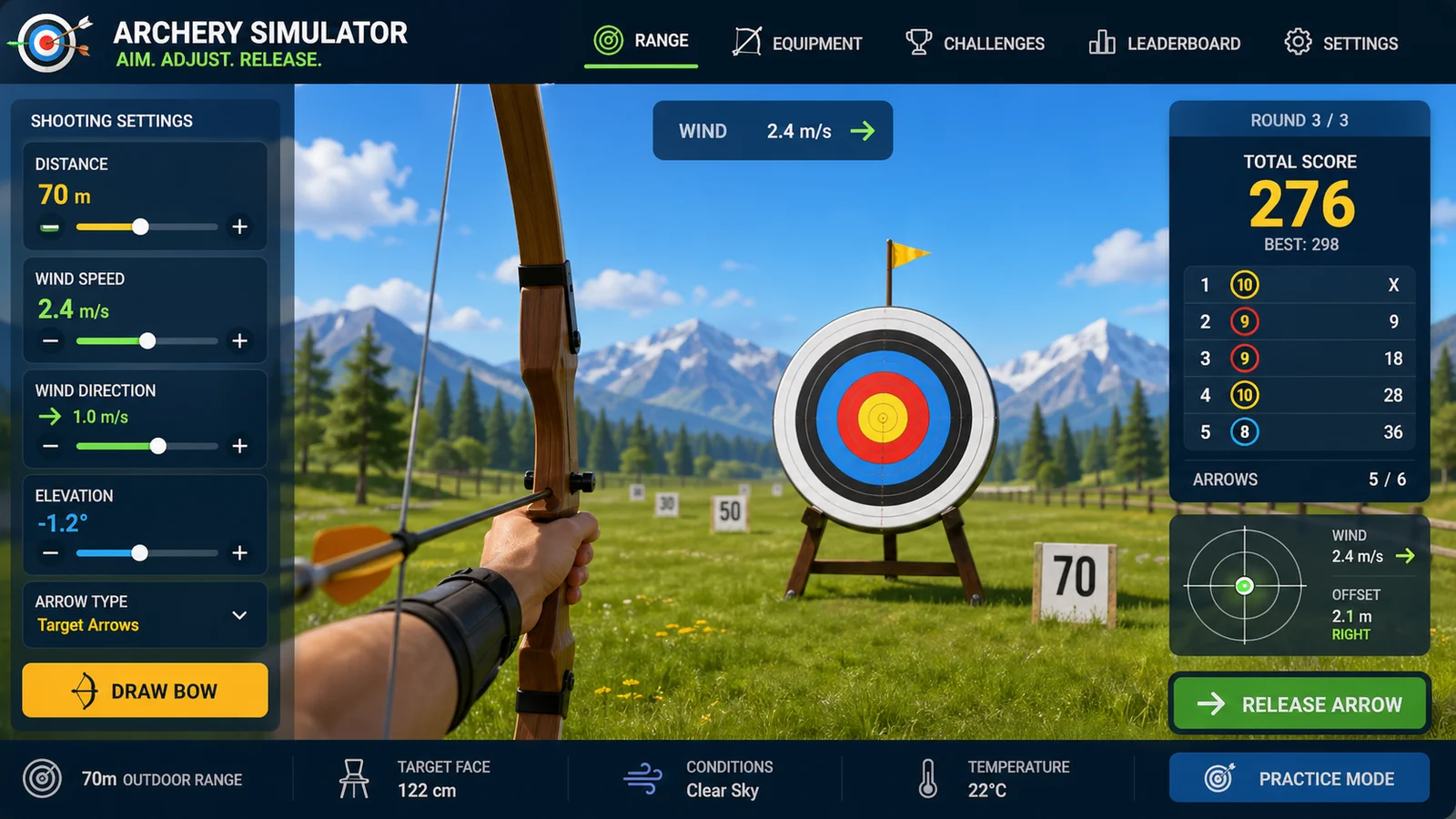
Aim arrows with wind, distance, gravity, scoring, and quick browser rounds.
Compare two cars by horsepower, weight, drivetrain, quarter-mile time, and result sharing.
Add tributes, run randomized survival events, track alliances, eliminations, and a winner.
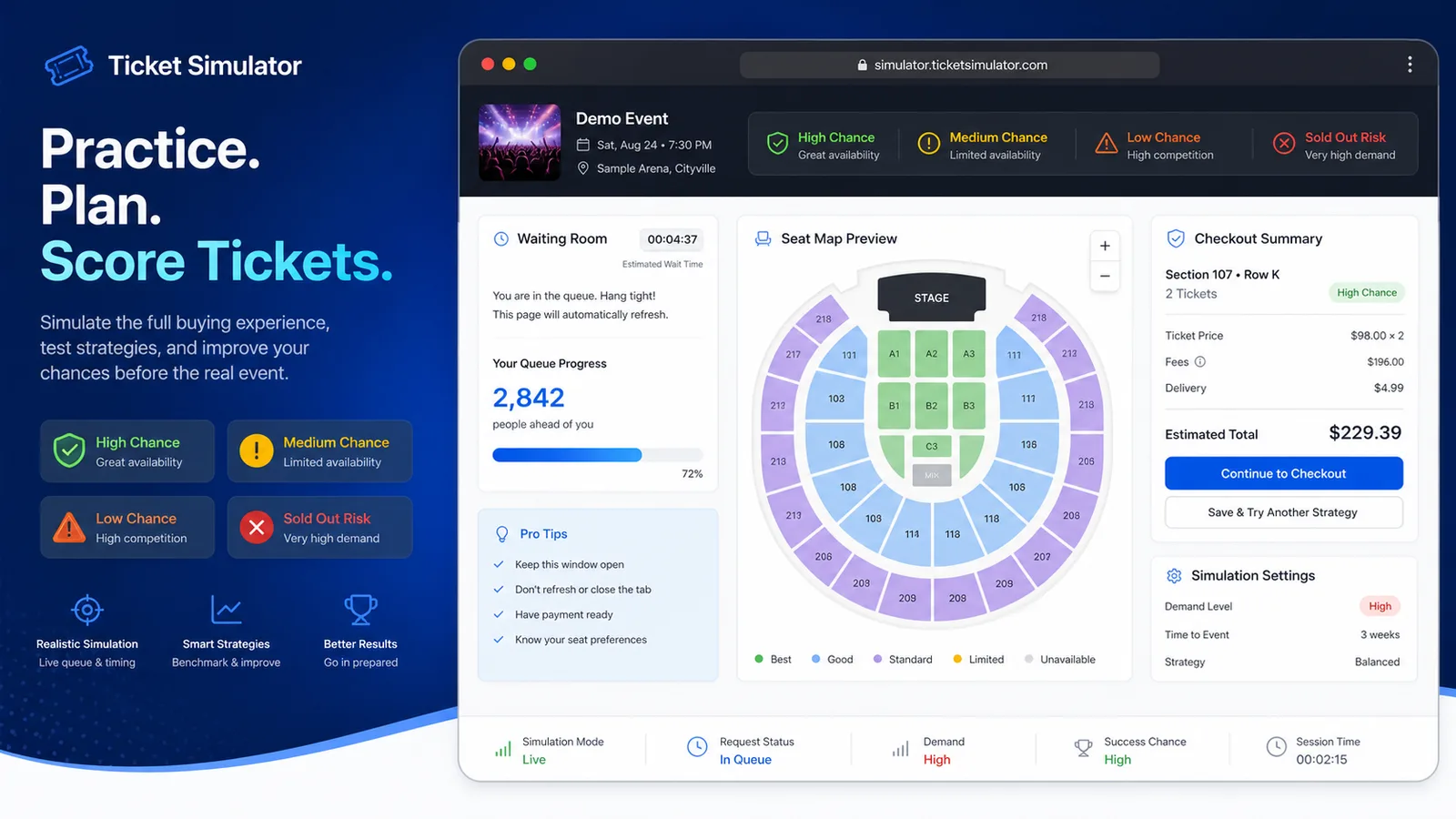
Practice a waiting room, queue, seat map, and checkout flow with demand, budget, seat area, fees, total cost, and success chance estimates.
Create a fake hacking terminal prank with targets, typing effects, code rain, and screenshots.
Drag LED, resistor, button, potentiometer, and buzzer parts into a browser circuit and run beginner Arduino sketches.
Drop planets, stars, and black holes into an N-body physics sandbox with shareable presets.
Become a cat for a minute, choose a breed and name, run daily cat actions, and share the result.
Run a free browser game store day with trade-ins, repairs, pricing, profit, trust, and sharing.
Create a gentle 3D hug scene, compare height difference, switch viewpoints, and share the result.
Calculate the final exam score you need, test weighted course modules, and compare 70, 80, 90, and 100 scenarios.
Enter current GPA, completed credits, target GPA, and semester courses to compare A/B/C GPA scenarios.
Enter income, rent, food, transportation, entertainment, shopping, subscriptions, insurance, debt repayment, and savings goals to see remaining cash and budget pressure.
Enter weight, age, temperature, workout time, sweat level, coffee, and alcohol to estimate daily water needs and a drinking schedule.
Enter a restaurant bill, tip percentage, tax rate, party size, and split mode to calculate the tip, total, per-person amount, and tip comparisons.
Enter distance, fuel economy, fuel price, weekly trips, and vehicle type to estimate trip, weekly, monthly, yearly, and vehicle comparison fuel costs.
Compare driving, public transit, biking, walking, and taxi commutes by monthly cost, yearly cost, time, and balanced recommendations.
Enter home price, down payment, loan amount, rate, term, taxes, insurance, and HOA to compare monthly payment and total interest.
Enter loan balance, annual rate, minimum payment, planned payment, and extra repayment to compare payoff time and interest savings.
Enter a last menstrual period, conception date, ovulation date, or IVF transfer date to estimate due date, pregnancy week, trimester, and key prenatal milestones.
Enter baby age, sex, height, weight, and head circumference to estimate growth percentiles and track height and weight trends over time.
Run semi-finals, jury points, televote points, a grand final scoreboard, and shareable song contest results.
Choose oven temperature, pizza thickness, toppings, and bake time to get crust score, doneness, and baking advice.
Choose AND, OR, NOT, NAND, NOR, or XOR gates, toggle 0/1 inputs, read truth tables, and build simple circuits.
Set velocity, angle, height, gravity, and air resistance to compare projectile trajectories and live physics metrics.
Enter speed, reaction time, weather, road surface, tires, and vehicle type to compare reaction, braking, and total stopping distance.
Enter location, roof area, panel count, wattage, orientation, tilt, shading, and electricity rate to estimate solar output, savings, and payback.
Enter a city or coordinates, choose an eclipse event, and estimate local visibility, timing, obscuration, and safety reminders.
Choose a 30 second, 1 minute, or 3 minute typing test to track WPM, accuracy, errors, backspaces, and progress.
Practice traffic signs, right-of-way, hazards, parking rules, and mock exam questions with instant explanations.
Choose a cat, dog, rabbit, or dog size, enter real age, and estimate human-equivalent age, life stage, and care tips.
Set angle of attack, air speed, wing area, air density, and airfoil shape to estimate lift, drag, lift-to-drag ratio, and stall risk.
Enter building height, floors, material, structure type, earthquake magnitude, and foundation condition to animate sway and compare seismic risk.
Choose acid and base types, add titrant drop by drop, and see pH, color change, equivalence point, unknown concentration, error, and conclusion.
Choose a reversible reaction, set initial concentrations, temperature, pressure, and catalyst, then watch concentration curves reach equilibrium and explain shifts.
Choose a reaction, adjust concentration, temperature, particle size, and catalyst, then compare collisions, gas speed, concentration drop, and finish time.
Mix hot water, cold water, metal samples, and a calorimeter cup to calculate final temperature, heat flow, and unknown specific heat.
Set voltage, resistance, connection mode, meters, and bulb, then record data, plot a V-I graph, and estimate unknown resistance.
Practice car diagnostic trouble codes, live data, freeze frames, misfires, no-start cases, inspection order, repair cost, and scoring.
Set pendulum length, bob mass, initial angle, and gravity environment to compare theory, experiment, frequency, speed, and angular displacement.
Adjust temperature, pressure, volume, and gas amount in a piston chamber, then watch particles and P-V, V-T, or P-T graphs update.
Choose object material, mass, volume, and liquid type to test floating, neutral buoyancy, sinking, displaced volume, buoyant force, and weight.
Choose lens type, focal length, object distance, and object height to see ray diagrams, image distance, magnification, image size, orientation, and image type.
Fast answers before you compare bomb models or share a map.
It is an educational approximation. It uses simplified scaling for comparison and cannot model altitude, terrain, weather, shielding, building materials, fallout, casualties, or emergency outcomes.
Those entries give visitors familiar public reference points across very different yield ranges. W88 is shown as a public estimate, while Hiroshima, Nagasaki, Castle Bravo, and Tsar Bomba are historical references.
Nuclear Bomb Simulator focuses on comparing bomb model yields. Nuke Simulator is the simpler family page for a single map-first blast radius workflow.
Yes. Use the ShareWidget buttons or copy the link after calculating. The link keeps the selected model, yield, and target coordinates.
Compare public bomb yield estimates, map the approximate radius layers, and share the educational result.
Free, browser based, and designed for educational comparison.