Choose people in the tool
Start the tool with two names, then pick gender, height, and color so the tool scene has a clear A and B.
- Use short names for cleaner labels
- Keep the tool colors high contrast
The tool turns names, heights, colors, and camera angles into a playful PG 3D scene. Use the tool, tune the pose, then share the tool result with friends.
Read the guideUse this tool first: set A and B, adjust the height gap, switch the view, and export a share link or image.
The tool is designed around quick edits, funny previews, and share-ready results that keep the tool experience simple.
The tool renders a soft 3D scene so the height gap, names, colors, and pose feel instantly readable. This tool preview is PG, silly, and made for meme sharing.

Every result can travel through X, Twitter, Telegram, Facebook, LinkedIn, WhatsApp, Reddit, Pinterest, Tumblr, Line, email, native share, copy link, and an Instagram-friendly snapshot.

Follow this tool guide to make a clean result, a funny caption, and a link that reopens the same Floor Slam Simulator setup.
Start the tool with two names, then pick gender, height, and color so the tool scene has a clear A and B.
Move the hand-position slider, swap A/B, and rotate the camera until the tool result looks funny enough to share.
Copy a result link to keep the current setup.
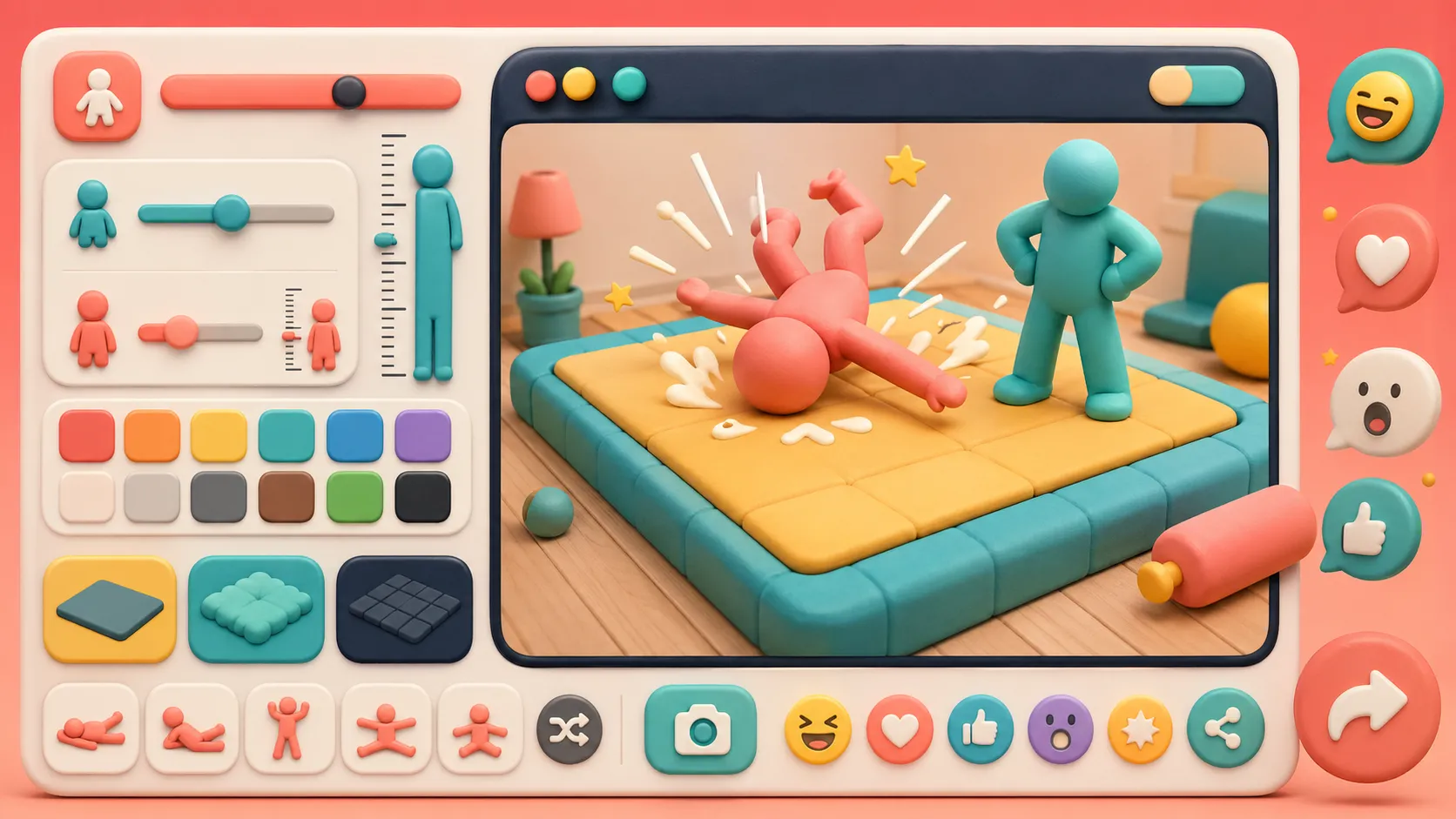
Use the tool share grid for social links, native share, copy link, or an image download when a platform needs a screenshot.
For Instagram, the tool creates a snapshot and caption so mobile sharing stays practical.
Open Floor Slam Simulator FAQThese Floor Slam Simulator features focus on fast meme creation, easy tuning, and flexible sharing.
The tool uses Three.js to draw a lightweight 3D preview with camera rotation and view switching.
Open Floor Slam Simulator The tool calculates the height difference and keeps the result visible for captions and screenshots.
Tune Floor Slam Simulator The tool can download a canvas snapshot when a platform prefers images over web share links.
Save Floor Slam Simulator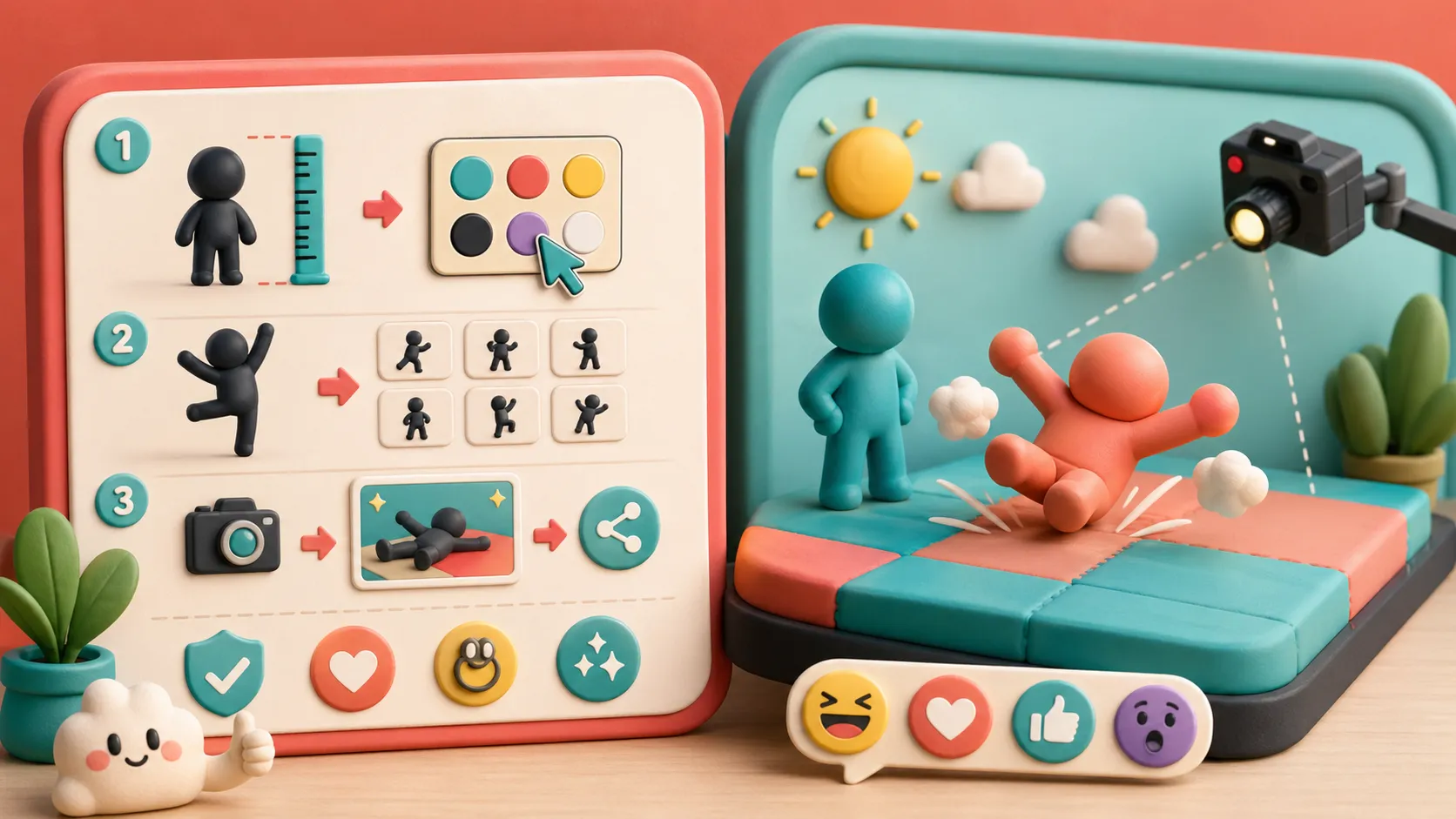
A shared result link carries the names, heights, colors, and pose, so friends open the same result.
Copy Floor Slam Simulator The tool includes share actions for many networks without making the interface heavy.
Share Floor Slam Simulator The tool stays stylized, abstract, and meme-friendly instead of realistic or explicit.
Read Floor Slam Simulator FAQThe tool works for jokes, reaction posts, fandom memes, and casual social screenshots.
Make a result, add a short caption, and post the tool link when the mood is dramatic.
Meme ready Make Floor Slam Simulator Use the tool with nicknames and playful colors to make a harmless joke result for a group chat.
Group chat Share Floor Slam Simulator The tool can help visualize a height-gap scene before turning the idea into art or a post.
Creator tool Adjust Floor Slam Simulator Download a Floor Slam Simulator snapshot when you want a quick image for stories, chats, or image-first platforms.
Image export Save Floor Slam SimulatorPeople use the tool because the tool is fast, silly, and easy to share.
"The tool made the joke instantly visible, and the tool link reopened the exact result."
Maya C.
Meme maker
"I used the tool for a dramatic height-gap screenshot, then shared the tool result in seconds."
Jon B.
Group chat instigator
Finished with Floor Slam Simulator? Try another free simulator from the same collection.

Find the official game and compare jobs, weekly costs and a home savings goal.
Open the simulator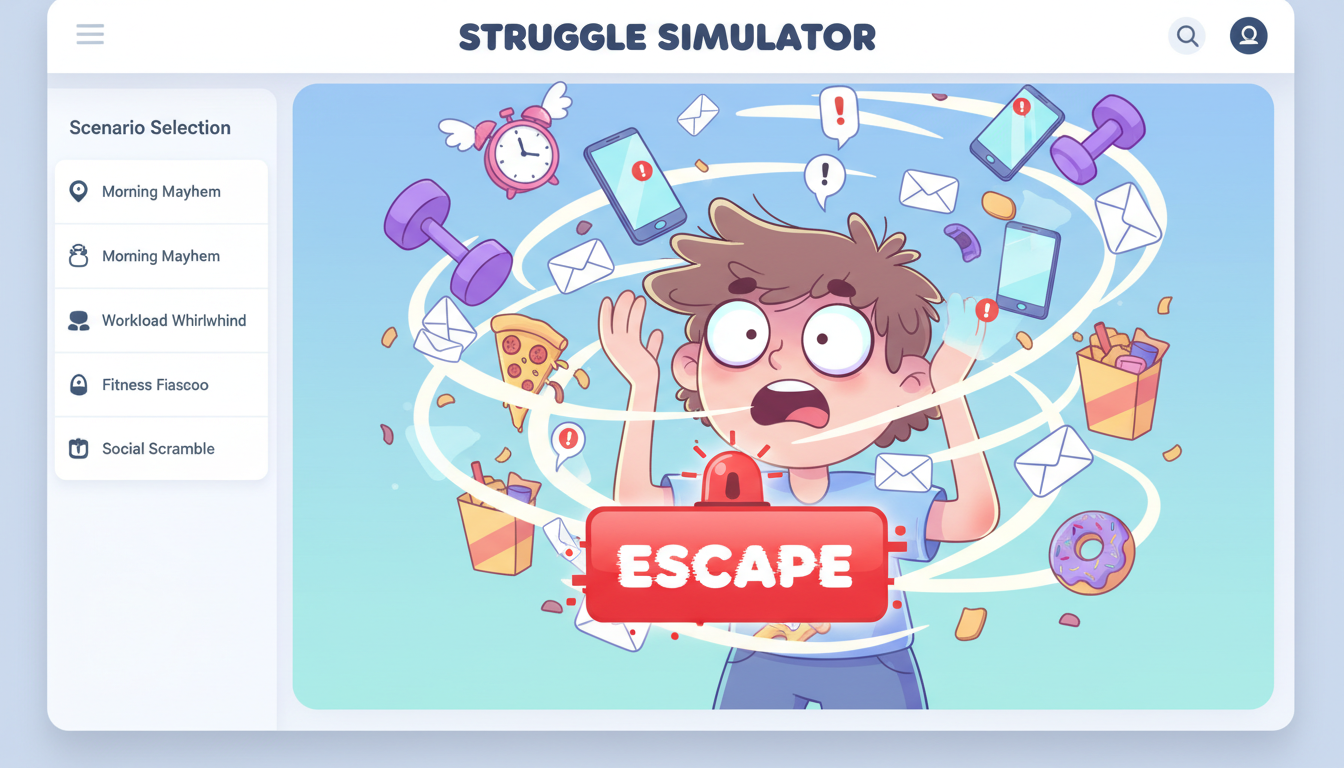
Pick a daily struggle scenario, mash to escape, and share your funny result and rating.
Open the simulator
Build a playful bed-slam meme with names, heights, colors, and shareable screenshots.
Open the simulator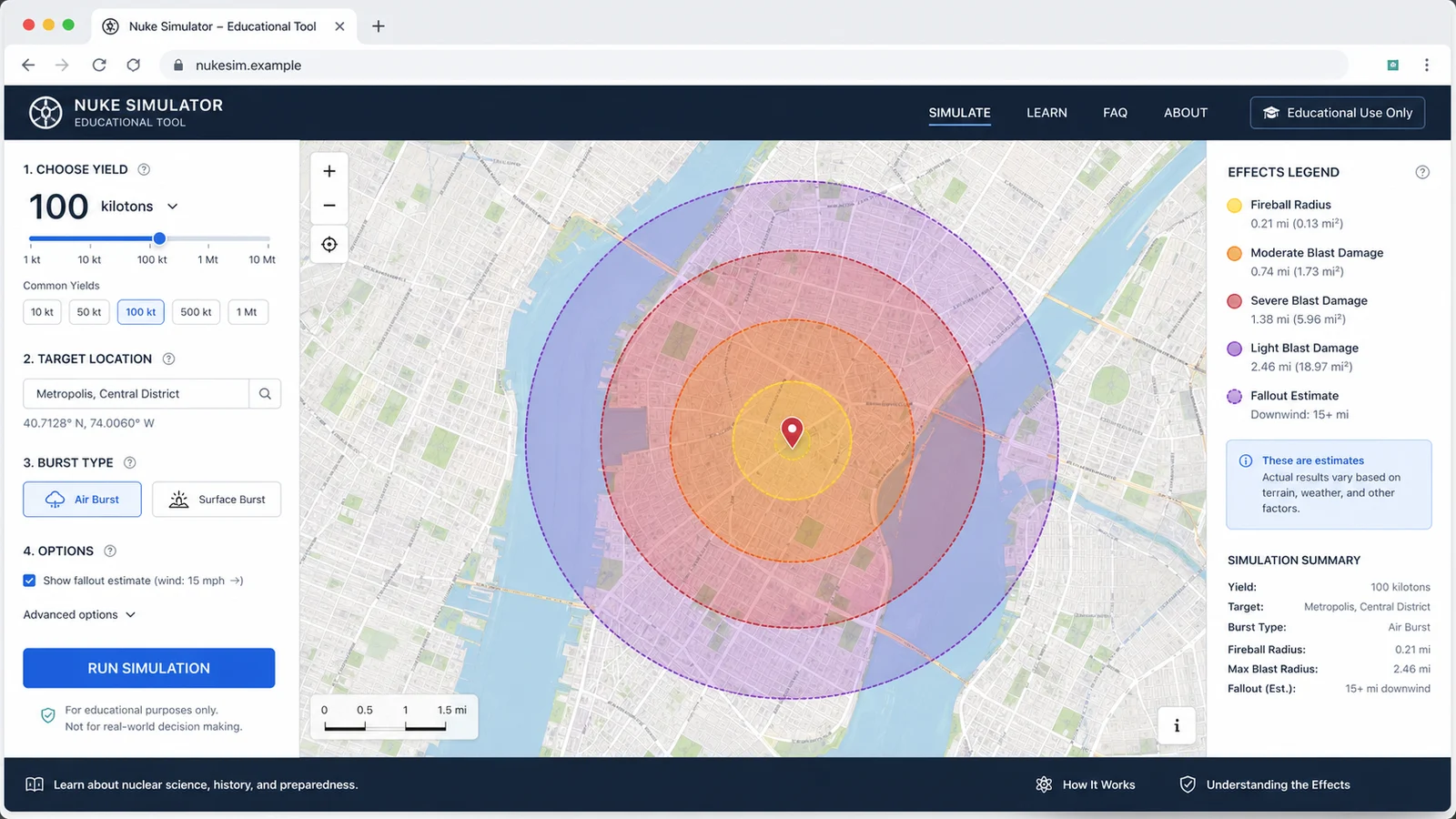
Map educational blast radius zones for cities, yields, and shareable map results.
Open the simulator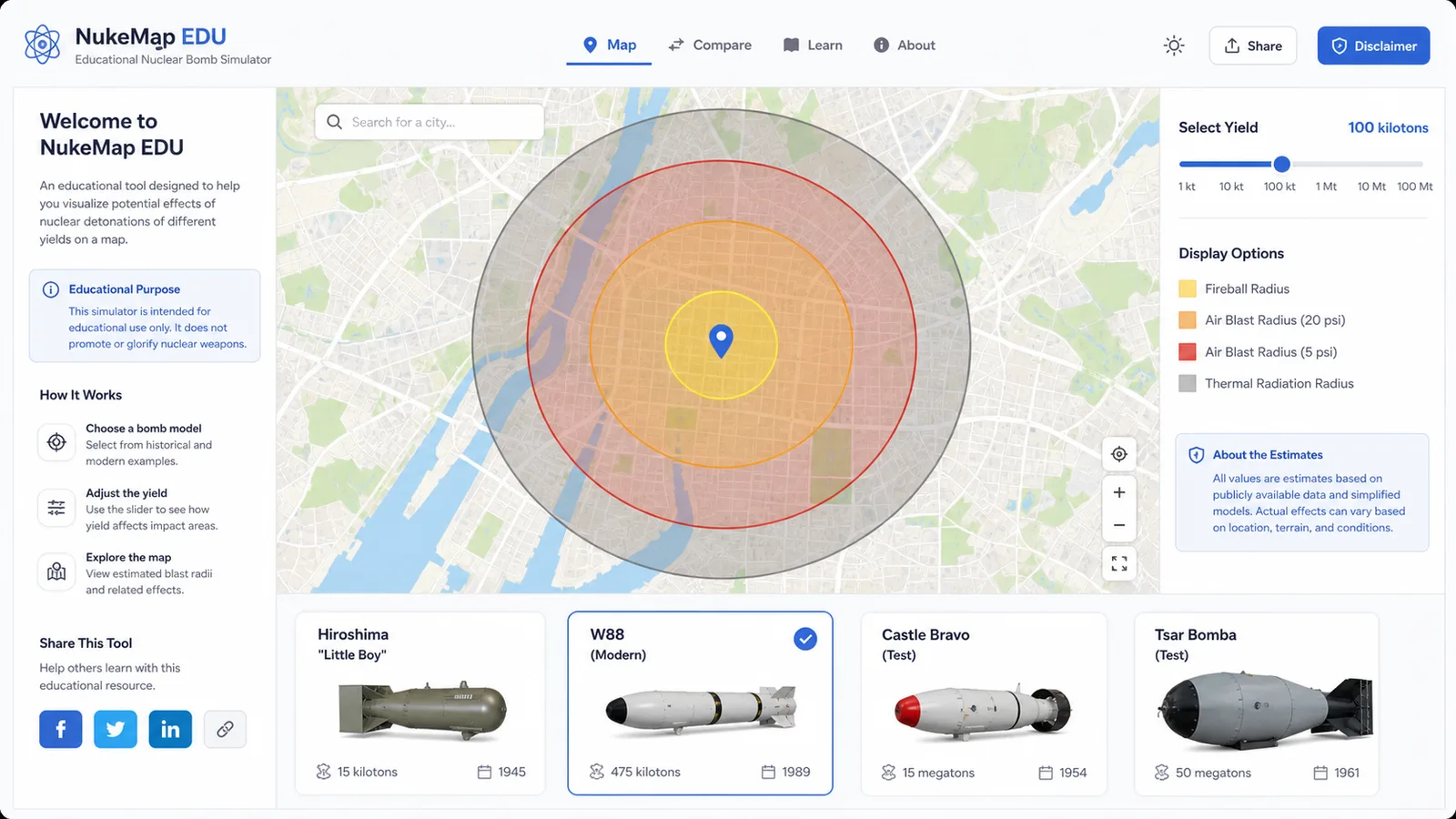
Compare public nuclear bomb yield estimates, map educational blast zones, and share the result.
Open the simulator
Launch cars from ramps, tune speed and spin, then chase clean landings and scores.
Open the simulator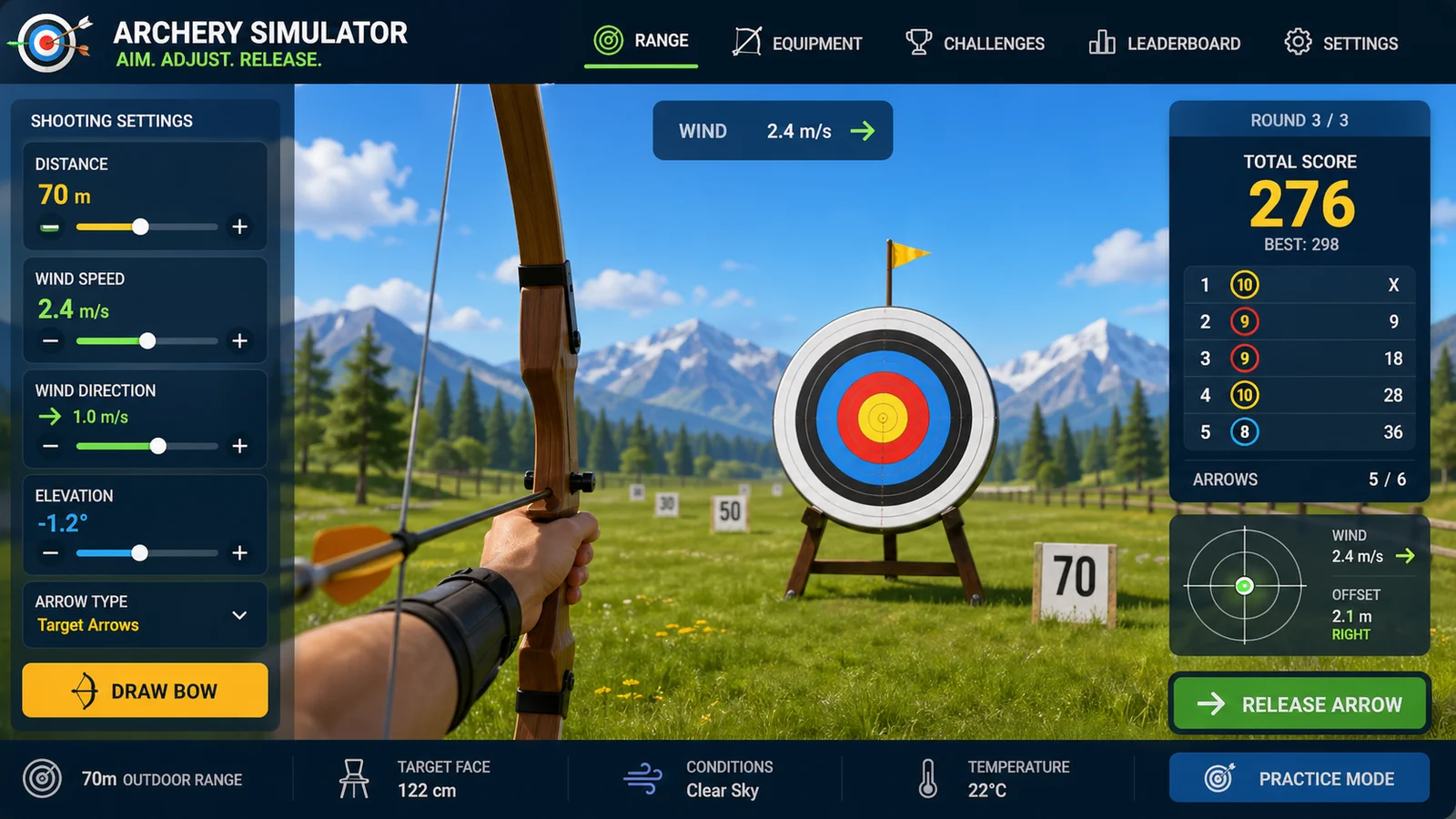
Aim arrows with wind, distance, gravity, scoring, and quick browser rounds.
Open the simulator
Add tributes, run randomized survival events, track alliances, eliminations, and a winner.
Open the simulatorAnswers for the tool, including sharing, snapshots, saved links, and Floor Slam Simulator privacy basics.
Yes. The tool runs in the browser and the tool result can be shared without an account.
Instagram does not provide a universal web post intent, so the tool creates a snapshot and caption for practical sharing.
Your settings go into a link only when you share or copy it; there is no login flow.
The tool uses abstract 3D figures so the result stays light, funny, PG, and social-friendly.
Open the tool, tune the pose, and share the tool result.
The tool keeps the mood playful, fast, and ready for social apps.
The tool is for playful, PG social sharing.