Set angle and speed, then launch
Adjust ramp angle (10–75°) and launch speed (10–60 m/s). Press Space or tap Launch to fire the car off the ramp.
- Higher angle = more air time
- Higher speed = more distance
Launch stunt runs in your browser, tune the controls, check how your jump went, and share the result.
Read the guideStart Stunt Simulator here. Adjust the controls, see results instantly, and share them, all on one page.
Space / Launch to fire. Left / right arrows flip mid-air — each full rotation adds 500 pts. Land wheels-down for full score; crashing halves it.
Stunt Simulator: Use the tool first, then continue to the guide and FAQ.
Stunt Simulator focuses on car stunt physics game, clear controls, instant feedback, and a result that is easy to understand.
Use Stunt Simulator with practical controls and instant visual feedback. The page keeps the simulator, guide, and sharing path together.
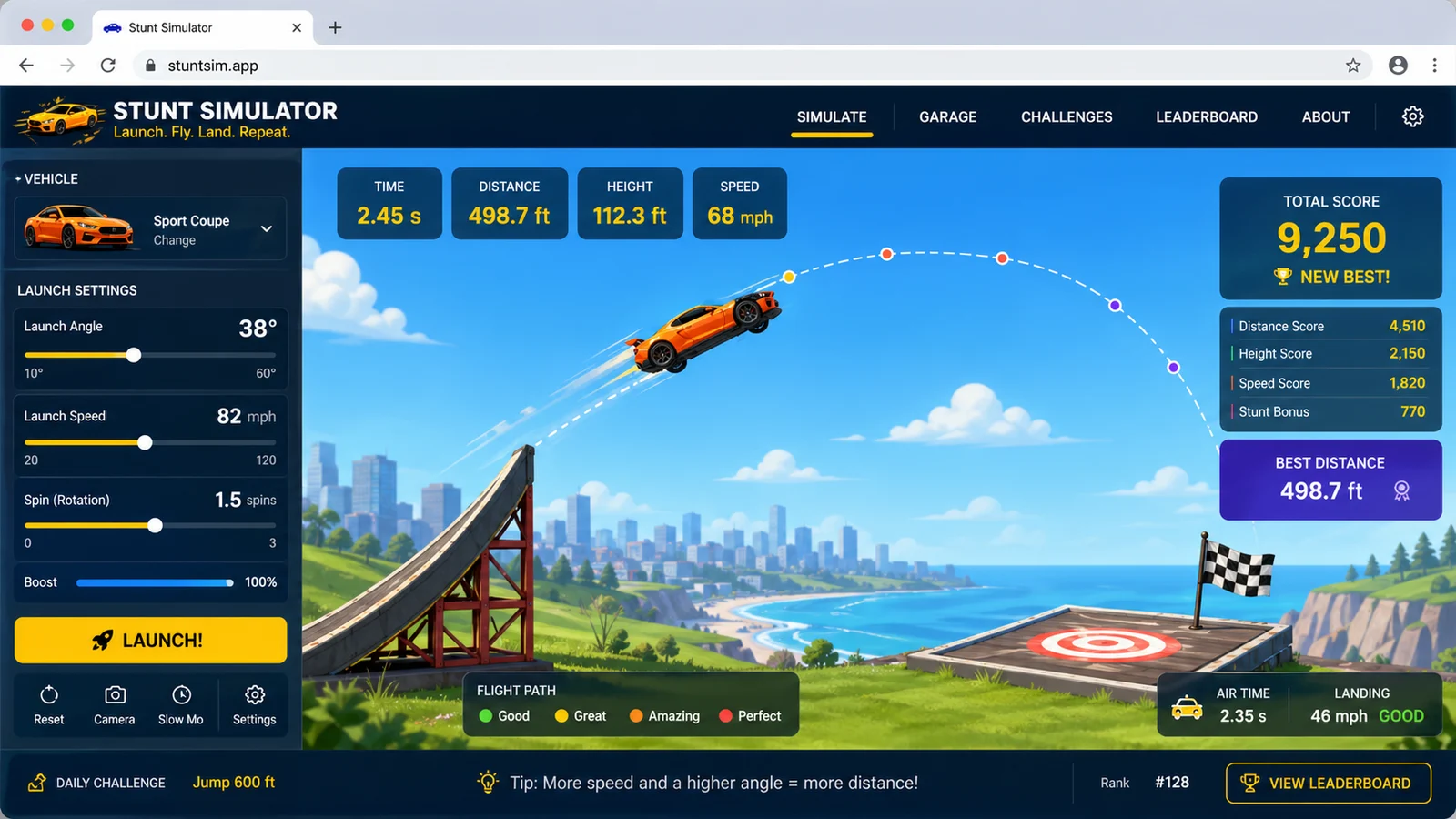
Adjust the setup, read the result, then share the outcome with friends or save it for later.
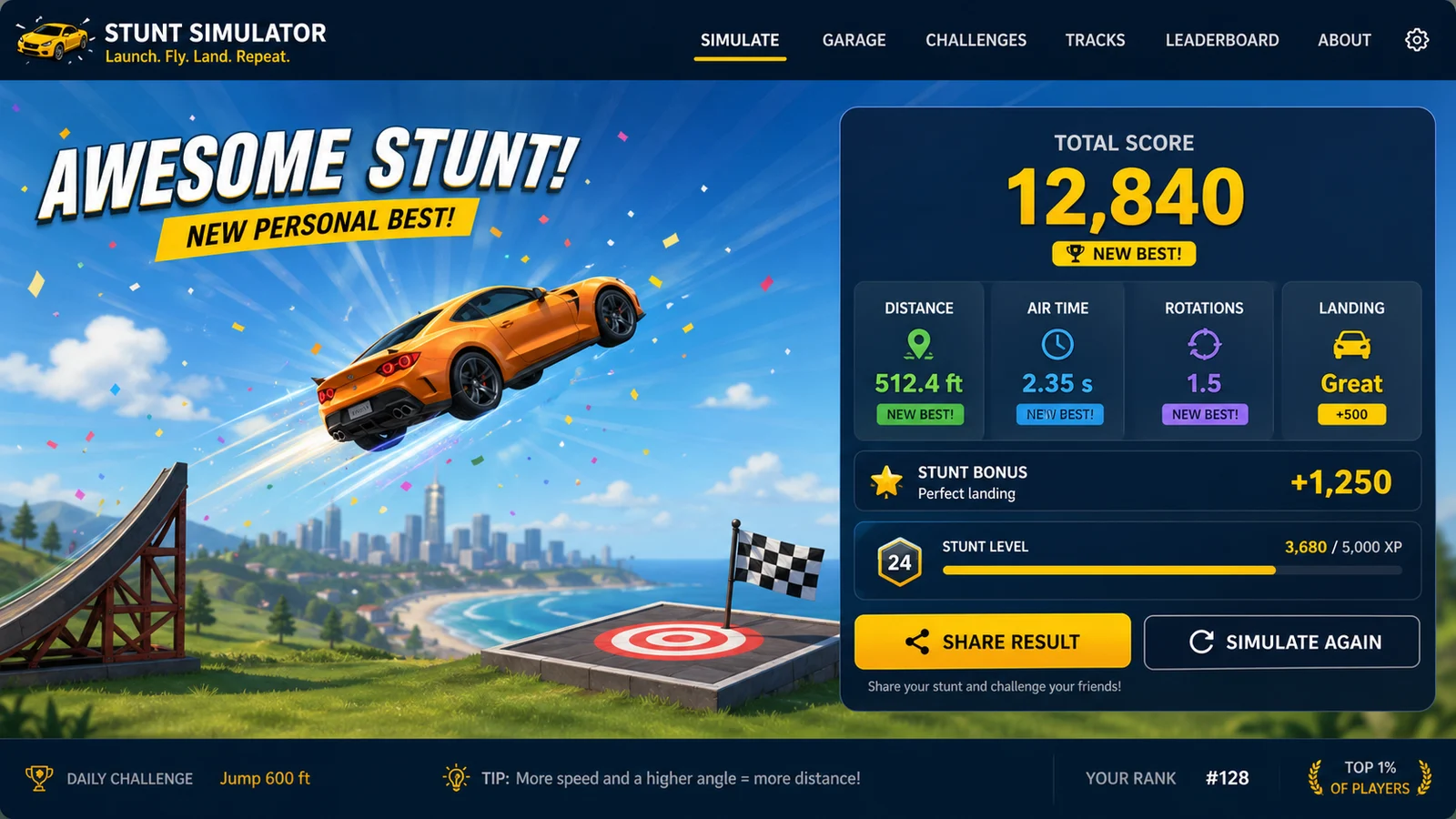
Use this Stunt Simulator guide to get a clean first result and understand what to adjust next.
Adjust ramp angle (10–75°) and launch speed (10–60 m/s). Press Space or tap Launch to fire the car off the ramp.
While the car is flying, press ← → or tap Flip Forward / Backward. Each full 360° rotation adds +500 points — flips are the biggest score driver.
When the car hits the ground wheels-down, you get a clean landing and keep your full score. Crashing halves it — use a last flip to correct your angle.
Stunt Simulator keeps the tool lightweight while still giving you enough control for repeatable results.
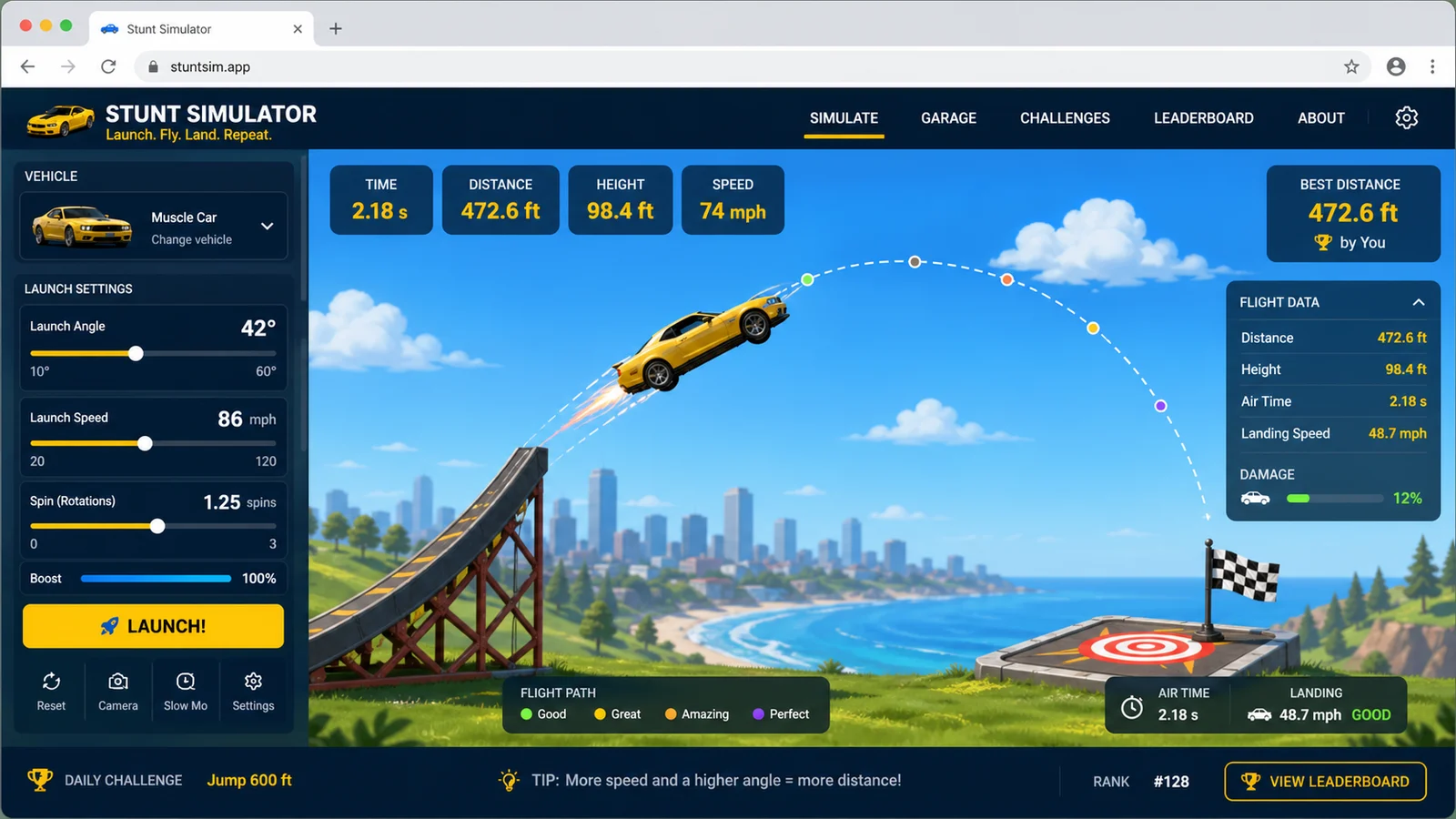
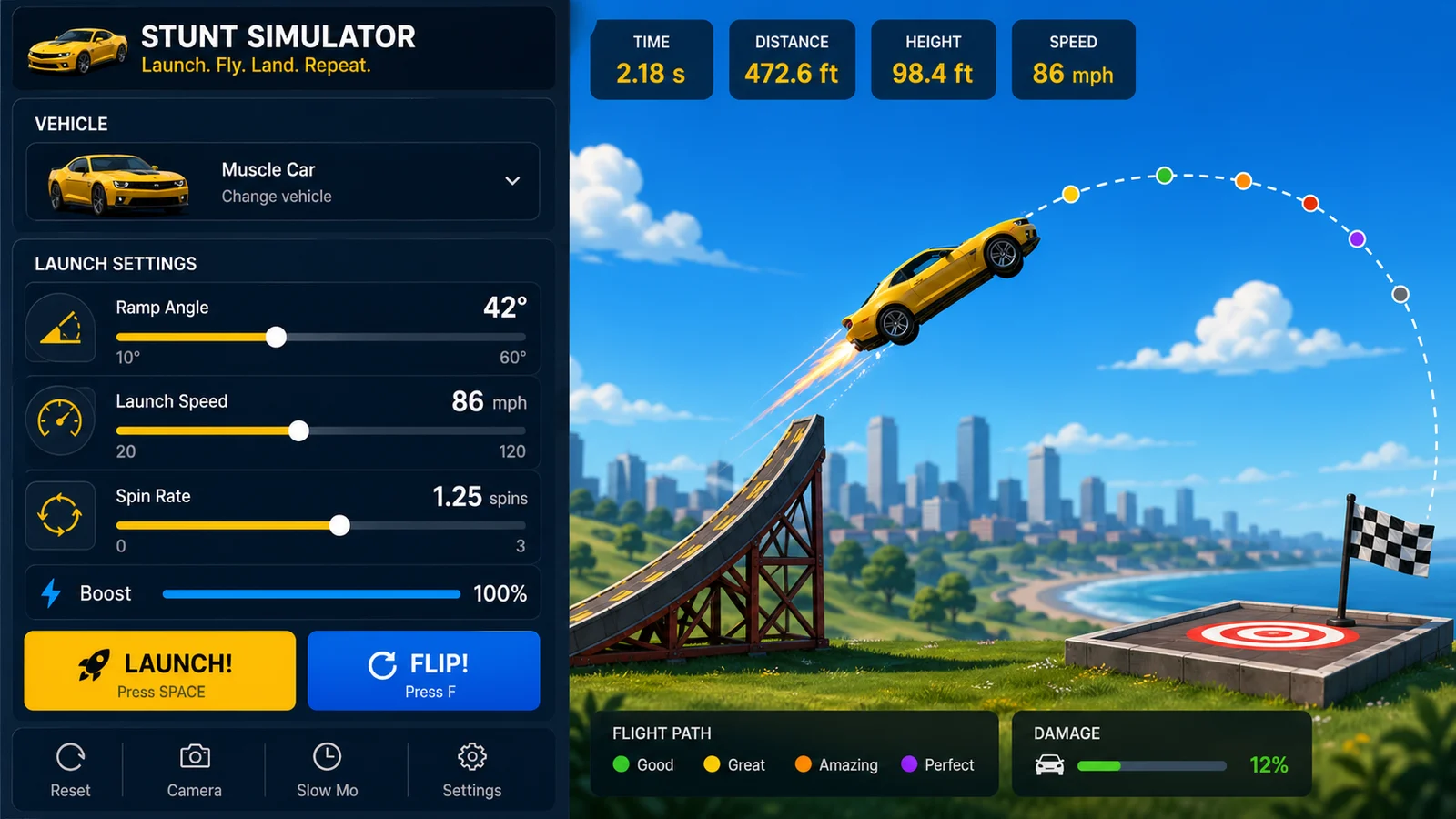
Change inputs, replay outcomes, and compare the next result.
Read guide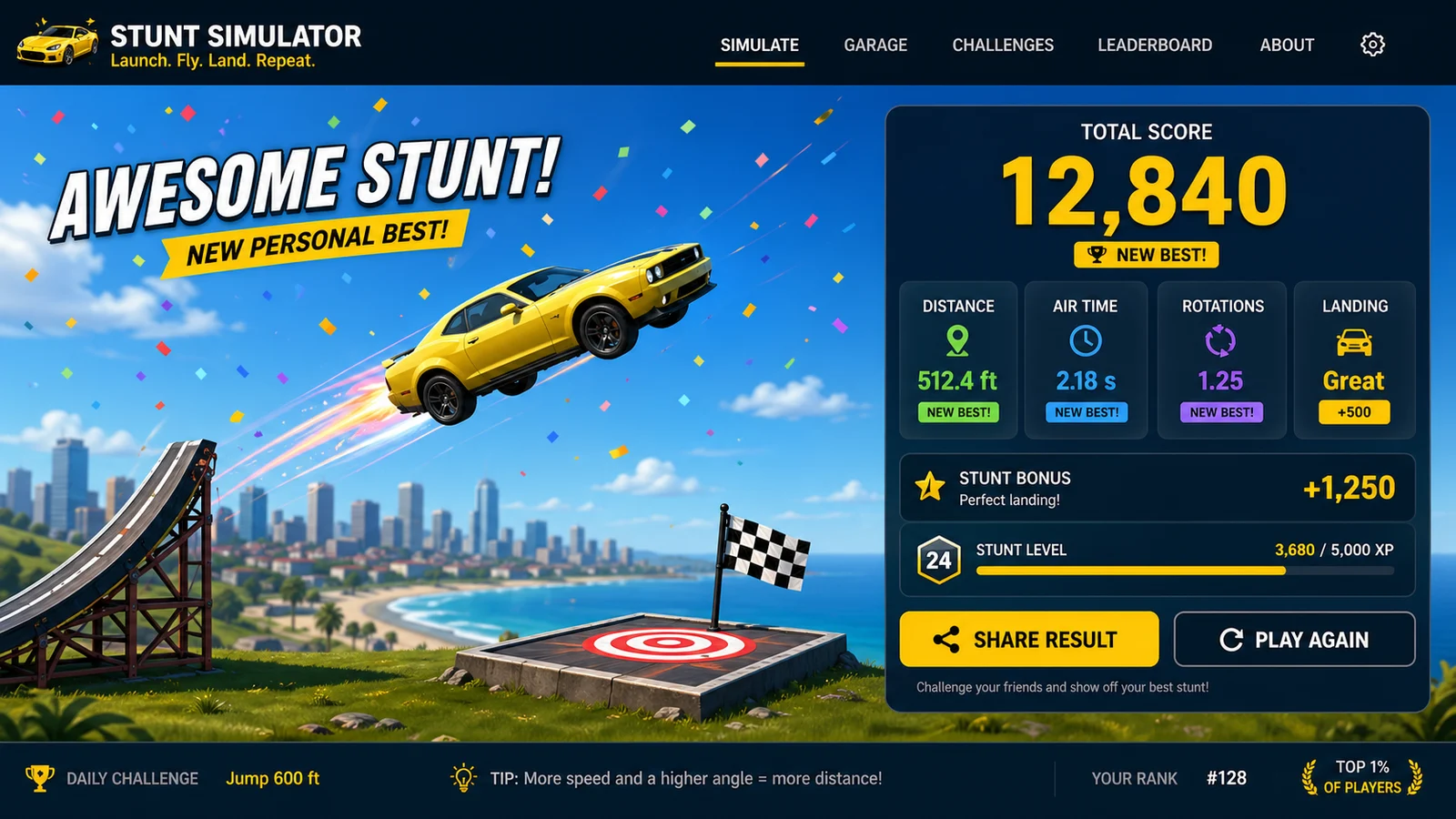
Create screenshots, quick links, and repeatable simulator moments.
Read FAQFinished with Stunt Simulator? Try another free simulator from the same collection.

Find the official game and compare jobs, weekly costs and a home savings goal.
Open tool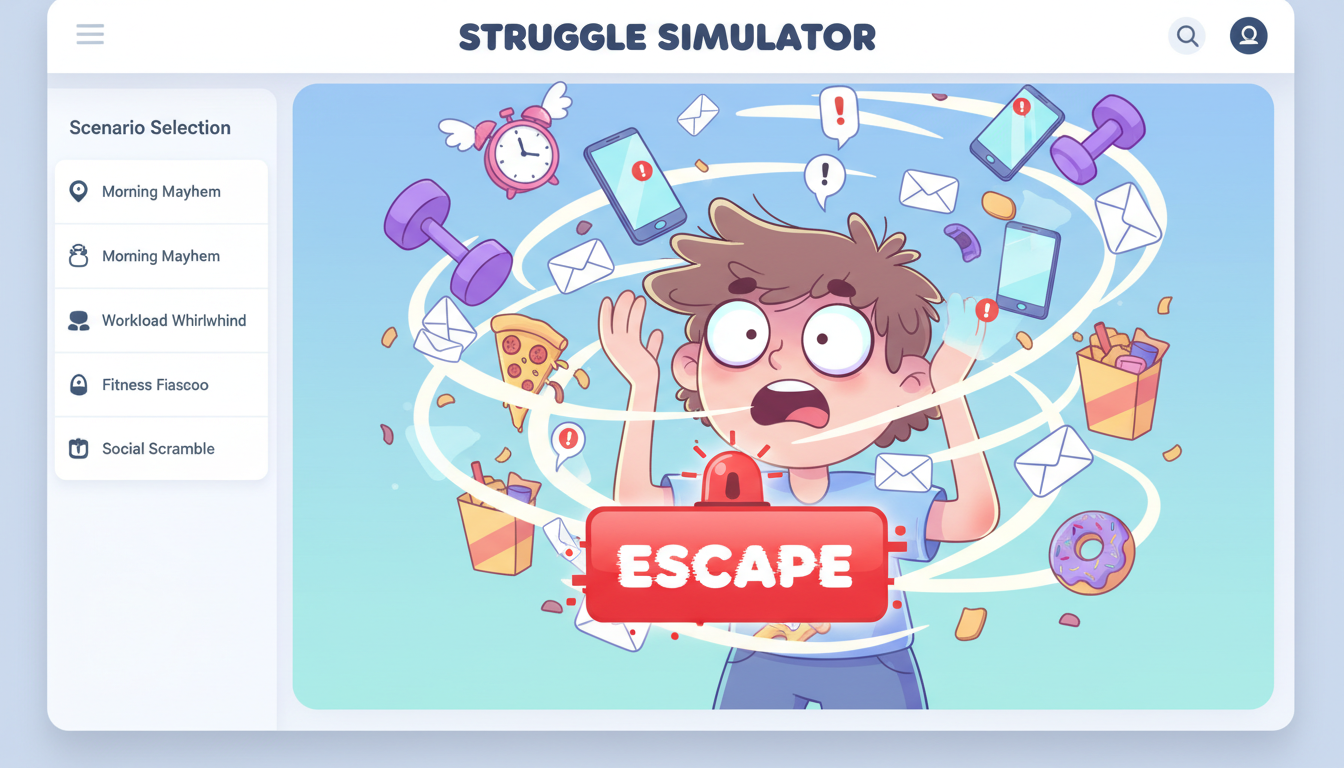
Pick a daily struggle scenario, mash to escape, and share your funny result and rating.
Open tool
Build a playful bed-slam meme with names, heights, colors, and shareable screenshots.
Open tool
Build a playful floor-pose meme result with names, heights, colors, and shareable screenshots.
Open tool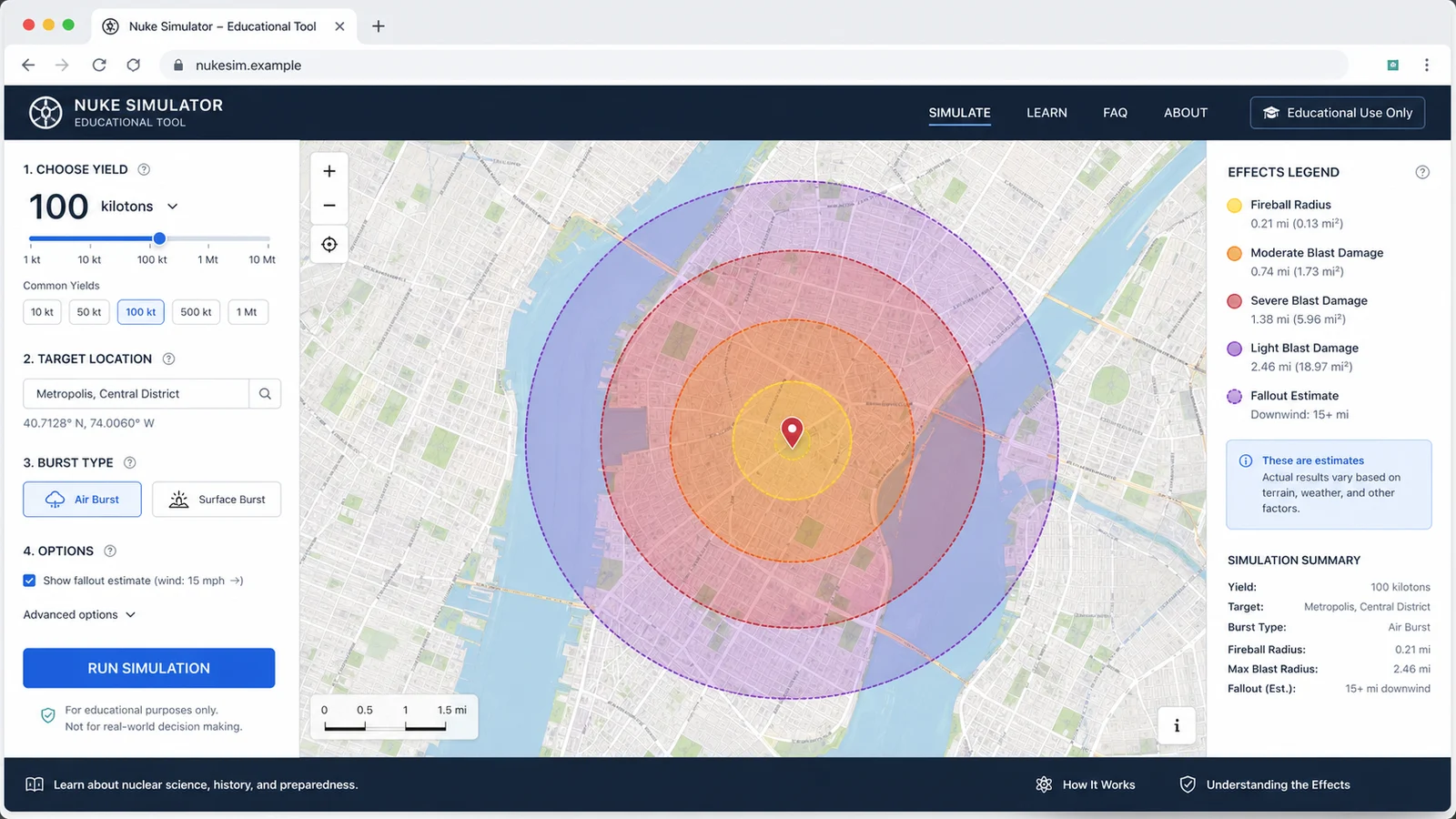
Map educational blast radius zones for cities, yields, and shareable map results.
Open tool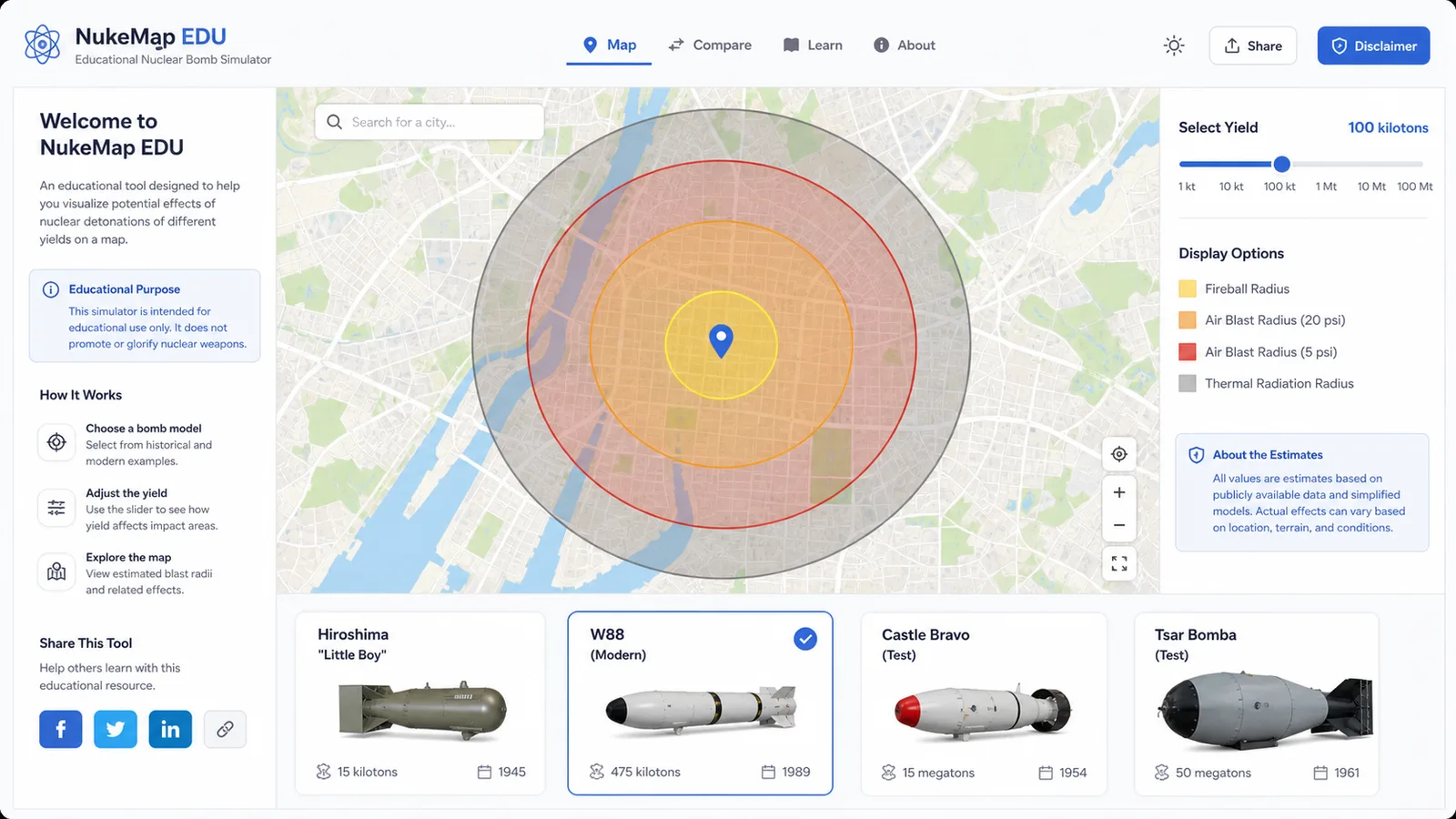
Compare public nuclear bomb yield estimates, map educational blast zones, and share the result.
Open tool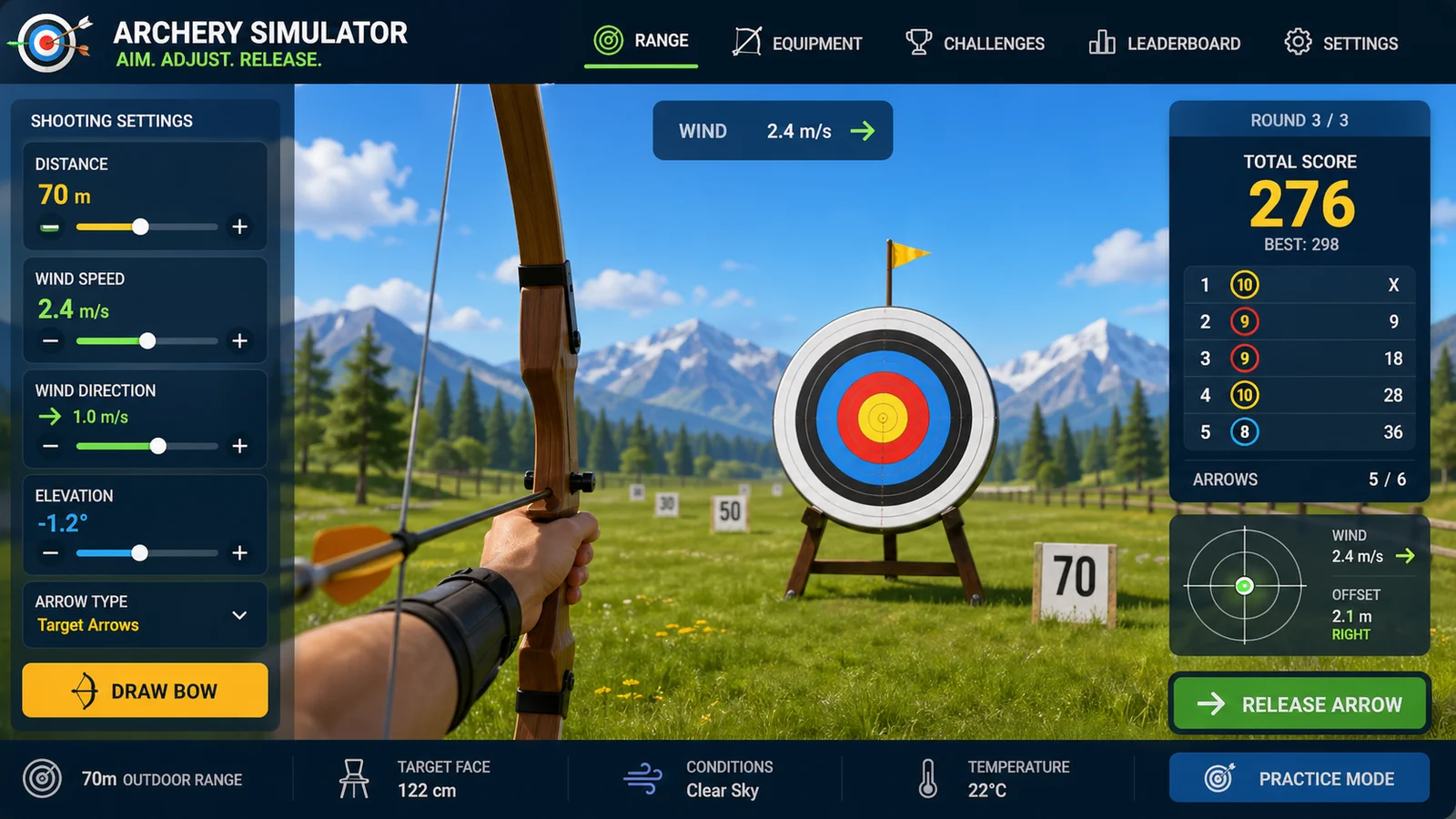
Aim arrows with wind, distance, gravity, scoring, and quick browser rounds.
Open tool
Add tributes, run randomized survival events, track alliances, eliminations, and a winner.
Open toolFast answers before you use Stunt Simulator or share a result.
Yes. It is free to use in the browser and does not require an account.
It is browser based and designed for modern desktop and mobile browsers.
Yes. Use the built-in share option when available, or capture the result as a screenshot.
Open Stunt Simulator, adjust the settings, and make a shareable simulator result in your browser.
Free to use and no download required.