Free Sleep Schedule Simulator

Sleep Schedule Simulator plan bedtime, wake-up time, and sleep cycles

Sleep Schedule Simulator helps you work backward from a planned wake-up time or forward from bedtime, then ranks options by sleep cycles, total sleep, and likely alertness.

Built for workdays, weekends, shift work, early prep time, sleep latency, and 90-minute cycle planning.

Sleep Schedule Simulator interactive planner

Start Sleep Schedule Simulator here: choose wake-up or bedtime mode, enter sleep latency, desired cycles, prep time, deep-sleep avoidance, and routine pattern.

Sleep Schedule Simulator controls

Choose a direction, add your average time to fall asleep, then compare cycle-aligned schedule options.

Planning mode

Sleep timing

Buffers and wake quality

Routine pattern

Share this Sleep Schedule Simulator result

Normal edits keep the clean page URL. Copy a result link only when you want to share this exact schedule.

Most practical time

Sleep cycles

Sleep duration

Likely state

Routine variability

Schedule swing

Sleep Schedule Simulator timeline

See latency, sleep cycles, wake time, and preparation buffer on one timeline.

Most recommended Barely workable Sleep deprived

Most recommended

Barely workable

Sleep deprived

Sleep Schedule Simulator recommendations

Sleep Schedule Simulator uses common 90-minute cycle estimates for planning. It is not medical advice; speak with a qualified clinician for persistent insomnia, daytime sleepiness, or health concerns.

Sleep Schedule Simulator cycle workflow

Sleep Schedule Simulator turns a wake-up target or bedtime into cycle-aligned options that include sleep latency and prep buffers.

Sleep Schedule Simulator bedtime calculator

Sleep Schedule Simulator works backward from a planned wake-up time and lists bedtimes for 90-minute cycle counts.

Sleep Schedule Simulator cycle timeline showing wake-up target, latency buffer, and recommended bedtime options

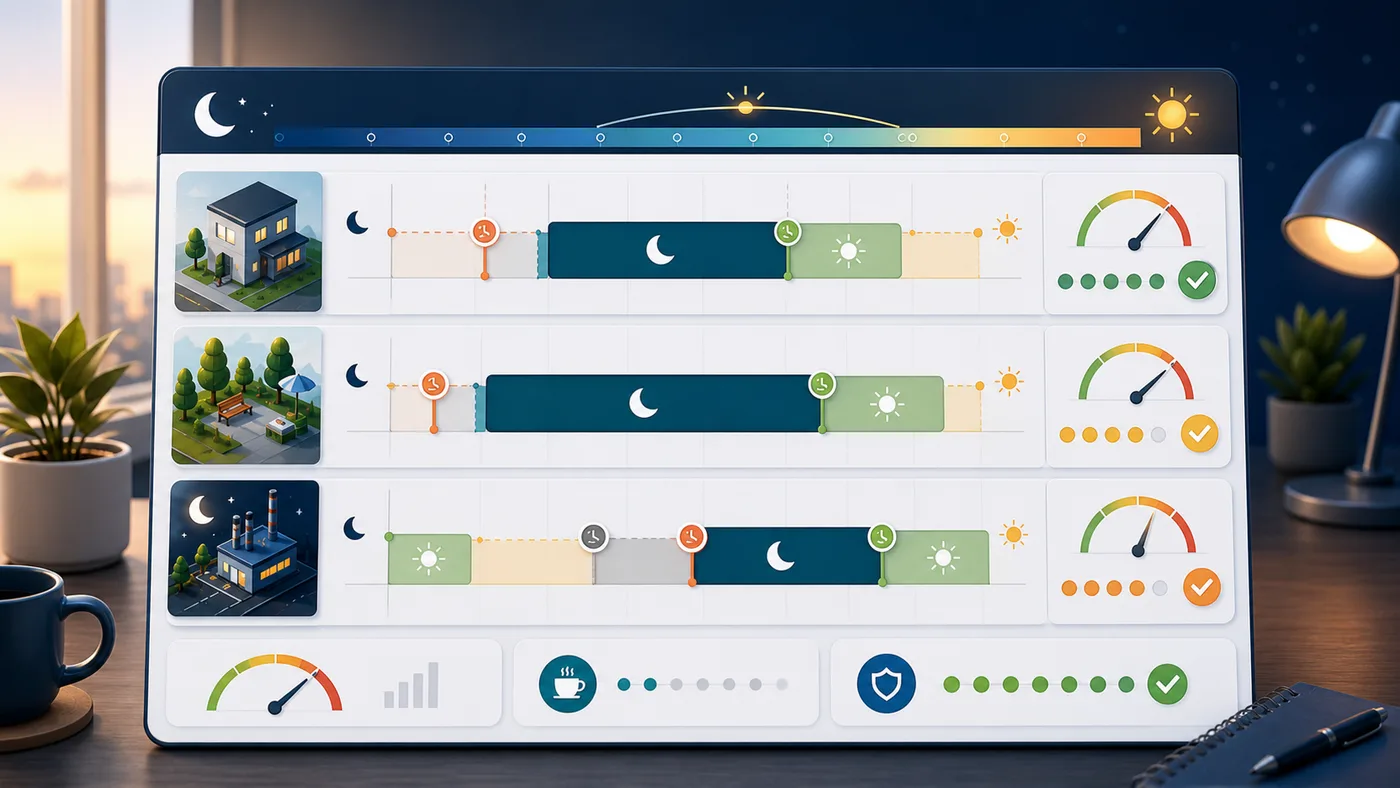
Sleep Schedule Simulator routine comparison

Sleep Schedule Simulator compares workday, weekend, and shift-work patterns so you can notice large schedule swings.

Sleep Schedule Simulator routine dashboard comparing weekday, weekend, and shift-work timing

Sleep Schedule Simulator quick guide

Use this Sleep Schedule Simulator guide to choose a mode, set realistic buffers, and interpret the ranked schedule options.

01

Choose Sleep Schedule Simulator direction

Pick wake-up mode to find bedtimes, or bedtime mode to find better wake-up options.

  • Use wake-up mode for school, work, flights, and appointments
  • Use bedtime mode when you already know when you can get in bed
Open Sleep Schedule Simulator
02

Set Sleep Schedule Simulator buffers

Enter your average sleep latency, desired cycles, and preparation time so the result reflects real life.

  • Add wind-down time outside the sleep latency number
  • Use prep time when your target is a ready-by time
View Sleep Schedule Simulator features
03

Read Sleep Schedule Simulator rankings

Compare most recommended, barely workable, and sleep-deprived options with total sleep and likely morning state.

Cycle math is useful, but consistent timing and enough total sleep still matter.

Explore more simulators

Sleep Schedule Simulator features

Sleep Schedule Simulator focuses on the practical details people forget when they only count total hours.

Sleep Schedule Simulator wake-up mode

Enter a planned wake-up or ready time and see recommended bedtimes after sleep latency.

Plan bedtime

Sleep Schedule Simulator bedtime mode

Enter bedtime and compare cycle-aligned wake-up times with likely morning state.

Plan wake-up

Sleep Schedule Simulator cycle ranking

Sort options into most recommended, barely workable, and sleep-deprived tiers.

Compare tiers

Sleep Schedule Simulator prep buffer

Include early preparation time so alarms are not planned too late.

Add buffer

Sleep Schedule Simulator deep-sleep toggle

Prioritize cycle-boundary wake-ups when you want to reduce groggy alarms.

Tune wake quality

Sleep Schedule Simulator routine check

Compare workday, weekend, and shift-work timing to spot large schedule swings.

Check routine

Sleep Schedule Simulator use cases

Sleep Schedule Simulator helps when your schedule has a real constraint and you need a realistic sleep window.

Sleep Schedule Simulator for workdays

Plan bedtimes around commute, prep time, and a fixed morning alarm.

Plan workdays

Sleep Schedule Simulator for weekends

Check whether sleeping in creates a large swing from the weekday routine.

Plan weekends

Sleep Schedule Simulator for early starts

Work backward from a flight, exam, workout, or school drop-off time.

Plan early starts

Sleep Schedule Simulator for shifts

Estimate how much rotating shifts change wake timing and recovery windows.

Plan shifts

More life tools after Sleep Schedule Simulator

After Sleep Schedule Simulator, try related planning tools for daily routines, travel, home, and personal decisions.

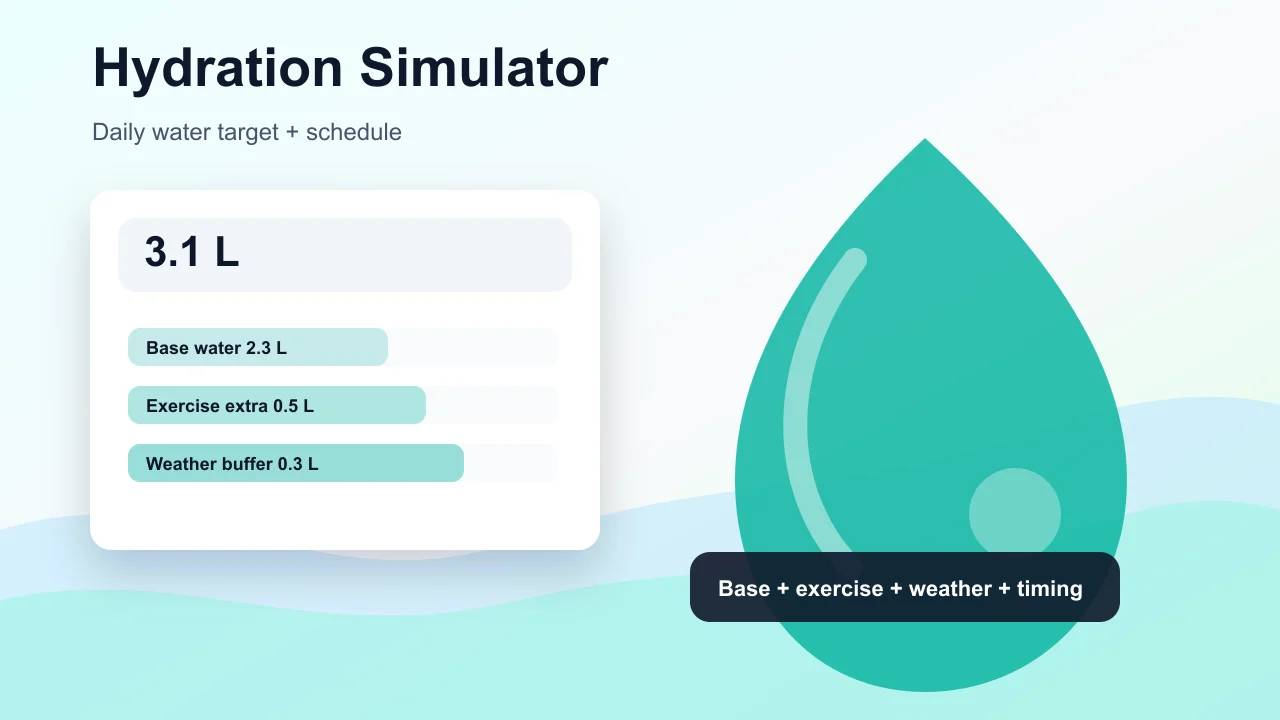
Hydration Simulator

Enter weight, age, temperature, workout time, sweat level, coffee, and alcohol to estimate daily water needs and a drinking schedule.

Hydration Simulator preview showing water intake controls, base water, exercise hydration, and a daily drinking schedule
Open tool

Pet Age Simulator

Choose a cat, dog, rabbit, or dog size, enter real age, and estimate human-equivalent age, life stage, and care tips.

Pet Age Simulator preview showing cat, dog, rabbit age conversion, life stage cards, and care advice
Open tool

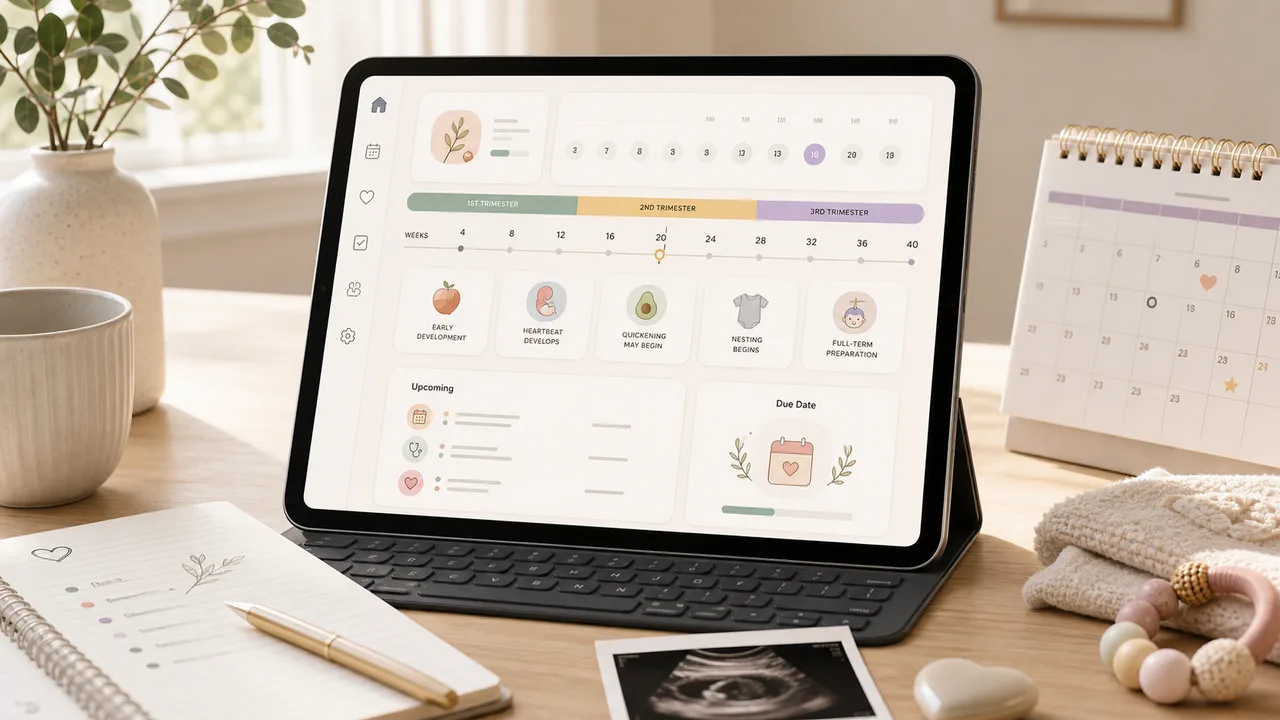
Pregnancy Due Date Simulator

Enter a last menstrual period, conception date, ovulation date, or IVF transfer date to estimate due date, pregnancy week, trimester, and key prenatal milestones.

Pregnancy Due Date Simulator preview showing due date, pregnancy week, trimester timeline, and prenatal reminders
Open tool

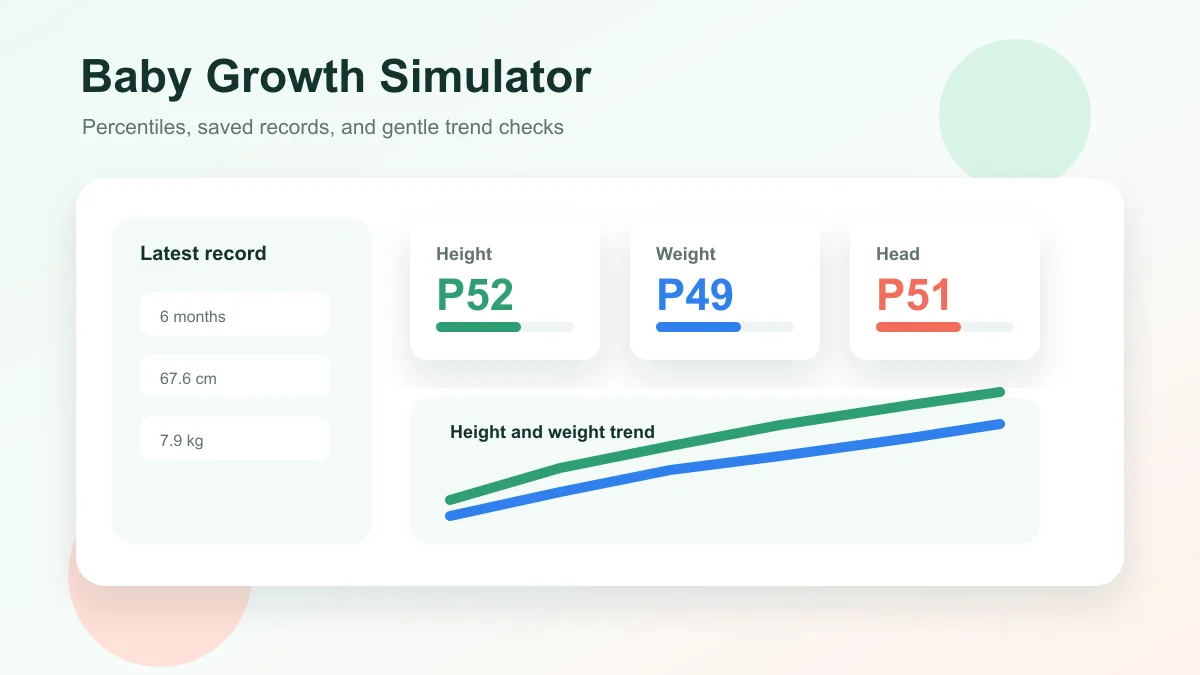
Baby Growth Simulator

Enter baby age, sex, height, weight, and head circumference to estimate growth percentiles and track height and weight trends over time.

Baby Growth Simulator preview showing percentile cards, saved baby records, and height and weight trend lines
Open tool

Pizza Oven Simulator

Choose oven temperature, pizza thickness, toppings, and bake time to get crust score, doneness, and baking advice.

Pizza Oven Simulator preview showing oven controls, pizza crust score, doneness, and baking advice
Open tool

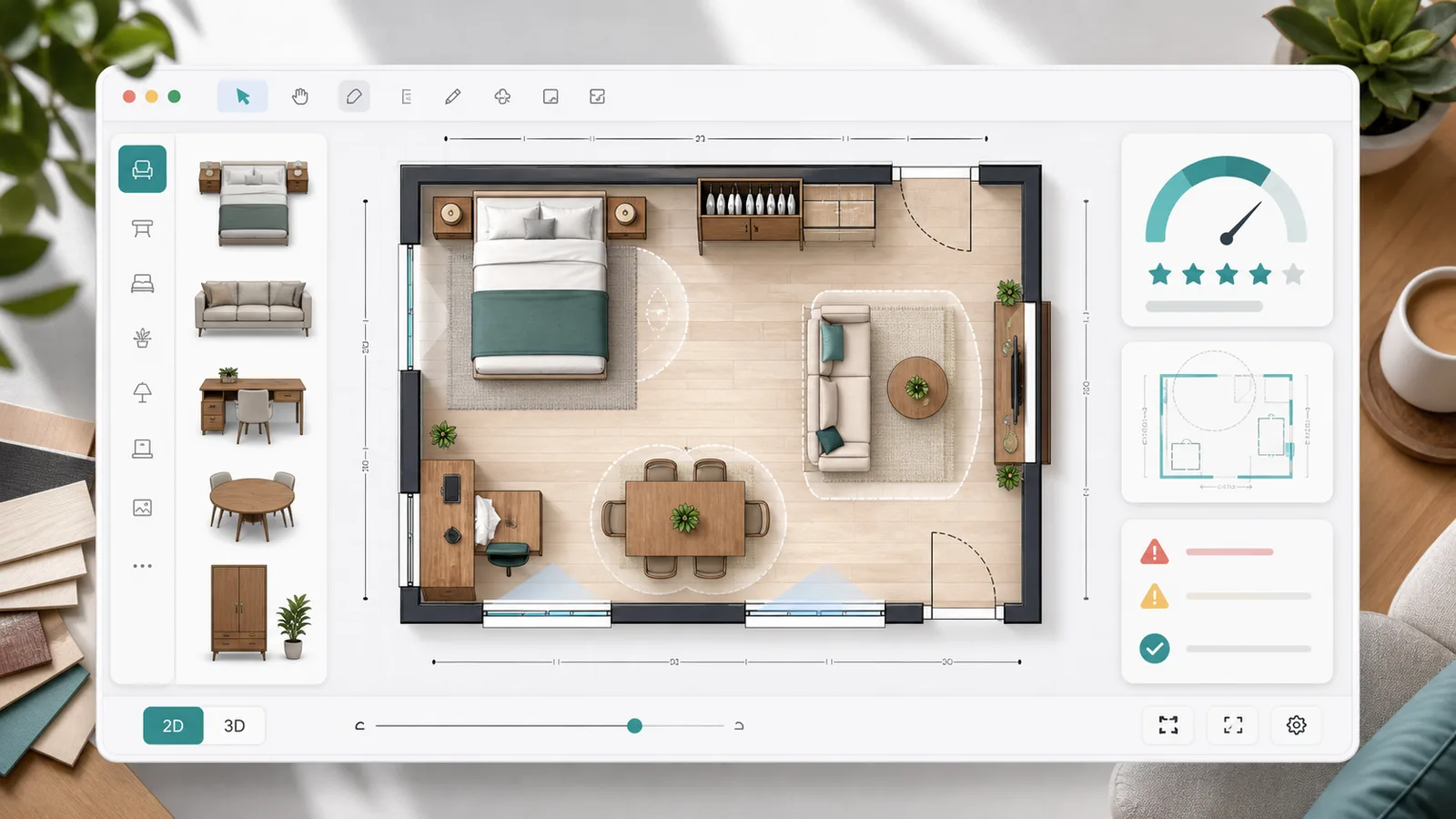
Room Layout Simulator

Plan a 2D room layout with dimensions, doors, windows, draggable furniture, clearance checks, layout scores, saved schemes, and exportable reports.

Room Layout Simulator preview showing a 2D floor plan, furniture blocks, door swing checks, window clearance, scores, and saved layout comparison
Open tool

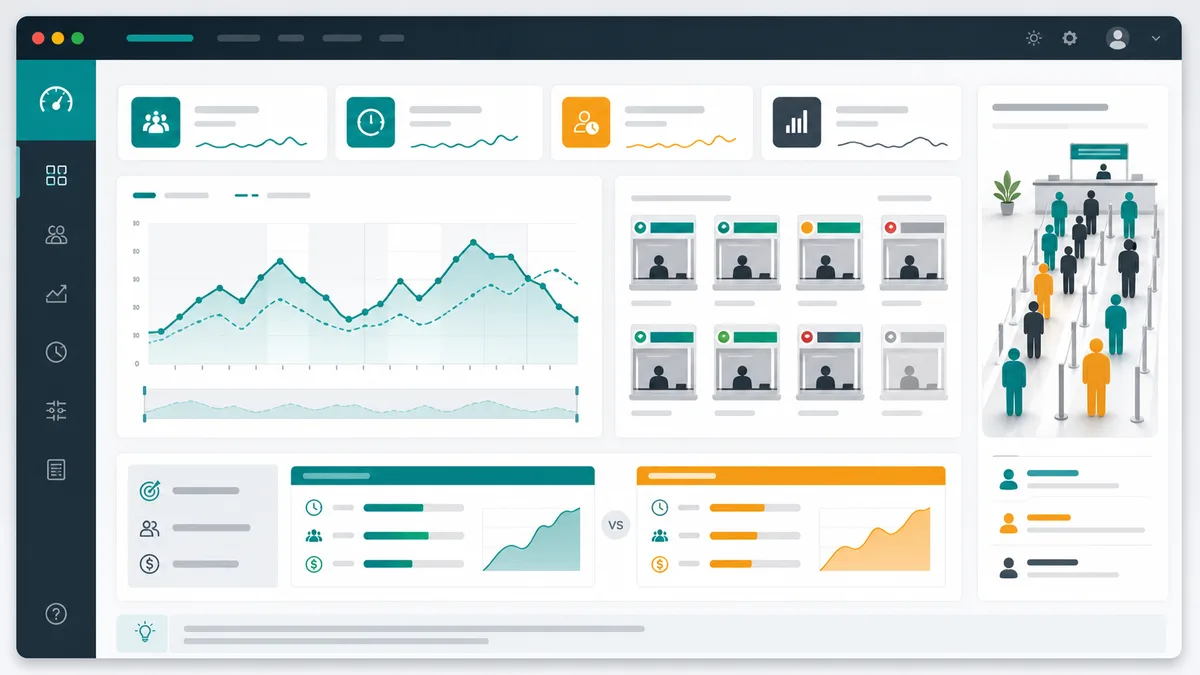
Queue Simulator

Model arrivals, service windows, service time variation, simulation duration, initial backlog, abandonment, and optimization scenarios for waiting lines.

Queue Simulator preview showing queue length over time, service window utilization, congestion peaks, and optimization comparison
Open tool

Packing List Simulator

Generate a personalized travel checklist by days, weather, season, trip type, transport, lodging, kids, business, beach, camping, outdoor, formal, and electronics needs.

Packing List Simulator preview showing suitcase categories, documents, clothes, chargers, toiletries, medicine, beach gear, and outdoor gear
Open tool
View all simulators

Sleep Schedule Simulator FAQ

Common questions about how Sleep Schedule Simulator estimates cycles, latency, wake-up options, and routine variability.

How does Sleep Schedule Simulator calculate bedtime?

Sleep Schedule Simulator subtracts preparation time when needed, then subtracts 90-minute sleep cycles and your average time to fall asleep from the target wake-up time.

Why does Sleep Schedule Simulator use 90-minute cycles?

Sleep cycles are commonly described as repeating roughly every 90 minutes, although real cycles vary by person and night.

Can Sleep Schedule Simulator tell me the exact best time to sleep?

No. Sleep Schedule Simulator provides planning estimates, not a medical diagnosis or a guarantee of sleep quality.

What does the deep-sleep option in Sleep Schedule Simulator do?

It keeps recommendations focused on cycle boundaries, which may reduce the chance of waking in a deeper stage compared with a random alarm time.

Does Sleep Schedule Simulator replace enough total sleep?

No. Cycle timing helps, but most adults still need enough total sleep. Very short schedules are flagged as sleep deprived.

Try Sleep Schedule Simulator now

Open Sleep Schedule Simulator, enter a wake-up time such as 07:00, add a 15-minute sleep latency, and compare several bedtimes.

Use Sleep Schedule Simulator to balance cycles, total sleep, prep time, and routine consistency instead of looking at hours alone.

Free, browser-based, and designed for everyday schedule planning.