
Free browser ship driving game

Ship Simulator Online steer, navigate, and dock with real momentum

Take the bridge of a tugboat, ferry, or cargo ship. Work the engine telegraph, rudder, reverse, and bow thruster while wind, current, waves, and hull inertia push every voyage off the easy line.

Instant 2D play, mobile controls, three missions, local records, and no download.

Play Ship Simulator Online

Choose a vessel and mission, set the sea conditions, then handle the ship yourself. Low-speed harbor docking rewards early braking, a controlled approach angle, and careful bow-thruster corrections.

Bridge display

Enter the berth below 2 knots, within 10°, then select Neutral

00:00
Speed0.0 kt
Heading090°
EngineNeutral
Damage0%
Fuel100%
Rudder0°

Engine telegraph

Ship's rudder

W/S or ↑/↓: engine · A/D or ←/→: rudder · Q/E: thruster

Bow thruster

Bridge actions

Reduce power early—the ship will keep gliding in Neutral.

The rudder takes time to bite. Reverse slows the ship gradually; the bow thruster is strongest at low speed.

Local captain's log

Records stay on this device in local storage.

Best score0
Shortest time
Least fuel
Damage-free cargo distance0
This ship's best0
Completion streak0

Share Ship Simulator Online

Share the clean game page, or finish a mission to copy a reproducible result link and PNG card.

Ship Simulator Online uses simplified game physics for learning and entertainment. It is not professional maritime training or a substitute for charts, navigation rules, qualified instruction, or real bridge procedures.

Ship Simulator Online gameplay overview

Ship Simulator Online turns simplified marine momentum into quick, readable challenges that still reward careful control.

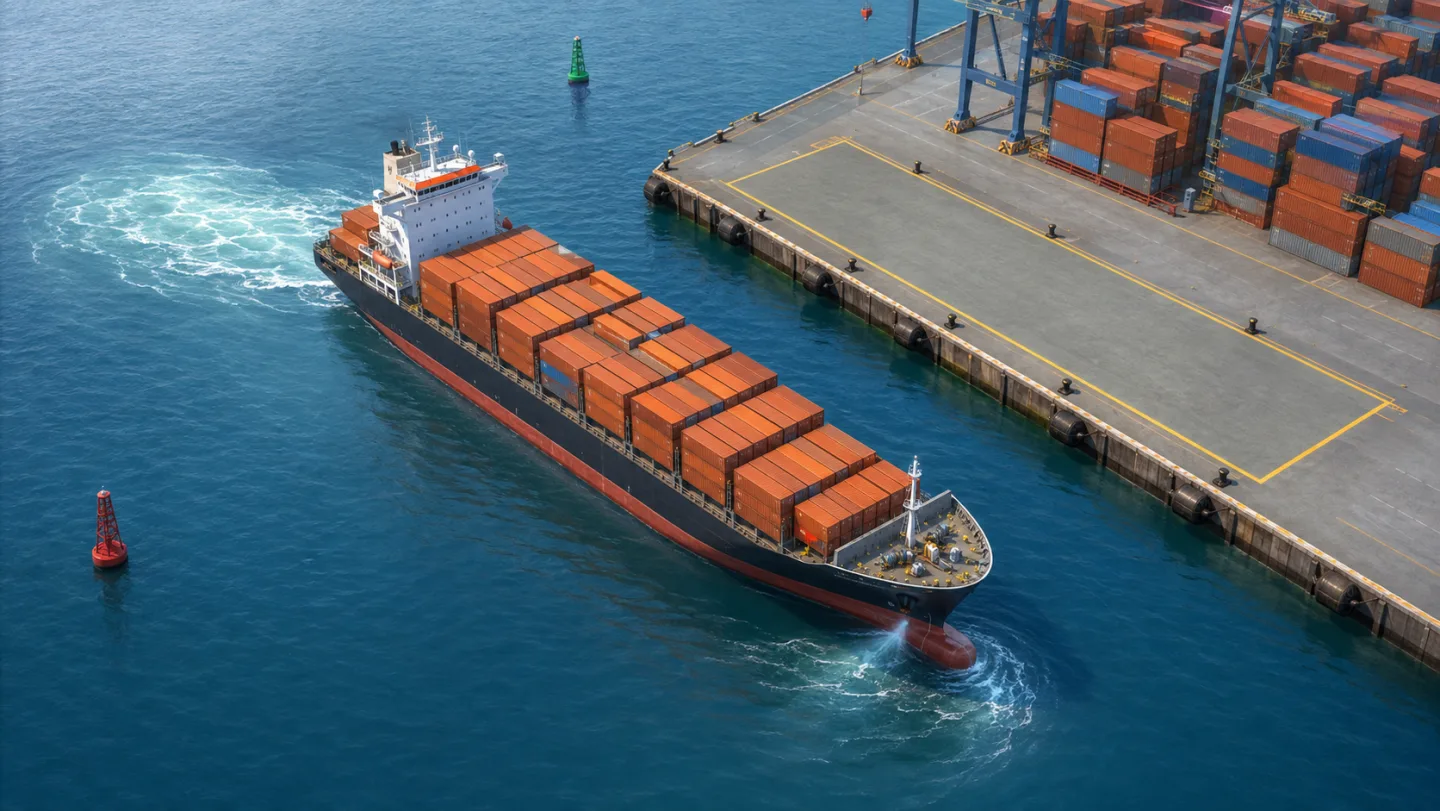
Ship Simulator Online harbor docking

Approach the outlined berth, reduce power before the last turn, use Reverse to bleed speed, and tap the bow thruster for the final sideways correction. A clean stop below 2 knots and within 10 degrees earns the best grade.

Ship Simulator Online cargo ship approaching a marked harbor berth at low speed

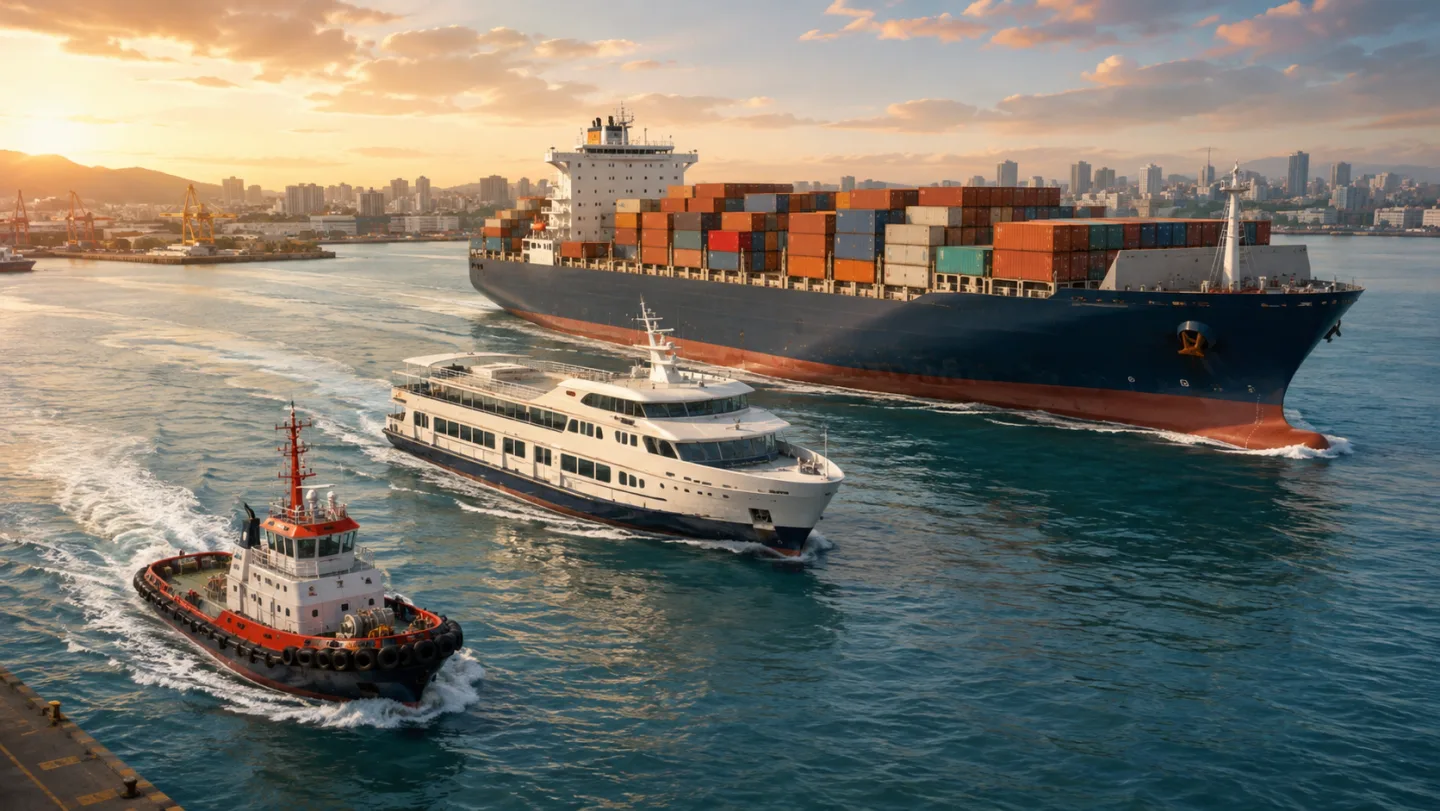
Ship Simulator Online fleet handling

The tugboat is agile and quick to stop, the ferry needs smooth turns, and the cargo ship carries the most inertia. Each vessel changes acceleration, maximum speed, turn response, braking distance, thruster authority, and environmental drift.

Ship Simulator Online fleet with a tugboat, passenger ferry, and large cargo ship

Ship Simulator Online missions and sea conditions

Navigate a narrow buoyed canal, deliver cargo across the harbor, or dock in day, dusk, or night conditions. Wind, current, waves, visibility, difficulty, and the voyage seed make every route feel different.

Ship Simulator Online cargo vessel navigating a narrow buoyed canal at dusk

Ship Simulator Online captain's guide

Use this Ship Simulator Online sequence to control momentum instead of reacting after the ship is already too close.

01

Ship Simulator Online: choose ship and conditions

Start with the Tugboat on Easy to learn the engine telegraph and rudder, then raise the wind, current, waves, or difficulty when you want a smaller margin.

  • Tugboats respond fastest
  • Cargo ships need the longest braking lead
Choose a ship
02

Ship Simulator Online: steer ahead of the turn

Set the rudder before the corner, then return Midships before the bow reaches the desired heading. The hull keeps rotating while the rudder response settles.

  • Use route hints on Easy or Normal
  • Current changes the ground track without changing the bow direction
See handling
03

Ship Simulator Online: dock under control

Lower the engine early, counter momentum with brief Reverse, line up with the berth, and use the bow thruster only for low-speed fine positioning before selecting Neutral.

  • Target less than 2 knots
  • Aim for less than 10 degrees of angle error and over 80% position accuracy
Start docking

Ship Simulator Online game features

Ship Simulator Online keeps the bridge controls, ship response, objective, environment, damage, and score visible in one fast-loading game.

Ship Simulator Online momentum physics

Propulsion, delayed rudder response, reverse thrust, wind drift, current drift, wave motion, and inertia combine in a clear 2D model.

Take the bridge

Ship Simulator Online mobile controls

Large engine, rudder, and bow-thruster buttons work on touch screens, while desktop captains can use WASD, arrows, Q, and E.

Try controls

Ship Simulator Online records and sharing

Save best scores and efficiency records locally, then copy result text, download a PNG card, or share a seeded voyage link.

Set a record

Ship Simulator Online missions

Choose the Ship Simulator Online mission that matches the skill you want to practice.

Ship Simulator Online harbor docking

Balance approach speed, berth angle, position accuracy, collision count, hull damage, elapsed time, and fuel use.

Dock a ship

Ship Simulator Online canal navigation

Hold the channel centerline, plan turns early, avoid shallow banks and buoys, and reach the finish gate on time.

Enter the canal

Ship Simulator Online cargo delivery

Carry cargo between harbor zones with minimal damage, fuel use, route distance, and docking error.

Deliver cargo

More games after Ship Simulator Online

Finished your Ship Simulator Online voyage? Try another free interactive browser simulator.

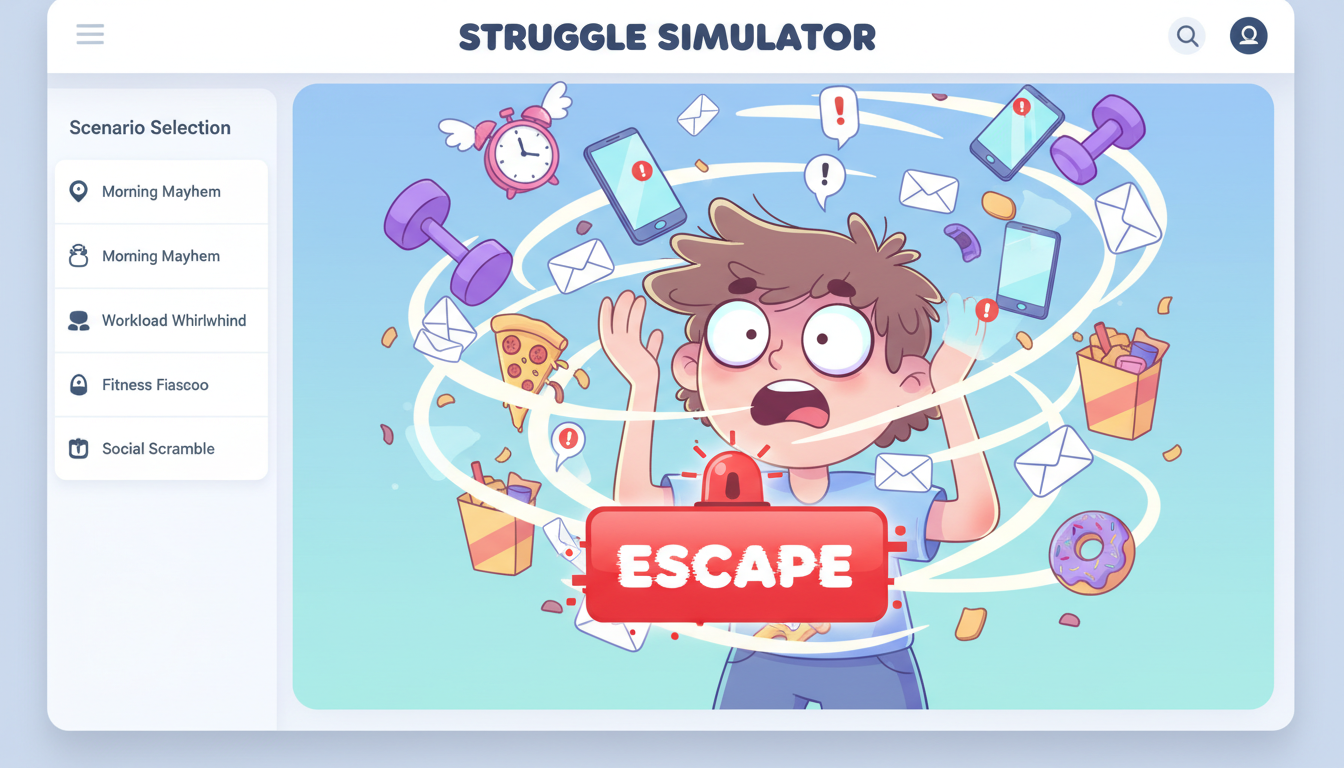
Struggle Simulator

Pick a daily struggle scenario, mash to escape, and share your funny result and rating.

Struggle Simulator preview showing the browser simulator interface and result
Open simulator

Bed Slam Simulator

Build a playful bed-slam meme with names, heights, colors, and shareable screenshots.

Bed Slam Simulator preview showing the browser simulator interface and result
Open simulator

Floor Slam Simulator

Build a playful floor-pose meme result with names, heights, colors, and shareable screenshots.

Floor Slam Simulator preview showing the browser simulator interface and result
Open simulator

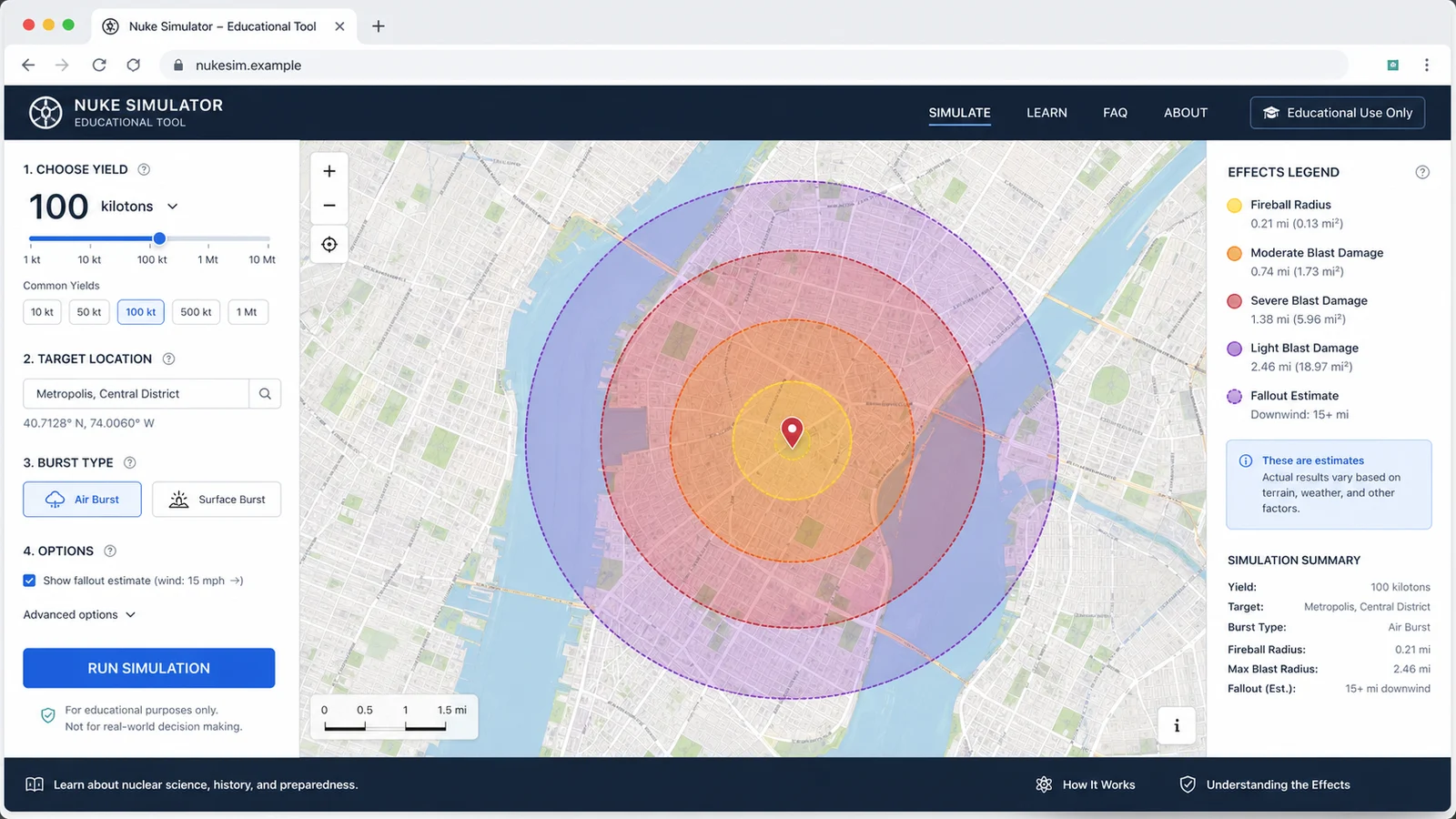
Nuke Simulator

Map educational blast radius zones for cities, yields, and shareable map results.

Nuke Simulator preview showing the browser simulator interface and result
Open simulator

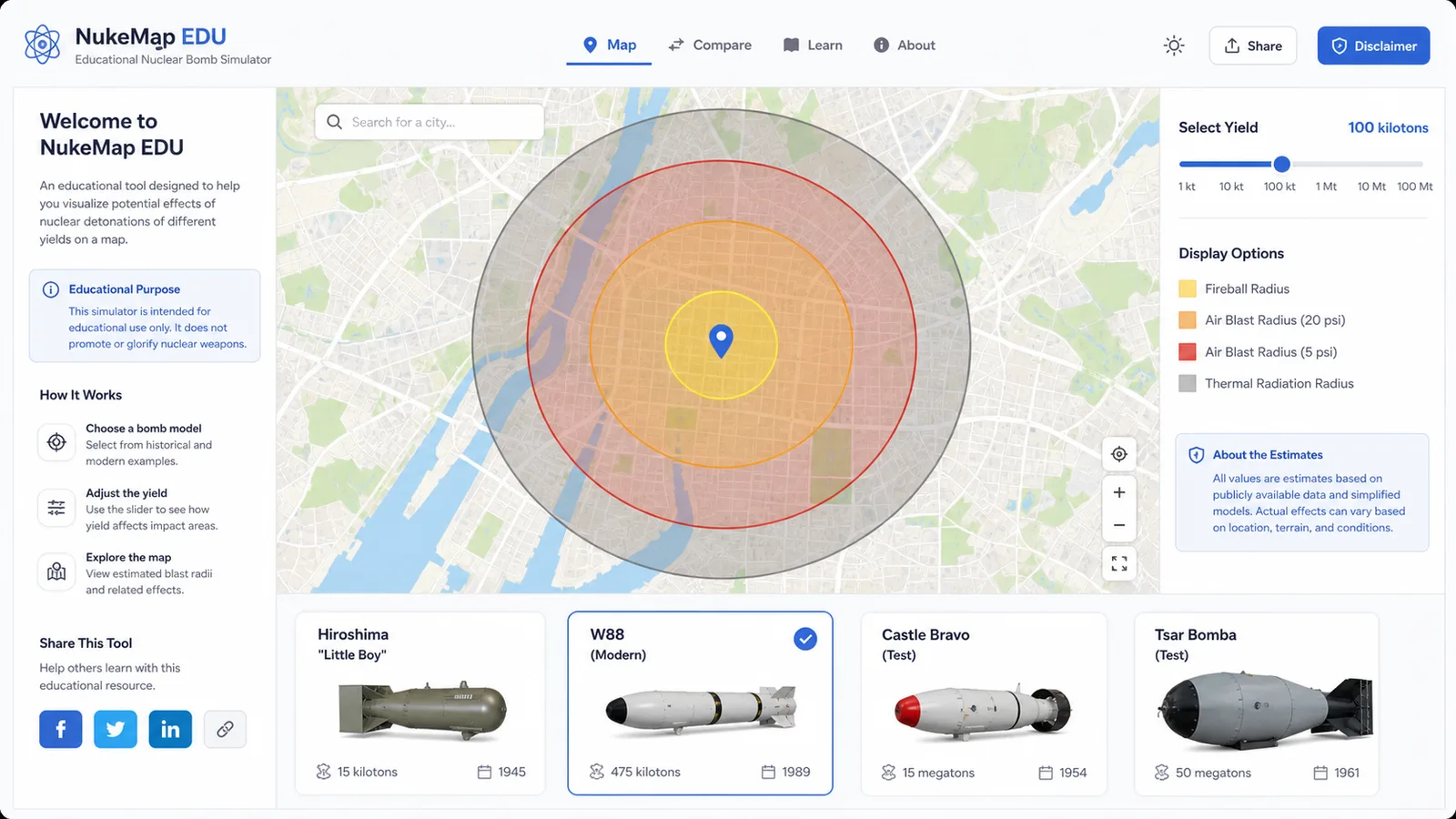
Nuclear Bomb Simulator

Compare public nuclear bomb yield estimates, map educational blast zones, and share the result.

Nuclear Bomb Simulator preview showing the bomb comparison map and results
Open simulator

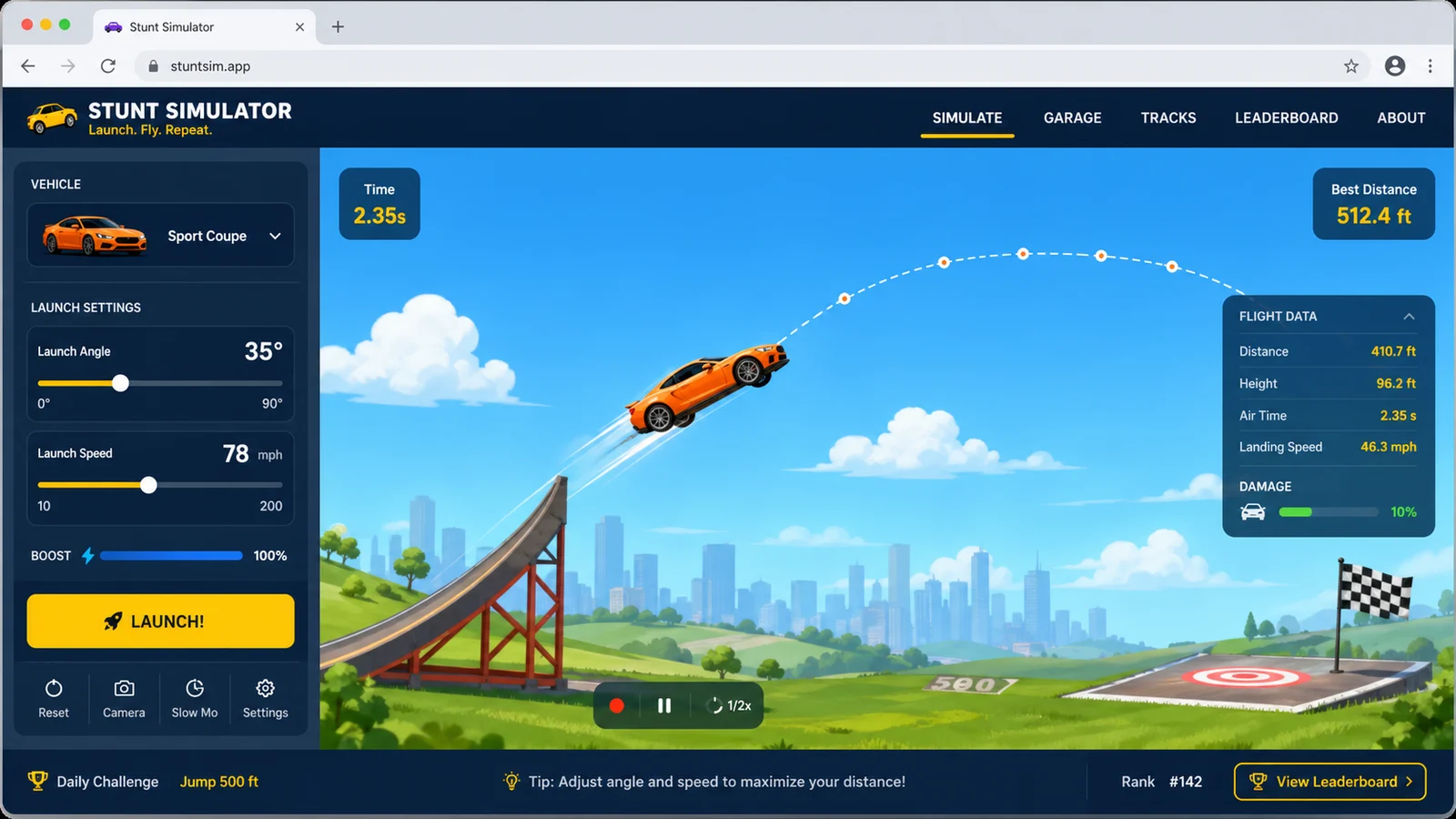
Stunt Simulator

Launch cars from ramps, tune speed and spin, then chase clean landings and scores.

Orange rally car airborne above a coastal Stunt Simulator ramp
Open simulator

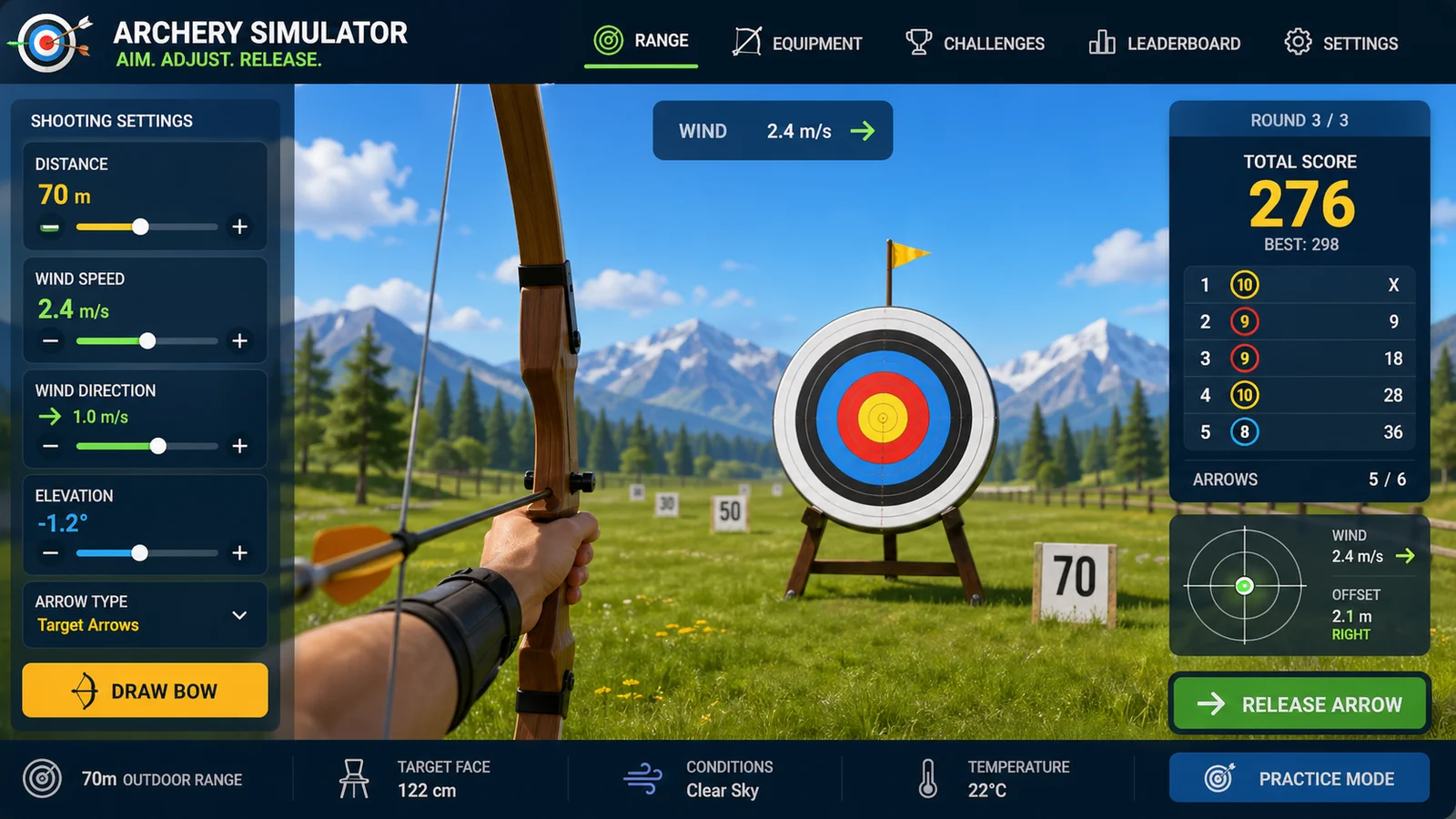
Archery Simulator

Aim arrows with wind, distance, gravity, scoring, and quick browser rounds.

Archer drawing a wooden recurve bow toward a target on a bright alpine range
Open simulator

Hunger Game Simulator

Add tributes, run randomized survival events, track alliances, eliminations, and a winner.

Hunger Game Simulator preview showing the browser simulator interface and result
Open simulator

Ship Simulator Online FAQ

Answers about controls, vessels, physics, scoring, mobile play, and sharing in Ship Simulator Online.

Is Ship Simulator Online a free ship simulator?

Yes. Ship Simulator Online is a free ship simulator that runs directly in a modern browser with no download. You can drive a tugboat, ferry, or cargo ship in docking, canal navigation, and cargo delivery missions.

How do I control the ship simulator game?

Use the engine telegraph for Full Ahead, Half Ahead, Slow Ahead, Neutral, and Reverse. Hold Port or Starboard rudder to turn, use the bow thruster for low-speed sideways correction, and use Horn or Camera when needed. Desktop controls also support WASD, arrow keys, Q, E, H, and C.

Why does the online ship simulator keep moving in Neutral?

Ships carry momentum through the water. Ship Simulator Online models that inertia, so Neutral removes propulsion but does not stop the hull immediately. Reduce power early and use Reverse carefully to shorten the stopping run.

How does the ship docking simulator score a berth?

The docking score considers approach speed, angle error, final position accuracy, collisions, hull damage, time, and fuel. The ideal stop is below 2 knots, within 10 degrees of the berth, over 80% position accuracy, and free of serious contact.

Can I play the cargo ship simulator online on a phone?

Yes. The responsive game provides large touch controls for the engine, rudder, and bow thruster. A landscape phone or tablet gives the widest harbor view, but portrait play is supported.

Is there a cruise ship simulator online or boat simulator online mode?

The Ferry offers a lightweight passenger-vessel challenge similar to a cruise ship simulator online, while the compact Tugboat provides a more agile boat simulator online experience. Both use different mass, acceleration, turning, braking, and wind response.

Are the ship driving simulator physics professional training?

No. Wind, current, waves, propulsion, rudder force, and inertia use simplified gameplay formulas. The game is designed for understandable browser feedback, not professional navigation, ship-handling certification, or real voyage planning.

Can I share a Ship Simulator Online mission?

Yes. Normal play keeps the clean page URL. After a result, the explicit share button creates a link containing the voyage seed, vessel, mission, difficulty, and score. You can also copy text or download a PNG result card.

Take the bridge in Ship Simulator Online

Choose the nimble Tugboat, steady Ferry, or heavy Cargo Ship, then master wind, current, narrow channels, cargo delivery, and the final low-speed docking approach.

Free, fast-loading, mobile-friendly, and playable without registration.