Free beginner driver simulator

Parking Simulator parking distance and turning radius planner

Parking Simulator helps new drivers connect vehicle length, width, wheelbase, minimum turning radius, bay size, and road width before trying parallel, perpendicular, or angled parking.

Built for parking practice planning, driving lessons, and quick space comparisons in the browser.

Parking Simulator interactive tool

Start Parking Simulator here. Enter your vehicle dimensions, parking space, road width, and parking method to estimate how easy the space is to use.

Parking Simulator controls

Adjust vehicle size, wheelbase, turning radius, bay dimensions, road width, and parking method to see how the parking fit changes.

Manageable

Share Parking Simulator

Share the clean Parking Simulator page, or copy a result link with the current dimensions.

Live parking view

Parking Simulator space diagram

Parallel parking

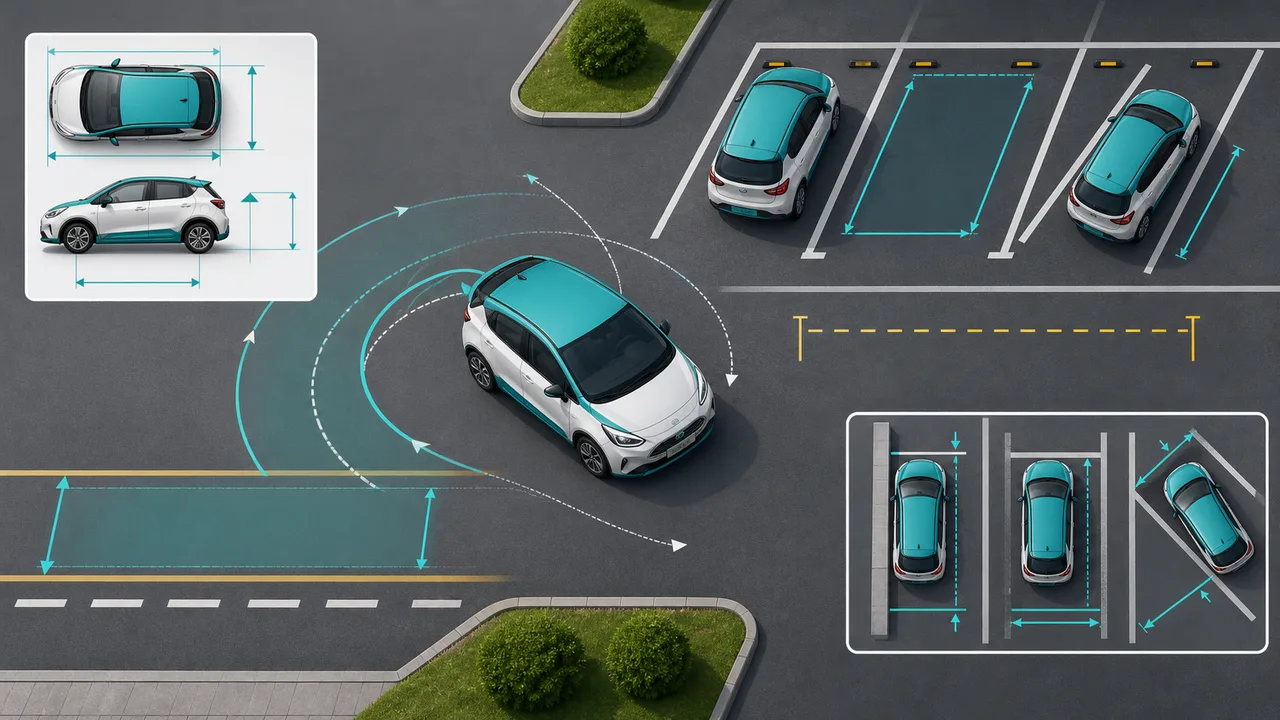
The diagram shows the parking bay, vehicle footprint, turning path, road width, and radius guide as a planning view.

Estimated reverse angle

-- deg

Turning space needed

-- m

Safety clearance

-- m

Likely adjustments

--

Width margin

Length margin

Road width margin

Parking Simulator advice

    Parking Simulator is an educational estimate for planning and practice. Real parking depends on mirrors, obstacles, slope, visibility, local rules, and driver skill.

    Parking Simulator overview for space and turning radius

    Parking Simulator turns vehicle dimensions and parking space dimensions into a practical fit estimate for beginner drivers.

    Parking Simulator input workflow

    Enter vehicle length, width, wheelbase, minimum turning radius, parking bay size, road width, and the parking method you want to practice.

    Parking Simulator overview with vehicle dimensions, parking bay dimensions, road width, and turning radius guides

    Parking Simulator method recommendations

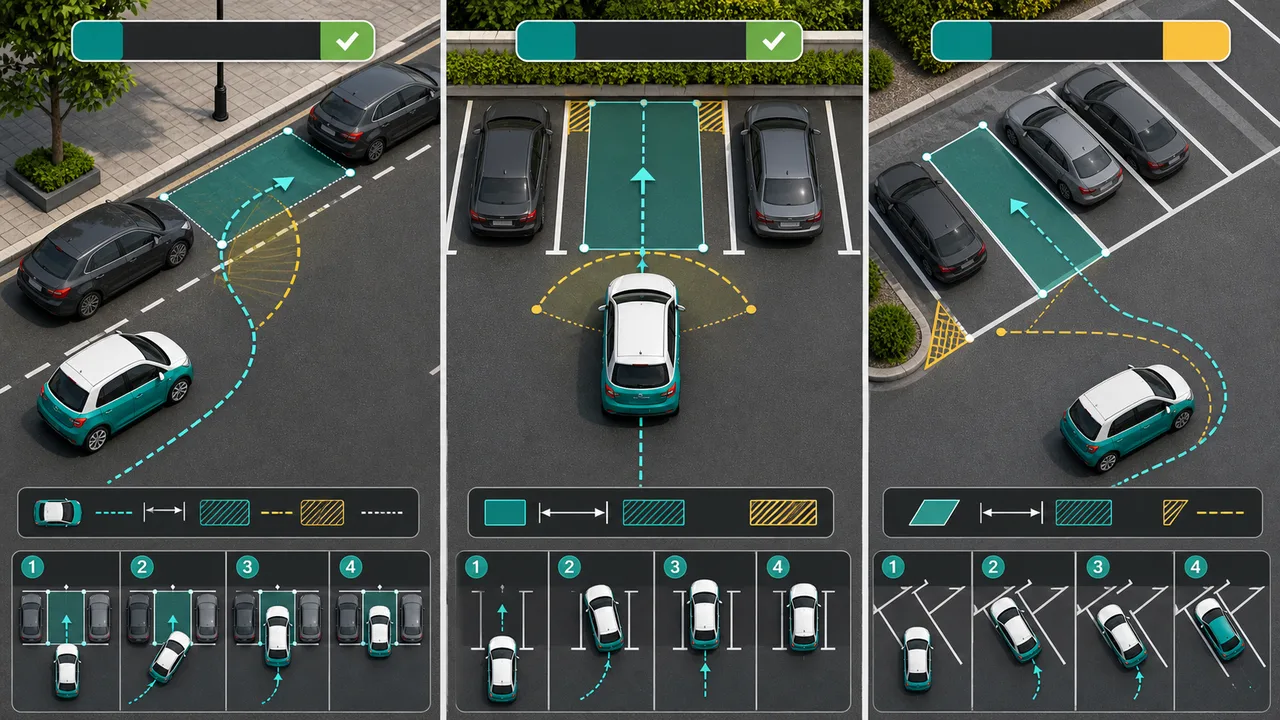
    Compare parallel, perpendicular, and angled parking in Parking Simulator to see how each method changes reverse angle, clearance, and adjustment count.

    Parking Simulator comparison of parallel parking, perpendicular parking, and angled parking paths

    Parking Simulator quick guide

    Use this Parking Simulator guide to build a realistic parking practice scenario before comparing results.

    01

    Parking Simulator enter the vehicle

    Start with vehicle length, width, wheelbase, and minimum turning radius so Parking Simulator can model the footprint and turning path.

    • Use the owner's manual when exact dimensions matter
    • A larger turning radius usually needs more road width
    Open tool
    02

    Parking Simulator enter the space

    Add parking bay width, parking bay length, and road width so Parking Simulator can compare the car against the available space.

    • Parallel parking is sensitive to bay length
    • Perpendicular parking is sensitive to aisle width
    See features
    03

    Parking Simulator read the advice

    Use the reverse angle, turning space, safety clearance, and adjustment estimate as a practice plan, not as a driving guarantee.

    • Check mirrors and actual obstacles first
    • Use small corrections when the result is tight
    Browse tools

    Parking Simulator features

    Parking Simulator keeps the dimensions, visual diagram, and parking recommendation visible together for fast comparison.

    Parking Simulator visual diagram

    See the parking bay, car footprint, turning path, road width, and turning radius guide on one responsive canvas.

    Open tool

    Parking Simulator method comparison

    Switch between parallel, perpendicular, and angled parking to compare reverse angle, clearance, and adjustments.

    Compare methods

    Parking Simulator share links

    Copy a result URL only when you choose to save the current Parking Simulator vehicle and space settings.

    Copy result

    Parking Simulator use cases

    Parking Simulator is useful when drivers need a quick browser estimate before real low-speed parking practice.

    Parking Simulator for new drivers

    Understand why long vehicles, narrow bays, and large turning radii make a parking space feel harder.

    Practice setup

    Parking Simulator for lessons

    Demonstrate how road width and wheelbase affect the number of steering corrections.

    Teach concepts

    Parking Simulator for space checks

    Compare a garage, curb space, or parking lot bay before deciding which parking method to practice.

    Check space

    More tools after Parking Simulator

    Finished with Parking Simulator? Try another free browser simulator from the same collection.

    Hydration Simulator

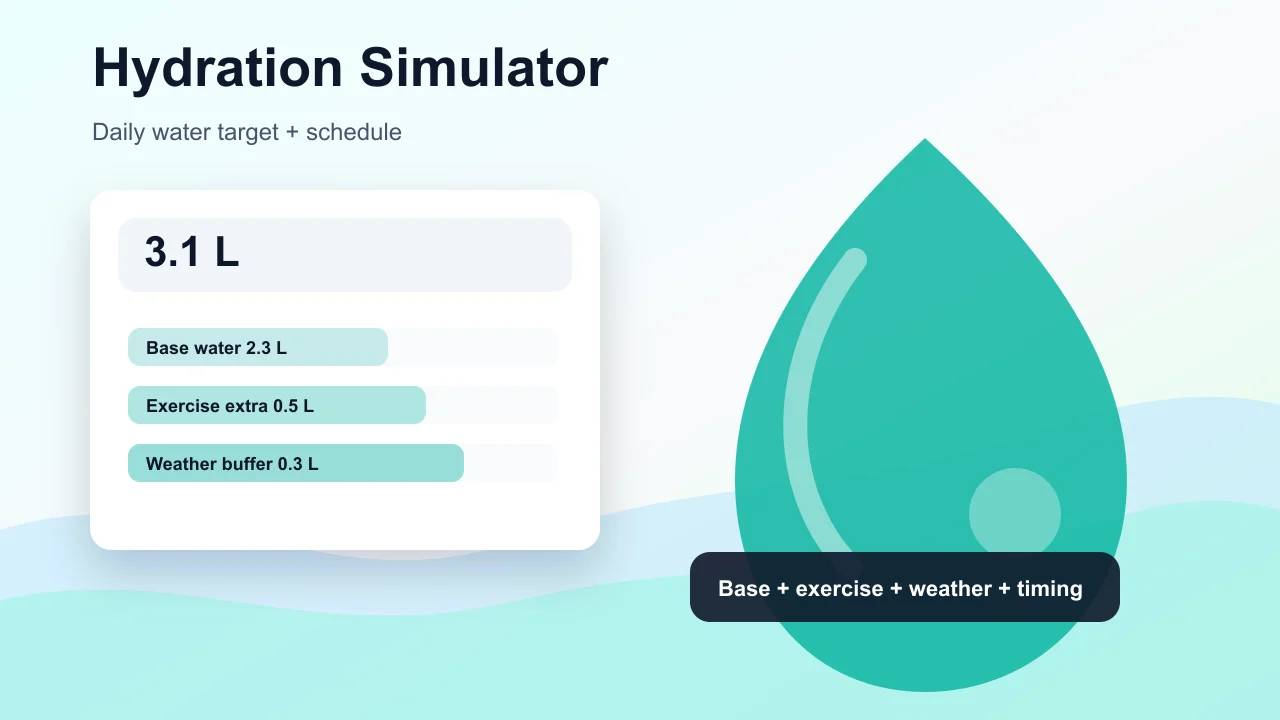
    Enter weight, age, temperature, workout time, sweat level, coffee, and alcohol to estimate daily water needs and a drinking schedule.

    Hydration Simulator preview showing water intake controls, base water, exercise hydration, and a daily drinking schedule
    Open tool

    Pet Age Simulator

    Choose a cat, dog, rabbit, or dog size, enter real age, and estimate human-equivalent age, life stage, and care tips.

    Pet Age Simulator preview showing cat, dog, rabbit age conversion, life stage cards, and care advice
    Open tool

    Pregnancy Due Date Simulator

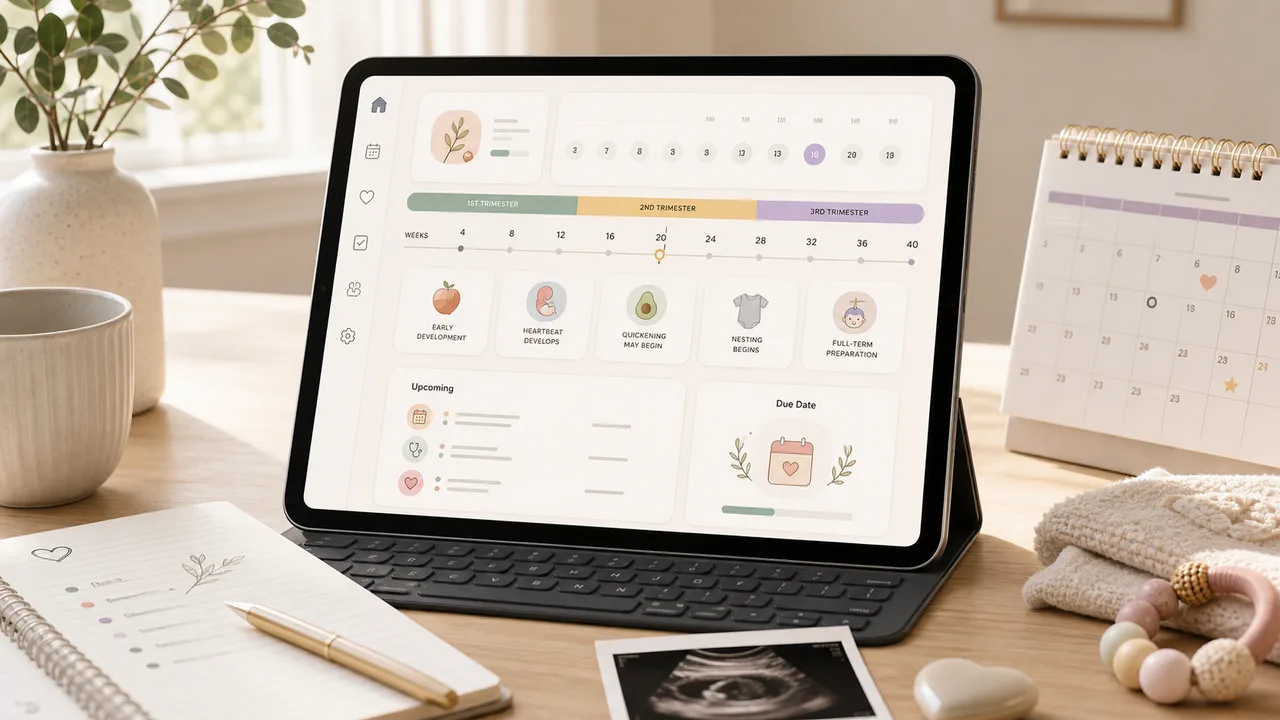
    Enter a last menstrual period, conception date, ovulation date, or IVF transfer date to estimate due date, pregnancy week, trimester, and key prenatal milestones.

    Pregnancy Due Date Simulator preview showing due date, pregnancy week, trimester timeline, and prenatal reminders
    Open tool

    Baby Growth Simulator

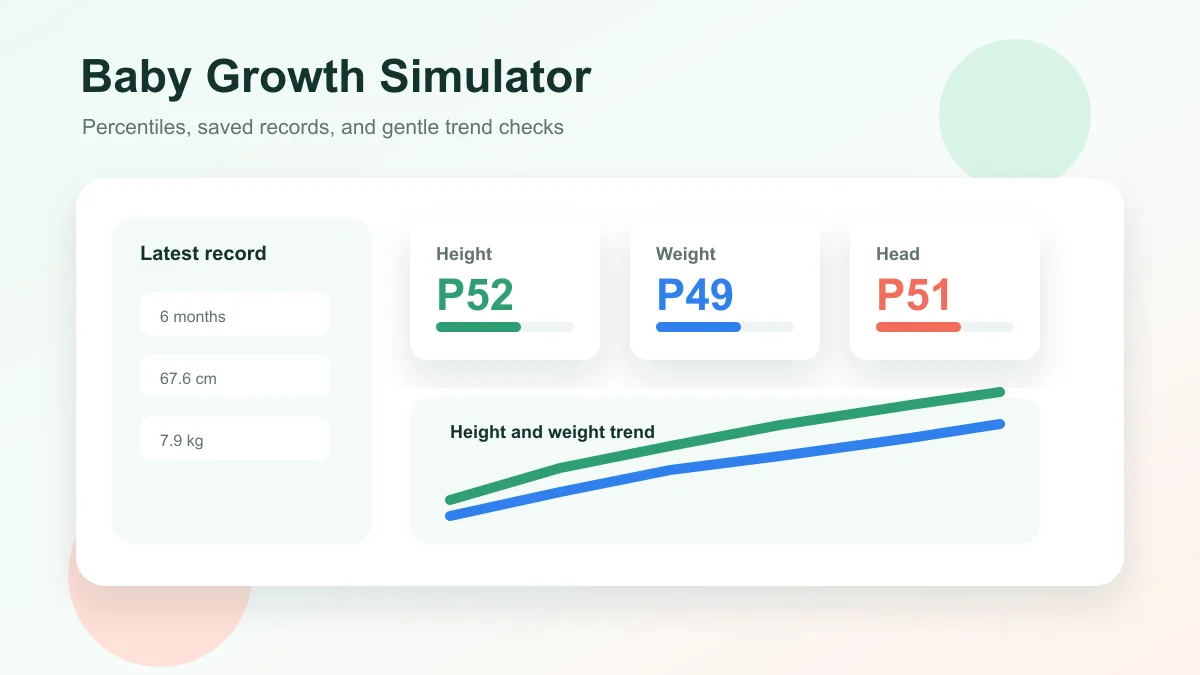
    Enter baby age, sex, height, weight, and head circumference to estimate growth percentiles and track height and weight trends over time.

    Baby Growth Simulator preview showing percentile cards, saved baby records, and height and weight trend lines
    Open tool

    Pizza Oven Simulator

    Choose oven temperature, pizza thickness, toppings, and bake time to get crust score, doneness, and baking advice.

    Pizza Oven Simulator preview showing oven controls, pizza crust score, doneness, and baking advice
    Open tool

    Room Layout Simulator

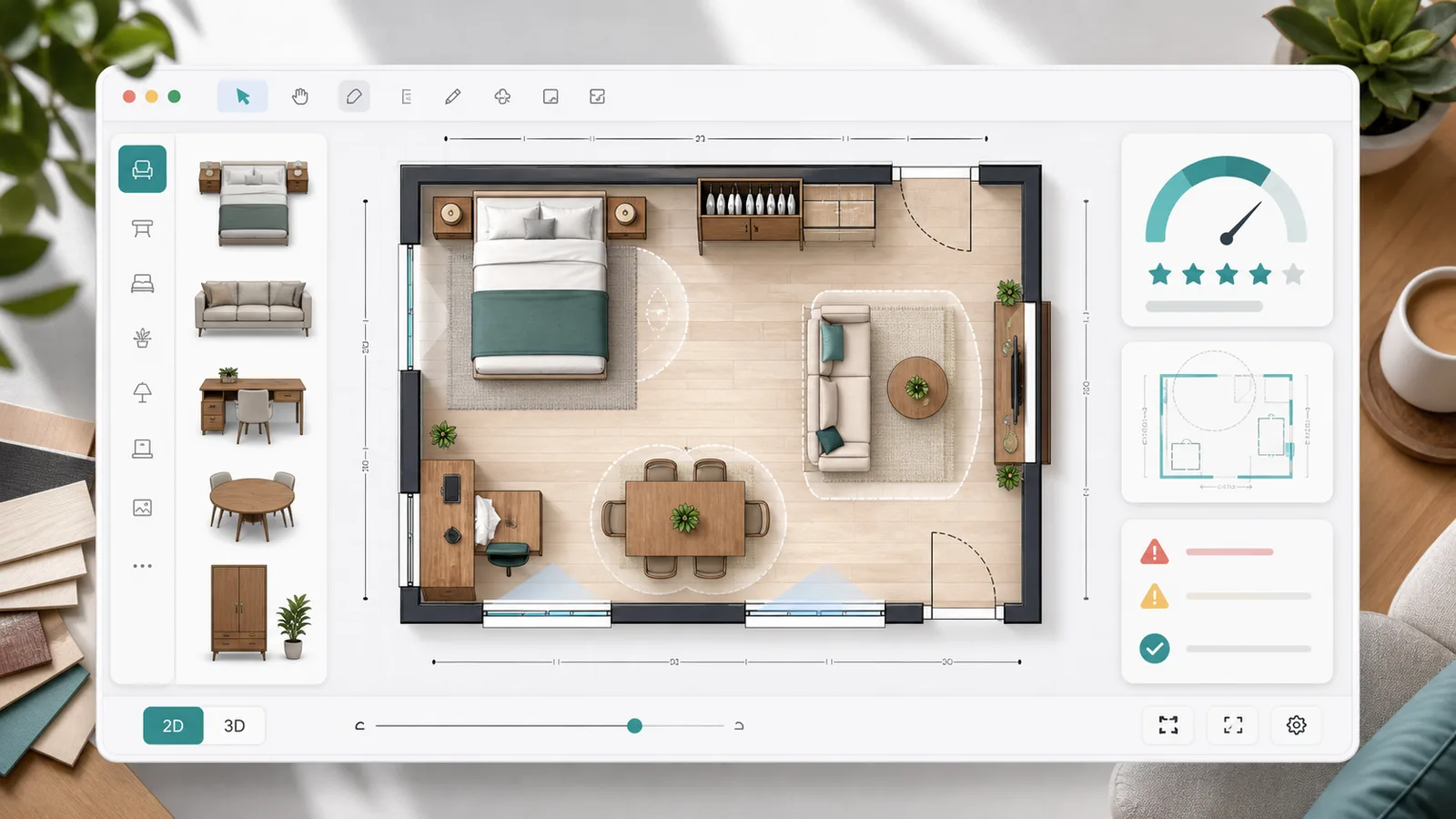
    Plan a 2D room layout with dimensions, doors, windows, draggable furniture, clearance checks, layout scores, saved schemes, and exportable reports.

    Room Layout Simulator preview showing a 2D floor plan, furniture blocks, door swing checks, window clearance, scores, and saved layout comparison
    Open tool

    Queue Simulator

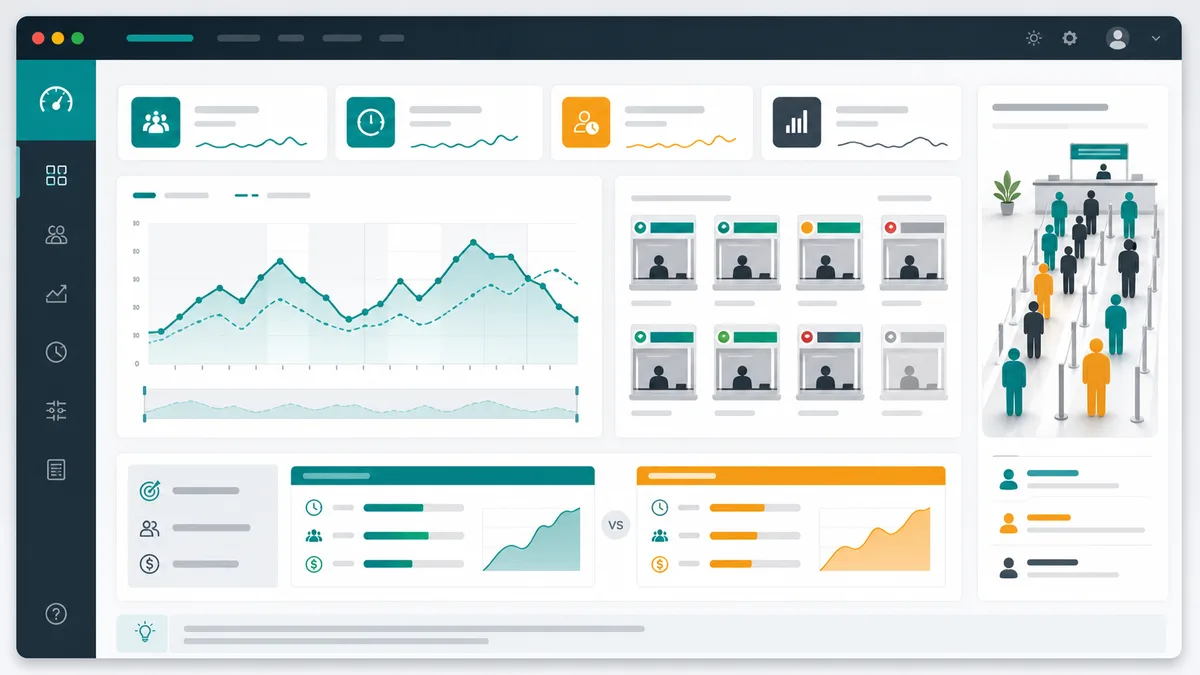
    Model arrivals, service windows, service time variation, simulation duration, initial backlog, abandonment, and optimization scenarios for waiting lines.

    Queue Simulator preview showing queue length over time, service window utilization, congestion peaks, and optimization comparison
    Open tool

    Packing List Simulator

    Generate a personalized travel checklist by days, weather, season, trip type, transport, lodging, kids, business, beach, camping, outdoor, formal, and electronics needs.

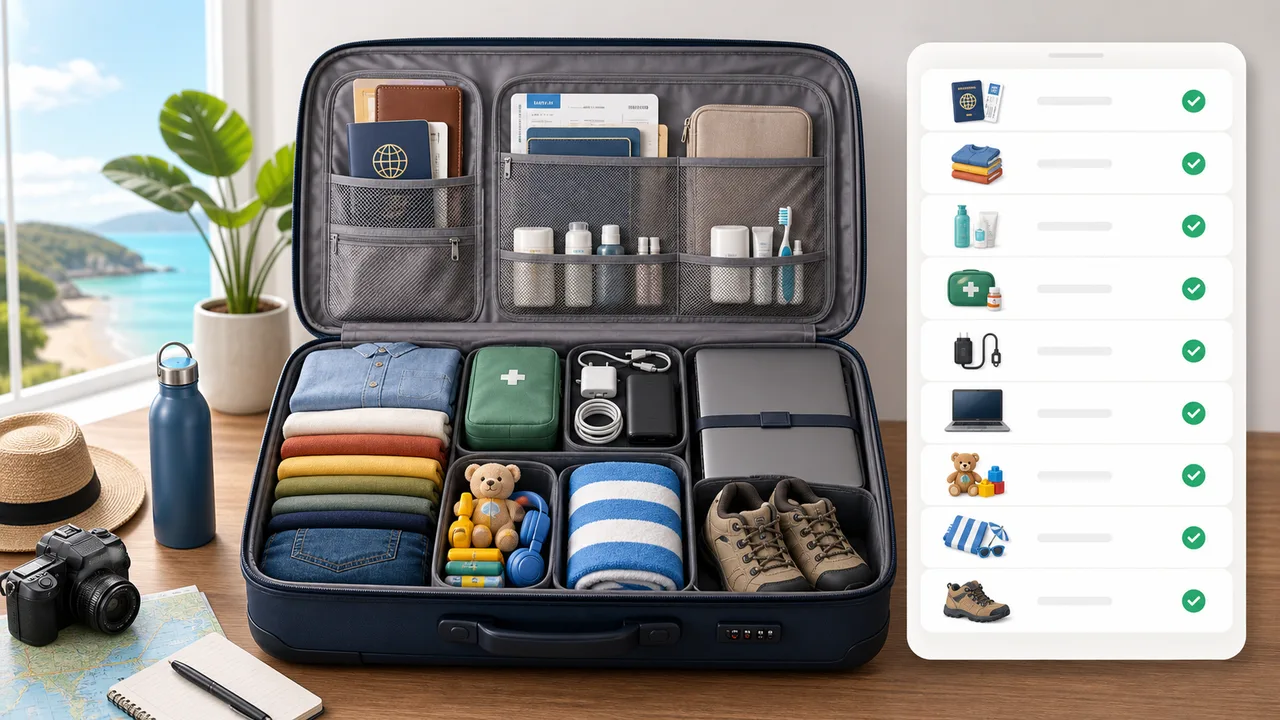
    Packing List Simulator preview showing suitcase categories, documents, clothes, chargers, toiletries, medicine, beach gear, and outdoor gear
    Open tool
    View all simulators

    Parking Simulator FAQ

    Fast answers before you use Parking Simulator for practice planning, lessons, or space comparison.

    What does Parking Simulator estimate?

    Parking Simulator estimates whether a space is easy, manageable, tight, or difficult, then shows reverse angle, turning space, safety clearance, and likely adjustment count from the vehicle and space dimensions.

    Can Parking Simulator replace real driving judgment?

    No. Parking Simulator is a learning and planning tool. Real parking also depends on obstacles, pedestrians, mirrors, cameras, road slope, markings, traffic, and local rules.

    Which Parking Simulator method should I choose?

    Use parallel parking for curb spaces, perpendicular parking for straight lot bays, and angled parking for diagonal bays. Parking Simulator then changes the clearance and turning assumptions for that method.

    Start Parking Simulator now

    Open Parking Simulator, enter your vehicle and parking space dimensions, and compare side parking, perpendicular parking, or angled parking recommendations.

    Free to use in the browser with no download required.