
Free Hug Simulator

Hug Simulator visualize a gentle height difference hug in your browser

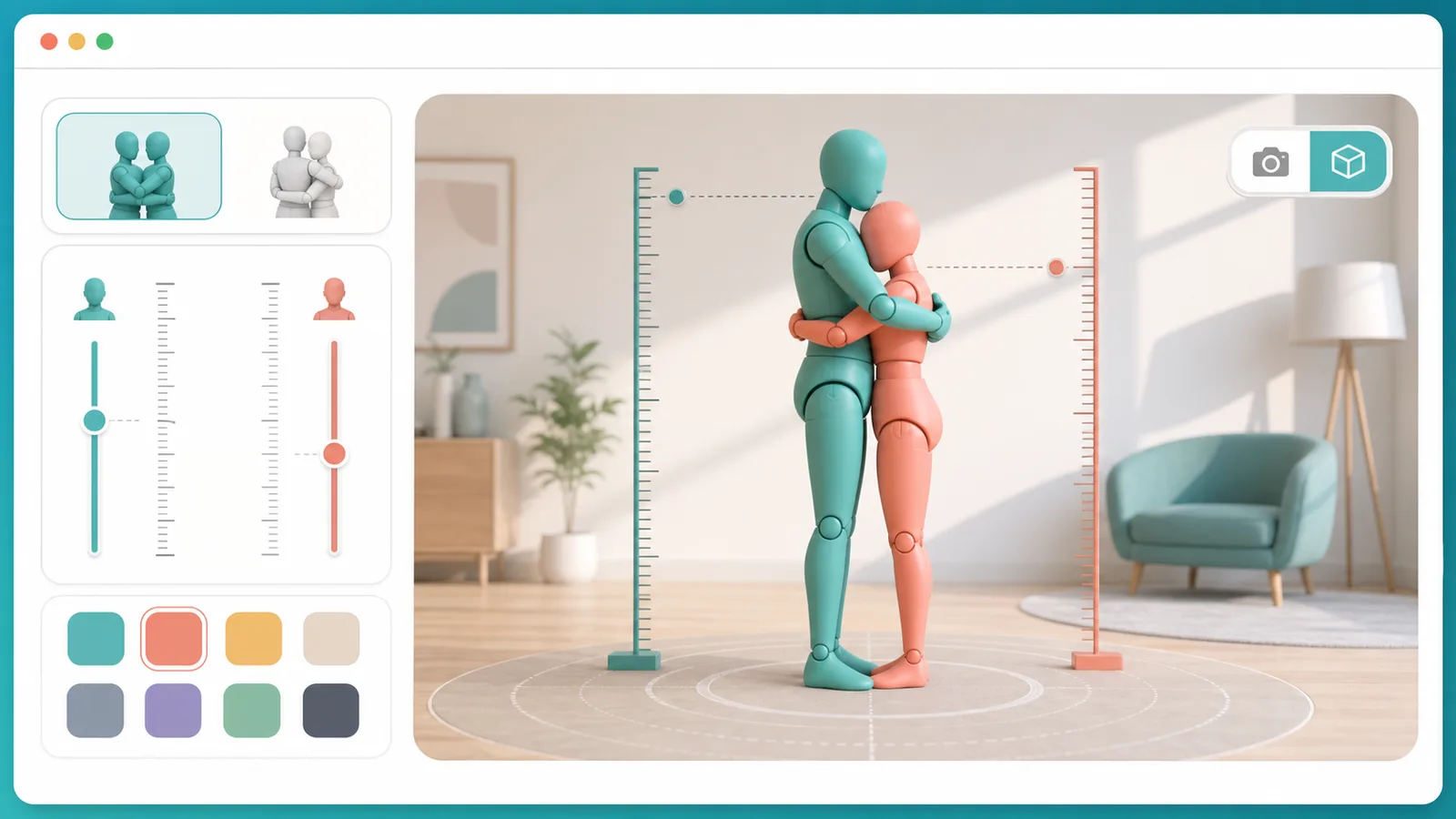
Hug Simulator lets you enter two names, adjust height, choose colors, switch between front hug and back hug, then view the scene from third person or each person perspective.

Built for quick height difference checks, cozy screenshots, character references, and shareable Hug Simulator result links.

Hug Simulator interactive tool

Start Hug Simulator here: set two people, compare the height gap, choose a hug pose, rotate the scene, then share the saved result link.

Hug Simulator controls

Adjust names, heights, colors, pose, and viewpoint. Hug Simulator saves these choices in the share link.

Person A

Person B

Hug mode

Share this Hug Simulator result

Use ShareWidget buttons or copy the URL. Friends can open the same Hug Simulator names, heights, colors, pose, and viewpoint.

Third-person view
Drag to rotate the Hug Simulator scene. Switch view to compare perspectives.
Hug Simulator result

Hug Simulator front hug result

A gentle Hug Simulator scene is ready. Adjust height and pose to see the difference clearly.

Height gap

13.5 cm

Mode

Front hug

Share the Hug Simulator result when the height gap and pose feel right.

Hug Simulator is a playful visual tool for all-ages scenes, character ideas, and social posts. It is not a body measurement or relationship advice tool.

Hug Simulator height difference flow

Hug Simulator is built around fast setup, readable pose comparison, and easy sharing after the scene looks right.

Hug Simulator height and pose controls

Hug Simulator focuses on the choices users actually need: two names, two heights, two colors, front hug, back hug, swap, and viewpoint changes.

Hug Simulator overview showing height controls, front hug, back hug, and viewpoint options

Hug Simulator share-ready results

Every Hug Simulator result can travel as a link, so the same height difference, colors, hug mode, and viewpoint open for the next person.

Hug Simulator sharing result with social buttons and saved link preview

Hug Simulator quick guide

Use this Hug Simulator guide to make a clear, respectful, shareable scene in less than a minute.

01

Set the Hug Simulator people

Enter short names, choose body styles, and set the height values. Hug Simulator works best when the names are short enough to fit result cards.

  • Use real height values when comparing a specific pair
  • Use colors to separate Person A and Person B

Open Hug Simulator
02

Choose the Hug Simulator pose

Front hug is best for face-to-face comparison. Back hug is useful when you want the height gap to read from one direction.

  • Swap A/B if the taller person should move roles
  • Switch view to inspect each perspective
View Hug Simulator features
03

Share the Hug Simulator result

Copy the URL or use ShareWidget after the Hug Simulator scene is set. The link stores names, heights, colors, pose, and viewpoint.

For image-first platforms, take a screenshot of the Hug Simulator canvas and keep the caption simple.

Explore more simulators

Hug Simulator features

These Hug Simulator features keep the page useful for quick checks, character ideas, and social sharing.

Hug Simulator two-person setup

Give each person a name, body style, height, and color so the Hug Simulator scene feels personal without needing an account.

Start setup

Hug Simulator height gap view

The result card shows the height difference in centimeters while the 3D scene makes the gap easier to understand visually.

Compare height

Hug Simulator front and back hug

Switch between front hug and back hug when you want a different pose, silhouette, or screenshot angle.

Change pose

Hug Simulator viewpoint switch

Move from third-person view into Person A or Person B view when you want the Hug Simulator result to feel more immersive.

Switch view

Hug Simulator ShareWidget

Share to social platforms or copy a link that restores the same Hug Simulator result for friends.

Share result

Hug Simulator no-login play

Use Hug Simulator directly in the browser. The page only needs URL settings to reopen the same result.

Try it

Hug Simulator social use cases

Hug Simulator is useful when you want a quick visual answer rather than a long explanation.

Hug Simulator character reference

Use Hug Simulator to preview a height gap before drawing, writing, or describing two characters.

Reference
Make reference

Hug Simulator share post

Create a simple Hug Simulator result, then share the saved link or screenshot with a short caption.

Share ready
Share result

Hug Simulator cozy break

Use Hug Simulator for a light, friendly browser moment when you want something soft and easy.

Quick play
Open tool

Hug Simulator height check

Compare two heights in a more visual way than a calculator, especially when the difference is hard to imagine.

Visual check
Compare now

More tools after Hug Simulator

After Hug Simulator, try another free browser simulator built for quick results, playful screenshots, and easy sharing.

Struggle Simulator

Pick a daily struggle scenario, mash to escape, and share your funny result and rating.

Struggle Simulator preview showing the browser simulator interface and result
Open simulator

Bed Slam Simulator

Build a playful bed-slam meme with names, heights, colors, and shareable screenshots.

Bed Slam Simulator preview showing the browser simulator interface and result
Open simulator

Floor Slam Simulator

Build a playful floor-pose meme result with names, heights, colors, and shareable screenshots.

Floor Slam Simulator preview showing the browser simulator interface and result
Open simulator

Nuke Simulator

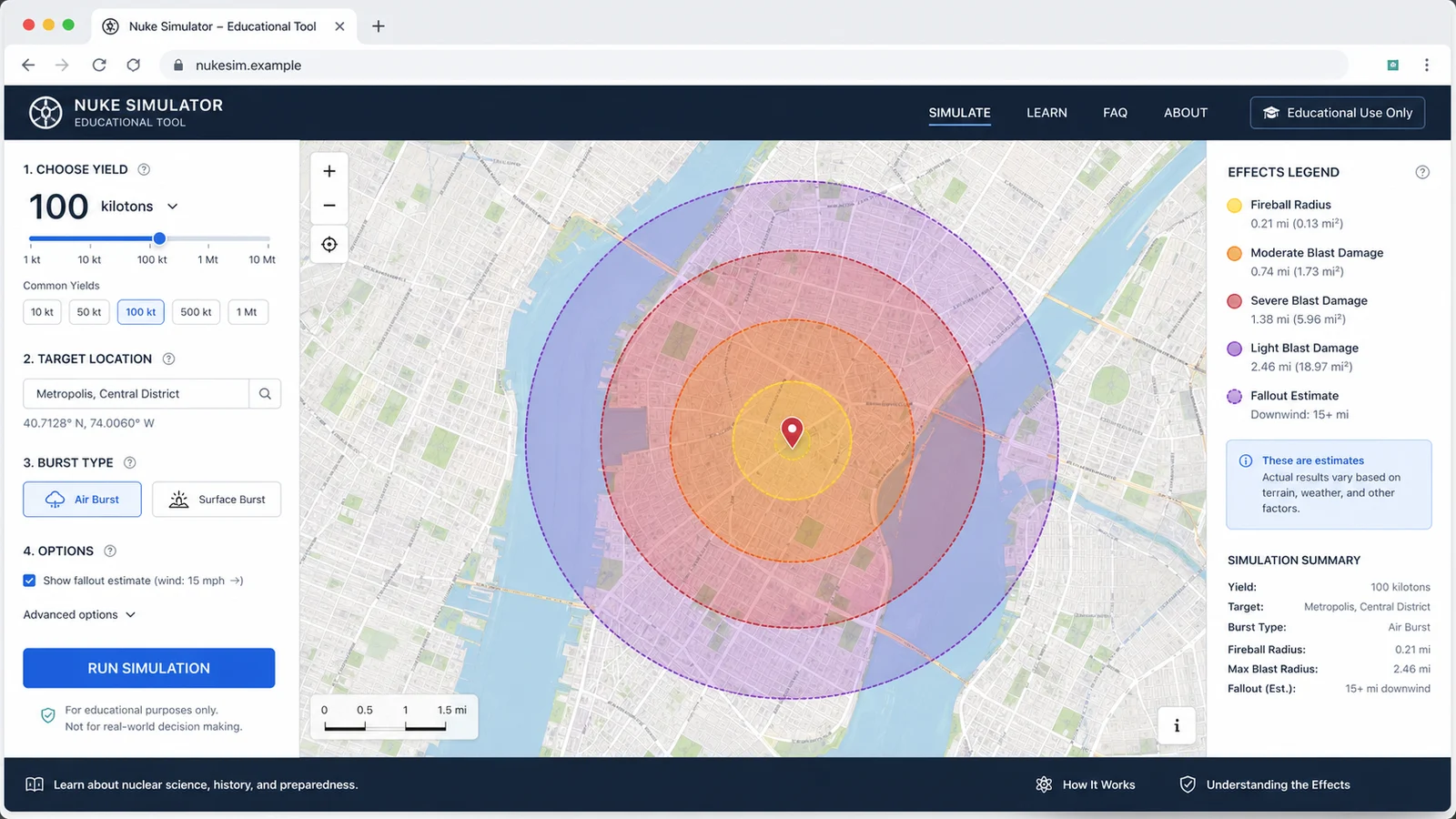
Map educational blast radius zones for cities, yields, and shareable map results.

Nuke Simulator preview showing the browser simulator interface and result
Open simulator

Nuclear Bomb Simulator

Compare public nuclear bomb yield estimates, map educational blast zones, and share the result.

Nuclear Bomb Simulator preview showing the bomb comparison map and results
Open simulator

Stunt Simulator

Launch cars from ramps, tune speed and spin, then chase clean landings and scores.

Stunt Simulator preview showing the browser simulator interface and result
Open simulator

Archery Simulator

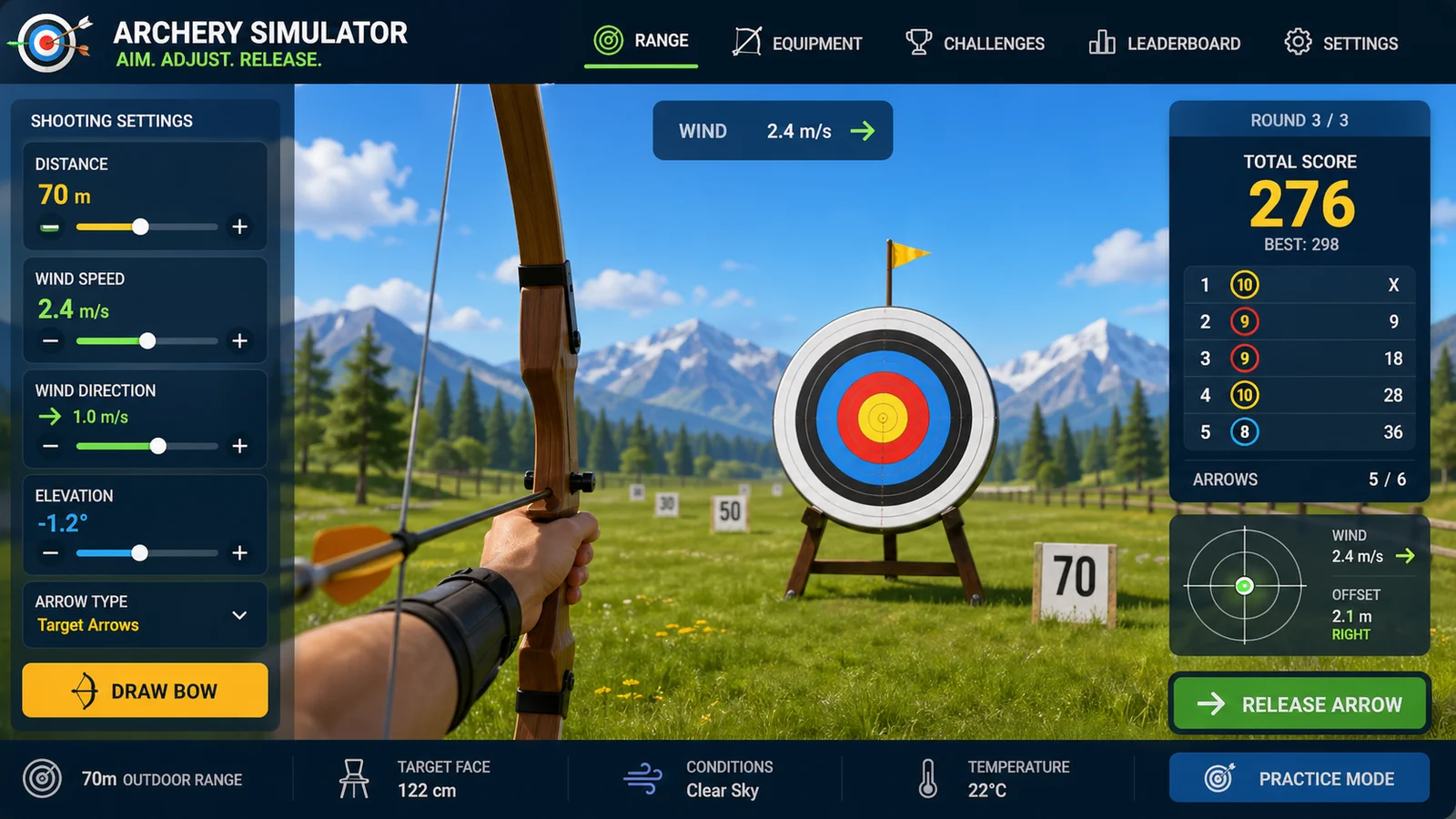
Aim arrows with wind, distance, gravity, scoring, and quick browser rounds.

Archery Simulator preview showing the browser simulator interface and result
Open simulator

Drag Race Simulator

Compare two cars by horsepower, weight, drivetrain, quarter-mile time, and result sharing.

Drag Race Simulator preview showing the browser simulator interface and result
Open simulator
View all simulators

Hug Simulator FAQ

Answers about Hug Simulator height settings, sharing, viewpoints, and safe use.

Is Hug Simulator free?

Yes. Hug Simulator runs in the browser and you can create, adjust, and share a result without an account.

What can I change in Hug Simulator?

Hug Simulator lets you change two names, body styles, heights, colors, front hug or back hug mode, and the camera viewpoint.

Does Hug Simulator save my result?

Hug Simulator saves the visible settings in the URL, so a copied link can reopen the same names, heights, colors, pose, and view.

Can I use Hug Simulator for character references?

Yes. Hug Simulator is useful for a quick height difference reference, especially before making art, captions, roleplay ideas, or story notes.

Is Hug Simulator a body measurement tool?

No. Hug Simulator is a playful visualizer. It helps you imagine height difference, but it is not a medical, ergonomic, or exact measurement tool.

Make your Hug Simulator result

Open Hug Simulator, set two heights, pick front hug or back hug, then rotate the 3D scene until the result feels right.

When the Hug Simulator scene is ready, share the saved link or use it as a quick visual reference.

Hug Simulator keeps the share state in the URL so friends can reopen the same result.