
Golf Shot Simulator enter launch numbers
Pick a club and enter swing speed, ball speed, launch angle, backspin, and sidespin. Use presets if you want a fast baseline.
- Start with one realistic club
- Keep ball speed and spin within your normal range
Free golf shot distance simulator
Golf Shot Simulator turns swing speed, ball speed, launch angle, backspin, sidespin, wind, slope, and turf into a quick shot plan. Compare driver, wood, iron, and wedge outcomes under the same conditions.
Built for range practice, club comparison, wind planning, and shareable golf shot estimates.
Start Golf Shot Simulator here. Choose a club, enter launch numbers, compare multiple clubs, and get carry, roll, total distance, side offset, landing risk, and strategy advice.
Enter launch and course conditions, then compare club choices instantly.
Share the clean page URL, or copy a result link after you tune the shot.
Golf Shot Simulator result map
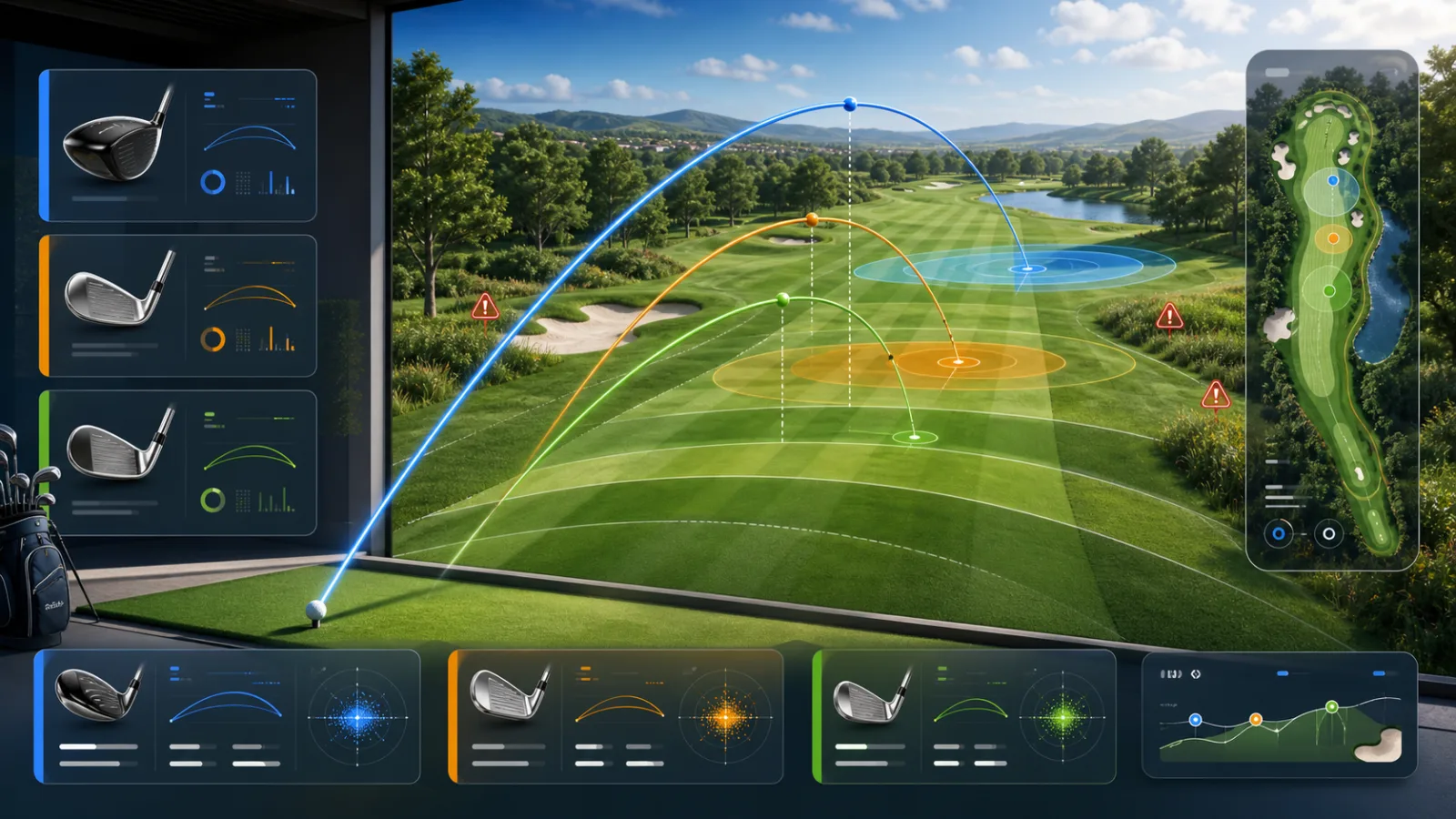
The fairway map visualizes carry arcs, roll, side offset, target distance, and landing-risk zones.
Carry distance
-- yd
Roll distance
-- yd
Total distance
-- yd
Side offset
-- yd
Landing risk
--
| Club | Carry | Roll | Total | Offset | Fit |
|---|
Golf Shot Simulator uses a simplified projectile model plus golf-specific adjustments. Treat results as planning estimates, not professional launch monitor data.
Golf Shot Simulator keeps distance, roll, curve, wind, slope, turf, and club selection in one readable result.
Estimate how far the shot flies, how much it rolls, and where it finishes after wind, slope, spin, and turf adjustments.
Compare driver, wood, iron, and wedge results, then copy a tuned result link for practice notes or friendly shot planning.
Use this Golf Shot Simulator guide to build a clean shot estimate and compare clubs without changing course conditions.
Pick a club and enter swing speed, ball speed, launch angle, backspin, and sidespin. Use presets if you want a fast baseline.
Add wind speed, wind direction, slope, and turf type so the simulator can estimate carry, roll, total distance, and side offset.
Read the comparison table to see which club finishes closest to the target with the lowest risk and most useful strategy note.
Golf Shot Simulator combines practical golf inputs with instant estimates for distance, side curve, landing risk, and club choice.
Separate carry distance, roll distance, and total distance so you can plan the shot shape and landing zone.
Use launch angle, backspin, sidespin, wind speed, and wind direction to estimate curve and carry changes.
Compare driver, wood, iron, and wedge under the same conditions and highlight the closest club for your target.
Finished with Golf Shot Simulator? Try another free simulator for planning, physics, practice, or daily decisions.
Enter weight, age, temperature, workout time, sweat level, coffee, and alcohol to estimate daily water needs and a drinking schedule.
Choose a cat, dog, rabbit, or dog size, enter real age, and estimate human-equivalent age, life stage, and care tips.
Enter a last menstrual period, conception date, ovulation date, or IVF transfer date to estimate due date, pregnancy week, trimester, and key prenatal milestones.
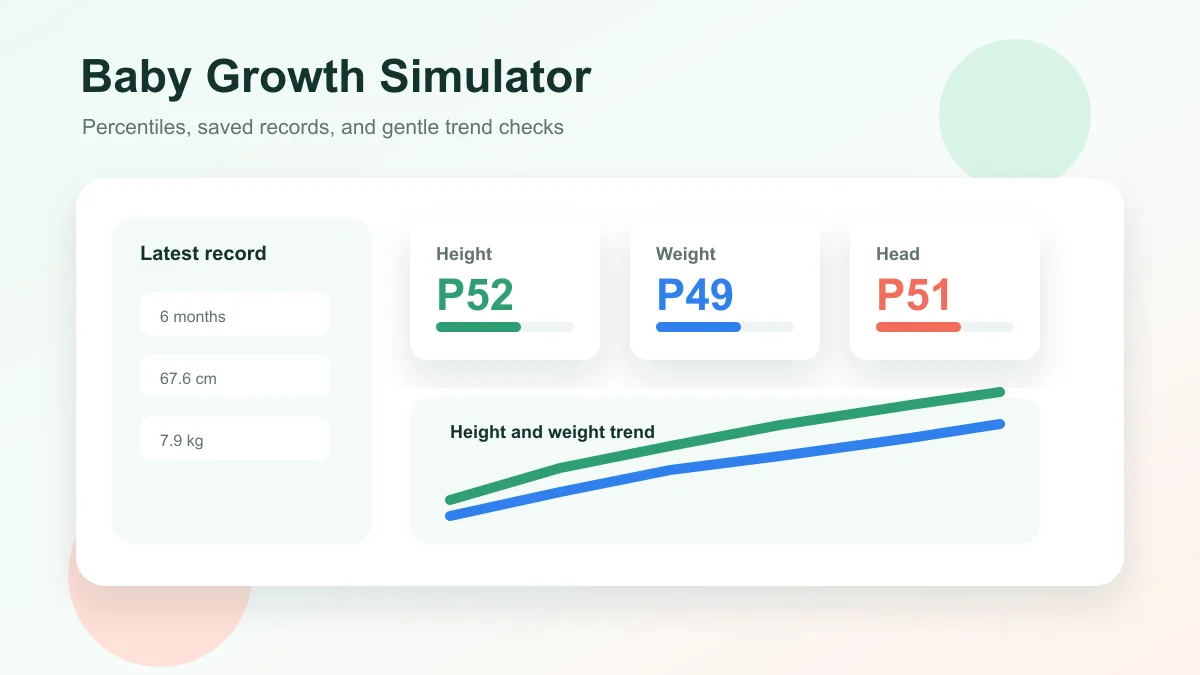
Enter baby age, sex, height, weight, and head circumference to estimate growth percentiles and track height and weight trends over time.
Choose oven temperature, pizza thickness, toppings, and bake time to get crust score, doneness, and baking advice.
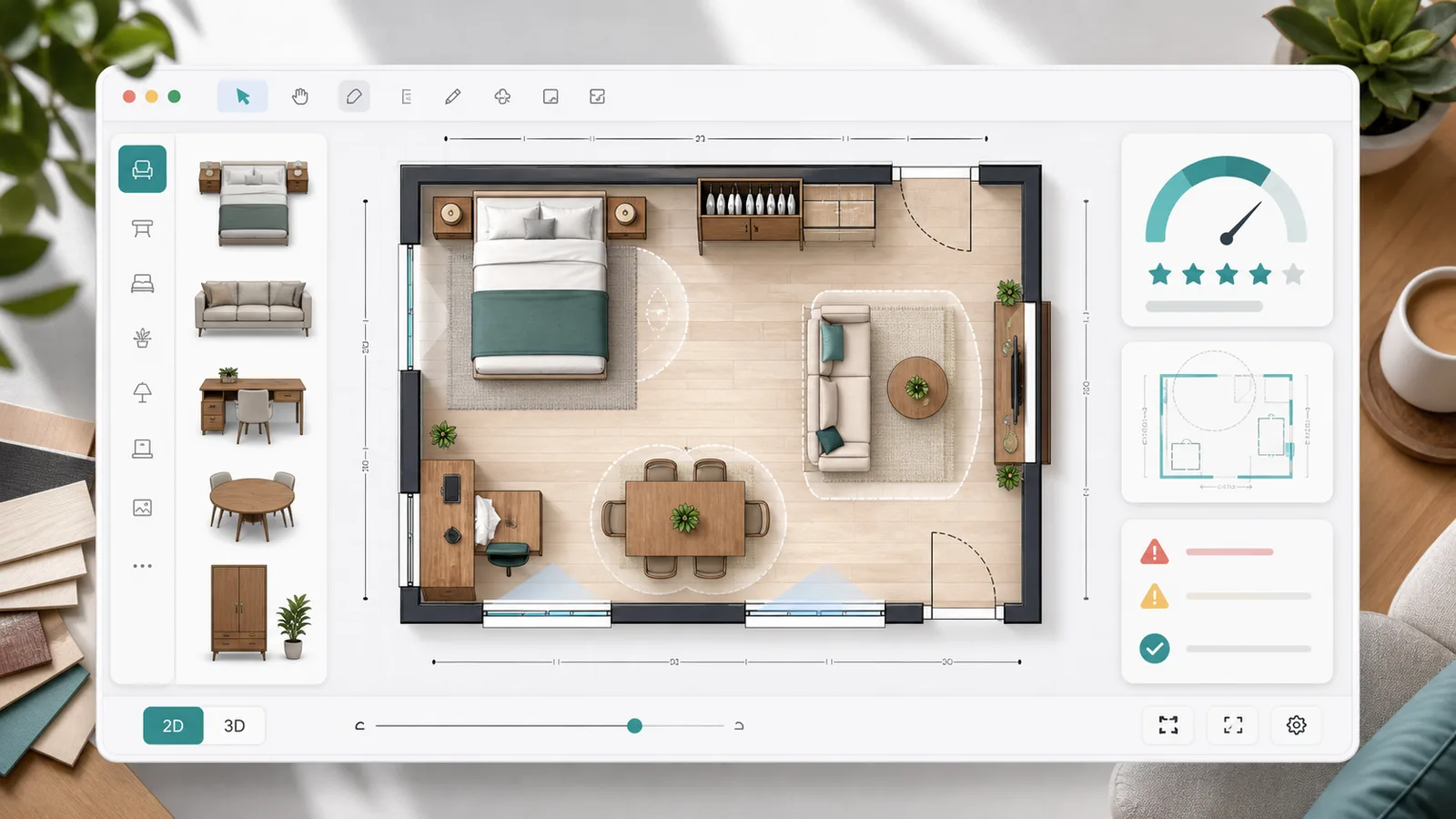
Plan a 2D room layout with dimensions, doors, windows, draggable furniture, clearance checks, layout scores, saved schemes, and exportable reports.
Model arrivals, service windows, service time variation, simulation duration, initial backlog, abandonment, and optimization scenarios for waiting lines.
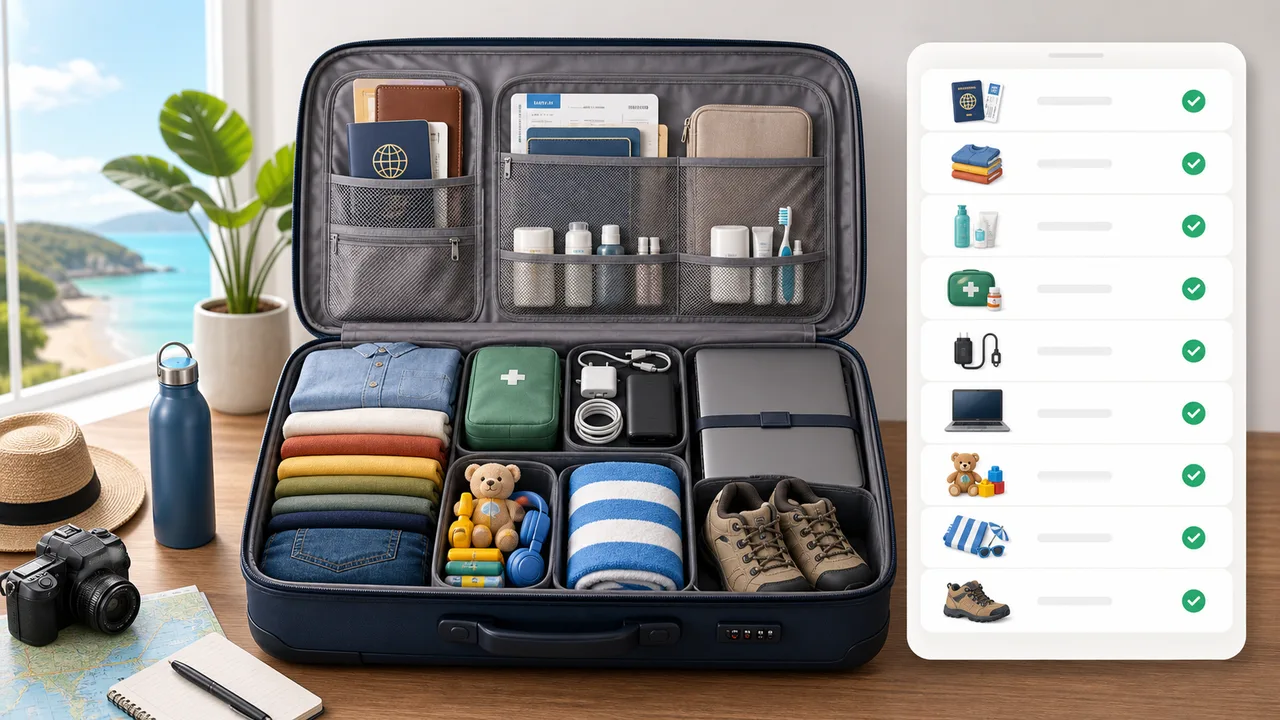
Generate a personalized travel checklist by days, weather, season, trip type, transport, lodging, kids, business, beach, camping, outdoor, formal, and electronics needs.
Fast answers before you use Golf Shot Simulator for distance, roll, spin, wind, and club comparison.
No. Golf Shot Simulator is a browser estimate that uses simplified projectile physics and golf-specific adjustments. Use a real launch monitor or coach for measured fitting data.
Yes. Golf Shot Simulator compares driver, fairway wood, iron, and wedge results under the same wind, slope, turf, and swing-speed context.
Landing risk combines target gap, side offset, wind, and turf penalties into a simple low, medium, or high warning so you can choose a safer club or aim point.
Open Golf Shot Simulator, tune the club and conditions, compare outcomes, and copy a shareable result link for your next practice session.
Free to use in the browser with no account or download.