









01
Set up Calorimetry Simulator
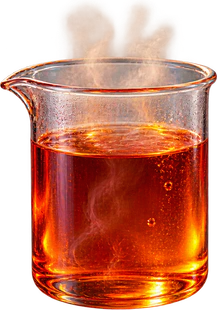
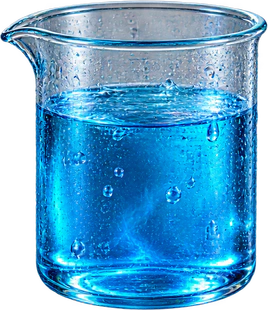
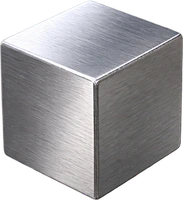
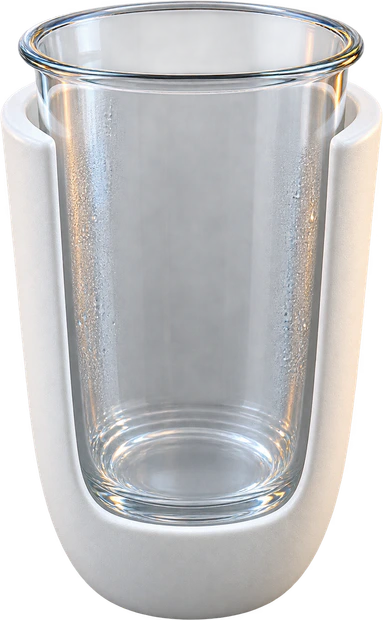
Pick a water-mixing, metal-in-water, cup-included, or unknown-specific-heat experiment before entering masses and initial temperatures.
- Use 4.184 J/g°C for liquid water
- Keep units consistent: grams, °C, and J/g°C
Free Calorimetry Simulator
Calorimetry Simulator lets students choose hot water, cold water, metal block, or calorimeter cup experiments, enter mass, initial temperature, and specific heat, then watch the temperature graph and heat balance update instantly.
Built for calorimetry lab prep, specific heat measurement, final temperature practice, and heat conservation homework.
Start Calorimetry Simulator here: choose the experiment, adjust masses, temperatures, and specific heat values, then compare final temperature, absorbed heat, released heat, and unknown specific heat.
Choose the setup, then enter mass in grams, temperature in °C, and specific heat in J/g°C.
Share the clean page or copy a result link that restores this Calorimetry Simulator setup.
Virtual calorimeter
Temperature over time
Experiment conclusion
Heat absorbed
48.5 J
Heat released
48.5 J
Unknown specific heat
-- J/g°C
Calorimetry Simulator is an ideal educational model with no phase change, evaporation, or heat loss to the room unless you include the calorimeter cup.
Calorimetry Simulator connects the physical setup, temperature change, q = m c ΔT terms, and final equilibrium result on one screen.
Choose hot water, cold water, metal block, or calorimeter cup experiments, then edit every mass, initial temperature, and specific heat value.
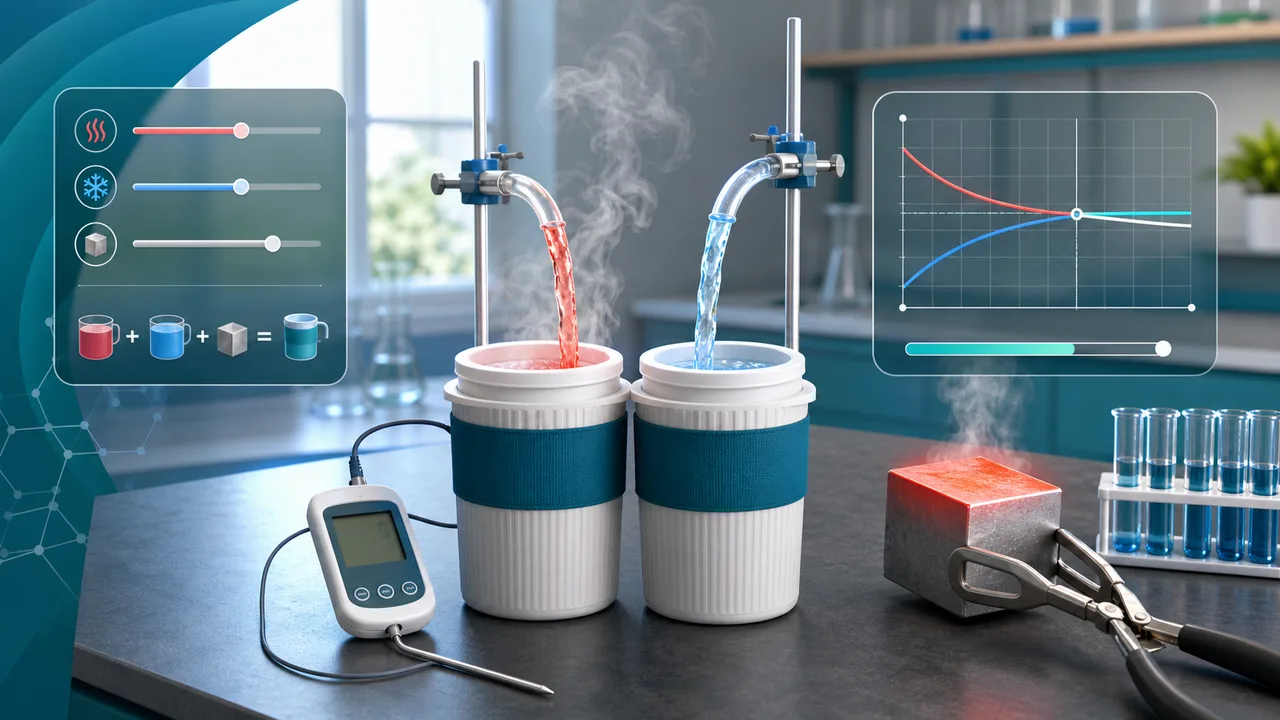
Use an observed final temperature to solve unknown specific heat, or compare how different metals and water amounts shift the final temperature.
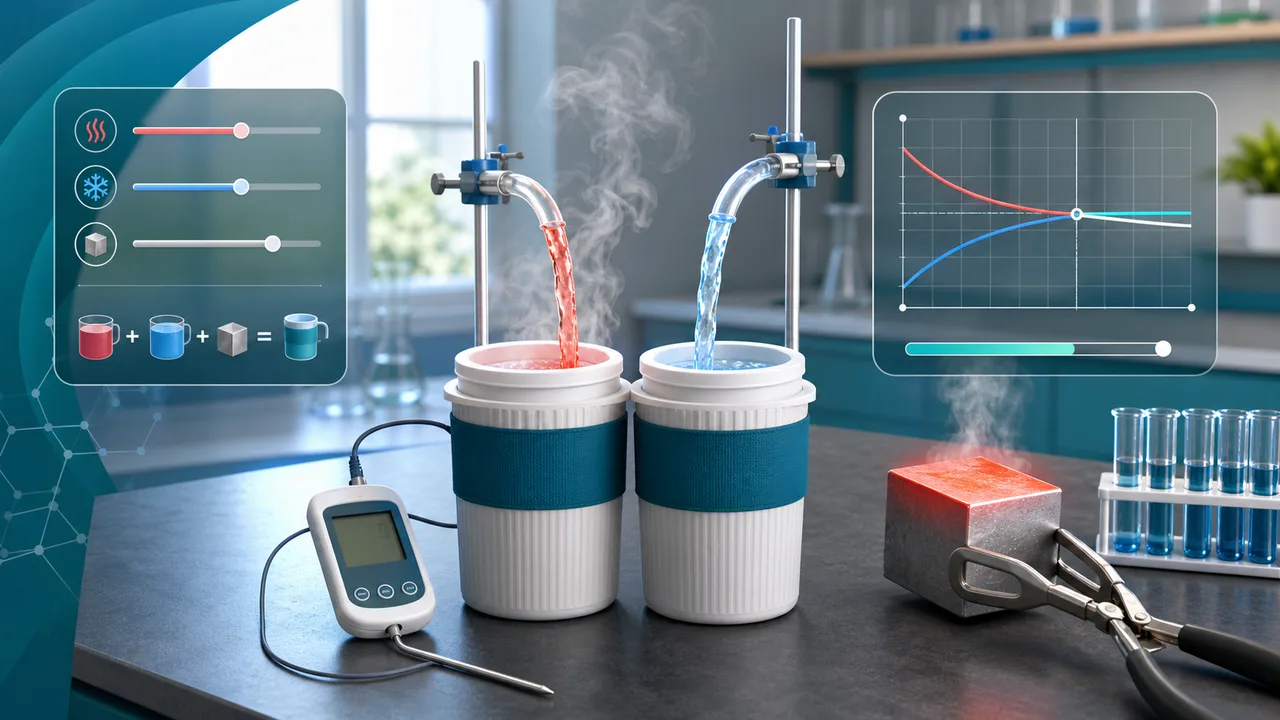
Use this Calorimetry Simulator guide to connect lab inputs with final temperature, heat absorbed, heat released, and unknown specific heat.
Pick a water-mixing, metal-in-water, cup-included, or unknown-specific-heat experiment before entering masses and initial temperatures.
Change metal type, water amount, or initial temperature and watch the thermometer, temperature graph, and heat terms update together.
Compare heat absorbed and heat released, then use the unknown-specific-heat mode when an experiment gives an observed final temperature.
If the unknown equation gives an impossible value, check whether the observed final temperature lies between the starting temperatures.
Read FAQThese Calorimetry Simulator features make heat conservation and specific heat easier to test before class, homework, or lab reports.
Switch between water mixing, metal block, calorimeter cup, and unknown-specific-heat setups.
Calculate the equilibrium temperature from mass, specific heat, and initial temperature.
Watch hot and cold samples approach the same final temperature over time.
See heat absorbed and heat released from q = m c ΔT for each sample.
Compare aluminum, copper, iron, lead, and custom specific heat values.
Copy a result link that restores the same experiment inputs and graph.
Calorimetry Simulator helps learners reason from measured temperatures to heat conservation instead of memorizing a formula in isolation.
Practice final temperature and specific heat problems before quizzes.
StudyDemonstrate why mass and specific heat change the equilibrium temperature.
ClassroomPreview how a calorimeter cup affects the heat balance before a real experiment.
Lab prepCheck whether heat gained and heat lost match in an ideal isolated system.
ReviewAfter Calorimetry Simulator, try another free browser simulator for science, circuits, physics, school, or planning practice.
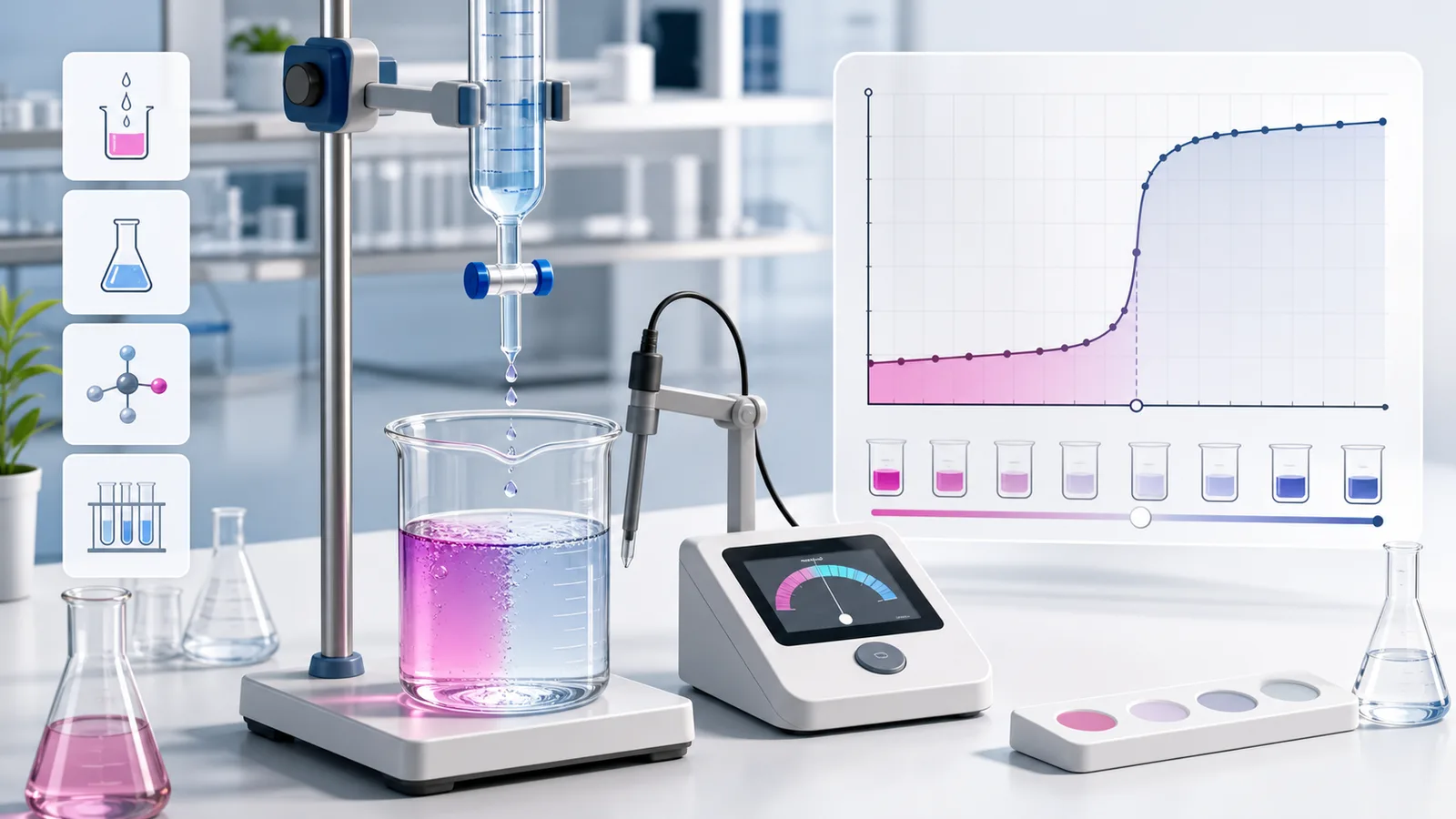
Choose acid and base types, add titrant drop by drop, and see pH, color change, equivalence point, unknown concentration, error, and conclusion.
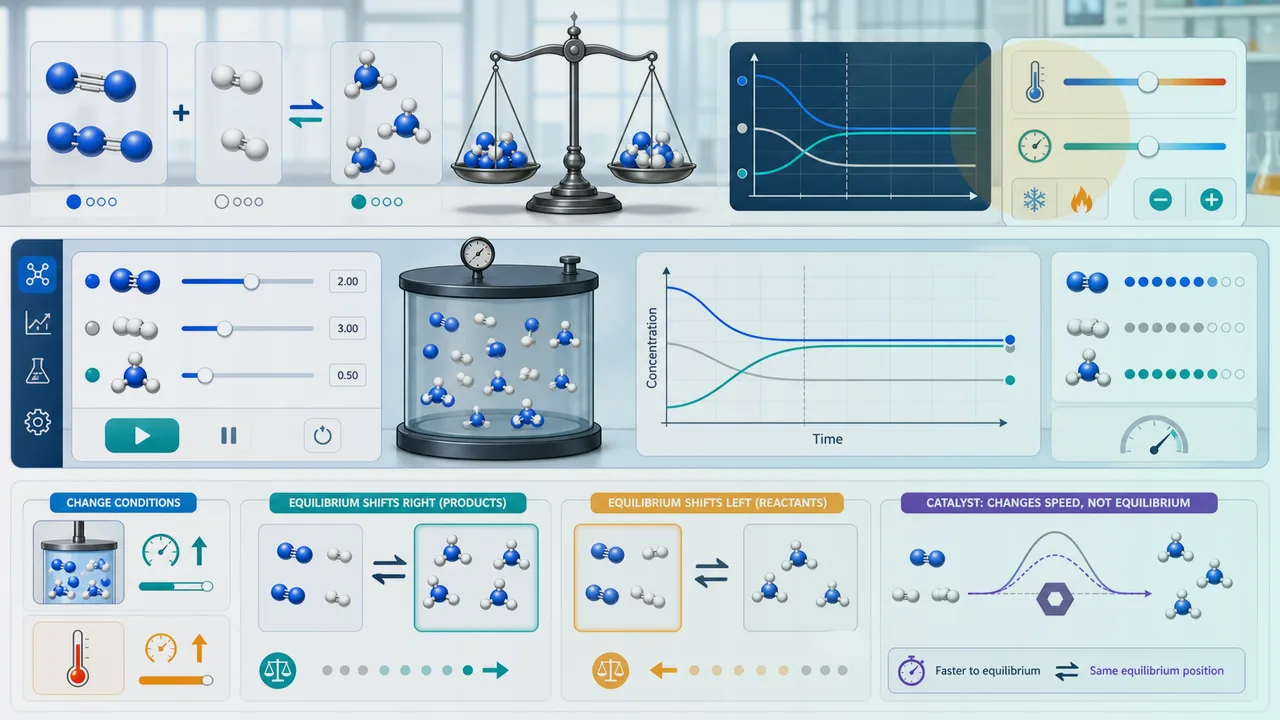
Choose a reversible reaction, set initial concentrations, temperature, pressure, and catalyst, then watch concentration curves reach equilibrium and explain shifts.
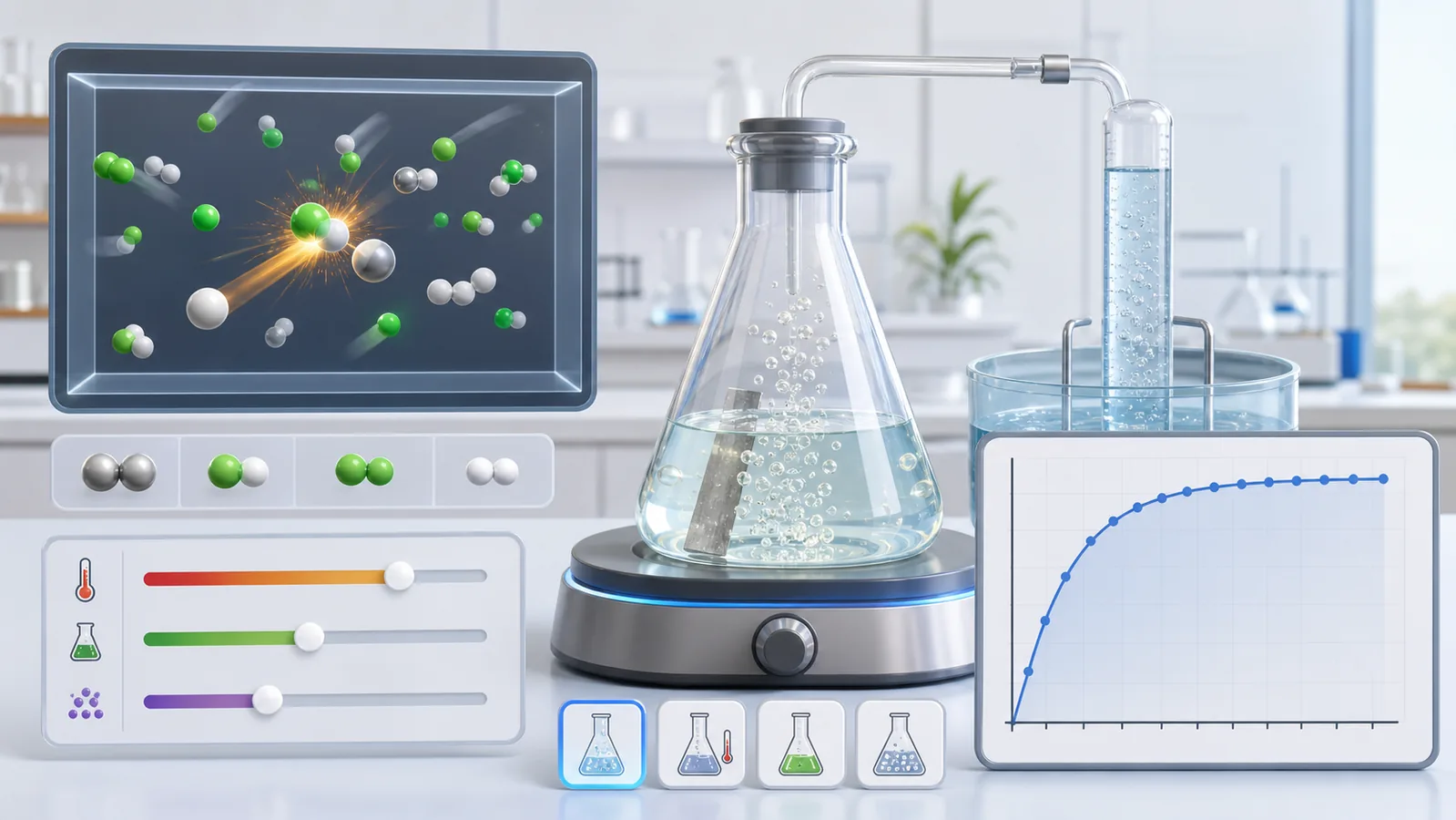
Choose a reaction, adjust concentration, temperature, particle size, and catalyst, then compare collisions, gas speed, concentration drop, and finish time.
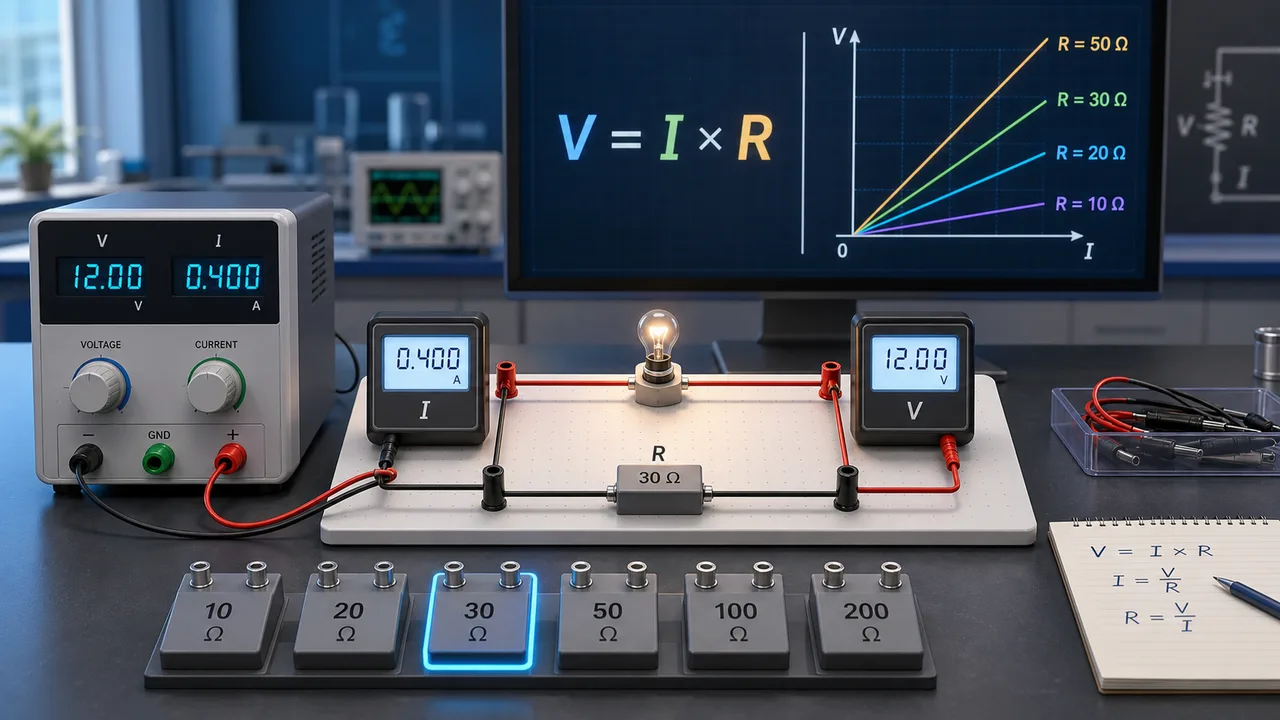
Set voltage, resistance, connection mode, meters, and bulb, then record data, plot a V-I graph, and estimate unknown resistance.
Fast answers about Calorimetry Simulator heat conservation, final temperature, specific heat, metal samples, and classroom scope.
Yes. Calorimetry Simulator runs in the browser and can be used without an account or installation.
Calorimetry Simulator uses q = m c ΔT and heat conservation. For an ideal isolated mixture, the sum of all heat changes is zero, so final temperature is calculated from Σ(m c T) ÷ Σ(m c).
Yes. Calorimetry Simulator uses the observed final temperature and known water or cup heat changes to solve the sample specific heat.
Calorimetry Simulator assumes no heat loss to the room. You can include the calorimeter cup as an additional object that absorbs or releases heat.
No. Calorimetry Simulator is an educational model. Real calorimetry requires measured masses, calibrated thermometers, insulation, and teacher or lab supervision.
Open Calorimetry Simulator, choose a heat-transfer setup, and enter mass, temperature, and specific heat values.
Then compare final equilibrium temperature, heat absorbed, heat released, and unknown specific heat as you change the experiment.
Calorimetry Simulator keeps shared results in an explicit copied URL only.