


Acid Base Titration Simulator watch pH curves and color changes live

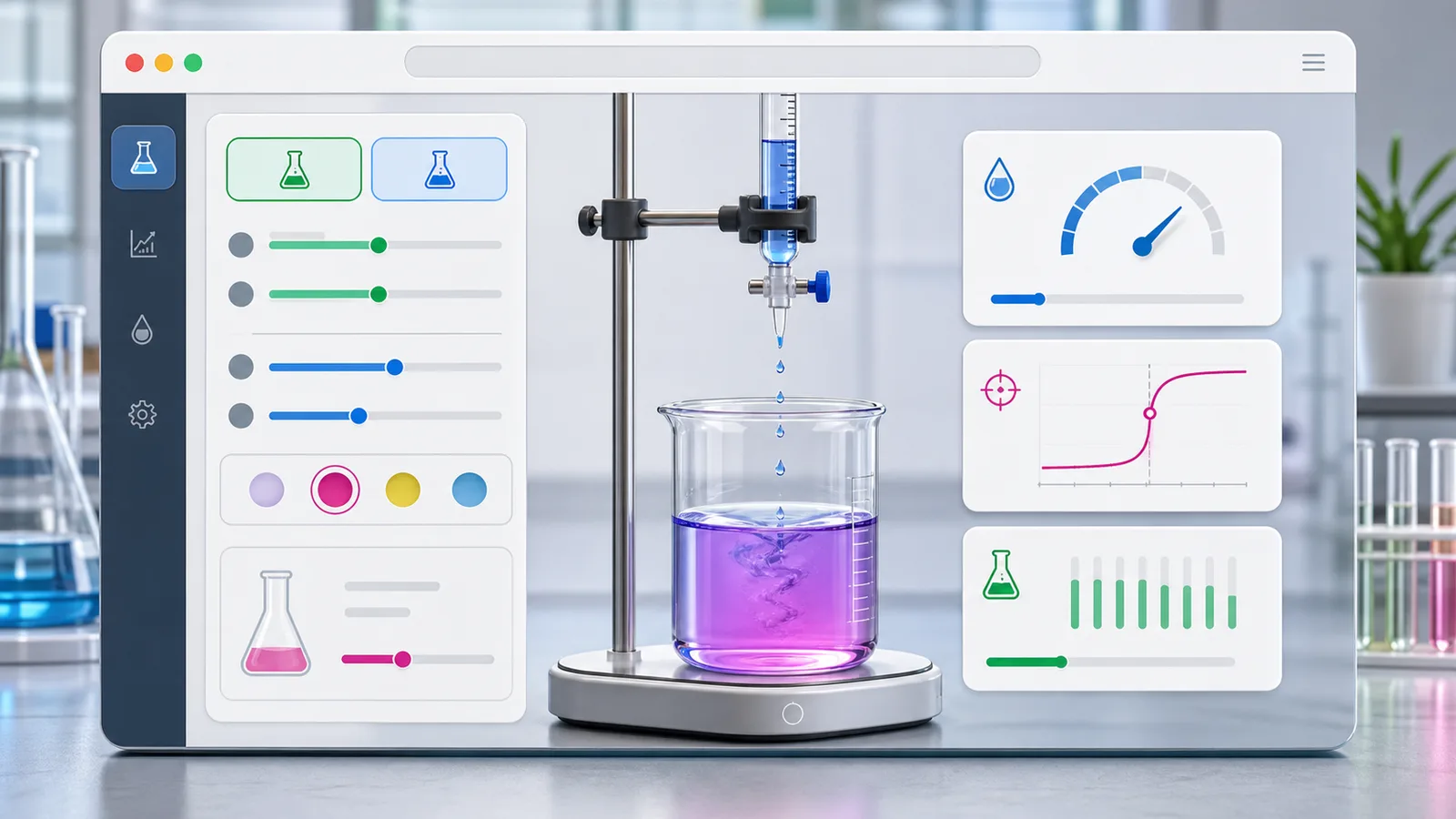
Choose an acid and base, pick an indicator, and add base drop by drop to see the pH curve, equivalence point, and beaker color update.

Read the guide

Acid Base Titration Simulator interactive lab

Start Acid Base Titration Simulator here: choose HCl + NaOH or CH3COOH + NaOH, enter volumes and concentrations, click add titrant, and watch the pH curve and endpoint calculation update.

Controls

Choose the reaction, acid volume, acid concentration, base concentration, indicator, and titrant volume per click.

Share

Share the page, or copy a result link that restores this titration setup.

Virtual titration bench

HCl + NaOH

Before equivalence
pH 1.00

Base added

0.00 mL

Equivalence point

25.00 mL

Indicator color

Acidic

Live result

Experimental error

0%

pH curve

Titration curve

0 drops

Unknown concentration calculation

Experiment conclusion

Acid Base Titration Simulator is an educational model for monoprotic acids titrated by strong base. Use real lab safety rules and teacher guidance for physical experiments.

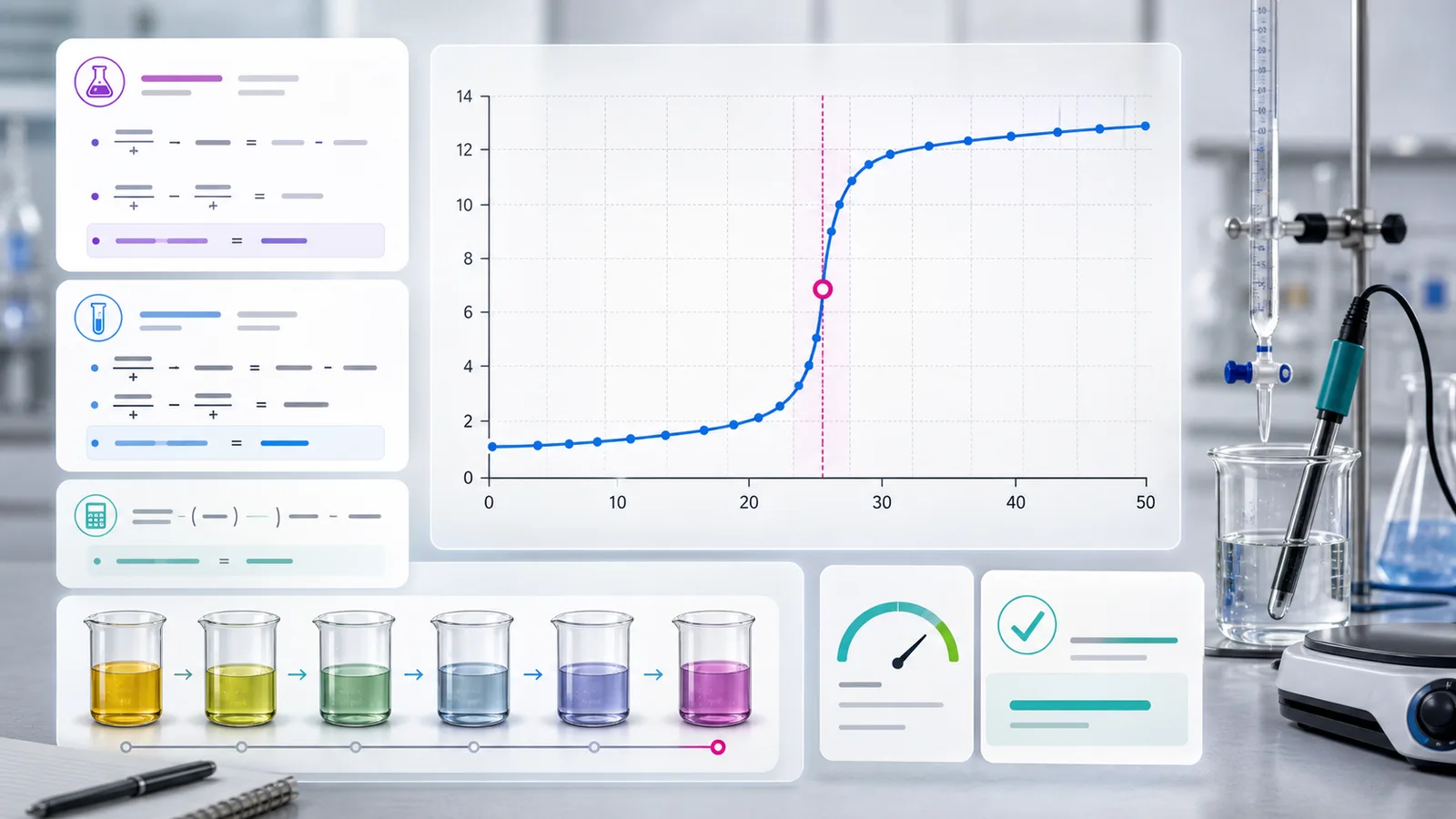
Acid Base Titration Simulator pH curve workflow

Acid Base Titration Simulator connects the wet-lab action, color transition, pH number, and calculation so learners can see why the endpoint matters.

Acid Base Titration Simulator live beaker controls

Choose acid and base types, set acid volume, acid concentration, base concentration, indicator, and addition volume, then click to add titrant one step at a time.

Acid Base Titration Simulator interface with acid and base controls, indicator swatches, beaker color change, pH cards, and titration curve

Acid Base Titration Simulator endpoint calculation

Watch Acid Base Titration Simulator mark the equivalence point, estimate the observed endpoint from the drop size, calculate unknown concentration, and report experimental error.

Acid Base Titration Simulator pH curve with equivalence point, indicator sequence, unknown concentration calculation, and conclusion card

Acid Base Titration Simulator quick guide

Use this Acid Base Titration Simulator guide to connect titrant volume, pH jump, endpoint color, and unknown concentration calculation.

  1. Set up Acid Base Titration Simulator

    Pick the acid and base pair, enter acid volume, acid concentration, and base concentration, then choose an indicator that changes near the endpoint you expect.

    • Start with 25.00 mL and 0.100 M for textbook-style practice
    • Use CH3COOH + NaOH to see a weak-acid curve above pH 7 at equivalence
    Open simulator
  2. Run Acid Base Titration Simulator drop by drop

    Click add titrant and watch the beaker color, pH value, current point, and equivalence marker update together.

    • Use a smaller addition volume near equivalence
    • Compare phenolphthalein and bromothymol blue
    See features
  3. Read Acid Base Titration Simulator conclusion

    Use the calculation card to compare the true equivalence volume, observed endpoint, unknown acid concentration, and experimental error.

    For practice reports, explain whether the indicator changed before, at, or after the pH jump.

    Read FAQ

Acid Base Titration Simulator features

These Acid Base Titration Simulator features make a classic titration lab easier to practice before class or homework.

Acid Base Titration Simulator reaction choices

Switch between strong-acid and weak-acid examples such as HCl + NaOH and CH3COOH + NaOH.

Choose reaction

Acid Base Titration Simulator pH curve

See the live pH curve, current point, and equivalence point move with every addition.

View curve

Acid Base Titration Simulator color change

Compare phenolphthalein, methyl orange, bromothymol blue, and universal indicator color transitions.

Change indicator

Acid Base Titration Simulator concentration math

Follow the formula from equivalence volume to unknown acid concentration.

Read math

Acid Base Titration Simulator error estimate

Estimate endpoint overshoot from the selected drop volume and see the percent error.

Check error

Acid Base Titration Simulator sharing

Copy a result link that restores the same reaction, volumes, indicator, pH point, and calculation.

Share result

Acid Base Titration Simulator study use cases

Acid Base Titration Simulator is useful whenever learners need to see the pH curve and calculation instead of only memorizing a formula.

Acid Base Titration Simulator for students

Practice endpoint recognition, pH jumps, and unknown concentration calculations before quizzes.

Study Practice now

Acid Base Titration Simulator for teachers

Demonstrate how a drop size can overshoot the endpoint and change the reported concentration.

Classroom Teach endpoint

Acid Base Titration Simulator for lab prep

Preview indicator selection and titration curve shape before a real acid-base lab.

Lab prep Prepare lab

Acid Base Titration Simulator for review

Compare strong-acid and weak-acid titration behavior on the same screen.

Review Compare curves

More tools after Acid Base Titration Simulator

After Acid Base Titration Simulator, try another free browser simulator for science, math, circuits, school, or planning practice.

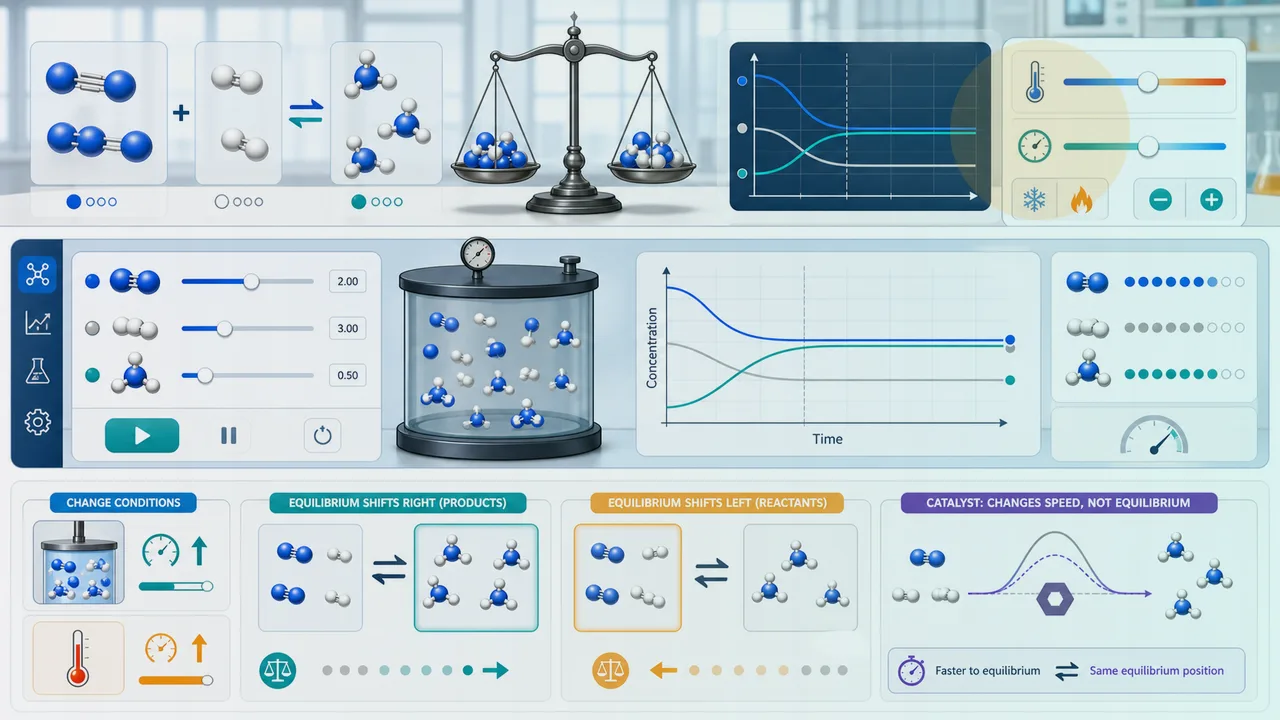
Chemical Equilibrium Simulator preview showing reversible reaction controls, concentration curves, equilibrium constant, reaction quotient, and shift explanation

Chemical Equilibrium Simulator

Choose a reversible reaction, set initial concentrations, temperature, pressure, and catalyst, then watch concentration curves reach equilibrium and explain shifts.

Open simulator
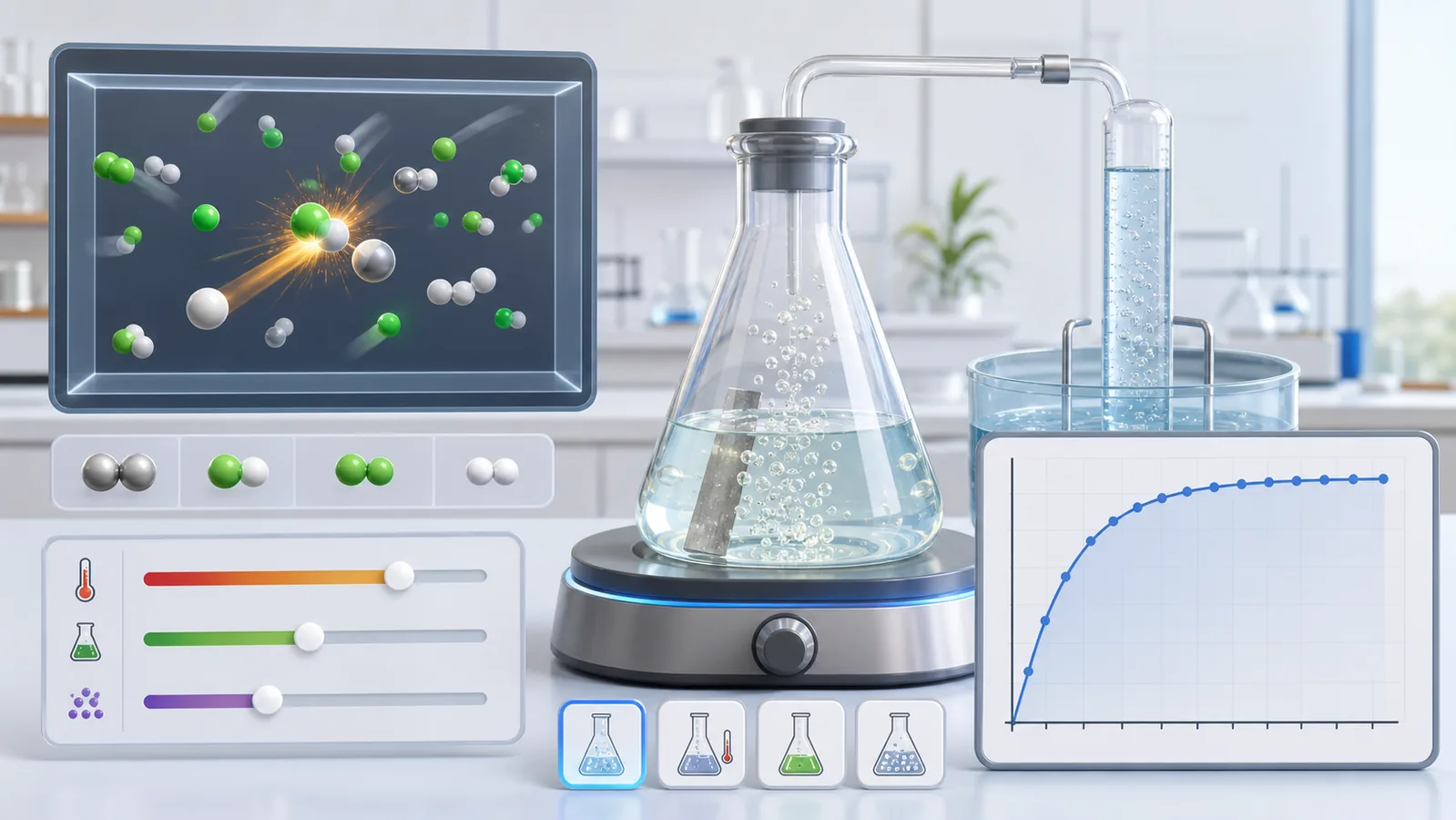
Reaction Rate Simulator preview showing chemistry reaction controls, particle collisions, gas bubbles, and reaction rate curves

Reaction Rate Simulator

Choose a reaction, adjust concentration, temperature, particle size, and catalyst, then compare collisions, gas speed, concentration drop, and finish time.

Open simulator
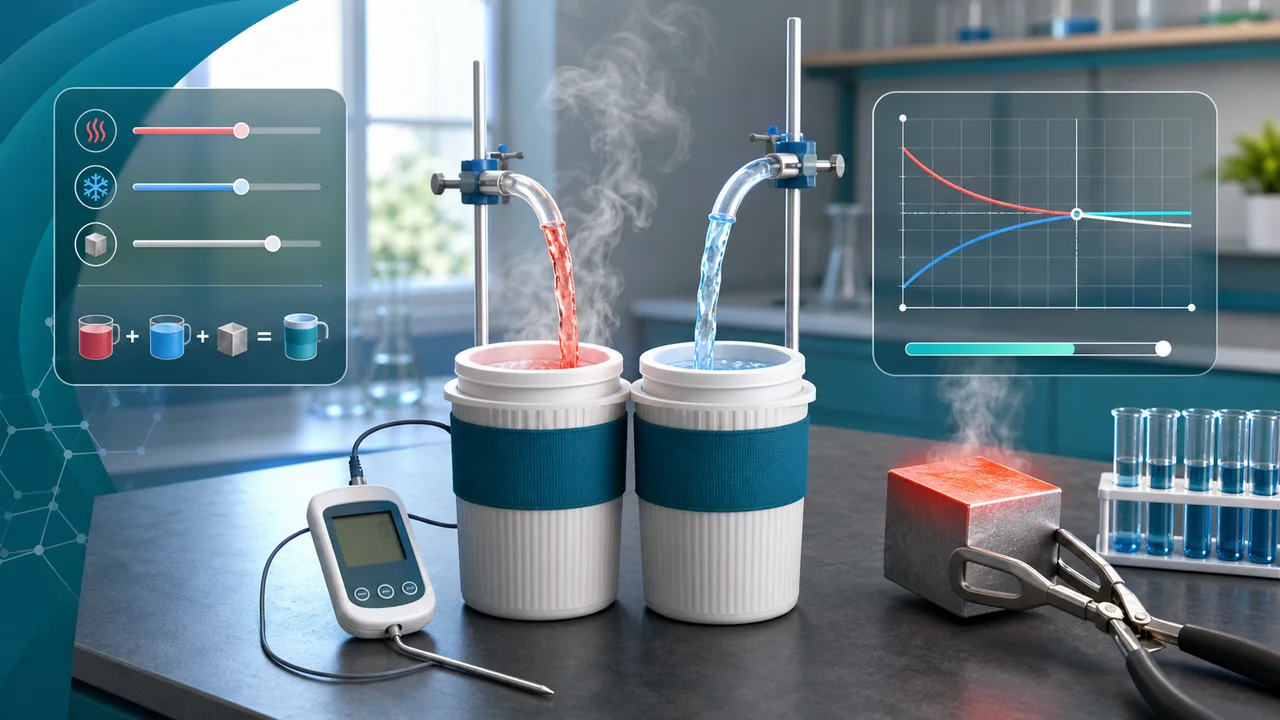
Calorimetry Simulator preview showing an insulated cup, thermometer, metal block, hot and cold water, and a temperature graph

Calorimetry Simulator

Mix hot water, cold water, metal samples, and a calorimeter cup to calculate final temperature, heat flow, and unknown specific heat.

Open simulator
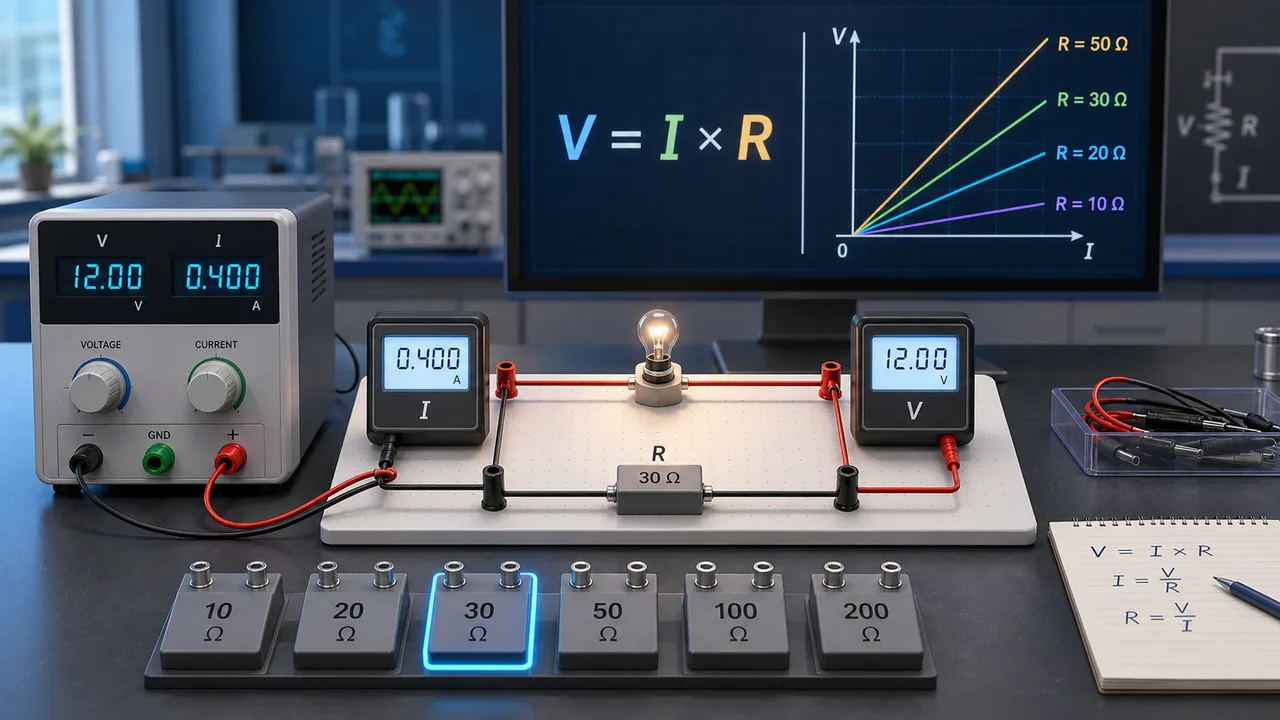
Ohm’s Law Lab Simulator preview showing a circuit board, power supply, ammeter, voltmeter, bulb, and V-I graph

Ohm’s Law Lab Simulator

Set voltage, resistance, connection mode, meters, and bulb, then record data, plot a V-I graph, and estimate unknown resistance.

Open simulator

Acid Base Titration Simulator FAQ

Fast answers about Acid Base Titration Simulator pH curves, indicators, equivalence point, unknown concentration, and learning scope.

Is Acid Base Titration Simulator free?

Yes. Acid Base Titration Simulator runs in the browser and can be used without an account or installation.

Which reactions does Acid Base Titration Simulator support?

Acid Base Titration Simulator supports monoprotic strong acids and weak acids titrated by strong bases, including HCl + NaOH, HNO3 + NaOH, CH3COOH + NaOH, and HCOOH + NaOH style practice.

Does Acid Base Titration Simulator show the equivalence point?

Yes. Acid Base Titration Simulator calculates the equivalence volume from stoichiometry and marks it on the pH curve.

Can Acid Base Titration Simulator calculate unknown concentration?

Yes. Acid Base Titration Simulator uses the observed endpoint from the selected drop volume and applies C acid = C base × V base / V acid for the monoprotic acid model.

Is Acid Base Titration Simulator a replacement for a real lab?

No. Acid Base Titration Simulator is an educational model for practice. Real experiments require correct glassware, calibration, safe chemical handling, and teacher or lab supervision.

Start Acid Base Titration Simulator now

Open Acid Base Titration Simulator, choose a reaction, enter the concentrations, and add titrant until the pH curve jumps.

Then compare the equivalence point, indicator color, unknown concentration calculation, experimental error, and conclusion.

Acid Base Titration Simulator makes a result link only when you copy one.