
Free Ranch Profit Simulator

Ranch Profit Simulator decide whether a livestock batch is worth raising

Ranch Profit Simulator turns livestock count, purchase cost, expected sale price, feed, vet care, labor, land rent, equipment cost, mortality loss, and feeding days into a clear batch profit check.

Built for fast Ranch Profit Simulator checks before buying, feeding, or holding a batch of cattle, sheep, goats, or pigs.

Ranch Profit Simulator batch dashboard

Start Ranch Profit Simulator here: enter livestock quantity, buy-in cost, expected sale price, daily feed, vet cost, labor, land rent, equipment cost, mortality rate, and feeding cycle.

Ranch Profit Simulator controls

Enter one livestock batch. Ranch Profit Simulator recalculates revenue, cost, break-even sale price, margin, and profit per head instantly.

Batch setup

Price and mortality

Cycle costs

Share this Ranch Profit Simulator result

Normal edits keep the clean page URL. Copy a result link only when you want to share this livestock batch scenario.

Net profit

$0

Total revenue

$0

Total cost

$0

Profit margin

0%

Ranch Profit Simulator break-even check

Expected animals sold0
Mortality revenue loss$0
Profit per head$0
Break-even sale price$0

Ranch Profit Simulator cost breakdown

See how purchase, feed, vet, labor, land, and equipment costs shape the batch decision.

Ranch Profit Simulator sensitivity checks

See how feed price, mortality loss, market sale price, and labor changes affect profit.

Ranch Profit Simulator recommendations

Use these flags before deciding whether this livestock batch is worth raising.

    Ranch Profit Simulator is an educational planning model. It simplifies ranch budgets and does not replace local market quotes, veterinary advice, accounting, tax, insurance, or lending guidance.

    Ranch Profit Simulator planning flow

    Ranch Profit Simulator moves from buy-in assumptions to cost structure, sale revenue, break-even price, and profit sensitivity.

    Ranch Profit Simulator batch profit view

    Ranch Profit Simulator combines livestock count, purchase cost, sale price, feed, vet, labor, land, equipment, mortality, and feeding days into one batch result.

    Ranch Profit Simulator dashboard with livestock batch revenue, cost, margin, and break-even planning

    Ranch Profit Simulator sensitivity view

    Ranch Profit Simulator highlights how feed prices, death loss, market sale price, and labor cost can move net profit.

    Ranch Profit Simulator sensitivity image showing feed, mortality, market price, labor, and break-even pressure

    Ranch Profit Simulator quick guide

    Use this Ranch Profit Simulator guide to turn a livestock purchase idea into a clearer raise, hold, or pass decision.

    01

    Enter Ranch Profit Simulator batch assumptions

    Start with livestock count, purchase cost per head, expected sale price, mortality rate, and feeding cycle days.

    • Use conservative sale prices when the market is volatile
    • Enter the full batch count, not only animals expected to survive

    Open Ranch Profit Simulator
    02

    Add Ranch Profit Simulator operating costs

    Add feed per head per day, vet cost per head, total labor, land rent, and equipment cost for the same cycle.

    • Feed usually deserves a separate quote because it can dominate the budget
    • Keep land and equipment in the same cycle period as the feeding days
    View Ranch Profit Simulator features
    03

    Review Ranch Profit Simulator sensitivity

    Compare the base result with higher feed, higher mortality, lower sale price, and higher labor scenarios.

    A profitable batch can still be too fragile if a small sale-price drop wipes out most of the margin.

    Explore more simulators

    Ranch Profit Simulator features

    Ranch Profit Simulator focuses on revenue, cost, margin, break-even price, per-head profit, and the variables most likely to change a livestock batch decision.

    Ranch Profit Simulator revenue estimate

    Estimate sale revenue after mortality loss so the batch result uses expected animals sold.

    Estimate revenue

    Ranch Profit Simulator cost stack

    Combine purchase, feed, vet, labor, land rent, and equipment cost in one operating view.

    Review costs

    Ranch Profit Simulator break-even price

    Calculate the sale price per surviving animal needed to cover the batch cost.

    Find break-even

    Ranch Profit Simulator profit margin

    Compare net profit with total revenue to see whether the margin can absorb surprises.

    Check margin

    Ranch Profit Simulator sensitivity

    See the profit impact of feed price, mortality, market sale price, and labor changes.

    Stress-test profit

    Ranch Profit Simulator shareable result

    Copy a summary or explicit result link without changing the clean page URL during normal edits.

    Share result

    Ranch Profit Simulator use cases

    Ranch Profit Simulator helps ranch owners, livestock managers, lenders, and students compare batch economics before committing cash and time.

    Ranch Profit Simulator for buy-in checks

    Test whether a planned livestock purchase can cover feed, labor, rent, and equipment.

    Check buy-in

    Ranch Profit Simulator for feeding plans

    Compare how the feeding cycle and feed price affect the final batch profit.

    Plan feeding

    Ranch Profit Simulator for market timing

    See how a lower expected sale price changes break-even and profit per head.

    Test sale price

    Ranch Profit Simulator for risk review

    Flag mortality, labor, and feed pressure before the batch becomes expensive to unwind.

    Review risk

    More tools like Ranch Profit Simulator

    Use Ranch Profit Simulator with other finance and agriculture calculators for a fuller operating view.

    Budget Simulator

    Enter income, rent, food, transportation, entertainment, shopping, subscriptions, insurance, debt repayment, and savings goals to see remaining cash and budget pressure.

    Budget Simulator preview showing monthly income, spending categories, remaining cash, pressure level, and savings scenarios
    Open tool

    Restaurant Tip Simulator

    Enter a restaurant bill, tip percentage, tax rate, party size, and split mode to calculate the tip, total, per-person amount, and tip comparisons.

    Restaurant Tip Simulator preview showing a restaurant bill, tip presets, tax, split count, and comparison totals
    Open tool

    Fuel Cost Simulator

    Enter distance, fuel economy, fuel price, weekly trips, and vehicle type to estimate trip, weekly, monthly, yearly, and vehicle comparison fuel costs.

    Fuel Cost Simulator preview showing driving distance, vehicle type, fuel price, recurring fuel costs, and savings comparisons
    Open tool

    Commute Cost Simulator

    Compare driving, public transit, biking, walking, and taxi commutes by monthly cost, yearly cost, time, and balanced recommendations.

    Commute Cost Simulator preview showing car, transit, bike, walk, and taxi cost and time comparisons
    Open tool

    Supermarket Profit Simulator

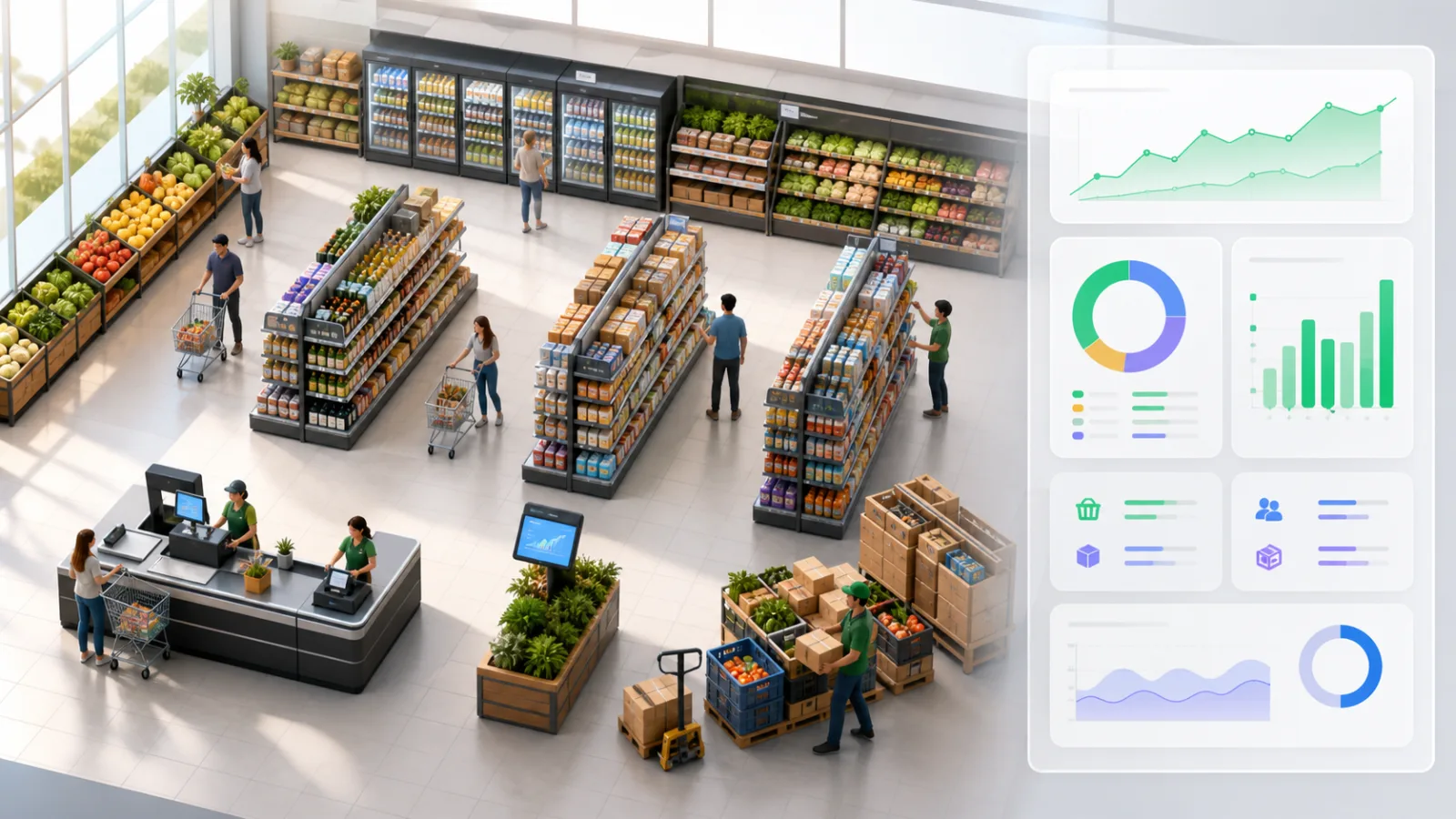
    Enter supermarket area, customer traffic, basket value, costs, wages, rent, utilities, shrinkage, discount, staffing, and shelf capacity to estimate profit, margin, inventory risk, satisfaction, and cash flow.

    Supermarket Profit Simulator preview showing grocery profit, shelf capacity, staffing, inventory risk, and cash flow
    Open tool

    Mortgage Simulator

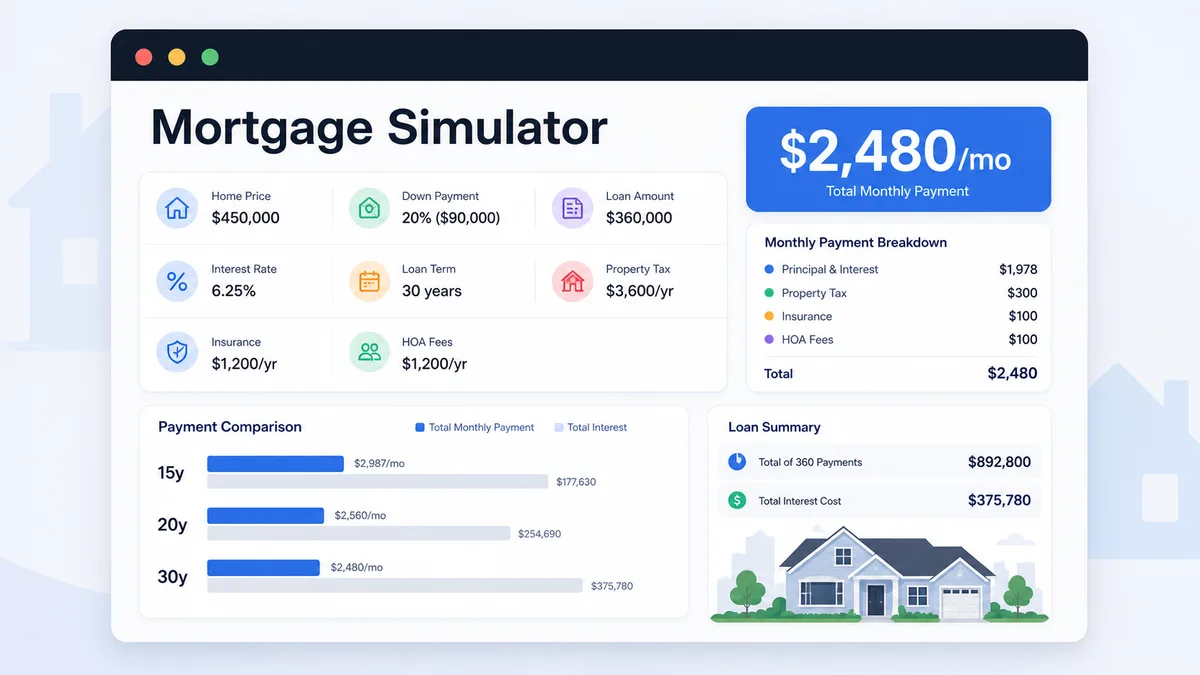
    Enter home price, down payment, loan amount, rate, term, taxes, insurance, and HOA to compare monthly payment and total interest.

    Mortgage Simulator preview showing payment breakdown, loan amount, total interest, and 15 20 30 year comparison
    Open tool

    Loan Payoff Simulator

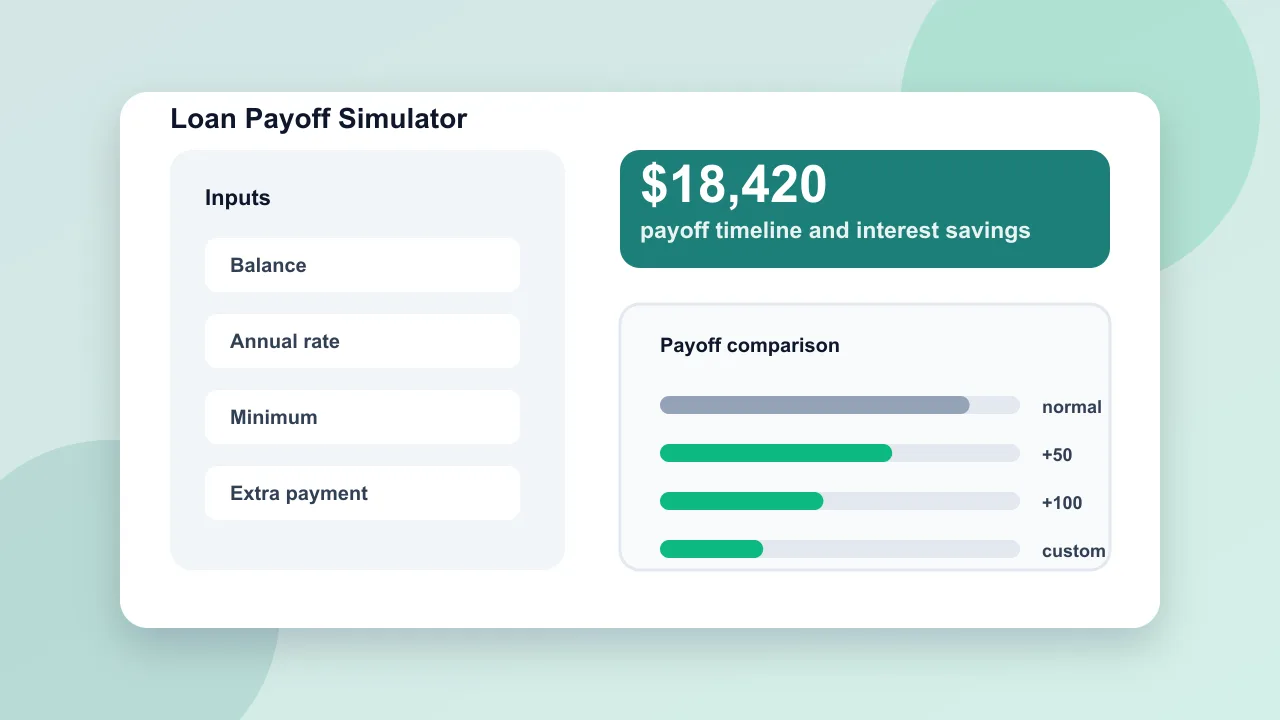
    Enter loan balance, annual rate, minimum payment, planned payment, and extra repayment to compare payoff time and interest savings.

    Loan Payoff Simulator preview showing payoff timeline, total interest, extra payment savings, and monthly comparison
    Open tool

    Home Renovation Budget Simulator

    Estimate home renovation costs by room, finish level, project toggles, cost breakdown, contingency, DIY options, and budget report.

    Home Renovation Budget Simulator preview showing renovation project switches, cost ranges, breakdown charts, and budget report
    Open tool
    View all simulators

    Ranch Profit Simulator FAQ

    Common questions about using Ranch Profit Simulator for livestock batch planning.

    What does Ranch Profit Simulator calculate?

    Ranch Profit Simulator calculates total revenue, total cost, net profit, profit margin, break-even sale price, profit per head, mortality revenue loss, cost breakdown, and sensitivity to feed, mortality, sale price, and labor changes.

    How should I enter feed cost in Ranch Profit Simulator?

    Enter feed cost as the daily cost per head for the feeding cycle. Ranch Profit Simulator multiplies it by livestock count and feeding days.

    Does Ranch Profit Simulator account for mortality?

    Yes. Ranch Profit Simulator reduces expected animals sold by the mortality loss rate, while purchase, feed, and vet costs still apply to the starting batch count.

    Can Ranch Profit Simulator replace professional advice?

    No. Ranch Profit Simulator is a planning model for quick comparisons. Use local market quotes and professional ranch, veterinary, accounting, tax, insurance, or lending advice for real decisions.

    Run Ranch Profit Simulator before you buy the batch

    Use Ranch Profit Simulator to compare revenue, cost, mortality loss, feed pressure, labor pressure, and break-even sale price in one view.

    A few changed inputs can show whether the livestock batch has enough room to be worth raising.

    Free browser-based Ranch Profit Simulator. No account required.