Free Restaurant Tip Simulator

Restaurant Tip Simulator settle the bill before the server comes back

Restaurant Tip Simulator turns a bill amount, tip percentage, tax rate, guest count, and split choice into a clear tip amount, total after tax, per-person payment, and side-by-side tip comparison.

Built for quick Restaurant Tip Simulator checks at the table with 15%, 18%, 20%, and 25% presets.

Restaurant Tip Simulator calculator

Start Restaurant Tip Simulator here: enter the bill, choose a tip, add the tax rate, set the number of diners, and switch equal splitting on or off.

Restaurant Tip Simulator controls

Adjust the bill, tip, tax, party size, and split mode. Restaurant Tip Simulator recalculates the tip, total, per-person payment, and comparison table instantly.

Quick tip buttons

Share Restaurant Tip Simulator

Share the clean page URL here. Use the result link button only when you want to share the entered bill.

Restaurant Tip Simulator total

$0.00

Tip amount

$0.00

Tax amount

$0.00

Bill subtotal

$0.00

Per-person payment

$0.00

Restaurant Tip Simulator summary

Review the subtotal, tax, selected tip, and party size before paying.

20%

Before tax

$0.00

After tax

$0.00

Tip share

0%

Party size

1

Restaurant Tip Simulator tip comparison

Compare 15%, 18%, 20%, and 25% tip choices with the same bill, tax rate, and split mode.

Tip Tip amount Total Per person

Restaurant Tip Simulator is a quick planning tool. Local tax rules, service charges, discounts, and restaurant policies can vary, so check the printed bill before paying.

Restaurant Tip Simulator bill flow

Restaurant Tip Simulator keeps the restaurant math visible from bill entry to tax, tip, split payment, and comparison.

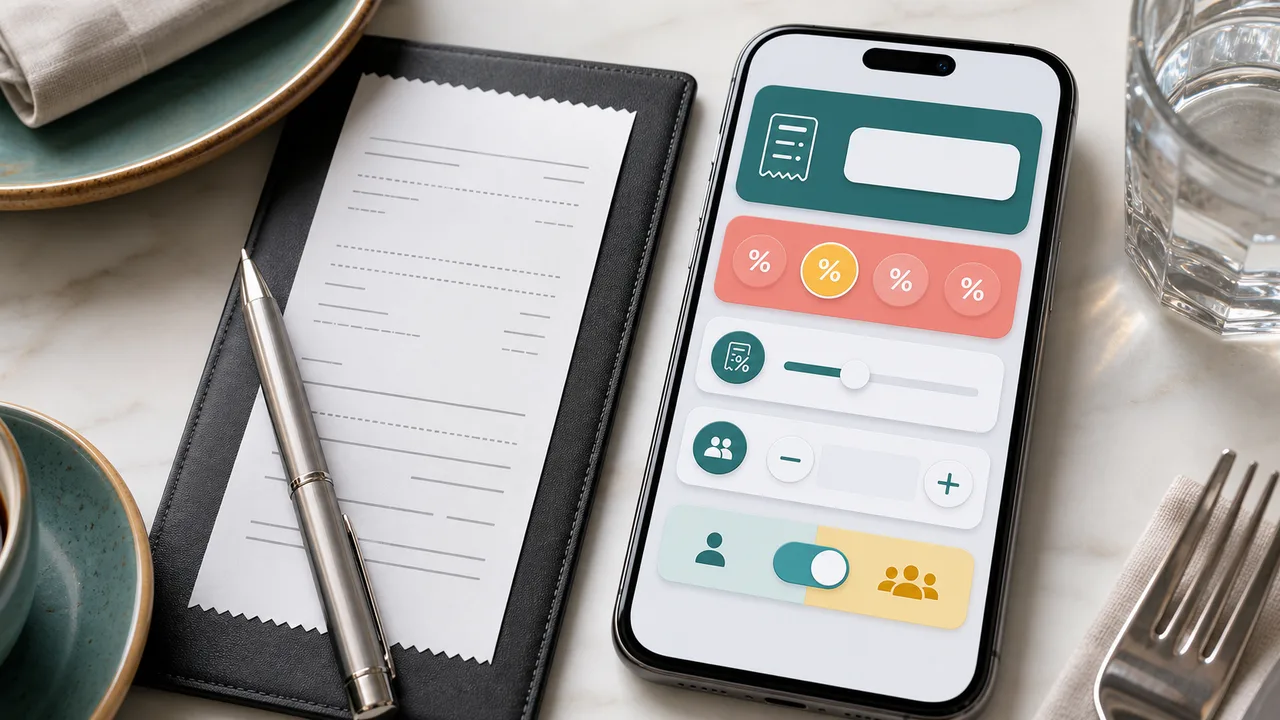
Restaurant Tip Simulator input setup

Restaurant Tip Simulator starts with the bill amount, selected tip, tax rate, number of diners, and the equal-split switch.

Restaurant Tip Simulator input screen with bill amount, tip presets, tax rate, and diners

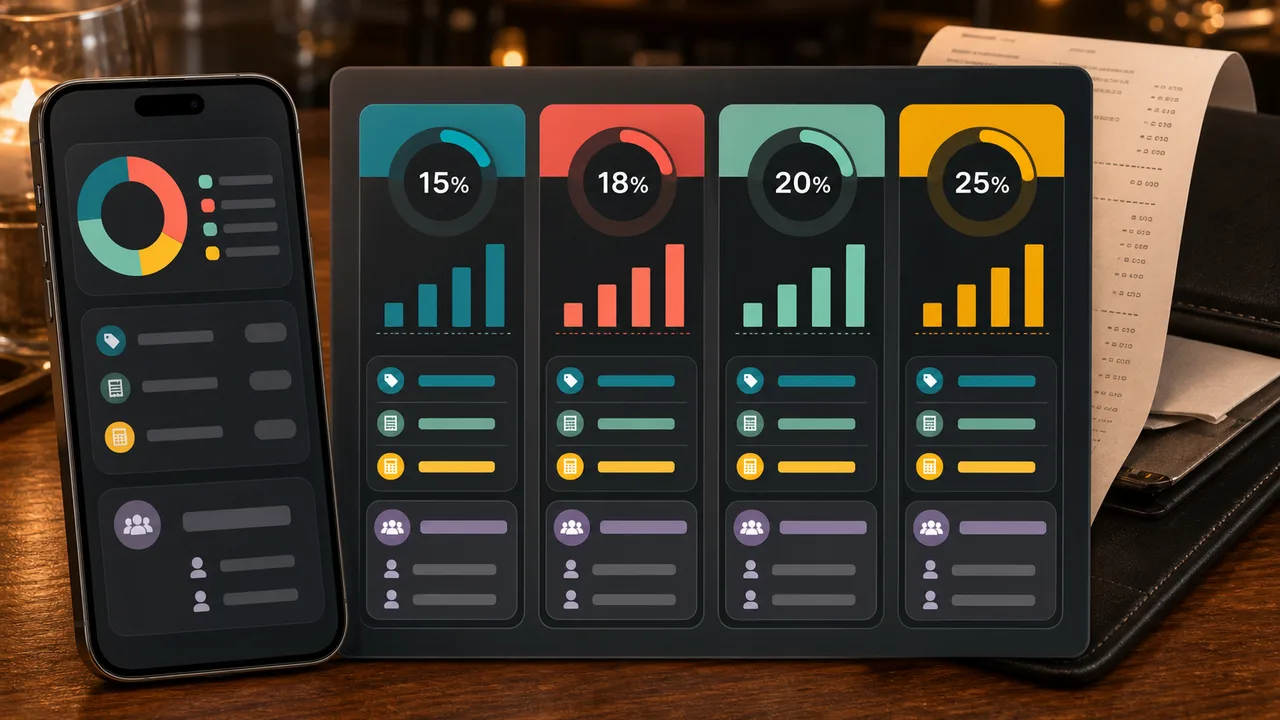
Restaurant Tip Simulator tip comparison

Restaurant Tip Simulator compares 15%, 18%, 20%, and 25% tips so you can see how each choice changes the total and per-person payment.

Restaurant Tip Simulator comparison of 15, 18, 20, and 25 percent tips with totals

Restaurant Tip Simulator quick guide

Use this Restaurant Tip Simulator guide when you need a fast table-side check before choosing a tip or splitting the bill.

01

Enter the Restaurant Tip Simulator bill details

Type the pre-tip bill amount, choose a tip percentage, enter the tax rate from the receipt, and set the number of diners.

  • Use the bill subtotal before tip
  • Check whether a service charge is already included

Open Restaurant Tip Simulator
02

Check Restaurant Tip Simulator totals

Review the tip amount, tax amount, total after tax and tip, and per-person payment before anyone reaches for a card.

  • Use equal split when everyone shares the bill
  • Turn equal split off when one person is paying
View Restaurant Tip Simulator features
03

Compare Restaurant Tip Simulator presets

Tap 15%, 18%, 20%, or 25% to compare different tipping choices without retyping the bill.

When the tax is entered separately, Restaurant Tip Simulator calculates tip on the pre-tax bill and then adds tax to the final total.

Explore more simulators

Restaurant Tip Simulator features

Restaurant Tip Simulator focuses on the exact numbers people need at checkout: tip, tax, total, per-person payment, and comparison.

Restaurant Tip Simulator tip amount

Calculate the tip from the bill amount and selected percentage.

Calculate tip

Restaurant Tip Simulator tax total

Add the entered tax rate to show the full total after tax and tip.

Check total

Restaurant Tip Simulator split bill

Divide the final total by the number of diners when equal splitting is on.

Split bill

Restaurant Tip Simulator quick presets

Use 15%, 18%, 20%, and 25% buttons for fast restaurant checkout choices.

Use presets

Restaurant Tip Simulator comparison

Compare common tip percentages side by side with total and per-person amounts.

Compare tips

Restaurant Tip Simulator result link

Copy a result link on demand while normal page visits keep a clean URL.

Copy result

Restaurant Tip Simulator use cases

Restaurant Tip Simulator is useful whenever a restaurant bill needs a quick, transparent tip and split calculation.

Restaurant Tip Simulator dinner check

Calculate the tip and final total before the payment terminal arrives.

Dinner
Check dinner

Restaurant Tip Simulator group split

Split the same final total across friends, coworkers, or family members.

Group
Split bill

Restaurant Tip Simulator tip choice

Compare 15%, 18%, 20%, and 25% before choosing a final tip.

Tip
Compare tips

Restaurant Tip Simulator receipt review

See tax, tip, and subtotal separately so the final amount is easier to verify.

Receipt
Review receipt

Other tools after Restaurant Tip Simulator

After Restaurant Tip Simulator, explore more free browser simulators for budgets, fuel, commuting, loans, school, science, and everyday planning.

Budget Simulator

Enter income, rent, food, transportation, entertainment, shopping, subscriptions, insurance, debt repayment, and savings goals to see remaining cash and budget pressure.

Budget Simulator preview showing monthly income, spending categories, remaining cash, pressure level, and savings scenarios
Open simulator

Fuel Cost Simulator

Enter distance, fuel economy, fuel price, weekly trips, and vehicle type to estimate trip, weekly, monthly, yearly, and vehicle comparison fuel costs.

Fuel Cost Simulator preview showing driving distance, vehicle type, fuel price, recurring fuel costs, and savings comparisons
Open simulator

Commute Cost Simulator

Compare driving, public transit, biking, walking, and taxi commutes by monthly cost, yearly cost, time, and balanced recommendations.

Commute Cost Simulator preview showing car, transit, bike, walk, and taxi cost and time comparisons
Open simulator

Supermarket Profit Simulator

Enter supermarket area, customer traffic, basket value, costs, wages, rent, utilities, shrinkage, discount, staffing, and shelf capacity to estimate profit, margin, inventory risk, satisfaction, and cash flow.

Supermarket Profit Simulator preview showing grocery profit, shelf capacity, staffing, inventory risk, and cash flow
Open simulator

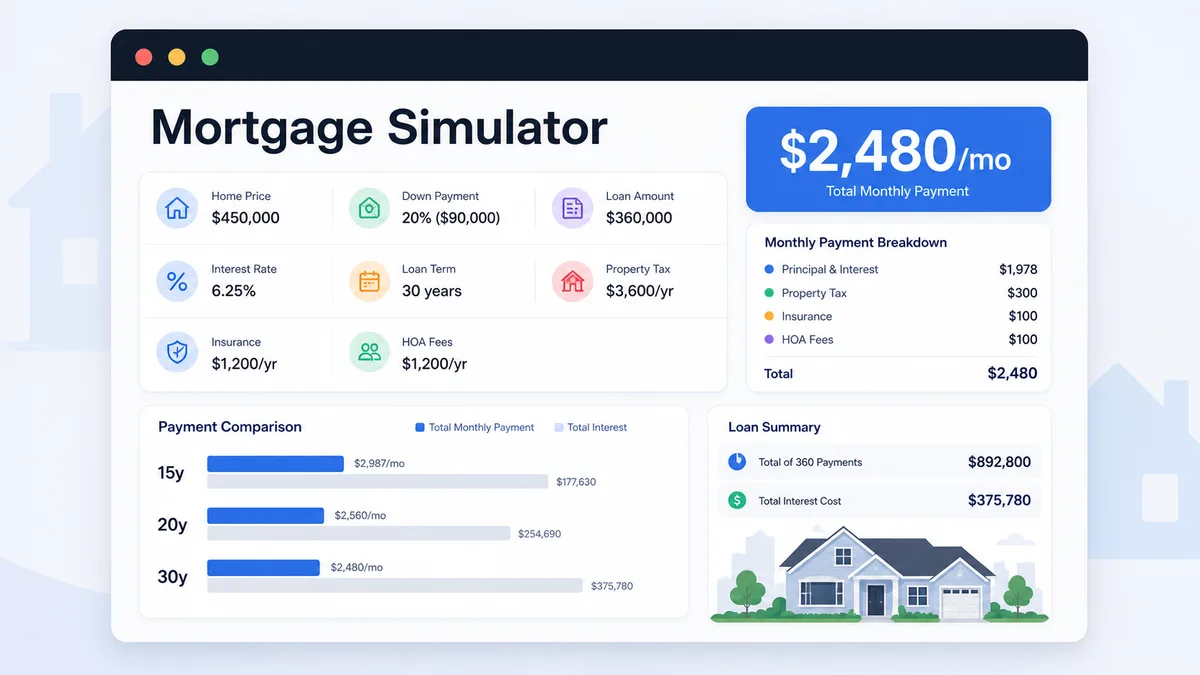
Mortgage Simulator

Enter home price, down payment, loan amount, rate, term, taxes, insurance, and HOA to compare monthly payment and total interest.

Mortgage Simulator preview showing payment breakdown, loan amount, total interest, and 15 20 30 year comparison
Open simulator

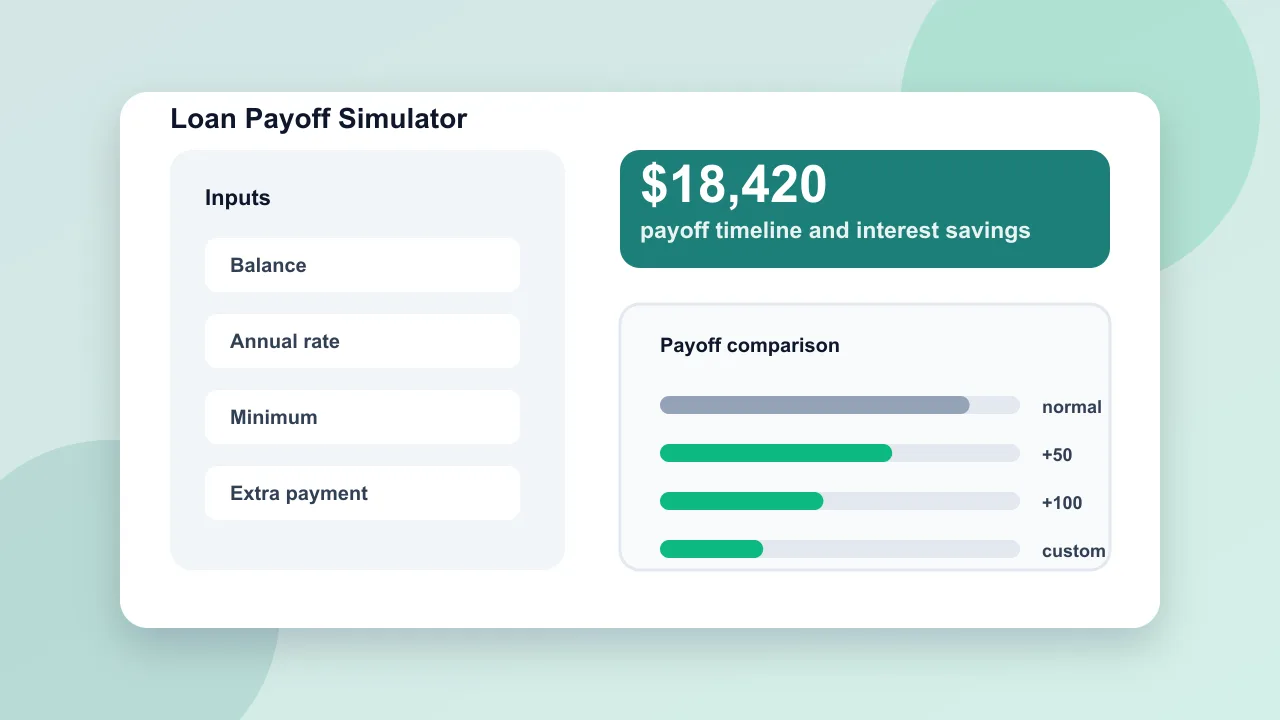
Loan Payoff Simulator

Enter loan balance, annual rate, minimum payment, planned payment, and extra repayment to compare payoff time and interest savings.

Loan Payoff Simulator preview showing payoff timeline, total interest, extra payment savings, and monthly comparison
Open simulator

Home Renovation Budget Simulator

Estimate home renovation costs by room, finish level, project toggles, cost breakdown, contingency, DIY options, and budget report.

Home Renovation Budget Simulator preview showing renovation project switches, cost ranges, breakdown charts, and budget report
Open simulator

Home Maintenance Budget Simulator

Estimate yearly home maintenance reserves, monthly savings targets, emergency fund gaps, system lifespan risks, repair timelines, and checklist tasks.

Home Maintenance Budget Simulator preview showing annual reserves, monthly savings targets, system risk scores, repair timeline, and checklist
Open simulator
View all simulators

Restaurant Tip Simulator FAQ

Answers about how Restaurant Tip Simulator calculates tips, tax, split bills, presets, and result links.

How does Restaurant Tip Simulator calculate the tip?

Restaurant Tip Simulator multiplies the bill amount by the selected tip percentage. The default flow treats the bill amount as the pre-tip subtotal.

Does Restaurant Tip Simulator calculate tip before or after tax?

Restaurant Tip Simulator calculates the tip from the entered bill amount, then adds the entered tax amount to the final total. If your bill amount already includes tax, set the tax rate to 0 or enter the pre-tax subtotal instead.

How does Restaurant Tip Simulator split the bill?

When equal split is on, Restaurant Tip Simulator divides the final total after tax and tip by the number of diners. When it is off, the per-person panel shows the full total for one payer.

Which quick tip buttons are included in Restaurant Tip Simulator?

Restaurant Tip Simulator includes 15%, 18%, 20%, and 25% quick buttons and also lets you type any custom percentage.

Can I share a Restaurant Tip Simulator result?

Yes. Use the copy result link button to create a Restaurant Tip Simulator URL with the bill, tip, tax, diner count, and split mode. Normal edits do not change the clean page URL.

Calculate your Restaurant Tip Simulator result

Open Restaurant Tip Simulator, enter the bill, tip percentage, tax rate, diners, and split mode.

Then compare 15%, 18%, 20%, and 25% choices so the total and per-person payment are clear before checkout.

Restaurant Tip Simulator runs in your browser and is free to use.