
Free Budget Simulator

Budget Simulator see where your monthly cash goes before the month ends

Budget Simulator turns income, currency, custom fixed, variable, debt, savings, and recurring subscription categories into a clear month-end cash view with 50/30/20 rule comparison, emergency fund months, pressure level, and exportable summaries.

Built for fast Budget Simulator checks with category warnings, pressure levels, and shareable result links.

Budget Simulator interactive planner

Start Budget Simulator here: enter monthly income, core expenses, lifestyle spending, debt repayment, and savings target to calculate remaining cash and budget pressure instantly.

Budget Simulator controls

Adjust income, currency, custom categories, category types, subscriptions, savings, and emergency fund balance. Budget Simulator recalculates remaining cash, 50/30/20 rule fit, pressure level, alerts, and summaries instantly.

Income

Use take-home monthly income so Budget Simulator reflects cash you can actually spend.

Savings target

Add the amount you want left for savings after spending, plus the emergency fund balance you already have.

Add custom category

Use presets or create your own childcare, utilities, phone, internet, medical, education, tax, pets, gifts, travel, or local household category.

Active categories

Edit amounts, switch fixed / variable / debt / savings type, or mark subscriptions as recurring.

Share this Budget Simulator result

Normal edits keep the clean page URL. Copy a result link only when you want to share the entered budget.

Budget Simulator month-end cash

$0

Total expenses

$0

Expense share

0%

Emergency fund months

0

Budget Simulator pressure

Budget Simulator cash summary

Monthly income$0
Total expenses$0
Savings goal$0
After savings goal$0

Budget Simulator 50/30/20 rule comparison

Fixed categories are compared with the 50% needs target, variable categories with the 30% wants target, and debt plus savings with the 20% target.

Budget Simulator spending shares

Each bar shows the category share of total monthly expenses.

Budget Simulator subscription detector

Recurring categories are listed separately so small monthly plans do not disappear inside shopping or lifestyle spending.

Budget Simulator spending alerts

Budget Simulator flags categories that may be crowding out savings.

    Budget Simulator savings scenarios

    See how much more you could save each month after common spending changes.

    Combined monthly savings

    $0

    Budget Simulator is an educational planning tool. It simplifies monthly cash flow and does not replace personal financial, tax, credit, or debt advice.

    Budget Simulator monthly planning flow

    Budget Simulator moves from income and expense entry to spending shares, warnings, and practical savings scenarios.

    Budget Simulator expense breakdown

    Budget Simulator turns rent, food, transportation, entertainment, shopping, subscriptions, insurance, and debt repayment into a ranked spending-share view.

    Budget Simulator expense breakdown dashboard with category bars and remaining cash indicator

    Budget Simulator what-if savings scenarios

    Budget Simulator estimates the extra monthly savings from reducing takeout, canceling subscriptions, and lowering entertainment spending.

    Budget Simulator scenario comparison for takeout, subscriptions, entertainment, and extra monthly savings

    Budget Simulator quick guide

    Use this Budget Simulator guide to move from rough monthly guesses to a clear spending, savings, and pressure check.

    01

    Enter Budget Simulator income and expenses

    Start with monthly take-home income, then add rent, food, transportation, entertainment, shopping, subscriptions, insurance, and debt repayment.

    • Use average monthly amounts for variable categories
    • Separate subscriptions from shopping so small recurring charges stay visible

    Open Budget Simulator
    02

    Review Budget Simulator pressure and warnings

    Budget Simulator compares spending plus savings target against income, then flags categories that may be too high.

    • Check remaining cash and cash after savings goal together
    • Look at category shares before cutting random expenses
    View Budget Simulator features
    03

    Test Budget Simulator savings scenarios

    Use the takeout, subscription, and entertainment scenarios to see which small changes create the most extra savings per month.

    A category that looks small weekly can matter a lot monthly, especially subscriptions and dining.

    Explore more simulators

    Budget Simulator features

    Budget Simulator focuses on the monthly decisions people make most often: spend, save, cut back, or adjust the target.

    Budget Simulator remaining cash

    Calculate cash left at the end of the month after all entered expense categories.

    Calculate cash

    Budget Simulator spending shares

    Rank each category by share of total expenses so the largest pressure points are obvious.

    View shares

    Budget Simulator pressure level

    Compare monthly expenses plus savings target against income to see whether the plan feels relaxed, tight, or over budget.

    Check pressure

    Budget Simulator category alerts

    Flag high housing, dining, subscriptions, lifestyle, debt, or savings-target pressure.

    Find alerts

    Budget Simulator savings scenarios

    Estimate monthly savings from reducing takeout, canceling subscriptions, and cutting entertainment.

    Test savings

    Budget Simulator result link

    Copy a result link only on demand so clean Budget Simulator page visits stay clean for SEO.

    Copy result

    Budget Simulator use cases

    Budget Simulator works best when a monthly spending decision needs a clear cash, pressure, and savings answer.

    Budget Simulator rent check

    Test whether rent leaves enough room for food, debt repayment, savings, and everyday spending.

    Housing
    Check rent

    Budget Simulator lifestyle reset

    Compare entertainment, shopping, dining, and subscriptions before choosing what to cut.

    Lifestyle
    Reset spend

    Budget Simulator savings goal

    See whether the current monthly plan can still hit a target savings amount.

    Savings
    Test goal

    Budget Simulator household review

    Build a simple scenario to discuss with a partner, roommate, coach, or advisor.

    Planning
    Build scenario

    More tools after Budget Simulator

    After Budget Simulator, explore more free browser simulators for finance, school, physics, games, and shareable planning.

    Restaurant Tip Simulator

    Enter a restaurant bill, tip percentage, tax rate, party size, and split mode to calculate the tip, total, per-person amount, and tip comparisons.

    Restaurant Tip Simulator preview showing a restaurant bill, tip presets, tax, split count, and comparison totals
    Open simulator

    Fuel Cost Simulator

    Enter distance, fuel economy, fuel price, weekly trips, and vehicle type to estimate trip, weekly, monthly, yearly, and vehicle comparison fuel costs.

    Fuel Cost Simulator preview showing driving distance, vehicle type, fuel price, recurring fuel costs, and savings comparisons
    Open simulator

    Commute Cost Simulator

    Compare driving, public transit, biking, walking, and taxi commutes by monthly cost, yearly cost, time, and balanced recommendations.

    Commute Cost Simulator preview showing car, transit, bike, walk, and taxi cost and time comparisons
    Open simulator

    Supermarket Profit Simulator

    Enter supermarket area, customer traffic, basket value, costs, wages, rent, utilities, shrinkage, discount, staffing, and shelf capacity to estimate profit, margin, inventory risk, satisfaction, and cash flow.

    Supermarket Profit Simulator preview showing grocery profit, shelf capacity, staffing, inventory risk, and cash flow
    Open simulator

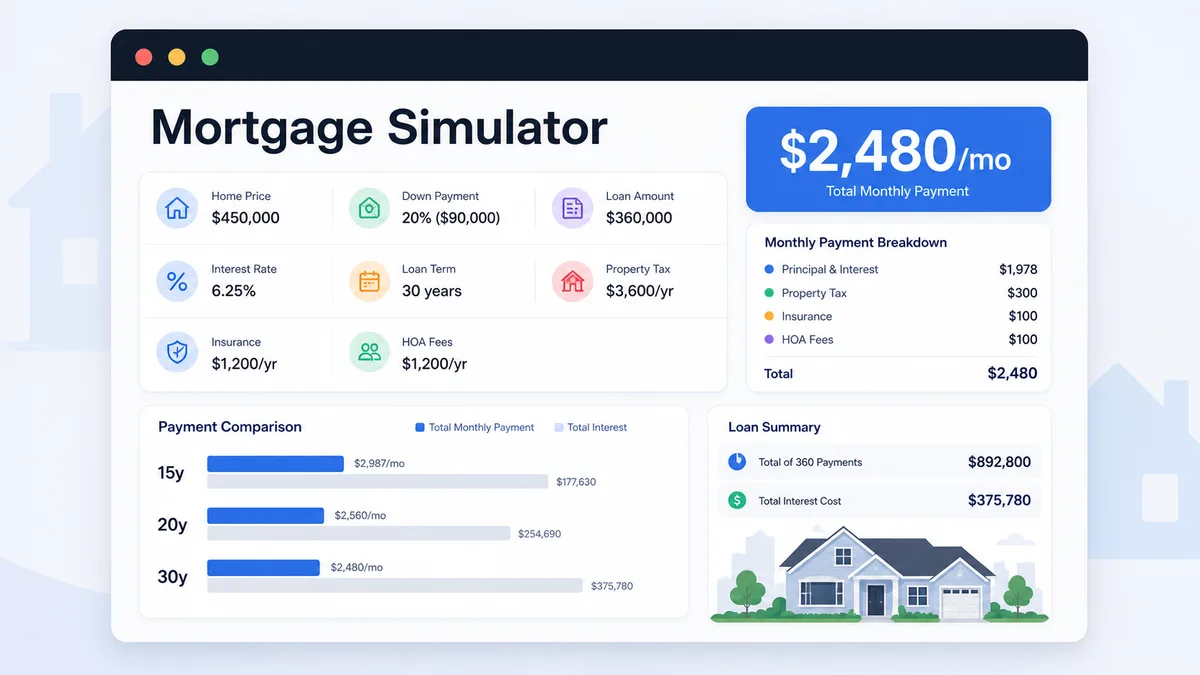
    Mortgage Simulator

    Enter home price, down payment, loan amount, rate, term, taxes, insurance, and HOA to compare monthly payment and total interest.

    Mortgage Simulator preview showing payment breakdown, loan amount, total interest, and 15 20 30 year comparison
    Open simulator

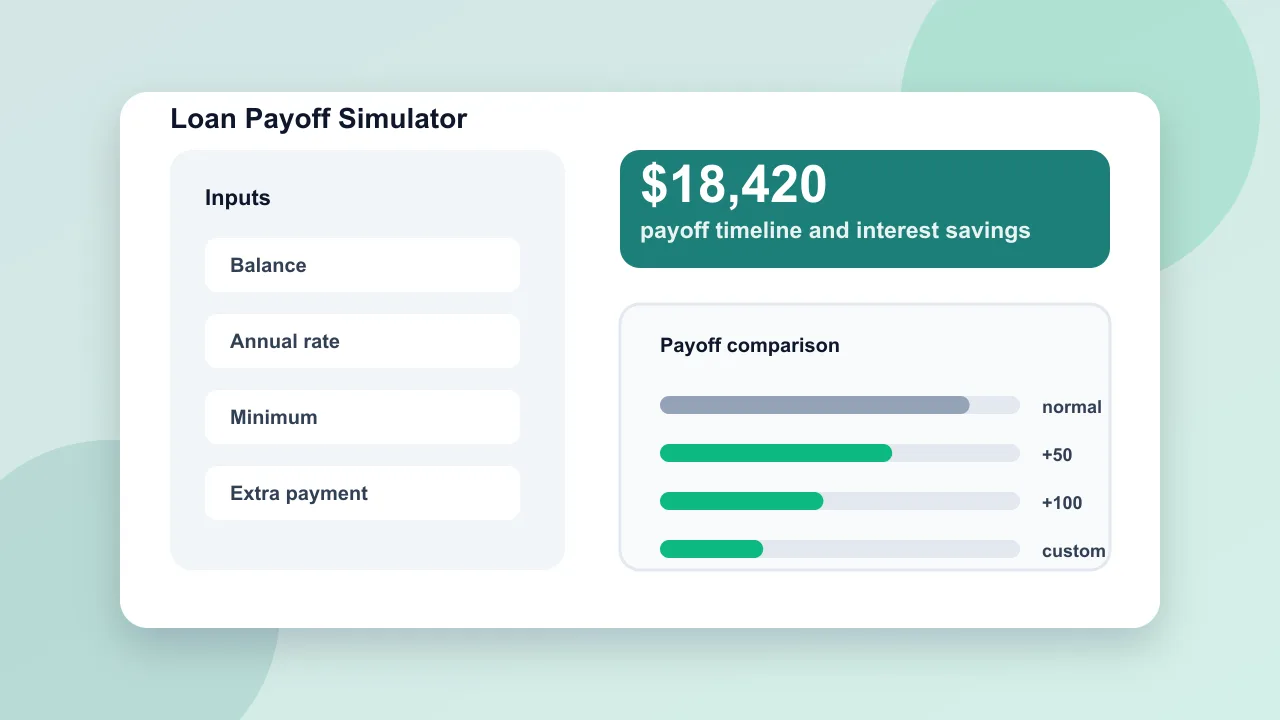
    Loan Payoff Simulator

    Enter loan balance, annual rate, minimum payment, planned payment, and extra repayment to compare payoff time and interest savings.

    Loan Payoff Simulator preview showing payoff timeline, total interest, extra payment savings, and monthly comparison
    Open simulator

    Home Renovation Budget Simulator

    Estimate home renovation costs by room, finish level, project toggles, cost breakdown, contingency, DIY options, and budget report.

    Home Renovation Budget Simulator preview showing renovation project switches, cost ranges, breakdown charts, and budget report
    Open simulator

    Home Maintenance Budget Simulator

    Estimate yearly home maintenance reserves, monthly savings targets, emergency fund gaps, system lifespan risks, repair timelines, and checklist tasks.

    Home Maintenance Budget Simulator preview showing annual reserves, monthly savings targets, system risk scores, repair timeline, and checklist
    Open simulator
    View all simulators

    Budget Simulator FAQ

    Answers about Budget Simulator calculations, pressure levels, spending alerts, and savings scenarios.

    How does Budget Simulator calculate month-end cash?

    Budget Simulator subtracts rent, food, transportation, entertainment, shopping, subscriptions, insurance, and debt repayment from monthly income. The result is the estimated cash left before applying the savings target.

    How does Budget Simulator decide the budget pressure level?

    Budget Simulator compares total expenses plus the savings goal against monthly income. It also marks the plan as over budget when expenses alone are higher than income.

    What spending alerts does Budget Simulator show?

    Budget Simulator flags high housing, food and dining, entertainment plus shopping, subscriptions, debt repayment, and savings target pressure when those categories may crowd out cash.

    How are Budget Simulator savings scenarios estimated?

    Budget Simulator estimates reducing takeout by trimming food and dining by 18%, canceling subscriptions by removing the subscription line, and lowering entertainment by trimming entertainment spending by 25%.

    Can I share a Budget Simulator result?

    Yes. Use the copy result link button to create a parameterized Budget Simulator URL with the entered values. Normal edits do not change the clean page URL.

    Calculate your Budget Simulator result

    Open Budget Simulator, enter monthly income, spending categories, debt repayment, and savings target.

    Then review remaining cash, spending shares, budget pressure, warnings, and what-if savings from reducing takeout, canceling subscriptions, and lowering entertainment.

    Budget Simulator runs in your browser and is free to use.