
Game Economy Simulator test if your economy floods players with coins

Model daily coin inflow, rewards, item prices, upgrade costs, and sinks to spot inflation and imbalance before you launch your game.

Read the guide

Game Economy Simulator interactive balance dashboard

Start Game Economy Simulator here: adjust daily coin output, task rewards, login rewards, item prices, upgrade costs, trading tax, recycling sinks, and player activity to see economic pressure update instantly.

Controls

Enter the reward and sink assumptions for one live economy. Coin flow, accumulation speed, inflation risk, item price pressure, and imbalance risk update instantly.

Coin inflow

Prices and sinks

Activity and controls

Share this result

Copy a result link to share the current economy scenario; the regular page link stays short and simple.

Net daily coin flow

0

Daily coin inflow

0

Daily coin outflow

0

30-day surplus

0

Accumulation speed

Net coins per player0
Days to core item0
Days to upgrade0
Activity-adjusted players0

Inflation and imbalance risk

Compare coin inflow, item and upgrade sinks, trading tax, recycling, accumulation speed, and price pressure before changing rewards.

Item price pressure

0%

Economy balance levers

Recommendations

Use these suggestions to tune rewards, prices, taxes, and sinks before resources become too abundant or too scarce.

    Game Economy Simulator is an educational tuning model for game design. It simplifies player behavior and should be tested with real telemetry, playtests, and economy reviews before production decisions.

    Game Economy Simulator economy flow

    Game Economy Simulator moves from rewards and active players to sinks, progression speed, inflation pressure, and tuning advice.

    Game Economy Simulator coin flow view

    Game Economy Simulator estimates daily coin inflow, daily coin outflow, net flow, 30-day surplus, and per-player accumulation from reward and sink assumptions.

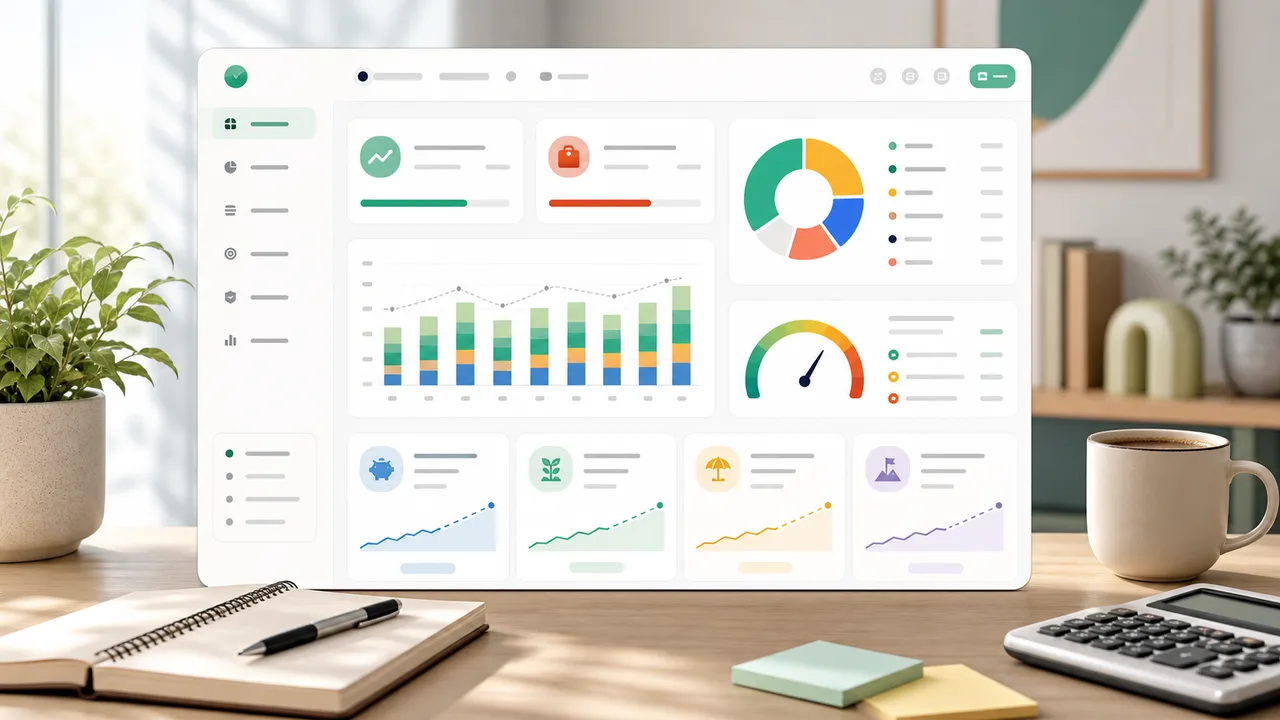
    Game Economy Simulator dashboard showing coin inflow, coin outflow, player activity, item prices, upgrade costs, and surplus

    Game Economy Simulator risk view

    Game Economy Simulator flags inflation risk, resource accumulation risk, item price pressure, economy imbalance, and whether the scenario looks balanced, inflationary, or sink heavy.

    Game Economy Simulator risk panel showing inflation gauges, resource accumulation, item price pressure, trading tax, and coin recycling

    Game Economy Simulator quick guide

    Use this Game Economy Simulator guide to turn reward guesses into a clear coin-flow, price-pressure, and progression-speed check.

    1. Enter Game Economy Simulator reward assumptions

      Start with daily active players, daily coin output, task rewards, login rewards, and player activity so the simulator can estimate total coin inflow.

      • Use normal-day rewards, not only event rewards
      • Separate repeatable coin output from one-time progression rewards
      Open Game Economy Simulator
    2. Tune Game Economy Simulator prices and sinks

      Adjust item prices, upgrade costs, purchase rate, trading tax, and recycling sinks to see whether outflow can keep pace with rewards.

      • Low item prices can make new content feel exhausted too quickly
      • Strong sinks can protect inflation but may make regular play feel slow
      View Game Economy Simulator features
    3. Read Game Economy Simulator risk advice

      Review inflation risk, accumulation speed, price pressure, and imbalance warnings before changing live rewards or upgrade costs.

      Retest special events separately because temporary rewards can create permanent marketplace pressure.

      Explore more simulators

    Game Economy Simulator features

    Game Economy Simulator focuses on the tuning questions indie developers face most often: rewards, sinks, progression speed, trading, item prices, and inflation.

    Game Economy Simulator coin flow

    Calculate total daily inflow, total daily outflow, net flow, and 30-day surplus for active players.

    Calculate coin flow

    Game Economy Simulator sink coverage

    Compare item purchases, upgrade costs, trading tax, and recycling sinks against daily coin rewards.

    Check sinks

    Game Economy Simulator inflation risk

    Spot scenarios where coins enter faster than sinks can remove them, raising long-term inflation risk.

    View inflation risk

    Game Economy Simulator progression speed

    Estimate how quickly players can afford core items and upgrades under current rewards.

    Test progression

    Game Economy Simulator price pressure

    Measure how player income and trading volume may push item prices or marketplace expectations upward.

    Review prices

    Game Economy Simulator shareable result

    Copy a result summary or a scenario link while you edit, without changing the regular page link.

    Share scenario

    Game Economy Simulator use cases

    Game Economy Simulator is useful for indie game prototypes, live-ops reward tuning, classroom economy exercises, and pre-launch balance reviews.

    Game Economy Simulator for indie prototypes

    Check whether your first reward table lets players buy items too quickly or leaves them stuck.

    Prototype economy

    Game Economy Simulator for live events

    Estimate whether temporary task rewards or login bonuses will create lasting inflation after an event ends.

    Test events

    Game Economy Simulator for trading markets

    Tune trading tax and item affordability before player-to-player markets push prices out of range.

    Balance markets

    Game Economy Simulator for upgrade pacing

    Compare upgrade costs with reward rates so player growth feels meaningful without becoming instant.

    Tune upgrades

    Other finance tools beside Game Economy Simulator

    After Game Economy Simulator, compare related budget, profit, cost, and planning calculators from FreeSimulators.

    Budget Simulator preview showing monthly income, spending categories, remaining cash, pressure level, and savings scenarios

    Budget Simulator

    Enter income, rent, food, transportation, entertainment, shopping, subscriptions, insurance, debt repayment, and savings goals to see remaining cash and budget pressure.

    Open tool
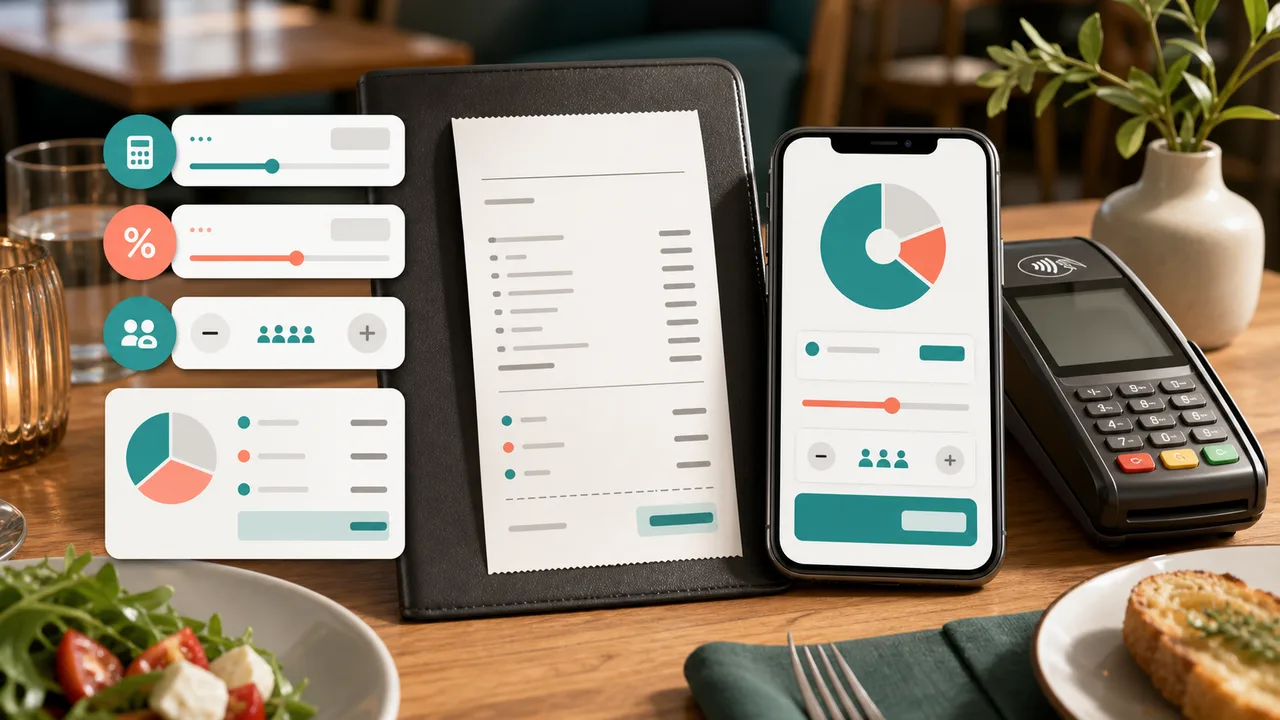
    Restaurant Tip Simulator preview showing a restaurant bill, tip presets, tax, split count, and comparison totals

    Restaurant Tip Simulator

    Enter a restaurant bill, tip percentage, tax rate, party size, and split mode to calculate the tip, total, per-person amount, and tip comparisons.

    Open tool
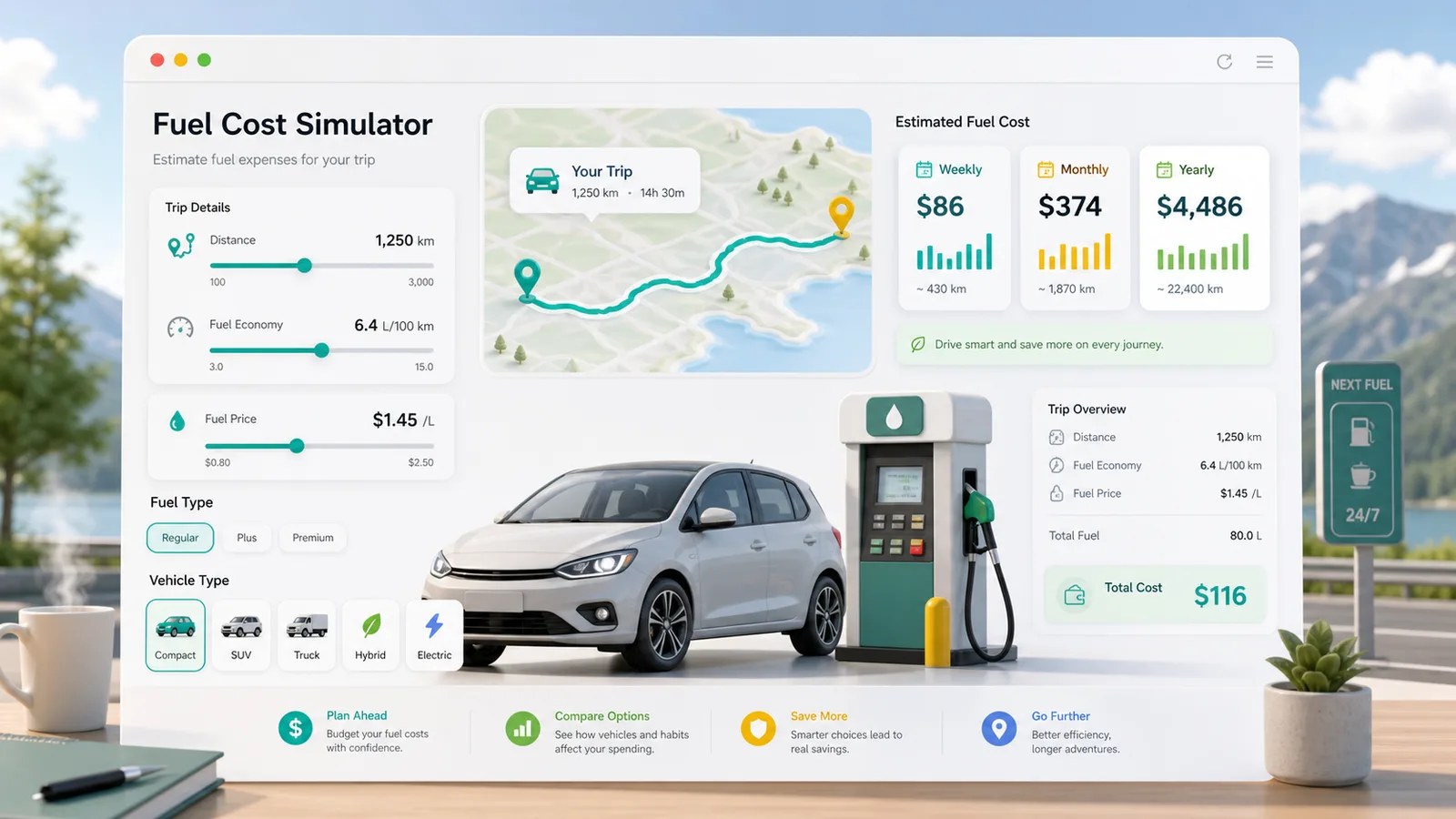
    Fuel Cost Simulator preview showing driving distance, vehicle type, fuel price, recurring fuel costs, and savings comparisons

    Fuel Cost Simulator

    Enter distance, fuel economy, fuel price, weekly trips, and vehicle type to estimate trip, weekly, monthly, yearly, and vehicle comparison fuel costs.

    Open tool
    Commute Cost Simulator preview showing car, transit, bike, walk, and taxi cost and time comparisons

    Commute Cost Simulator

    Compare driving, public transit, biking, walking, and taxi commutes by monthly cost, yearly cost, time, and balanced recommendations.

    Open tool
    Supermarket Profit Simulator preview showing grocery profit, shelf capacity, staffing, inventory risk, and cash flow

    Supermarket Profit Simulator

    Enter supermarket area, customer traffic, basket value, costs, wages, rent, utilities, shrinkage, discount, staffing, and shelf capacity to estimate profit, margin, inventory risk, satisfaction, and cash flow.

    Open tool
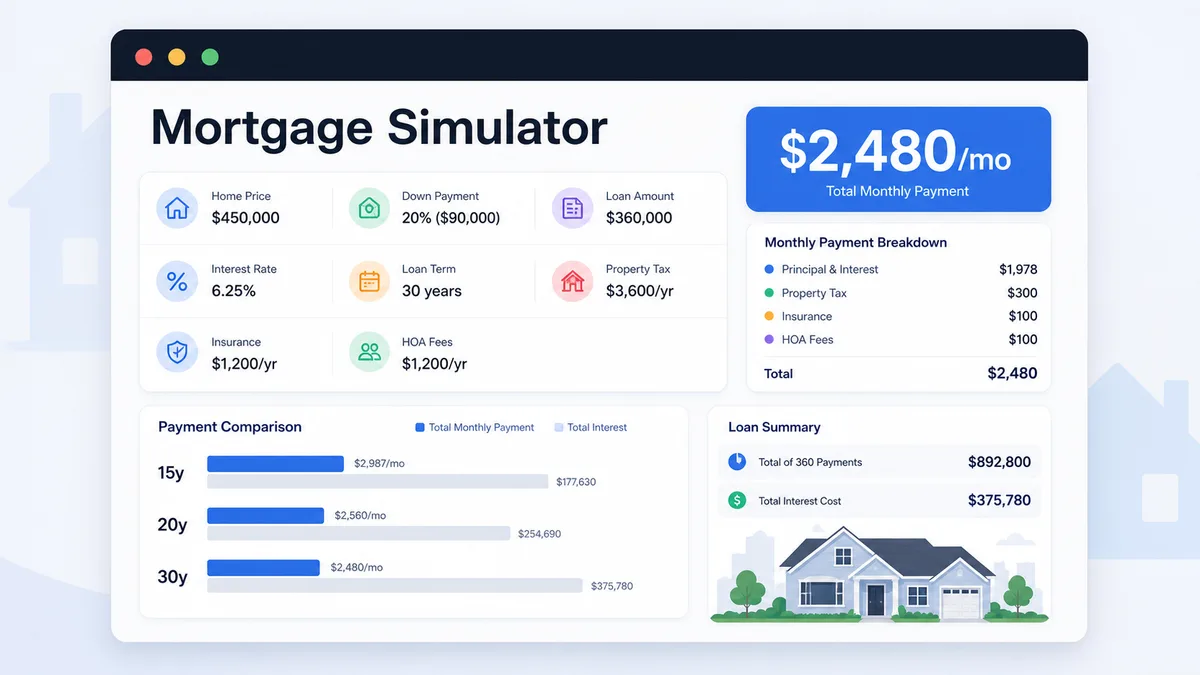
    Mortgage Simulator preview showing payment breakdown, loan amount, total interest, and 15 20 30 year comparison

    Mortgage Simulator

    Enter home price, down payment, loan amount, rate, term, taxes, insurance, and HOA to compare monthly payment and total interest.

    Open tool
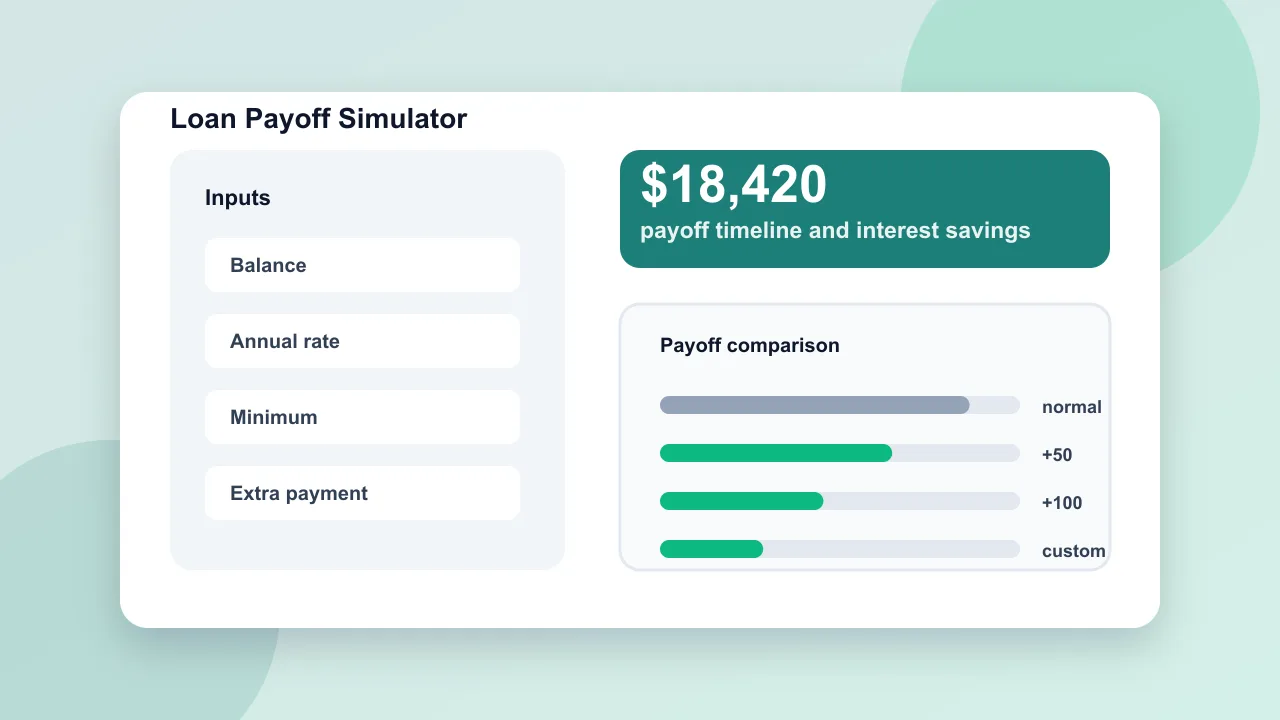
    Loan Payoff Simulator preview showing payoff timeline, total interest, extra payment savings, and monthly comparison

    Loan Payoff Simulator

    Enter loan balance, annual rate, minimum payment, planned payment, and extra repayment to compare payoff time and interest savings.

    Open tool
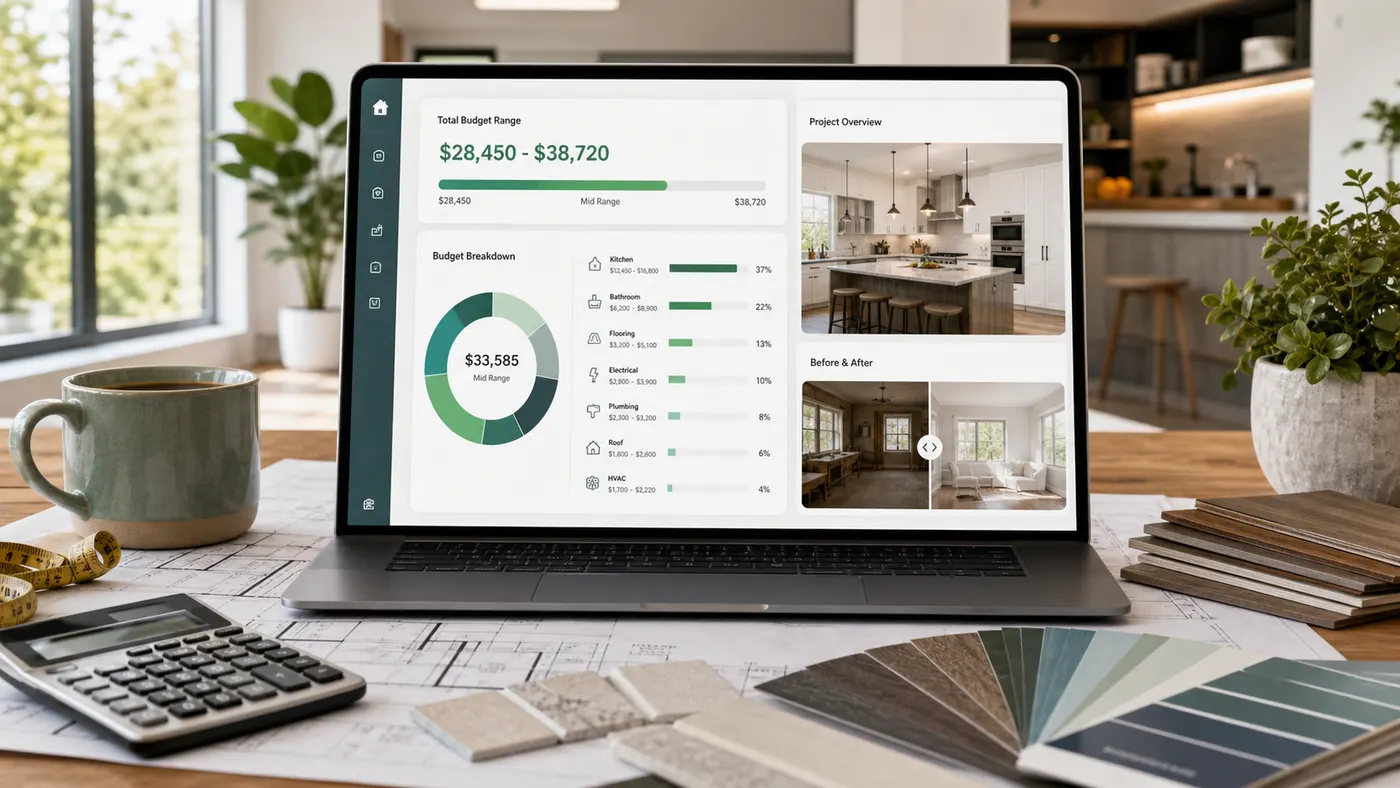
    Home Renovation Budget Simulator preview showing renovation project switches, cost ranges, breakdown charts, and budget report

    Home Renovation Budget Simulator

    Estimate home renovation costs by room, finish level, project toggles, cost breakdown, contingency, DIY options, and budget report.

    Open tool

    Game Economy Simulator FAQ

    Answers to common Game Economy Simulator questions about coin flow, inflation risk, sinks, and progression speed.

    How does Game Economy Simulator calculate coin inflow?

    Game Economy Simulator adds daily coin output, task rewards, and login rewards per player, then adjusts that value by the activity rate and daily active players.

    How does Game Economy Simulator calculate coin outflow?

    Game Economy Simulator estimates outflow from item purchases, upgrade spending, trading tax, and coin recycling. It compares that outflow with inflow to find the daily surplus or deficit.

    What does inflation risk mean in Game Economy Simulator?

    Inflation risk rises when players receive more coins than sinks remove, especially when high activity keeps extra currency circulating for many days.

    Can Game Economy Simulator replace playtesting?

    No. Game Economy Simulator is a planning model. It helps find obvious economy risks early, but real player behavior, telemetry, event rewards, and marketplace data should still be tested.

    Open Game Economy Simulator and tune your next reward table

    Use Game Economy Simulator before launch, before a major event, or before changing upgrade costs.

    Compare coin inflow, coin sinks, accumulation speed, inflation risk, item price pressure, and imbalance risk in one fast browser model.

    Game Economy Simulator stays free and runs in your browser.