Crop Yield Simulator estimate yield ranges before planting

Choose a crop and test soil, rainfall, irrigation, fertilizer, and pests to see low, medium, and high yield ranges.

Read the guide

Crop Yield Simulator yield range dashboard

Start Crop Yield Simulator here: enter crop type, hectares, soil quality, seasonal rainfall, irrigation condition, fertilizer level, planting density, pest risk, and weather stress to estimate yield per area and total production.

Controls

Change the growing conditions to update low, medium, and high yield ranges instantly.

Share this result

Copy a result link to share your yield scenario; the regular page link stays short and simple.

Expected yield per area

0

Low yield range

0

Medium yield range

0

High yield range

0

Total production

Low total0
Expected total0
High total0
Area reviewed0

Main yield factors

The lowest bars show the factors most likely to limit the yield estimate.

Scenario checks

Compare a few nearby assumptions before finalizing the field plan.

Recommendations

Use these flags to decide which assumptions need field checks before planting.

    Crop Yield Simulator is an educational pre-planting model. It simplifies yield response and does not replace local agronomy advice, soil testing, crop scouting, irrigation scheduling, or official crop forecasts.

    Crop Yield Simulator planning flow

    Crop Yield Simulator turns crop choice and field conditions into production ranges, unit yield, total yield, and factor warnings.

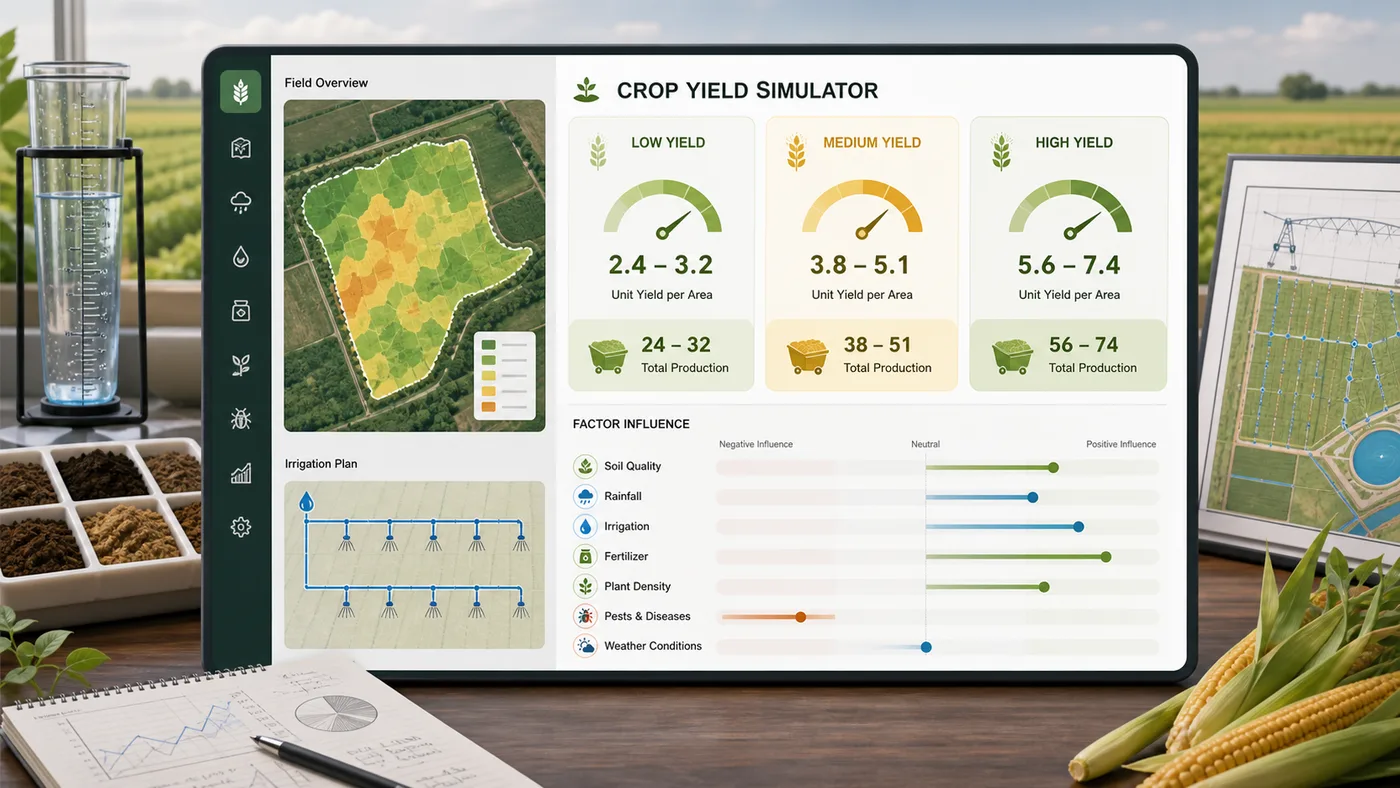
    Crop Yield Simulator field input view

    Choose crop type and enter planting area, soil quality, rainfall, irrigation, fertilizer, density, pest risk, and weather stress.

    Crop Yield Simulator dashboard showing crop fields, yield range cards, rainfall, irrigation, fertilizer, pest risk, and weather stress controls

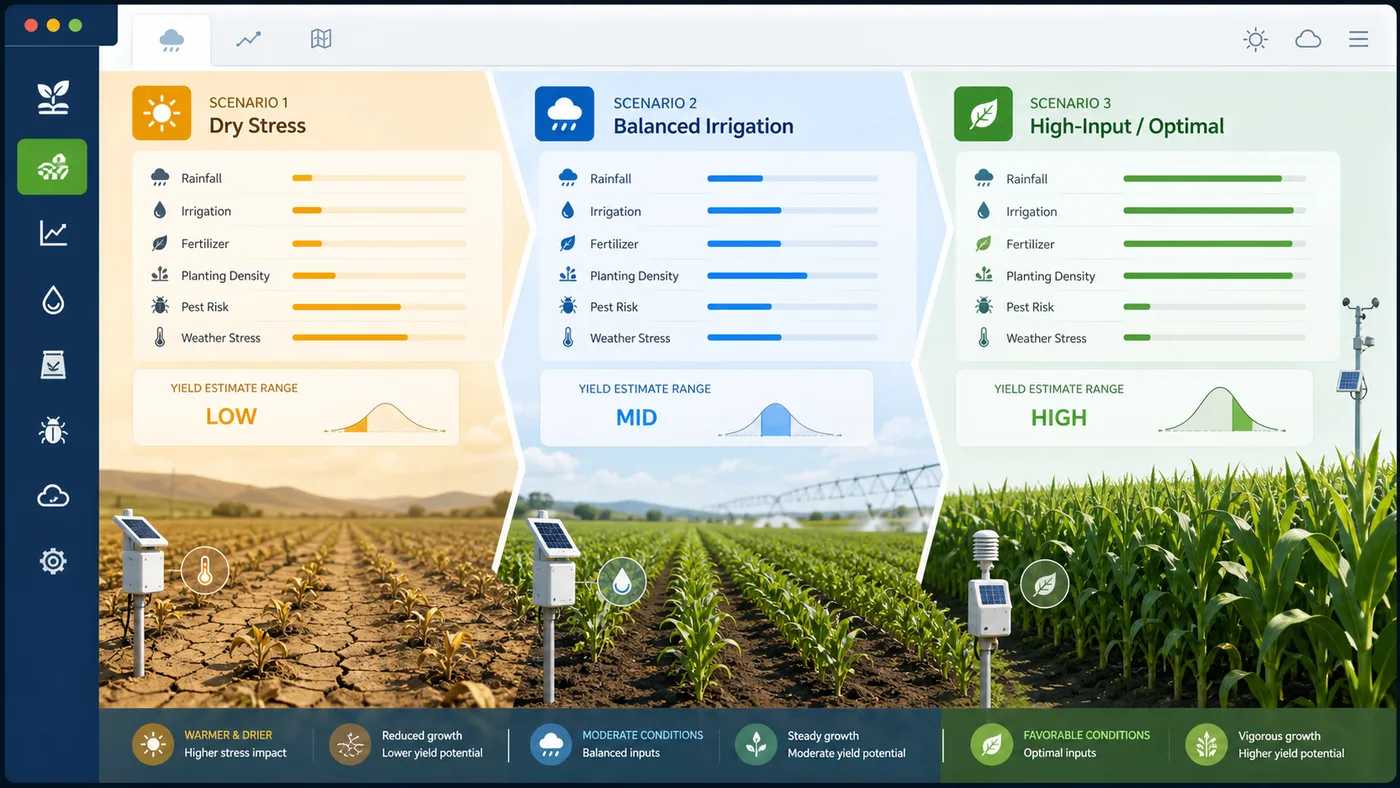
    Crop Yield Simulator scenario comparison

    Compare water, pest, and planting-density scenarios so the Crop Yield Simulator result is easier to discuss before sowing.

    Crop Yield Simulator comparison image with dry stress, balanced irrigation, high-input field scenarios, and low medium high yield ranges

    Crop Yield Simulator quick guide

    Use Crop Yield Simulator to test production assumptions before buying seed, scheduling water, or setting field priorities.

    1. Enter Crop Yield Simulator crop and area

      Pick corn, wheat, rice, soybean, potato, tomato, cotton, barley, oats, sorghum, canola, sunflower, or peanut, then enter the planting area in hectares.

      • Run one field or management zone at a time
      • Use local expected yield as a comparison point, not as a guaranteed outcome
      Open Crop Yield Simulator
    2. Add Crop Yield Simulator growing conditions

      Set soil quality, rainfall, irrigation, fertilizer level, planting density, pest risk, and weather stress.

      • Use seasonal rainfall for the crop period when possible
      • Treat pest and weather stress as conservative planning inputs
      View Crop Yield Simulator features
    3. Review Crop Yield Simulator ranges

      Compare low, medium, and high yield per hectare, total production, scenario checks, and limiting factors.

      If the low range still works for your agronomic plan, the field plan is usually more resilient.

      Explore more simulators

    Crop Yield Simulator features

    Crop Yield Simulator focuses on yield only, with no profit calculation, so field conditions stay at the center of the planning conversation.

    Crop Yield Simulator yield ranges

    Estimate low, medium, and high yield per hectare from the selected crop and conditions.

    Estimate yield ranges

    Crop Yield Simulator total production

    Multiply yield by planting area to understand expected total production.

    Calculate production

    Crop Yield Simulator rainfall check

    Compare entered rainfall with a rough seasonal need for the selected crop.

    Check water

    Crop Yield Simulator factor ranking

    See which factors are most likely to hold back the yield estimate.

    Review factors

    Crop Yield Simulator scenario tests

    Test more water, higher pest pressure, and a target density without losing your starting setup.

    Run scenarios

    Crop Yield Simulator shareable result

    Copy a summary or explicit scenario link for a field planning discussion.

    Share scenario

    Crop Yield Simulator use cases

    Crop Yield Simulator helps growers and advisers understand how planting conditions can affect yield before the season starts.

    Crop Yield Simulator for pre-planting planning

    Compare field conditions before setting seed, irrigation, and scouting priorities.

    Plan field

    Crop Yield Simulator for water decisions

    Test rainfall and irrigation assumptions when dry conditions may limit production.

    Test water

    Crop Yield Simulator for pest risk

    See how rising pest or disease pressure can pull the yield range down.

    Review risk

    Crop Yield Simulator for density trials

    Compare whether a seeding rate is close enough to the target density.

    Check density

    More planning tools after Crop Yield Simulator

    After Crop Yield Simulator, compare related farm, equipment, feed, ranch, route, and project planning tools.

    Budget Simulator preview showing monthly income, spending categories, remaining cash, pressure level, and savings scenarios

    Budget Simulator

    Enter income, rent, food, transportation, entertainment, shopping, subscriptions, insurance, debt repayment, and savings goals to see remaining cash and budget pressure.

    Open tool
    Restaurant Tip Simulator preview showing a restaurant bill, tip presets, tax, split count, and comparison totals

    Restaurant Tip Simulator

    Enter a restaurant bill, tip percentage, tax rate, party size, and split mode to calculate the tip, total, per-person amount, and tip comparisons.

    Open tool
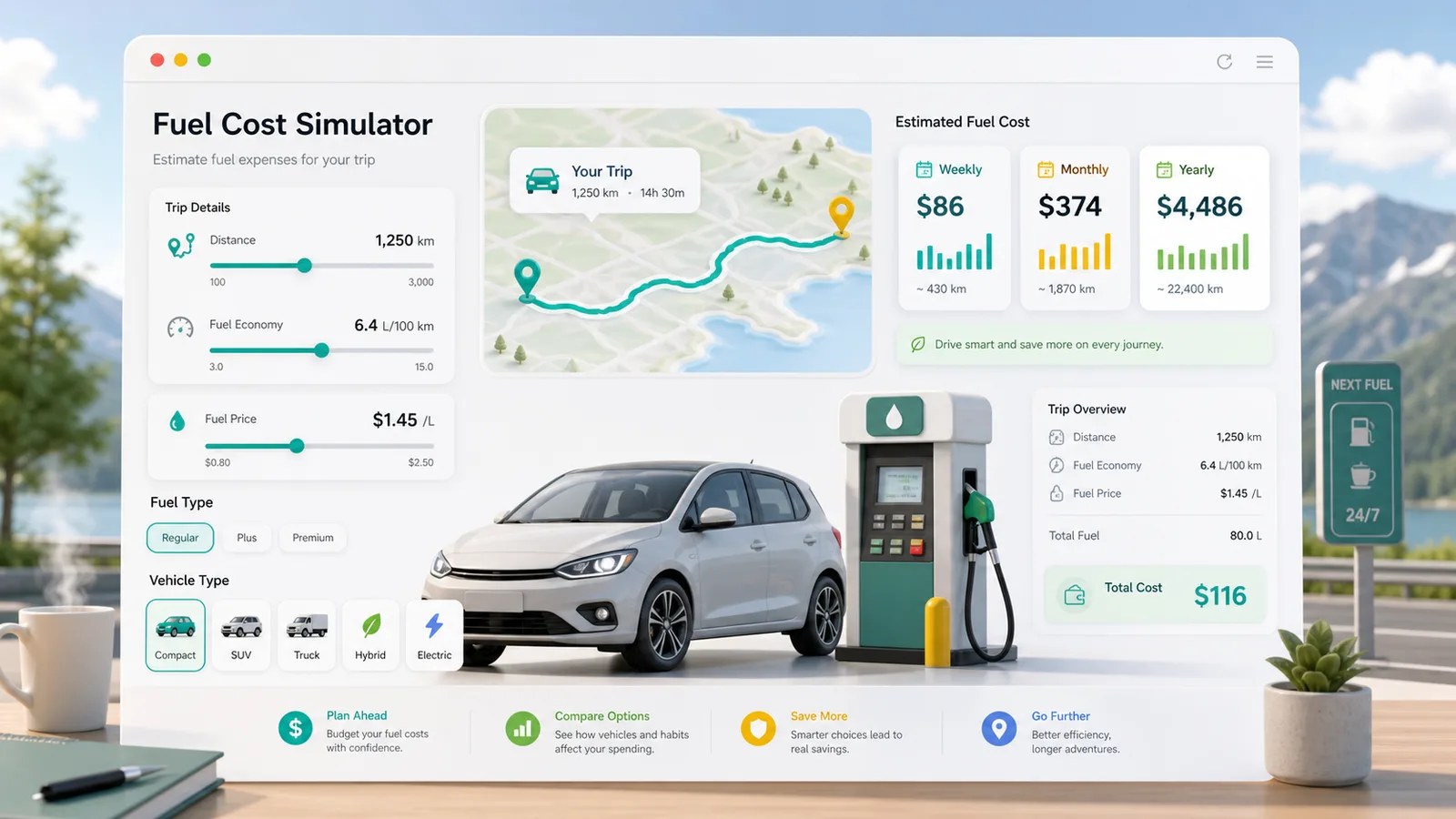
    Fuel Cost Simulator preview showing driving distance, vehicle type, fuel price, recurring fuel costs, and savings comparisons

    Fuel Cost Simulator

    Enter distance, fuel economy, fuel price, weekly trips, and vehicle type to estimate trip, weekly, monthly, yearly, and vehicle comparison fuel costs.

    Open tool
    Commute Cost Simulator preview showing car, transit, bike, walk, and taxi cost and time comparisons

    Commute Cost Simulator

    Compare driving, public transit, biking, walking, and taxi commutes by monthly cost, yearly cost, time, and balanced recommendations.

    Open tool
    Supermarket Profit Simulator preview showing grocery profit, shelf capacity, staffing, inventory risk, and cash flow

    Supermarket Profit Simulator

    Enter supermarket area, customer traffic, basket value, costs, wages, rent, utilities, shrinkage, discount, staffing, and shelf capacity to estimate profit, margin, inventory risk, satisfaction, and cash flow.

    Open tool
    Mortgage Simulator preview showing payment breakdown, loan amount, total interest, and 15 20 30 year comparison

    Mortgage Simulator

    Enter home price, down payment, loan amount, rate, term, taxes, insurance, and HOA to compare monthly payment and total interest.

    Open tool
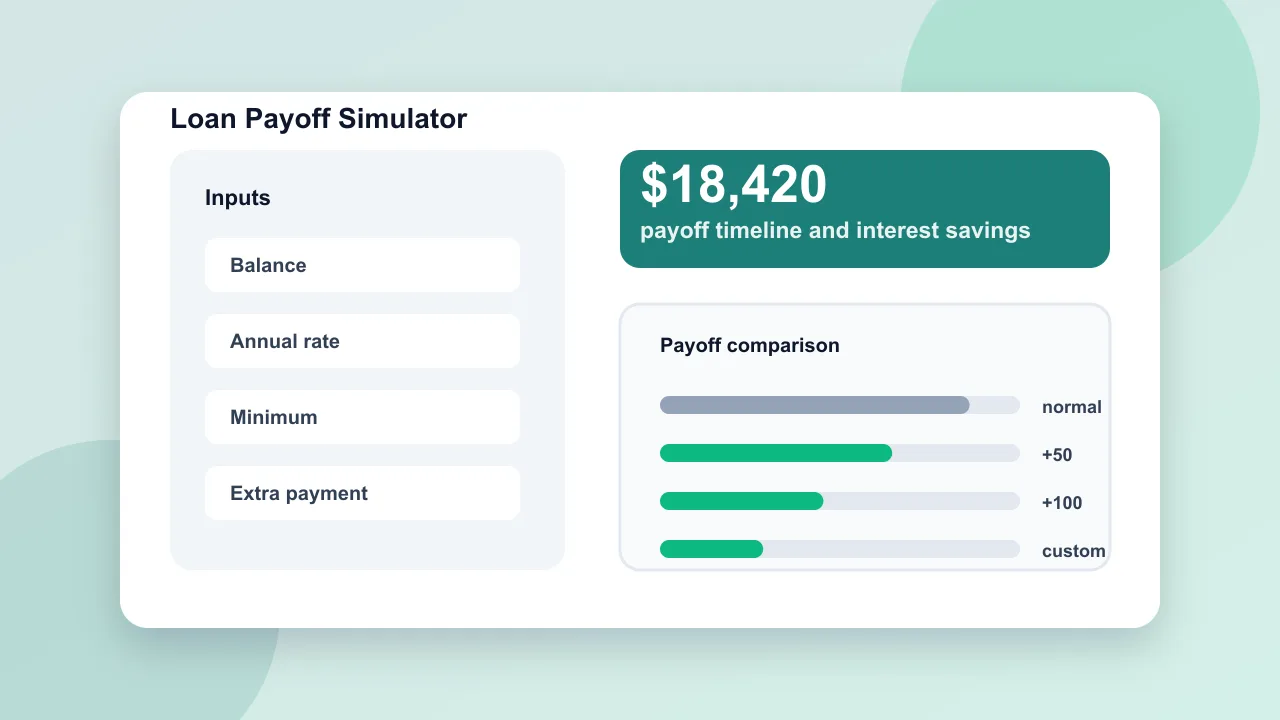
    Loan Payoff Simulator preview showing payoff timeline, total interest, extra payment savings, and monthly comparison

    Loan Payoff Simulator

    Enter loan balance, annual rate, minimum payment, planned payment, and extra repayment to compare payoff time and interest savings.

    Open tool
    Home Renovation Budget Simulator preview showing renovation project switches, cost ranges, breakdown charts, and budget report

    Home Renovation Budget Simulator

    Estimate home renovation costs by room, finish level, project toggles, cost breakdown, contingency, DIY options, and budget report.

    Open tool

    Crop Yield Simulator FAQ

    Common questions about using Crop Yield Simulator for pre-planting yield planning.

    What does Crop Yield Simulator calculate?

    Crop Yield Simulator estimates low, medium, and high yield per hectare, total production for the entered area, nearby scenario checks, and the main factors that may limit yield.

    Does Crop Yield Simulator calculate profit?

    No. Crop Yield Simulator intentionally models yield only. It does not calculate revenue, input cost, margin, or profit.

    Which inputs matter most in Crop Yield Simulator?

    Crop Yield Simulator uses crop type, area, soil quality, rainfall, irrigation, fertilizer level, planting density, pest risk, and weather stress. The factor ranking shows which inputs most limit the estimate.

    Can Crop Yield Simulator replace local agronomy advice?

    No. Crop Yield Simulator is a planning model for comparing assumptions. Local varieties, soil tests, planting date, field history, pests, and weather forecasts should still be checked with qualified local support.

    Why does Crop Yield Simulator show a range instead of one number?

    Crop yields are uncertain because water timing, pests, soil conditions, and weather can change during the season. Crop Yield Simulator shows a range so planning is less dependent on a single optimistic number.

    Run Crop Yield Simulator before planting decisions

    Use Crop Yield Simulator to compare crop choice, soil quality, water, fertilizer, density, pest risk, and weather stress.

    Then copy the Crop Yield Simulator summary or result link so the same yield assumptions can be reviewed with the farm team.

    Crop Yield Simulator creates a link with your scenario only when you copy a result link.