01
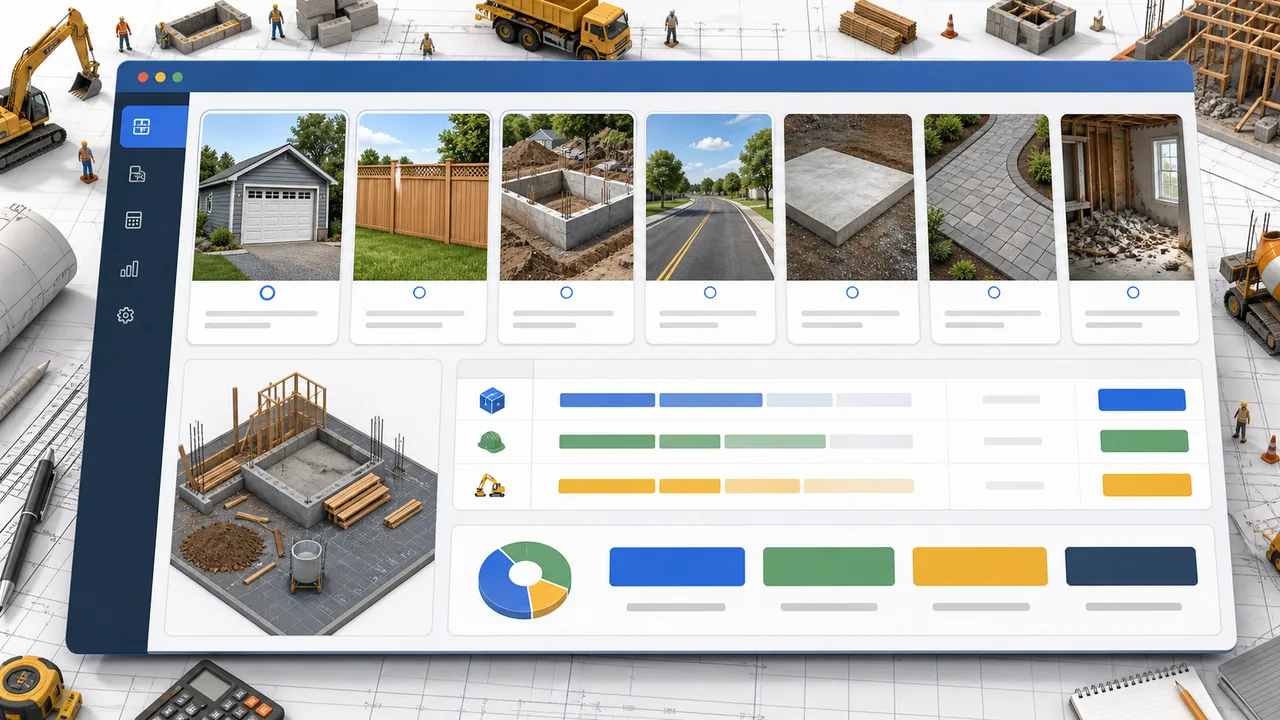
Choose the Construction Cost Simulator project type
Pick the work closest to your scope, then enter area or length in the unit you use for bids.
- Use square units for slabs and paving
- Use linear units for fences and road-like scopes
Free Construction Cost Simulator
Construction Cost Simulator turns project type, area, material grade, labor rate, equipment rental, duration, regional cost factor, and contingency into a practical cost breakdown with schedule risk and over-budget probability.
Built for homeowners, small contractors, estimators, students, and project planners comparing early construction budgets.
Start Construction Cost Simulator here: choose a garage, fence, foundation, small road, concrete pad, yard paving, or interior demolition project, then adjust the cost drivers and watch the estimate update.
Construction Cost Simulator is an educational planning tool. Local bids, site conditions, code requirements, weather, scope changes, and supplier availability can change final construction costs.
Enter the scope and cost assumptions so Construction Cost Simulator can split materials, labor, equipment, contingency, and risk.
Normal edits keep the clean page URL. Copy a result link only when you want to share this exact construction estimate.
Estimated total cost
$0
Cost per unit
$0
Schedule risk
0%
Over-budget probability
0%
Risk level
Moderate
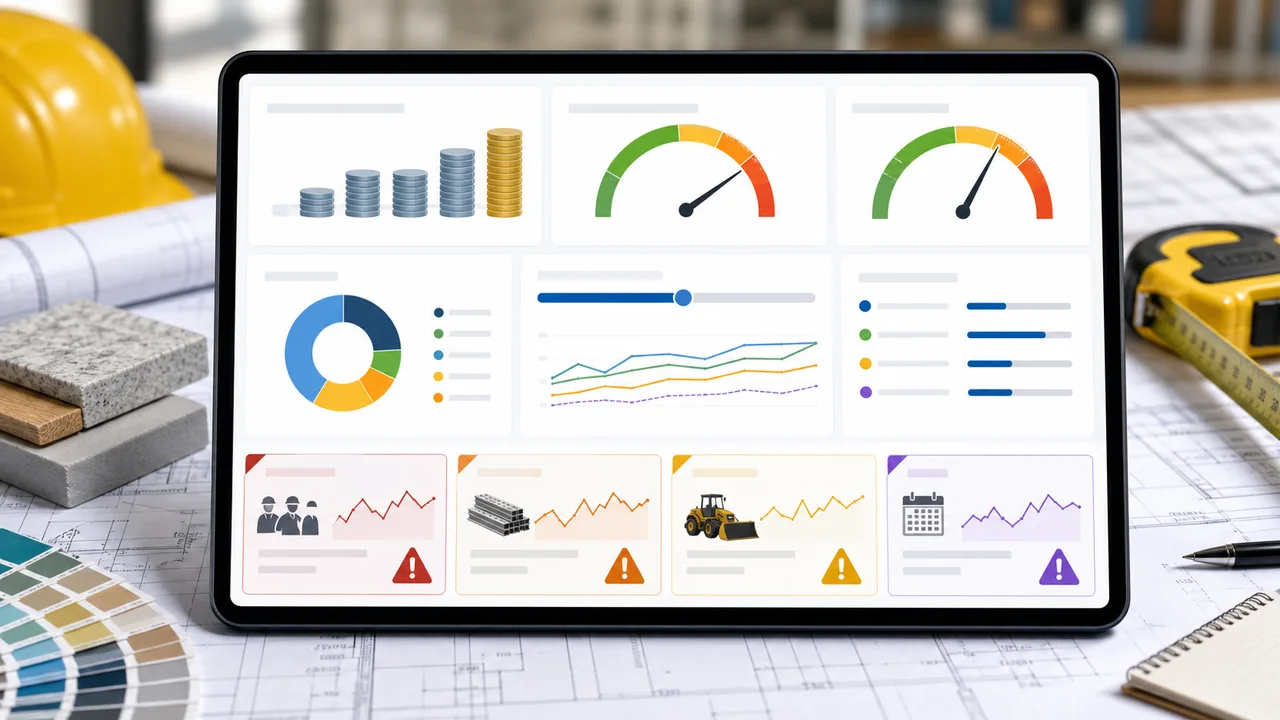
Construction Cost Simulator separates materials, labor, equipment, and contingency so the fragile cost items are easier to see.
Schedule pressure, regional pricing, low contingency, and a tight target budget can all raise the chance of overruns.
Copy this estimate before comparing bids or adjusting the scope.
Construction Cost Simulator starts with scope, then turns inputs into a cost split, risk view, and shareable estimate.
Construction Cost Simulator supports garage, fence, foundation, small road, concrete pad, yard paving, and interior demolition scenarios with area or length based inputs.
Construction Cost Simulator ranks the cost items most likely to drift, estimates schedule risk, and calculates the chance of going over the target budget.
Use this Construction Cost Simulator guide to move from a rough scope to a line-item construction estimate.
Pick the work closest to your scope, then enter area or length in the unit you use for bids.
Tune material grade, labor rate, rental cost, duration, region factor, contingency, and target budget.
Check material, labor, equipment, schedule, and budget risk before asking contractors for itemized quotes.
Ask each bidder to separate labor, materials, equipment, and allowances so comparisons are cleaner.
Explore more simulatorsConstruction Cost Simulator focuses on early choices that usually change small construction budgets.
Model garage, fence, foundation, small road, concrete pad, yard paving, and interior demolition work.
See materials, labor, equipment rental, contingency, total cost, and cost per unit in one view.
Spot schedule pressure, low contingency, regional cost pressure, and target budget mismatch.
Construction Cost Simulator helps compare small construction scenarios before detailed estimating work starts.
Preview a driveway, patio, garage, fence, or demolition budget before requesting quotes.
Create a quick sanity check for material, labor, equipment, and contingency assumptions.
Learn how scope, unit cost, labor hours, equipment rentals, and risk allowances interact.
Compare a rough internal estimate with incoming bids and identify the lines to question first.
Explore related budget, home, route, and project planning simulators.
Enter income, rent, food, transportation, entertainment, shopping, subscriptions, insurance, debt repayment, and savings goals to see remaining cash and budget pressure.

Enter a restaurant bill, tip percentage, tax rate, party size, and split mode to calculate the tip, total, per-person amount, and tip comparisons.

Enter distance, fuel economy, fuel price, weekly trips, and vehicle type to estimate trip, weekly, monthly, yearly, and vehicle comparison fuel costs.

Compare driving, public transit, biking, walking, and taxi commutes by monthly cost, yearly cost, time, and balanced recommendations.

Enter supermarket area, customer traffic, basket value, costs, wages, rent, utilities, shrinkage, discount, staffing, and shelf capacity to estimate profit, margin, inventory risk, satisfaction, and cash flow.

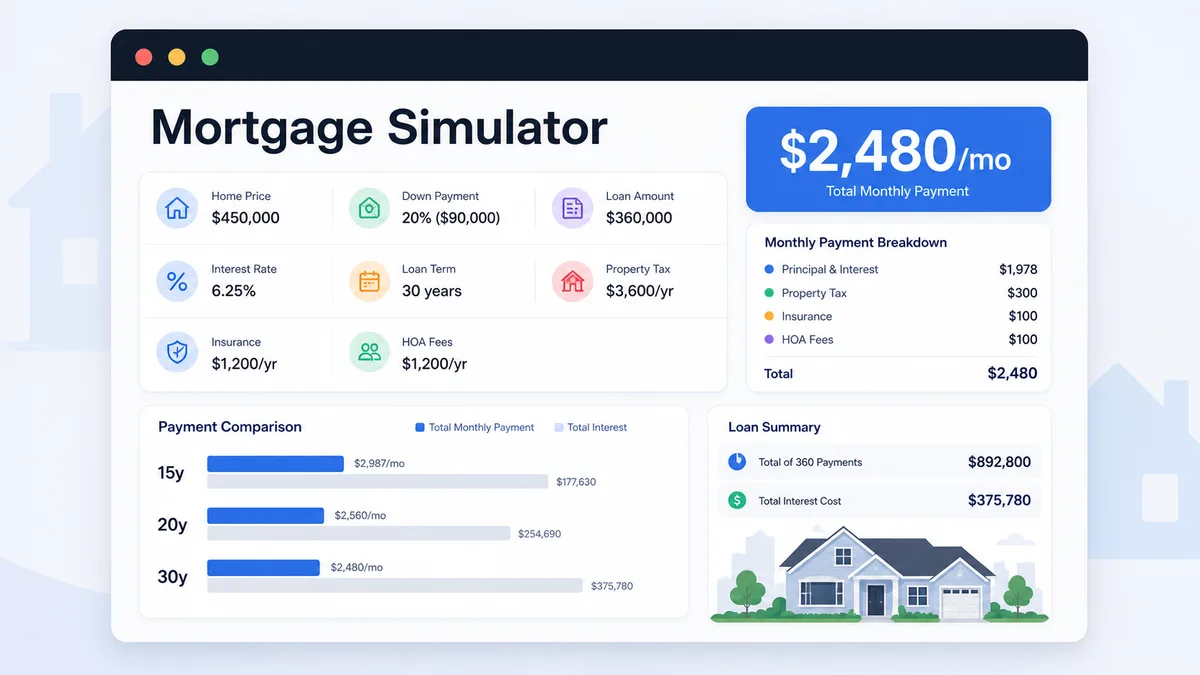
Enter home price, down payment, loan amount, rate, term, taxes, insurance, and HOA to compare monthly payment and total interest.
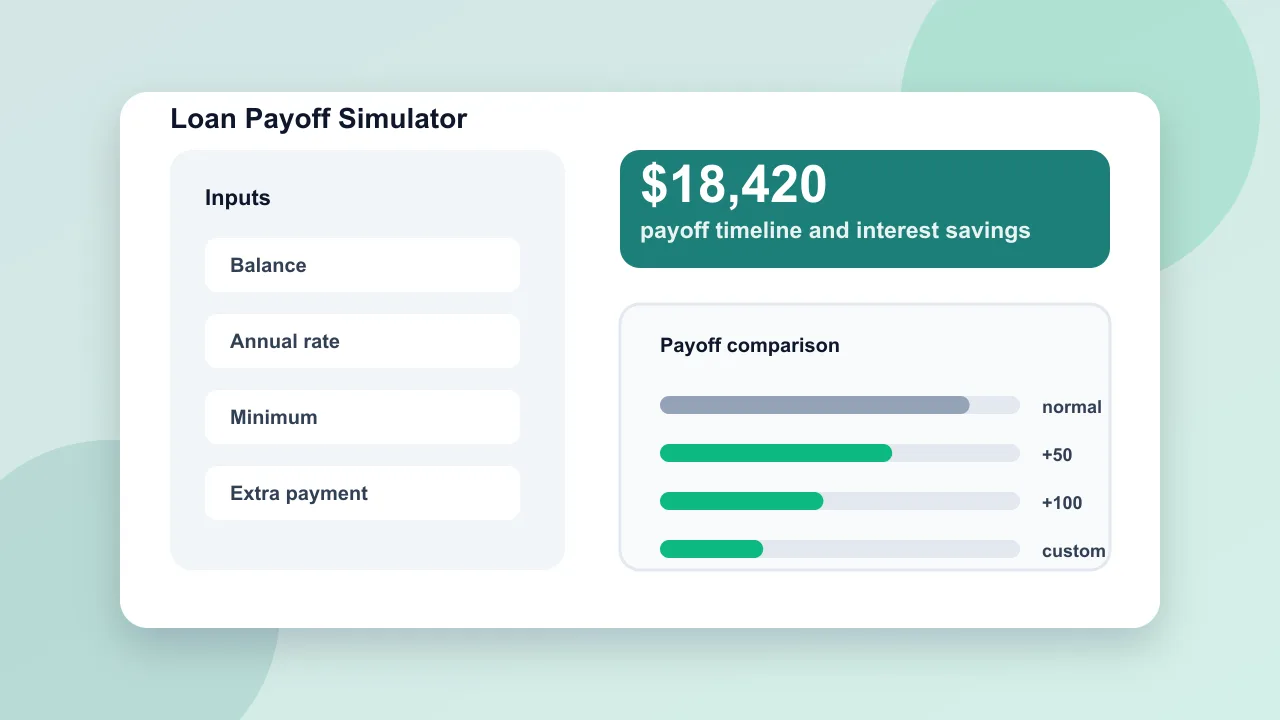
Enter loan balance, annual rate, minimum payment, planned payment, and extra repayment to compare payoff time and interest savings.
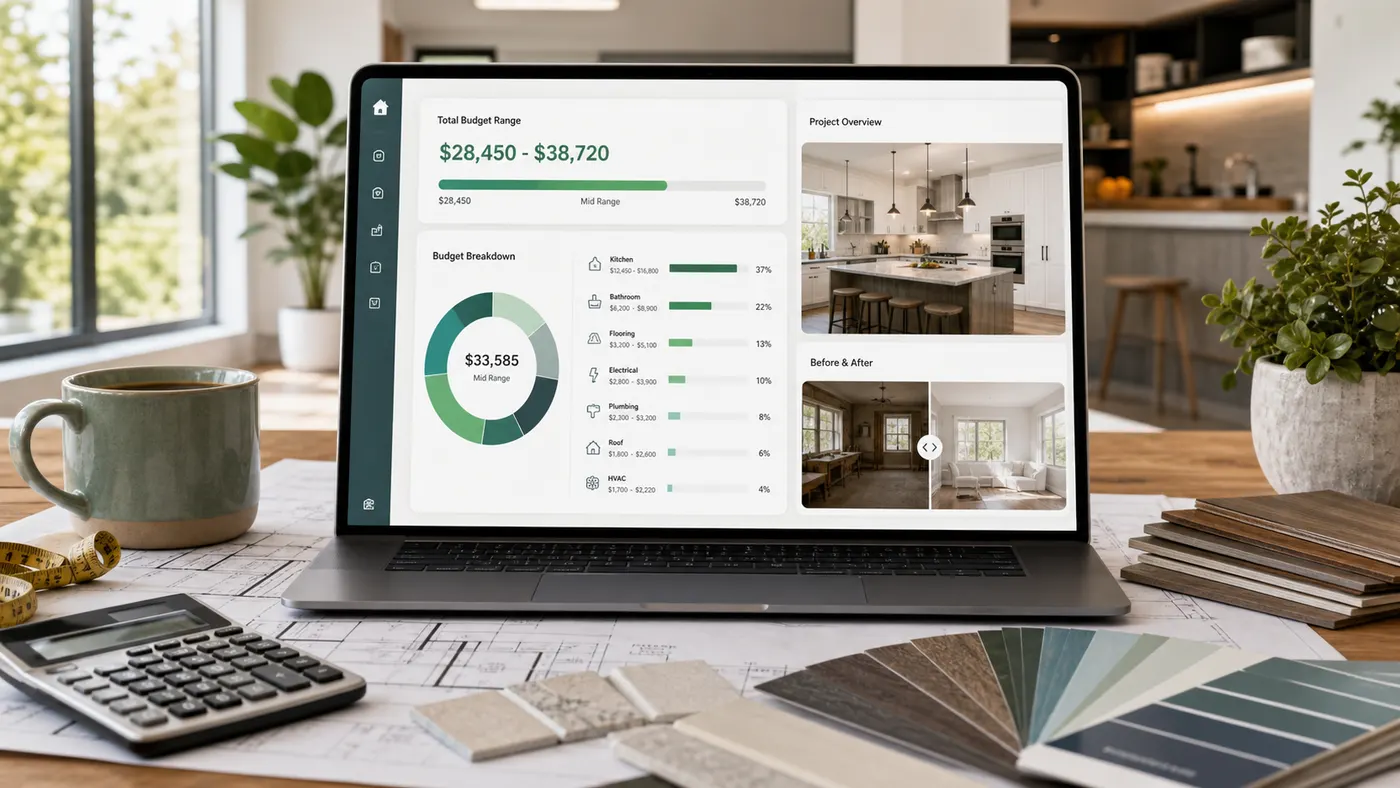
Estimate home renovation costs by room, finish level, project toggles, cost breakdown, contingency, DIY options, and budget report.
Common questions about using Construction Cost Simulator for early project planning.
Construction Cost Simulator estimates materials, labor, equipment rental, contingency, total cost, cost per unit, schedule risk, over-budget probability, and the cost items most likely to drift.
No. Construction Cost Simulator is for early planning and comparison. Final bids depend on drawings, site access, soil, permits, code requirements, weather, labor availability, and contractor scope.
Construction Cost Simulator highlights materials, labor, equipment, and contingency. The riskiest line changes with the project, but short schedules, premium materials, low contingency, and high regional factors usually increase volatility.
Construction Cost Simulator compares the estimate against your target budget to approximate the chance that the plan will exceed the amount you want to spend.
Open Construction Cost Simulator, choose the project type, and tune the assumptions before you compare quotes.
Use the cost breakdown and risk flags to decide where to add contingency or reduce scope.
Construction Cost Simulator keeps normal page visits clean and only creates result links when you copy one.