Bee Colony Simulator estimate honey yield before the flow

Test hive count, colony strength, bloom length, and weather to estimate your honey harvest and spot pest risk before the season.

Read the guide

Bee Colony Simulator honey yield dashboard

Start Bee Colony Simulator here: enter hive count, colony strength, bloom length, weather, nectar source richness, queen status, pest and disease risk, and harvest frequency to estimate total honey yield and per-hive yield.

Controls

Adjust apiary conditions to update honey yield range, per-hive yield, colony health risk, and harvest timing instantly.

Share this result

Copy a result link to share your exact apiary scenario; the regular page link stays short and simple.

Estimated honey yield

0

Low honey range

0

Expected honey range

0

High honey range

0

Per-hive yield

Low per hive0
Expected per hive0
High per hive0
Harvest interval0

Key yield factors

The lowest bars show the assumptions most likely to limit honey production or widen risk.

Harvest timing

Use the timing panel as a planning prompt, then confirm supers, capped honey, brood, and food reserves in the hive.

Recommendations

Use these flags to decide which assumptions need inspection or local advice before harvest.

    Bee Colony Simulator is an educational planning model. It simplifies local forage, genetics, management, weather, disease pressure, and honey storage needs, so it should not replace local beekeeping advice, inspections, mite monitoring, or food-reserve checks.

    Bee Colony Simulator planning flow

    Bee Colony Simulator turns apiary conditions into honey yield ranges, per-hive yield, health risk, harvest timing, and practical factor warnings.

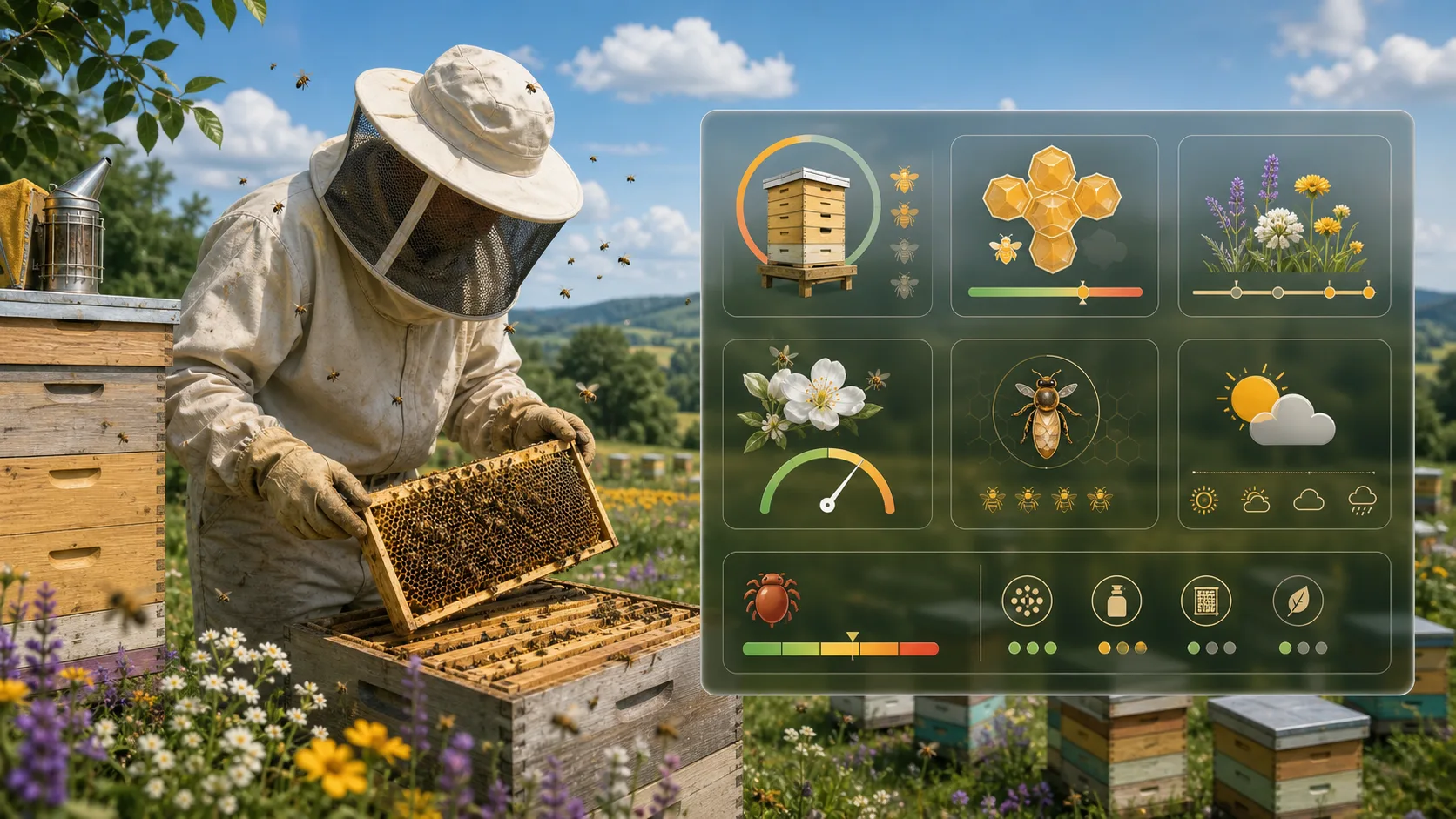
    Bee Colony Simulator apiary input view

    Enter hive count, colony strength, bloom length, weather, nectar richness, queen status, pest risk, and harvest frequency in one Bee Colony Simulator dashboard.

    Bee Colony Simulator dashboard with beekeeper, hive frames, hive count, colony strength, bloom length, nectar richness, queen status, weather, and pest risk controls

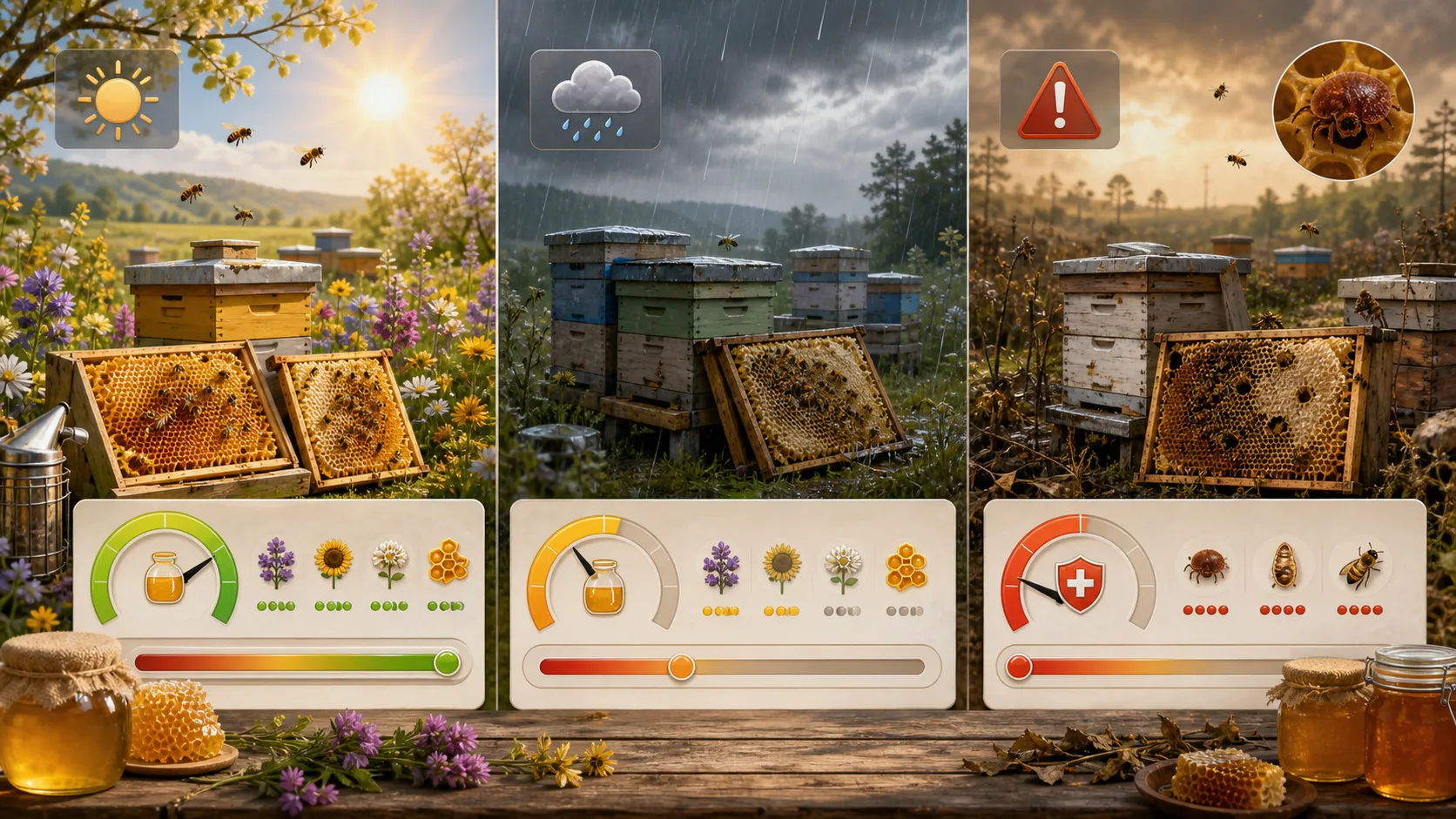
    Bee Colony Simulator risk comparison

    Compare strong flow, rainy weather, and pest-pressure assumptions so Bee Colony Simulator results are easier to discuss before harvesting.

    Bee Colony Simulator comparison image showing sunny bloom, rainy weather, pest risk, honey yield gauges, and colony health warnings

    Bee Colony Simulator quick guide

    Use Bee Colony Simulator before the main nectar flow to test harvest expectations and decide what needs inspection.

    1. Enter Bee Colony Simulator hive and flow inputs

      Set hive count, colony strength, bloom length, weather, and nectar richness so the model has the core production assumptions.

      • Run one apiary yard or nectar flow at a time
      • Use local bloom timing and recent inspection notes when possible

      Open Bee Colony Simulator
    2. Add Bee Colony Simulator colony health assumptions

      Choose queen status, pest and disease risk, and harvest frequency to see how colony health can change the honey range.

      • Treat high mite or disease pressure as a conservative input
      • If queen status is uncertain, compare stable and aging queen scenarios
      View Bee Colony Simulator features
    3. Review Bee Colony Simulator yield and timing

      Compare total honey, per-hive yield, health risk, harvest interval, limiting factors, and recommended checks.

      If the low honey range still supports your plan, the apiary plan is less dependent on perfect weather or forage.

      Explore more simulators

    Bee Colony Simulator features

    Bee Colony Simulator keeps the focus on honey yield, colony health risk, and harvest timing instead of broad farm budgeting.

    Bee Colony Simulator honey ranges

    Estimate low, expected, and high total honey yield from hive count and apiary conditions.

    Estimate honey

    Bee Colony Simulator per-hive yield

    See the expected honey per hive so weak or strong yards are easier to compare.

    Check per hive

    Bee Colony Simulator weather impact

    Model how flying weather changes nectar collection and the reliability of the high range.

    Test weather

    Bee Colony Simulator health risk

    Combine queen status and pest pressure into a practical colony risk signal.

    Review risk

    Bee Colony Simulator harvest timing

    Get a suggested super check and harvest interval to support inspection planning.

    Plan timing

    Bee Colony Simulator shareable result

    Copy a summary or explicit result link for a beekeeping club, mentor, or apiary team.

    Share scenario

    Bee Colony Simulator use cases

    Bee Colony Simulator helps beekeepers and hobbyists compare honey expectations before weather, nectar, or colony health changes the plan.

    Bee Colony Simulator for nectar flow planning

    Estimate whether a bloom window is long enough to justify extra supers and harvest prep.

    Plan flow

    Bee Colony Simulator for weather checks

    Compare sunny, mixed, and poor weather assumptions before scheduling inspections.

    Check weather

    Bee Colony Simulator for pest risk

    See how rising mite, disease, or pest pressure can lower yield confidence.

    Review pests

    Bee Colony Simulator for hive yard comparison

    Compare yards with different hive counts, bloom windows, and nectar source richness.

    Compare yards

    More planning tools after Bee Colony Simulator

    After Bee Colony Simulator, compare related crop yield, farm equipment, feed, ranch, route, and cost planning tools.

    Budget Simulator preview showing monthly income, spending categories, remaining cash, pressure level, and savings scenarios

    Budget Simulator

    Enter income, rent, food, transportation, entertainment, shopping, subscriptions, insurance, debt repayment, and savings goals to see remaining cash and budget pressure.

    Open tool
    Restaurant Tip Simulator preview showing a restaurant bill, tip presets, tax, split count, and comparison totals

    Restaurant Tip Simulator

    Enter a restaurant bill, tip percentage, tax rate, party size, and split mode to calculate the tip, total, per-person amount, and tip comparisons.

    Open tool
    Fuel Cost Simulator preview showing driving distance, vehicle type, fuel price, recurring fuel costs, and savings comparisons

    Fuel Cost Simulator

    Enter distance, fuel economy, fuel price, weekly trips, and vehicle type to estimate trip, weekly, monthly, yearly, and vehicle comparison fuel costs.

    Open tool
    Commute Cost Simulator preview showing car, transit, bike, walk, and taxi cost and time comparisons

    Commute Cost Simulator

    Compare driving, public transit, biking, walking, and taxi commutes by monthly cost, yearly cost, time, and balanced recommendations.

    Open tool
    Supermarket Profit Simulator preview showing grocery profit, shelf capacity, staffing, inventory risk, and cash flow

    Supermarket Profit Simulator

    Enter supermarket area, customer traffic, basket value, costs, wages, rent, utilities, shrinkage, discount, staffing, and shelf capacity to estimate profit, margin, inventory risk, satisfaction, and cash flow.

    Open tool
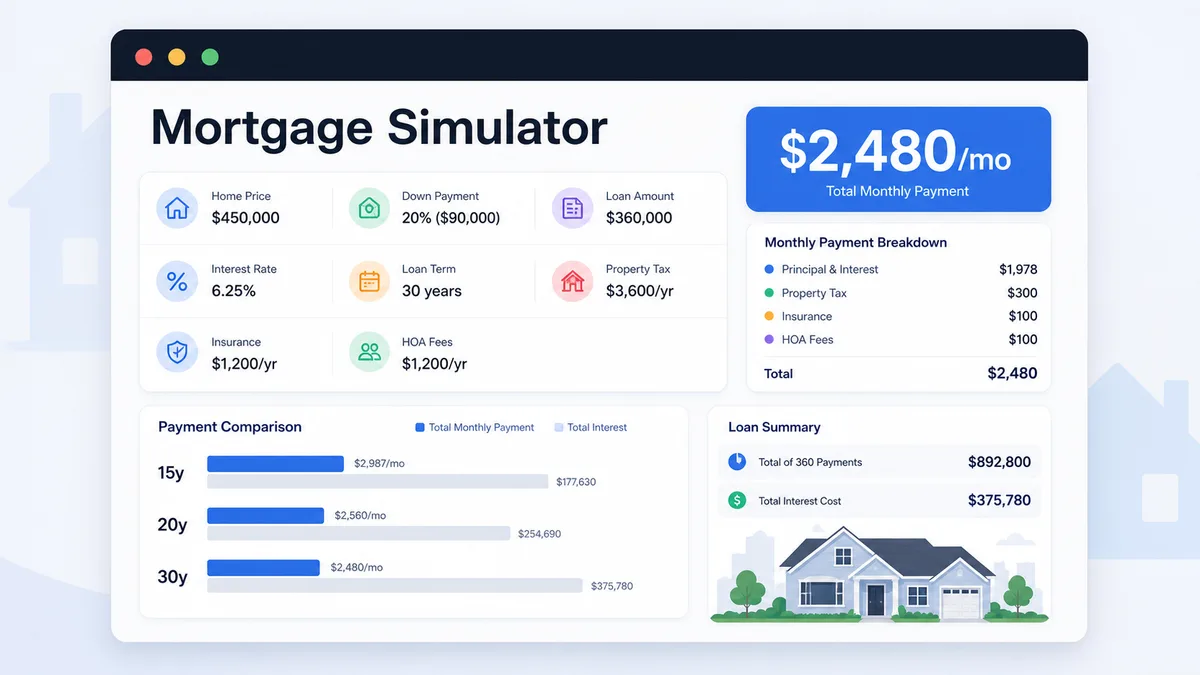
    Mortgage Simulator preview showing payment breakdown, loan amount, total interest, and 15 20 30 year comparison

    Mortgage Simulator

    Enter home price, down payment, loan amount, rate, term, taxes, insurance, and HOA to compare monthly payment and total interest.

    Open tool
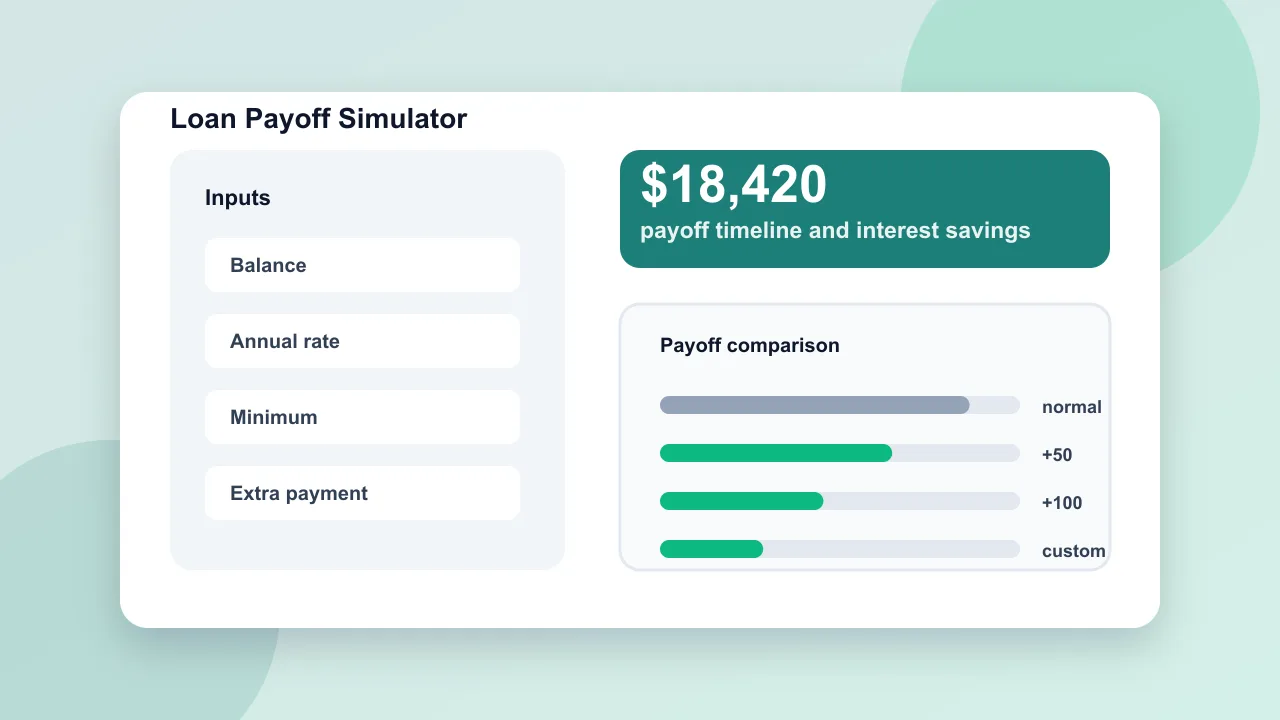
    Loan Payoff Simulator preview showing payoff timeline, total interest, extra payment savings, and monthly comparison

    Loan Payoff Simulator

    Enter loan balance, annual rate, minimum payment, planned payment, and extra repayment to compare payoff time and interest savings.

    Open tool
    Home Renovation Budget Simulator preview showing renovation project switches, cost ranges, breakdown charts, and budget report

    Home Renovation Budget Simulator

    Estimate home renovation costs by room, finish level, project toggles, cost breakdown, contingency, DIY options, and budget report.

    Open tool

    Bee Colony Simulator FAQ

    Common questions about using Bee Colony Simulator for honey yield and colony risk planning.

    What does Bee Colony Simulator calculate?

    Bee Colony Simulator estimates low, expected, and high honey yield, per-hive yield, colony health risk, harvest timing, and the main factors affecting the estimate.

    Can Bee Colony Simulator predict an exact honey crop?

    No. Bee Colony Simulator is a planning model. Honey production depends on local bloom, colony strength, weather, queen condition, pest pressure, storage space, and management decisions.

    Which Bee Colony Simulator inputs matter most?

    Bee Colony Simulator uses hive count, colony strength, bloom length, weather, nectar richness, queen status, pest and disease risk, and harvest frequency. The factor ranking highlights the weakest assumptions.

    Does Bee Colony Simulator replace hive inspections?

    No. Bee Colony Simulator should be paired with real inspections, food reserve checks, capped honey checks, queen assessment, and mite or disease monitoring.

    Why does Bee Colony Simulator show a range?

    Bee Colony Simulator shows a range because foraging weather, nectar flow timing, queen performance, pest pressure, and storage space can change quickly during a honey flow.

    Run Bee Colony Simulator before honey harvest decisions

    Use Bee Colony Simulator to compare hive count, colony strength, bloom length, weather, nectar richness, queen status, pest risk, and harvest frequency.

    Then copy the Bee Colony Simulator summary or result link so the same honey assumptions can be reviewed with another beekeeper.

    Nothing is added to the page link until you click Copy result link to share your apiary scenario.