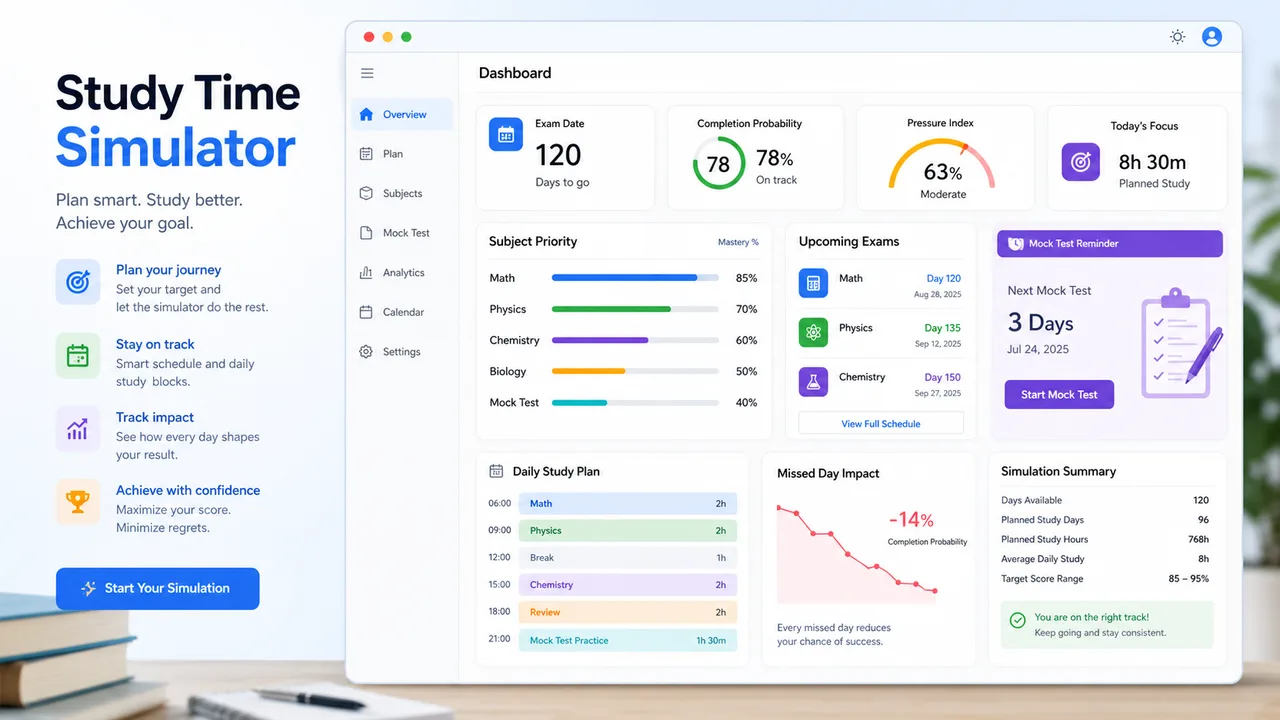
Gratis Simulator Waktu Belajar

Simulator Waktu Belajar Ubah tekanan ujian menjadi rencana harian

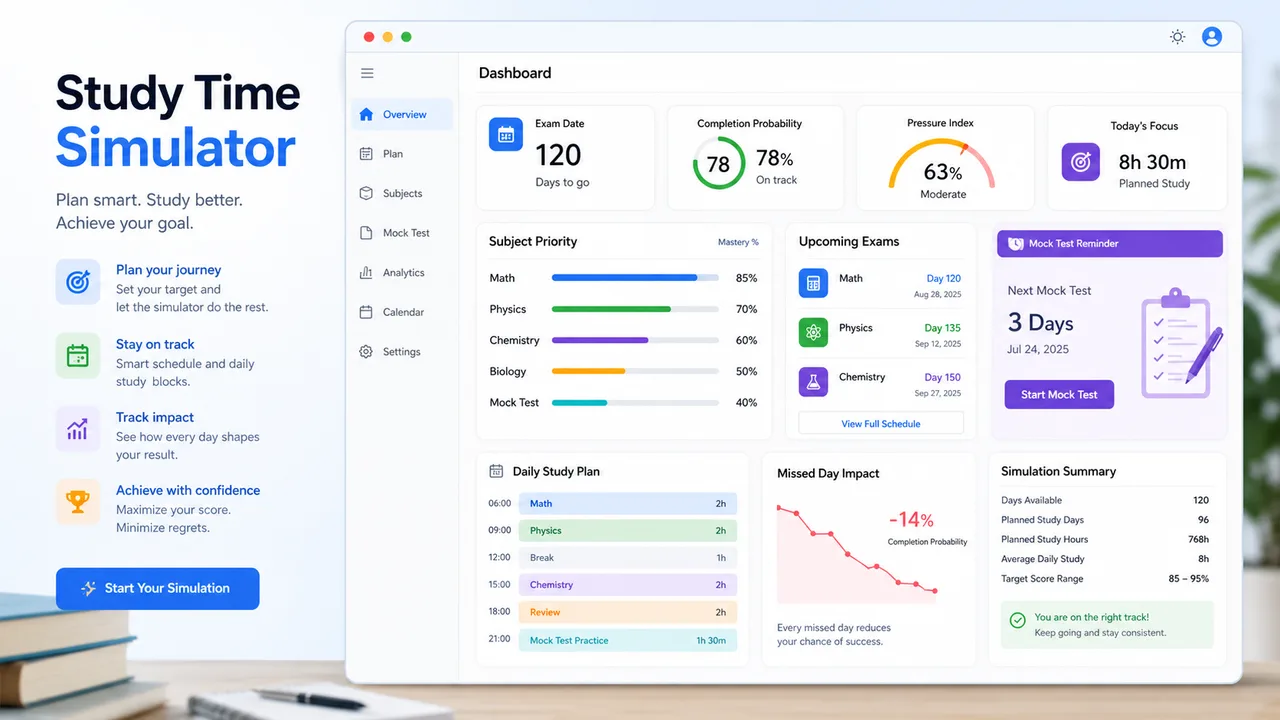
Gunakan Simulator Waktu Belajar untuk memasukkan tanggal ujian, kesulitan mata pelajaran, penguasaan, target nilai, sisa materi, dan waktu belajar harian, lalu dapatkan prioritas, rencana harian, indeks tekanan, dan peluang selesai.

Dibuat untuk Simulator Waktu Belajar dengan prioritas, tugas harian, tes simulasi, dampak hari terlewat, dan ringkasan yang bisa dibagikan.

Simulator Waktu Belajar interaktif

Gunakan Simulator Waktu Belajar untuk memasukkan tanggal ujian, kesulitan mata pelajaran, penguasaan, target nilai, sisa materi, dan waktu belajar harian, lalu dapatkan prioritas, rencana harian, indeks tekanan, dan peluang selesai.

Simulator Waktu Belajar controls

Add subjects, exam dates, exam times, difficulty, mastery, target score, remaining review hours, and daily available study time. Simulator Waktu Belajar recalculates the plan instantly.

Mata pelajaran dan ujian

Add each subject with its exam date, exam time, difficulty, mastery, target score, and remaining review content.

Bagikan rencana ini

Normal edits keep the clean URL. Copy a result link only when you want to share the current plan summary.

Indeks tekanan belajar

0

Peluang selesai

0%

Sisa review

0h

Waktu harian perlu

0h

Kesiapan Simulator Waktu Belajar

Hari ke ujian terdekat0
Rencana bisa selesai
Dampak hari terlewat0h
Waktu harian ekstra perlu0h

Prioritas mata pelajaran

Simulator Waktu Belajar gives more time to weak, difficult, high-target, high-volume, and closer exam subjects.

Rencana harian

Today’s time is split across the highest-priority subjects with learning, review, practice, and rest cues.

Checklist tugas

Use these tasks to decide what to actually do inside each study block.

Cek ritme

Simulator Waktu Belajar checks whether the remaining work fits the available daily hours and buffer days.

    Saran perbaikan

    Suggestions focus on weak subjects, mock tests, low-priority trimming, and smaller daily tasks.

      Simulator Waktu Belajar adalah alat perencanaan belajar. Sesuaikan dengan kalender sekolah, instruksi guru, kesehatan, dan istirahat.

      Simulator Waktu Belajar planning workflow

      Simulator Waktu Belajar turns exam deadlines and learning gaps into a daily schedule you can revise as mastery changes.

      Simulator Waktu Belajar priority engine

      Simulator Waktu Belajar ranks each subject using exam date, difficulty, current mastery, target score, and remaining review content.

      Simulator Waktu Belajar subject priority dashboard with exam dates, mastery, difficulty, and allocated hours

      Simulator Waktu Belajar daily schedule

      Simulator Waktu Belajar outputs what to study today, how long each subject gets, whether to review mistakes, add a mock test, or keep a rest buffer.

      Simulator Waktu Belajar daily schedule with study blocks, review tasks, mock test prompt, and pressure score

      Simulator Waktu Belajar quick guide

      Use Simulator Waktu Belajar to turn a list of exams into a plan that changes when your time or mastery changes.

      01

      Enter Simulator Waktu Belajar exam inputs

      Add each subject, exam date, exam time, difficulty, mastery, target score, remaining review hours, and daily available study time.

      • Use realistic daily hours
      • Estimate remaining content in hours, not chapters

      Open Simulator Waktu Belajar
      02

      Review Simulator Waktu Belajar priorities

      Check which subjects are weak, hard, close, or high-volume, then use the allocated time as today’s baseline.

      • Start with the highest-priority subject
      • Use mastered subjects for consolidation
      View Simulator Waktu Belajar features
      03

      Adjust Simulator Waktu Belajar scenarios

      Change daily hours, target scores, mastery, or missed days to see whether the plan still finishes on time.

      If one missed day breaks the plan, add a buffer or trim low-priority content now.

      Explore more simulators

      Simulator Waktu Belajar features

      Simulator Waktu Belajar gives you more than a calendar: it shows priority, pressure, risk, and next actions.

      Simulator Waktu Belajar exam dates

      Give closer exams more weight while still keeping later exams in the plan.

      Add dates

      Simulator Waktu Belajar subject weighting

      Combine difficulty, mastery, target score, and remaining content into one priority score.

      Rank subjects

      Simulator Waktu Belajar daily plan

      See today’s subjects, time blocks, learning mode, review mode, and concrete tasks.

      Plan today

      Simulator Waktu Belajar pressure index

      Check whether the plan is manageable, heavy, or high risk before time runs out.

      Check pressure

      Simulator Waktu Belajar missed-day impact

      Estimate how much a missed day increases later daily study pressure.

      Test missed day

      Simulator Waktu Belajar copy plan

      Copy the plan or explicit result link when you want to share the schedule.

      Share plan

      Simulator Waktu Belajar use cases

      Simulator Waktu Belajar is useful when several subjects compete for the same limited study hours.

      Simulator Waktu Belajar final exam week

      Balance several subjects with different exam dates and difficulty levels.

      Exams
      Plan finals

      Simulator Waktu Belajar weak subject rescue

      Give weak and hard subjects more time without forgetting review for mastered topics.

      Weak areas
      Fix gaps

      Simulator Waktu Belajar workload reality check

      Find out if the remaining content can fit before the exam date.

      Pace
      Check pace

      Simulator Waktu Belajar target adjustment

      Change target scores or mastery to see how the plan changes.

      Targets
      Adjust targets

      More tools after Simulator Waktu Belajar

      After Simulator Waktu Belajar, explore more free education and planning simulators.

      Final Grade Simulator

      Hitung nilai ujian akhir yang dibutuhkan, uji modul nilai berbobot, dan bandingkan skenario 70, 80, 90, dan 100.

      Pratinjau Final Grade Simulator dengan kontrol nilai berbobot dan skenario hasil ujian akhir
      Open simulator

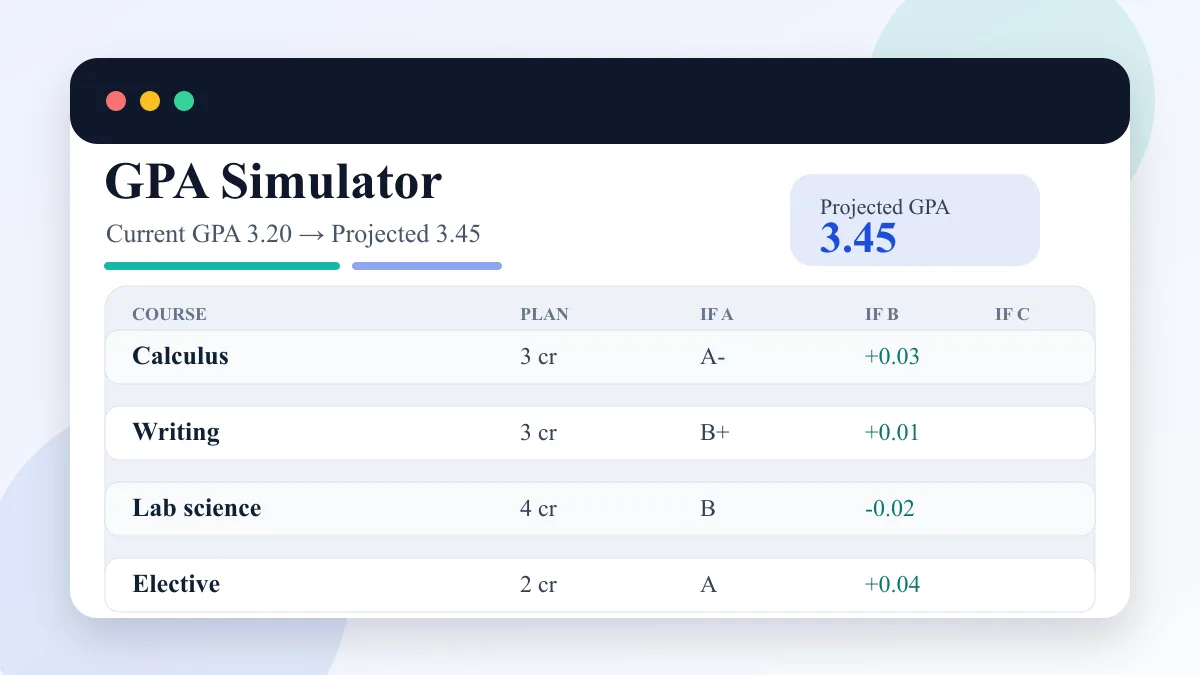
      GPA Simulator

      Masukkan GPA saat ini, kredit selesai, target GPA, dan mata kuliah semester untuk membandingkan skenario A/B/C.

      Pratinjau GPA Simulator dengan GPA saat ini, mata kuliah semester, skenario A/B/C, dan GPA proyeksi
      Open simulator

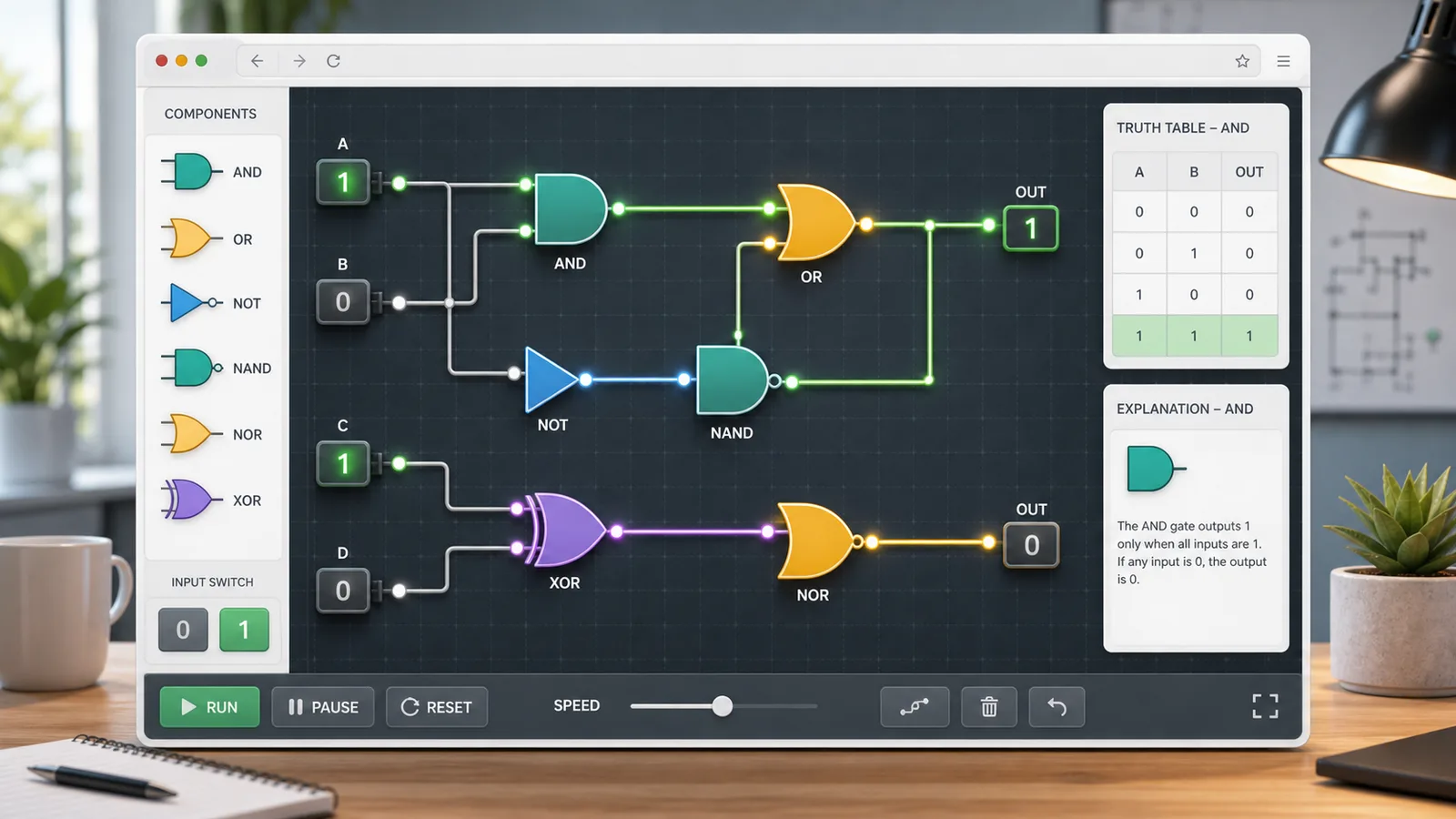
      Logic Gate Simulator

      Pilih AND, OR, NOT, NAND, NOR, atau XOR, ubah input 0/1, baca tabel kebenaran, dan buat rangkaian sederhana.

      Pratinjau Logic Gate Simulator dengan gerbang logika, input biner, tabel kebenaran, penjelasan, dan pembuat rangkaian
      Open simulator

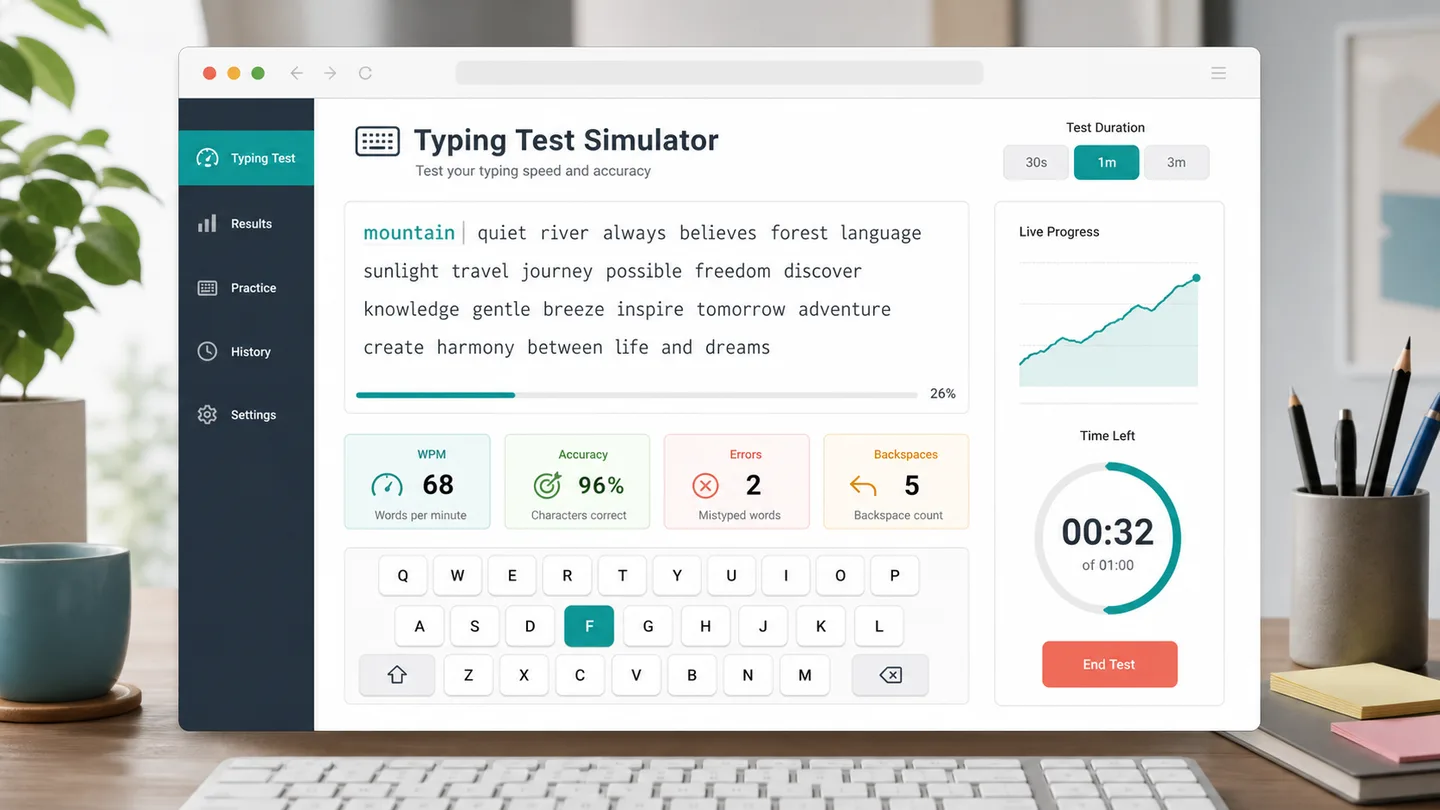
      Typing Test Simulator

      Pilih tes mengetik 30 detik, 1 menit, atau 3 menit untuk melacak WPM, akurasi, kesalahan, backspace, dan progres.

      Pratinjau Typing Test Simulator dengan WPM, akurasi, kesalahan, backspace, progres, dan saran mengetik
      Open simulator

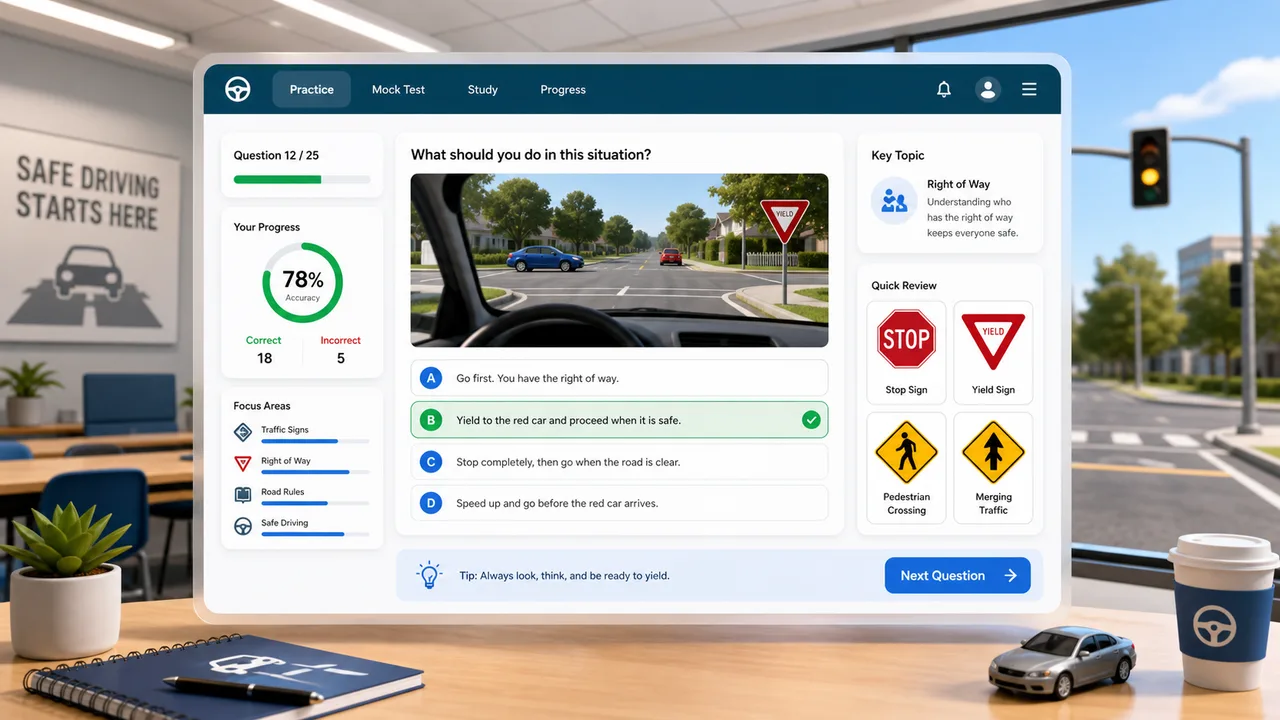
      Driving Test Simulator

      Latih rambu lalu lintas, hak jalan, bahaya, aturan parkir, dan soal ujian simulasi dengan penjelasan instan.

      Pratinjau Driving Test Simulator dengan soal aturan jalan, pilihan jawaban, pelacakan skor, dan saran ulasan
      Open simulator

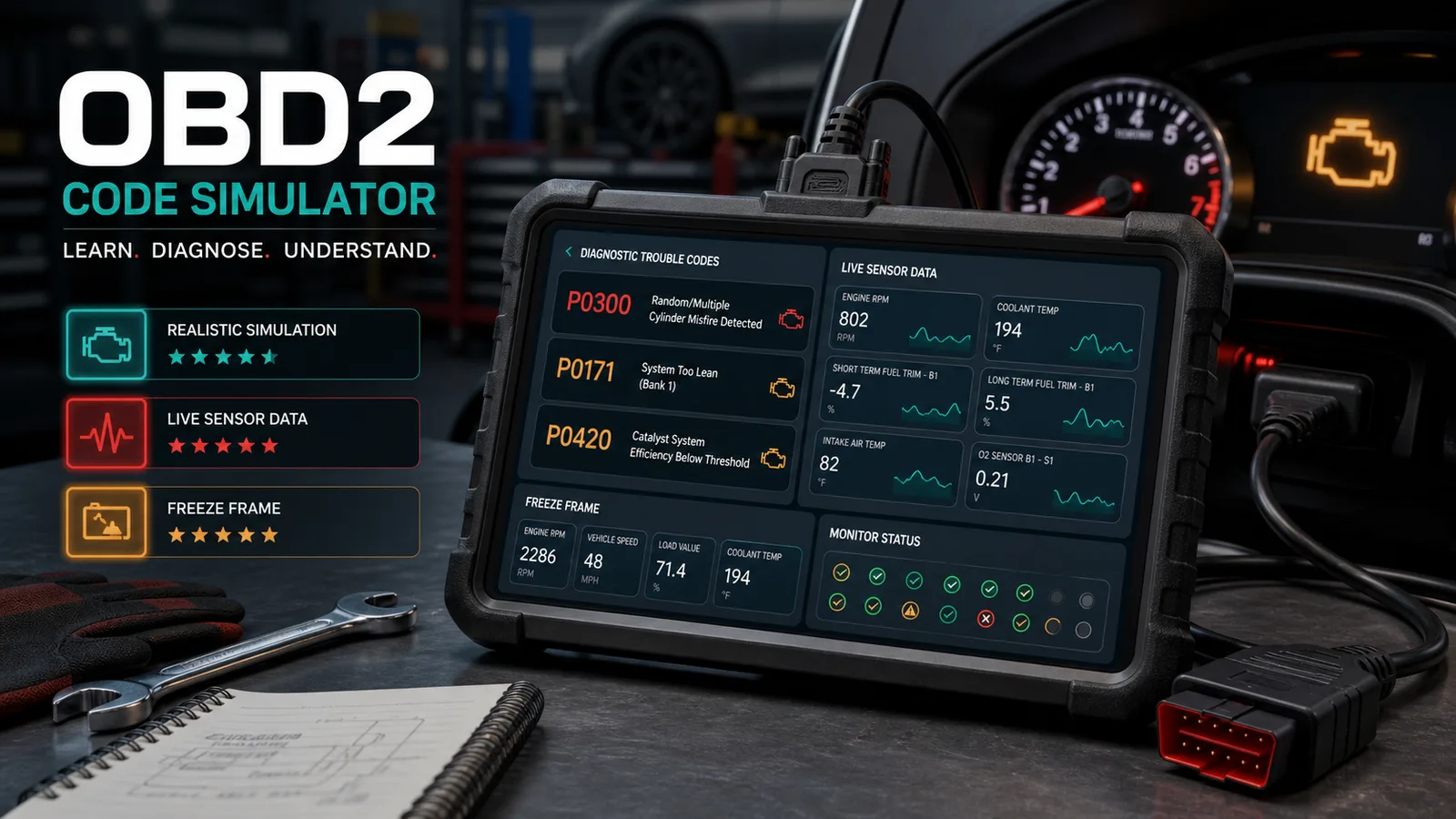
      Simulator Kode OBD2

      Latih kode masalah mobil, data live, freeze frame, misfire, no-start, urutan inspeksi, biaya perbaikan, dan skor diagnosis.

      Pratinjau Simulator Kode OBD2 dengan alat scan virtual, kode masalah, data live, dan skor diagnosis
      Open simulator

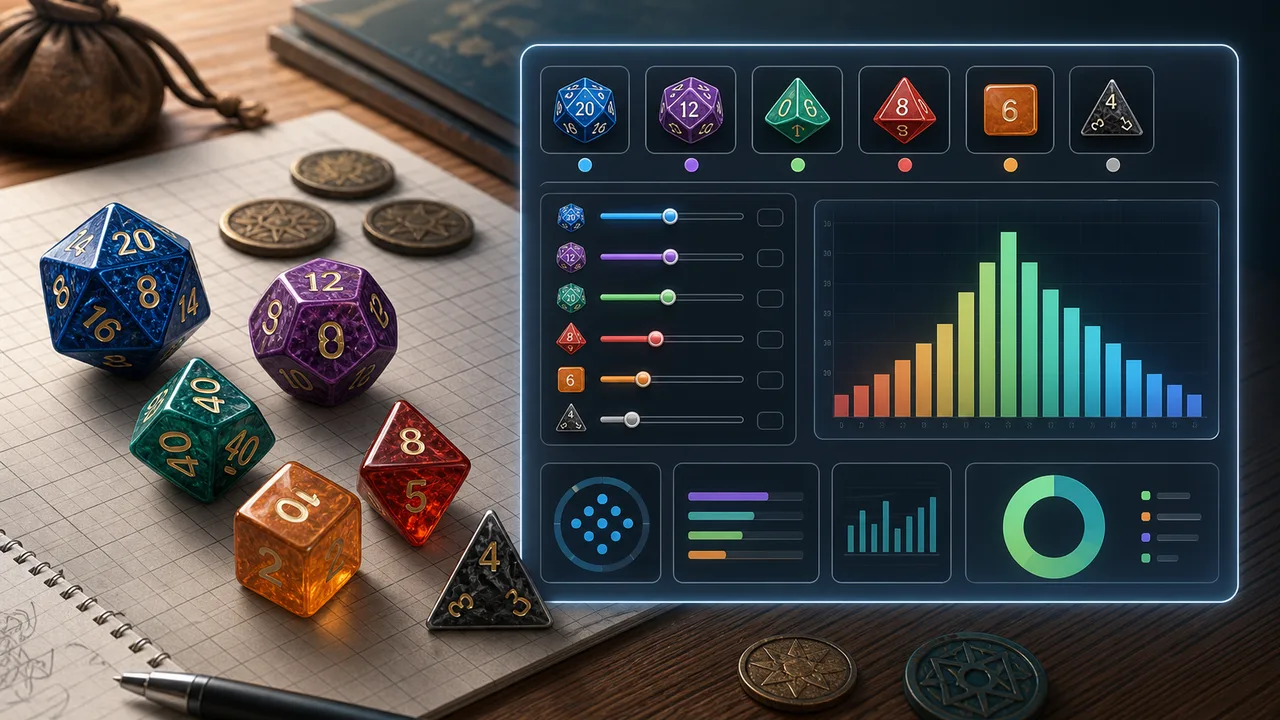
      Simulator Probabilitas Dadu

      Pilih jumlah dadu, sisi, bonus, target, perbandingan, advantage, disadvantage, reroll, dan dadu meledak untuk menghitung peluang sukses, rata-rata, rentang, dan distribusi.

      Pratinjau Simulator Probabilitas Dadu dengan dadu polihedral, kontrol target, peluang sukses, dan grafik distribusi hasil
      Open simulator

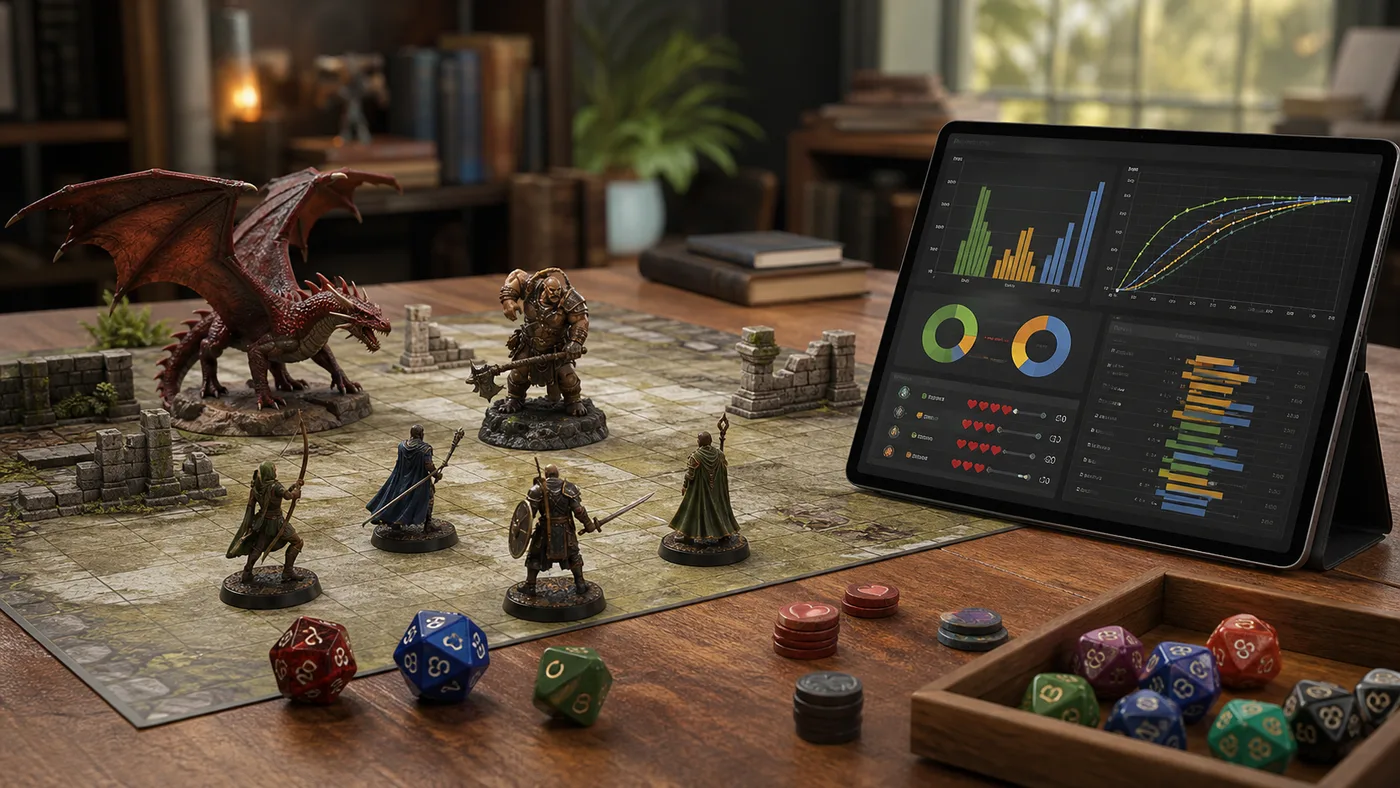
      Simulator Probabilitas Pertempuran Meja

      Masukkan penyerang, hit rate, dadu damage, critical, defense, armor, HP, dan ronde untuk memperkirakan damage, peluang kill, survival, ronde, dan win rate taktik.

      Pratinjau Simulator Probabilitas Pertempuran Meja dengan miniatur, dadu, token armor, chart hit chance, kurva damage, peluang kill, dan win rate taktik
      Open simulator
      Lihat semua simulator

      Simulator Waktu Belajar FAQ

      Answers about Simulator Waktu Belajar priorities, daily plans, pressure index, completion probability, and missed-day impact.

      How does Simulator Waktu Belajar assign priority?

      Simulator Waktu Belajar combines remaining review content, subject difficulty, current mastery gap, target score gap, and exam urgency. Weak, hard, close, and large subjects receive more time.

      Can Simulator Waktu Belajar tell whether I can finish in time?

      Yes. Simulator Waktu Belajar compares remaining review hours with daily available time and buffer days to estimate required daily time and completion probability.

      Does Simulator Waktu Belajar create a daily plan?

      Yes. Simulator Waktu Belajar lists the subjects to study today, how long to study each, and whether the work is learning, review, practice, mock testing, or rest buffering.

      What happens if I miss a day in Simulator Waktu Belajar?

      Simulator Waktu Belajar estimates how much the missed time increases later daily study pressure, so you can add time or trim low-priority content.

      Does Simulator Waktu Belajar replace teacher instructions?

      No. Simulator Waktu Belajar is a planning aid. Always follow official exam scope, teacher instructions, and your own health and rest needs.

      Buka Simulator Waktu Belajar

      Gunakan Simulator Waktu Belajar untuk memasukkan tanggal ujian, kesulitan mata pelajaran, penguasaan, target nilai, sisa materi, dan waktu belajar harian, lalu dapatkan prioritas, rencana harian, indeks tekanan, dan peluang selesai.

      Sesuaikan angka lalu gunakan saran prioritas untuk menentukan langkah berikutnya.

      Simulator Waktu Belajar creates a parameterized result URL only when you explicitly copy a result link.